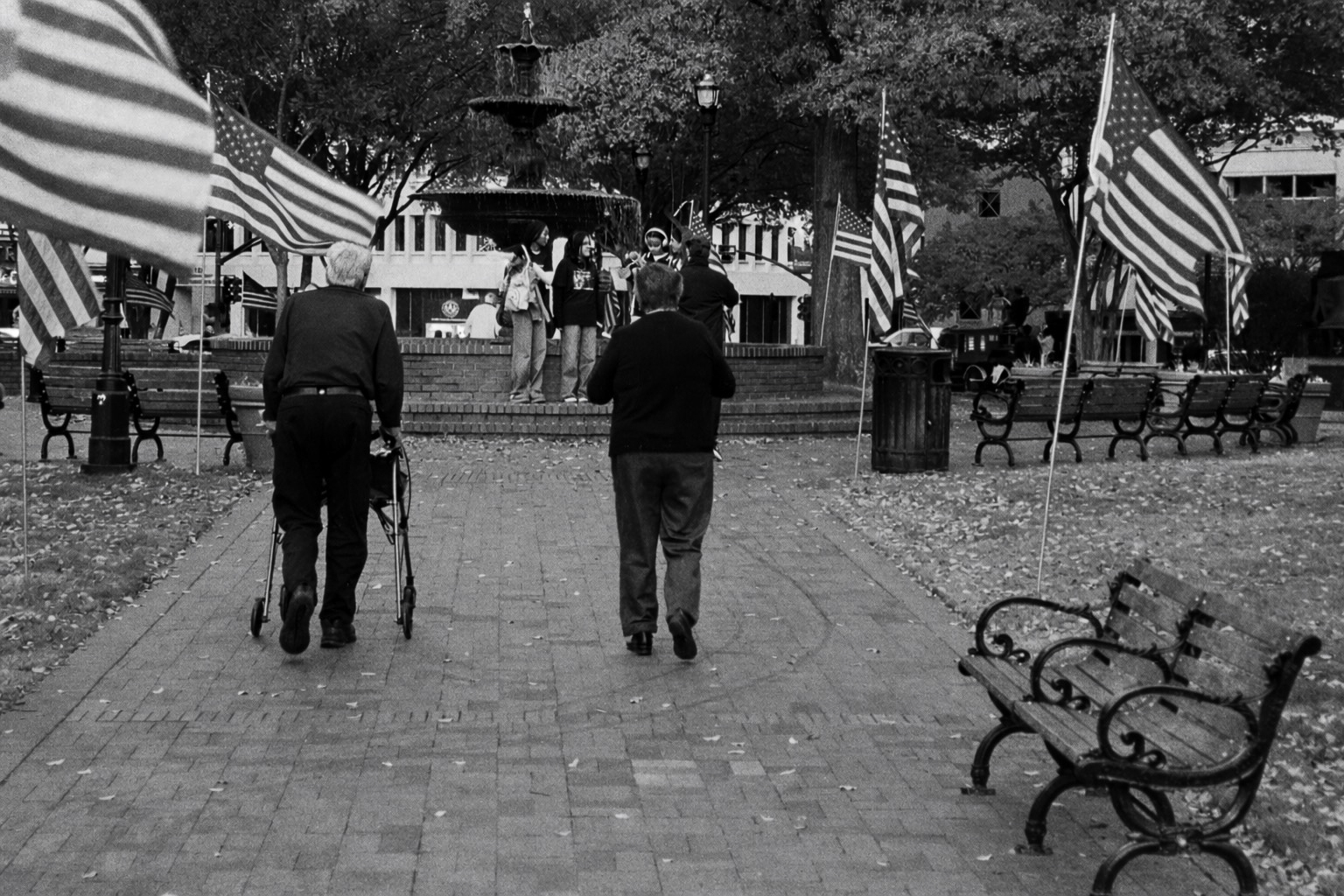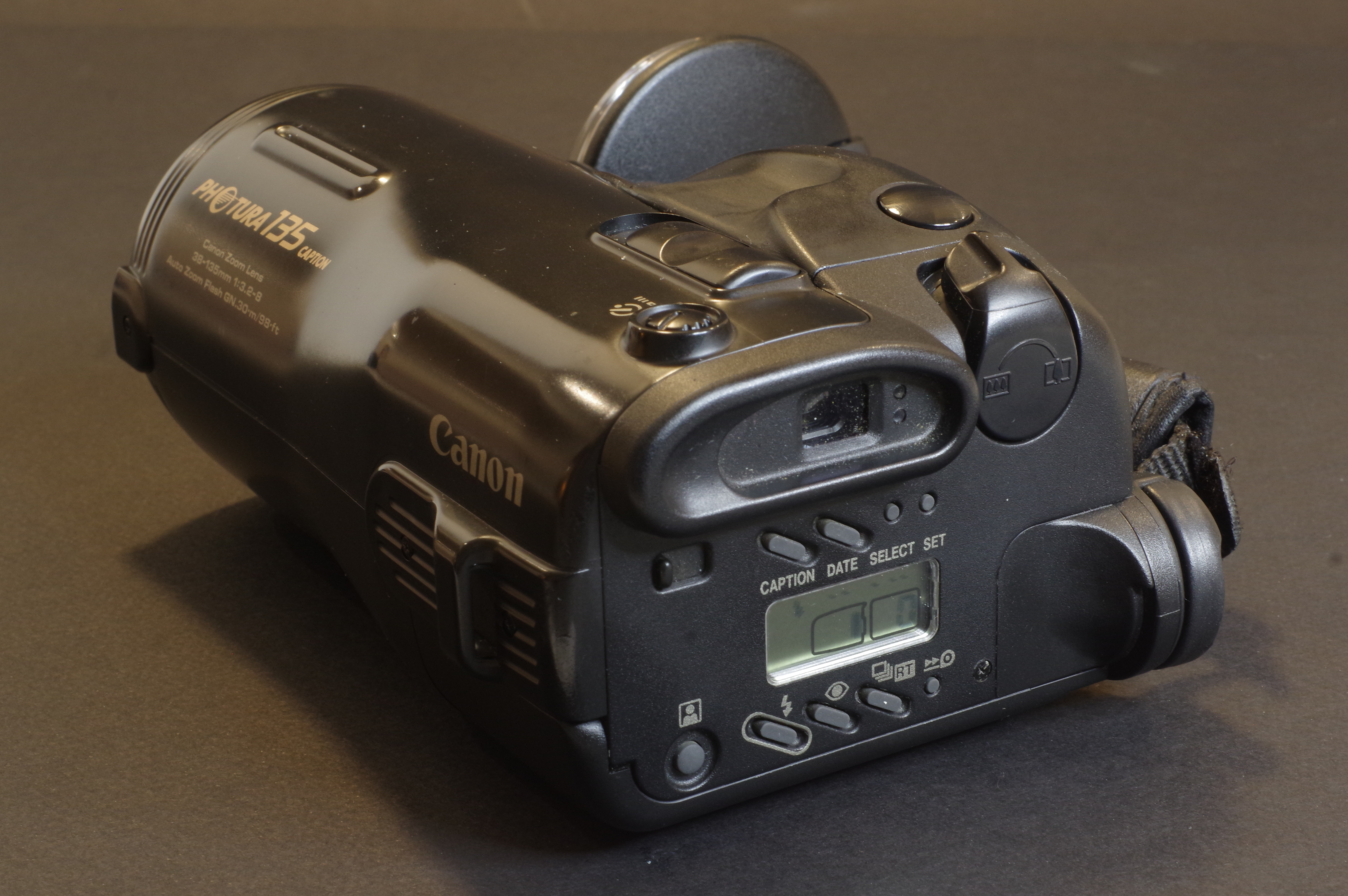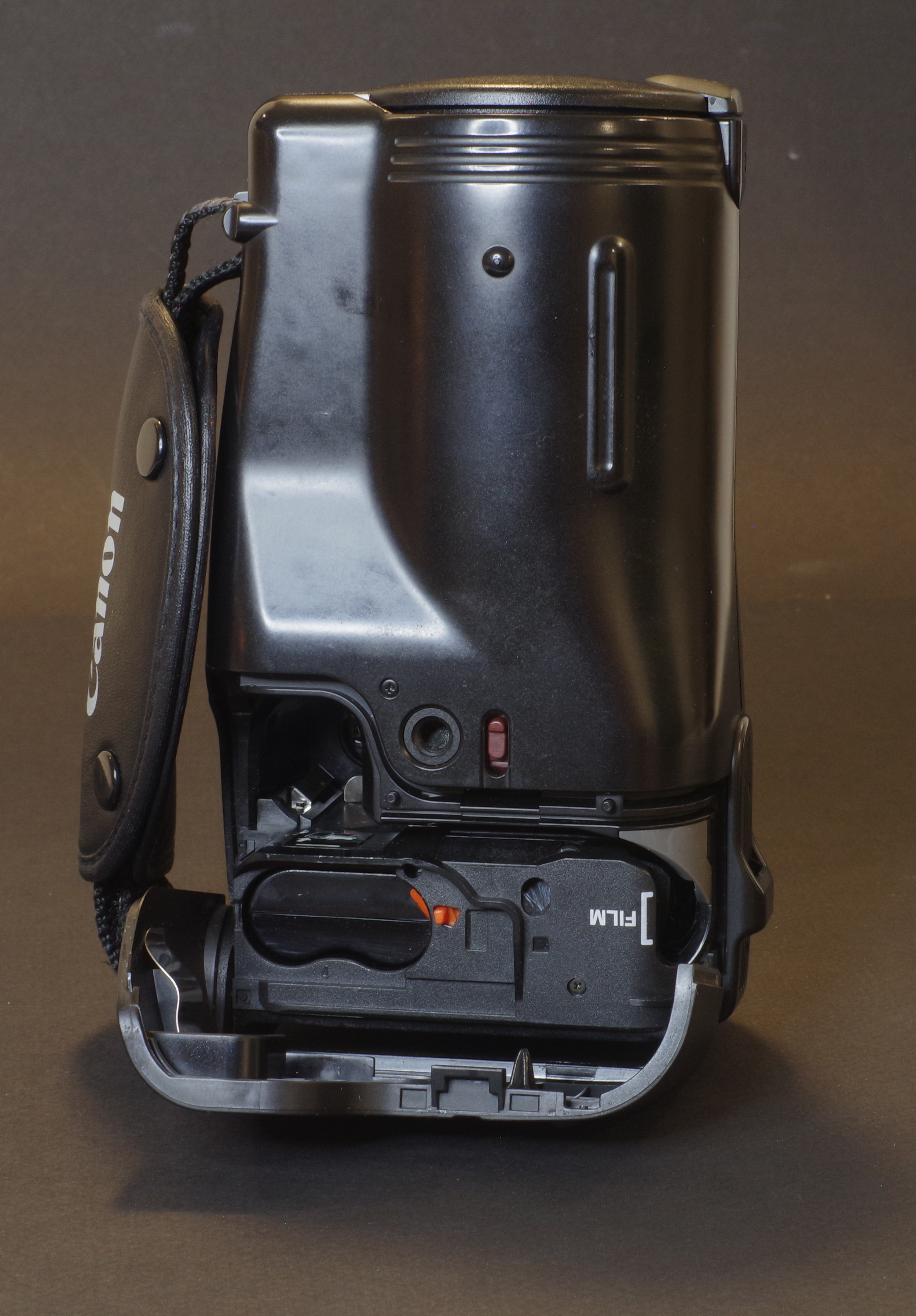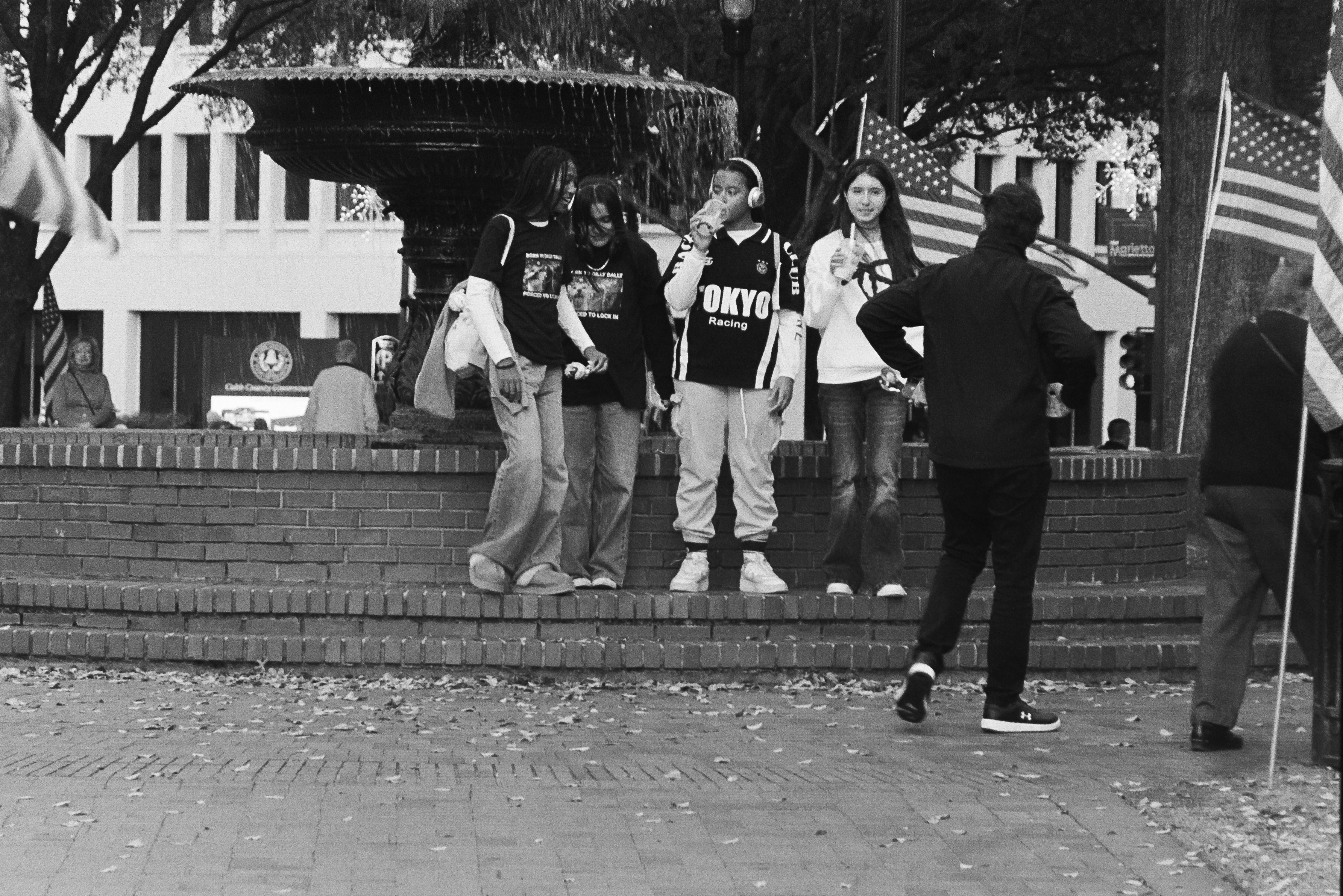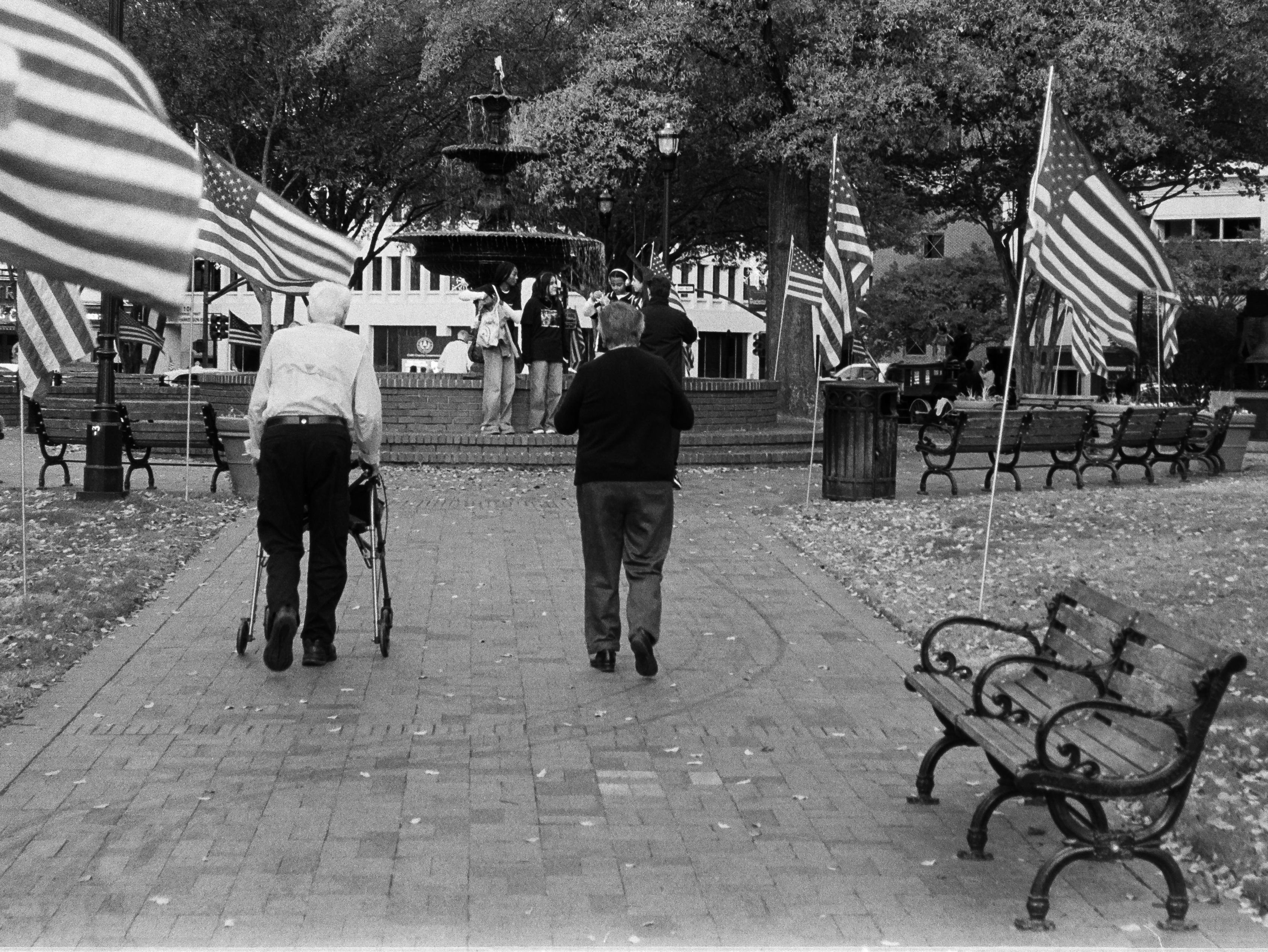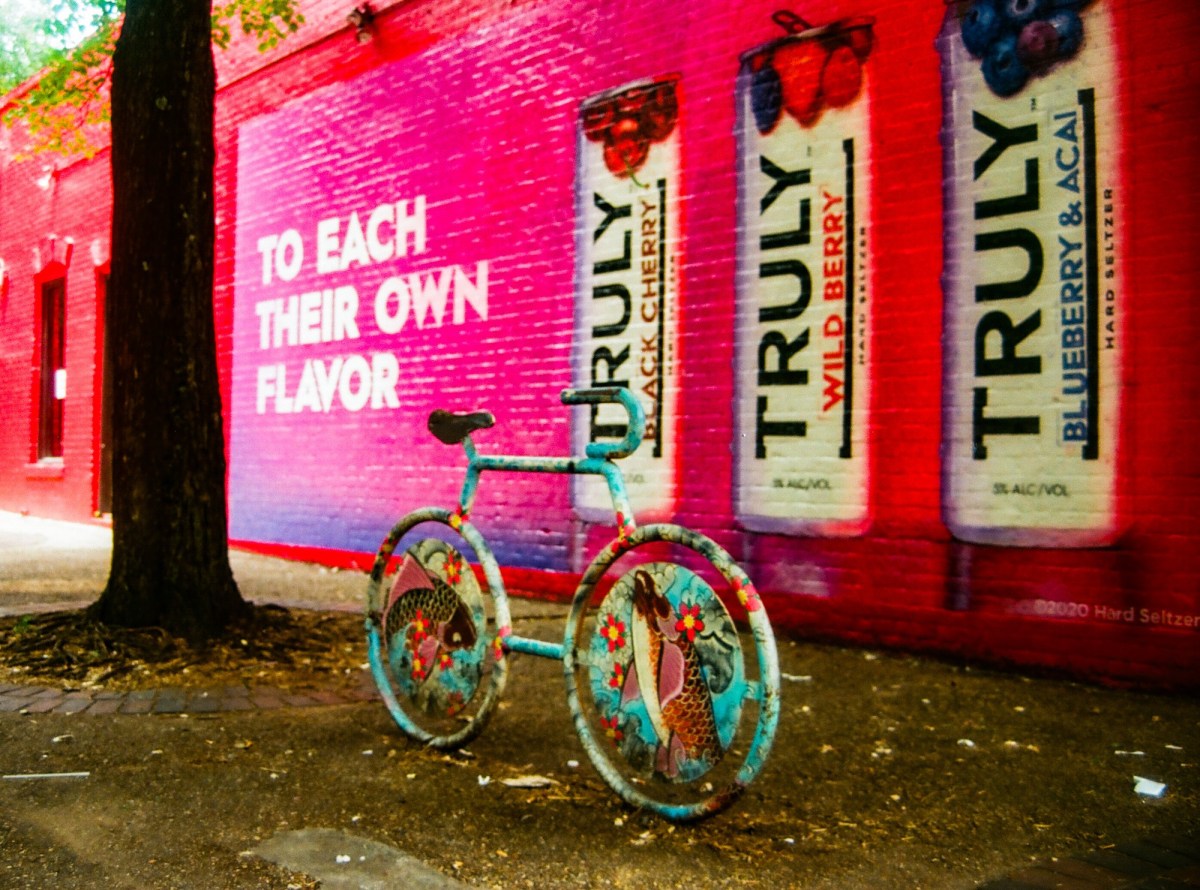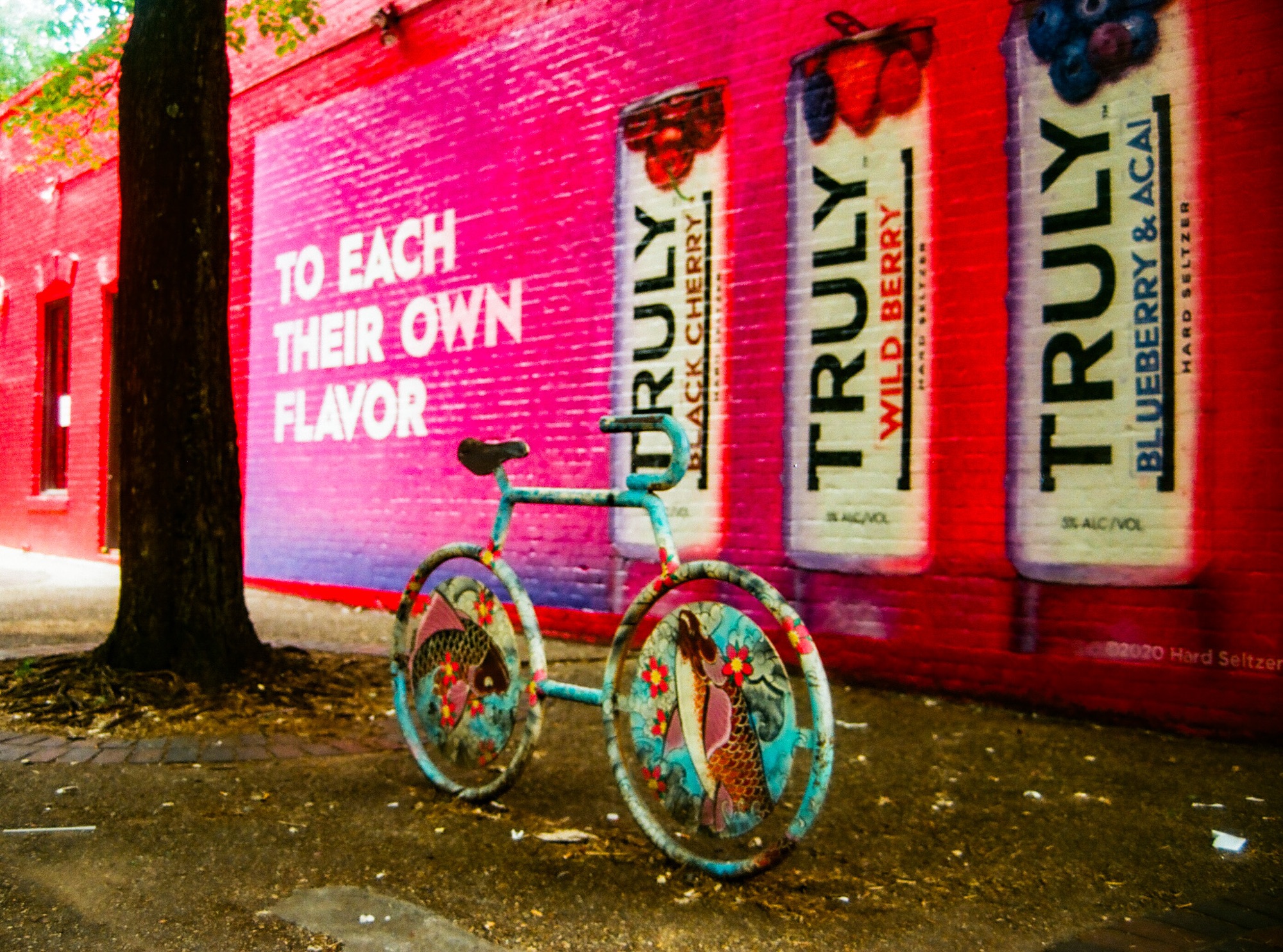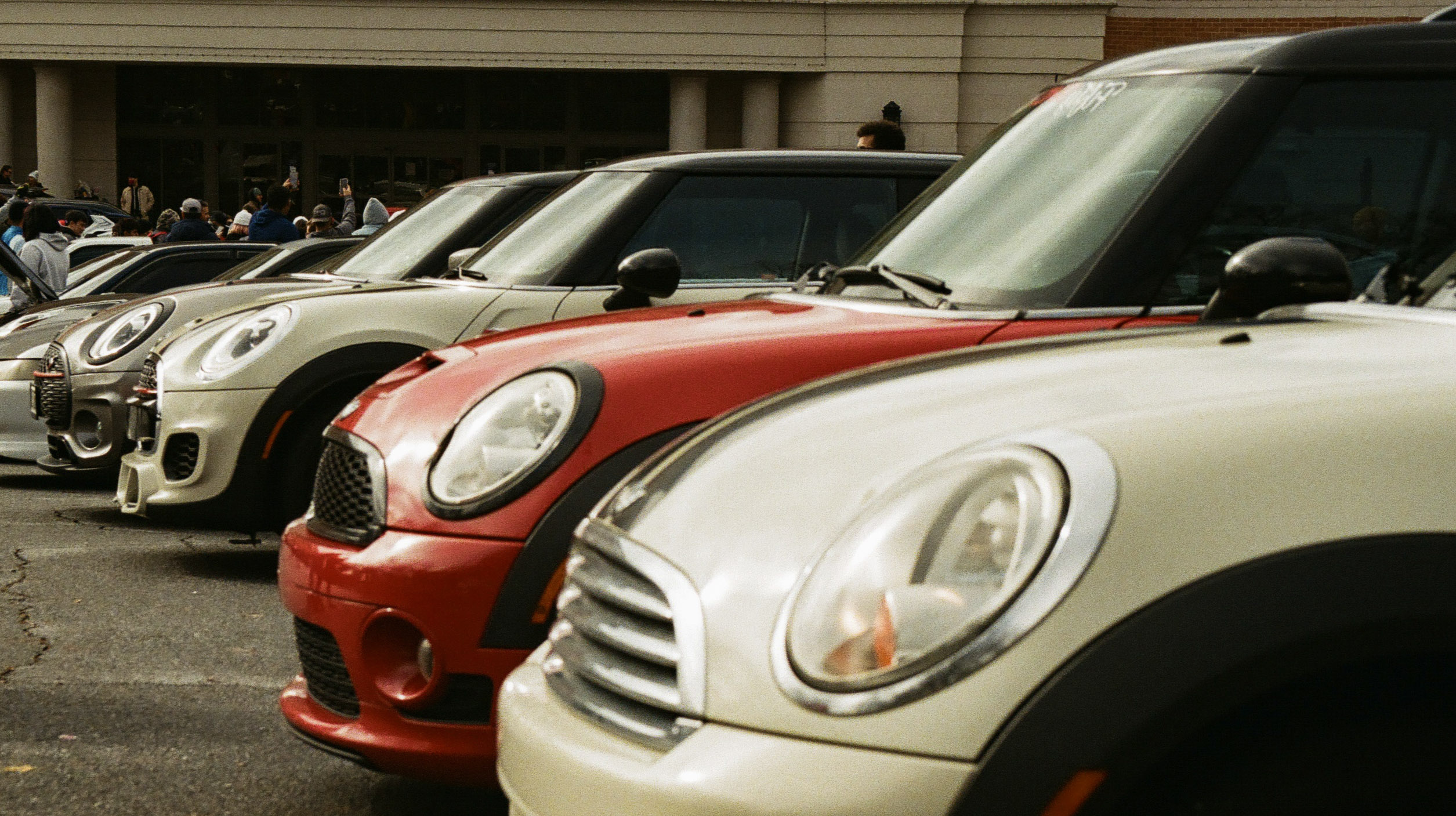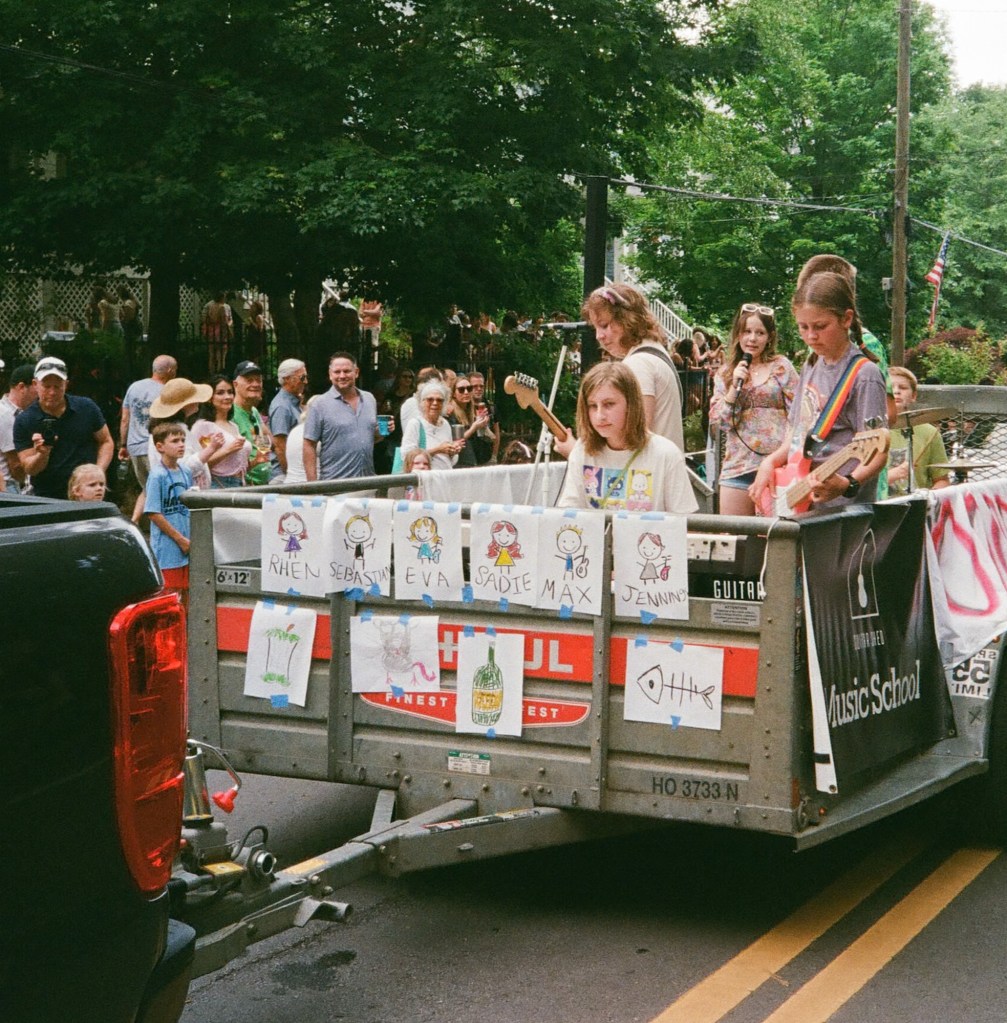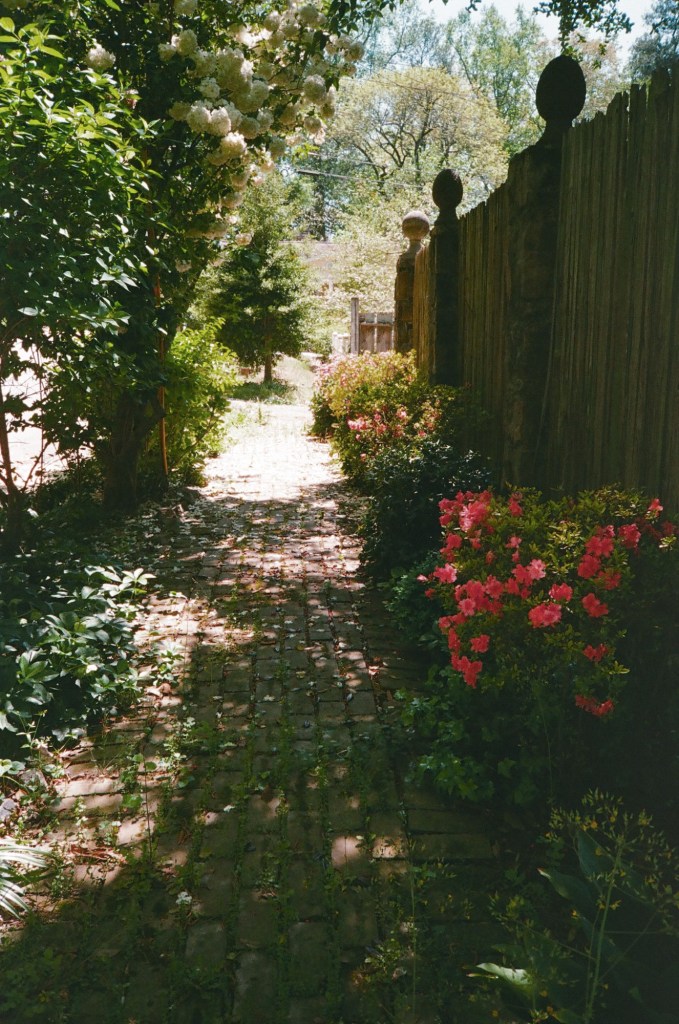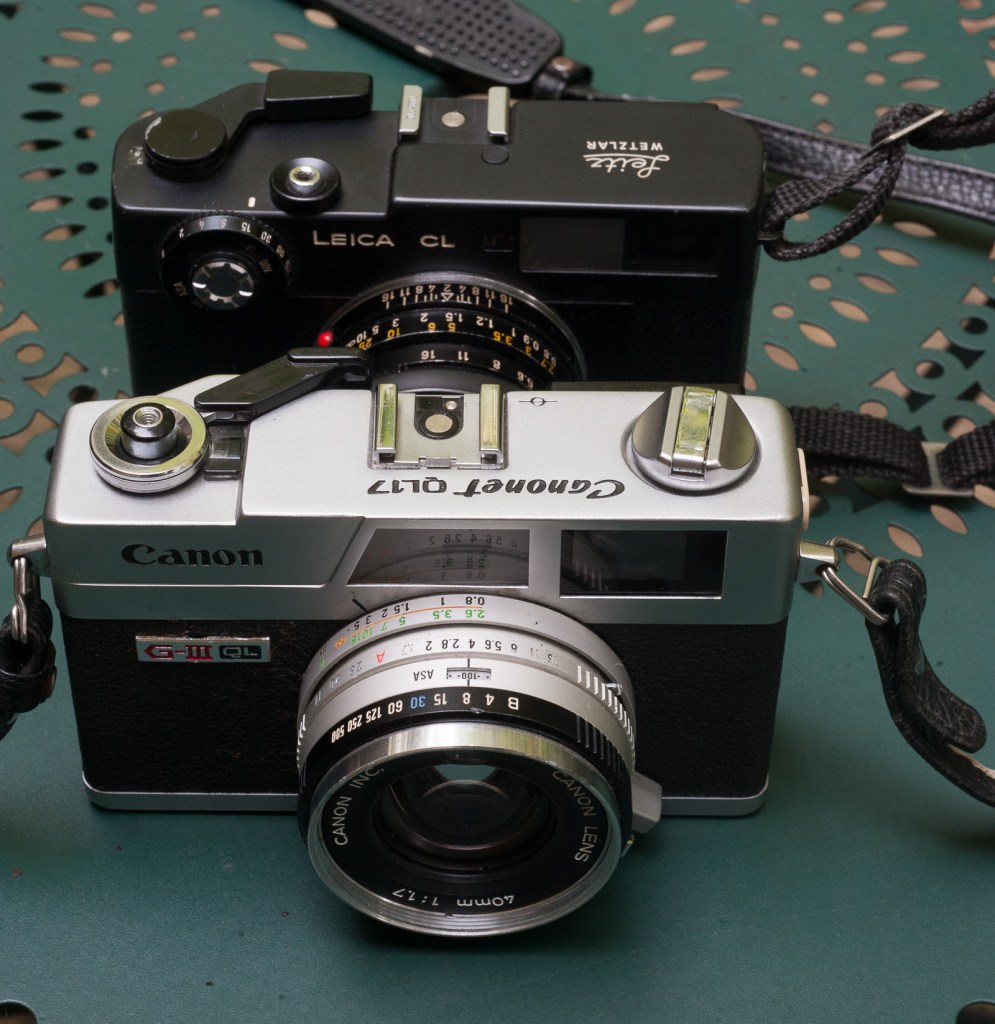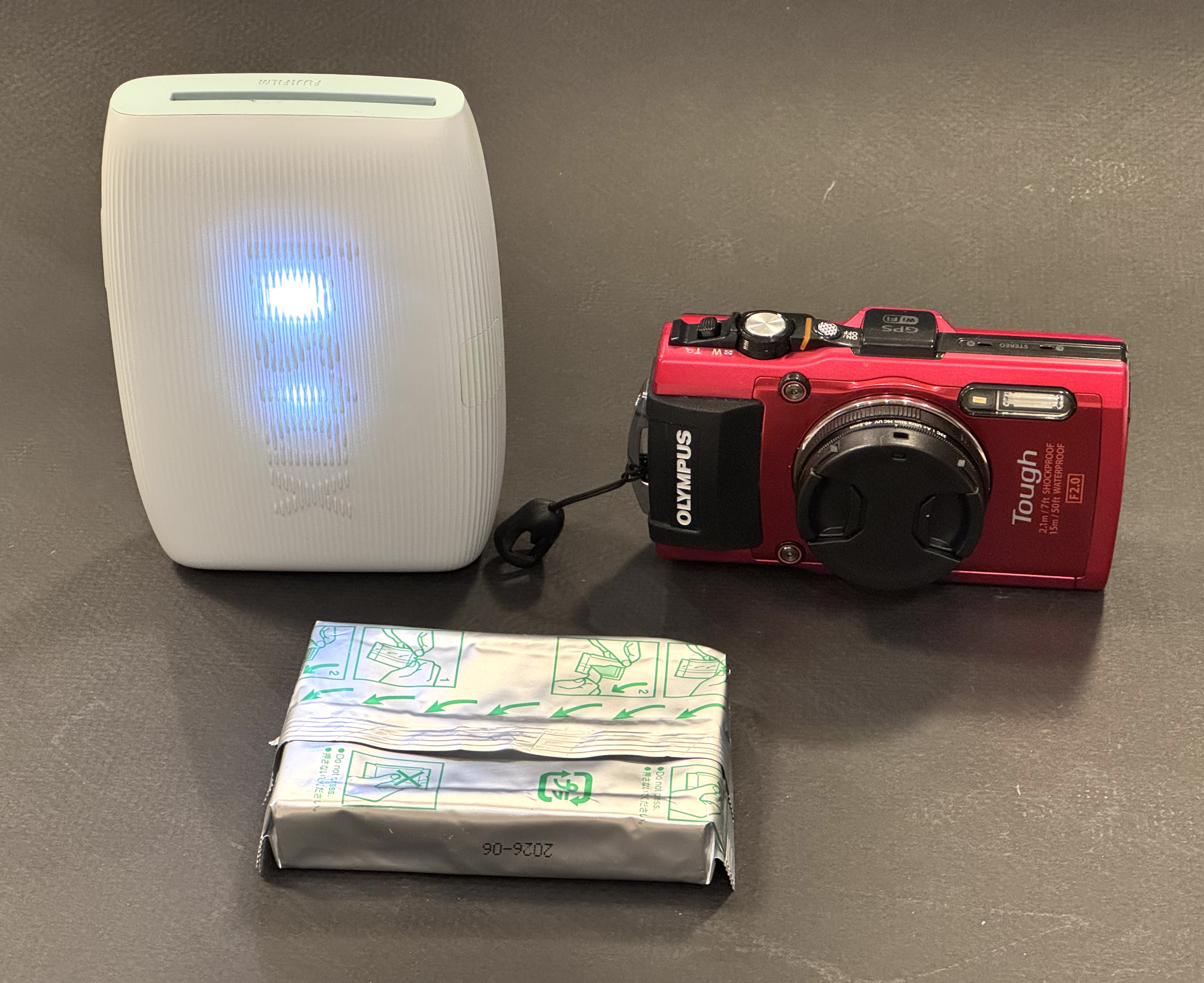
Just before Thanksgiving, I posted a picture taken a few years ago in Atlanta’s Little Five Points neighborhood with a Pentax P3, a film camera that suffered a terminal failure a few rolls of film later (an issue with the film advance mechanism like most of the P3s, of course). The lens – the Pentax A 35-70 f/3.5-4.5 – was so bad I got rid of it (my copy was faulty – the lens has a decent reputation otherwise). The image was not that great either but was made more interesting in post-processing with Lightroom, and in a few weeks, it has become my most appreciated image of the year in Flickr.
I even received a request to use it from a pro-bicycle user group…. Go figure.
I’ve been traveling recently, and will be on the road again during the holiday season. I’m not forgetting this blog, in fact I’m harvesting more images for later use, but it’s very likely that this post will be the last one before Christmas.
Happy Holidays to you and to your families.
Atlanta Little Five Points. Pentax P3/P30 – Pentax A 35-70mm f/3.5-4.5 – the wall has been repainted since, and is far less interesting…
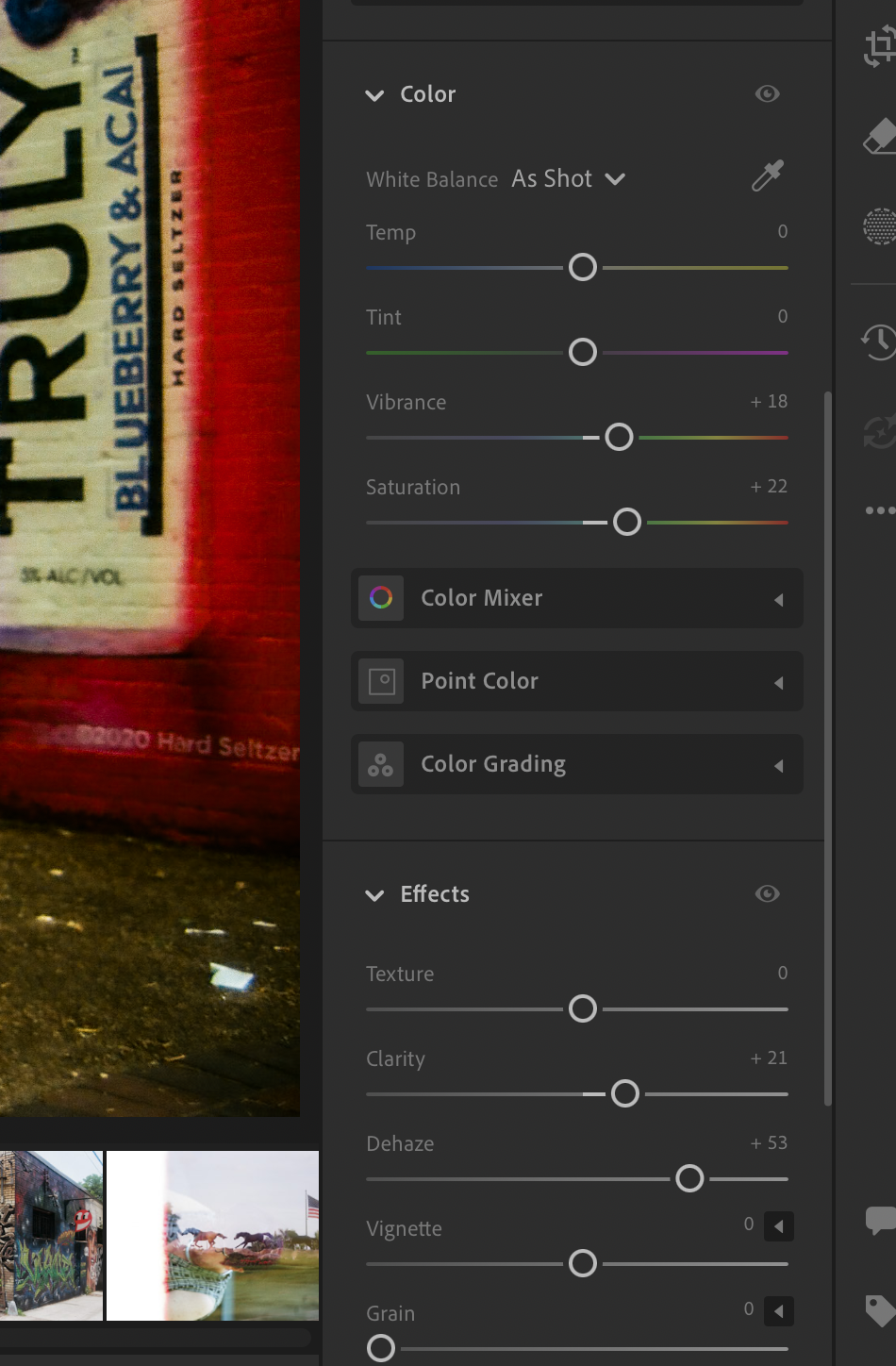
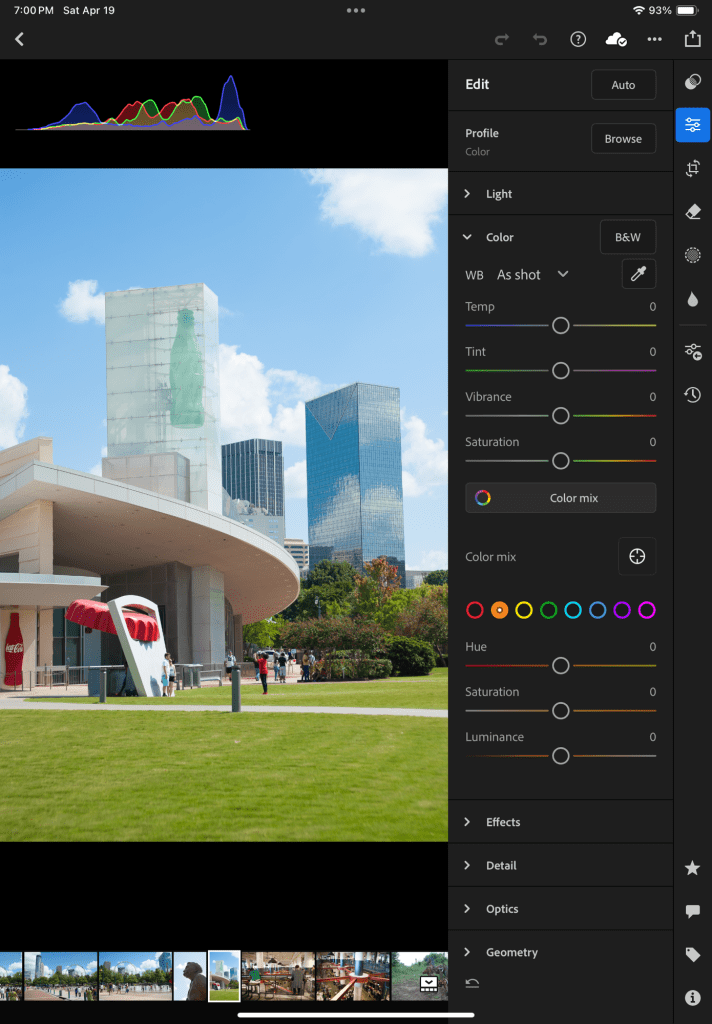
Trying to save a compromised image in Lightroom.
More of the same series….Same camera, same lens, same roll of film.
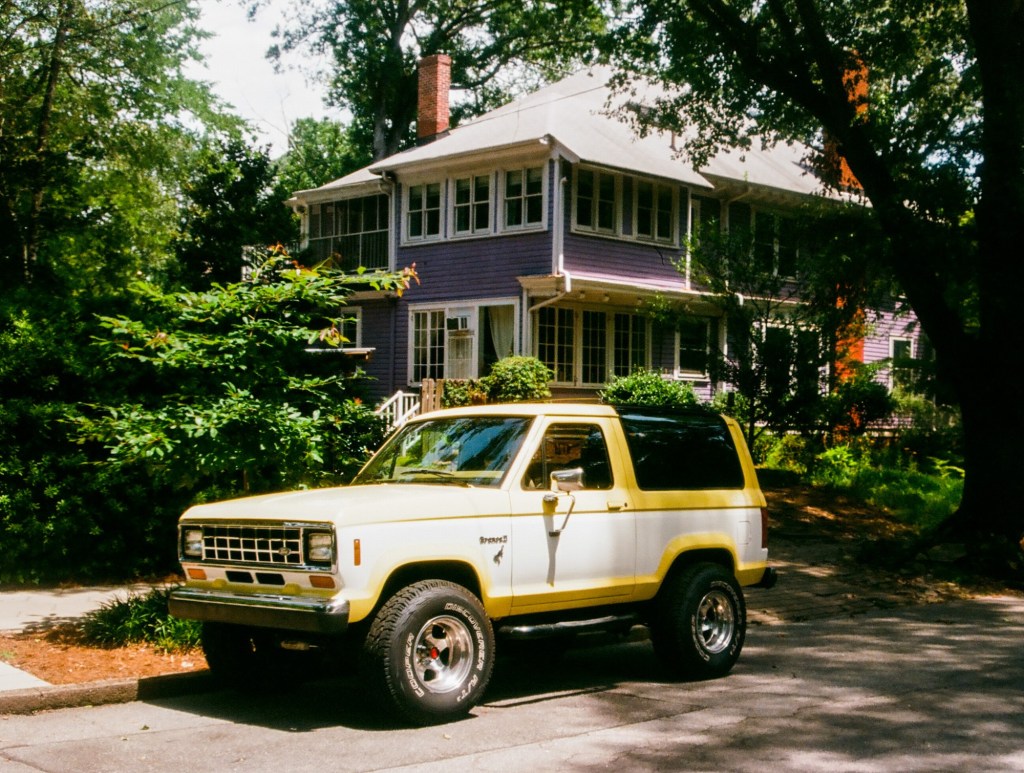
Another image from the same roll of film – Atlanta, Inman Park.
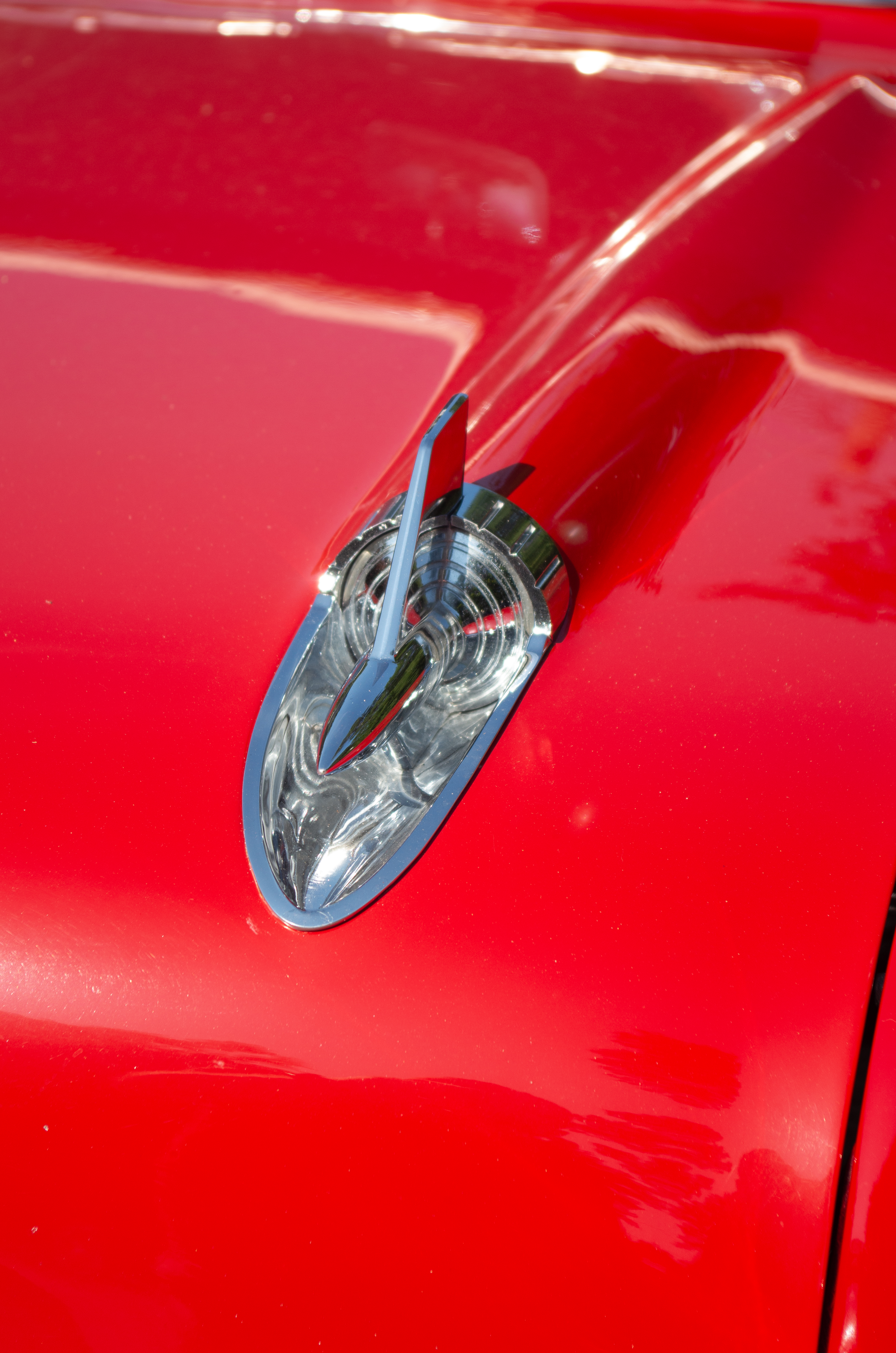
Ford Bronco II – Inman Park Neighborhood, Atlanta.
A few weeks ago I tested a Pentax *ist DS, and I was not thrilled with the experience. Another *ist DS had been my first dSLR in 2005, and at the time, I had been pretty satisfied with my purchase. But if I was disappointed by the *ist, what would I think of its predecessor in my equipment bag, a 4 Megapixel Canon digital point and shoot camera, if I tried to use it now?
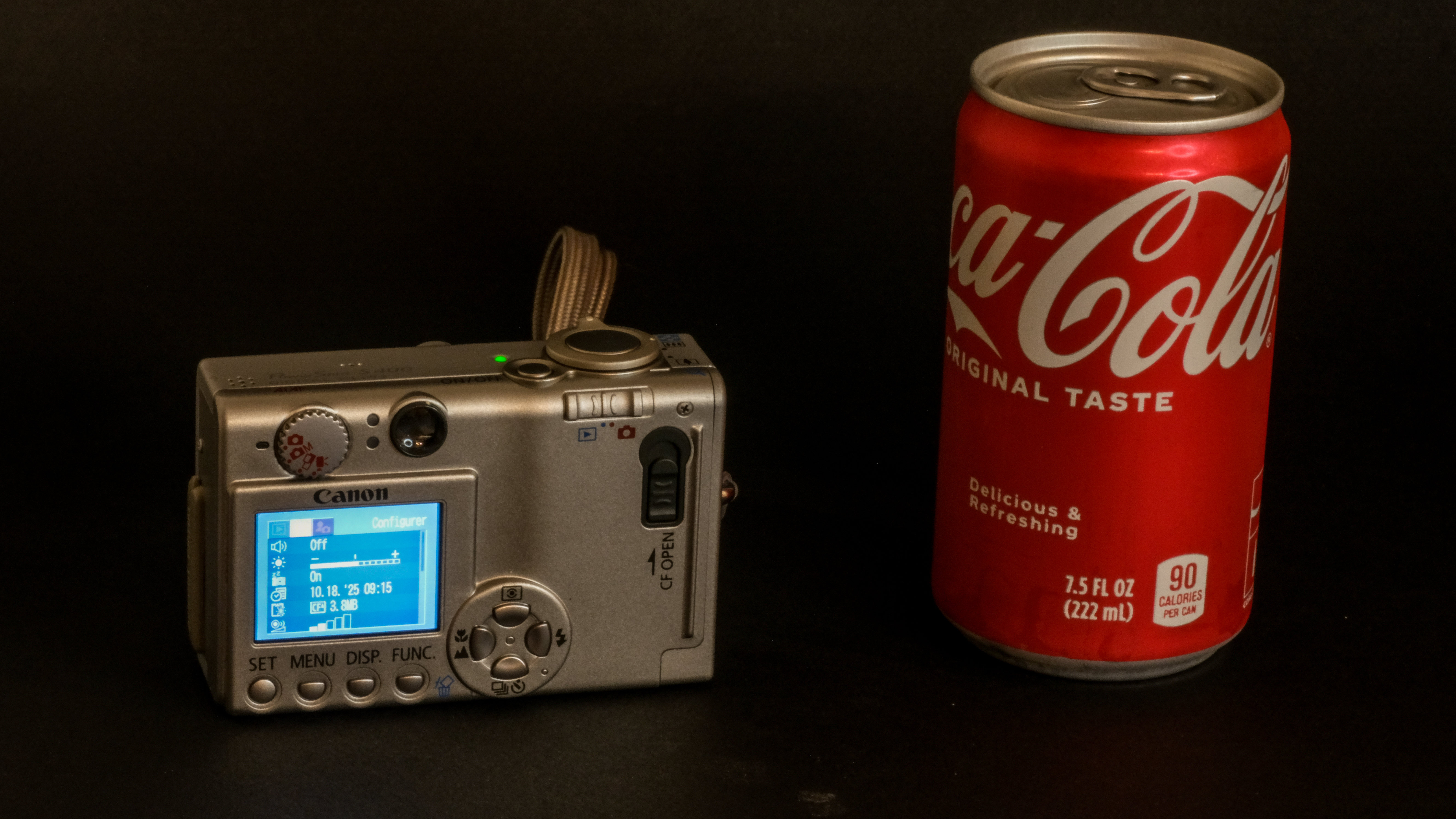
Canon Powershot S400 – the finish is impeccable and resisted the test of time
I finally located my old Powershot S400 last week. The camera was in a very good shape, but the battery was definitely dead. It was to be expected – it was a 22 years old item, and it had probably not been recharged since 2010. I ordered a new compatible one on Amazon, and just received it. Under its newfound power, the camera started immediately, ready for new adventures.
Back then
The Canon PowerShot S400 Digital Elph (sold in Europe as the Ixus 400), was launched at the beginning of 2003. The review DPReview published in April of that year was very positive (with a “Highly recommended” rating) and I followed DPR’s advice and bought one for Christmas 2003. At $500, it was as expensive as a middle of the range film SLR, but offered a convenience that a film camera could not beat.
Shot in Miami Beach in 2004 – Canon Powershot S400 – it almost looks like the stage of a movie – where are Barbie and Ken?
With a ceramic coated metal body, a 36-108 (full frame equivalent) zoom opening at f/2.8, an optical viewfinder and a 1.5in color display, it was very well spec’d. It captured images with a four megapixel 1/1.8in CCD sensor (and produced only JPEGs, not RAW files), that it stored on a CF card. Very compact, beautifully built and finished, and delivering best in class pictures, it was flying off the shelves.
There are approximately 350 pictures shot with the S400 in my Lightroom library (in the early days of digital, we were still remembering the cost of film processing and we were shooting with restraint) – and I’m still impressed by how nice some of them looked.
Canon Powershot S400 ready to shoot – the Coca-Cola can is one of the “mini” 7.5 FL OZ cans – the camera is really compact.
We never took the conscious decision to “decommission” the S400, we just used it less and less (as our phones were getting better at taking pictures with every new version) and we finally forgot about it. The last time we moved, I had packed it under bubble wrap with a much larger film camera, and found it by chance while de-cluttering a closet a few days ago.
Rediscovering the Powershot S400
What’s immediately surprising with this camera is the quality of the finish – it looks like a luxury object – and its small size, it’s not really bigger than a pack of cigarettes. One of the selling points back in the days was the “Cerabrite” coating of its metal body, and the truth is that it shows no scratch and no stain.
Atlanta Aquarium – Canon Powershot S400 (summer 2008)
Contrarily to more modern cameras, there is a physical switch on the back of the S400 to set it in “shooting” mode (the other position is for image playback), in addition to the traditional on-off button. But apart from that, the camera’s commands are more or less identical to what we would find today in an entry level camera. There is also an optical viewfinder, but I surprised myself by framing most of the pictures on the small color display at the back of the camera – it’s smaller than the display of a smart watch but it’s responsive and its resolution is pretty high (relative to its diminutive size), and it’s good enough as long as the sun is not too bright.
Miata is always the answer… the interior of this MX-5 was fairly cramped – not enough room to store a dSLR – and the Powershot saw service as the onboard camera for the trips to the beach
The default sensitivity is 50 ISO, and it can peak at 200 ISO, at the cost of some noise, of course.
It’s a camera designed by photographers for photographers, who can chose between three metering modes (spot, average and matrix), and can memorize the focus or the exposure with AE and AF lock capabilities for situations when the automatism can not be trusted. A very limited movie mode has been implemented (at best, 320×240 pts at 15 frames per second for 3 minutes).
Canon Powershot S400 – the rear display is quite small but very legible.
Contrarily to what we find on current point and shoot camera, there is no image stabilization, no scene mode and of course no subject or face recognition. Let’s not forget that this camera was launched in 2003.
Image quality
Many photographers are nostalgic of the look of pictures shot by early digital cameras – they don’t like the surgical precision of the images taken with today’s high resolution CMOS sensors, and prefer images captured by the relatively low-res CCD sensors found in the compact cameras of the first decade of the 21st century.
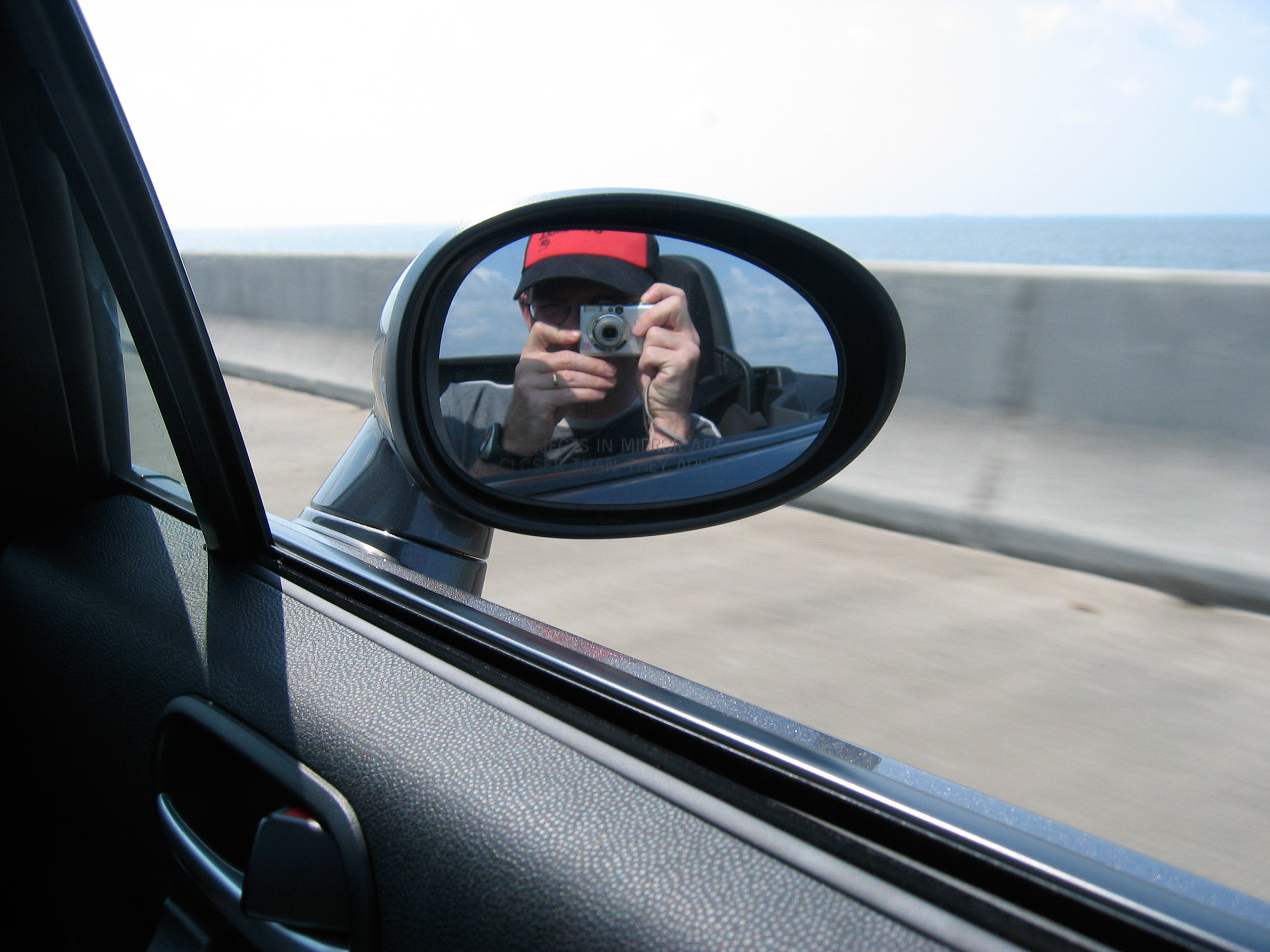
Self portrait. Summer 2007.
I’m not sure that CCDs on their own were so great (the *ist DS also had a CCD sensor and did not deliver images that nice out of the box). A lot must have been related to the settings of the image processing engine. And to Canon’s magic touch.
And today?
This camera is surprising. Shooting JPEGs at 50 ISO with a 4 Megapixel camera launched in 2003 would have seemed like a punishment. But the Powershot S400 is surprisingly pleasant to use – it’s very reactive, and leaves some control to the photographer (simply press the shutter release button half way to memorize the exposure). I suspected that the dynamic range would be very limited, and it is, but if you set the exposure on the highlights, high contrast images can be saved in an image editing application like Lightroom.
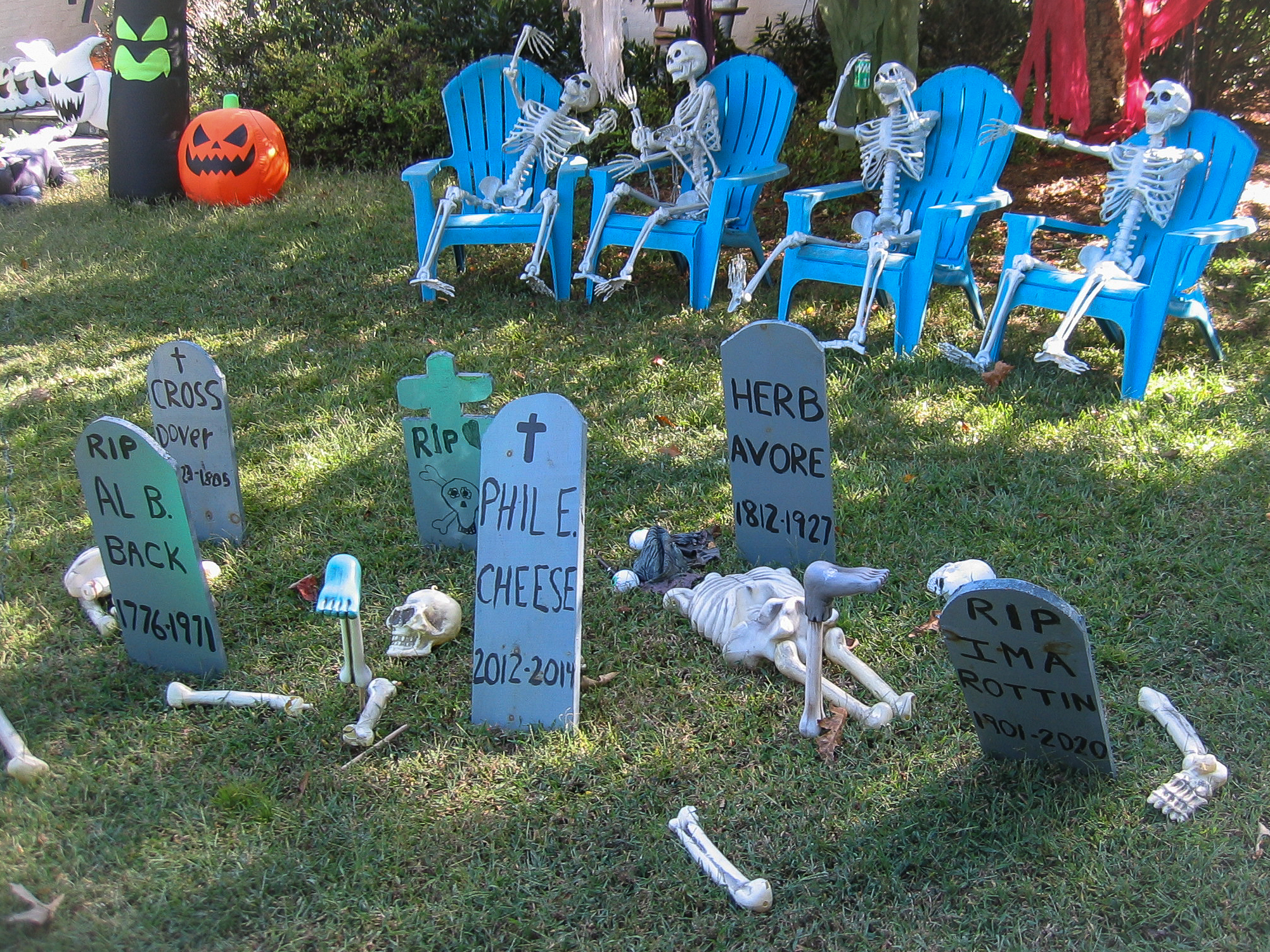
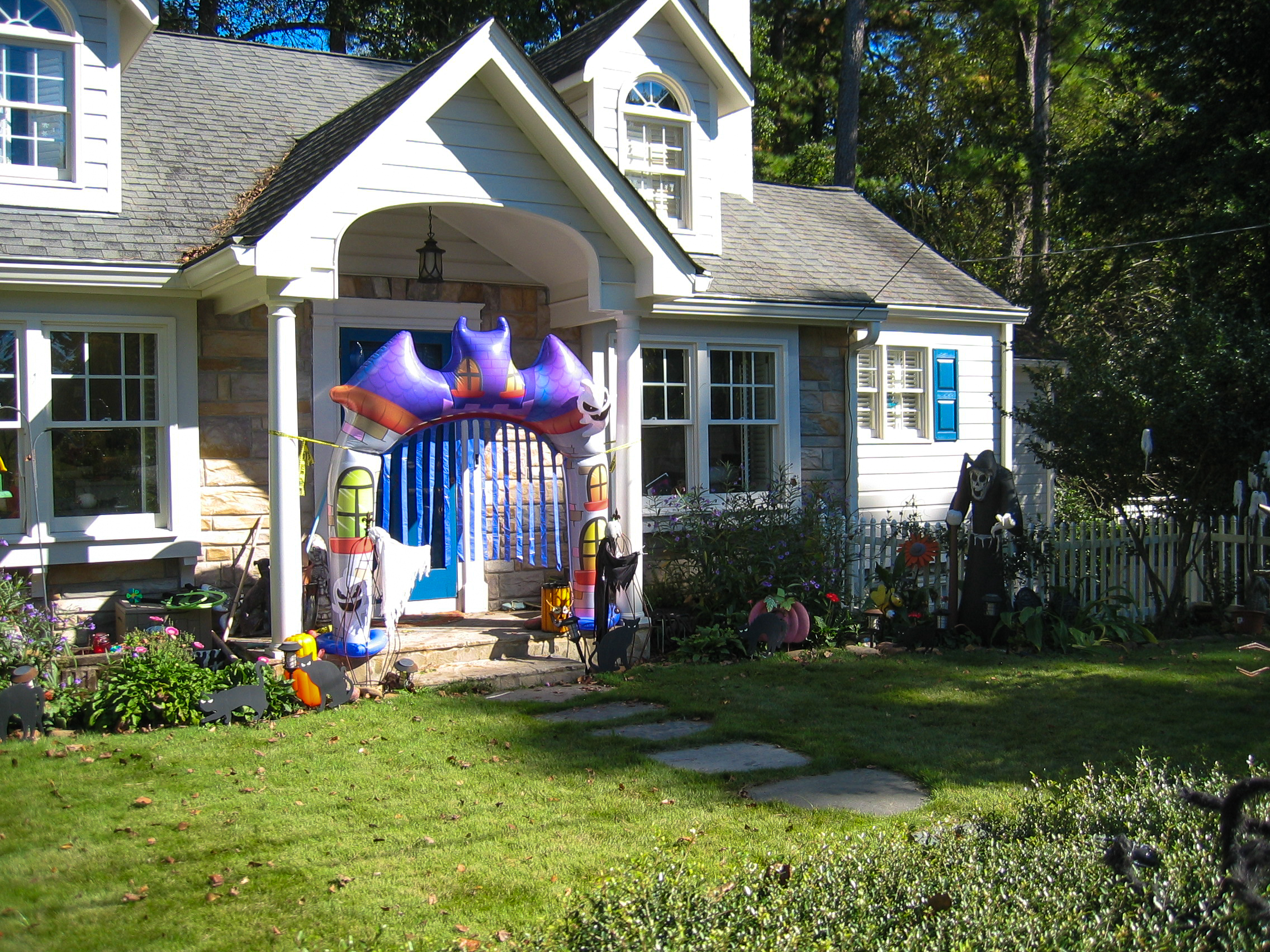
Atlanta – Halloween decorations – Canon Powershot S400. (Oct 2025)
DPReview testers had been impressed in 2003 by the quality of the JPEGs (not excessively sharpened, and preserving a lot of details), and even in 2025 you can’t help being pleasantly surprised – I took a series of pictures of the Halloween decorations in my neighborhood without paying too much attention to the settings of the camera (shooting with the sensitivity set to 50 ISO was probably a bit over optimistic, it forced the camera to operate at relatively low shutter speeds and wide aperture) – but the images required little work in Lightroom to be good enough to be shared here.
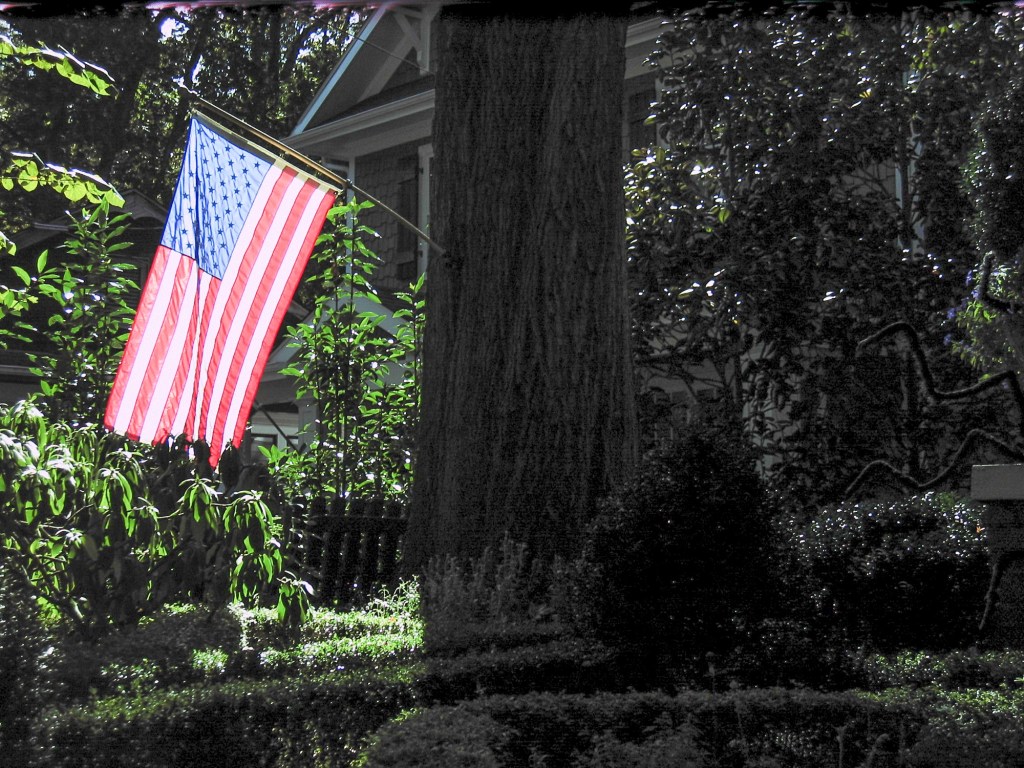
Testing the dynamic range – if you set the exposure on the back-lit flag, you can somehow save some details in the shadows in post-processing.
As a conclusion
Two things are very clear regarding this Powershot S400 Digital Elph:
Canon was obviously intending on solidifying its position as the market leader in an early digital photography world, and had spared no effort to be the top dog. They had put all their considerable know-how in designing and manufacturing a camera which was impressively good at delivering pictures, solidly built and esthetically beautiful.
When I look today at pictures taken during the same period with other digital cameras (even early dSLRs), I can’t help being impressed by the Digital Elph’s JPEGs: color balance, control of highlights, skin tones – they had nailed it – no need to shoot RAW and spend hours fixing imperfections on Photoshop – the images were great out of the camera.
The S400 is only a 4 Megapixel camera, best used at 50 ISO (flash mandatory inside, and even outside under overcast weather). A recent smartphone will outperform it (but it would also outperform any recent point and shoot camera, except maybe in the long telephoto range). This Canon Powershot S400 is a small and beautiful object that can still take good pictures, and as a whole, it definitely shoots far above its weight. Old, beautiful, and still usable.
Atlanta – Halloween decorations – Canon Powershot S400. (Oct 2025)
Why use a digital compact camera (aka point and shoot) when traveling, rather than a mirrorless interchangeable lens camera (ILC) or a smartphone?
I can see two reasons:
a better size-reach combination – only a point and shoot like this Sony HX-60 can offer a 720mm full-frame equivalent focal length at the long end and still be pocketable;
a unique size-ruggedness combination – only a rugged compact point and shoot like an Olympus Tough TG can be carried around all the time, without fear of dust, sand, water. If it gets drowned, crushed or falls in a crevasse, it’s not so much of a big deal. You don’t need it to authenticate to your employer’s VPN, and you don’t store your electronic plane tickets on it. And if you have to replace it, a similar camera will only cost you a fraction of the cost of an ILC or a smartphone on the second hand market.
The 30x zoom has no equivalent in APS-C or full frame camera systems
Conventional, long zoom (non-rugged) point and shoot sometimes have relatively large sensors (up to 1in) and a well designed telescopic lens; they offer an impressive image quality, but their motorized telescopic zooms with their retracting lens cap won’t take sand, rain or a fall to the floor lightly.
On long zoom compact cameras, the lens is protected by a group of retracting blades. You don’t want a grain of sand or a few drops of water to make a mess of it.
What constraints Image Quality on the Olympus TG-5?
High level, the Olympus TG-5 and its close derivatives the TG-6 and TG-7 deliver a pretty good Image Quality (IQ) for rugged cameras, but are limited by the small size and resolution of their sensor (1/2.3in and 12 Megapixel respectively), and the design and implementation of the lens, a folding internal optic.
That being said, if you’re intended to extract the maximum image quality from the TG-5, it’s important to understand how the camera controls the exposure parameters, and aperture in particular.
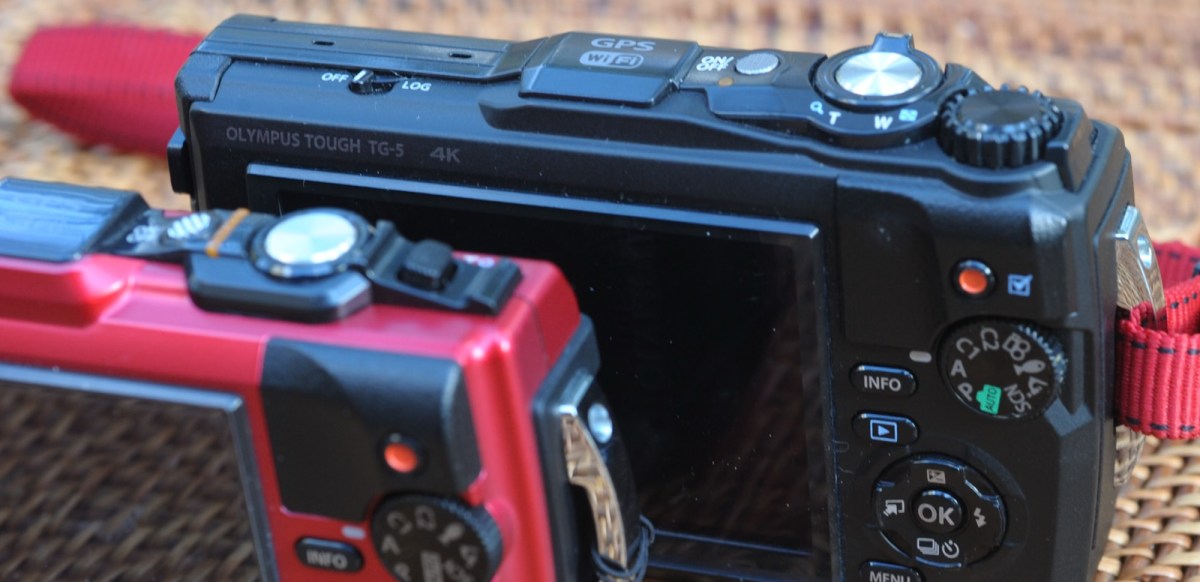
On the Olympus TG, the lens is hidden behind this blade of glass (a decorative bezel normally hides the bayonet over which accessories can be mounted)
Very few compact cameras (and it was also true at the time of film) use a conventional iris for a linear control of the aperture, with the well known sequence of stops (f/2.0; f/2.8; f/4, f/5.6, f/8, … and so on). In a typical compact camera, aperture control is often performed by the shutter. This design comes with its own set of limitations: only a few aperture values can be selected, and they’re not available with all shutter speeds.
On the TG-5, the maximum aperture of the 25-100mm zoom (full frame equivalent) varies between 2.0 at the widest angle and f/4.9 at the longest focal length (it’s a sliding aperture lens). In order to limit diffraction, the camera only offers two “real” aperture settings (f/2.0 and f/2.8 at 25mm), with higher values (up to f/8 at 25mm) being simply simulated by a Neutral Density (ND) filter. Therefore, image quality will peak at f/2.8, and stopping down beyond won’t improve it (IQ could even be marginally worse because of the ND filter) .
The lens, now protected by the UV filter and the lens hood.
If you decide like me to travel with a Olympus Tough TG-5 (or TG-6 or 7), how to extract the best Image Quality from the camera?
IQ is all relative. If pictures are to be viewed on a social media app installed on a smartphone, the TG-5’s Image Quality is more than adequate. Color balance, exposure, focus, dynamic range are spot-on. Images uploaded to social networks are generally downsampled to a resolution of 3 to 4 million points, a far cry from the 12 Mpix of the Olympus sensor, and not enough to start making the performance limitations of the lens and the heavy hand of the JPEG rendering engine noticeable.
But if the final destination of your image is a 8x11in print, or an 8k monitor, the weaknesses of the lens and the aggressiveness of the sharpening algorithm will become visible, unless you follow a series of steps to ensure the camera always delivers its best.
Olympus Tough TG-5 – how to get the highest quality images:
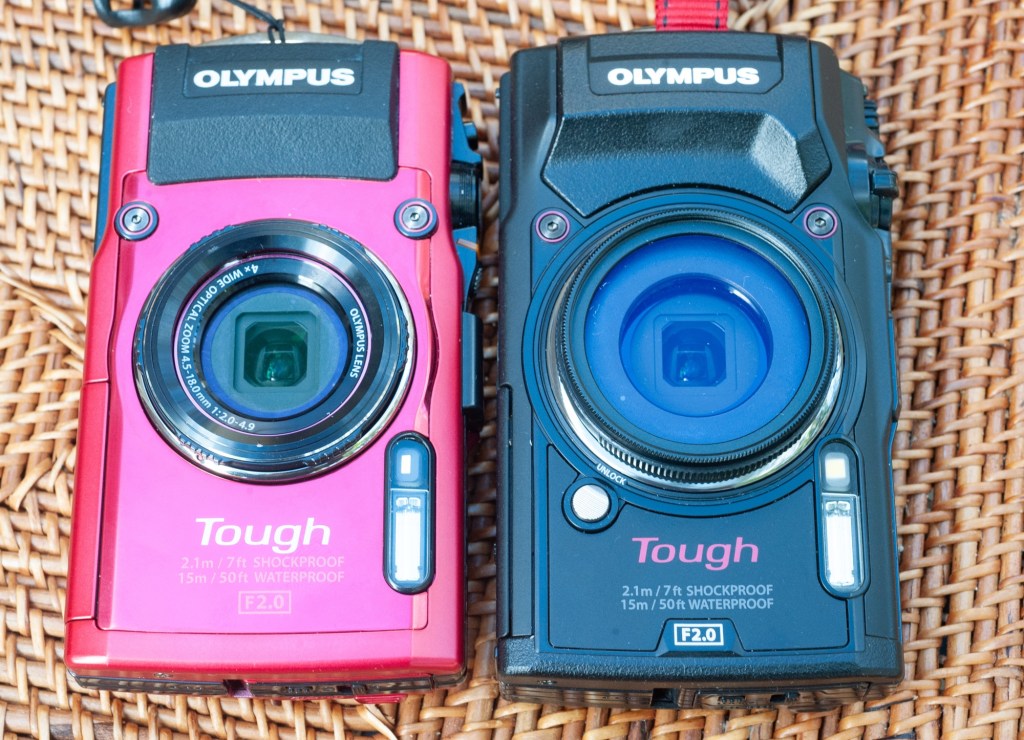
The Tough TGs are all available in black and in red. TG-4 on the left, TG-5 on the right (with a JJC UV filter mounted on the accessory adapter).
Read the manual – The Olympus TG-5 may be a point and shoot, but it’s a highly configurable, and therefore relatively complex camera. Settings are dispersed across multiple menus, and navigating them is unfortunately less than intuitive. In your quest for the best IQ, you’ll have to understand how to save your images as RAW files, how exposure memorization and correction work and after the picture has been shot, how to review and adjust some of the technical parameters. So, read the manual.
If you don’t want to read the dreaded user manual (who does?), ask precise questions to your favorite AI chat application. AI is getting very good at answering questions about cameras and photography, most of the time. ChatGPT 5, for example, combines the information and the test results it gets from DPR, Imaging Resource and Photographyblog with customer feedback collected on forums to provide detailed and mostly exact answers.
Shoot RAW. If you’re really interested in maximizing IQ, it’s definitely much better to shoot RAW and fine tune Clarity, Dehaze and Sharpening in a dedicated image editing app.
Use the sensor where it’s at its best, at 100 ISO, taking advantage of Olympus’ image stabilization capabilities to operate at low shutter speeds.
ChatGPT 5 recommends shooting in A mode (Aperture Priority) and selecting an aperture of one stop above full aperture (that would be f/2.8 at 25mm, which slides to f/6.3 at 100mm) for best performance. That’s the aperture where the lens is the best, but in A mode you are in charge and have to keep an eye on everything (on the shutter speed in particular).
In the real world, the Program P mode does more or less the same job as the A mode – at 100 ISO, for instance, the program sets the aperture at f/2.0 as long as the shutter speed has not reached 1/100s, then steps up to f/2.8 and remains there if possible.
The camera comes with a long list of scene modes – the Scenery/ Landscape scene works well with static subjects when traveling, and I use it often – and it appears to keep the aperture at f/2.8 as much as possible. There are other interesting scene modes – use them if they get you the result you want. Just be aware that Scene modes don’t let you chose the sensitivity or correct the exposure values.
Finally, the obvious – protect the lens from fingers prints and smudges with an easy to clean UV filter, and from incident light with a lens hood.
Of course, you can’t always work with low shutter speeds at 100 ISO. If your idea of a good vacation is to visit ball parks around the country and shoot the players in action at dusk, maybe the TG-5 is not the camera you need.
Why you should shoot RAW with the Olympus TG-5: an example.
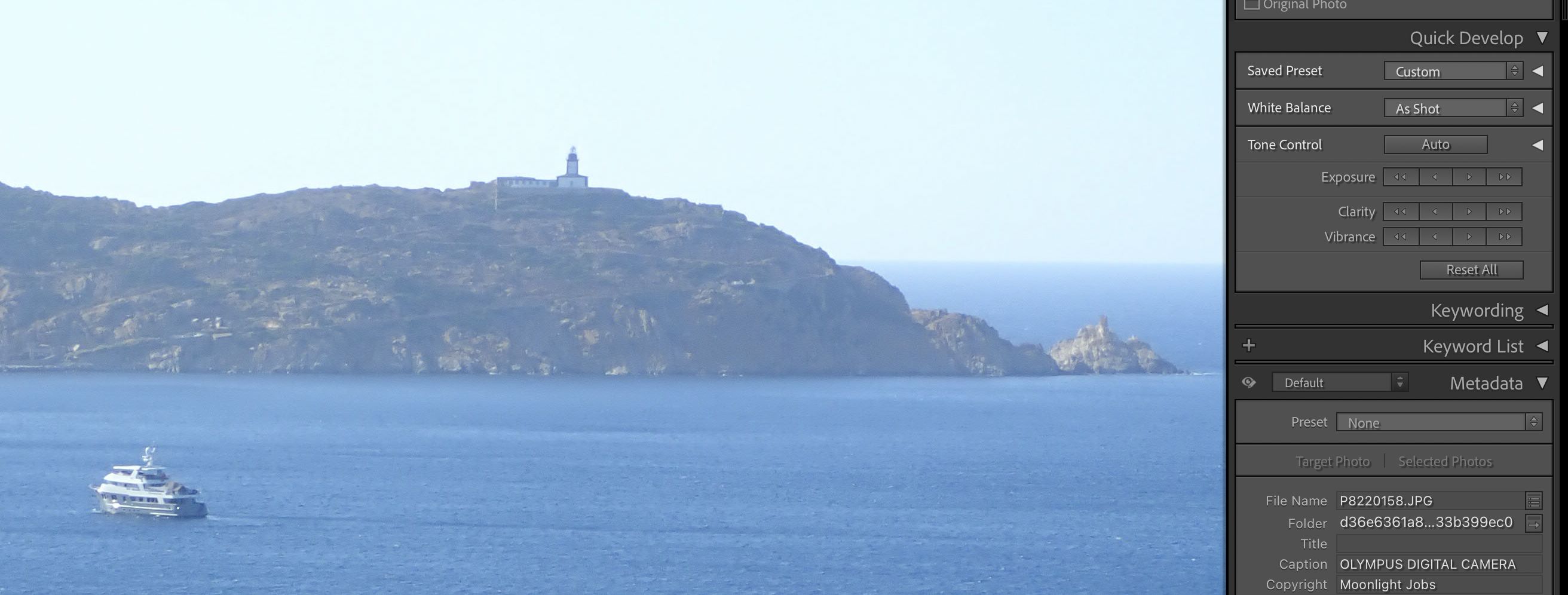
Calvi, Pointe de la Revellata – enlarged section of a JPEG (straight out of the camera) – screenshot taken on Adobe Lightroom Classic
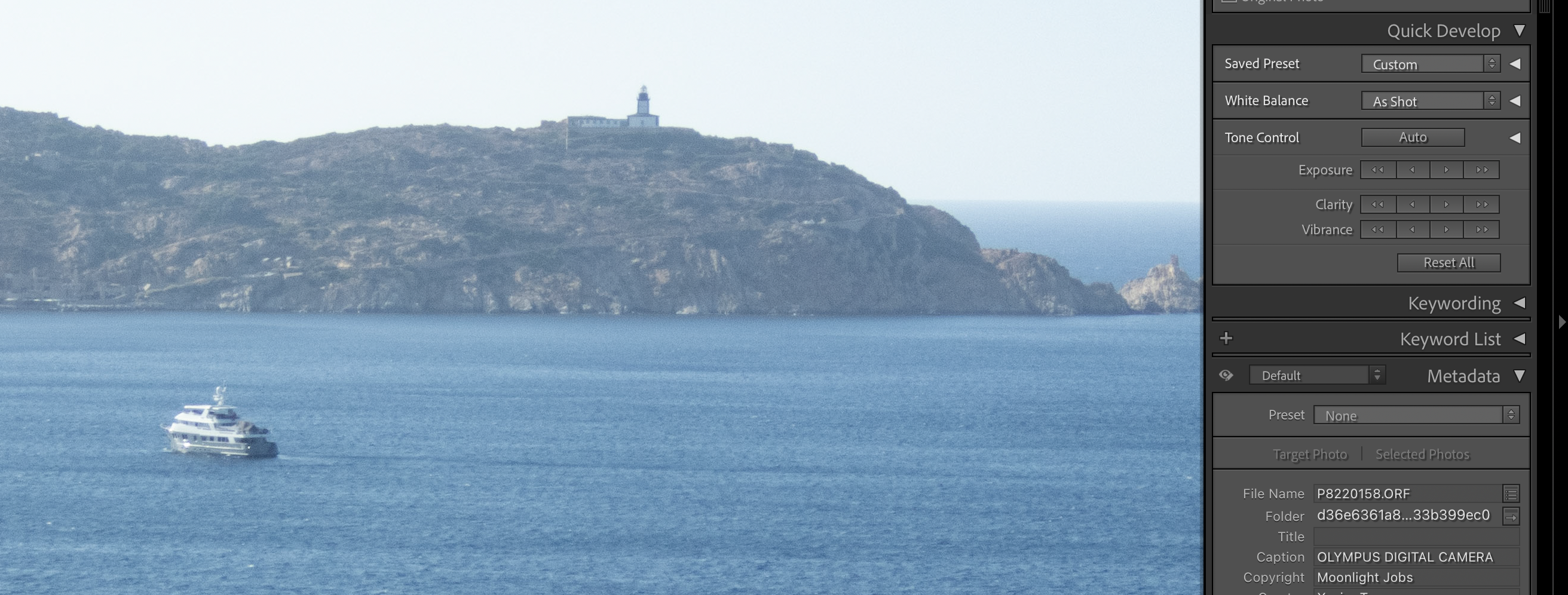
Calvi, Pointe de la Revellata – enlarged section of a RAW file, (moderately adjusted in Adobe Lightroom Classic).
The TG-5 can be setup to save an image as a RAW file and as a JPEG simultaneously. The images shown above are two screenshots of “La Pointe de la Revellata” in the bay of Calvi, Corsica, taken while editing in Lightroom Classic.
WordPress is downsampling the images massively, but click on each picture and you will see the screenshots at full resolution. And you will really see a difference between the JPEG and the ORF file. The JPEG (the first of the two) shows a much more pronounced accentuation, which translates into an almost cubist representation of the mountain in the backgroud. The RAW file, below, is more subdued. The full image (exported from RAW) is shown at the end of this blog post.
Will all the Olympus Tough TG cameras offer the same Image Quality?
In the heyday of compact digital cameras, Olympus was proposing three different lines of Tough cameras, with multiple variants in each line. This blog entry only covers the “one digit” Tough TGs, and specifically the TG-5 and its close derivatives, the TG-6 and the TG-7.
I don’t think there is much of a difference between the TG-5, TG-6 and TG-7 – mainly progressive improvements on the video capture side (the photo section is identical). The TG-3 and TG-4 have a different sensor (16 Mpix, with a lower dynamic range and more noise), but only the TG-4 can save RAW files. And all models before the TG-5 have an Olympus proprietary USB port, which will force you to carry around an easy to lose proprietary USB cord to recharge the battery of the camera. To me, a used TG-5 is a very good compromise – they abound on the second hand market (eBay, Shopgoodwill) and can be found for less than $200.00.
As a conclusion
A camera is always a compromise between conflicting design goals, and a compact, rugged, water-resistant point and shoot camera can’t be expected to beat a 60 mpix full frame ILC when it comes to image quality.
From an IQ point of view, the TG-5 is probably the rugged compact camera with the highest potential, and if the photographer shoots RAW and pays attention to the exposure parameters (exposure modes, aperture, ISO), the output will reach a much higher level than what could be expected from a compact camera with such a small sensor.
All pictures of Calvi shot last summer with an Olympus TG-5 set at 100 ISO – and saved as RAW files – Clarity, Dehaze and Sharpening applied with moderation in Adobe Lightroom.
Calvi (Corsica) Pointe de la Revellata – Olympus TG-5 Calvi, Corsica – from Notre Dame de la Serra. Calvi, Corsica. The flag of the region at the city hall. Calvi, la citadelle (and two exhausted tourists)Calvi (Corsica). “Chez Tao” is a famous piano bar, where music lovers and night owls congregate.
The price of a digital camera on the second hand market is more or less proportional to the number of pixels of its image sensor – interchangeable lens cameras (dSLRs and mirrorless) with anything between 24 and 50 Megapixel (Mpix) sensors are considered current and command big bucks, while models with less than 10 Mpix are deemed virtually worthless.
Case in point – I bought a Pentax *ist DS (a 6 Mpix dSLR from 2004), a bit scruffy but in working order, for less then $35.00.
For comparison – same lens, same ISO settings, same hour of the day – Pentax K-5 – minor adjustments in Lightroom. Click on the image to see it at full resolution – you will see the difference.
Why the Pentax *ist DS back then?
At the turn of the century, the photography market was different from what it was to become a few years later – there were only four companies in the world selling digital SLRs (Canon, Fuji, Kodak and Nikon). And those cameras were very expensive, and primarily bought by news agencies and well heeled pros.
2002 saw a first wave of more affordable digital SLRs reach the market (Canon, Fuji and Nikon all launched models in the $2000 price range). Pentax and Olympus joined the fray in 2003 with the *ist D and the E-1. At the end of 2003 Canon made digital SLRs affordable for amateurs with the Rebel 300D, the first dSLR to sell for less than $1000.00.
Nikon and Pentax followed rapidly with two models priced around $1000, the D70 and the *ist DS. Like millions of amateurs, I was looking for my first digital SLR in those days, and the *ist DS was my pick. Its specs were not that different from the D70 or the Rebel. What made the difference for me was its small size, its large viewfinder, and the good reviews of its kit lens.
Of course, I sold it after a few years to upgrade to a 10 Mpix camera, which itself was sold a few years later to fund the next upgrade, and so on.
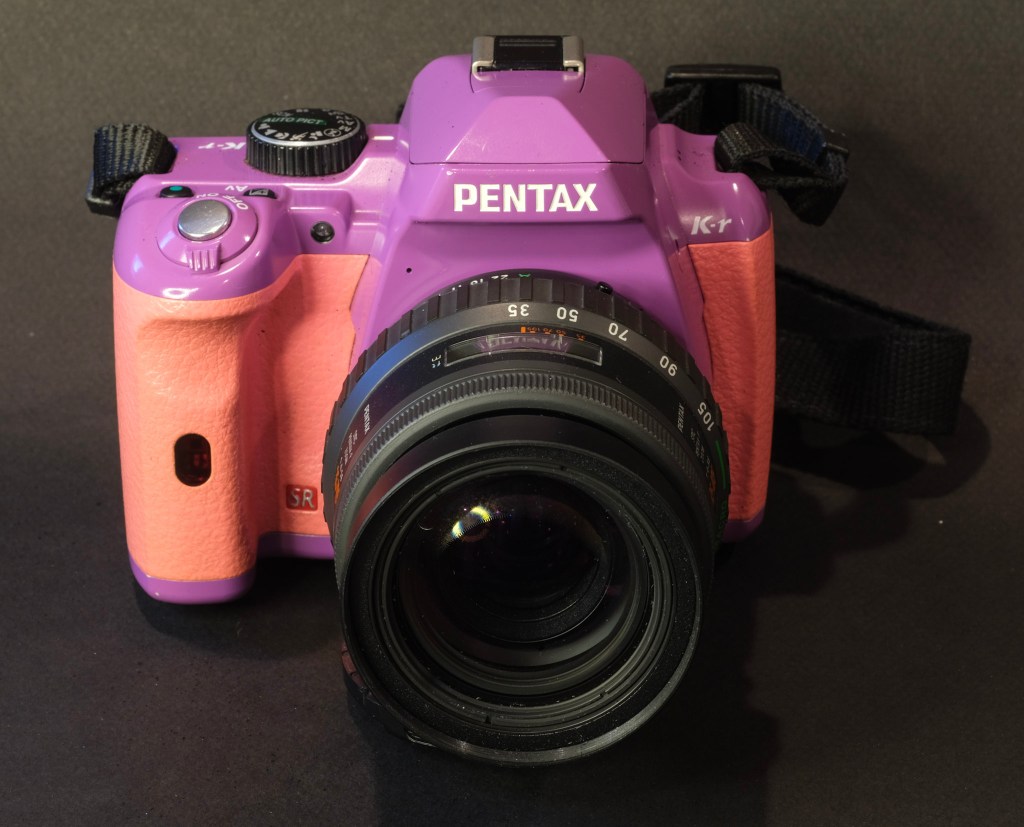
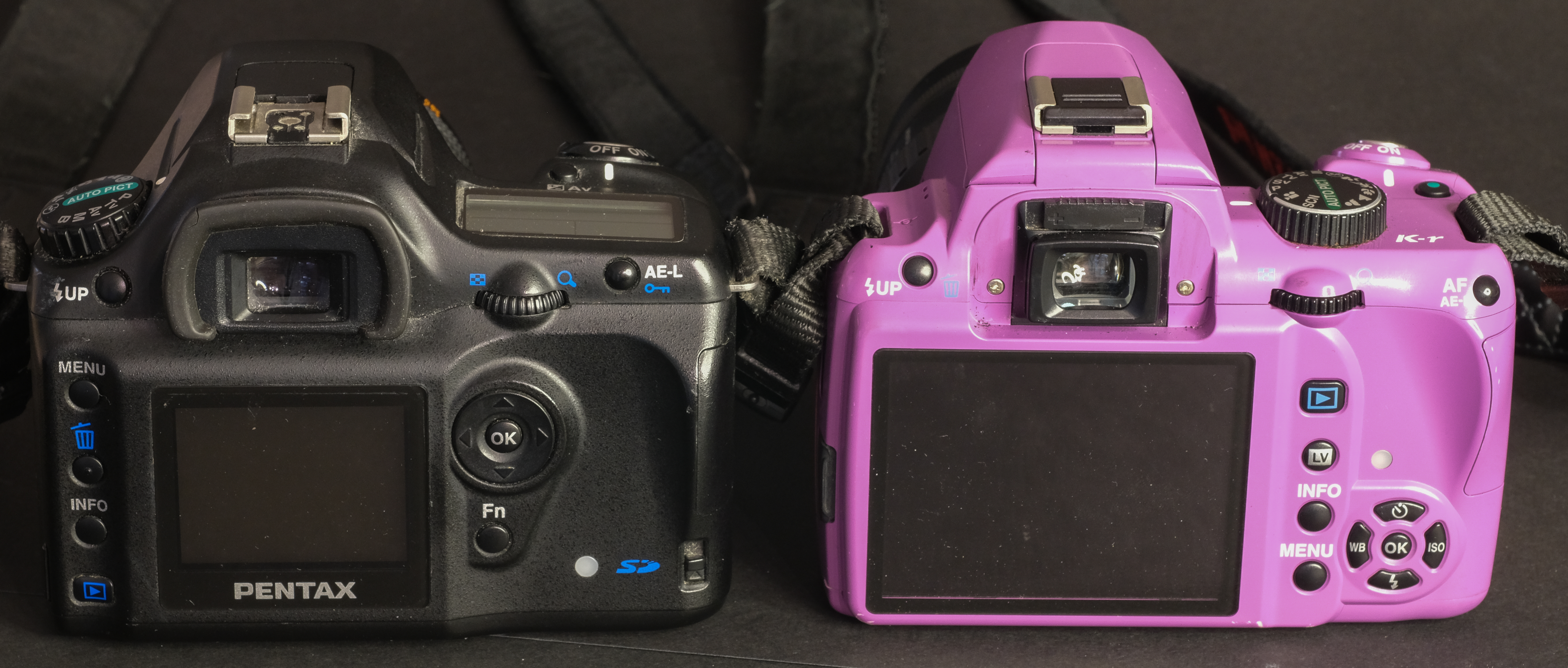
Family Reunion – the *ist DS (left) looks serious in black, the K-r (right) was available in fancy colors.
Why a *ist DS now?
A few months ago, I bought a colorful Pentax K-r (a 12 Mpix camera from 2010) and was surprised by the quality of the RAW files it delivered. You pay a bit more for the colored body of a K-r, but all white and all black models can be found for less than $100.00. In my recollections, the *ist DS was a good little camera, and I was wondering what it would be like to shoot with a 6 MPIX dSLR now. I started checking the usual auction sites, and $34.00 made me the proud new owner of another Pentax camera.
Pentax *ist DS – Pentax 18-55 Kit Lens – Vinings Jubilee (Atlanta) – adjusted to taste in Lightroom
For comparison – same lens, same ISO settings, same hour of the day – Pentax K-5 – minor adjustments in Lightroom. Click on the image to see it at full resolution – you will see the difference.
First impressions
I had shot a few thousand of pictures with my *ist DS in the early 2000s, so this “new” *ist DS is not really a total unknown for me.
What struck me immediately when I received my $35.00 *ist DS is how similar it looked to the K-r; as if Pentax had kept the same moulds over the 7 years that separate the two cameras. The *ist DS is smaller than Nikon’s mid-range APS-C of the same vintage, but the general organization of the commands is strikingly similar to what current Pentax and Nikon APS-C dSLRs look like – to a large extent the dSLR camera had already found its final form in 2004.
Pentax *ist DS (left) and Pentax K-5 (right) – the layout of the commands is very similar – the most striking difference is the rear LCD display – a huge progress in the space of a few years.
Visually, the biggest difference is the rear LCD display – the DS’ is very small (2in diagonal, some smart-watches have larger displays), and its dynamic range very limited.
Pentax *ist DS – this picture was in the performance envelope of the camera.
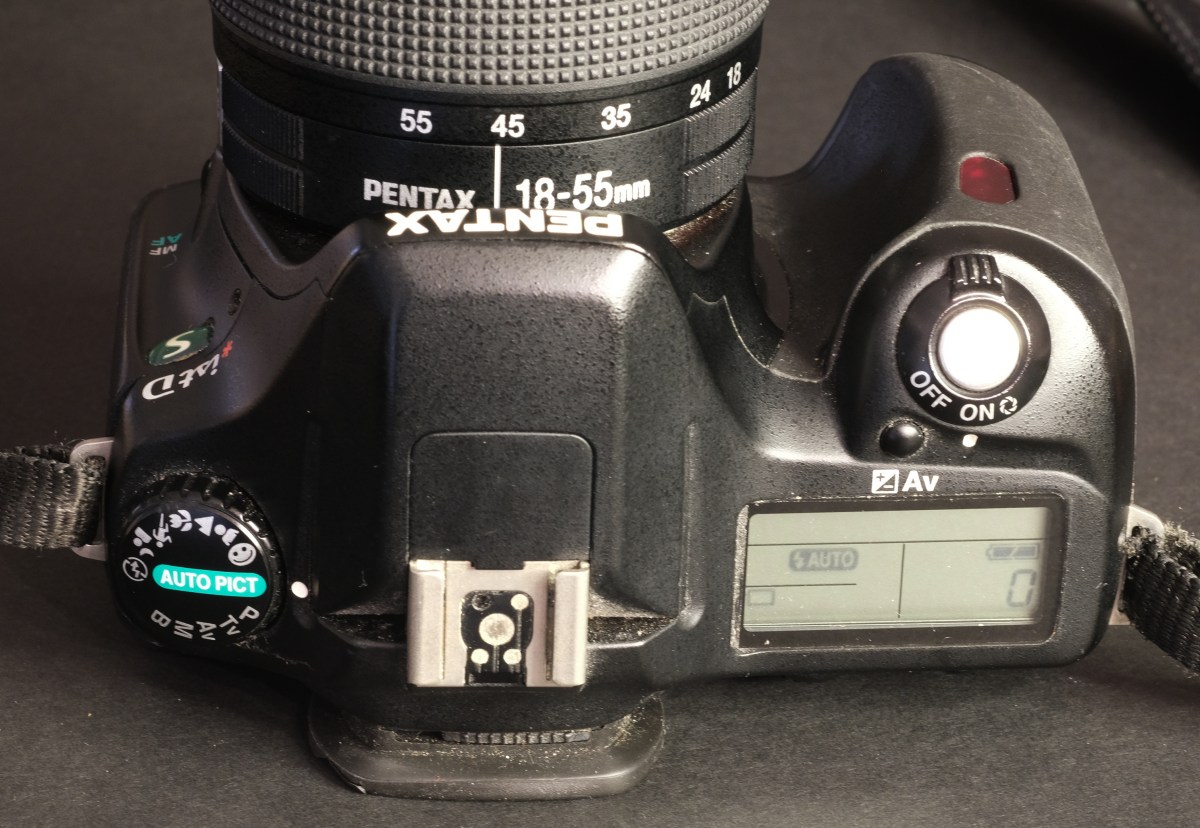
My $34.00 camera is old, and definitely not in tip-top shape (the mode selector is stuck in the Auto-Pict position, the integrated pop-up flash seems to be dead), but it still works well enough to get an opinion about this generation of 6 Mpix cameras.
Back in 2005, DPReview was very happy with the responsiveness of the camera, but concerned with the quality of its JPEGs. Today, the standards are different, but the responsiveness is still OKay-ish – when there is enough light for the autofocus to operate – otherwise it hunts desperately.
As for the image quality, even in RAW, it’s often disappointing.
Pentax *ist DS – even in Lightroom and starting from RAW, I could not get the sky, the church and flower bed to be exposed correctly at the same time.
Pentax *ist DS – another image (taken at around 11am) where the limited dynamic range of the sensor is clearly visible.
For comparison – same lens, same ISO settings, same hour of the day – Pentax K-5 – minor adjustments in Lightroom. The difference is striking.
The camera is twenty years old, may have been treated badly by some of its owners, and may not perform as well as when it was new, but, in any case,
the dynamic range of the sensor is limited (DXO evaluates it at 10 EVs, as opposed to 14 EVs for the sensor of a more recent Pentax K-5 for instance). If the scene is lit evenly, the results are correct, but even Lightroom can’t save RAW images like the picture of this old church or that plant on my deck.
I’ve been used to shooting with cameras and lenses equipped with image stabilization mechanisms, which this *ist DS is deprived of. Images which would have been technically good with a camera from the 2010s are blurry because of camera shake,
the autofocus is a hit or miss – it works fine on static scenes, not so well if the subject is moving or the scene too dark.
Pentax *ist DS (left) and Pentax K-r (right) – even an entry level model like the K-r has a much better rear LCD display (and a Live View button). And it will perform much better.
Conclusion
Obviously, this camera works, and in ideal circumstances, will deliver usable images. But even if the images are saved as RAW files, the highlights are often desperately burnt, and the shadows too dark. The autofocus struggles with moving subjects, in particular if they’re not perfectly centered, and because this model is deprived from image stabilization, images will be blurry if the photographer does not pay close attention to the shutter speed. Very clearly, there is a huge image quality and usability gap between this *ist DS and cameras launched six to seven years later.
In the days of $5.00 Starbucks Lattes and $10.00 McDonalds Value Meals, $34.00 is not a huge sum to spend on a digital camera. But if you put the equivalent of six more Value Meals on the table, you’ll get a much more usable Pentax K-r (or any equivalent 12 Mpix dSLR from the early 2010s). Add another five will get you a really nice 16 Mpix dSLR like a Pentax K-5, or an already modern mirrorless camera such as the Panasonic G2 (12 Mpix) or the Sony Nex 3 (14 Mpix).
Pentax K-r – Centennial Park – Atlanta – the K-r only has a 12 Mpix sensor but behaves like a modern camera.
I’m not necessarily attracted to the latest and greatest features of the newest cameras (I also shoot film with cameras from the 1980s…), and will be happy to shoot with a digital camera deprived of movie mode or of wifi/bluetooth connectivity, if it still delivers images of good quality, most of the time.
But if the performance of a camera (by modern standards) is so limited that I start missing too many potentially good pictures, the quest for minimalism goes too far to my taste.
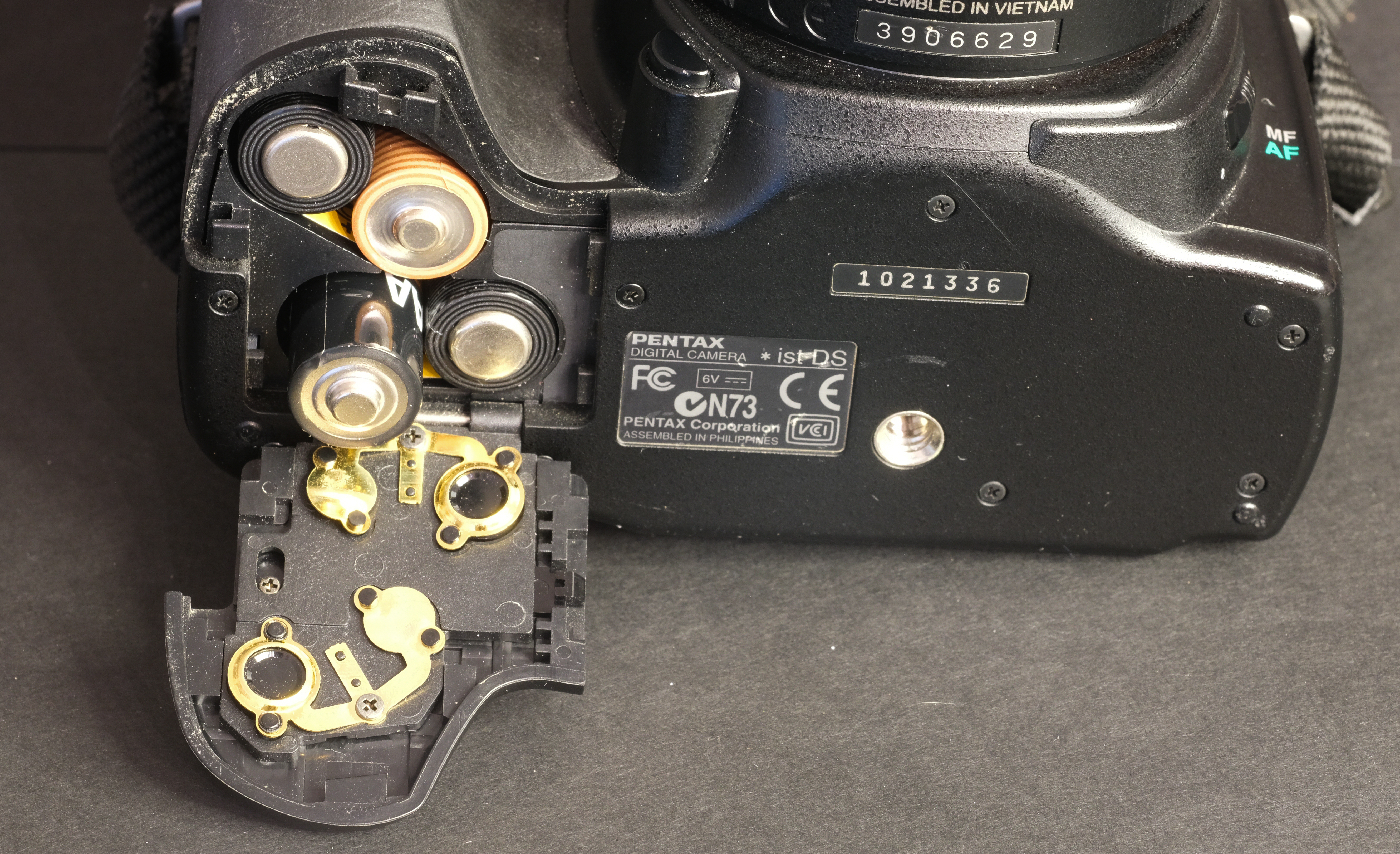
Pentax *ist DS – still powered by conventional AA batteries – no need for a charger (and the battery life is surprisingly good)
It is true that when cameras like the Pentax *ist DS (and its Canon, Konica-Minolta or Nikon 6 Mpix competitors) were launched in 2004, we were impressed by the huge step they represented over the digital point and shoot digicams we’d been using for a few years, and even today, we’re still proud to share the best images we got from those early dSLRs. If I set it up carefully, and use it within the limits of its performance envelope, I’m sure that even my scruffy *ist DS will get me decent pictures.
But today, I see the Pentax *ist DS more as an interesting curiosity, than as a camera I could use day to day. In the six years that separate a Pentax *ist DS from a Pentax K-5 (or a Nikon D70 from a D7000), there has been a huge step forward in reactivity, resolution, dynamic range and low light image quality, a step so large, that if I had to chose, I would spend a bit more on a dSLR or a mirrorless camera of the early 2010s, and forget about the *ist DS.
At-home film processing – and at-home black and white film processing in particular, is not that hard. Once the film has been loaded in the developing tank, it’s very simple, and it can be done in full daylight.
The perceived difficulty, the step that scares the beginners, is loading the developing tank.
An overwhelming majority of amateur photographers develop their films in Paterson, Jobo, Arista (or similar) tanks, that can be operated in broad daylight, but must be loaded in the dark. In a dark room, or in a changing bag. Dark room film loading, daylight processing.
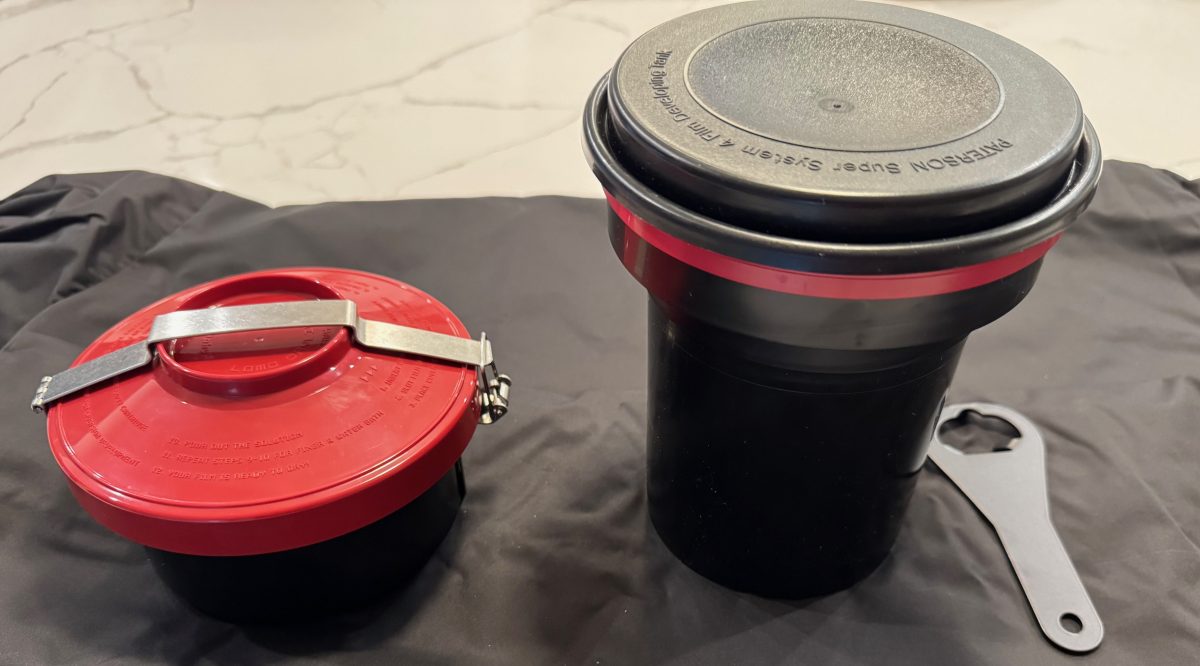
Paterson tank, cartridge opener and charging bag
Not everybody is comfortable with opening a film cassette and loading the film on the spiral of a reel without seeing anything – it takes a few dry runs and some practice before it becomes second nature.
The idea of daylight film loading, without a dark room or a charging bag, is extremely attractive to beginners, and to old farts like me going back to at-home film processing after a very long interruption. A daylight loading tank system is what is needed.
A few systems are available new (starting with the Lomo Daylight tested in those pages a few months ago), and more defunct products can be found on eBay.
The promise is always the same: you will drop the film cassette in the daylight loading tank, turn a crank to load the film on a reel hidden at the core of the system, and remove the (now empty) film cassette from the tank. At this point, you’ll be ready to go, and the development process will not be different from the routine followed with a conventional Paterson tank.
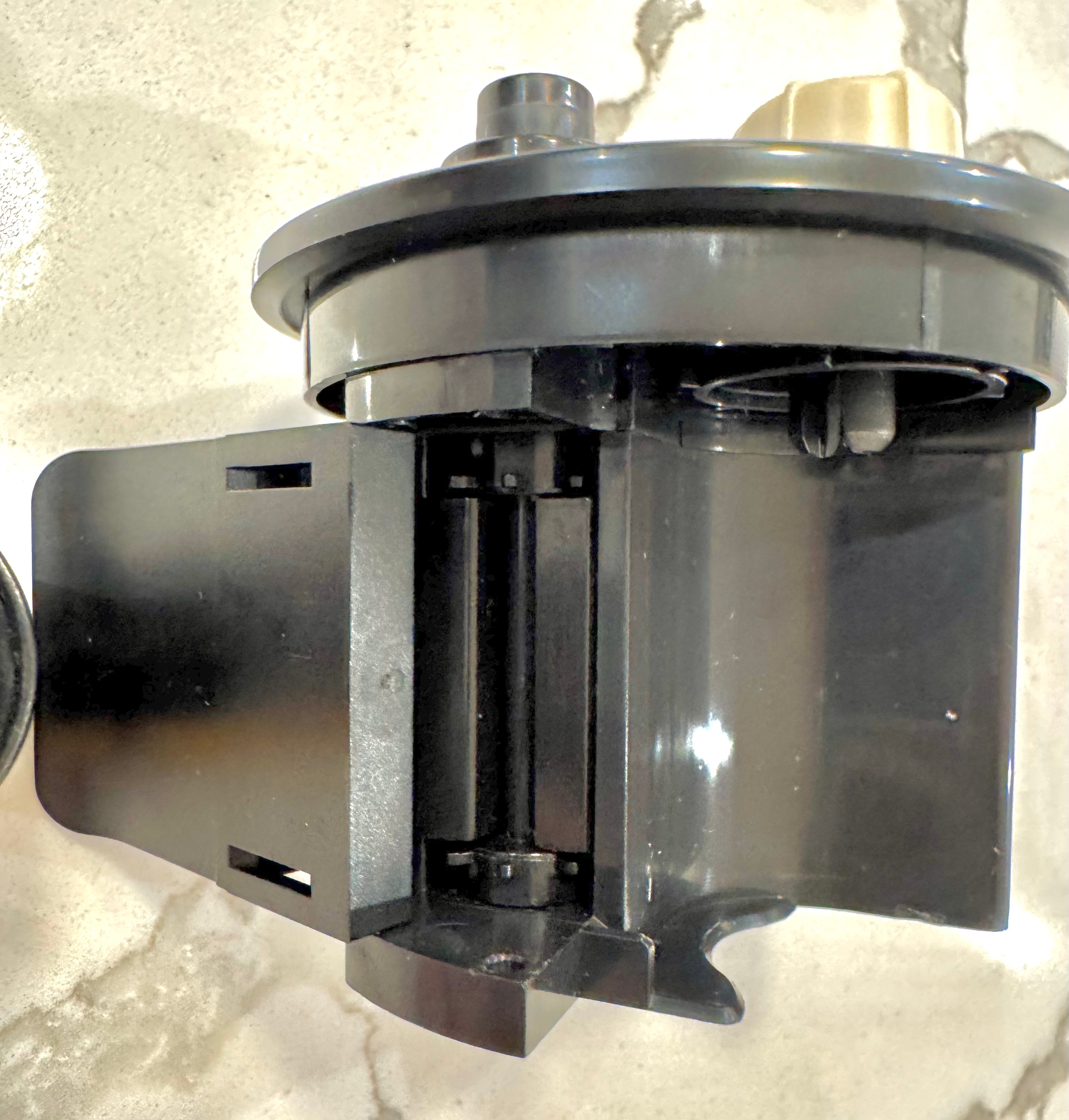
The Lomo Daylight : place the film cartridge in the loader and drop the loader in the development tank. Turn the crank to load the film on the spool inside the tank.
Of course it’s not exactly that simple. For the magic to take place, you need to prepare your film in a very specific way, and after you’re done with processing the film, you need to be able to clean all the parts and reassemble them correctly.
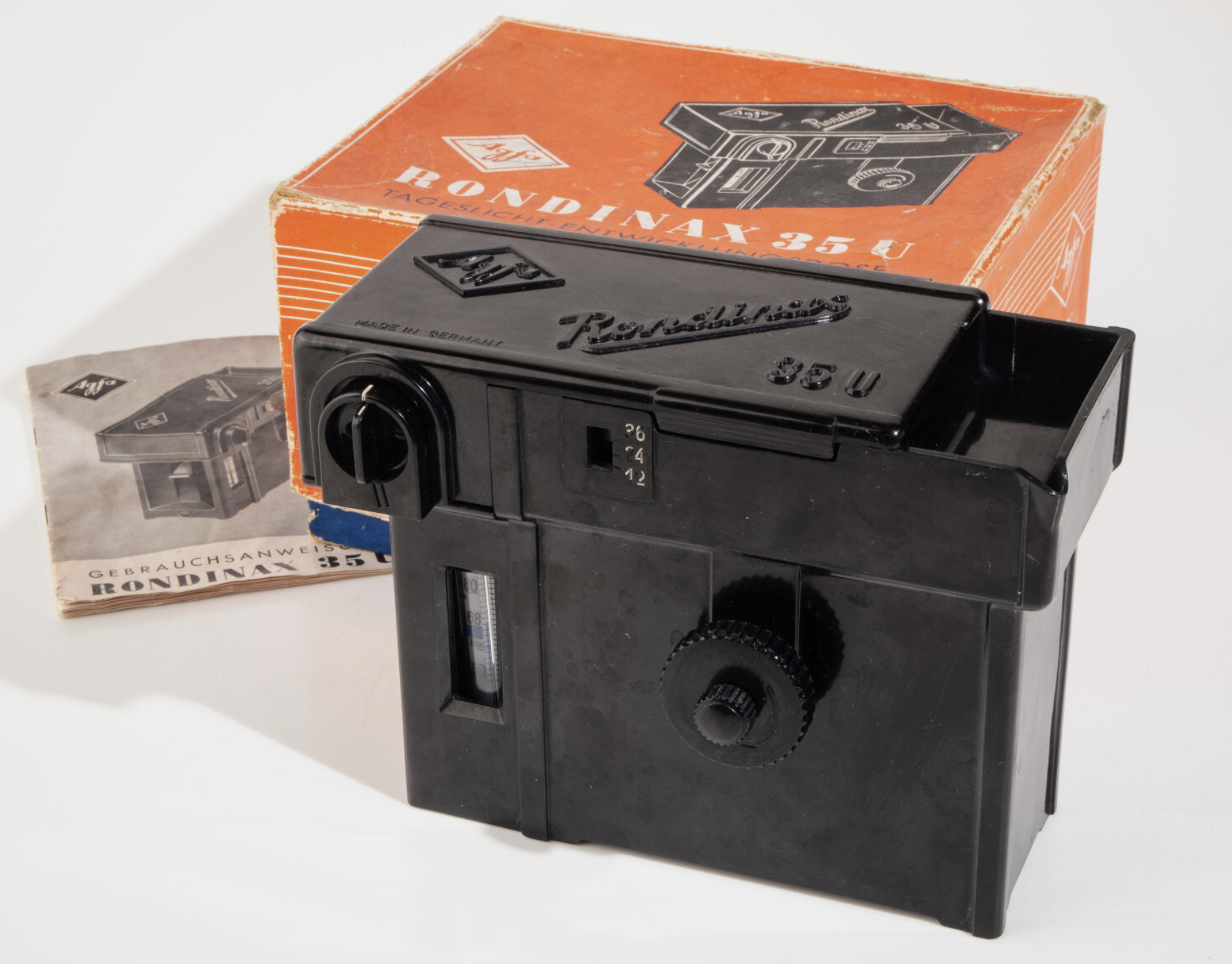
Agfa Rondinax (from an eBay listing)
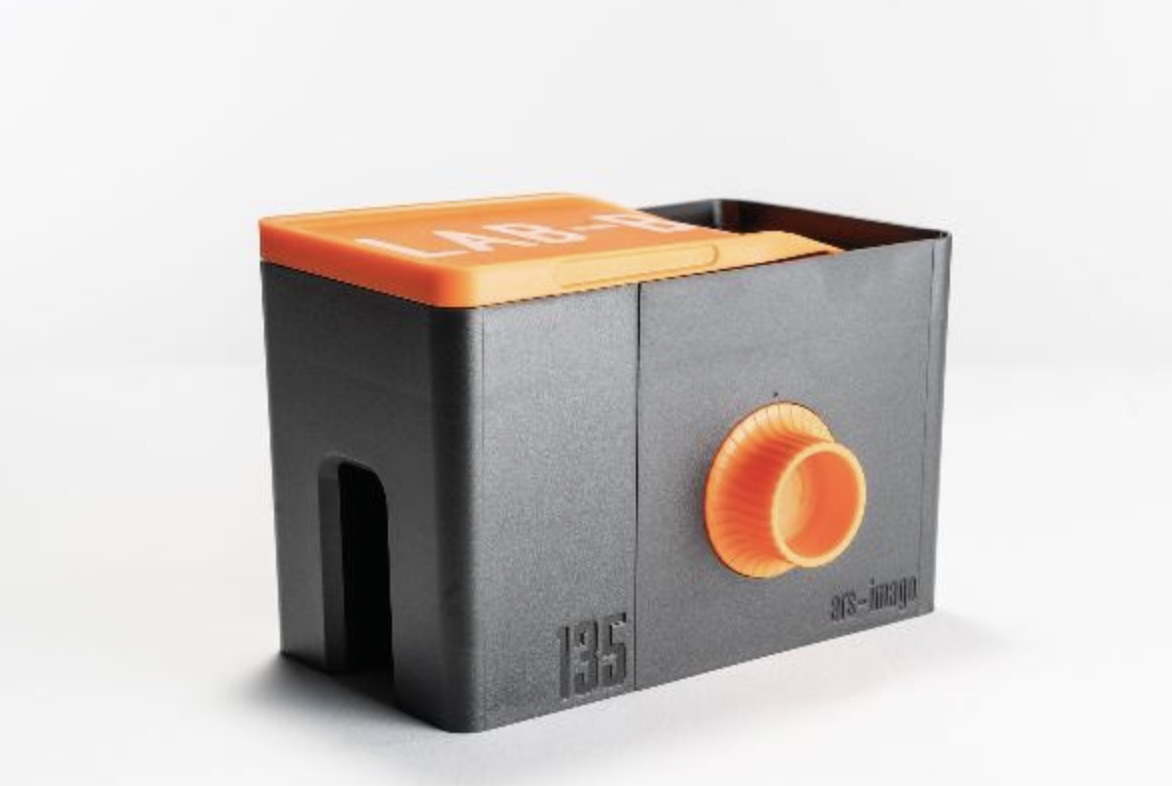
l recently bought a Lomo Daylight Developing tank, and found out even more recently that an Italian company named Ars-Imago had launched its own daylight loading tank a few years before. Ars-Imago’s “Lab-Box” is not a 100% original design- it’s a modern re-interpretation of the Rondinax, a model launched by Agfa in the late nineteen thirties (an Agfa Rondinax was tested by the Casual Photophile five years ago).
As far as I know, the Lomo Daylight and the Lab-Box are the only two daylight-loading/daylight development systems currently manufactured and distributed.
On auction sites, you can sometimes find, and not necessarily for cheap, different versions of the original Agfa Rondinax, as well as many rebrands (the Rondinax was also sold by Leitz, of Leica fame) and a few shameless copies of Soviet origin.
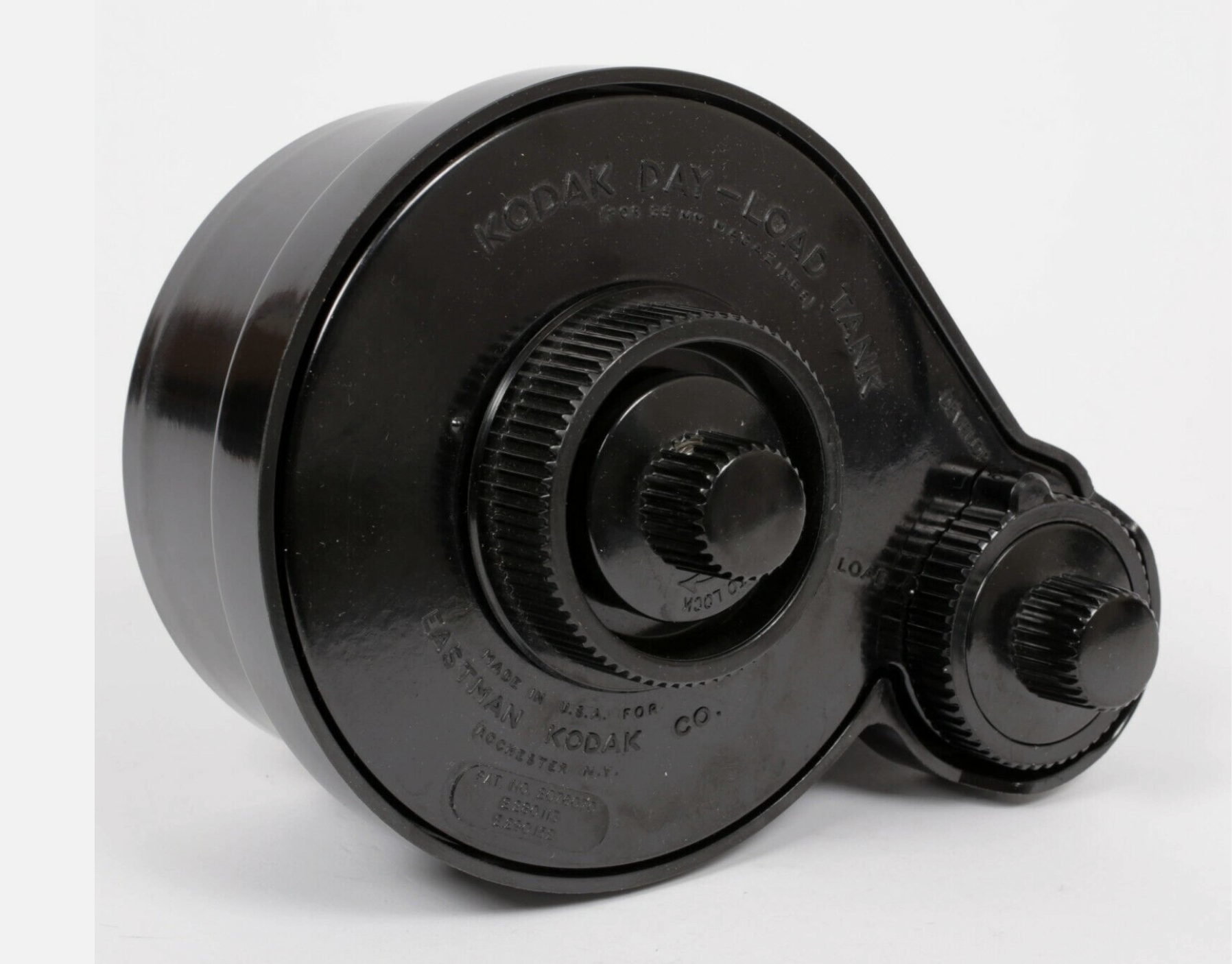
Kodak’s Day-Load Tank was launched approximately at the same time as the Agfa Rondinax. Both the Day-Load and the Rondinax are now very old pieces of equipment (eighty to seventy years old), made of materials that have not necessarily aged well, and with multiple small parts that may have been damaged or lost over the years. Assuming you can find one at a reasonable price (by that, I mean cheaper than the $89.00 of a new Lomo Daylight Tank), I’m not sure I would trust them with my film.
Kodak Day-Load (from an eBay Listing)
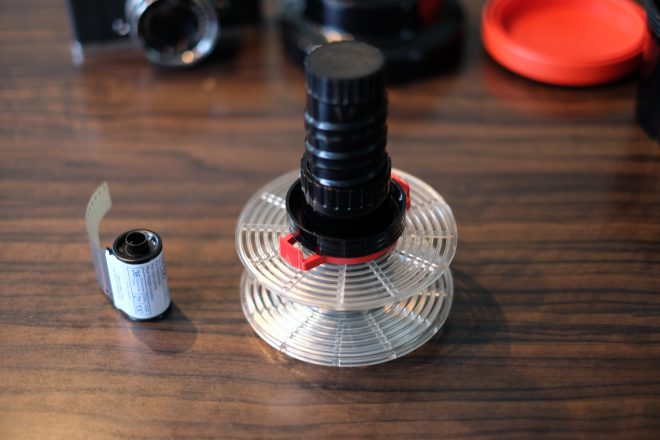
Over the years, Jobo, a direct competitor of Paterson, have tried their luck at making daylight loading tanks multiple times, with models like the Automat 35, and more recently with the Jobo 2400 Daylight Loading tank shown below, which is conceptually close to the Lomo Daylight.
High level, the Jobo 2400 looks like a conventional Paterson or Jobo tank, except that the reel rotates around a rather large black cylinder, which includes the film loading mechanism. It makes for a rather large tank, which will require more chemicals than a conventional tank.
The Lomo Daylight Developing Tank was reviewed in those pages recently. The film cartridge is positioned in the film loader, the film loader is dropped at the center of the tank, the operator turns a crank to push the film on the spiral reel hidden inside the tank, and when the film is fully loaded on the reel, the film is separated from the cartridge by a built-in steel cutter and the loader is removed from the tank.
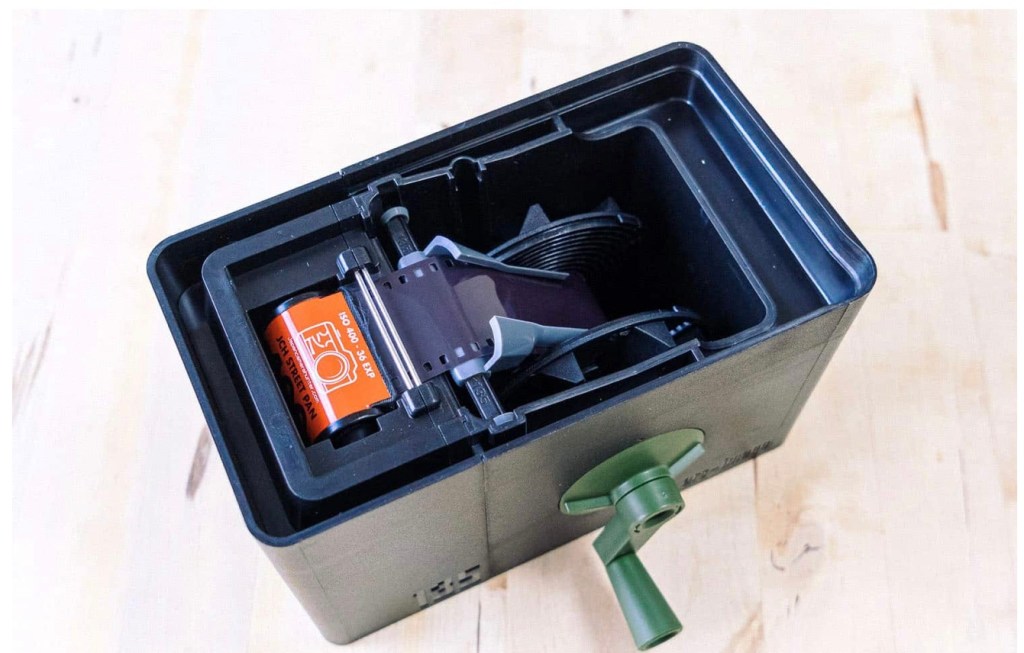
The Lab-Box is clearly inspired by the Agfa Rondinax, but Ars-Imago have improved on the original design in a few ways: contrarily to the original Rondinax, the Lab-Box is modular and can accommodate either one of two film receptacles, one for a 35mm cartridge, and one for 120 roll film. Ars-Image are also selling a replacement lid for their Lab-Box, that integrates an electronic timer and thermometer, to create an all-in-one device.
In the Lab-box (as in the original Rondinax), the film leader has to be clipped to a ribbon attached to the center of the reel. When the operator has closed the lid of the box, turning the knob on the side of the Lab-Box will pull the film out of the cassette and load it on the reel.
Lomo and Lab-Box: design – similarities
They can be loaded and operated in full daylight,
They’re relatively low-tech – no motor, no battery – they’re operated by a big knob or a small crank.
Both need the film leader to be accessible – you have to extract it if your camera is motorized and rewinds the film completely in the cartridge.
They can only process one roll of film at a time.
They are more difficult to reassemble than a conventional tank after cleaning, which offers a few opportunities to goof-up.
Big differences:
The “film pull” method of the Lab-Box seems gentler than the Lomo’s “film push” design, where the crank activates two sprockets that engage in the film perforations, and push the film (through a narrow guillotine) to the reel where the film will sit.
I’ve experienced multiple difficulties with the Lomo’s loader sprockets (they tend to tear the perforations of the film if they meet any resistance) and with the very narrow slit that controls the entry of the film in the chamber where the reel sits:
When you’re finished pushing the film to the reel, it’s still attached to the cartridge, from which you need to separate it in order to start the development process. You have to turn a knob vigorously to cut the film, and if the action is not decisive, debris of film get stuck in the slit, and have to be removed to great pains when cleaning the tank before the tank can be reused.
On the Lab-Box, agitation is performed by turning the crank (you don’t flip the tank regularly like you would do on a Paterson tank or the Lomo). Agitation can be continuous or intermittent. Ars-Imago recommend the continuous agitation, because it uses half the quantity of chemicals of the intermittent process, but you have to be prepared to turn the crank continuously for the whole duration of the development phase. It’s not motorized, remember.
The Lomo only processes 35mm film, the Lab-Box is modular. A 120 roll film loader can be purchased separately.
According to Ars-Imago, the Lab-Box is not compatible with PET based films (not that many on their list). I’ve not read about such restrictions on the Lomo.
In summary –
The Lab-Box is twice as expensive as the Lomo Daylight. It’s also larger.
To its advantage,
the Lab-Box should be gentler with film than the Lomo (the film is pulled, not pushed)
It only needs 300ml (10 fl oz) of products if you opt for the continuous agitation. On the other hand, if you prefer to spare your arms and opt for the intermittent agitation, you’ll need 500 ml (17 fl oz) per film. For reference, the Lomo needs 350ml of chemicals, and a Paterson tank will need 300ml for a single film, and 500 ml if loaded with two films.
it’s more flexible than Lomo (120 roll film and “intelligent lid” options)
On the Lab-Box, continuous agitation implies that the photographer turns a knob or an optional crank continuously (of course) for the duration of the development phase. Imagine you’re pushing a film and use a developer at high dilution – do you feel like turning a crank continuously for 10 minutes?
On the Lomo, you can stick to the same intermittent agitation process (Paterson calls that “inversion”) you would follow with a more conventional tank.
The Lomo Daylight Developing Tank – the film loader – notice the sprockets pushing the film to the reel.
How the Lomo Daylight Tank compares with a conventional Paterson (or Jobo) tank system?
Let’s answer a few questions…
How long does it take and how difficult is it?
to extract the film leader
this step is only needed with the Lomo, and only if you’ve let the camera fully rewind the film in the cassette. In the end, I’ve always succeeded in extracting the film leader from a cartridge where the film had been fully rewound, but it’s always a frustrating exercise, even with a good film extractor (the Lomo’s is a pretty good one). It almost never works on the first attempt (my average number of attempts must be around four per cartridge). So, a few frustrating minutes to be expected.
to load the film in the tank.
Lomo: it’s easy. Cut the film leader as directed by Lomo in their videos, place the cartridge in the loader, the loader in the tank, lock it… and here you go. Most of the time, it will work perfectly. And it takes a couple of minutes at the most.
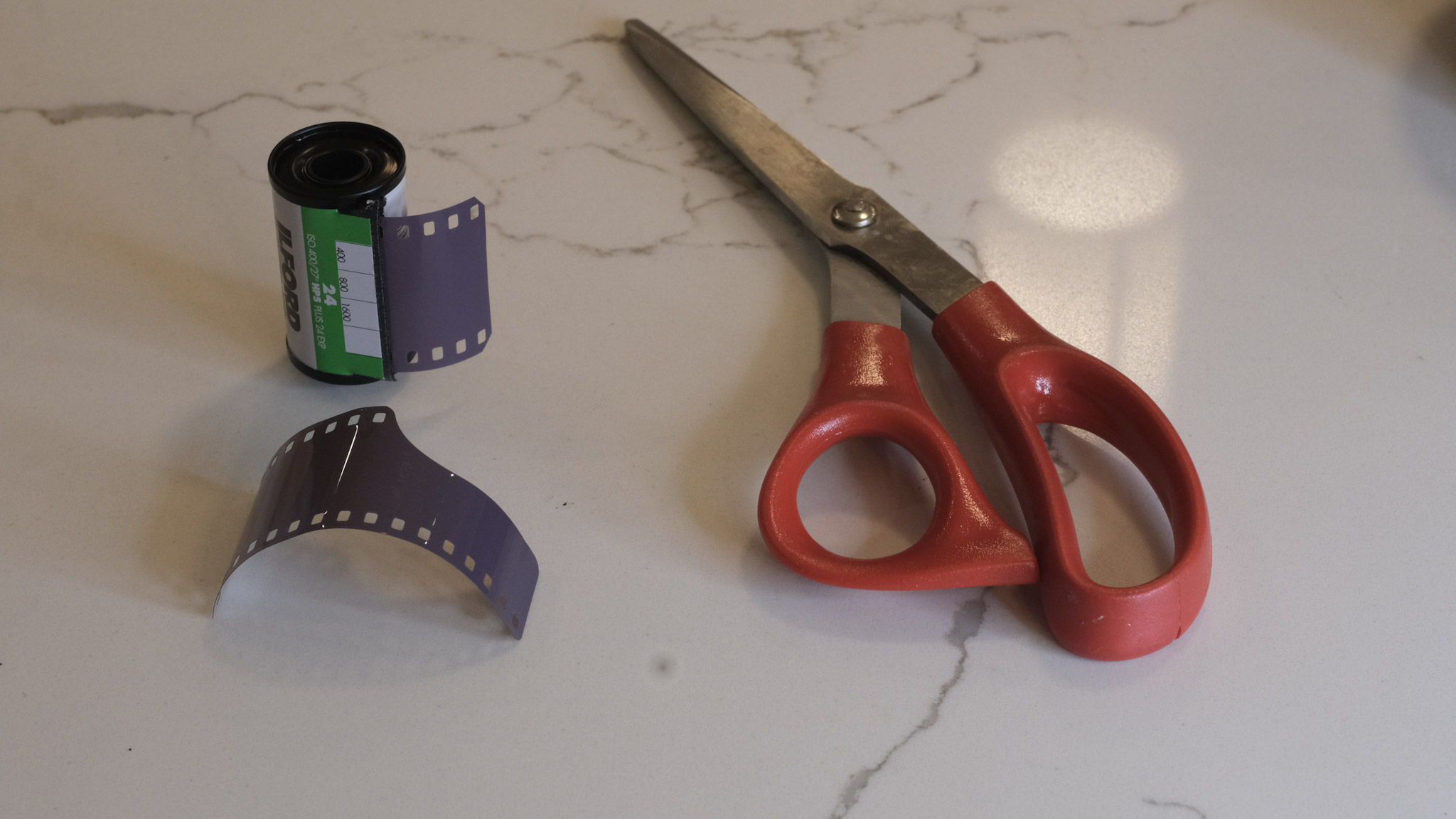
Paterson – I’m using a brand new Paterson Universal System 4 tank, that came with a so called “auto-loader” reel. It’s a plastic reel, equipped with a ratchet system. Once you’ve disassembled the tank and placed it in the charging bag with the film cassette and scissors, it’s easy to find the starting point of the reel’s spiral and turn the left and right parts of the wheel in opposite directions to move the film from the cassette to the reel. All in all it does not take longer than loading the Lomo.
to clean and re-assemble the tank?
Lomo: a benefit of the Lomo’s design is that the film loader is removed from the tank before the developer can be poured in the tank. So that part remains dry and does not need to be cleaned. A total of six parts are in contact with the chemistry and have to be cleaned, and reassembled once they’re dry. The photographer is guided by red arrows and grooves of different sizes that make the whole re-assembly process idiot proof. It does not take more than one or two minutes.
Paterson: the Paterson system is even simpler. If using one reel, it’s composed of only five parts, which are extremely easy to clean and re-assemble.
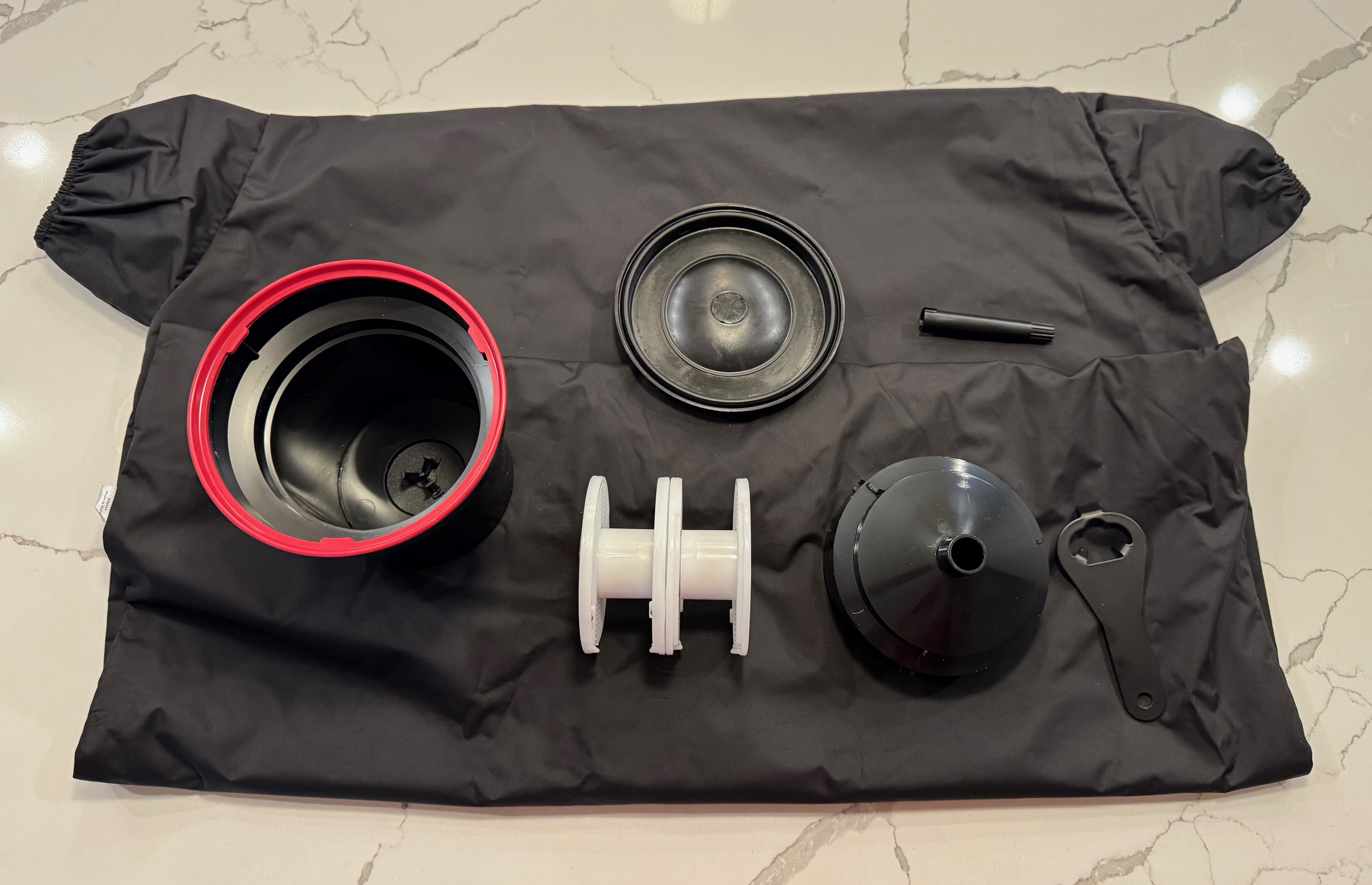
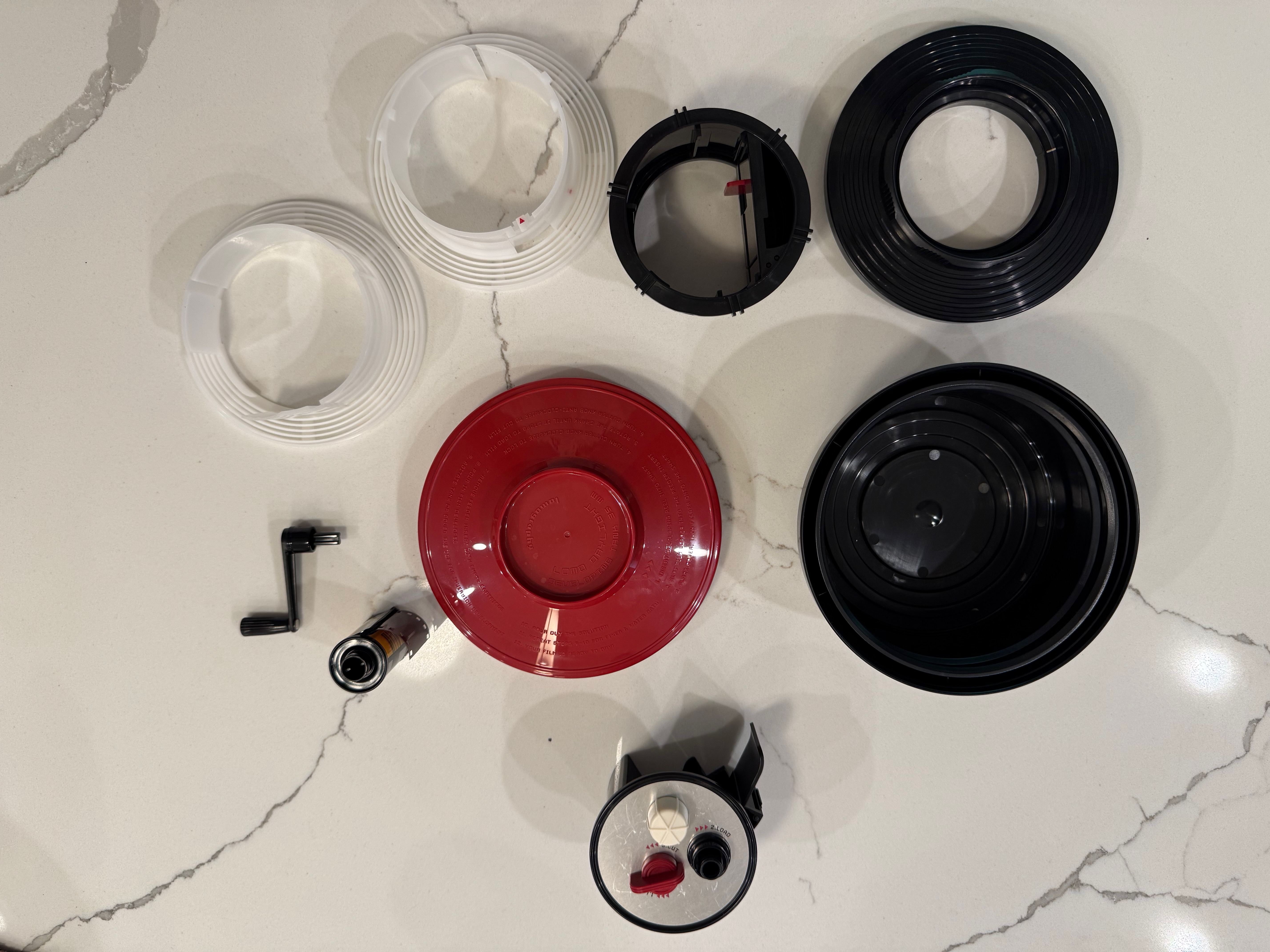
Disassembling the Lomo Daylight – the film loader (bottom of the image) and the crank (of course) don’t need to be cleaned. Reassembly is guided by red arrows and keys.
As a conclusion
It came as a surprise to me. I did not remember that loading a developing tank like the Paterson Universal System 4 was so easy. All right, you need a charging bag – which is one more piece of equipment to buy and store, but it does not take much space, and could be useful in other circumstances.
So…The Lomo Daylight is easy to load, and not difficult to clean and reassemble. But after a very limited practice (one or two dry runs), the Paterson tank is as easy to load as the Lomo, and even easier to clean and reassemble.
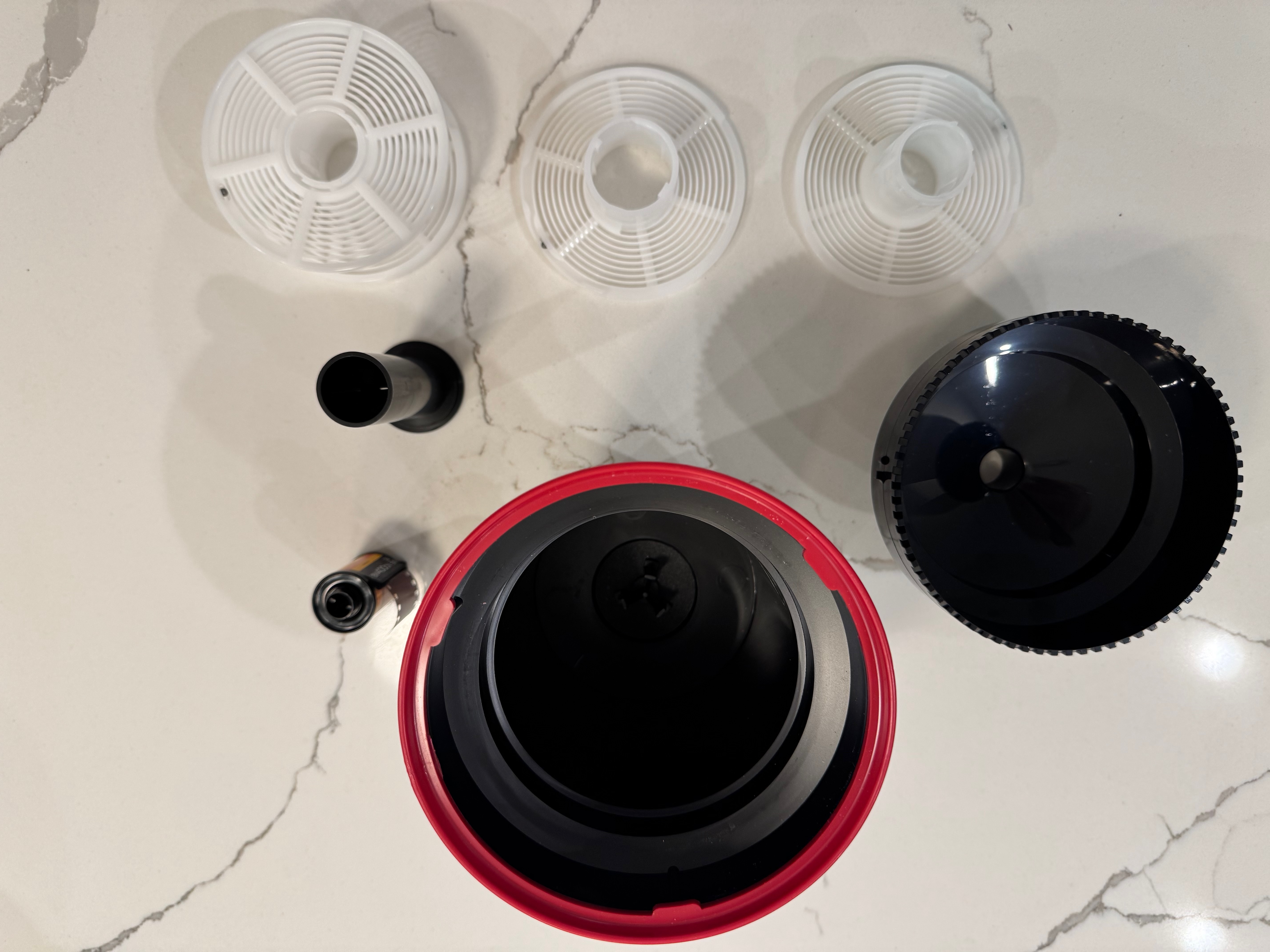
Disassembling the Paterson tank – it could not be simpler.
The Paterson (or a system of equivalent quality) has the additional advantages of being more flexible (the reels can be configured for one or two 35mm films or one 120 film), easier to maintain at a specific temperature in a sous vide if inserted in a color process workflow, and less finicky than the Lomo, which can be a bit temperamental in my experience.
The real difference? this pesky film leader extractor. Extracting the film leader from a fully rewound cassette of 35mm film is a royal pain. You may have to do it before you can load the film in a Lomo, but never on a Paterson tank.
Two film leader extractors – the tool provided by Lomo (top) and my old and trusted Hama extractor. The Lomo is probably less of a pain, but still a pain.
Minolta, once a major camera maker – second only to Canon in terms of volume – was absorbed by Konica in the late nineties (correction: I was a few years off – the merger was announced in Jan 2003).
The newly formed Konica-Minolta entity left the photography market in 2006 – with Sony inheriting some of their camera and lens designs when they entered the dSLR market.
For the anecdote, the Minolta name is now used under license by a company distributing (very) entry level digital cameras, that – based on the horrendous reviews they get on Amazon – I won’t bother testing.
Sic transit…
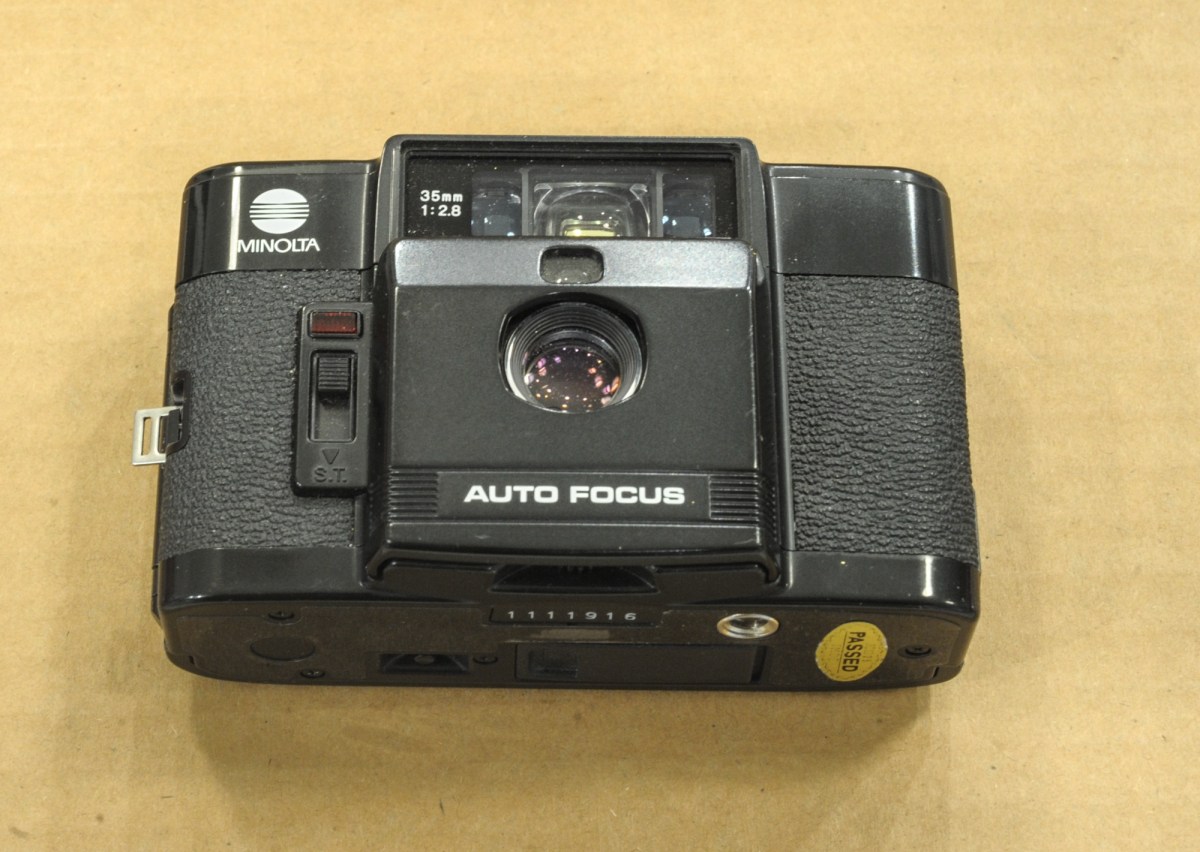
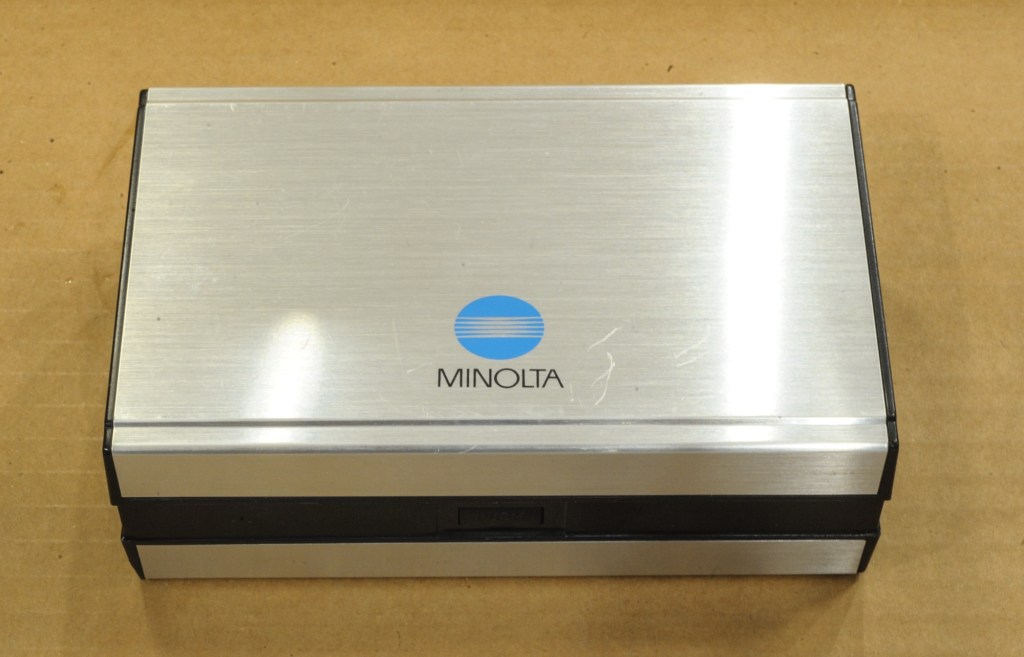
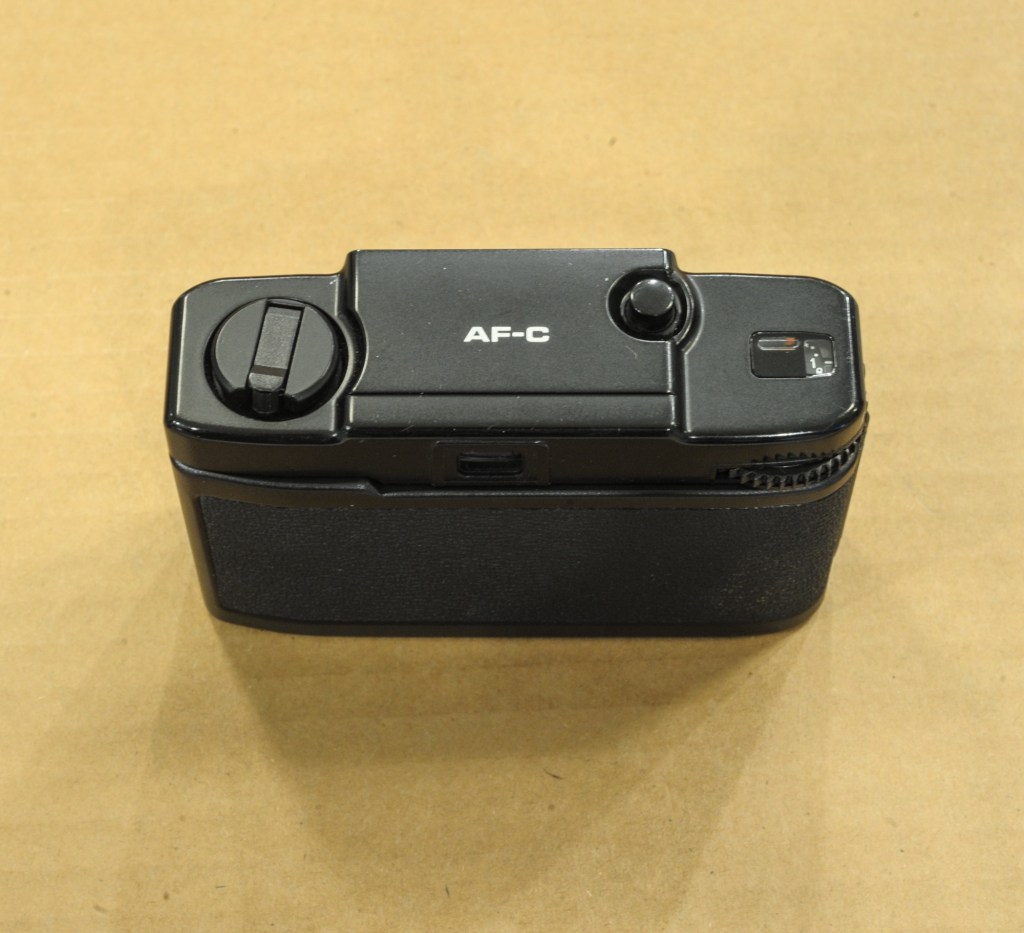
The Minolta case – the AF-C was presented like a precious object.
In 1983 though , Minolta were at their peak. In addition to their bread and butter point and shoot cameras, they had decided to go after the market of photographers looking for an ultra compact camera of quality, and proposed a Minolta alternative to the Olympus XA, the Minox 35 EL and Cosina’s CX-2.
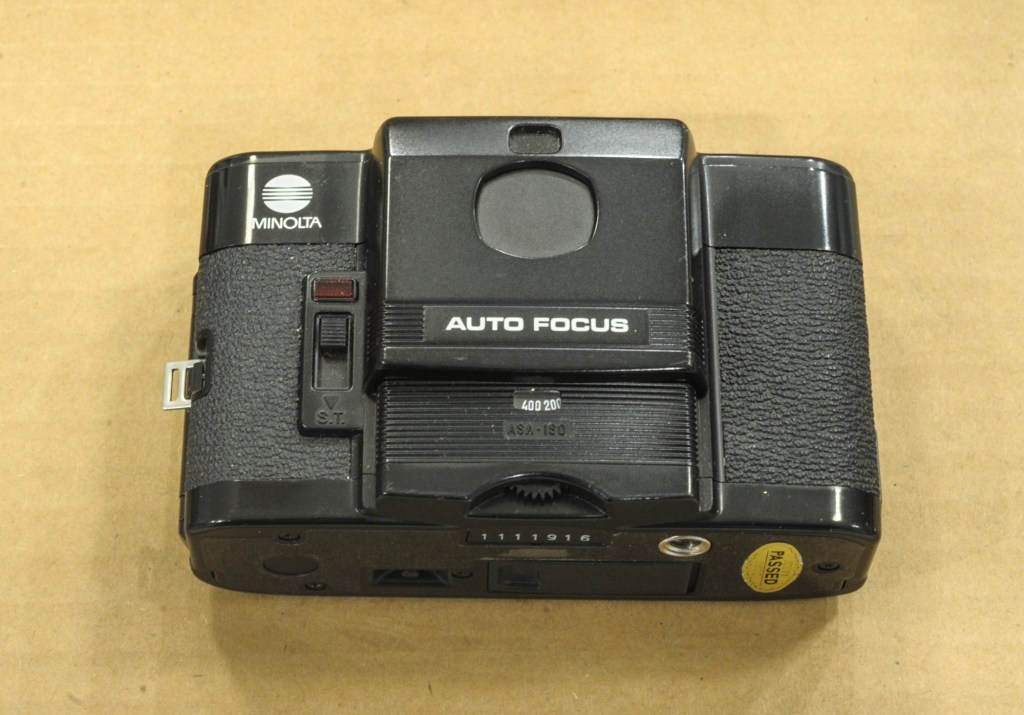
The “shield” is up and the camera powered off.
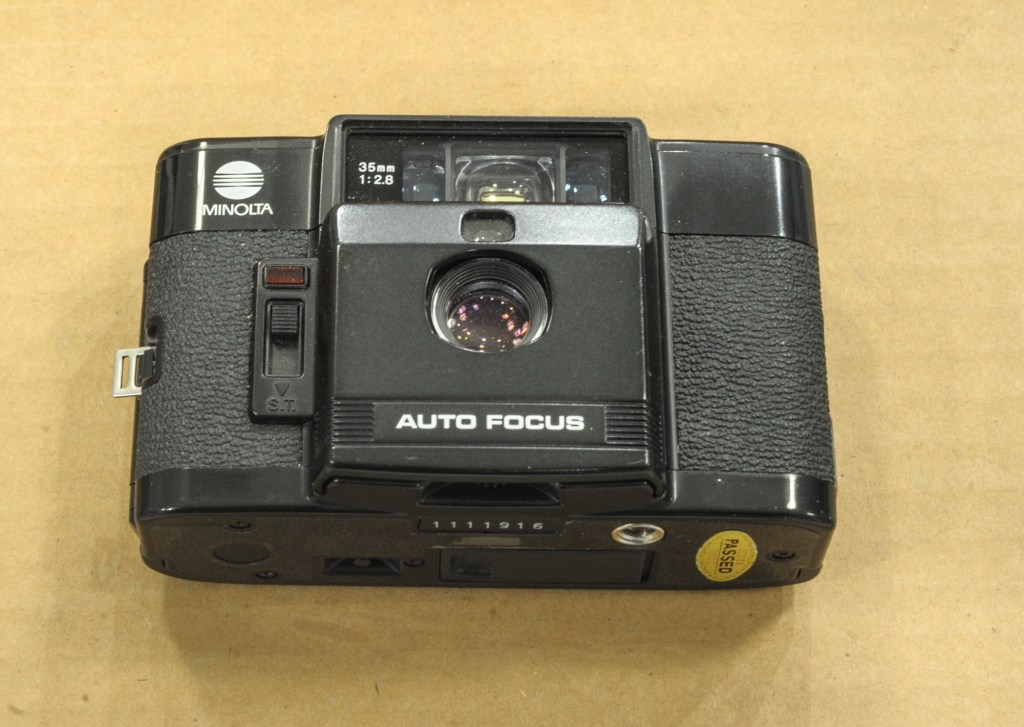
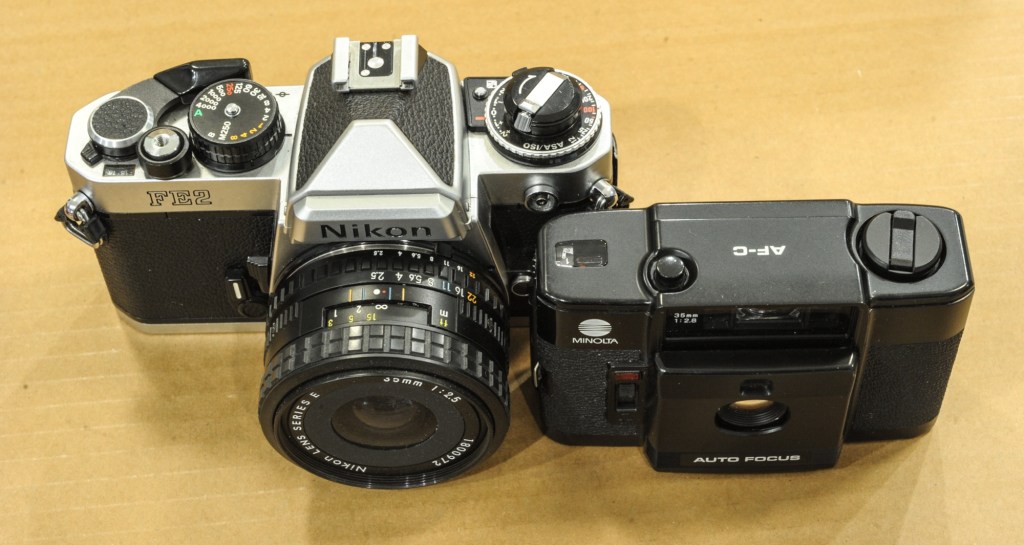
Like its competitors, the AF-C was extremely compact – it integrated a rather fast wide angle lens – a 35mm opening at f/2.8, and was devoid of an electronic flash (it was sold as a separate unit, to be attached to the left of the camera) or from any motorized film advance system. The AF-C’s unique selling proposition was its autofocus – all their competitors relied on zone focus (Minox, Cosina) or on a small rangefinder (Olympus) for focusing.
The AF-C’s unique selling proposition was its autofocus
On all those ultra-compact cameras the lens and the viewfinder are protected when the camera is not in use. In the case of the AF-C, a “sliding shield” protects the lens and the viewfinder when the camera is not in use, and has to be moved down to unlock the camera. Simple, and it works.
Minolta AF-C – the “shield” is open and the camera ready to shoot.
Today, the AF-C is not as sought after as the XA or the CX-2 (if eBay prices are an indication). And a derivative of the Cosina CX-2, the Lomo LC-A, reaches much higher prices. Why is it so? Probably because the AF-C is a totally automatic camera, with no ability for the photographer to adjust the settings. You’ll have to trust the performance of its autofocus – there is an AF lock feature to help with off-center subjects, but that’s all. A green LED is lit when the camera has set the focus on “something”, but you will only know what it was after you examine the prints, a few days (or weeks) later.
Minimalist top plate – exposure and focus are automatic
Similarly you’ll have to trust the CdS meter – a program controls the combination aperture-shutter speed, with no indication of what the camera has decided to do, and no manual override. In fact, the only thing that the photographer can set is the film speed – between 25 and 400 ISO. Considering that the meter operates between IL6 to IL17 – (1/8s at f/2.8 to 1/430s at f/17)- I would probably use 200 ISO film to cover my bases without risking reaching the limits of the shutter on very bright subjects.
Two ways to shoot 35mm film with a 35mm lens. The AF-C is remarkably compact
Another reason the demand for the AF-C is pretty low nowadays is that it does not operate without batteries (4×1.5v silver oxide batteries). None of its competitors does – all have electronic shutters – but in the case of the AF-C, even the non-motorized film advance is inoperative in the absence of batteries (the film advance wheel is locked). Which leads people to believe that the camera is dead, when it’s just asking for fresh batteries.
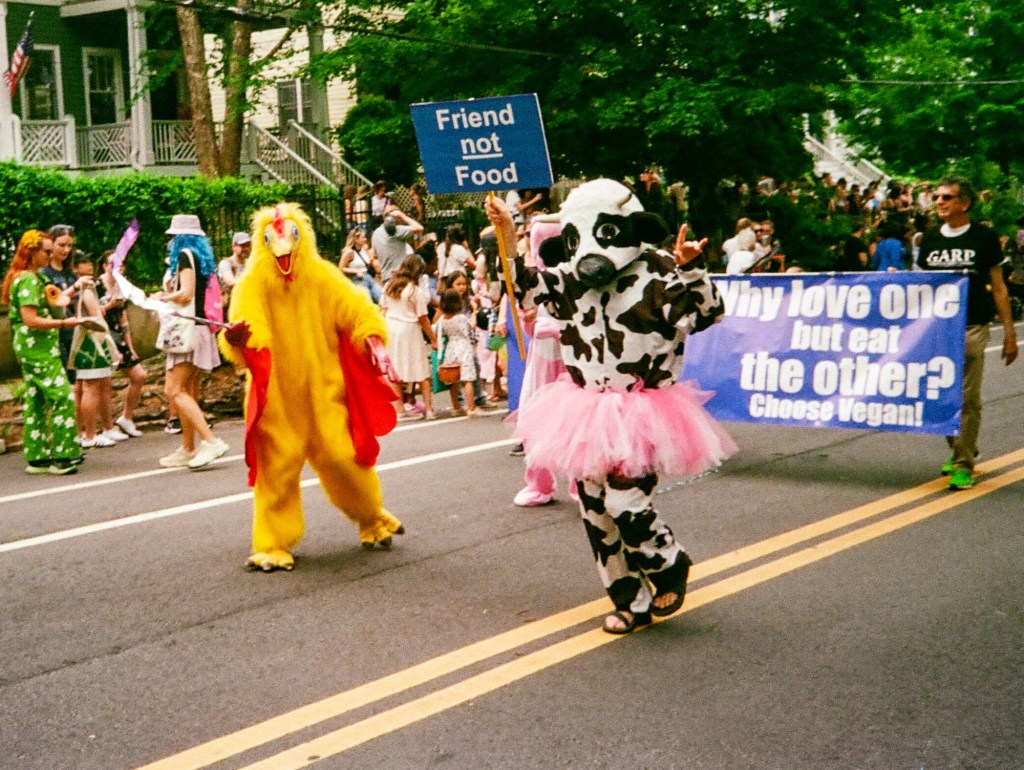
Atlanta, Inman Park Festival – Minolta AF-C – Kodak UltraMax
Shooting with the AF-C
Film loading is easy, if you are used to operating a fully manual 35mm camera.
As for shooting, there’s not much to say. You point the camera towards the subject, you press the shutter release button, and you expect that the AF-C will do the rest. Because you don’t have much to do beyond that.
a young lady seating at the table next to ours asked us whether I was shooting with a disposable camera
Oh yes, film advance is not automated, and the camera is too small for a conventional film advance lever: you have to turn the film advance wheel, like you would do on an old Instamatic. It’s making the same noise – and it’s intriguing for people who are not in the know: I was taking a few casual snapshots of my wife at the terrace of a cafe, and a young lady seating at the table next to ours asked us whether I was shooting with a disposable camera.
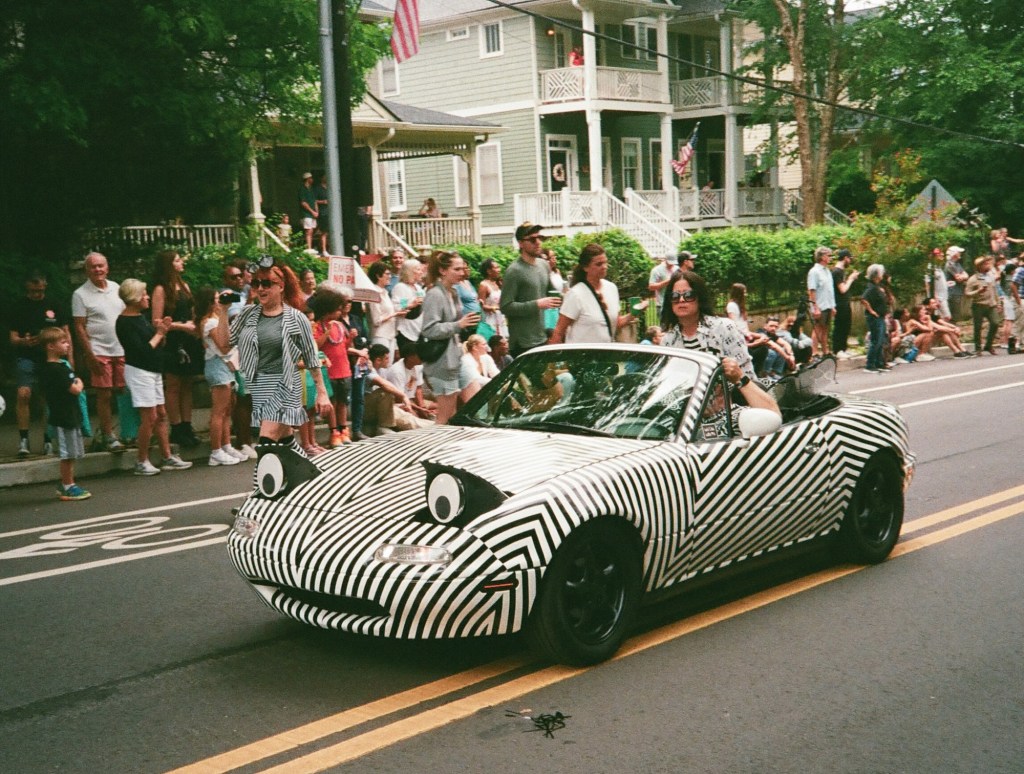
Atlanta, Inman Park Festival – Minolta AF-C – Kodak UltraMax
Fresh from the lab
I had this little camera with me when walking in the streets of Atlanta for the Inman Park festival a few weeks ago. It was loaded with Kodak UltraMax 400, not my preferred stock, but I thought it would be a better fit for the camera than my usual Ektar 100.
I was impressed by the sharpness and the contrast of the pictures
When I received the scans, I was impressed by the sharpness and the contrast of the pictures – which points to a good lens. I also liked the camera’s ability to freeze movement – the program controlling the exposure parameters seems to have its priorities in order.
As long as the subject is a street scene or the portrait of a human being, the focus is tack on. But if the subject is not at the center of the frame, or moving too rapidly inside the frame, or too small, the camera can not get the focus right. You should not use the AF-C to take pictures of pets (and of children who can’t stay in place).
I was not overly impressed by the colors though. It could come from the scanner of the lab, but I suspect that the camera had under-exposed most of the pictures. I used Lightroom’s “modern” Profiles to bring the tones to my taste, and the final results are not bad at all for a 40 year old ultra-compact camera. They have the 1980s minilab look that people seem to like at the moment.
Atlanta, Inman Park Festival – Minolta AF-C – Kodak UltraMax
As a conclusion
The Minolta AF-C is a nice little camera, very compact, and delivering good pictures if you keep it in its zone of comfort. The copy I was using was probably under exposing, and I would need to test it more thoroughly to find by how much.
But I’m afraid I won’t do it. Because I’m not really interested in spending more time with this camera.
We all shoot film for different reasons.
For me, the end result matters, of course, but the quality of the interaction with the camera is also an important factor – and shooting with this auto-everything little camera does not cut it for me.
The AF-C does the job but its approach to photography is ultimately frustrating – you know its automatic exposure and autofocus systems are relatively primitive, but there’s no way of knowing what they’re doing, let alone overriding them. And the long travel shutter release, the click of the shutter, the ratcheted film advance wheel, all give you the feeling of shooting with a cheap entry level camera.
the feeling of shooting with a cheap entry level camera
Shooting film has become seriously expensive – in the region of $1.00 per scanned image once you’ve factored the cost of film and processing by a lab. You can reduce the cost per picture if you process and scan the film yourself, but in this case you’ll be paying with your own time.
For that amount of money or personal time, I want the process of creating pictures to be enjoyable. Even if the pictures it captures are of good quality – the 35mm f/2.8 lens lives up to Minolta’s reputation – the AF-C feels too much like an Instamatic to my taste.
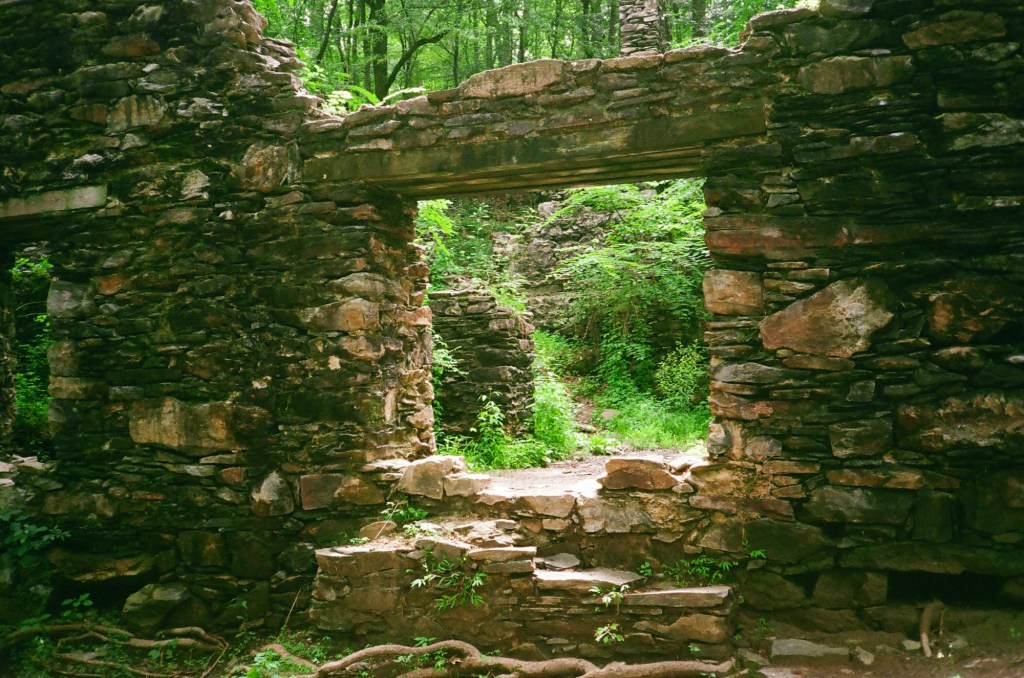
Atlanta, Inman Park Festival – Minolta AF-C – Kodak UltraMaxAtlanta, Inman Park Festival – Minolta AF-C – Kodak UltraMaxAtlanta – Minolta AF-C – Kodak UltraMaxMarietta, Sope Creek Ruins – Minolta AF-C – Kodak UltraMax
Not everybody has the luxury of dedicating a room – or even a large cabinet – to use as a home photo lab.
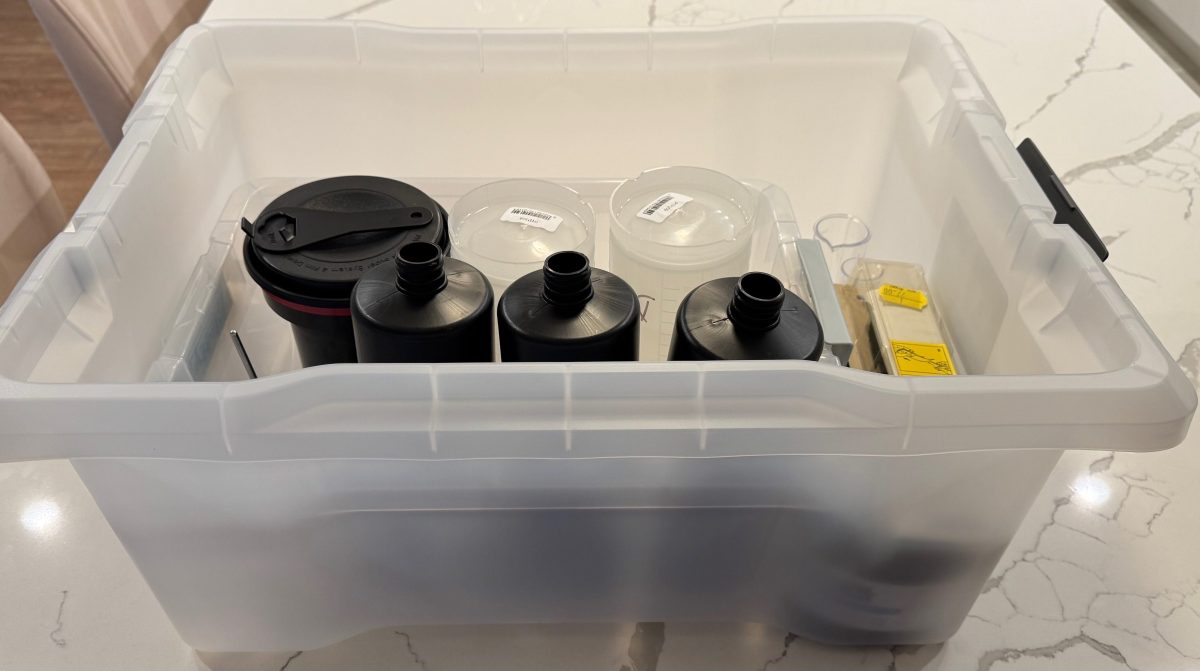
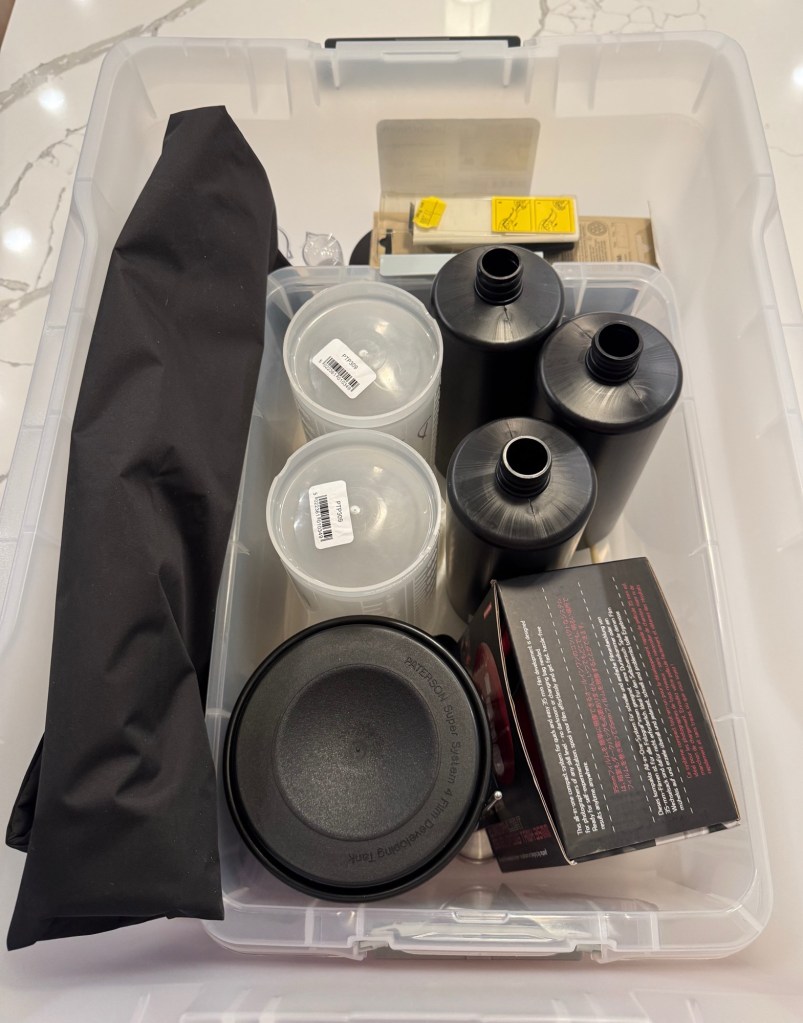
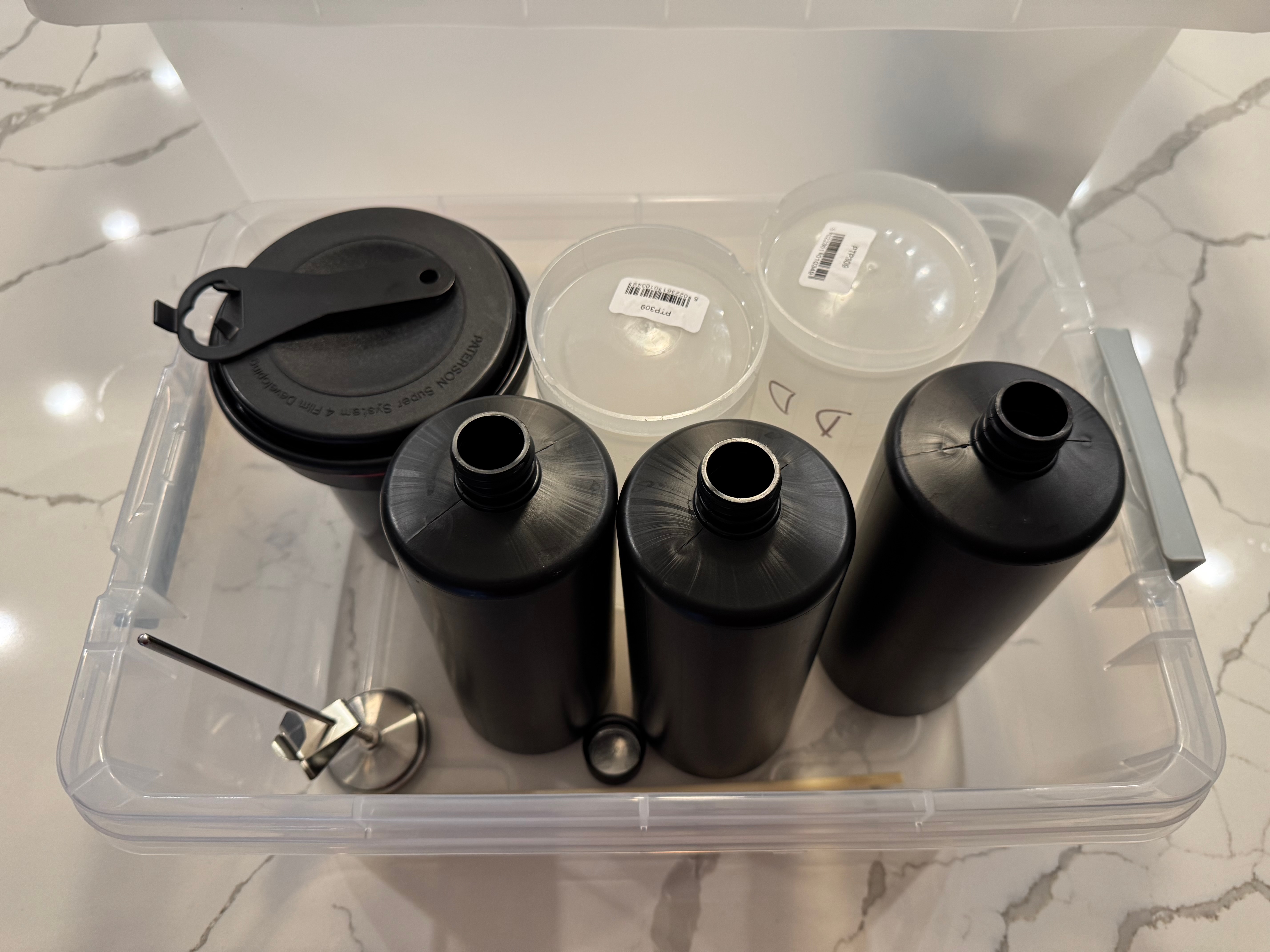
If you still enlarge and process your prints at home, you need a dark room, and plenty of space for the enlarger and the developing trays – but if you only process film, and immediately digitize it, you simply need a few square feet on the countertop of your kitchen. Once you’ve cleaned your equipment, it will fit in a 20x15x10in plastic bin, chemicals included.
Everything can fit in a 20x15x10in plastic bin, including the chemicals
A 20x15x10in plastic bin is still rather large object to carry around (and I can’t imagine people traveling with their diluted chemicals and processing film in their hotel room), but it’s easy to find it a storage place at home, even in a small apartment.
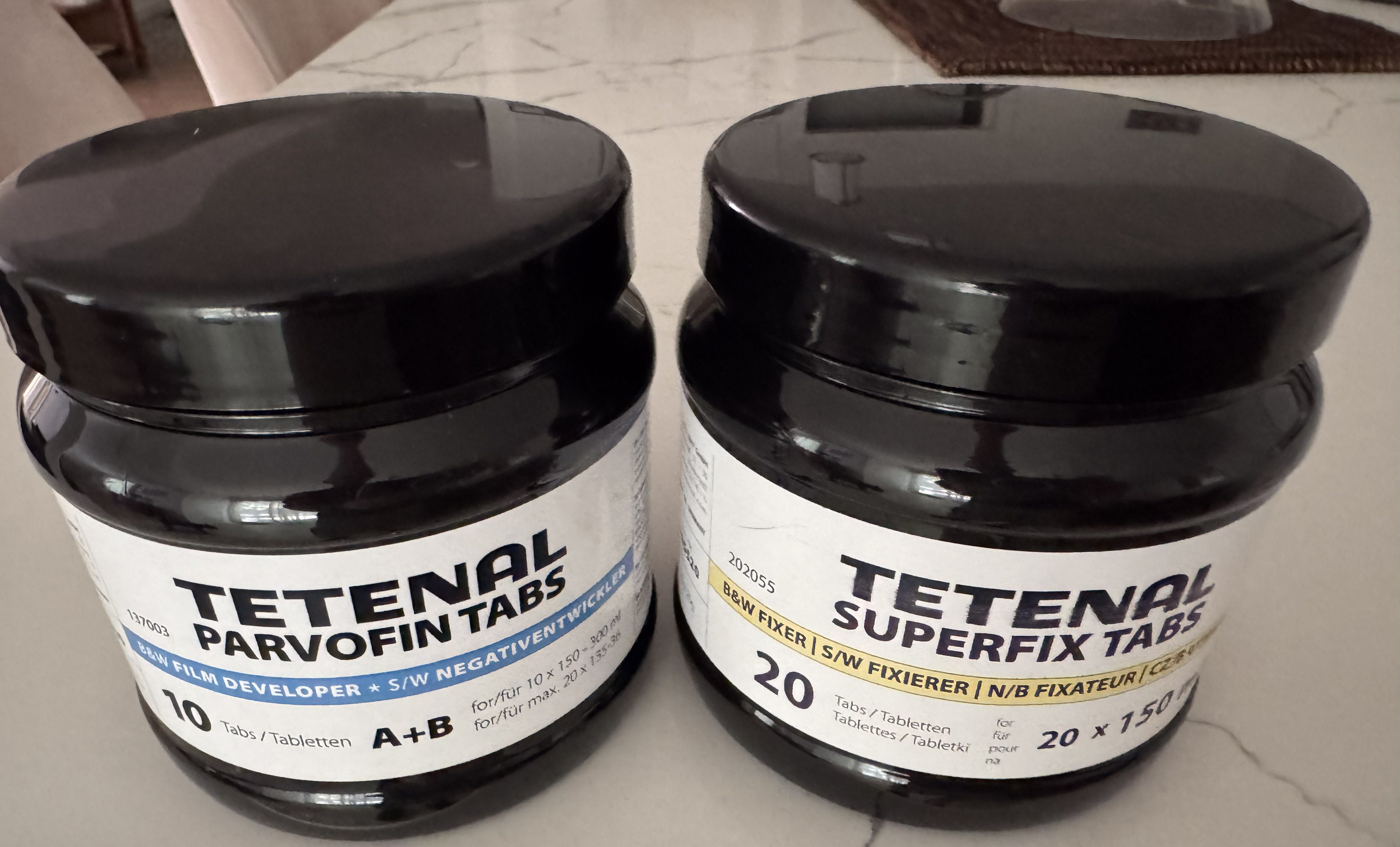
the 12 gallon bin with enough room for two tanks (one Lomo, one Paterson), bottles and even chemicals (the Tetenal tabs).
I started processing film again a few months ago, and I’m still re-discovering the secrets of the trade. I still make mistakes and I’m not ready to develop color film at home yet, but it’s one of my mid-term goals. I’m trying to keep the whole process simple and low cost, and I’m sharing here what I’ve learned, so far.
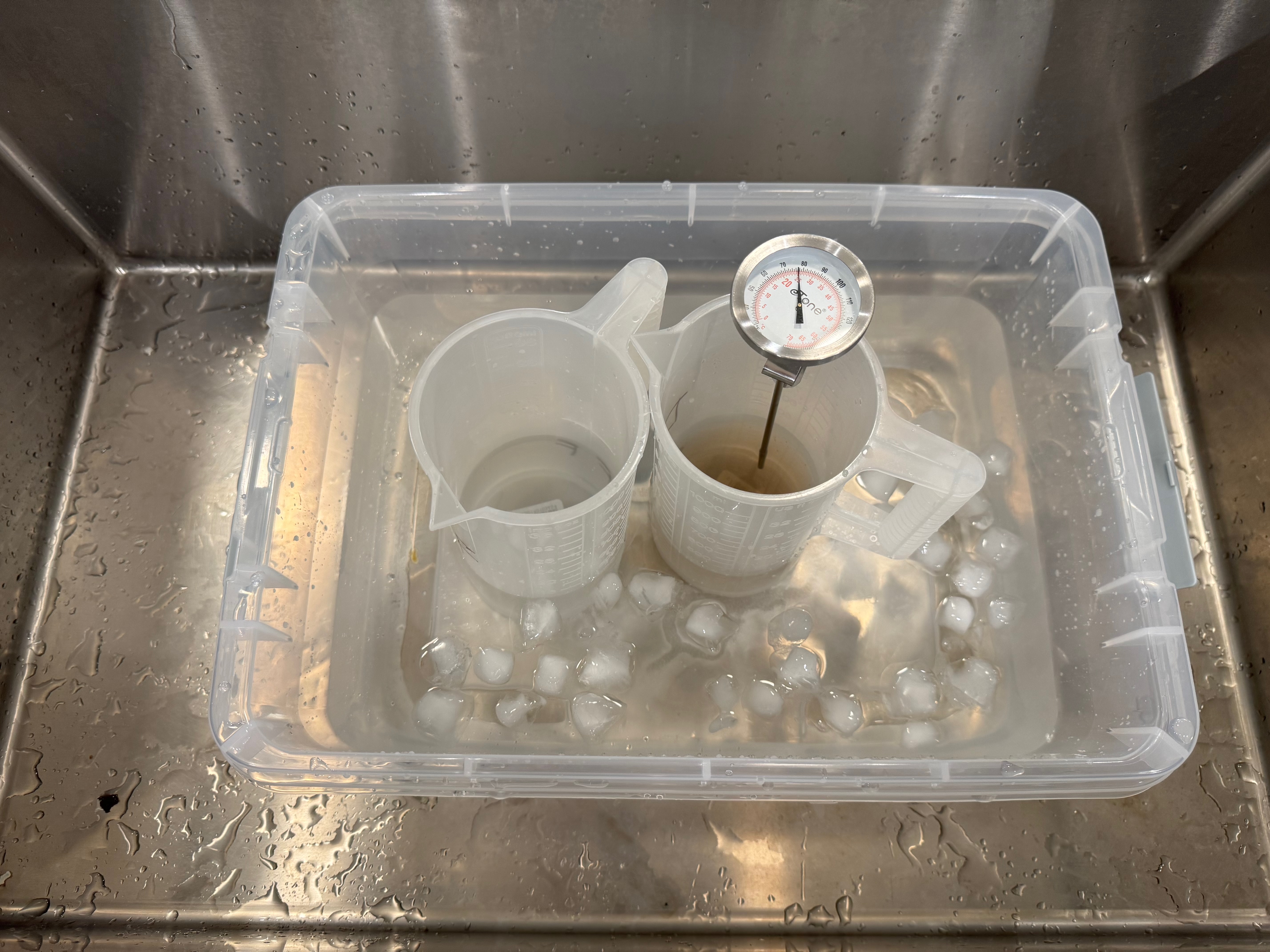
A smaller storage bin to use as a sous vide if needed
Preparing the chemicals
Preparing and storing the chemicals is the thorniest issue, in particular if you only process one or two rolls of film per month. Products (developer, fixer) are always delivered as liquid concentrate or powder, and need to be diluted before use.
Tetenal – the developer and the fixer come is two easy to store bottles.
Ilford sells a beginners starter kit (the Simplicity Starter Pack) with enough product to process two cartridges of 35mm film, but it’s horrendously expensive at almost $35.00 once you have included the cost of shipping (that’s $17.00 per roll of film… ouch!).
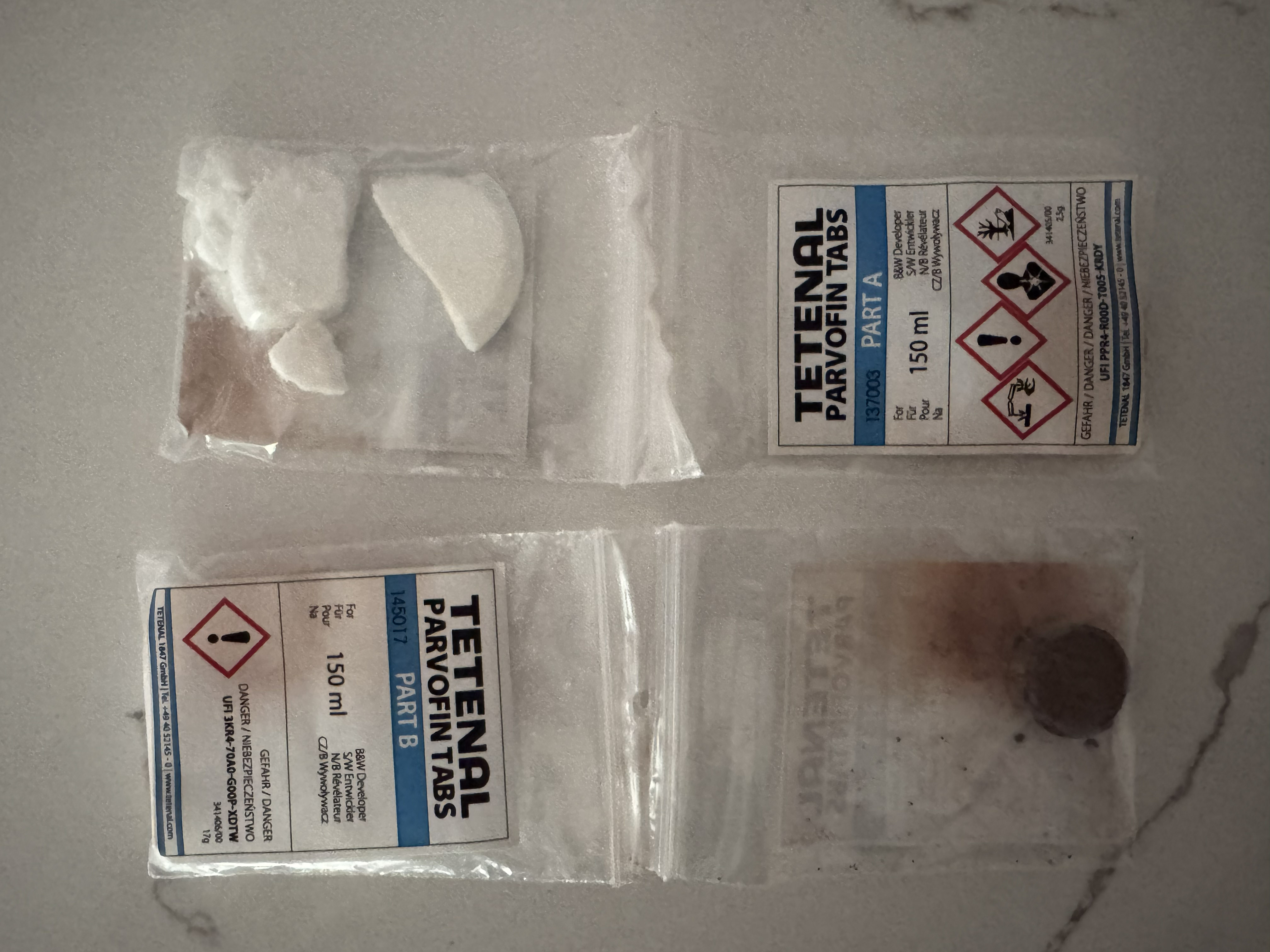
Tetenal has run out of business, but Freestyle Photo (and a few other retailers) still have a some of their products in store – I bought a bottle of Tetenal Parvofin tabs (the developer) , and a bottle of Tetenal Superfix tabs (the fixer). The products are packaged as tablets (like an Alka Seltzer effervescent tab), don’t take much space, and can be stored for a long time (four years). Each tablet is good for one roll of film: you just dilute what you need a few hours before use (you have to let it cool down). It looks like a good solution if you don’t process huge volumes of film, and don’t want to store chemicals in liquid form. The Tetenal tablets are still expensive (approximately $5.00 per processed roll of film) but they’re convenient.
Tetenal: the Parvofin tablets. The developer solution is obtained by placing the two tabs (Part A, Part B) in hot water.
Processing the film
Amateurs typically process roll film (135 or 120) in developing tanks.
Maintaining the developer and the fixer at 22 degrees c. (It’s Atlanta in July, you have to cool the B&W baths).
Paterson, Jobo (and all sort of copycats) manufacture developing tanks that have to be loaded in the dark. I’ve never trusted a dark room to be dark enough to load film, and I’ve always used a charging bag.
You slide your hands in the two sleeves, load the film on the reel, place the reel in the tank, and close the tank. Without seeing what you’re doing – of course.
Intimidating, but not that difficult after one or two dry runs.
Lomo and Lab-Box have been promoting an easier way to process film, with tanks that can be loaded in full daylight – no charging bag needed. You simply place the film cartridge in a receptacle, turn a crank, and the film is loaded. I’ve been using the Lomo Daylight Developing Tank for a few months. Yes, it works, but I’m not totally sold on it – I may even return to a conventional Paterson tank (there was a promo recently and I bought one for cheap).
Lomo Daylight imposes a trade-off between simplicity and convenience, on the one hand, and reliability and flexibility, on the other hand
The Lomo Daylight teared the peforations of the film. If it happens, the cartridge has to be removed from the loader, and the damaged section cut off before another attempt at loading the film can be made.
I’ve never seen or tested the Lab-box, but the Lomo Daylight imposes a trade-off between simplicity and convenience, on the one hand, and reliability and flexibility, on the other hand.
Reliability because to push the film on the reel hidden inside the tank, Lomo relies on a pair of sprockets (that engage in the film perforations) – and will tear those perforations if there is any resistance. If it happens in the middle of the film loading process, you have to turn the red button to cut the film, remove the film receptacle from the tank, develop the film which is already inside the tank, clean and dry the whole thing, then return to your film cartridge, cut the section where the perforations were teared down, resume film loading, and start a new film processing cycle. Of course, you lose a few pictures in the process, and a few hours of your time. Not great.
Flexibility, because the Lomo only works with one roll of 35mm film at a time, as opposed to a conventional developing tank that will offer the flexibility of developing one or two 35mm film cartridges or a single 120 film roll in one run. Also, the Lomo tends to require more product per cycle than a conventional tank, and because of its shape, may (I’ve not tested) be more difficult to use when processing color film.
Film scanning or digitizing
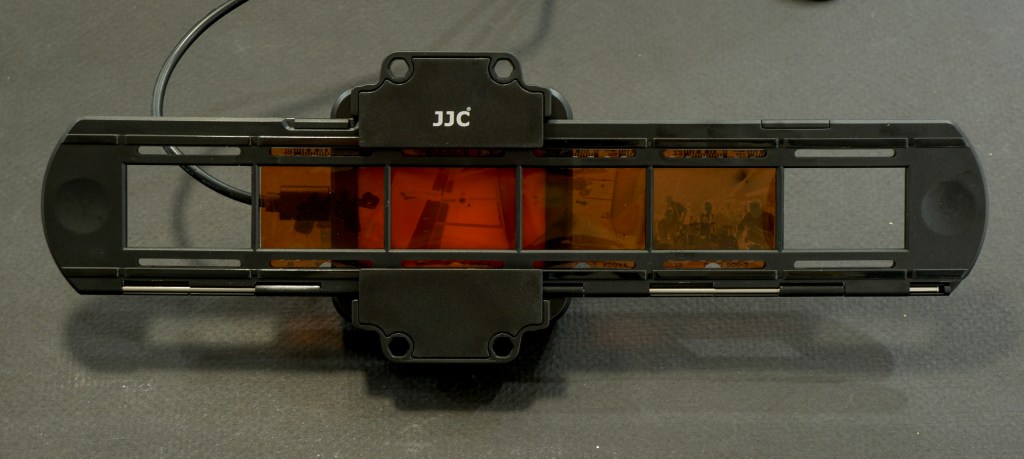
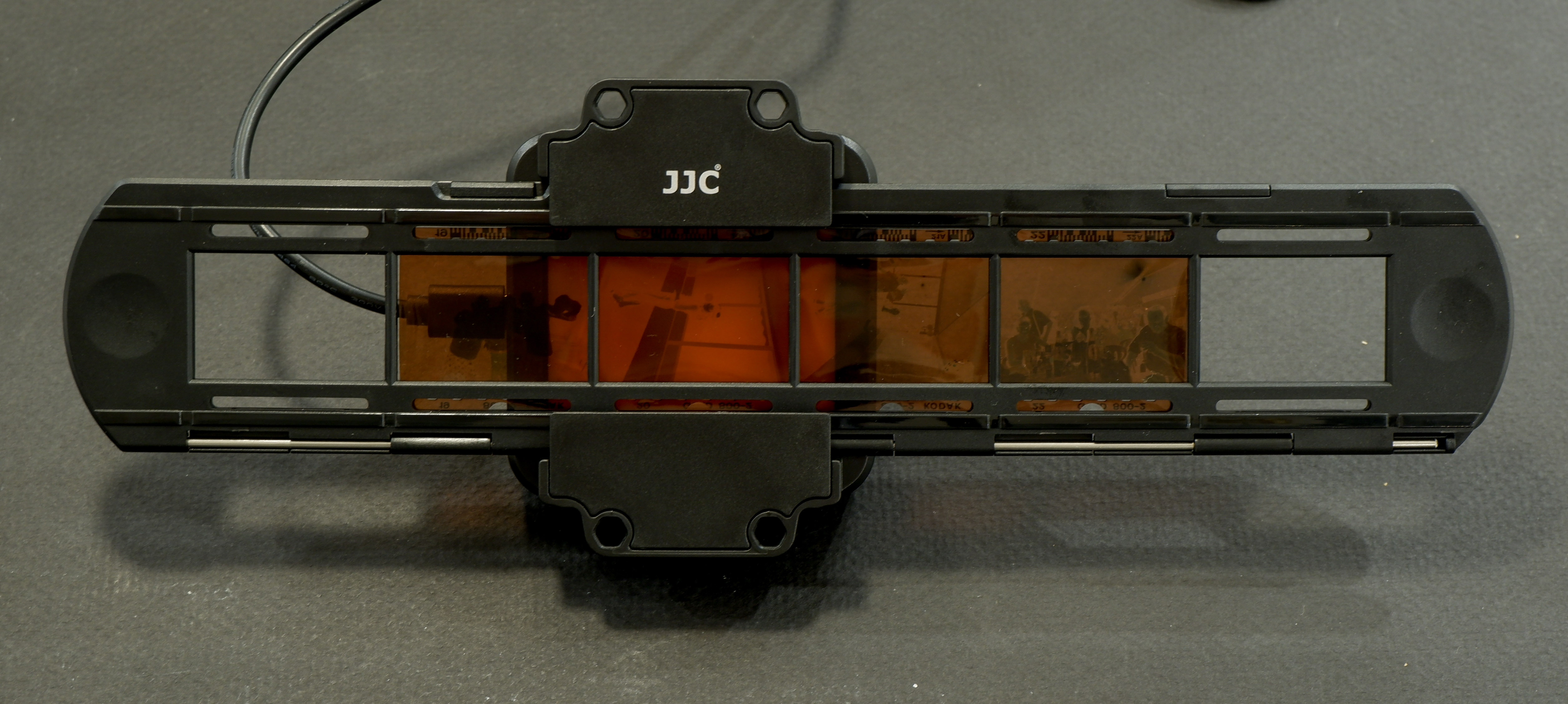
I don’t own a dedicated film scanner. I simply mount a macro lens (an old 55mm Nikkor) on my current digital camera, screw the JJC Film Digitizing adapter on the front of the lens, and digitize a full roll of film in a few minutes. I have absolutely no reservation about that part of the work flow. It’s quick, easy, and it simply works.
JJC Digitizing kit: the film strip holder
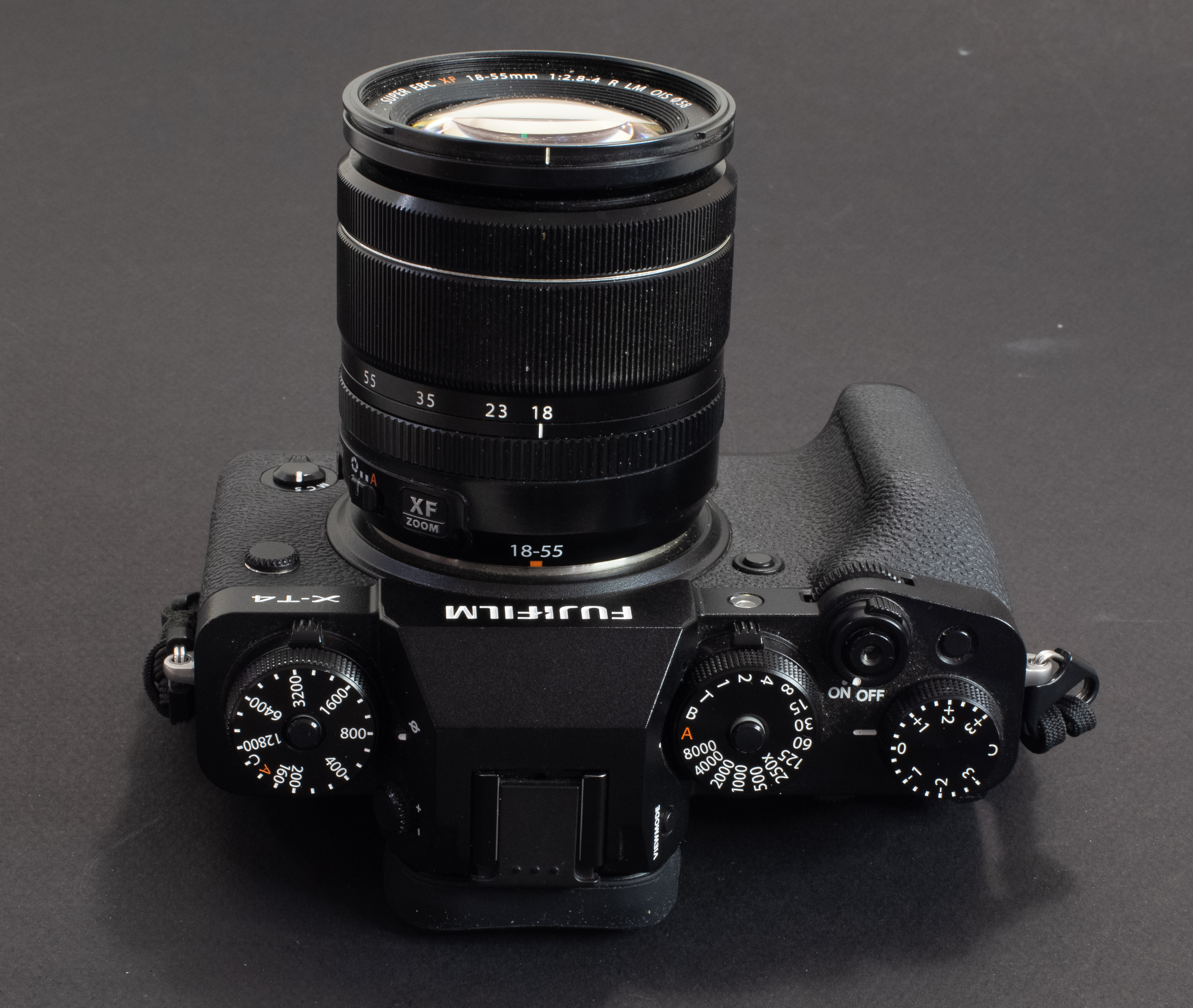
In action – Fujifilm X-T4, Fotasy Nikon F to Fujifilm X Adapter, Nikon Micro-Nikkor 55mm, JJC kit. The lightbox is included in the JJC solution, a big advantage over a similar product offered by Nikon.
Editing and sharing your images
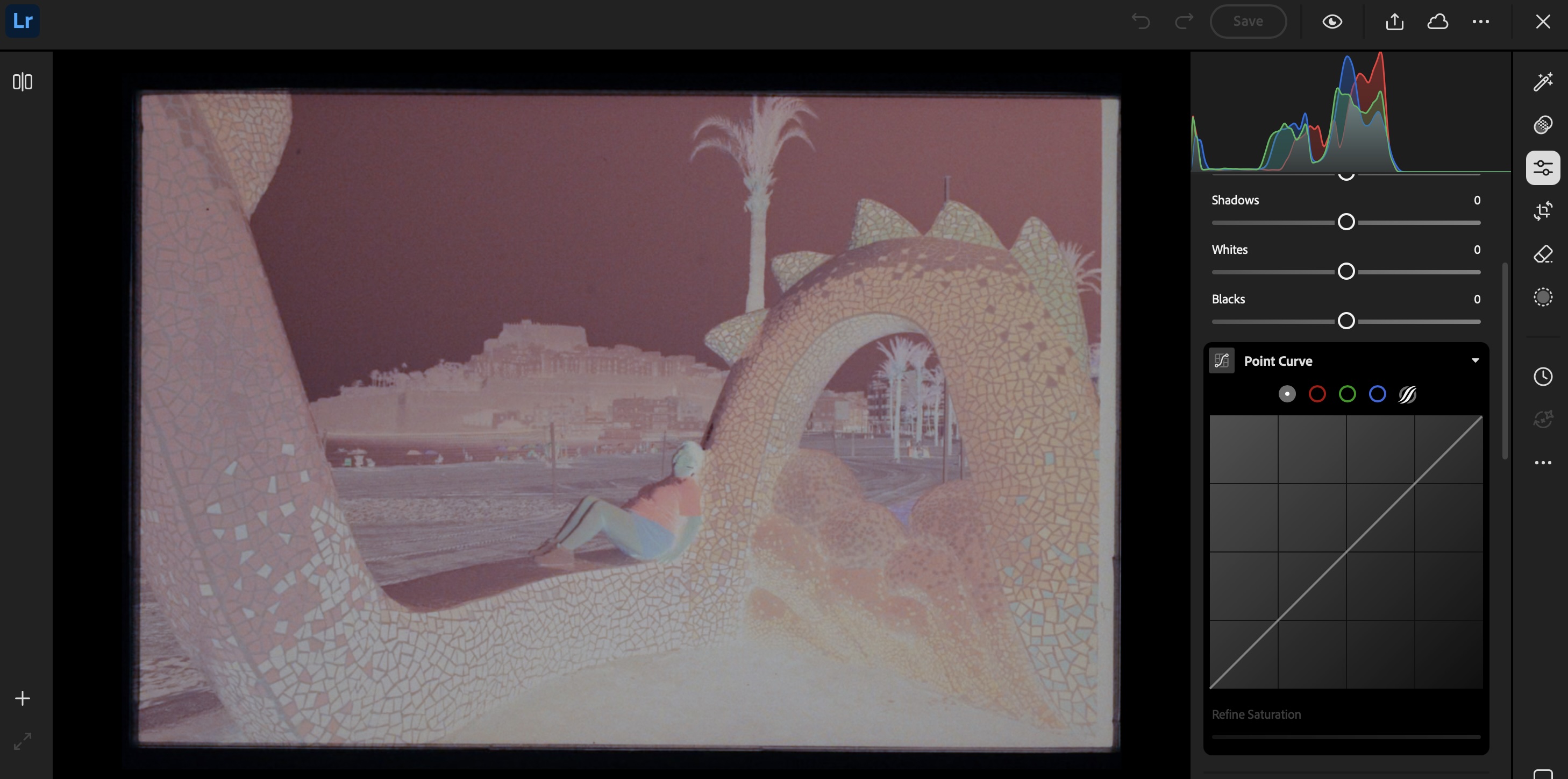
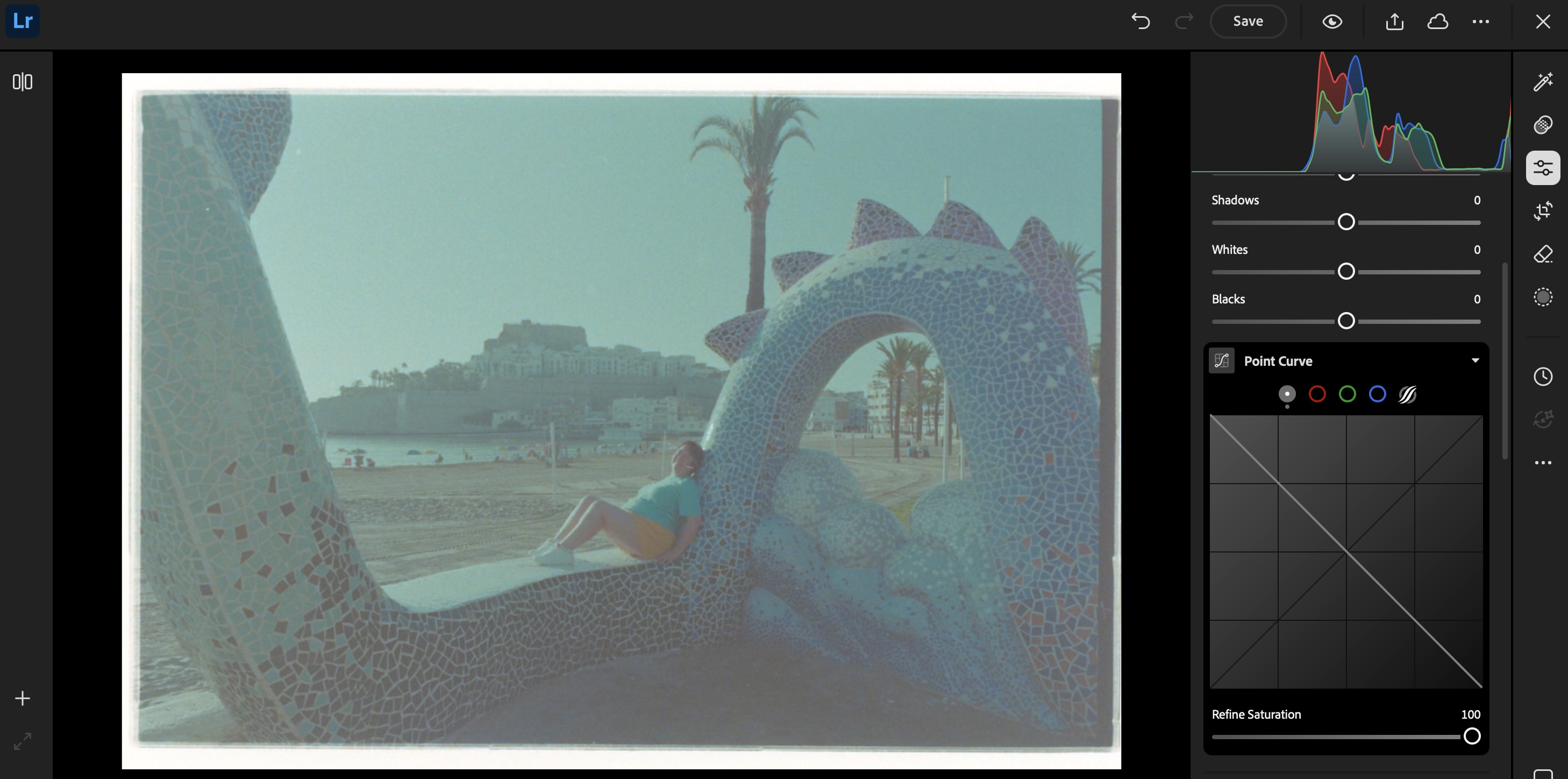
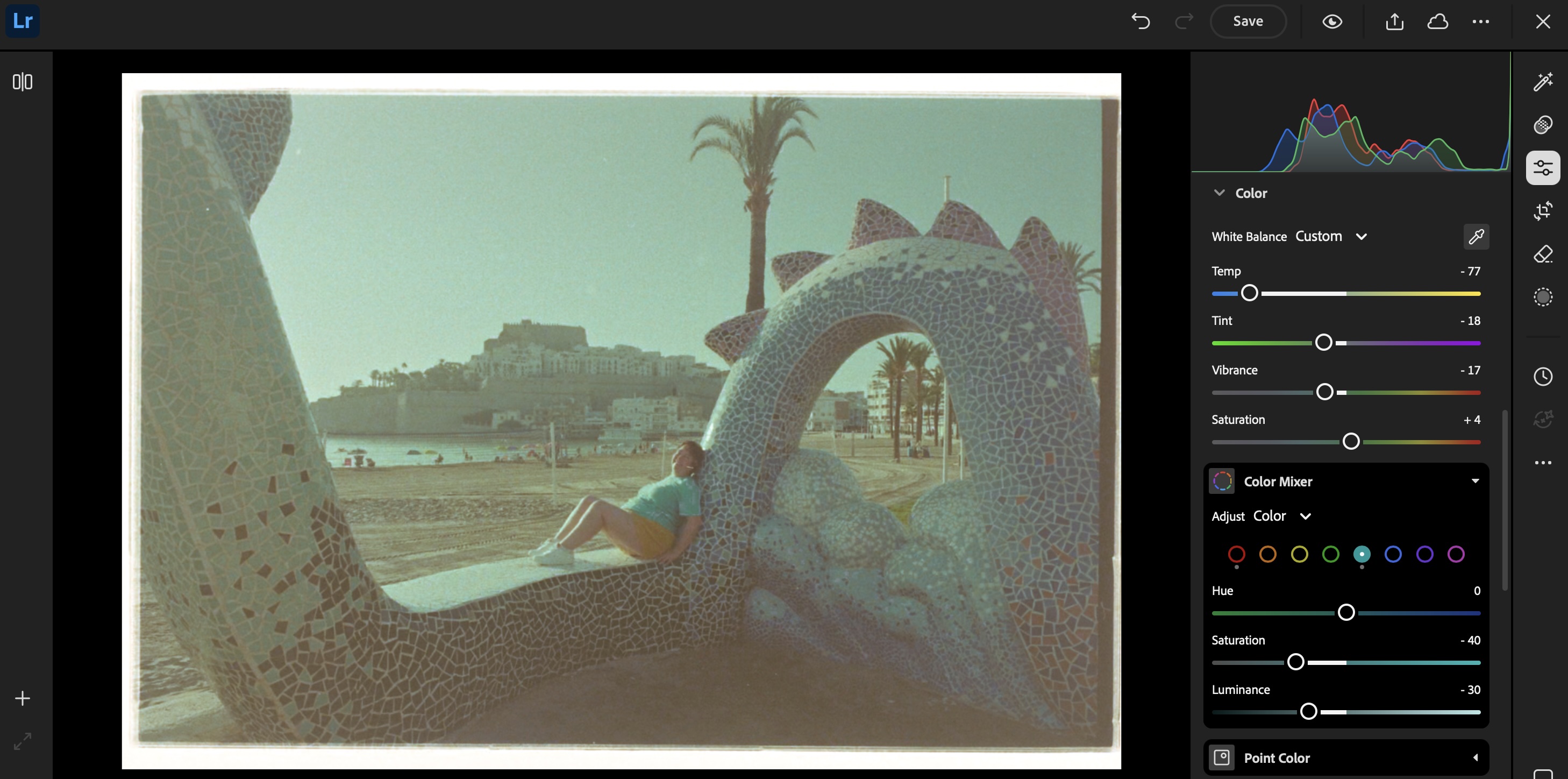
The rest of the process takes place on a “computer” (PC, Mac or iPad). I simply connect a SD card reader to my iPad or to my PC, and upload the images to Lightroom Mobile or Lightroom Web. Even the junior versions of Lightroom will let you invert the negative (by flipping the two ends of the Point Curve), and finalize the image by playing with the exposure, contrast and while balance sliders.
If correctly exposed, processed and digitized, black and white film will require very little work in a photo editing tool like Lightroom Mobile. Color film requires more effort – but so far, I’ve not felt the need to upgrade to Lightroom Classic and to a dedicated Negative Film Processing plug-in.
Step 1 – import the digitized negative Step 2: invert the image (moving the point curve)Step 3: play with the white balance and the color mixer (the difficult part)
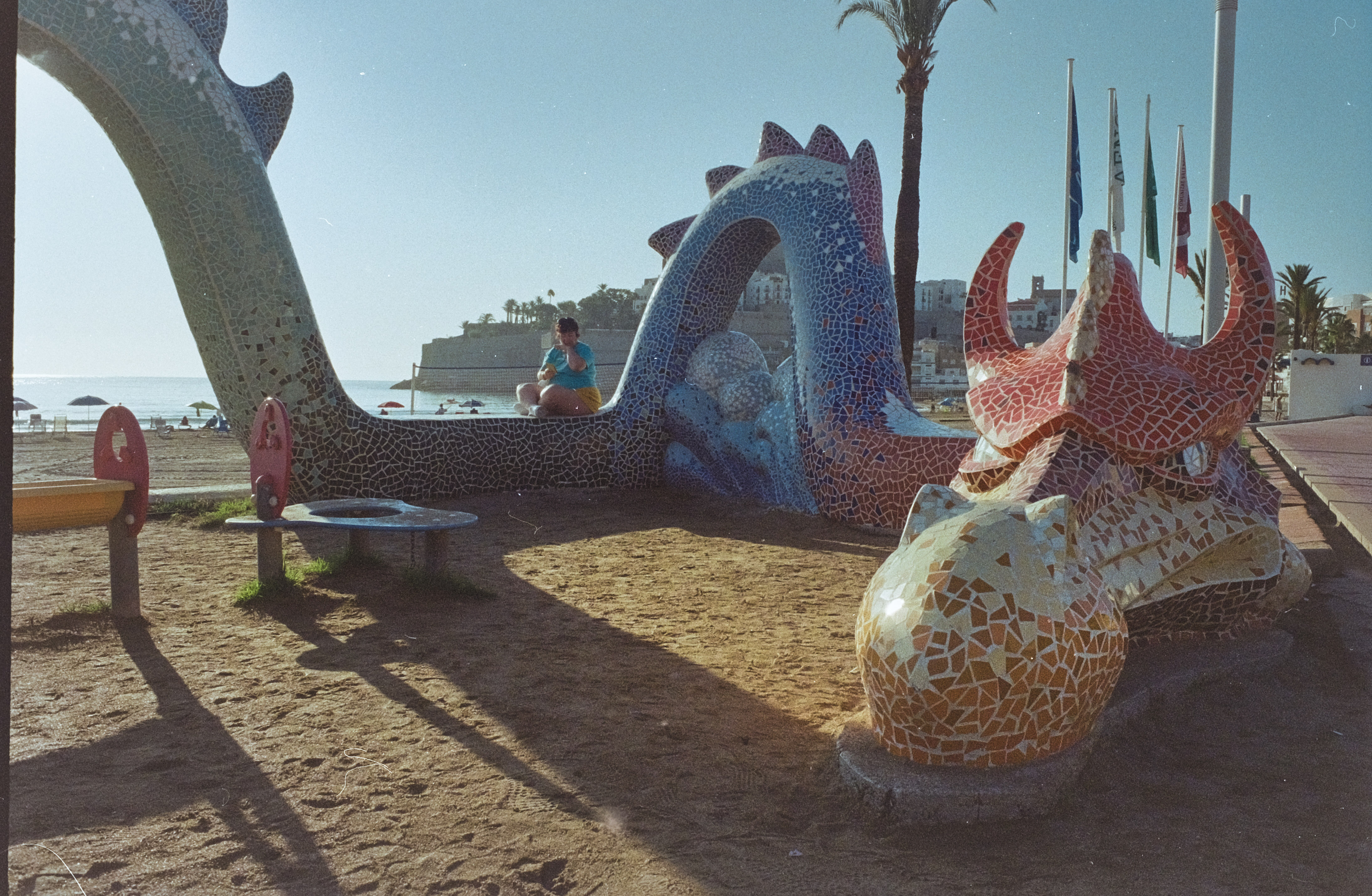
The final result: Peñíscola(Spain) – a few episodes of Game of Thrones were shot in the citadel. It explains the dragon. Digitized from film, inverted and adjusted in LightRoom Web.
As a conclusion: what’s in my plastic bin?
Developer, fixer, bottles, tank, thermometer, beakers, samigons, squeegee, weighted clips – everything fits in my 12 gallon plastic bin. Color processing would require an extra device to maintain the temperature of the baths and the tank at 38 degrees C, but I don’t need one for B&W film (in the Atlanta summers, the difficulty is to keep the temperature of the B&W baths low enough).
I included in my kit a smaller bin to use as a sous-vide, to keep the chemicals at a controlled temperature while processing the film. It also fits in the larger bin.
Digitizing adapter, macro lens and digital camera are stored separately, of course.
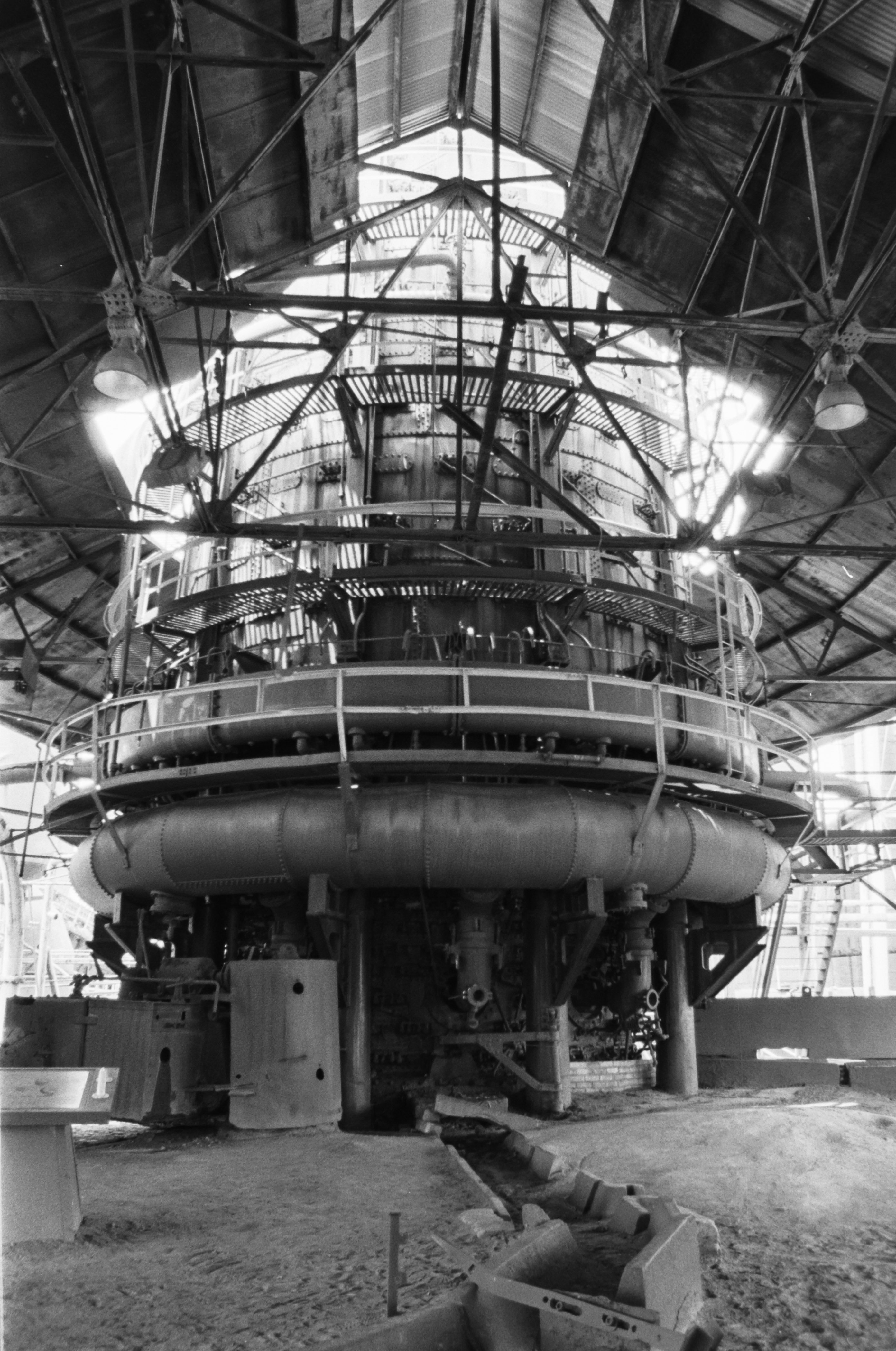
Sloss Furnaces – Birmingham, AL Pentax Program-A – Ilford FP4
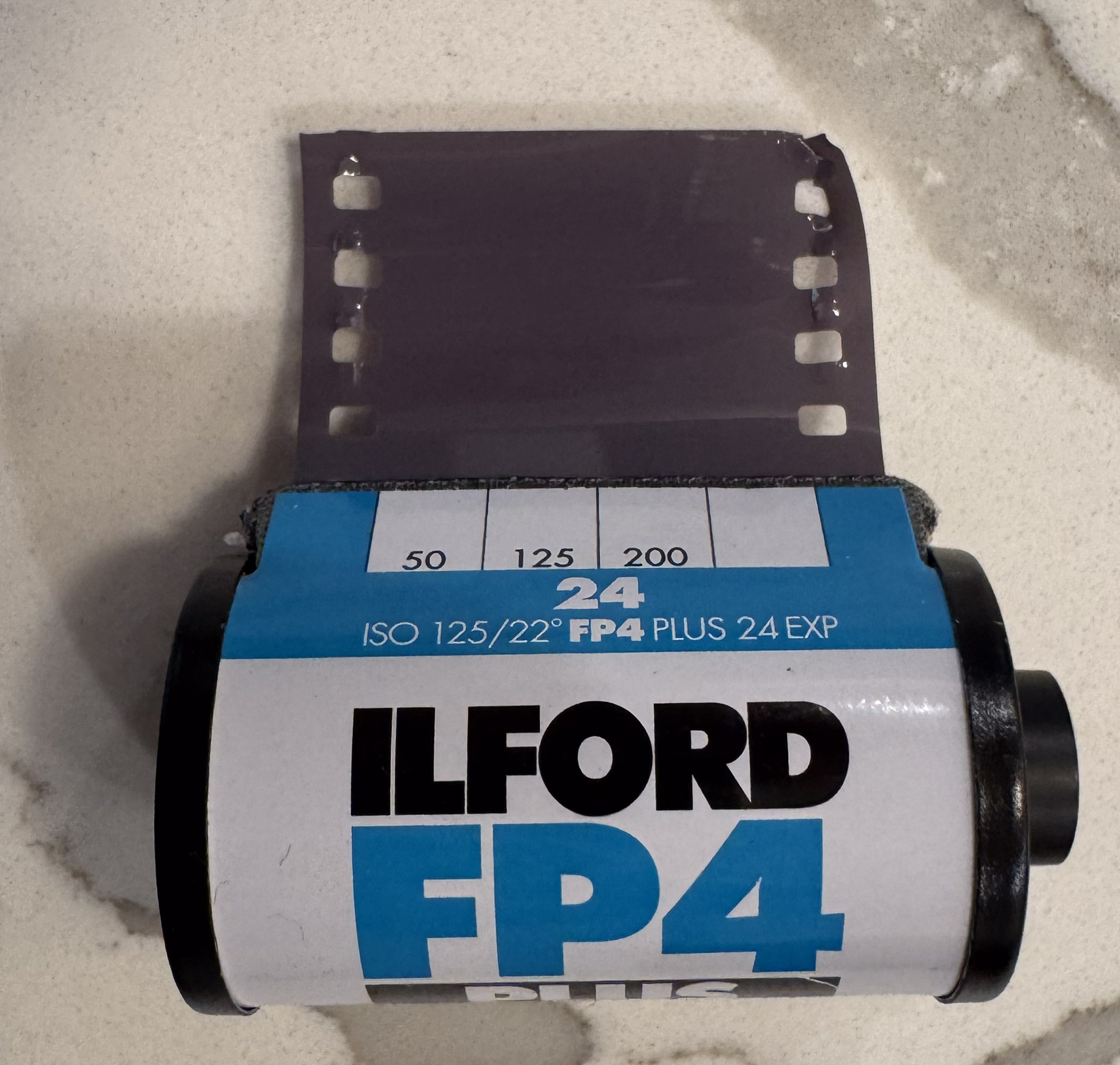
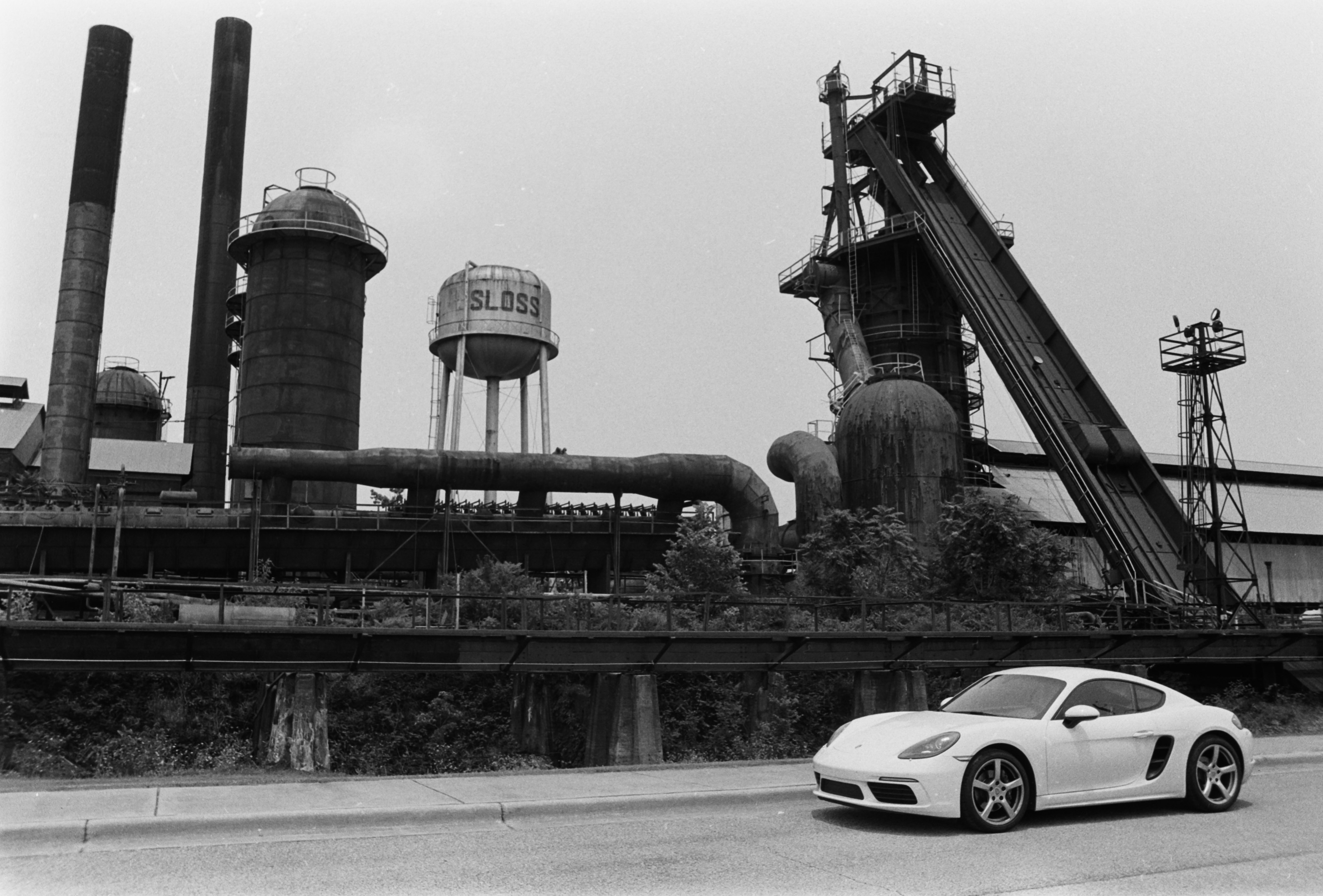
Sports car at the Sloss Furnaces. I found the contrast between the modern white car and the dark industrial ruins interesting. All pictures of the furnaces were shot on Ilford FP4 – Developed at 22 degrees C in Tetenal PARVOFIN. Negative shot with the JJC Film Digitizing adapter and inverted in Lightroom Mobile.
I’ve been an avid reader of the excellent French photography magazine “Chasseur d’Images” for a very long time, and there are still a few dozens of (very old) issues stored in my mom’s attic. The last time I explored the place I found the issue #123 of the magazine (published in June 1990, I believe), where the CI crew were testing the Angenieux 28-70 f/2.6 zoom. There is no flatbed scanner at my mom’s place, and I just took a few pictures of the article with my phone.
The front cover of the issue #123 of Chasseur d’Images. Chasseur d’Images is one of the few surviving printed photo magazines.
That zoom was the last attempt by Angenieux to maintain a presence in the consumer photography market (they’re still in business, but now develop lenses for the movie industry and for aerospace and defense systems). The specs sheet of this lens is extremely close to the Tokina 28-70 f/2.6-2.8 AT-X Pro zoom that the Japanese optics company launched in 1994 – to the point where it’s difficult to tell if Tokina bought the blue prints from Angenieux when they decided to leave the consumer photography market, or if the Angenieux zoom itself was the result of a collaboration with Tokina from the beginning.
The lens and its accessories.
In any case, the Angenieux was labeled “Made in France”, which implies that “the most significant part of its manufacturing” took place in France. More on this subject in: CamerAgX: the truth about the Tokina 28-70 f/2.8 lens.
The typical “Angenieux” industrial design.
Since this site has seen a constant interest for the original 28-70 Angenieux zoom and its Japanese cousins, I took the liberty of asking ChatGPT to transcribe and translate the original article from 1990.
Below is the English translation of the Chasseur d’Images review of the lens, as well as the original test charts – courtesy of ChatGPT.
Enjoy.
“Presented in Nikon AF mount at the 1989 Photo Show, its commercial release—announced as imminent—was delayed several times due to production difficulties. This time, it’s finally here, but the quantities delivered will be far from meeting demand! There’s very little polycarbonate on this lens—instead, it has a solid construction made of a beautiful, lightweight black satin-finish alloy. Fairly bulky and heavy due to its large aperture, it still handles quite easily.
Regarding the aperture, we found that it wasn’t entirely photometrically consistent (a variation of 0.4 EV between 28 and 70 mm). As for the Nikon F-801 and F4 bodies, they don’t recognize the f/2.6 aperture, always displaying f/2.8 in the viewfinder. This is a minor inconvenience. The zoom ring operates with smooth and progressive movement. The autofocus is precise and very fast, though rather noisy. Be careful not to accidentally hinder the very wide focus ring that turns during AF searching.
In manual focus, it performs its role properly, although the rotation is not sufficiently damped. A minimum focusing distance of 0.65 m is acceptable, but nothing more. We noted with satisfaction the presence of a depth-of-field scale for the 28 mm focal length—a very rare (and very useful) feature on a two-ring zoom! The Ø77 filter mount remains fixed during focusing. The lens hood is only available as an option.
From our testers
This lens has only two weaknesses: at 28 mm and f/2.6, the edges—and especially the corners—lack definition, and at 70 mm, still at full aperture, the overall contrast is rather low. However, as soon as the aperture is stopped down, its optical performance becomes very good and even excellent at medium apertures, showing remarkable consistency regardless of the focal length. A slight decentering does slightly affect the results on either the right or left depending on the focal length tested, but in a completely insignificant way and only at the two largest apertures. As expected, it is at 28 mm that vignetting and distortion are most noticeable. Very good color rendering with no perceptible color cast. You can leave the supplied UV filter on the lens permanently, as it has no significant impact on performance.
Summary
Zooms of this type with (practically) constant aperture can be counted on one hand. In our opinion, the Angénieux is the best currently available. Its only direct rival, the Tokina 28–70 f/2.8, is certainly less expensive but also noticeably less capable. Compared to the Nikkor AF 35–70 f/2.8, it also proves superior (at equivalent focal lengths), even if the difference is minor in this case. Only the very expensive Canon 28–80 mm f/2.8 delivers more consistent results at shorter focal lengths, thanks to its two aspherical elements. We should point out that this new Angénieux clearly outperforms the older 35–70 mm version, with better distortion correction at 35 mm and better sharpness at 70 mm.
Our very rigorous testing procedure made it narrowly miss a fourth star in performance. However, as its price is reasonable given its outstanding features and performance, we award it five stars for value for money. A zoom lens “made in France.” The first European AF lens! After all, why not say it…”
(from” Chasseur d’Images – Issue #123 ” – Transcribed and translated by ChatGPT).
As for the charts, ChatGPT could only translate the legends – it did not rebuild the charts for me.
Test of the Angenieux 28-70 zoom – at 28mmTest of the Angenieux 28-70 zoom – at 50mmTest of the Angenieux 28-70 zoom – at 70mm
No need to be fluent in French…They absolutely loved that lens
Of course, you have to place this test in the context of the time. In 1990, I don’t think it had any real competition. Nikon’s 35-70 f/2.8 AF had been available for a few years but it covered a more limited range, and Canon’s EF 28-80 f:2.8-4 L USM was larger, heavier and even more expensive. Direct competition from the 28-70 f/2.8 zooms of the “big three” would not come until 1993 for Canon and Minolta, and 1999 for Nikon. As for the independent Japanese optical companies, they didn’t have Angenieux’s prestigious reputation. For a few years, Angenieux had the market for themselves.
I was shooting with Minolta Maxxum/Dynax cameras at the time and I broke my piggy bank to buy that lens in 1991. It remained my everyday lens for a good ten years, until I switched to digital. I remember it as a very beautifully designed and very solidly built object, whose fully metallic construction made the typical Minolta autofocus back and forth between close-up and infinite rather loud. I never tested the lens “scientifically” (not my style), but when I look today at the pictures I’ve taken with it, I’m still impressed by its resistance to flare. Of course it was large and heavy, and it saw less use when I started shooting with the Minolta Vectis S-1 (one of the only two interesting APS (film) cameras), which made for a much lighter and smaller combo with its tiny 22-80mm zoom.
By the mid 2000s, Konica-Minolta was in deep trouble, and I had lost hope that they would ever design a digital SLR worthy of the Angenieux zoom, and I sold it. For a good price, but nothing to be compared to what it would fetch today.
The Angenieux 28-70 f/2.6 zoom is now a collector (nothing on eBay for less than $3,500), when its competitors of the early nineteen nineties trade for a few hundreds of dollars at best.
Angenieux 28-70 AF zoom with the “small” lens hood.
More about Angenieux 28-70 zoom and its Japanese cousins in CamerAgX
35mm film cameras did not record EXIF information and my archival system was not very refined at that time – I kept my best pictures in photo albums but did not keep track of what camera and what lens had been used to take a specific picture.
But until I bought the Vectis S-1, a Maxxum was my main camera, and the Angenieux was the lens I shot the most often with. The pictures below are therefore “assumed” to have been shot with the Angenieux 28-70 f/2.6 zoom, even if I can’t be 100% certain of it.
Paris – Shot from the Pont Neuf – Minolta 7xi – Angenieux zoom 28-70 F/2.6 (in 1991 or 1992)
Shot from Le Pont Neuf in Paris, circa 1991/1992 with a Dynax 7xi and the Angenieux zoom.
Lake Gjende (Norway). Scanned from print – Minolta 700 Si (Aug. 1996)
Joe – Skipper on Lake Powell (AZ) – Scanned from print – Minolta 700si – Angenieux 28-70mm f/2.6 zoom (May 1994)
Digital single-lens reflex (dSLR) cameras still have unique qualities. Even though modern mirrorless cameras outperform them in many situations, using the optical viewfinder on a good digital SLR is a real pleasure. I’ve used almost exclusively SLRs in my formative years, and it probably conditioned my eyes and my brain to be more comfortable and creative when I see a scene through an optical viewfinder. That’s why I finally decided to add another dSLR to my kit in complement to my mirrorless equipment.
Pentax K-5 and its kit lens
I was not willing to spend too much money on this nostalgia trip – I had set a limit of about $150 but I still wanted the camera to have a great viewfinder, a lot of directly accessible commands, and a sensor capable of delivering technically satisfying pictures. The colorful Pentax K-r I reviewed recently was a good introduction to Pentax’s dSLRs family, but certainly not the “advanced”, “semi-pro” APS-C dSLR I was looking for.
My $150 budget consigned me to “advanced” or “prosumer” APS-C cameras from the early 2010s, with an image sensor in the 15 to 20 megapixel range. In that category, Pentax has always had a strong offering, with compact, well built cameras benefiting from a great optical viewfinder. Between the K-7, the K-5 and the K-3, which one was going to be my pick?
Pentax K-5 Mk II – a typical “modal” user interface – most of the settings have their own dedicated key.
Which Pentax K camera to choose?
Over the years, Pentax have introduced three generations of their “advanced” APS-C model line (the K-7, the K-5, the K-3), and have derived Mark II variants of the K-5 and K-3. The current K-3 Mark III launched in 2021 is not as directly related to the K-7 as its predecessors. It’s a very significant upgrade over the K-3 Mark II (it could have been named K-1 if there was not already a K-1 camera in Pentax’s line-up) and part of its appeal is that it’s also available with a monochrome sensor (as the K-3 Mark III Monochrome, of course).
The family saga started in 2009 with the K-7, equipped with a 14 mpix sensor manufactured by Samsung. The camera was so good it was used as the basis of the subsequent K-5 and K-3 models proposed by Pentax, up to the K-3 Mark II. The sensor, on the other hand, could have been better. It yielded good results up to 800 ISO, but gave up at higher sensitivities, producing images with significantly more noise than the competition. Even the K-7’s little brother, the Pentax K-r, equipped with a 12 Mpix Sony sensor, delivered better results in those situations.
Pentax K-5 Mk II – this iteration of the camera has gained an “air gapless LCD screen”
Not surprisingly, the Samsung sensor was replaced by a very good 16 Megapixel sensor in the follow up model, the K-5, launched only one year later. This sensor belonged to a family of high performance chips developed by Sony, which were also used to great results in Fujifilm, Nikon and Sony’s own cameras.
In 2012, the K-5 was replaced by two models, the K-5 II (or K-5 Mark II) – more or less the same camera but with an improved autofocus system, and the K-5 IIs (or Mark II ‘S’) – equipped with a sensor deprived of an anti-liaising filter, and offering a higher resolution of fine details as a result.
The K-3 of 2014 adopted a new 24 MPIX sensor, and was followed by a K-3 Mk II variant equipped with a GPS chip in 2015. As mentioned above, the current Mark III came seven years later with a more modern 26 Megapixel BSI sensor, a vastly improved autofocus system, an extra control wheel, a joystick to select the focus point, and new menus. It is the most “advanced” of all Pentax APS-C cameras, and, with the now discontinued Nikon D500, one of the two most elaborate APS-C dSLRs, ever.
The Pentax K Mount is 50 years old – note the metal bayonet and the red gasket on the 18-55 DA AL WR zoom.
Let’s talk money
Very often the price of a camera on the second hand market is not an exact reflection of its technical capabilities: the K-7 and the first generation K-5 can be found at the same price (between $150 and $200.00), when there is a real performance gap between the two models. The K-5 IIs is often $100.00 more expensive than a K-5, because of the higher resolution of fine details promised by its 16 Megapixel sensor, deprived of an anti-liaising filter.
The K-3 is much more expensive than any variant of the K-5 on the second hand market: with a 24 or 26 Megapixel sensor and no anti-liaising filter, its image quality is on par with the best in the current crop of mid level APS-C cameras, and its price is often established in reference to the hefty sum that Pentax is charging for a new K-3 Mark III. A used first generation K-3 can not easily be found for less than $450.00, and a second-hand K-3 Mark III will cross the $1,000 barrier.
For my needs the K-5 (the non “s” model) represented the best deal in the K-7-5-3 family. I found a very nice K-5 Mark II in the price range I was targeting, and it’s the model we’re going to review today.
Colonial Homes – Blue Symmetry – Pentax K-5 / Pentax lens 18-55 f/3.5-5.6 AL WR
First impressions
Yes, the camera is remarkably compact for a dSLR (in general), and for a model targeting enthusiasts, in particular. It’s not really larger than entry level dSLRs such as the Pentax K-r or the Nikon D3100, and it’s smaller than film era SLRs like a Nikon F90 or a Canon EOS 620. And next to a full frame digital dSLR like a Nikon D800 or a Canon 5d, it’s a dwarf.
Two “advanced” dSLRs – Full frame on the left, APS-C sensor on the right. The difference in size and weight is striking.
In comparison to a K-r or a D3100, it’s almost twice as heavy, though, because it’s built out of metal instead of plastic. It’s very substantial and seems very well built – and really feels like a tool a “pro” would use.
Another reason it’s heavier than a K-r or a D3100 is its viewfinder, which provides a significantly larger and brighter image. It’s visibly not as large or luminous as what you would find on a “pro” full frame camera (film or digital), but when you start considering the size and weight of the combo formed by a full frame body and its trans-standard zoom, then the K-5 looks like a very interesting compromise for action or travel photography.
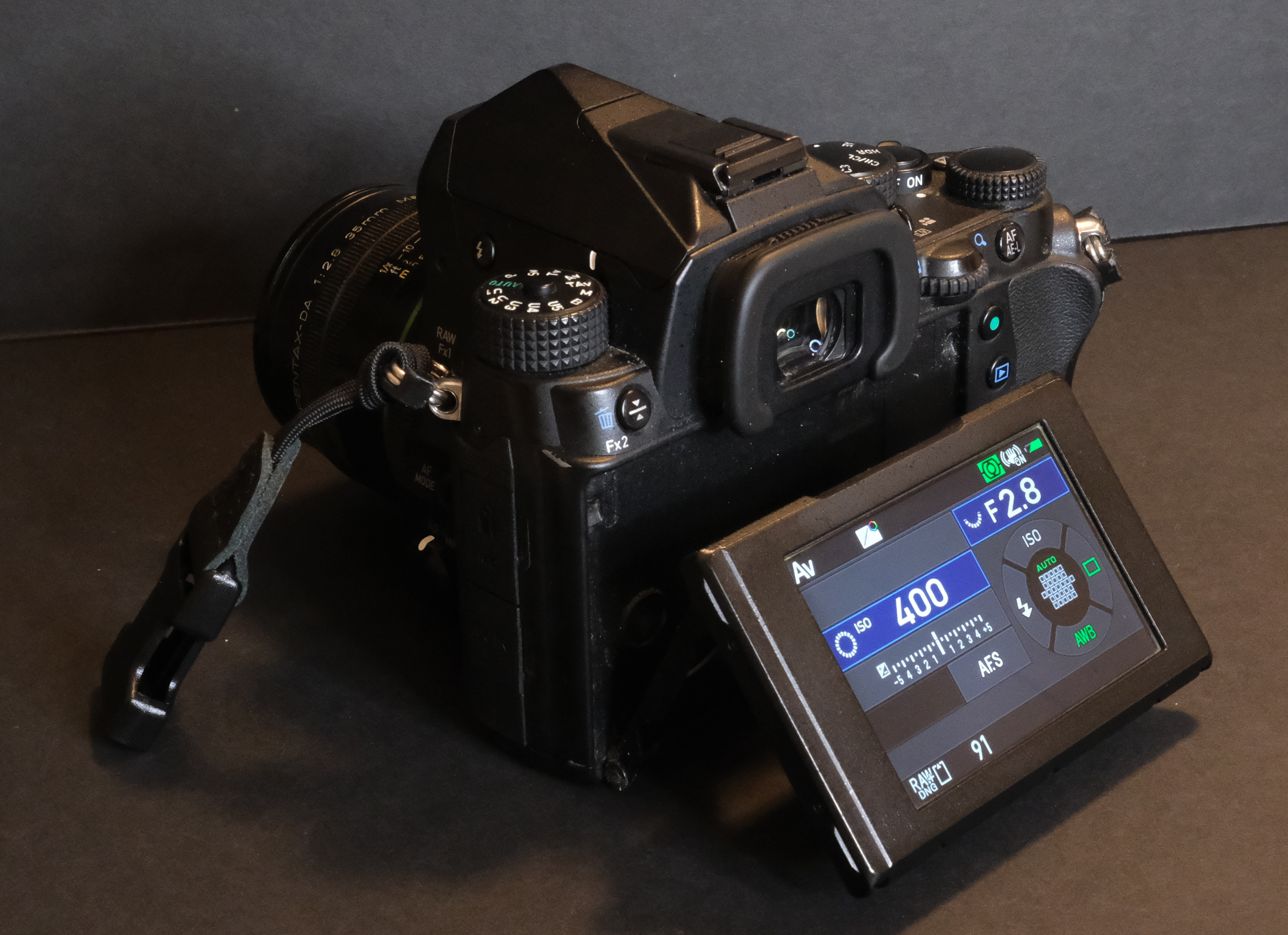
Lastly, if you’ve been used to the modal interface of autofocus SLRs and dSLRs of any brand, you’ll feel right at home. The most current settings can be changed by pressing a dedicated touch, and then adjusting the value with the control wheel – and there are two of them, as it should be. If you trust Pentax’s default settings, you’ll be ready to shoot in no time.
Pentax K-5 – note the lock on the battery door – Pentax takes “weather proofing” very seriously.
Not everything is perfect, though, and in some areas it shows its age.
The menus look dated (big, low res fonts, plenty of tabs) and not inviting. The large LCD display at the back is fixed, and is not touch enabled. Of course there is no joystick to select the active autofocus area, and no way to upload wirelessly the images to a smartphone or a tablet. And I will not mention “live view” or video capabilities – the K-5 can’t compete with a mirrorless camera on the former, and not even with a recent smartphone on the latter.
Through the viewfinder of a Pentax K-rThrough the viewfinder of a Pentax K-5Through the viewfinder of a Canon T90.
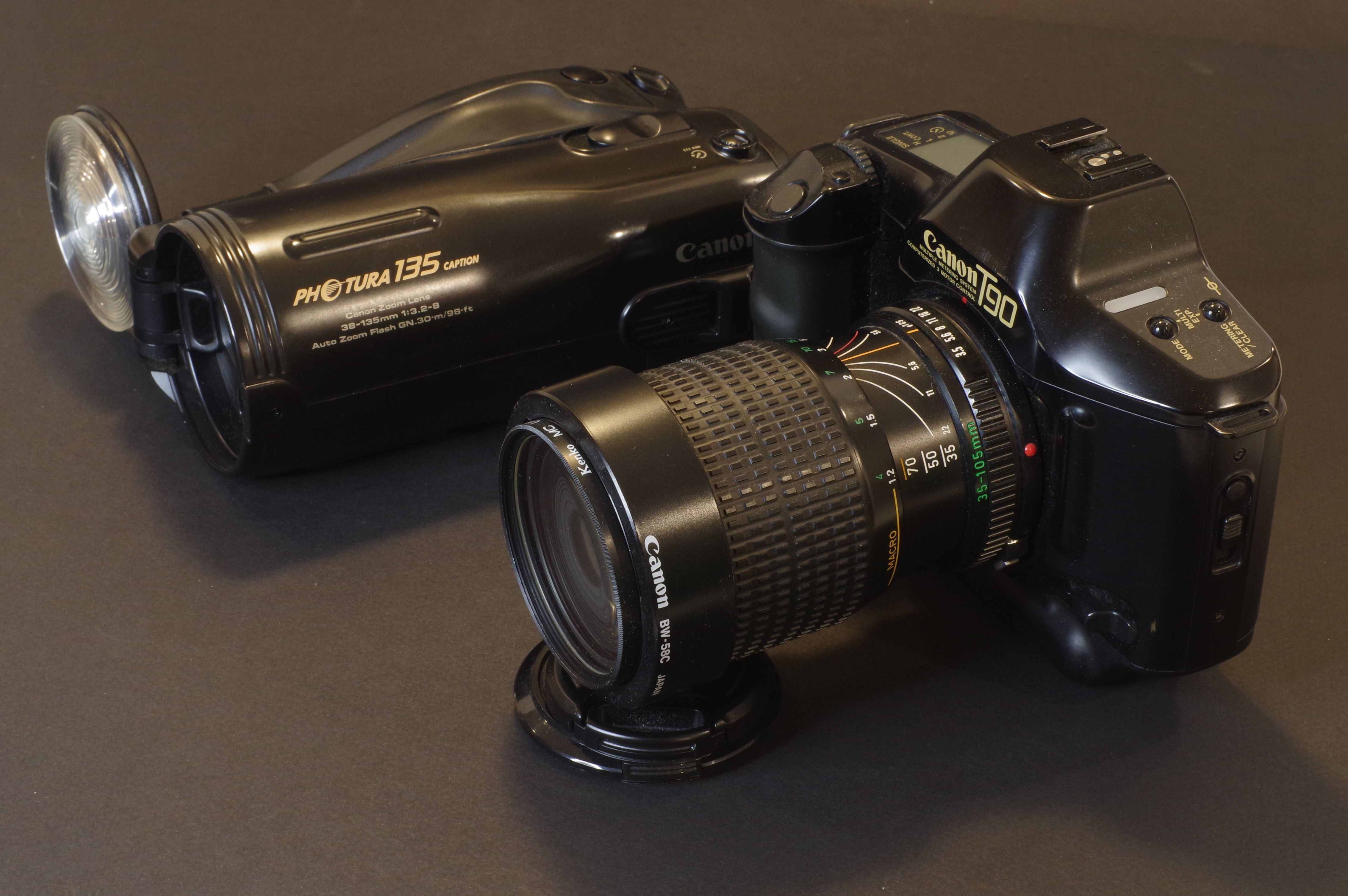
In the gallery above – shot from the exact same distance from the rear lens of the viewfinder and not cropped in any way- what you see from the viewfinder of a Pentax K-r, a Pentax K-5, and a very good “pro-level” film camera: the Canon T90. The K-5’s viewfinder is not as large as a the viewfinder of a “full-frame” camera, but it’s actually pretty good for an APS-C. The difference with a K-r is very visible.
Shooting with the K-5
Shooting with the K-5 is a pleasant experience The combination of small size, impressive build quality and great ergonomics with a good viewfinder makes for a pretty unique experience.
With the K-5, most commands fall naturally under the fingers while shooting, and after a few minutes you’re totally comfortable with the camera.
You would have to move up to full frame dSLRs to find a larger viewfinder, but I’m not sure the improvement is significant enough to justify the weight and heft penalty, at least when you need to be mobile or operate discreetly.
Image quality was considered among the best for an APS-C camera in 2010 – its 16 Megapixel was praised by testers and users, but obviously 15 years later, the best in class APS-C mirrorless cameras will outclass it when it comes to fine detail resolution and control of noise.
Another area where camera makers have made significant progress since the K-5 was launched is the quality of the JPEG images out of camera – they can be uploaded to a phone wirelessly and from there shared on social media without any post-processing. But since the K-5 does not offer any form of wireless connectivity and can not interact with Ricoh’s iOS and Android app (it’s only supported on cameras launched after 2014), you will need to connect an SD card reader to a computer to upload the images anyway, and you might as well shoot RAW and post-process your images quickly in Lightroom Mobile or Classic while you’re at it.
Atlanta – Bobby Jones Golf Course – Pentax K-5 / Pentax lens 18-55 f/3.5-5.6 AL WR
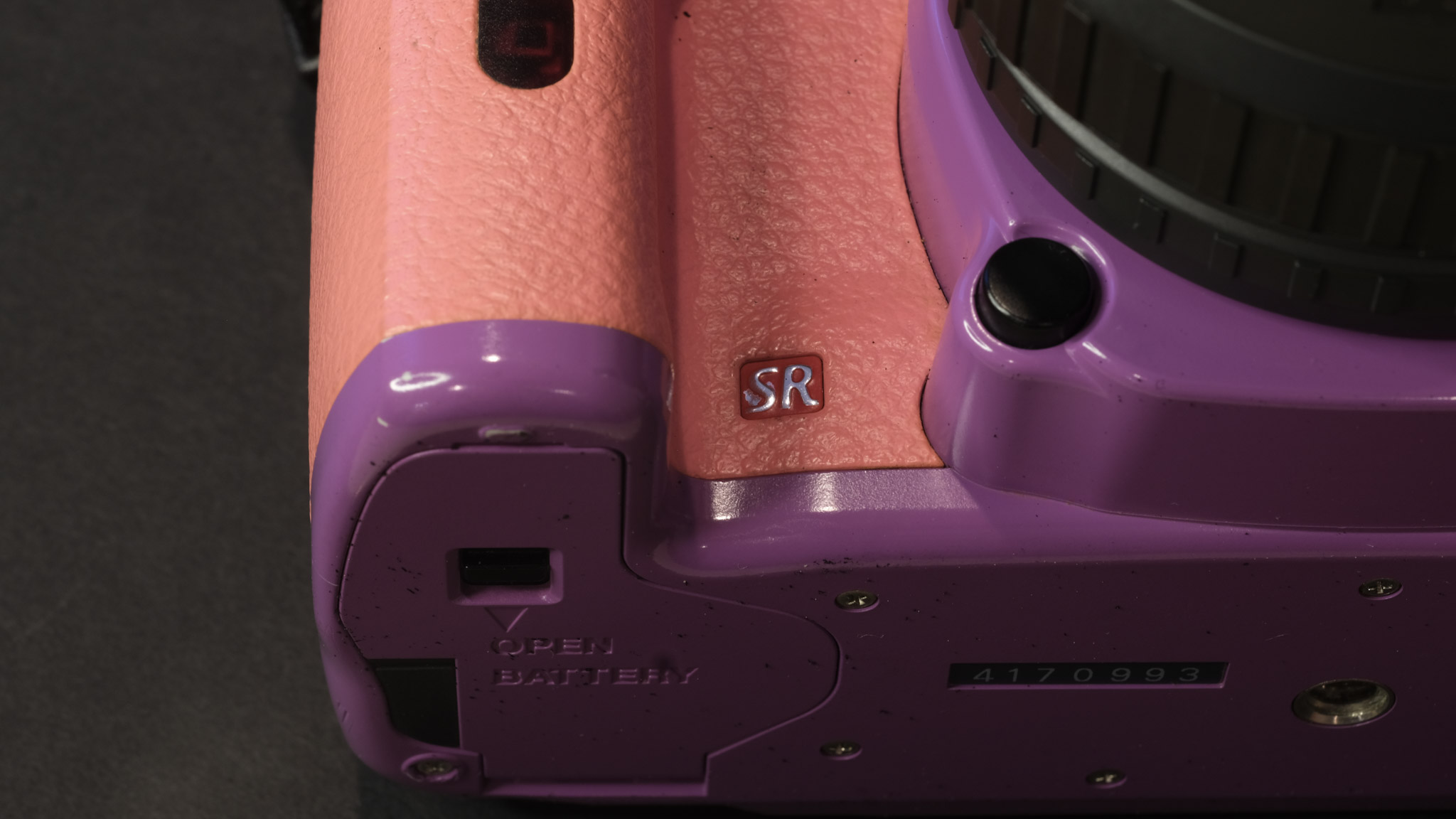
A characteristic unique to Pentax dSLRs is the brand’s “Shake Reduction” system (the SR logo has been on their cameras since 2006). The image sensor is mounted on a platina that moves to counteract camera shake, allowing photographers to capture sharp hand-held images at shutter speeds 2.5 to 4 stops slower than would otherwise be possible – you won’t be afraid of shooting at 1/20sec with a short tele anymore.
Other dSLRs have to rely on an image stabilization system implemented in their lenses (which increases the lenses’ size and their cost) – but Pentax’s SR system works with any lens mounted on the camera (old and recent) because it’s implemented in the camera’s body.
We know that Pentax has been using the same physical “K” lens mount since 1975. Of course the current “KAF4” variant of the lens mount has more electrical contacts and all the autofocus gear needed to support the features specific to today’s cameras, but the K-5 is compatible to various degrees with any Pentax lens made since the mid seventies.
The top plate display – very few APS-C cameras still have one.
As a conclusion
A K-5 can be had for $150, with patience and a bit of luck. It was launched fifteen years ago, and it’s futile to compare its capabilities and performance to what its younger Pentax brother the K-3 Mark III or a Nikon D500 can deliver. And I won’t even start comparing the K-5 with current top of line APS-C mirrorless cameras from Canon, Fujifilm or Nikon.
But dollar for dollar, the K-5 offers a tremendous value: as an introduction to high quality cameras (for photographers upgrading from a smartphone or a digital point and shoot camera), it’s difficult to beat and it’s definitely worth every cent.
For the nostalgics of the optical viewfinder, shooting with a K-5 is also a way to indulge without breaking the bank. Used for what it’s good at, the camera is a pleasure to use and delivers high quality results. As far I could find, it’s also reliable, without any of the issues experienced with Pentax’s more amateur oriented cameras (like the K-30/K-50).
A modern mirrorless camera will do better in more situations and I don’t expect any mirrorless user to sell all their equipment to go back to a K-5, but as a complement to a good mirrorless kit, the K-5 also makes a lot of sense. Enjoy!
Tortoise lost on the golf course – Atlanta – Pentax K-5 / Pentax lens 18-55 f/3.5-5.6 AL WR
Do cameras and megapixels really matter?
Concerned about working with a “small” 16 megapixel sensor?
I have posted approximately 500 pictures on Flickr since the beginning of the year. The four images with the highest all time views were shot (recently) with a seventeen year old 12 Megapixel dSLR.
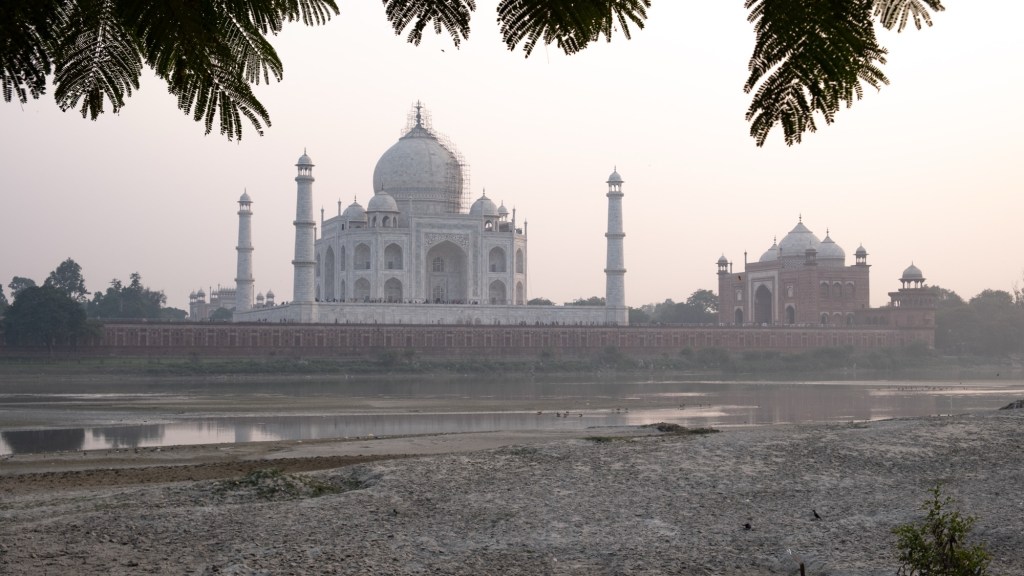
Even if high end PCs and laptops can support resolutions up to 8K (that would be 33 million points), most web sites and apps recommend not to upload images larger than 1920×1080 – (roughly 2 million points), and the most popular social network will down scale your images so that they fit in a square no larger than 2048x 2048 (4 million points).
What about prints?
As long as you don’t crop at all, a 10 Megapixel sensor has enough resolution for a high quality print in A4 or Letter format (assuming 300dpi), without any form of interpolation or over-sampling.
A 12 Megapixel sensor will give you more headroom, but you’ll need at least 16 Megapixels for a 11×14 inch high quality print (20 Megapixels would be better), and 24 Megapixels for a high quality 30×45 print (that’s centimeters- roughly 11x17in).
Obviously printing at a marginally lower resolution (250 dpi, for instance) will raise the maximum print size proportionately.
More megapixels and a large sensor may be needed in some circumstances, but ultimately, the old saying “f8 and be there” still rules. Be there. With a camera you’re comfortable with. Nothing else really counts.
I’ve bought a few old Pentax cameras recently, film and digital, and out of curiosity I’ve started following what’s happening in the world of Pentax aficionados.
There was a passionate discussion recently on Pentaxforums.com, started by a photographer who was disappointed by his recent mirrorless camera system, and was considering selling everything to go back to a Pentax dSLR (he was balancing between a K-1 Mark II and a K-3 Mark III).
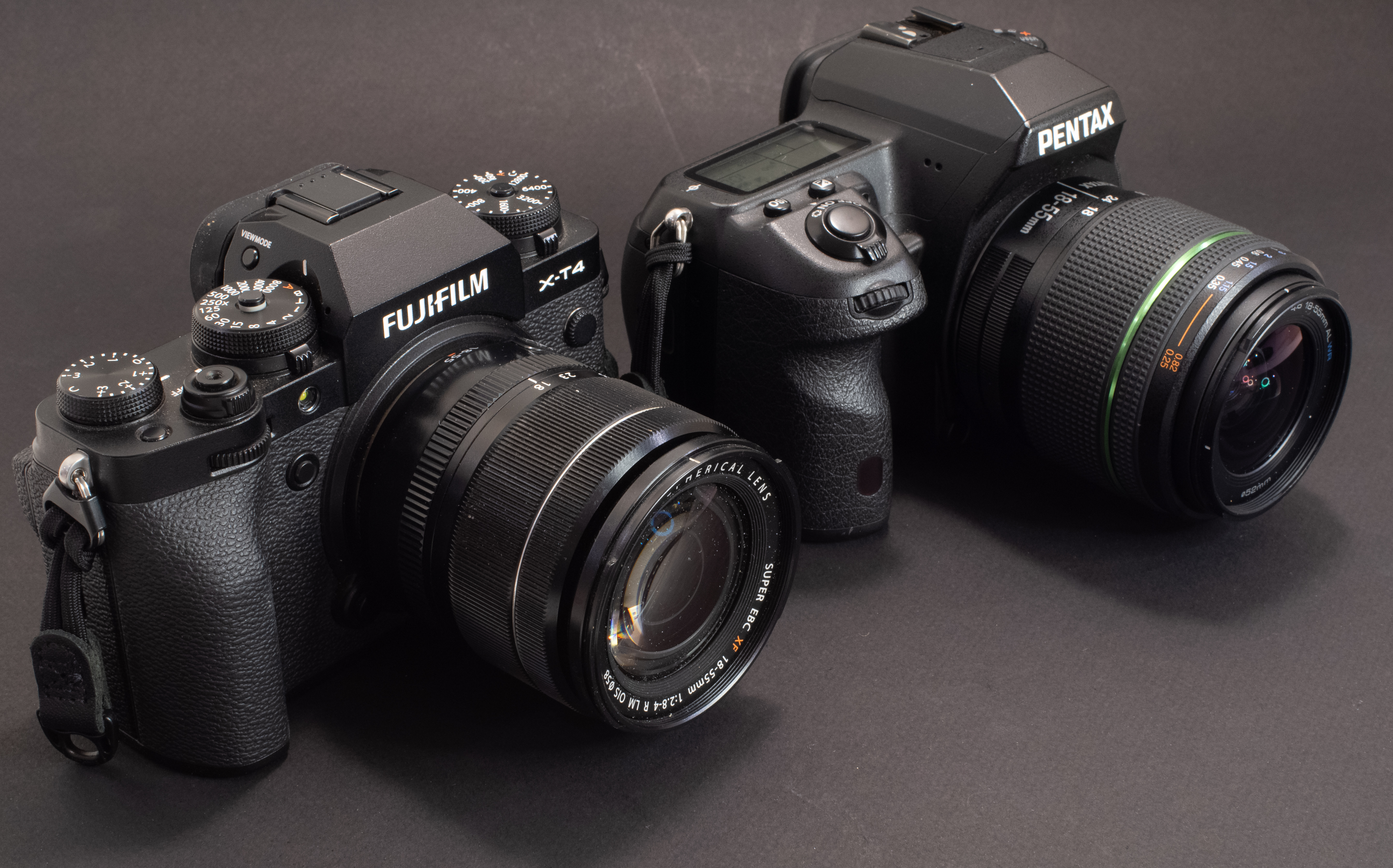
I am not going to pronounce him right or wrong – what he likes to shoot with or how he spends his money is his business, not mine. But not that many photographers are still interested in new dSLRs.
The fact is that digital single lens reflex cameras (dSLRs) form a rapidly receding niche, and that in the battle for the dollars of photographers (enthusiast amateurs, influencers, vloggers and pros alike), mirrorless cameras have won. A few data points to illustrate it.
Panasonic G2 and Nikon D700 – mirrorless cameras can be made small
When were the last dSLRs launched?
Olympus stopped selling dSLRs in 2013, and Sony officially discontinued their SLR and dSLR “A” Mount in 2021 (their last dSLR was launched in 2016). Canon’s most recent dSLR is the Rebel 8 from 2020, Nikon’s latest is the d780 from 2020, and Pentax’s is the K-3 Mark III, introduced in 2021. A variant of the K-3 with a monochrome image sensor was introduced in 2023, so that would make the K-3 III Monochrome the most recent of them all.
Canon and Nikon have not shared any plan to launch a new dSLR in the future (it’s likely they won’t), but since the launch of the Rebel 8 and d780, they have launched 14 and 11 mirrorless interchangeable lens cameras, respectively.
A very compact APS-C setup – Egypt – Abu Simbel – Fujifilm X-T1 – Fujifilm 15-45mm lens.
Who is still manufacturing dSLRs?
It’s difficult to know for sure what is still being manufactured – what we see on the shelves of the retailers may be New Old Stock or the output of small, infrequent production batches. Some models (like the Nikon D6 or the Pentax K-3 Mark III) have been withdrawn from some markets already, and other models – while not officially discontinued – may not be manufactured “at the moment”.
I checked the Web site of B&H, and here’s what’s still available new in the United States (with the official warranty of the manufacturer).
Canon still have six dSlRs on their US catalog, ranging from the Rebel to the 1Dx (three APS-C cameras, three full frame)
Nikon are proposing four models: the APS-C d7500, and three full frame models: the d780, d850, and D6,
As for Pentax, they are still proposing three cameras with an APS-C sensor, the KF, the K-3 Mark III and the K-3 Mark III Monochrome, and a full frame camera, the K-1 Mark II.
Shooting with a old APS-C dSLR last week – Atlanta – Bobby Jones Golf Course. Pentax K-5 Mk II – Pentax lens 18-55 f/3.5-5.6 AL WR
Why did mirrorless win in the first place?
The Nikon D90 from 2008 was the first SLR capable of recording videos. But the architecture of a single lens reflex camera (with a flipping reflex mirror and an autofocus module located under the mirror) forced Nikon to design a camera that operated differently when shooting stills and videos.
For stills, the D90 worked like any other dSLR ( with a through the lens optical viewfinder and phase detection AF). When shooting videos, the reflex mirror was up, and the viewfinder could not be used. The operator had to compose the scene on the rear LCD of the camera. The phase detection autofocus system was also inoperant. A second system, based on contrast detection, had to be implemented, and could only be used before the videographer started filming.
The obvious next step was to replace the flipping mirror and the optical viewfinder with an electronic viewfinder fed directly by the image sensor of the camera, and to improve the contrast detection autofocus to make it as reactive as a phase detection system, and available during the video shoot. Panasonic was the first to do it with the Lumix G2 in 2010. Almost everybody else would soon follow.
The obvious advantage of a mirrorless ILC is that it can shoot indifferently photos and videos – the camera works exactly the same way. It’s a big plus for all the pros and content creators who have to deliver a full set of images (stills and videos) when they film weddings or corporate events.
Mirrorless cameras, being deprived of the mirror box and of the optical viewfinder of a SLR can be made smaller, lighter, and probably cheaper because they are simpler mechanically.
The absence of a mirror box also reduces the lens flange distance, and lenses can be made shorter. Because there is no need for aperture pre-selection and full aperture transmission mechanisms, lens mount adapters are extremely simple to design and manufacture. Practically, almost any lens designed for an SLR or a dSLR can be physically mounted on a mirrorless camera.
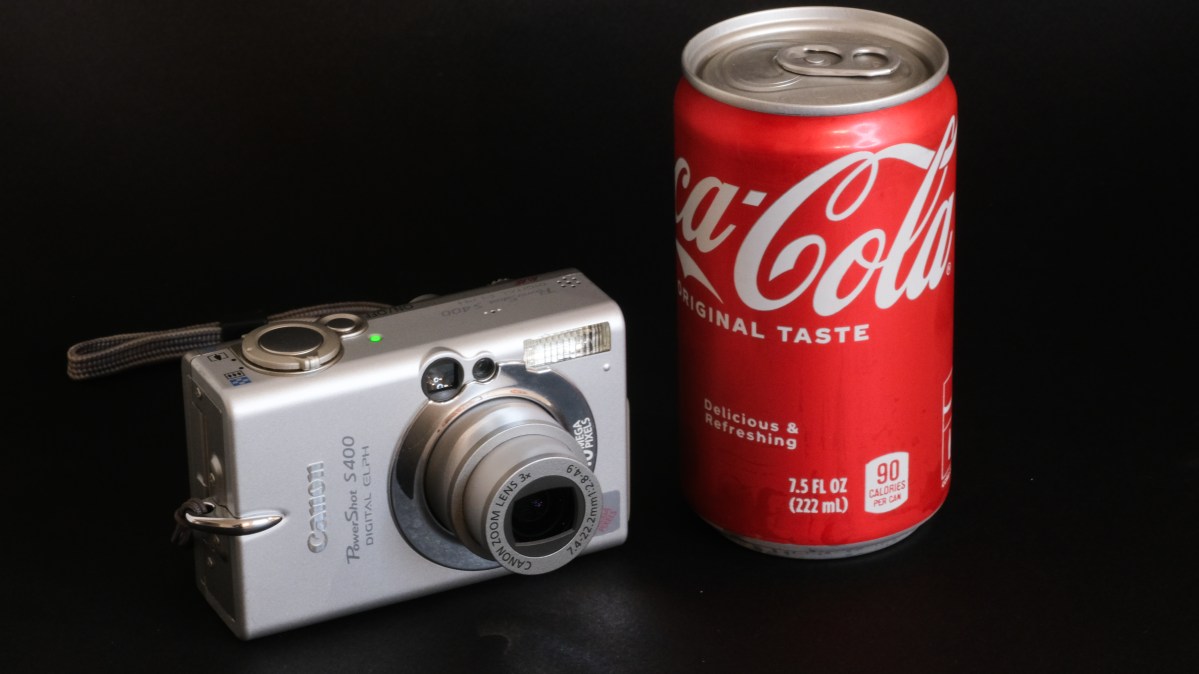
Leica Summicron C (40mm f/2) mounted on Sony NEX 3 with Metabones adapter. Mirrorless cameras are more flexible.
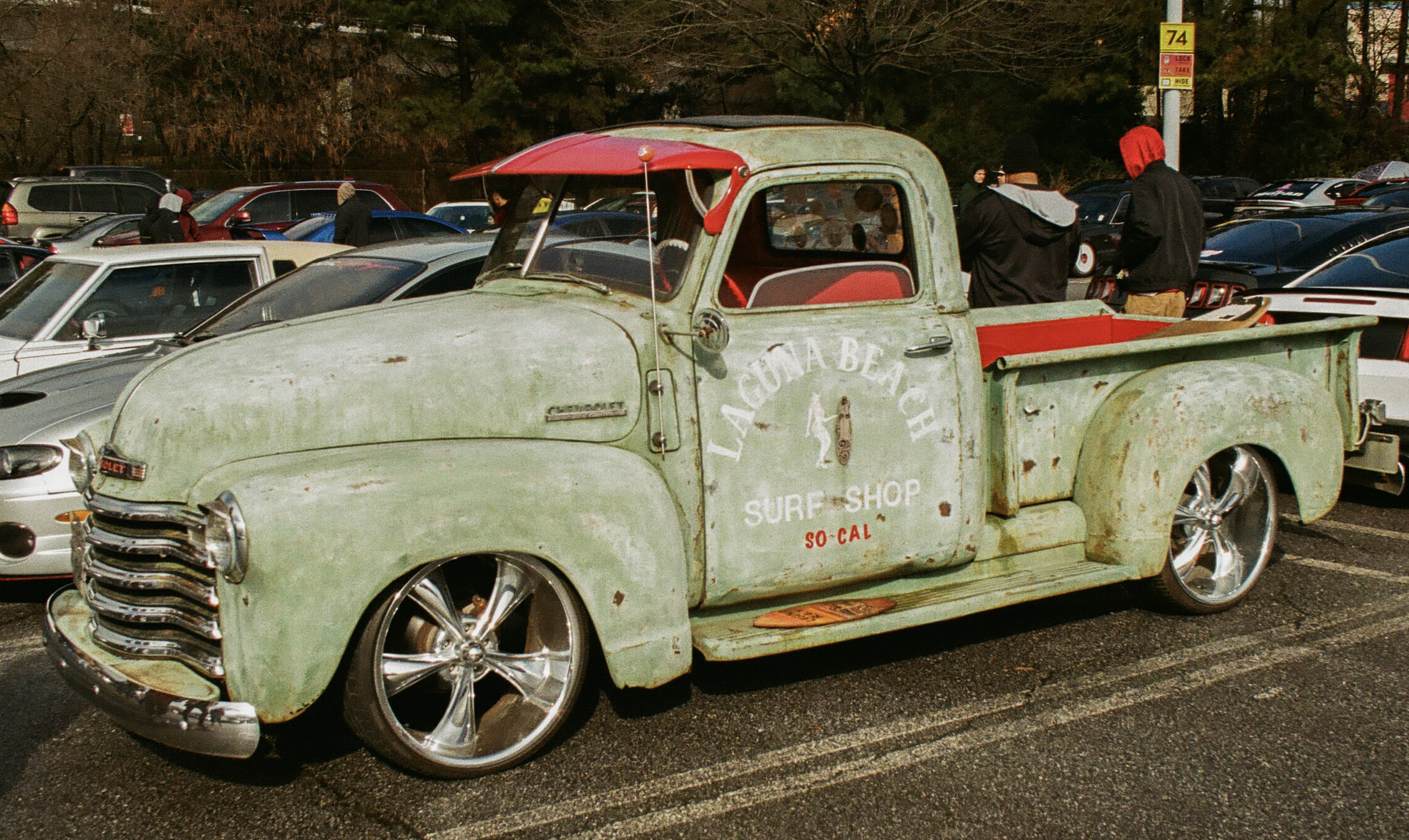
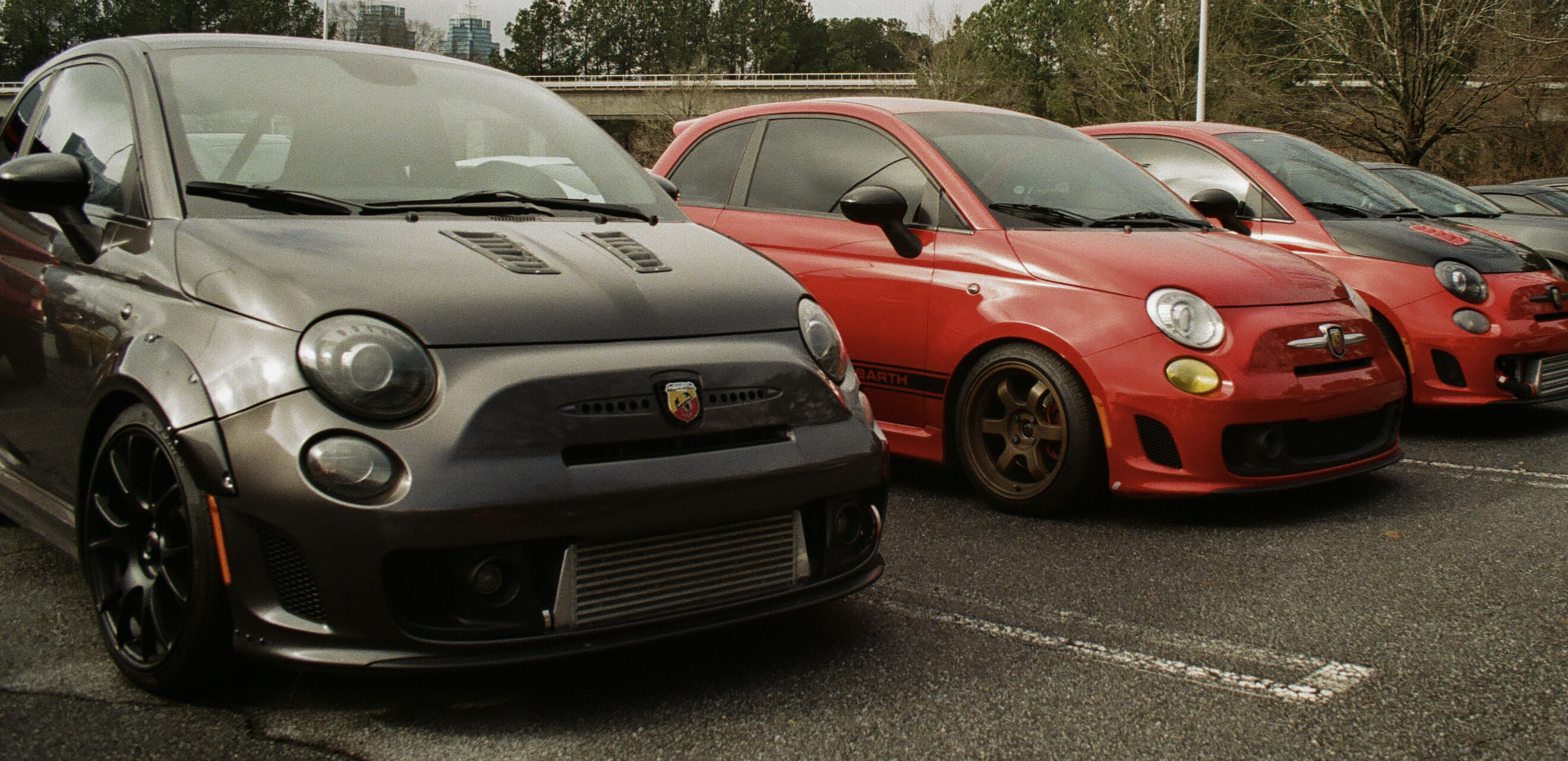
Early mirrorless were handicapped by relatively poor electronic viewfinders (lacking definition, reactivity and dynamic range) and a limited battery life. Over time, mirrorless ILCs have made a lot of progress in those two areas – recent prosumer and pro ILCs have really impressive electronic viewfinders.
Electronic viewfinders show the image exactly as the image sensor is “seeing” it. If the viewfinder is good enough, it’s even possible to evaluate in real time the exposure of a scene – and play with the exposure compensation dial to adjust it: what you see is really what you’re going to get.
Pentax K-5 Mk II – very few APS-C mirrorless cameras have a top plate LCD and that many dedicated keys.
Advantages of recent dSLRs
The most recent dSLRs were launched between 2020 and 2021, and their capabilities are at best in line with what was the state of the art four to five years ago.
Those dSLRs offer bluetooth and Wifi, and are as easy to connect to a mobile device as modern ILCs.
They keep the traditional advantages of dSLRs: an optical viewfinder, and longer battery life, but as a consequence remain larger and heavier than ILCs.
The native support of lenses designed for the brand’s SLRs and DSLRs over the past decades looks like an advantage, but older lenses may only be partially compatible, and they may lack the resolution required to take advantage of recent image sensors.
As for newer lenses – they’re increasingly difficult to find now that the industry leaders have redirected their R&D and manufacturing efforts towards ILCs.
Bringing a Nikon D700 to a race – because the only tele lens I had was an old Tamron in F Mount. US Formula One Grand Prix – Austin TX
Switching back to a dSLR?
I wrote earlier I would not be judgmental, but I’m still struggling to understand why somebody would take a significant financial hit to move from a very recent, top of the line mirrorless camera system to a dSLR released eight years ago.
Even though I like shooting with dSLRs and older film cameras (they can be more pleasant to use than some mirrorless ILCs) I believe that using a recent mirrorless camera will increase my odds of capturing a technically good image (the artistic value is a totally different story).
Mirrorless cameras are more flexible and will be within their performance envelope in more situations. If the shooting opportunity is unique and I need to deliver – if only for my pride as an amateur photographer – I’ll bring my mirrorless kit with me.
The Nikon D700 remains a fantastic camera. If only it was not so heavy and so big.
As a lover of old gear – even digital – I’d like to offer a suggestion: very nice “prosumer” 16 or 20 Megapixel APS-C reflex cameras from the early 2010s can be found for $150; a “classic” like the Nikon d700 from 2008 (12 Megapixel, full frame) is more expensive, but not by that much if you pick a camera that has been used by professional photographers and has shot hundreds of thousands of pictures.
So, if you feel the dSLR hitch from time to time, my recommendation would be to keep your mirrorless system, and simply augment it with an old dSLR for the days when the call of nostalgia is too strong to resist.
More in CamerAgx about mirrorless and reflex digital cameras