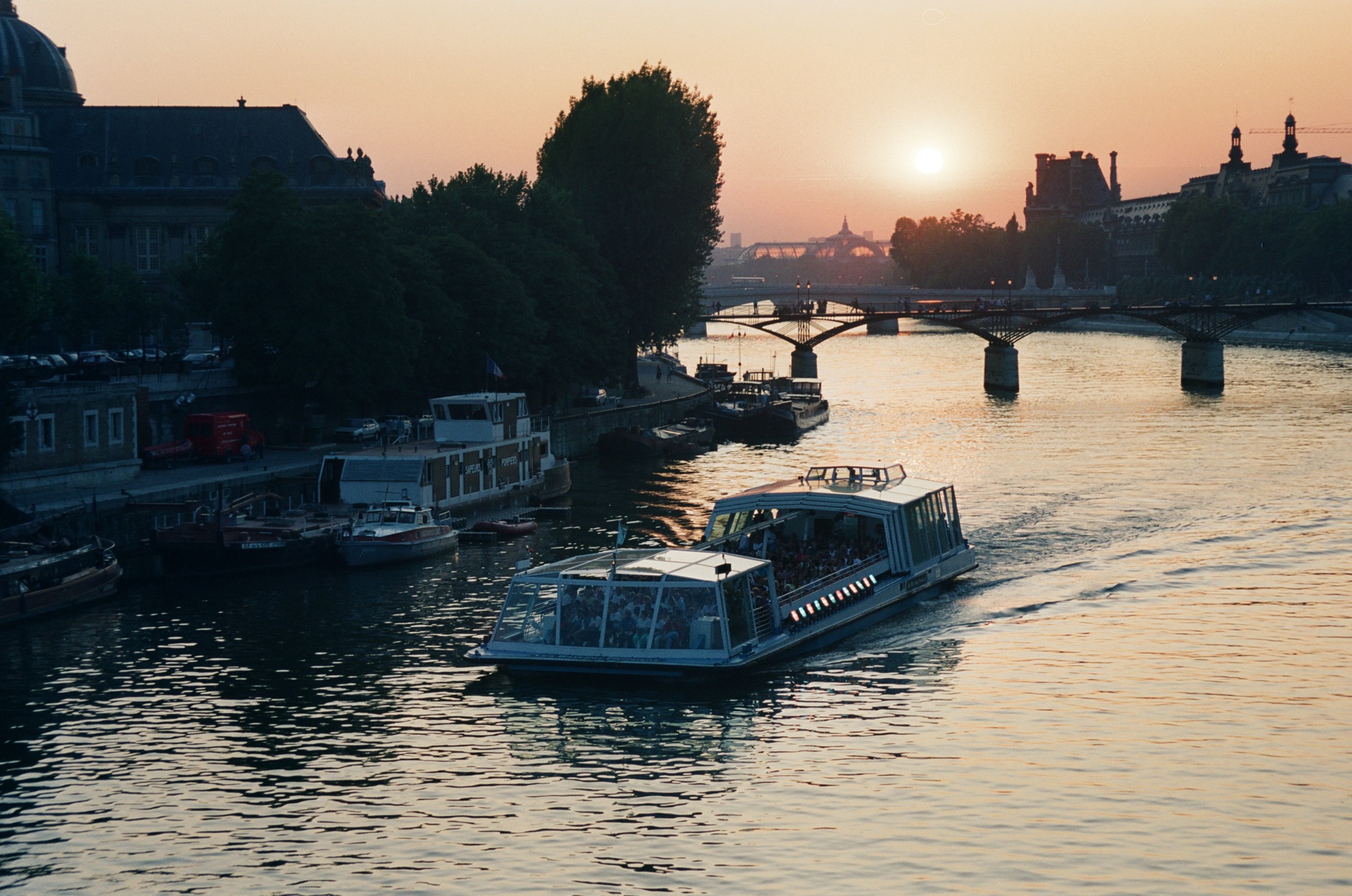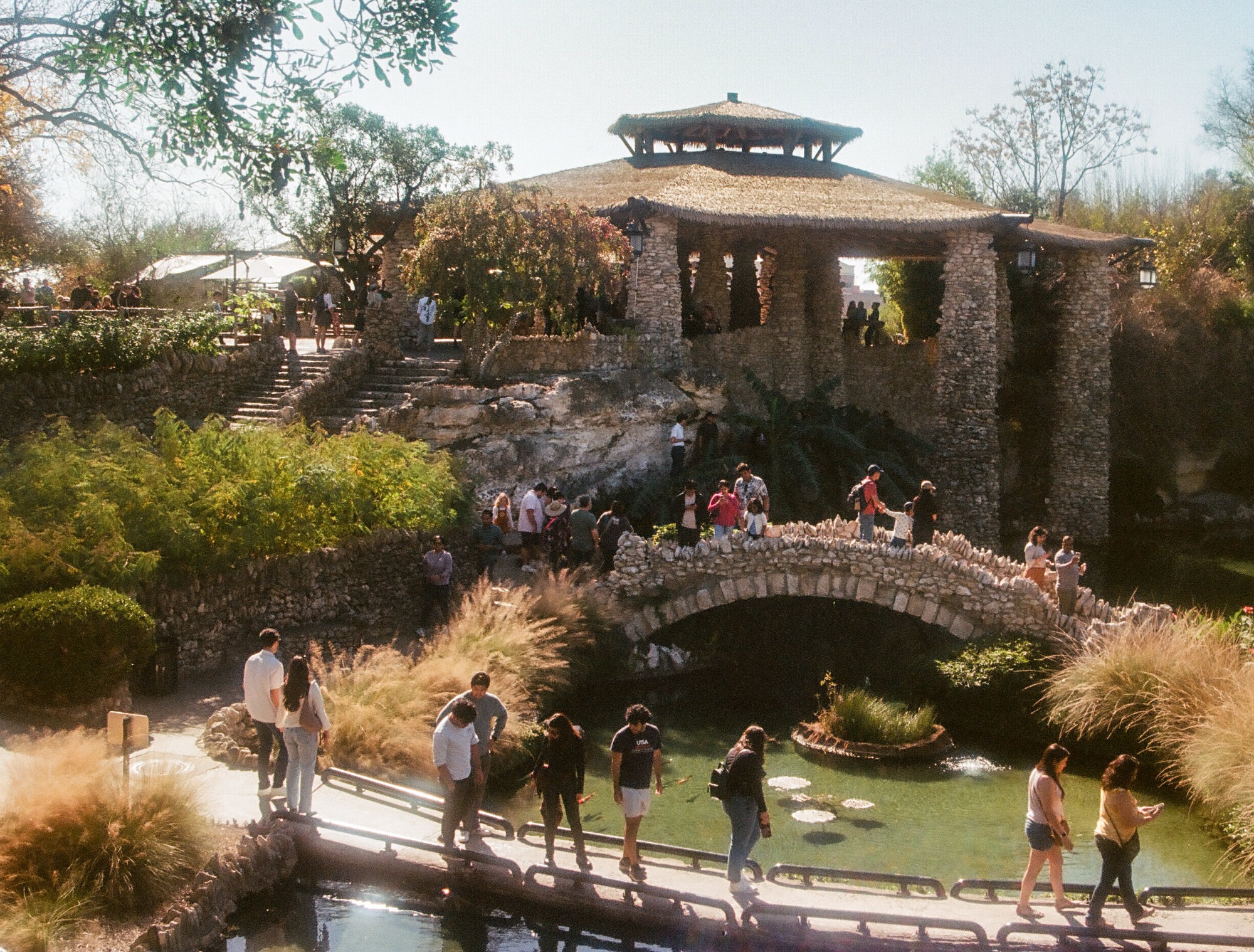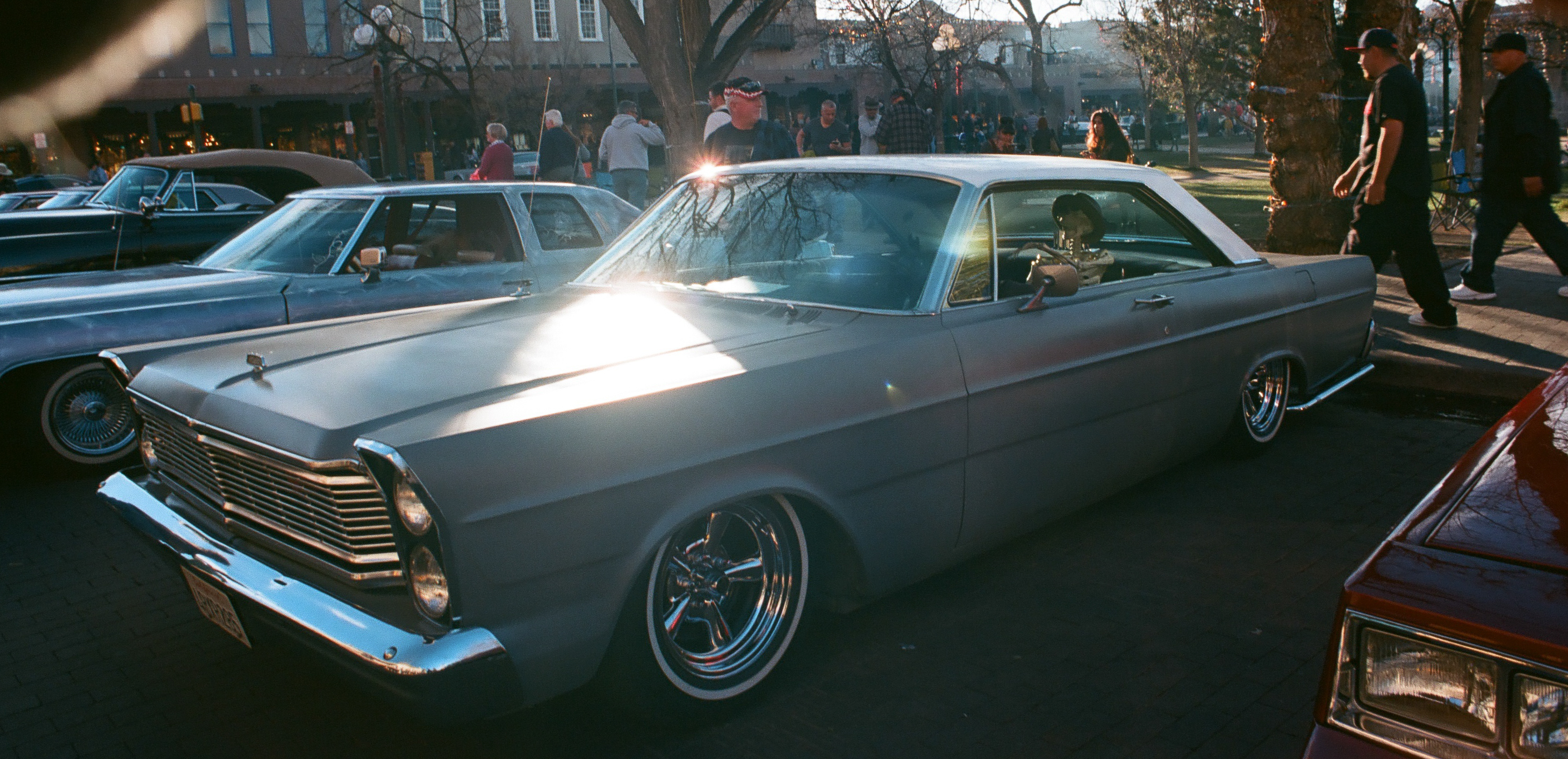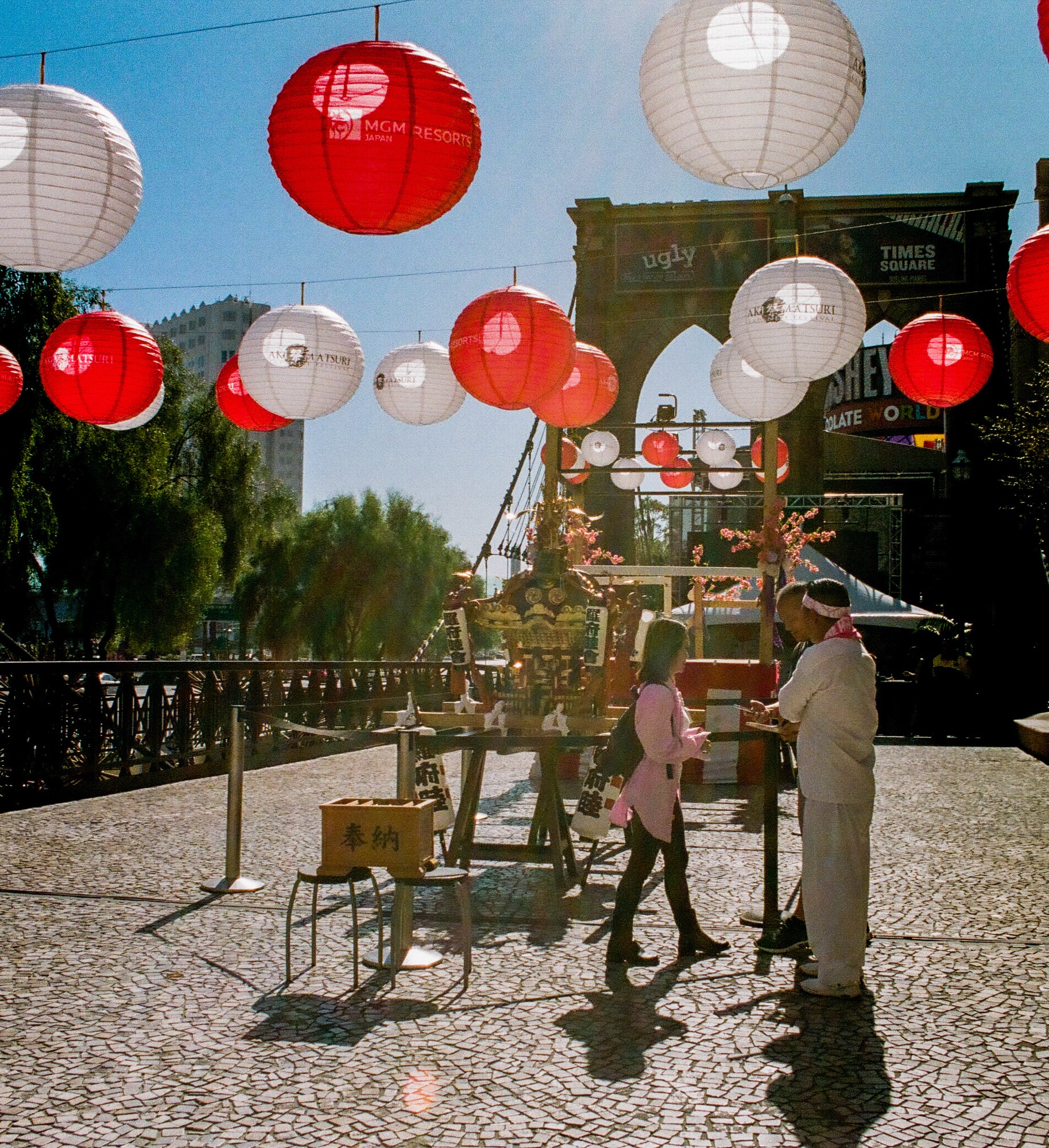
Let’s assume you’re new to film photography. For a small budget, let’s say $25.00 including shipping and handling, you can:
- Buy a fixed focus, one time use or reusable camera,
- Be brave and buy an old compact autofocus motorized camera,
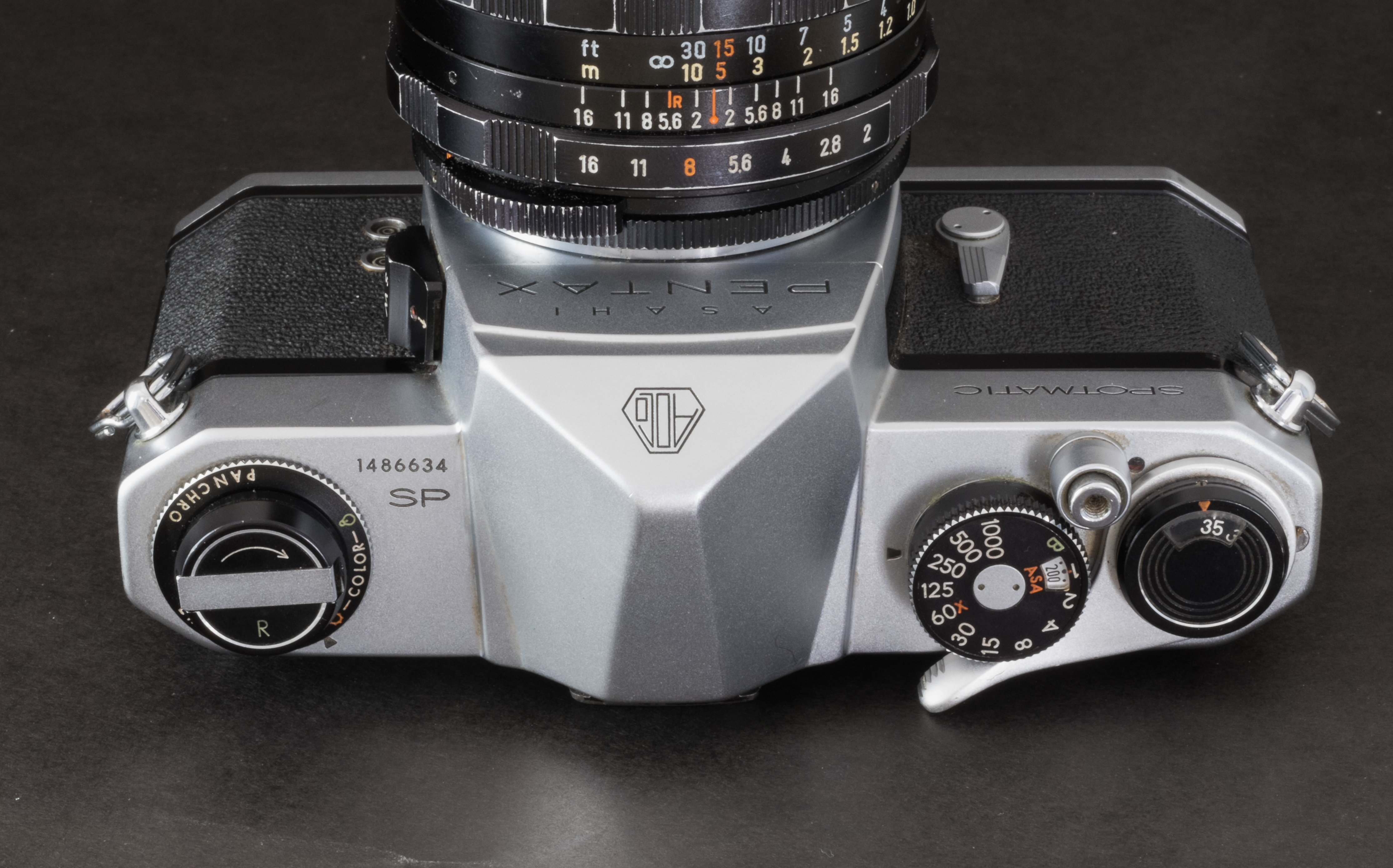
- Be bold and buy an old SLR, manual or autofocus – your choice,
But it will have an impact on the photos you’re taking. The type of camera you pick will force you to a certain style of images. Very simple cameras (like one-time-use point and shoot) are so limited in their performance envelope, and give you so little latitude in terms of settings, that you will be forced to devote all your attention to the only three things you can really control: the choice of the film, the composition of the image, and using (or not using) the electronic flash.
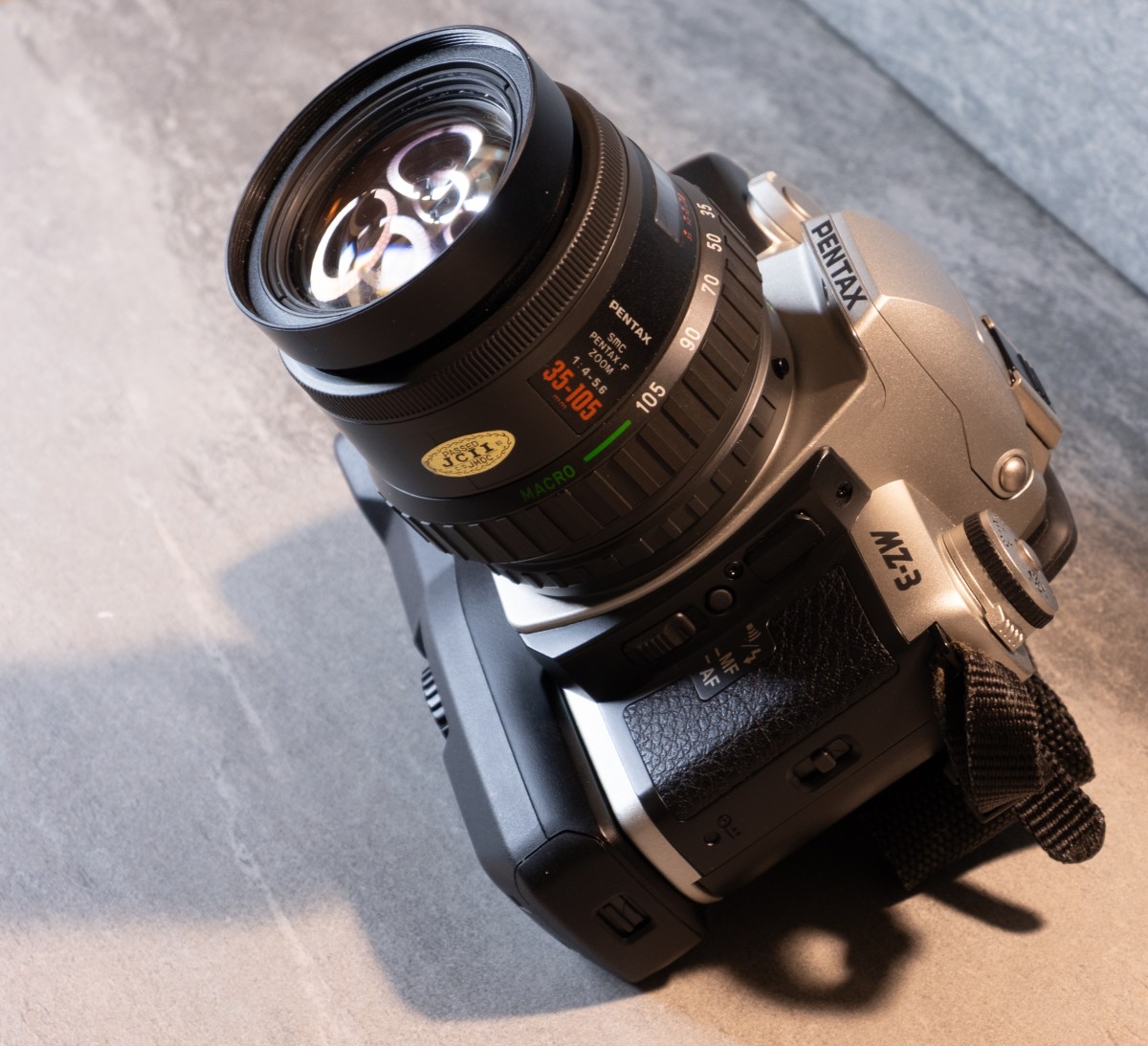
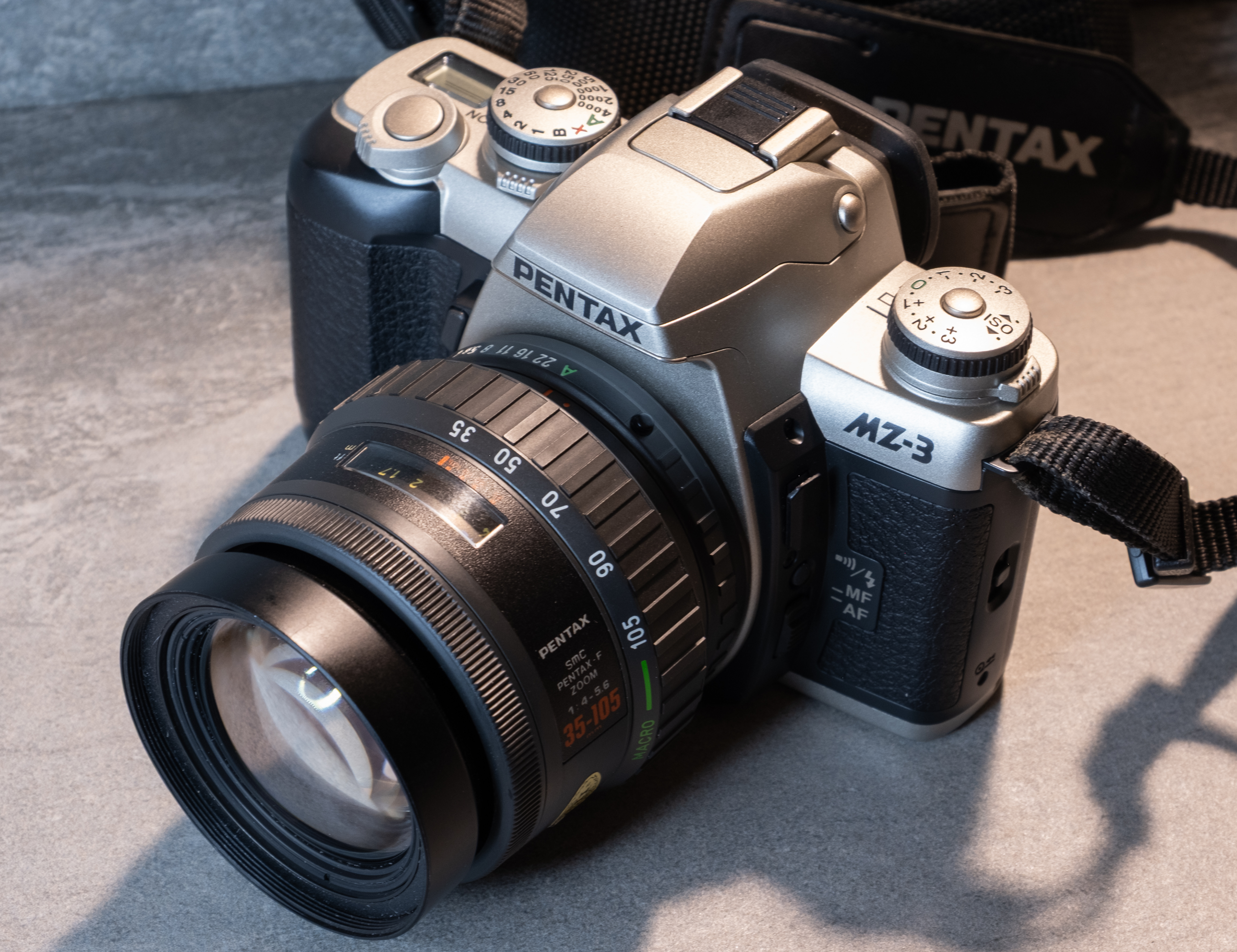
On the other hand, pick a “semi-pro” autofocus SLR and a zoom (that you can get for the same price as a one-time-use point and shoot), and you will have such a large array of settings – shutter speed, aperture, focus point, metering patterns… that you could be overwhelmed, and lose interest in photography as a result.
If some art schools recommend that their students start learning photography with a one time use point and shoot, there’s a reason. The same reason why photographers with tens of thousands of dollars invested in high end equipment still like to return to very basic cameras from time to time.
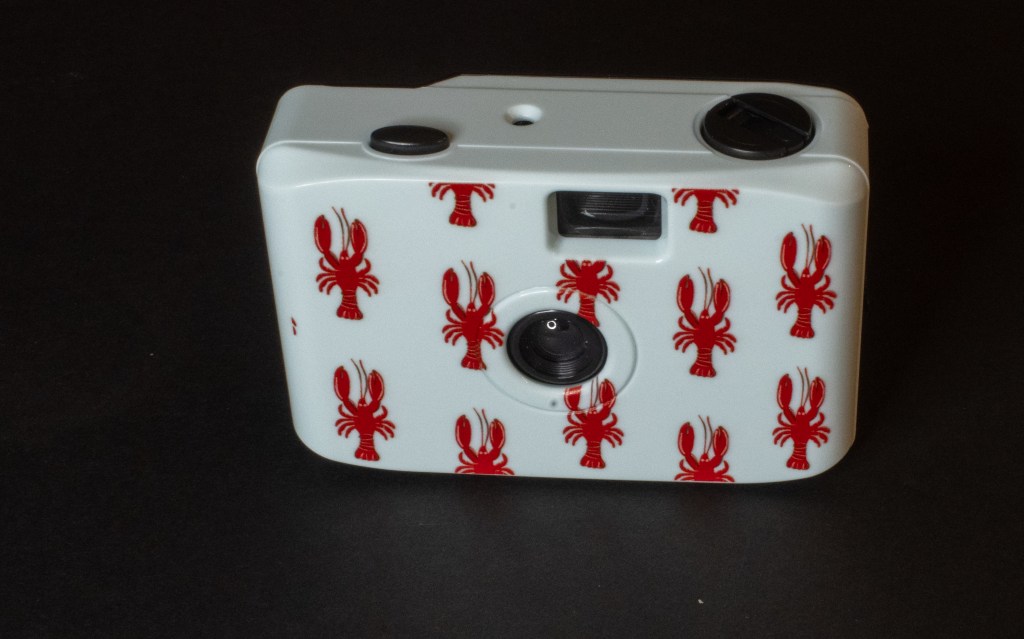
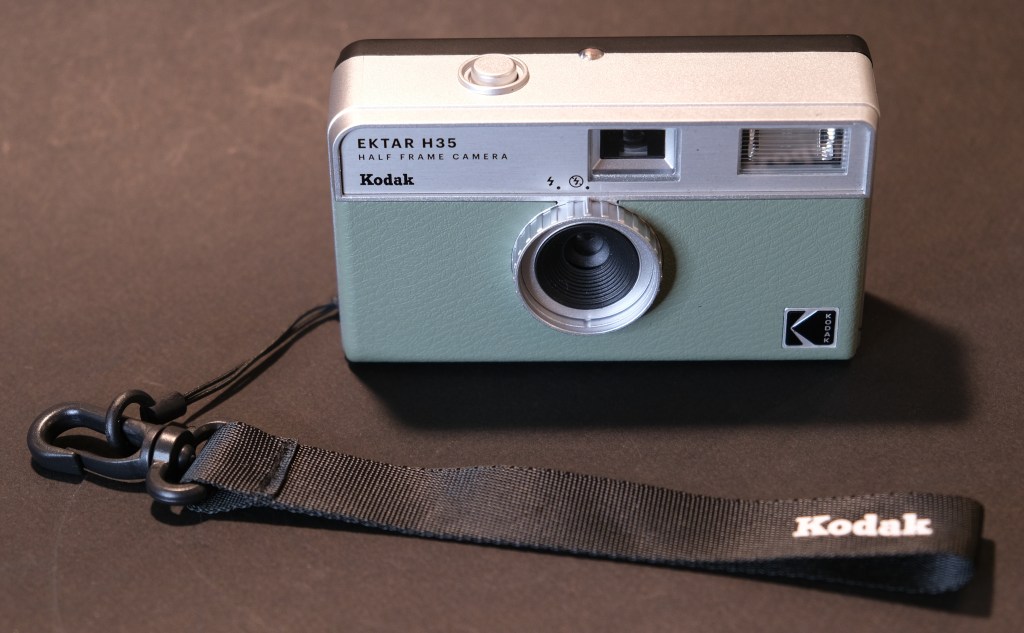
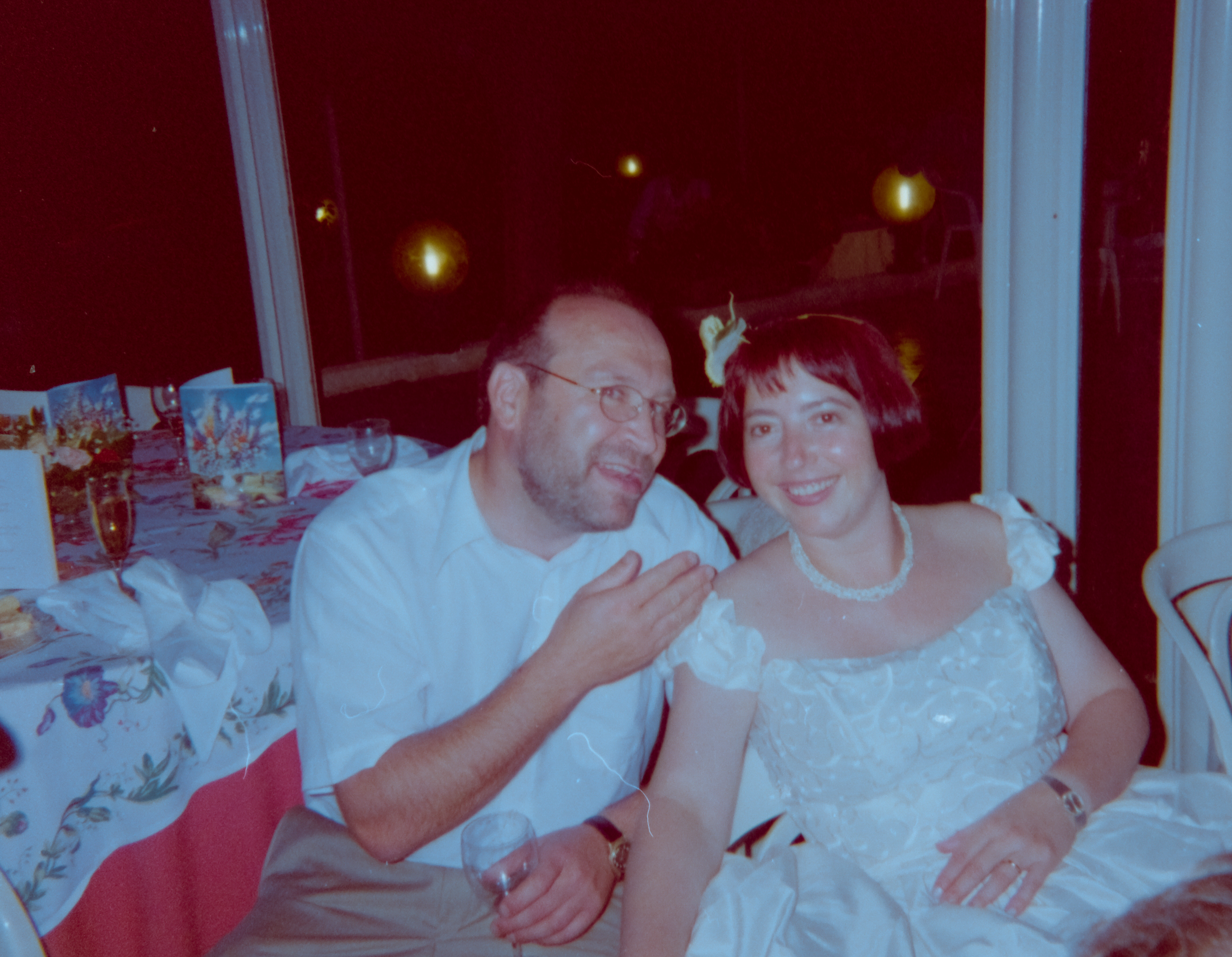
The one-time-use cameras, and their close relatives – the “reusable” cameras are very simple – a fix focus lens, a fixed aperture, a single shutter speed, and generally an on/off switch to control the electronic flash. Their wide angle lens and the narrow fixed aperture guarantee that everything located between 4 ft and the infinity will be somehow in focus – you’ll have to keep your backgrounds simple so that your subject is not drawn into an overflow of information. With a shutter speed of 1/100 sec and no exposure metering system, those are fair weather cameras, counting on the exposure latitude of film – and on their electronic flash – to give you usable images.
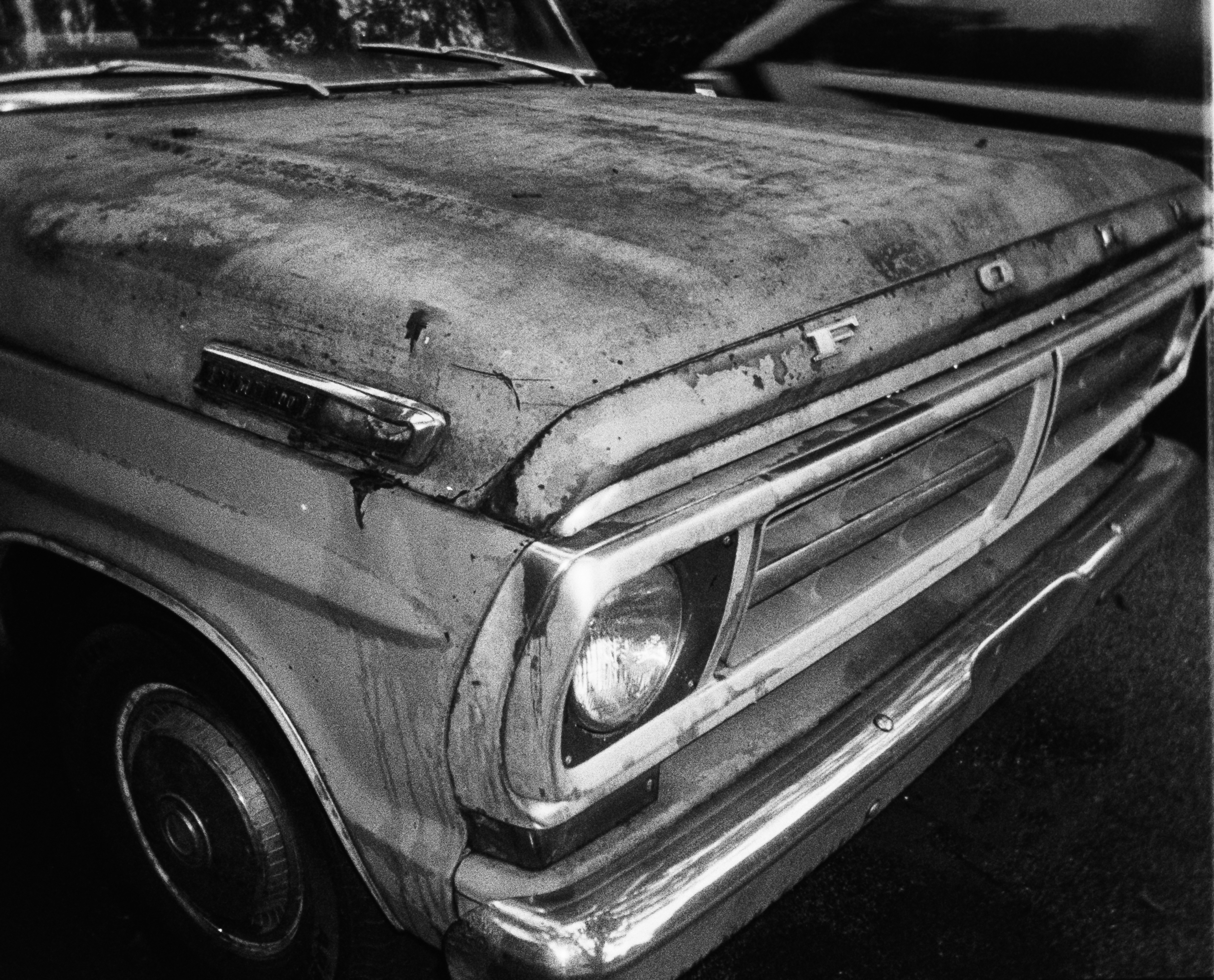
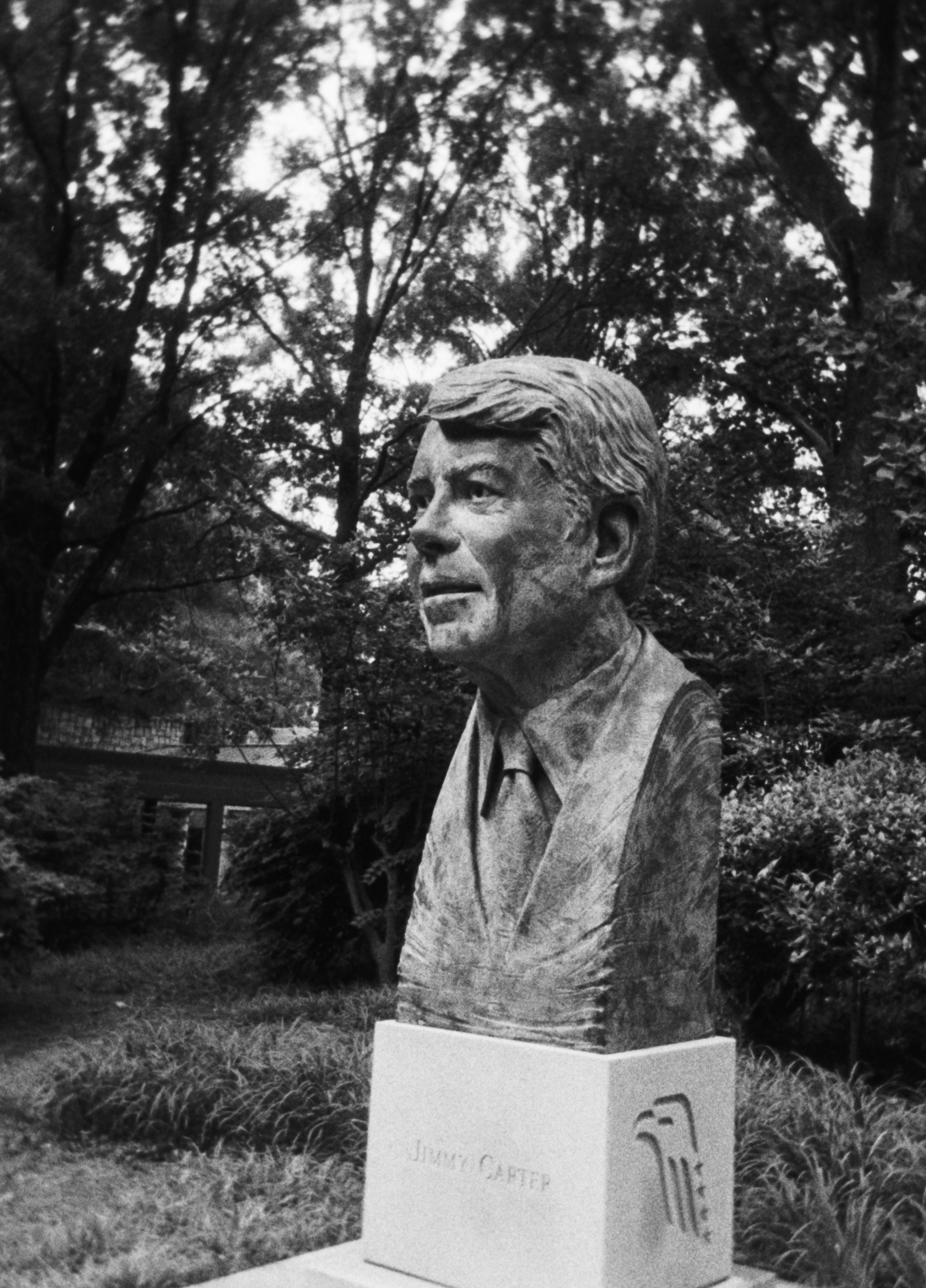
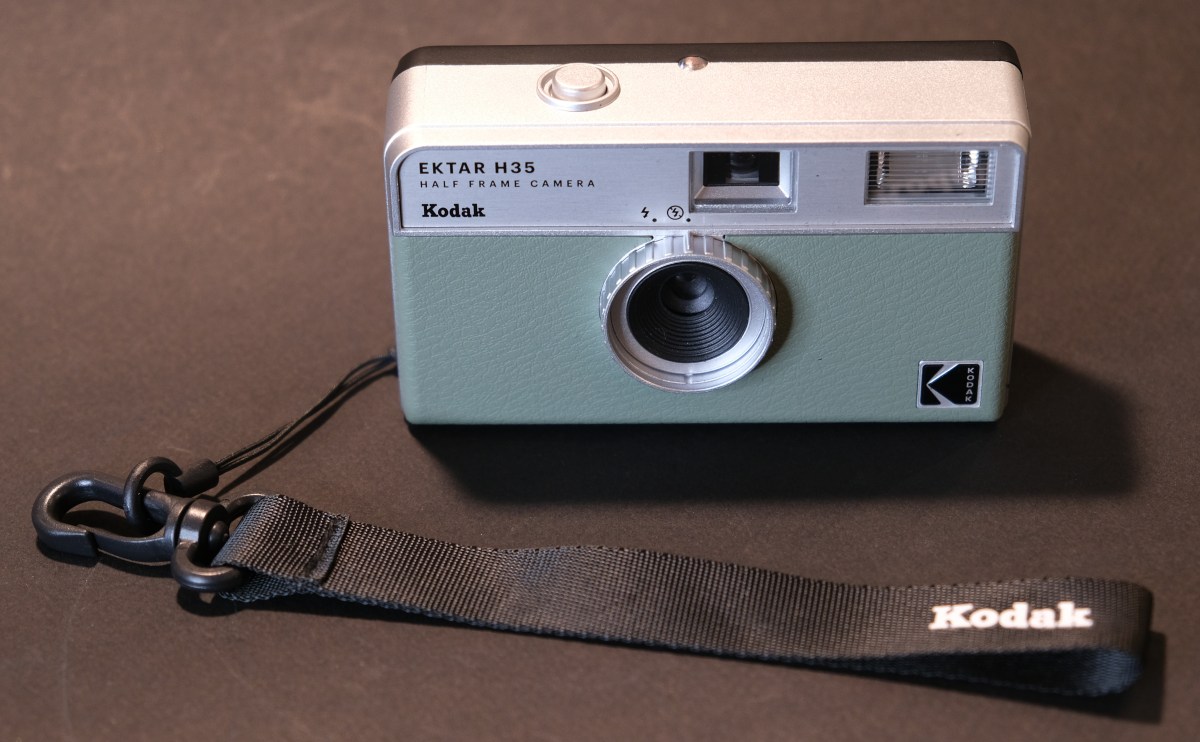
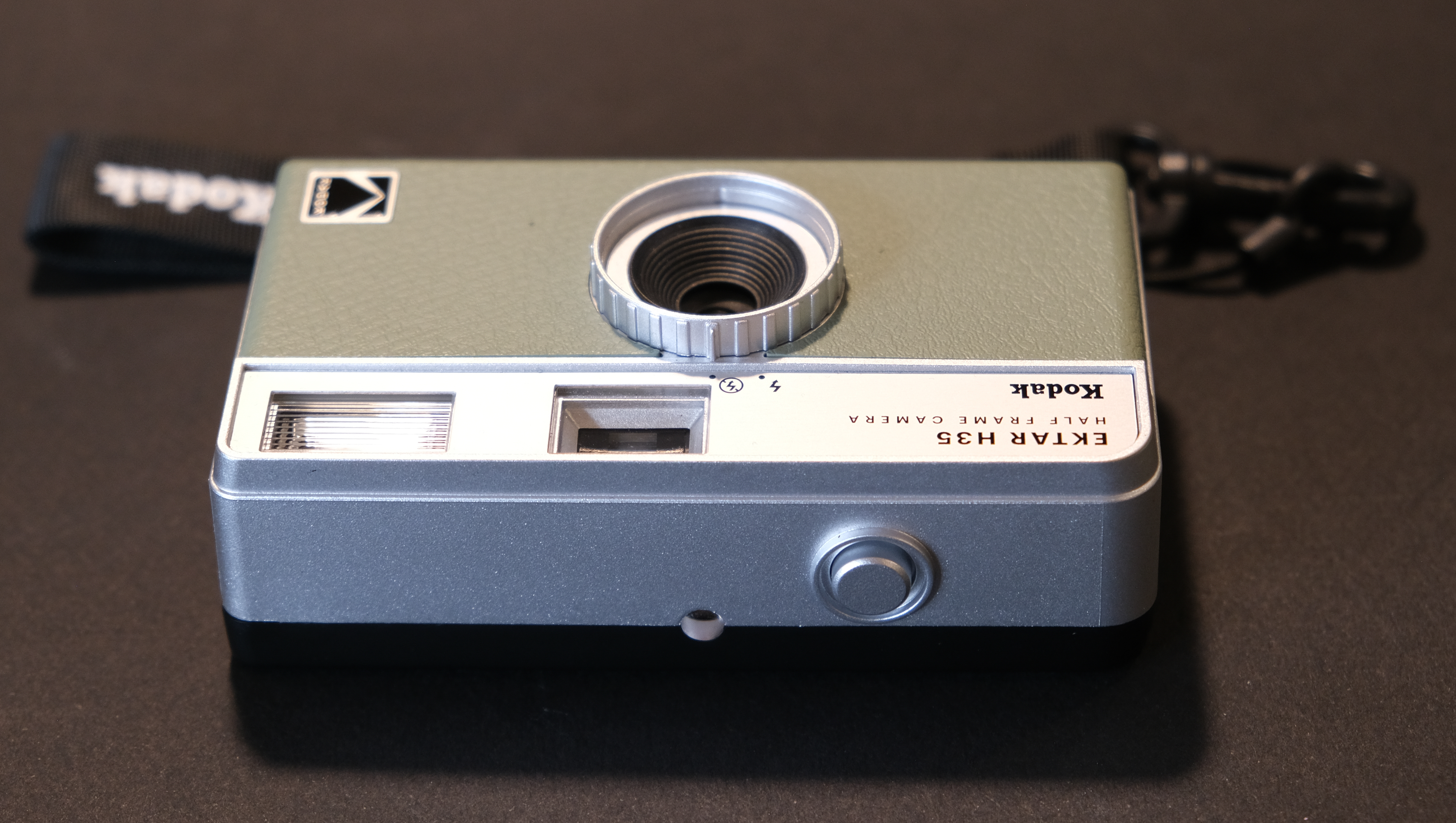
CamerAgX reviews: the Five Below $7.00 reusable camera and Kodak Ektar H35
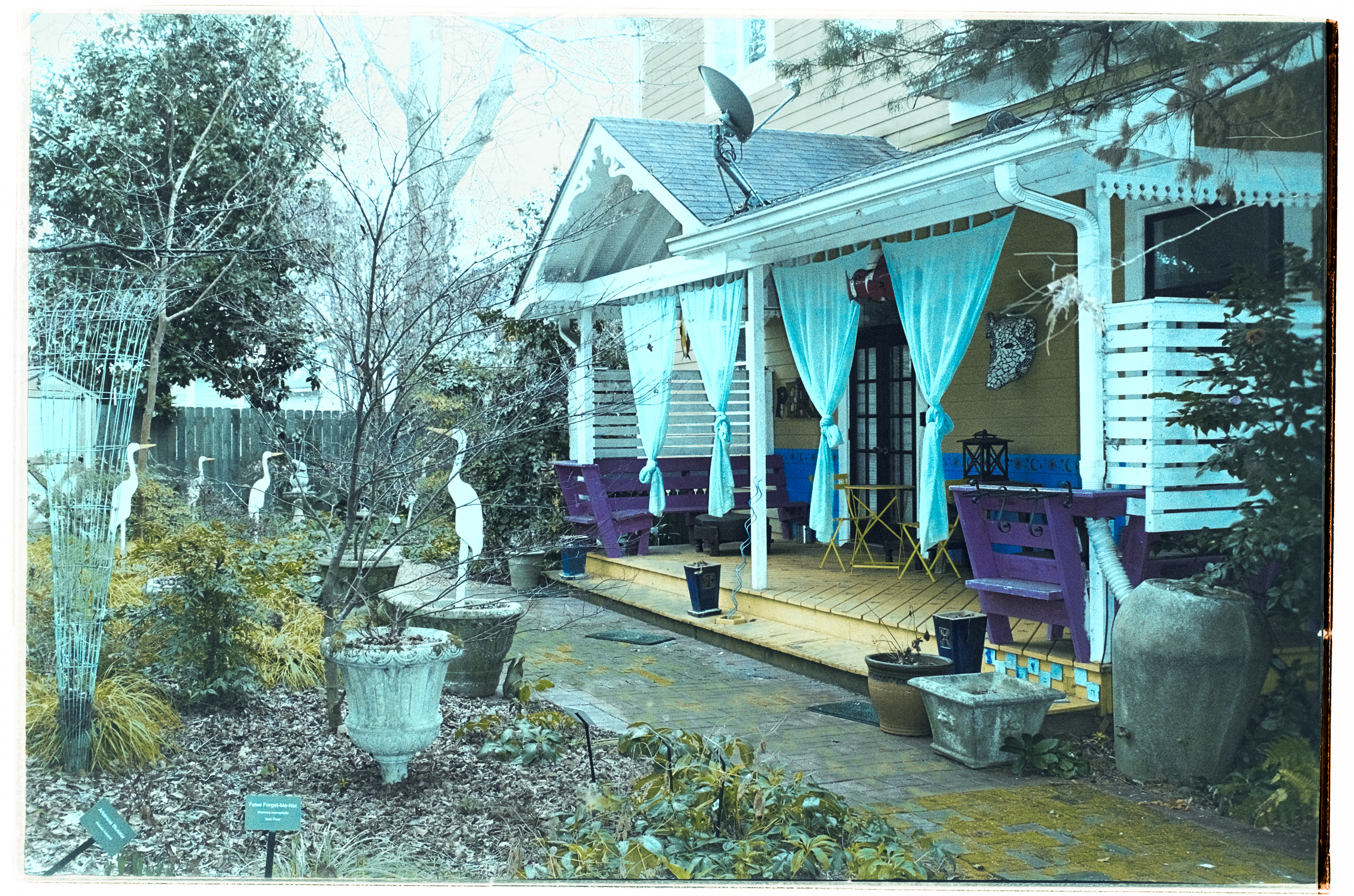
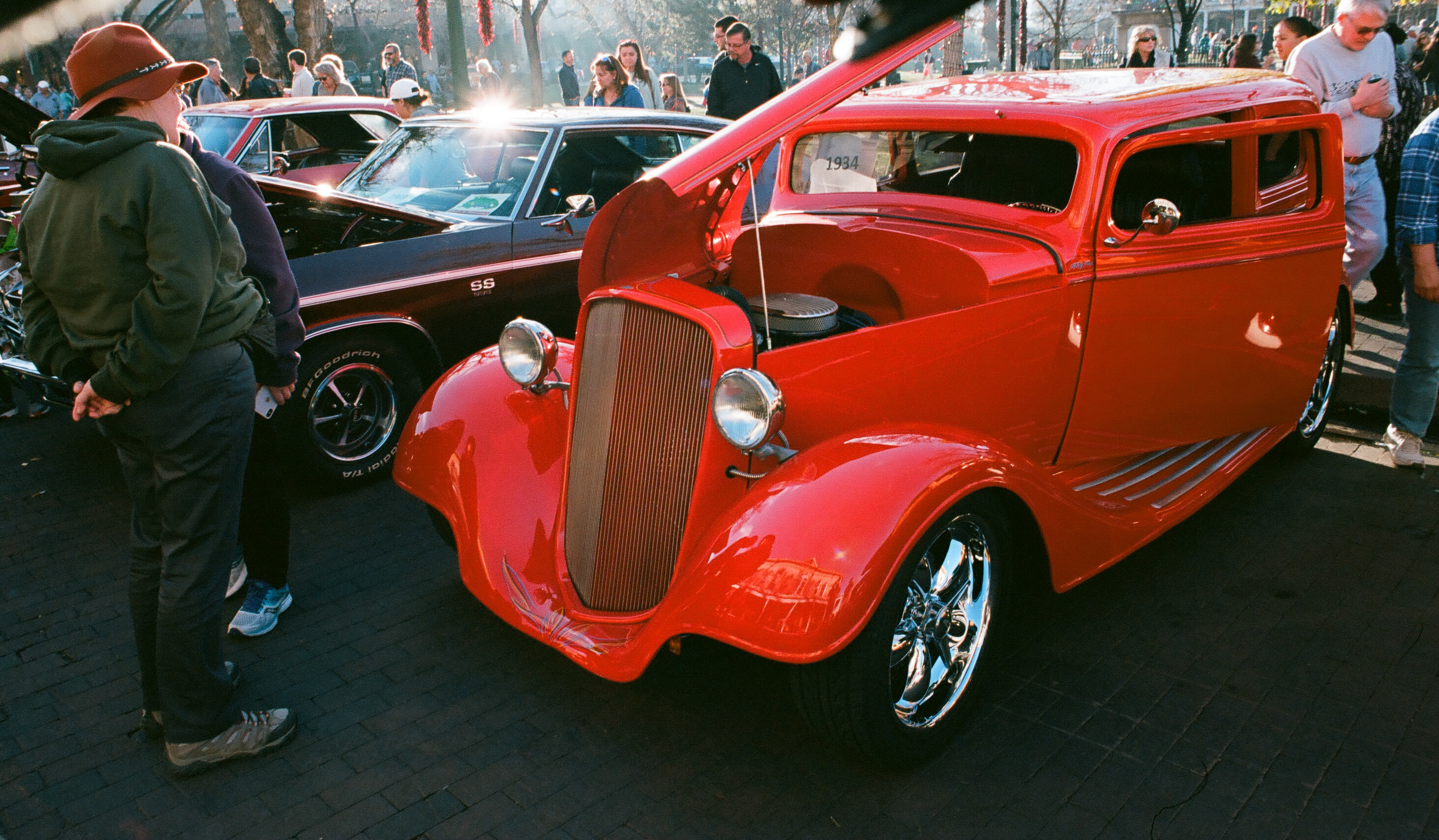
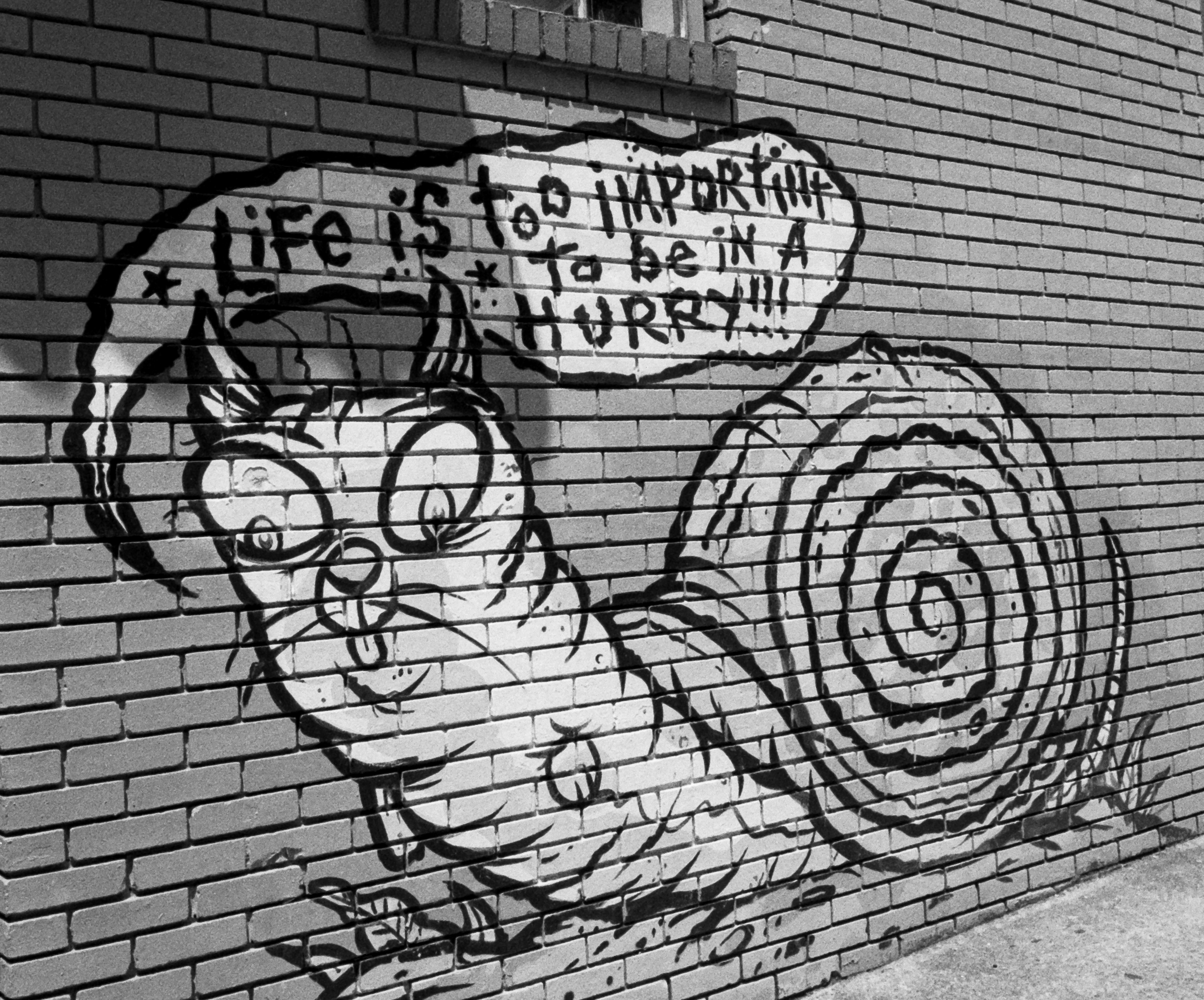
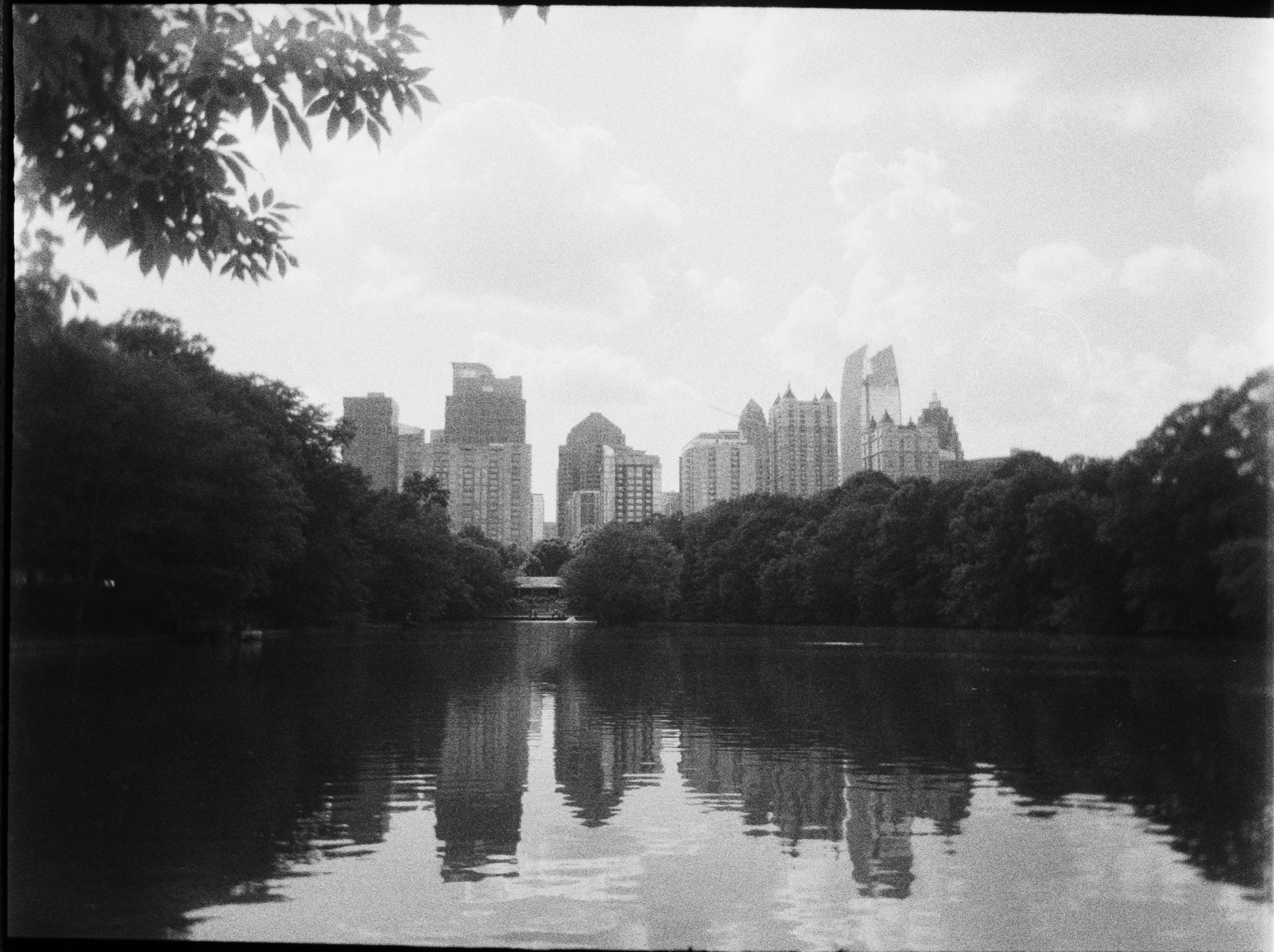
I wouldn’t shoot landscapes or photos of a large group of people with a reusable camera (not enough resolution), but for close-ups a camera like the Kodak Ektar H35 can deliver surprisingly interesting images.
The recommendation of the camera vendors is to keep the subject within 6 to 9ft of the lens, with the electronic flash on (even in bright daylight) and to pick a simple background. Ideally, composing your image in depth (foreground, middle ground, background) will help as well. That being said, creativity is about transgression – play your own partition.
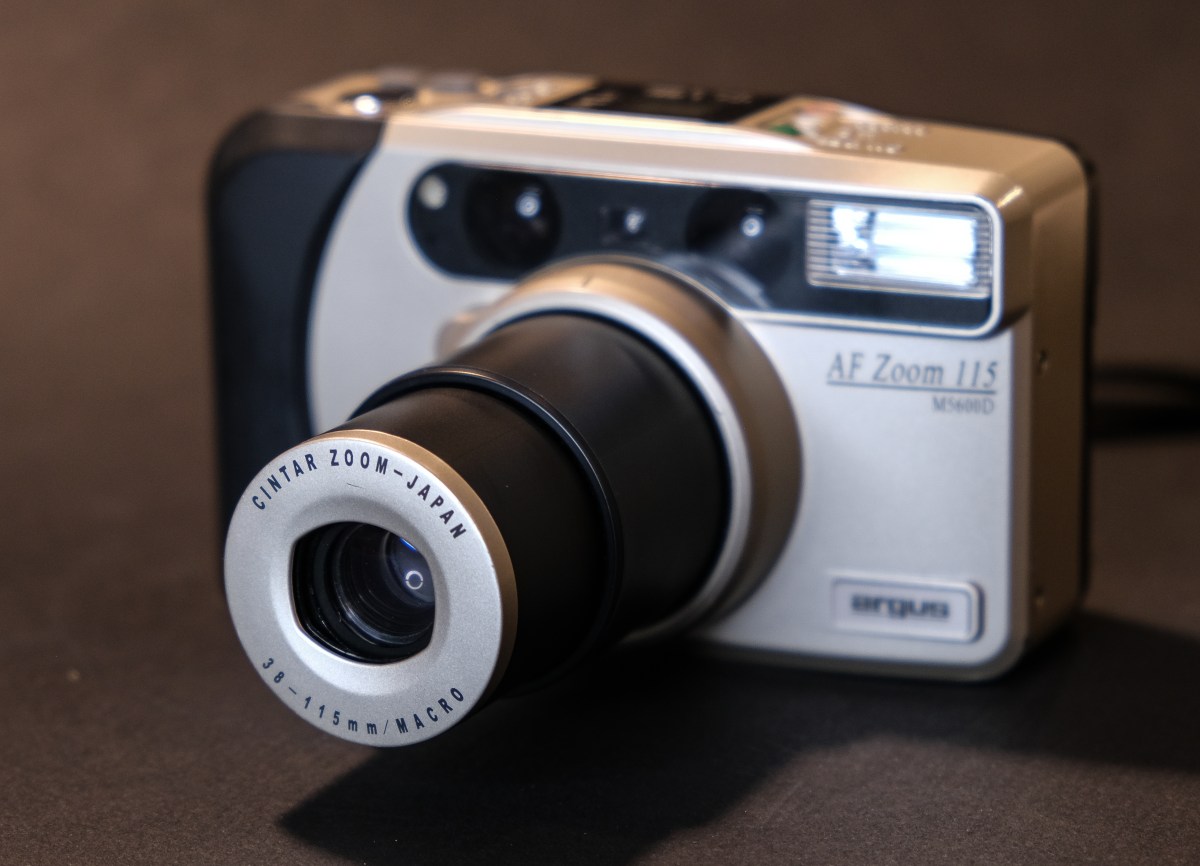
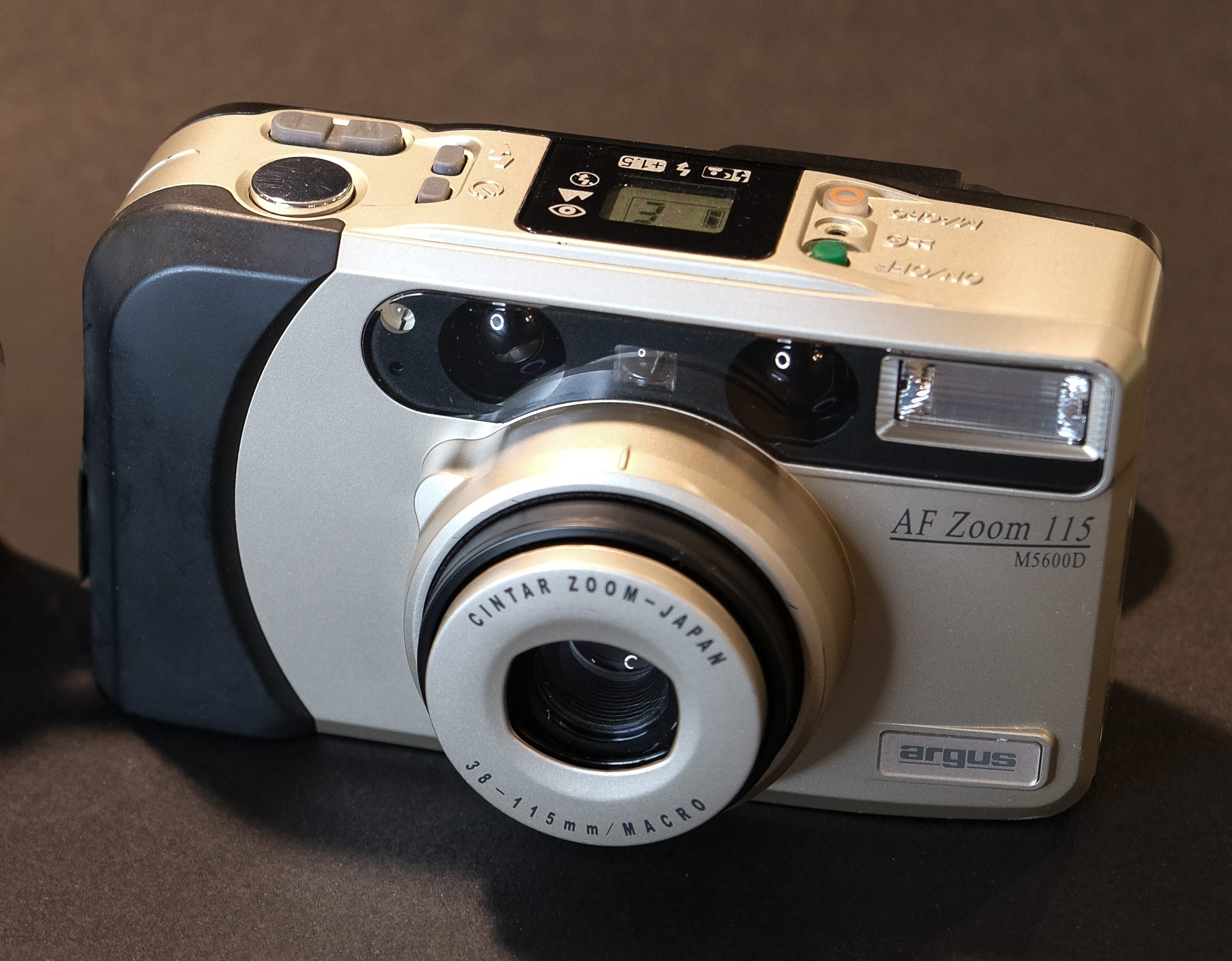
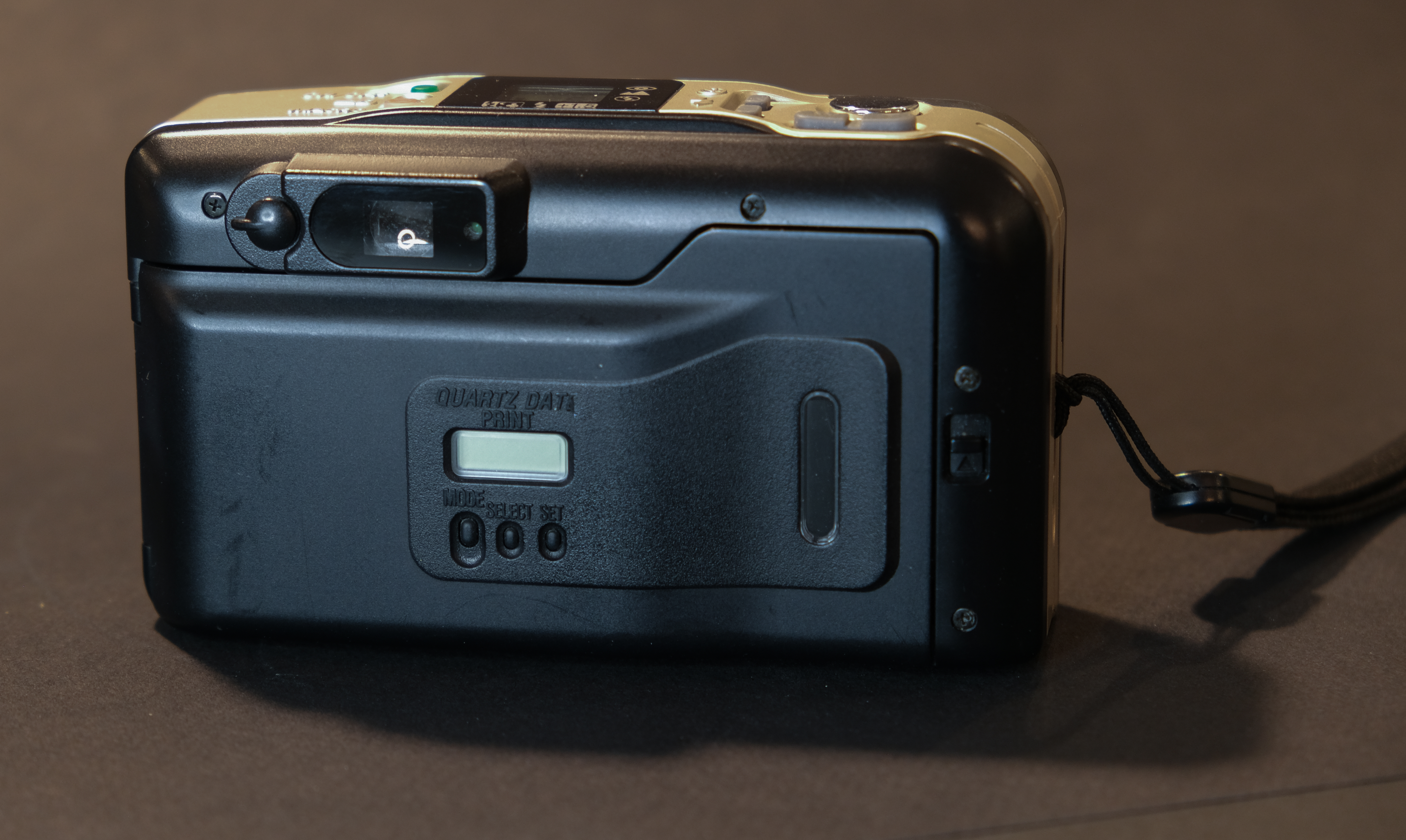
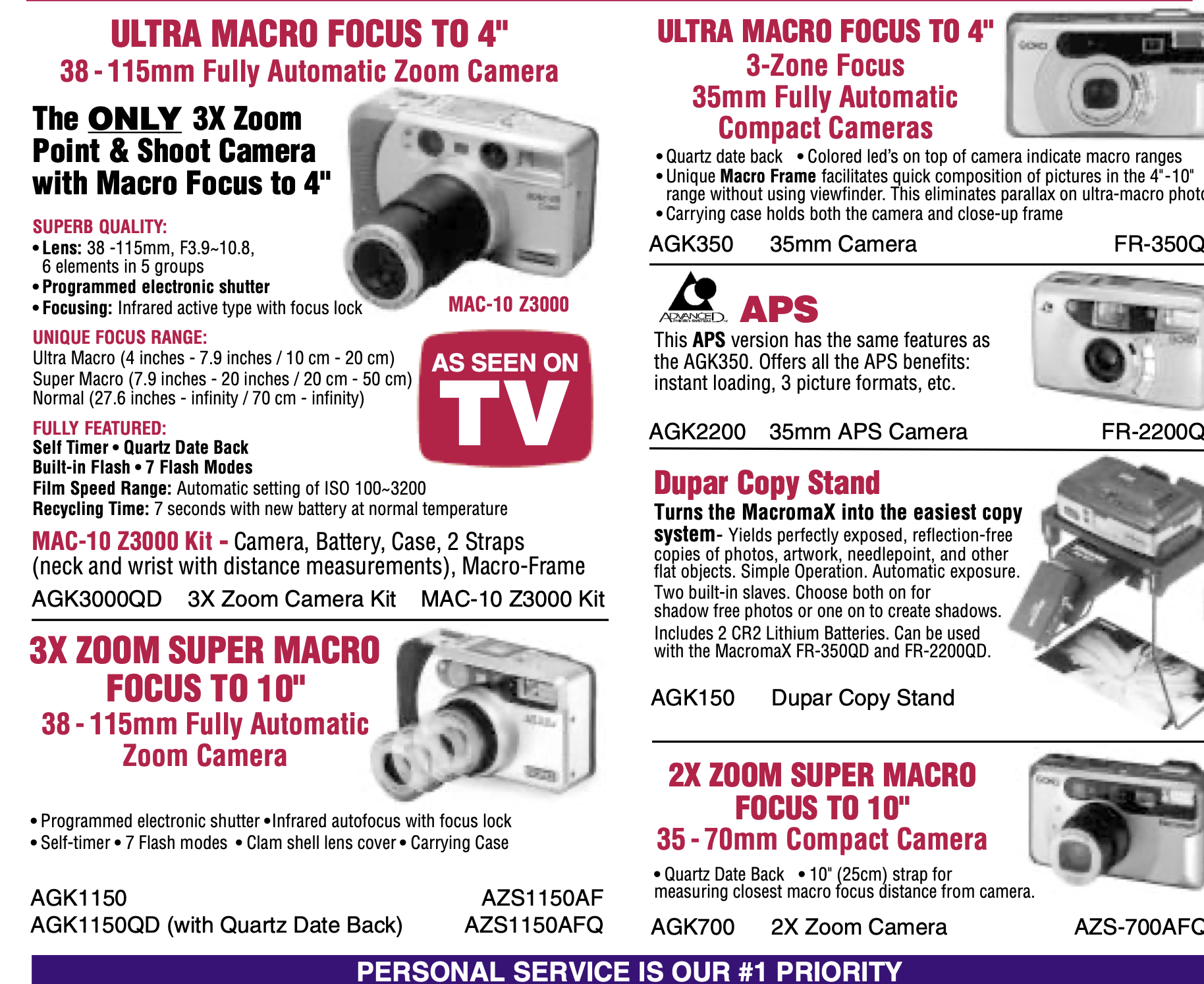
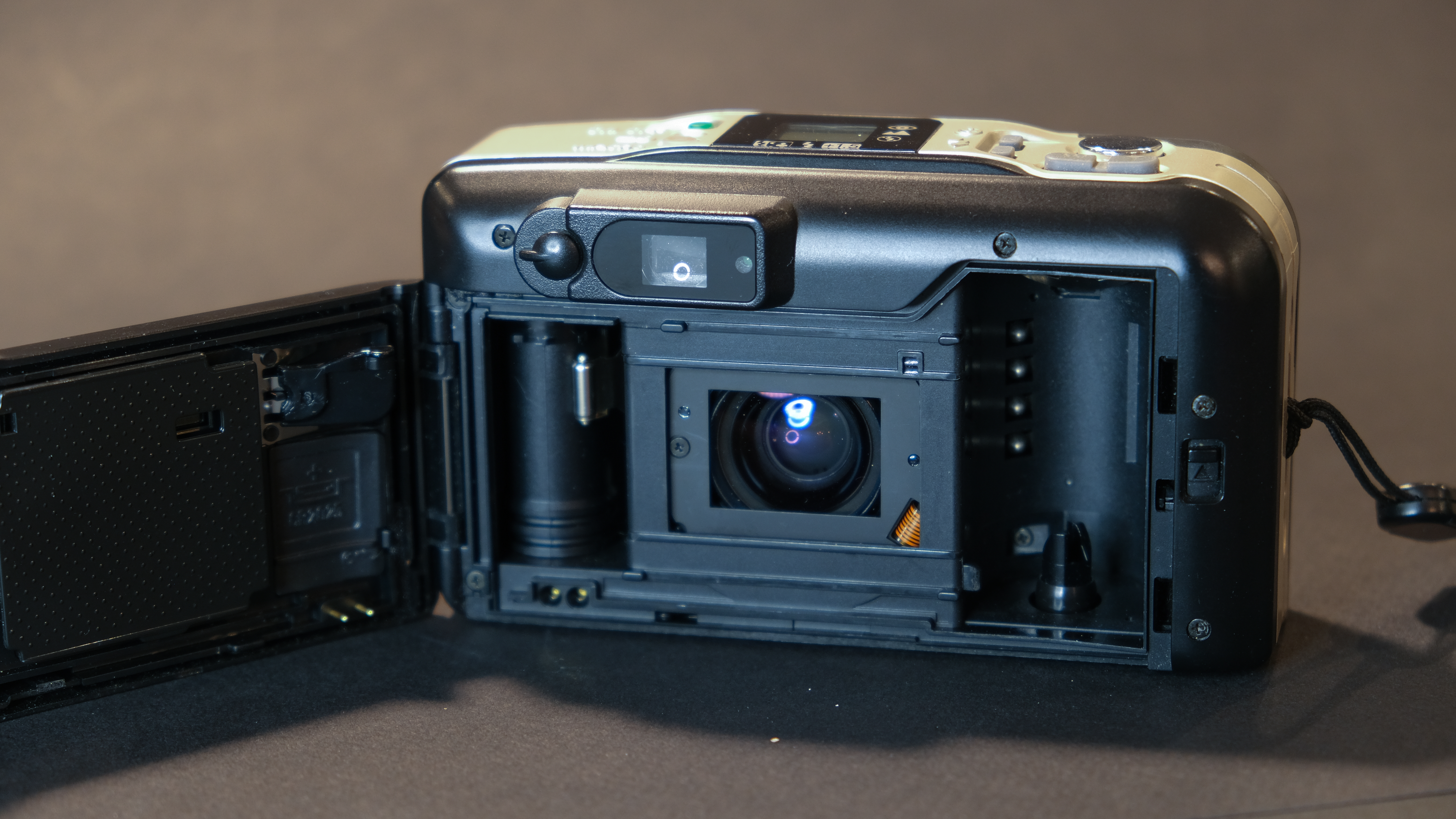
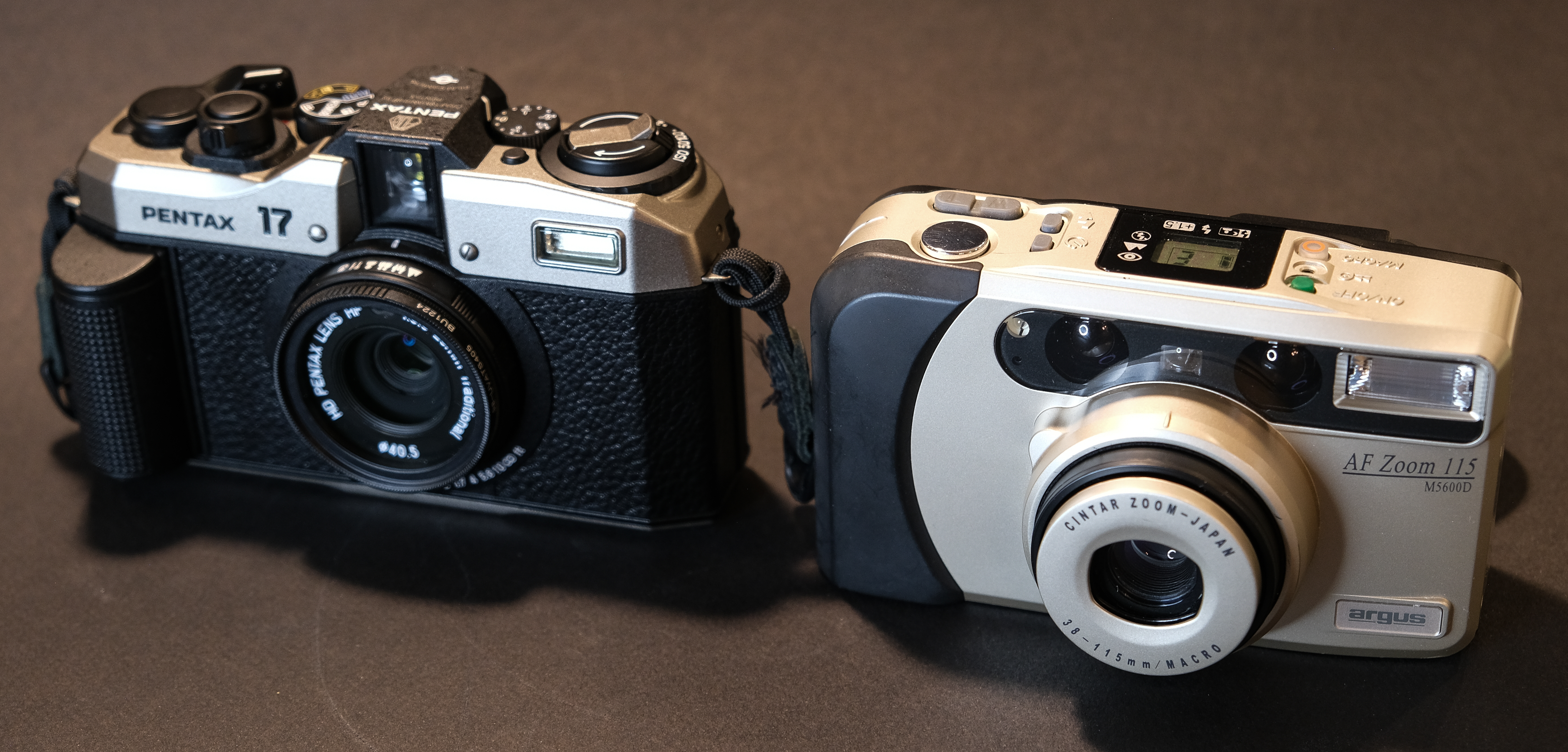
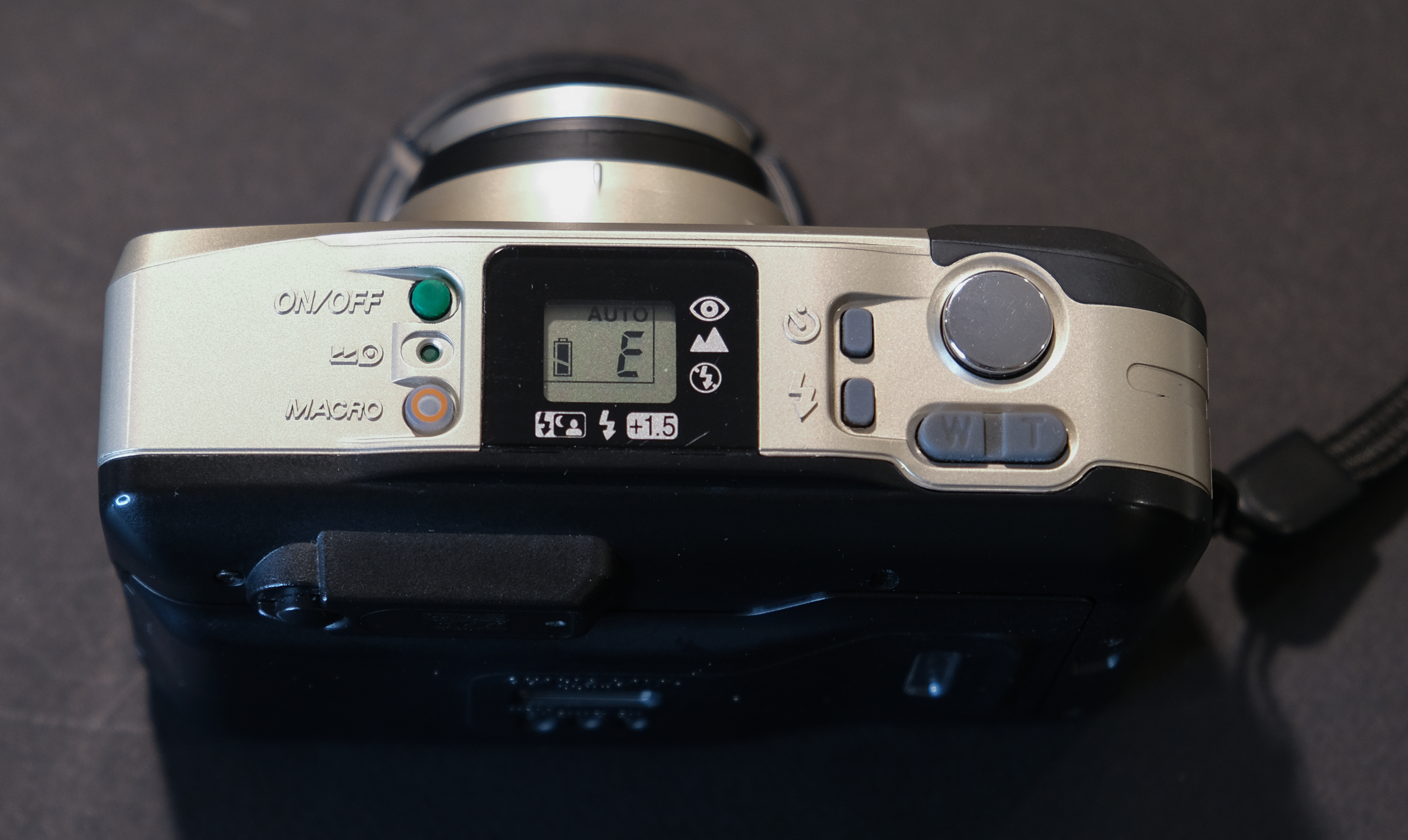
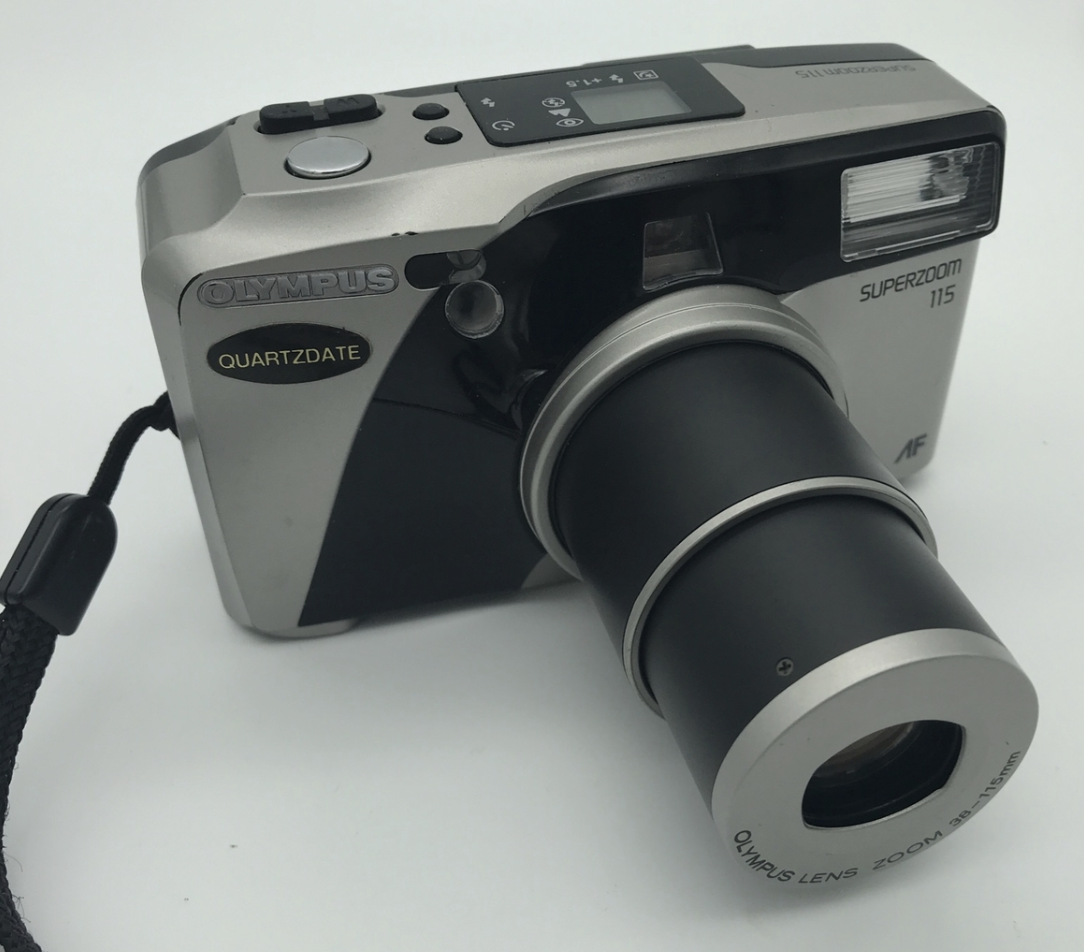
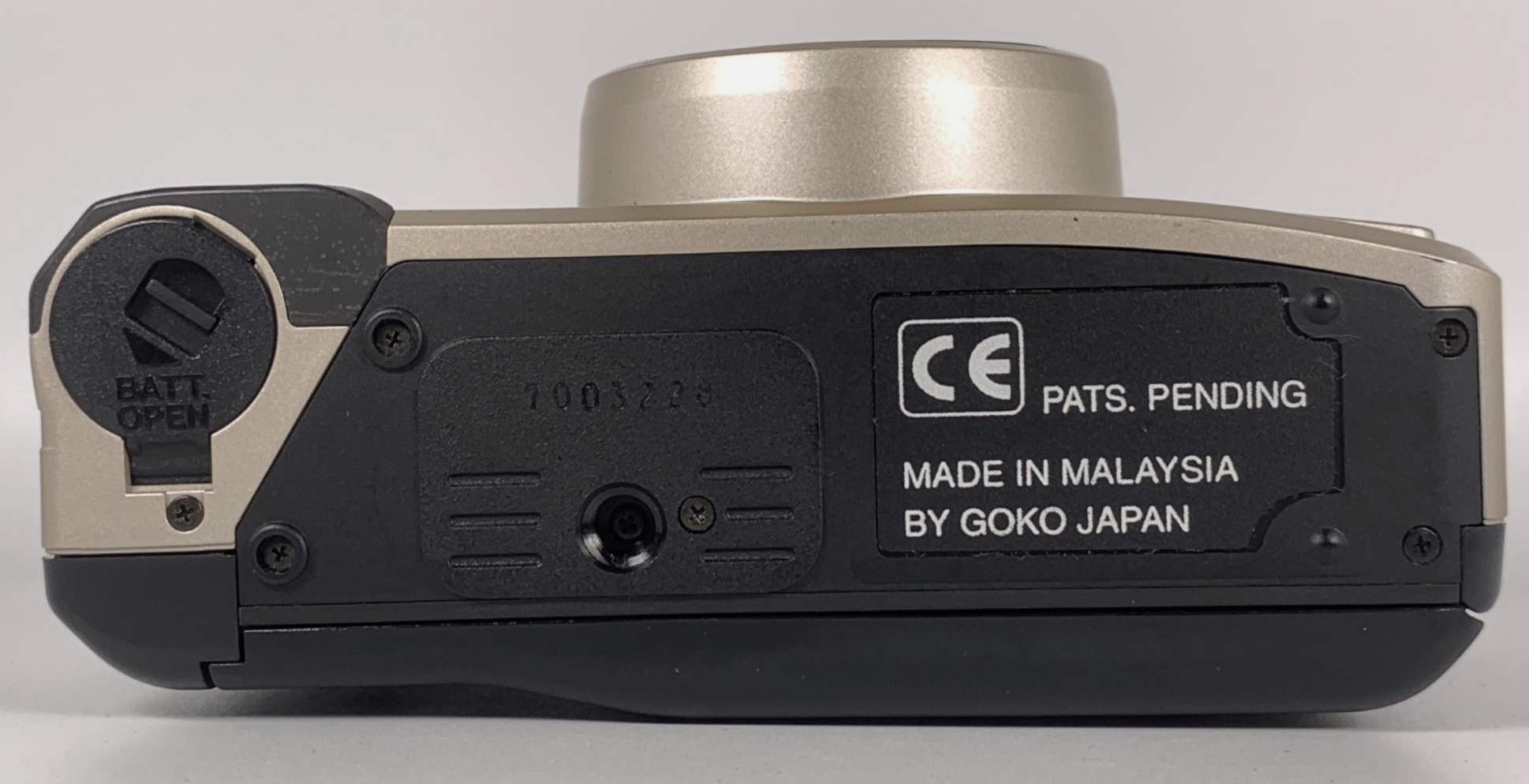
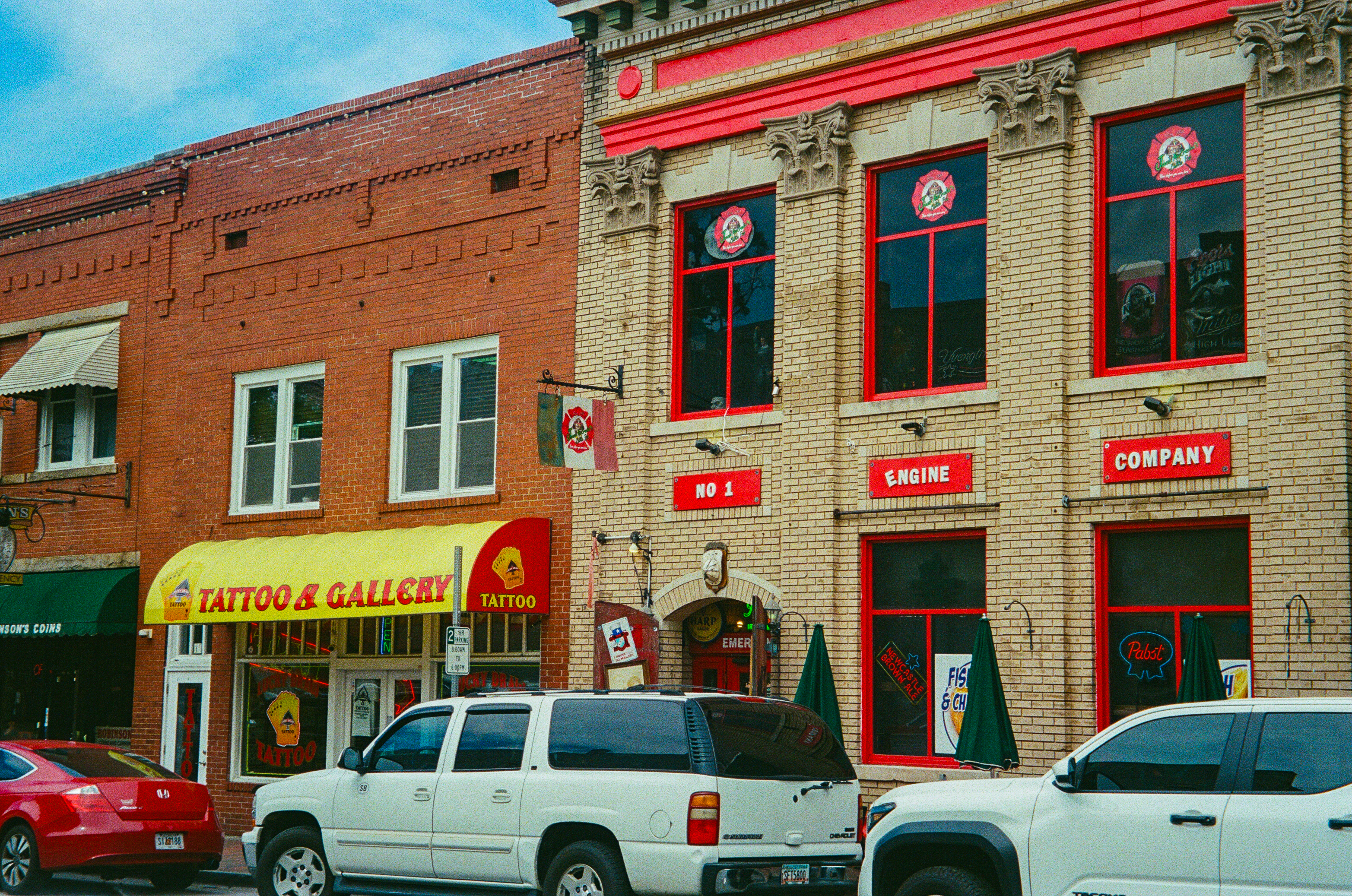
Compact autofocus cameras are more adaptable than a typical one-time-use point and shoot: their metering and programmed exposure systems ensure that you get correctly exposed pictures in more situations, their autofocus that the subject is sharper, and the zoom gives you more ways to isolate a detail. But you still have no direct control over the aperture and the shutter speed, and only rarely over the electronic flash or the focus point.
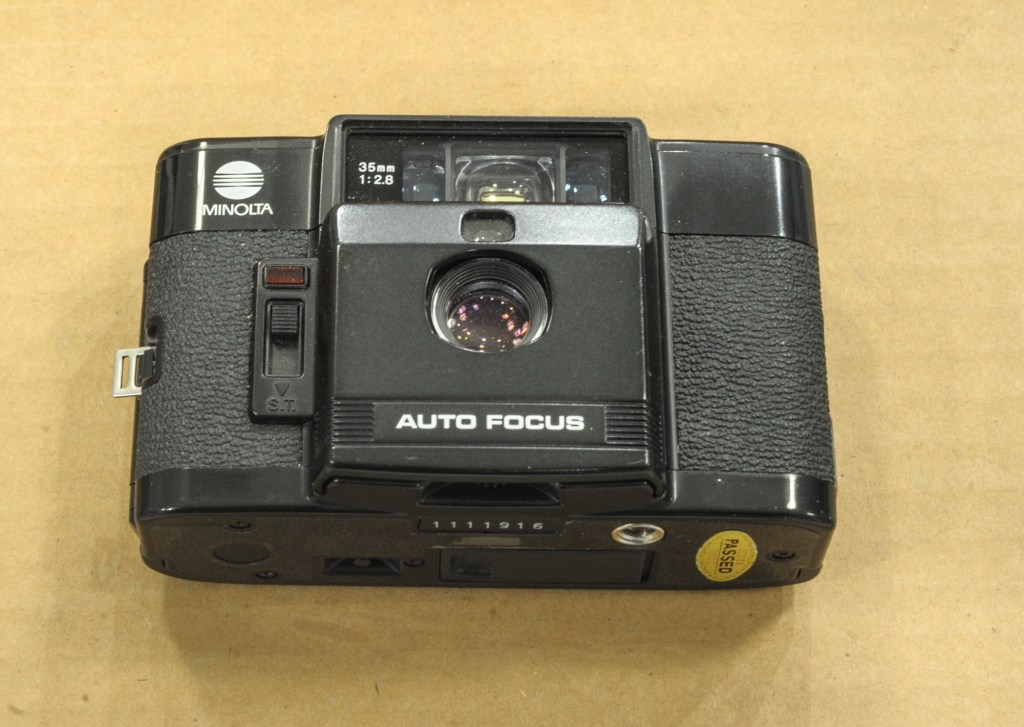
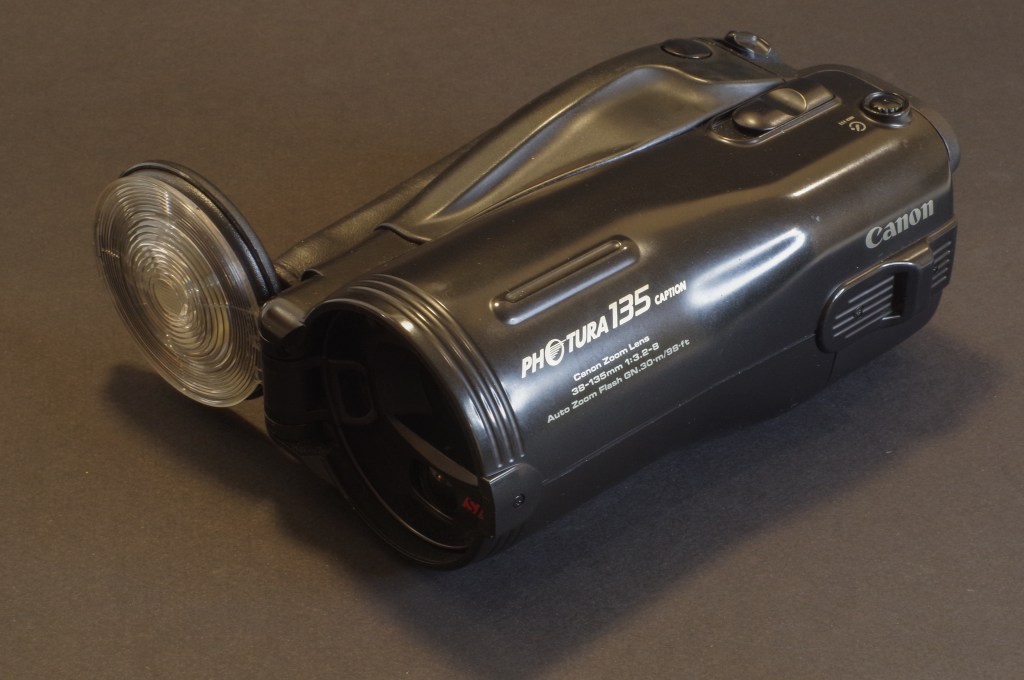
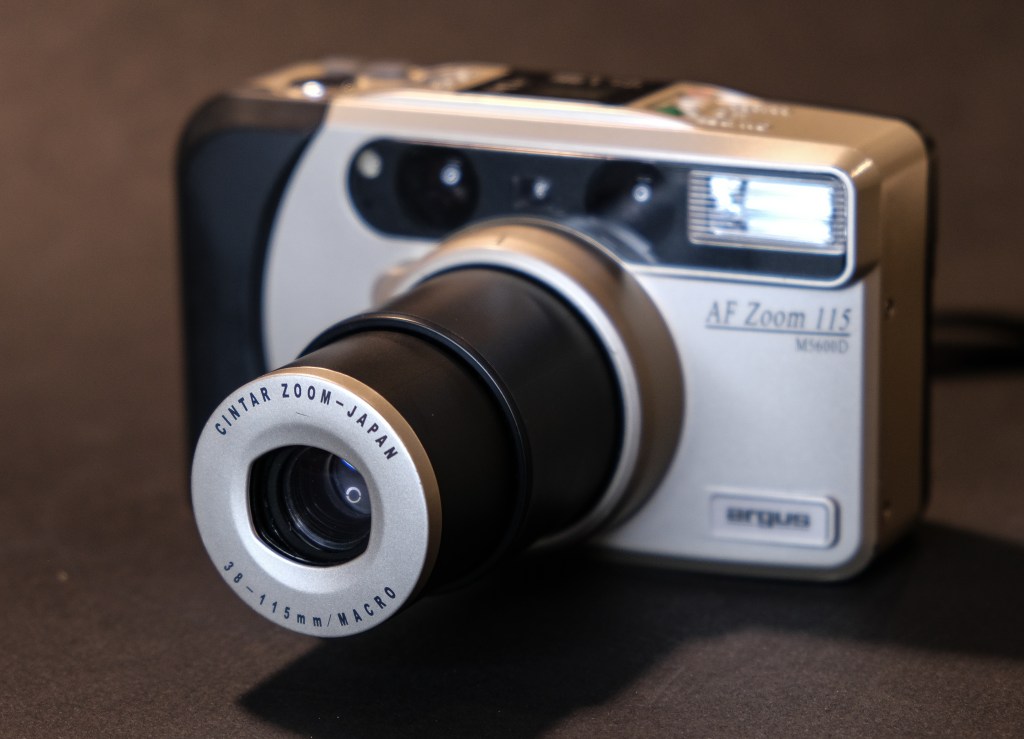
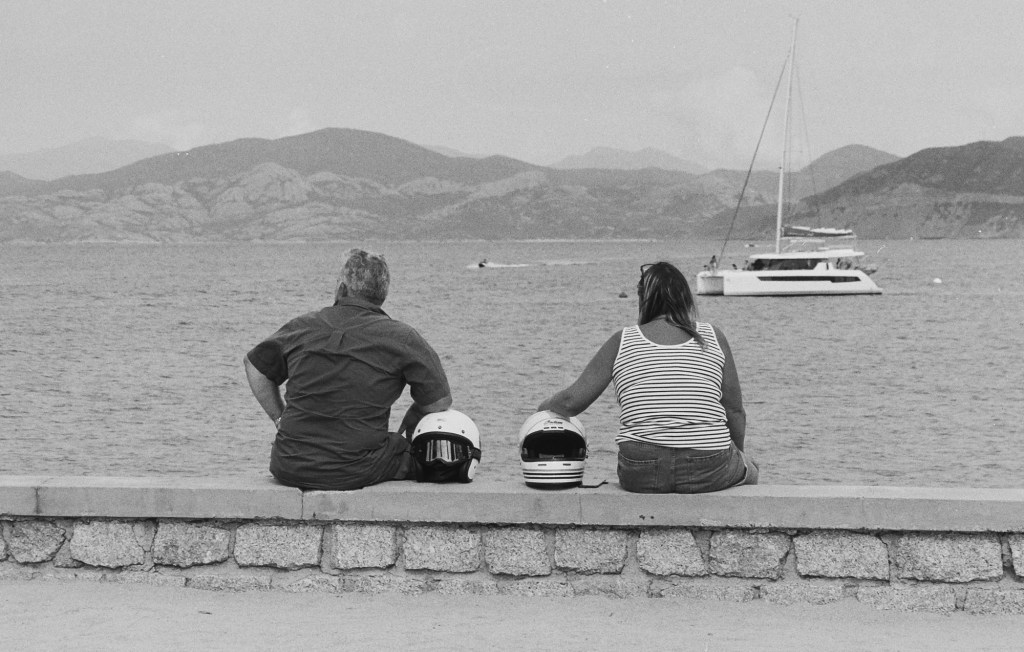
CamerAgX reviews: Minolta AF-C, Canon Photura, Canon Photura 135, Argus M5600D
So, for all practical purposes, you have to work with them like slightly more capable and flexible one-time-use – they will give you usable pictures in more situations, but they remain cameras where choosing the right film and mastering composition are the two main factors of success.
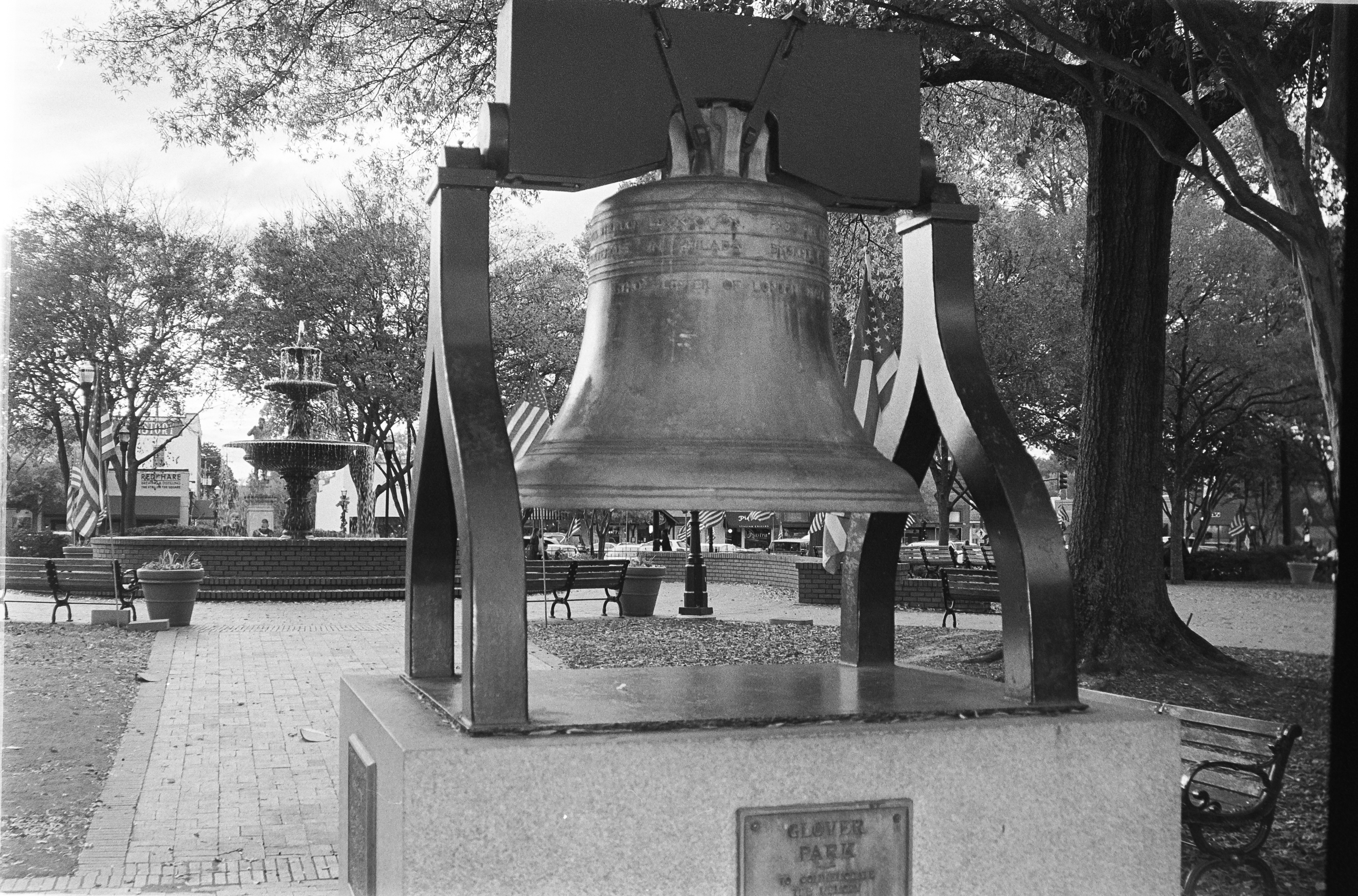
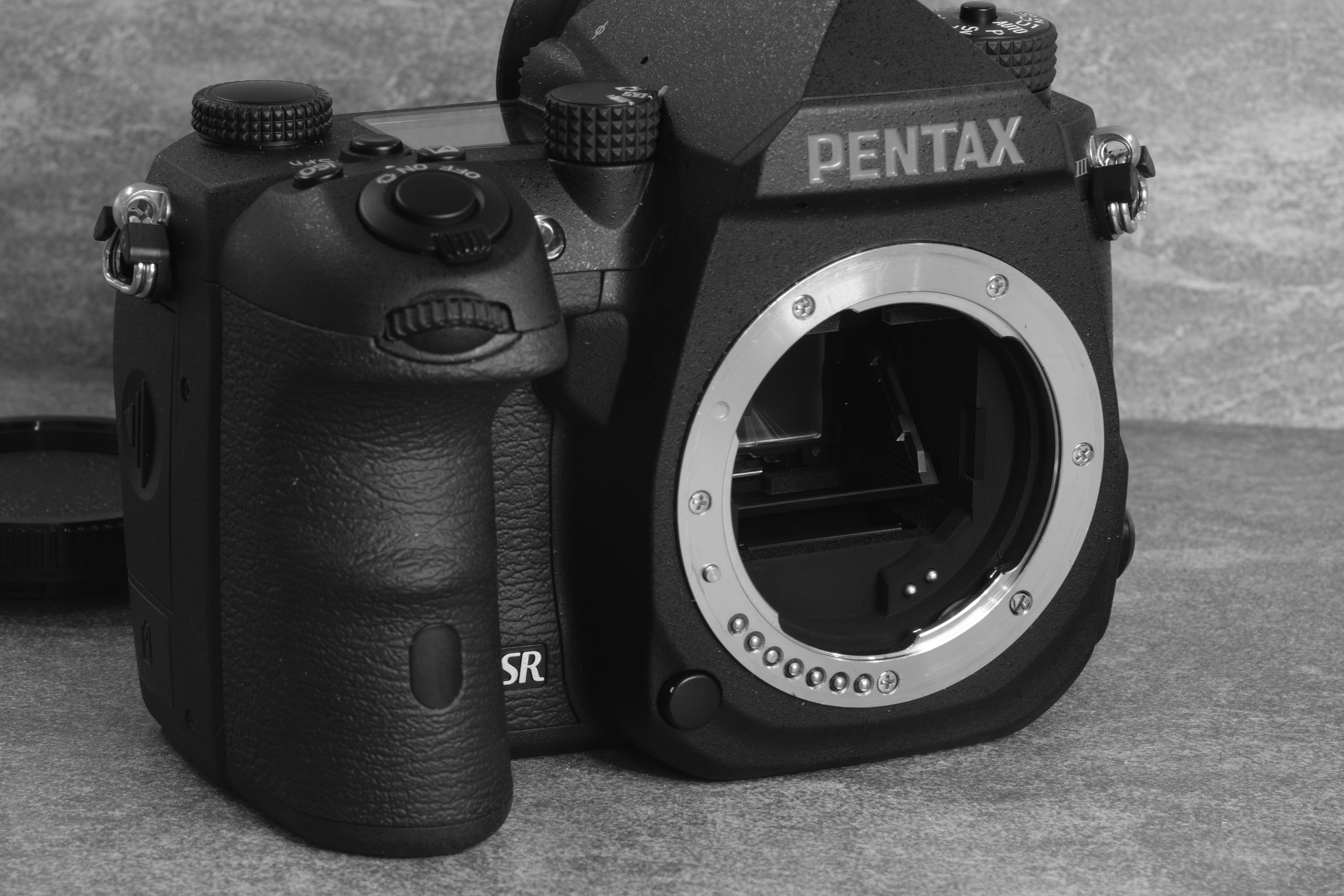
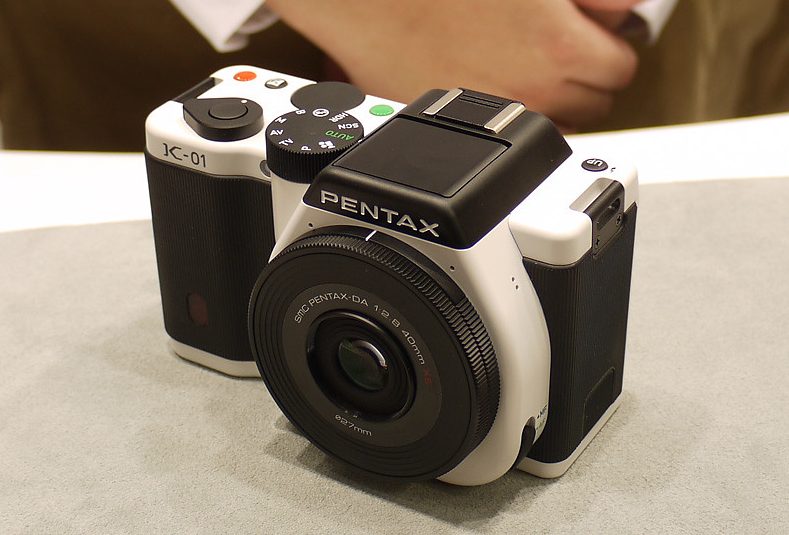
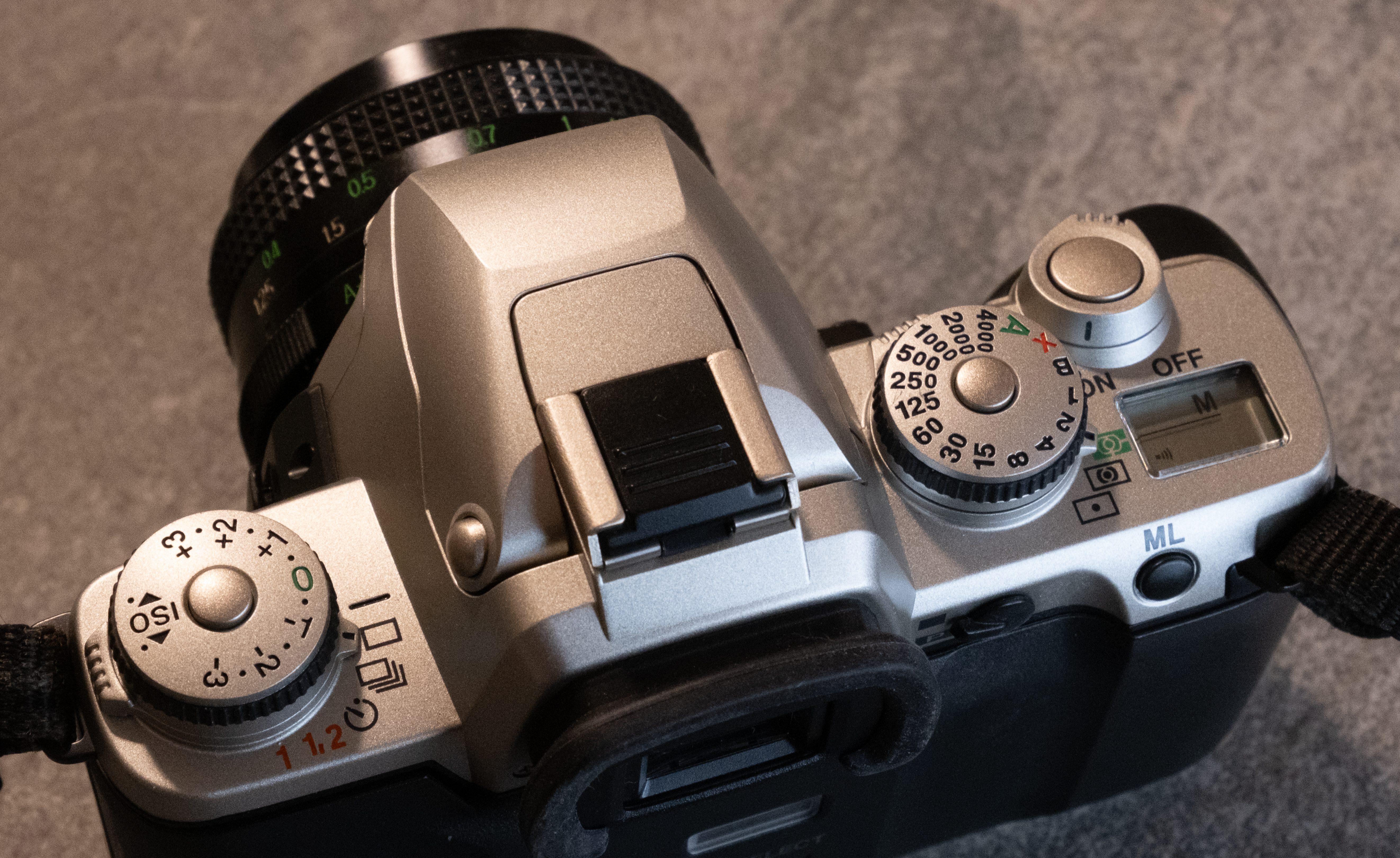
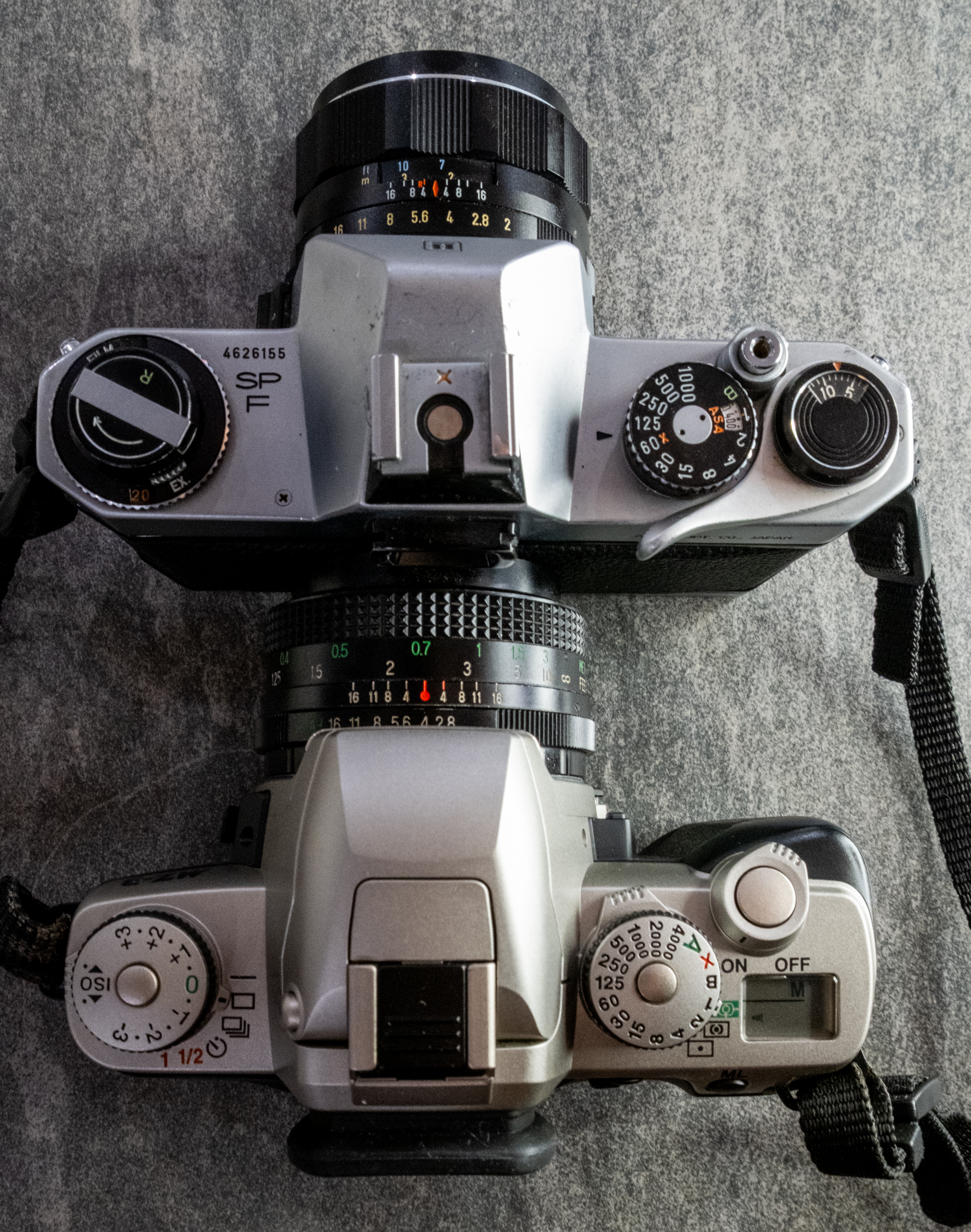
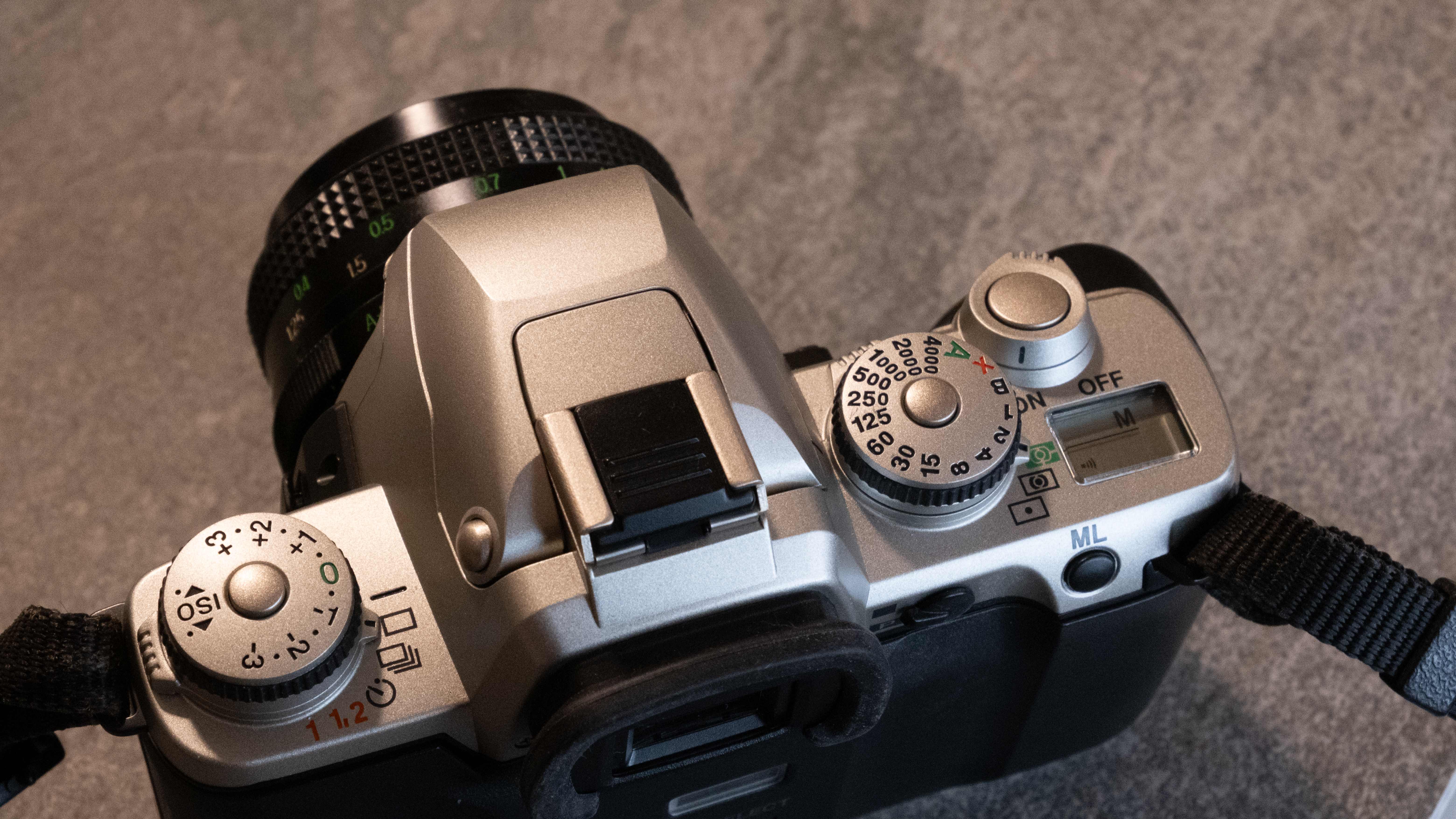
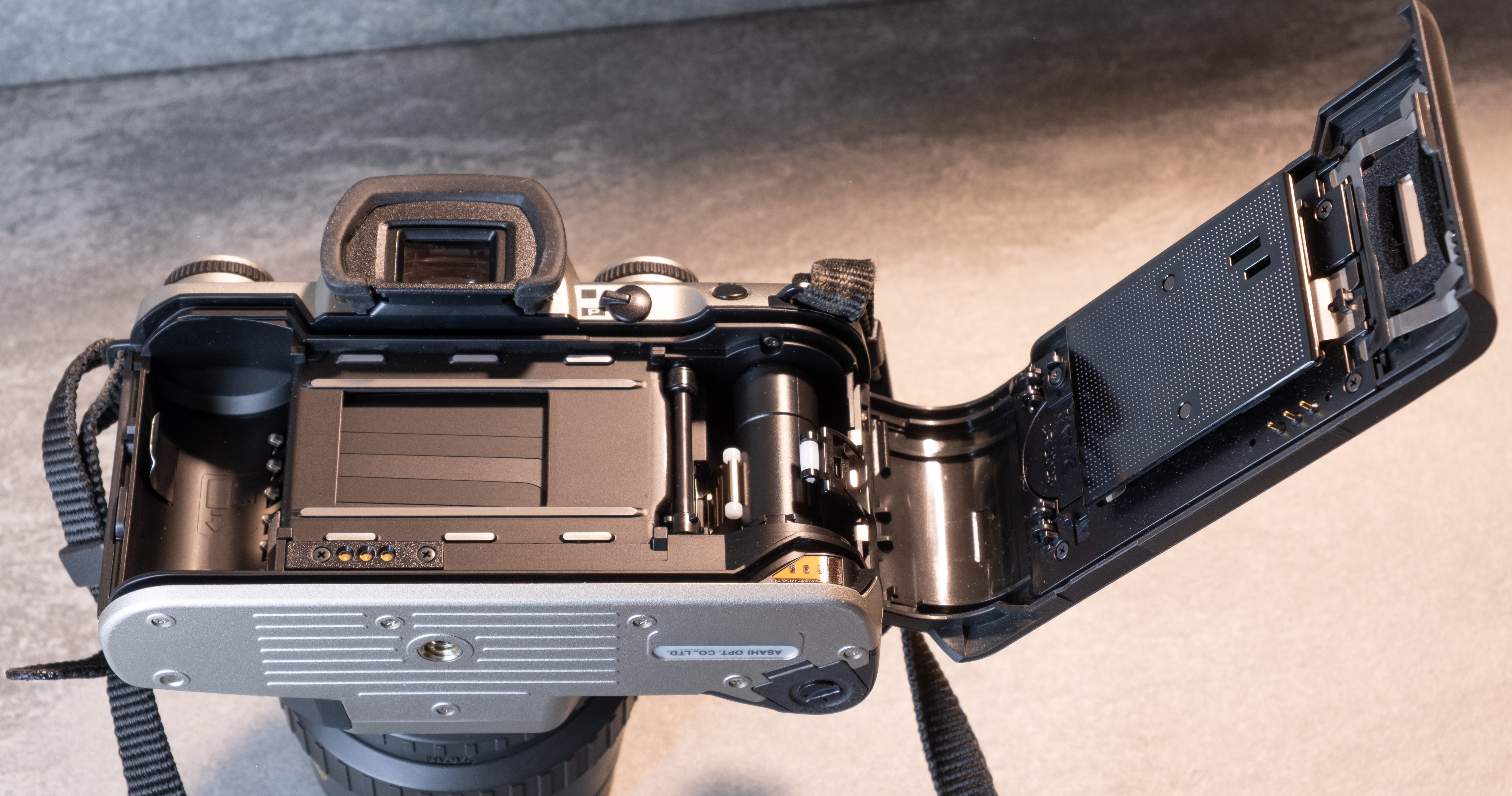
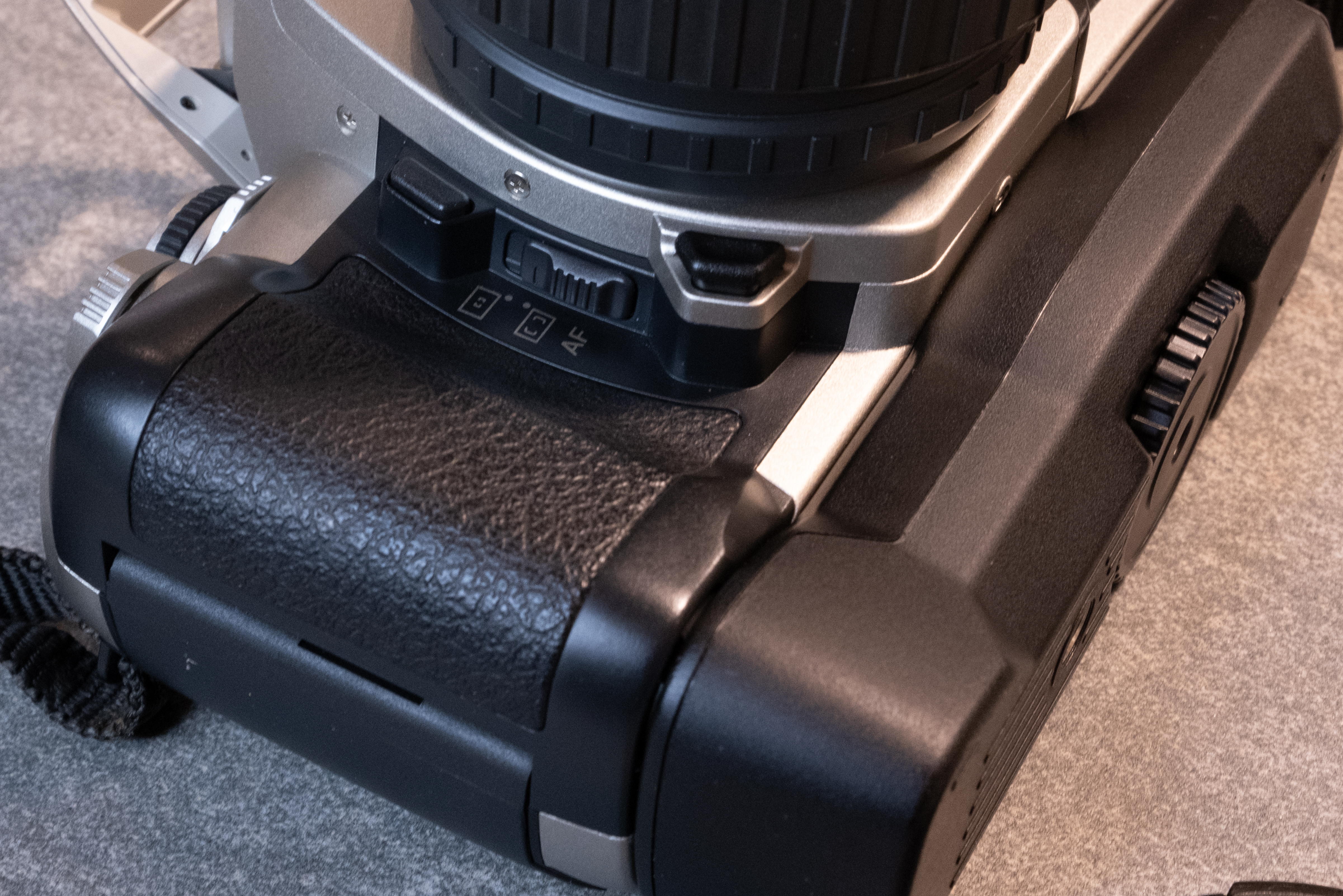
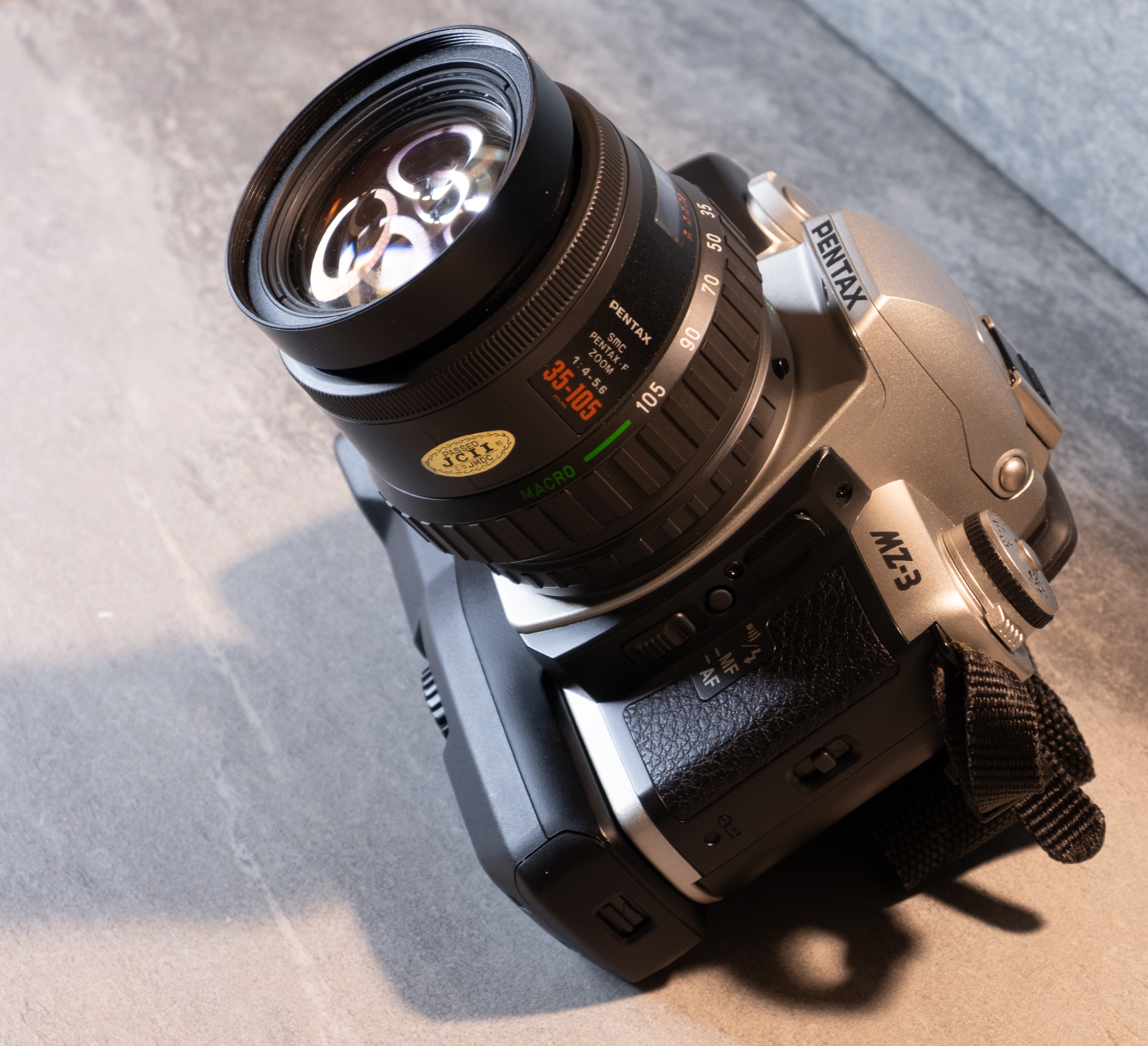
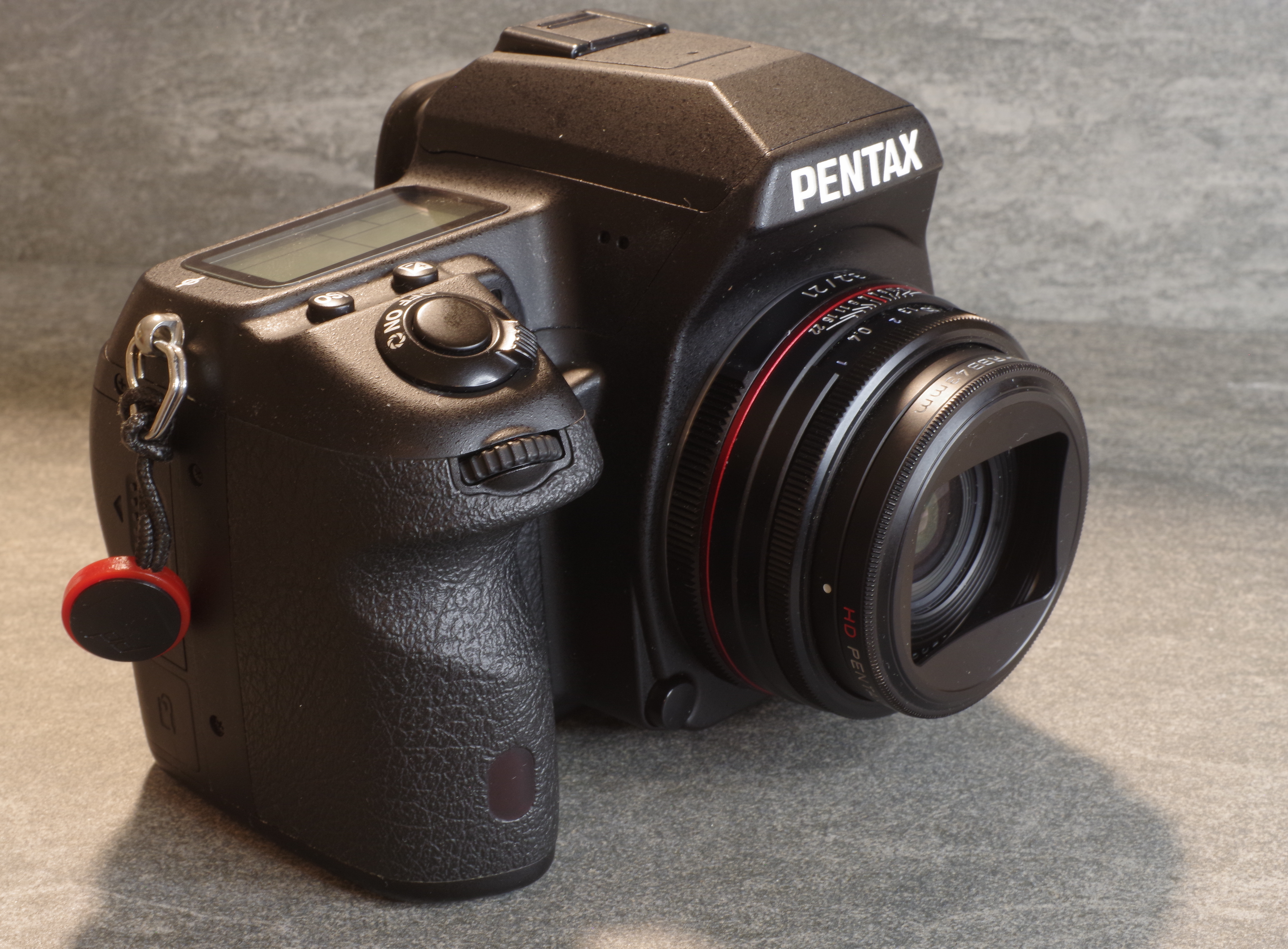
It is surprising that you can buy a good single lens reflex for the same money as a single use camera or a compact autofocus. The market has its darlings – cameras like the Canon AE-1, the Canon EOS-3, the Nikon FM2, the Nikon F100 or the Minolta Maxxum 7 command relatively big bucks ($150.00 and above), but if you are patient and wait for an auction with no other bidder than you, you can still score real gems like the Canon EOS 620/650, the Pentax Program-A, the Minolta Maxxum 600SI, the Nikon FG, or the original FM, for little more than $9.99.
Avoid the antiques, the notoriously unreliable (the Pentax P3/P30, and most of the plastic-fantastic manual focus SLRs built after 1983), and the over-simplified cameras offering too little control to the photographer (Canon AV-1, Pentax MV, Nikon EM, and all the so-called “point and shoot autofocus SLRs” such as the Minolta Maxxum 3000i and its successors).
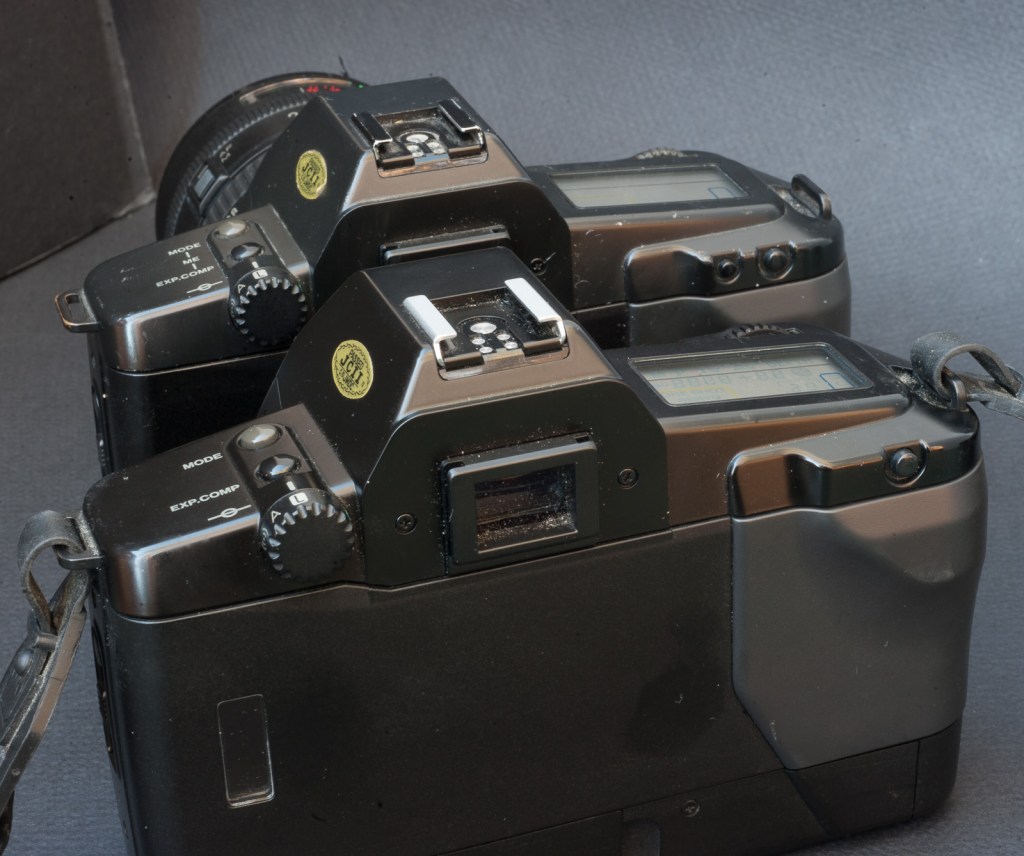
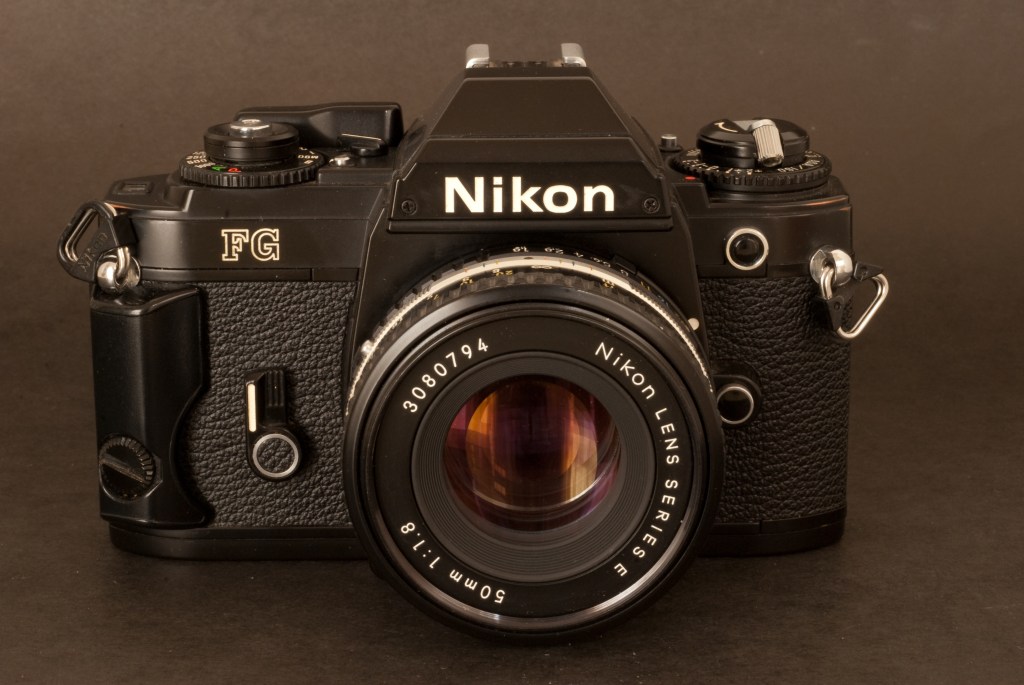
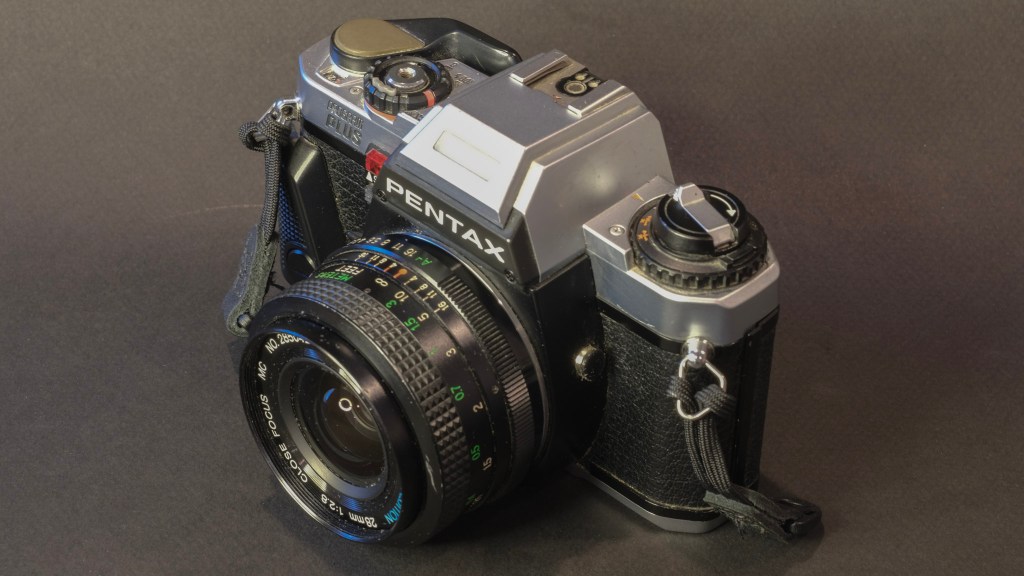
CamerAgx reviews: Canon EOS 620, Nikon FG, Pentax Program-A
My list of recommended SLRs includes manual focus as well as autofocus cameras – one can argue that autofocus cameras will deliver technically better pictures in the hands of beginners who have enough to do with the composition and with the control of the exposure parameters – I would simply avoid the autofocus SLRs of the first generation – their autofocus only operates on a narrow central area, and performs poorly on badly lit subjects, where it becomes loud, slow or inoperative. But anything made by one of the big three after 1992 should be fine (Nikon N90s, Minolta Maxxum 700SI, Canon EOS A2E..).
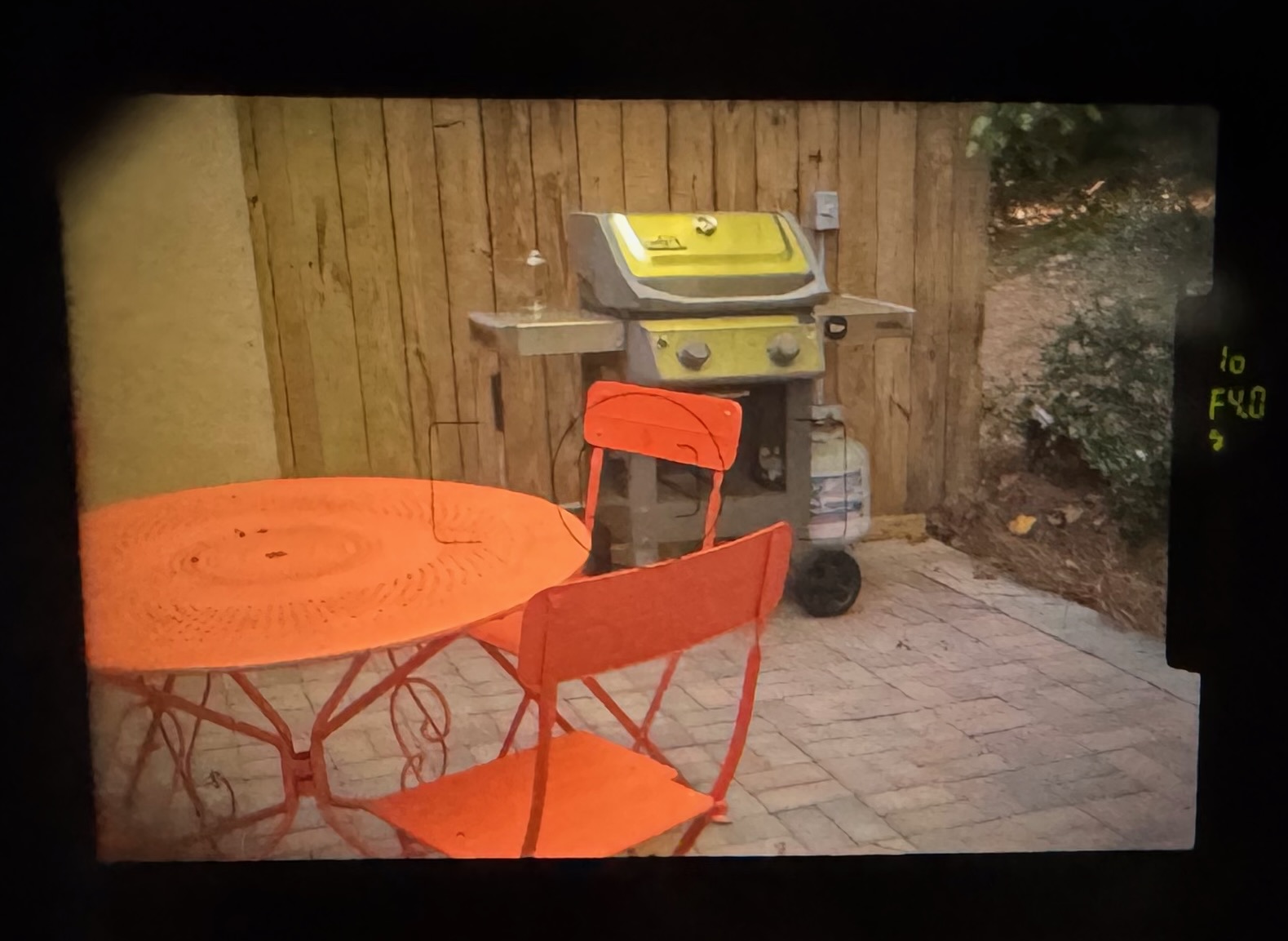
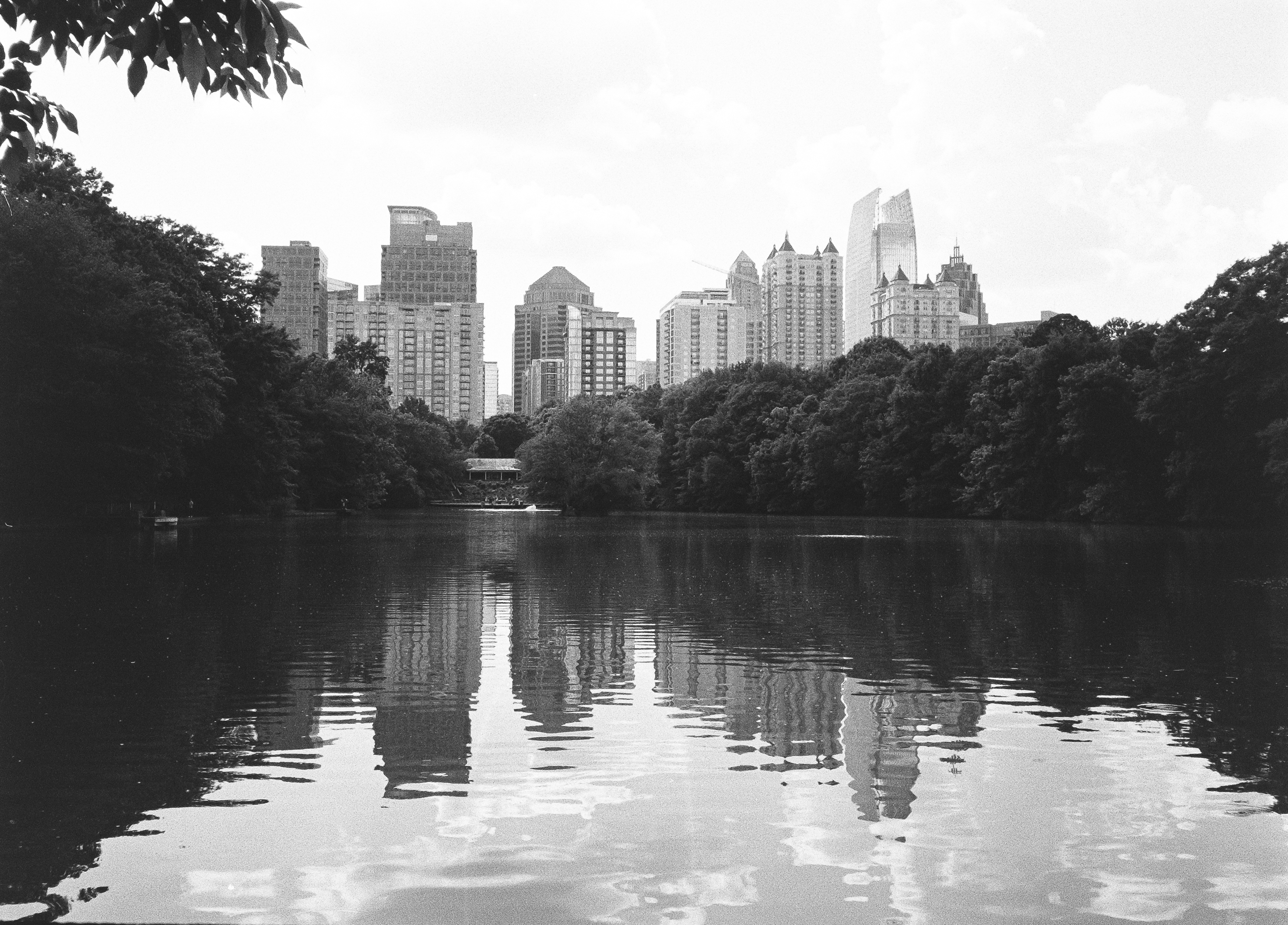
With SLRs, composition remains key (it’s what in the frame and how the image can be read that counts), but you have so many other parameters to play with – the precise determination of the focus point, of the depth of field, of the exposure, it gives you an unparalleled control over your images. Pick the right lens, play with the aperture to control the depth of field, with the shutter speed to freeze movement – you won’t be able to do any of this even with the most elaborate compact autofocus camera.
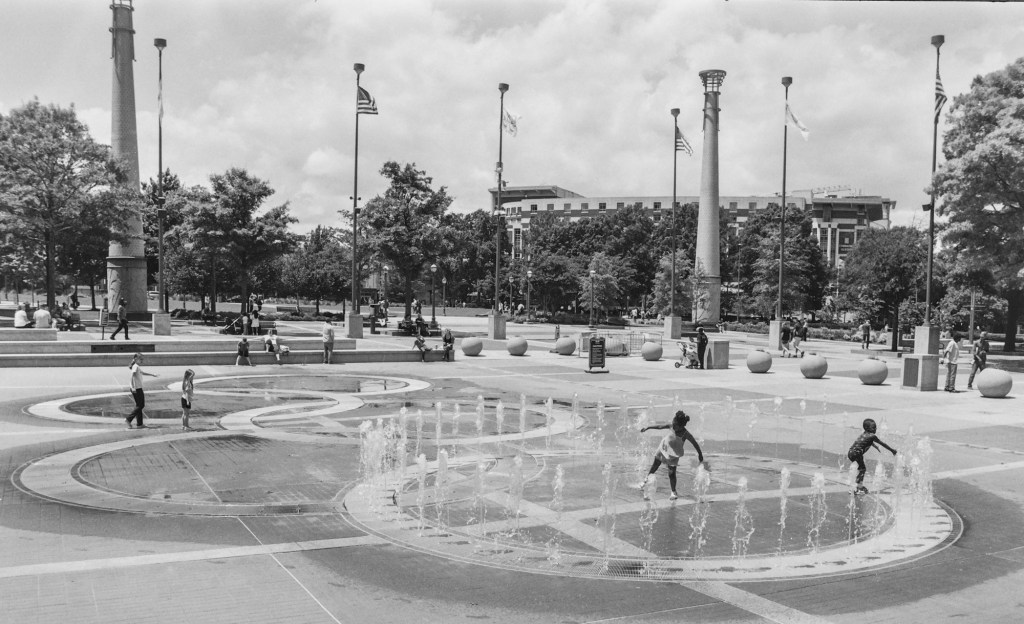
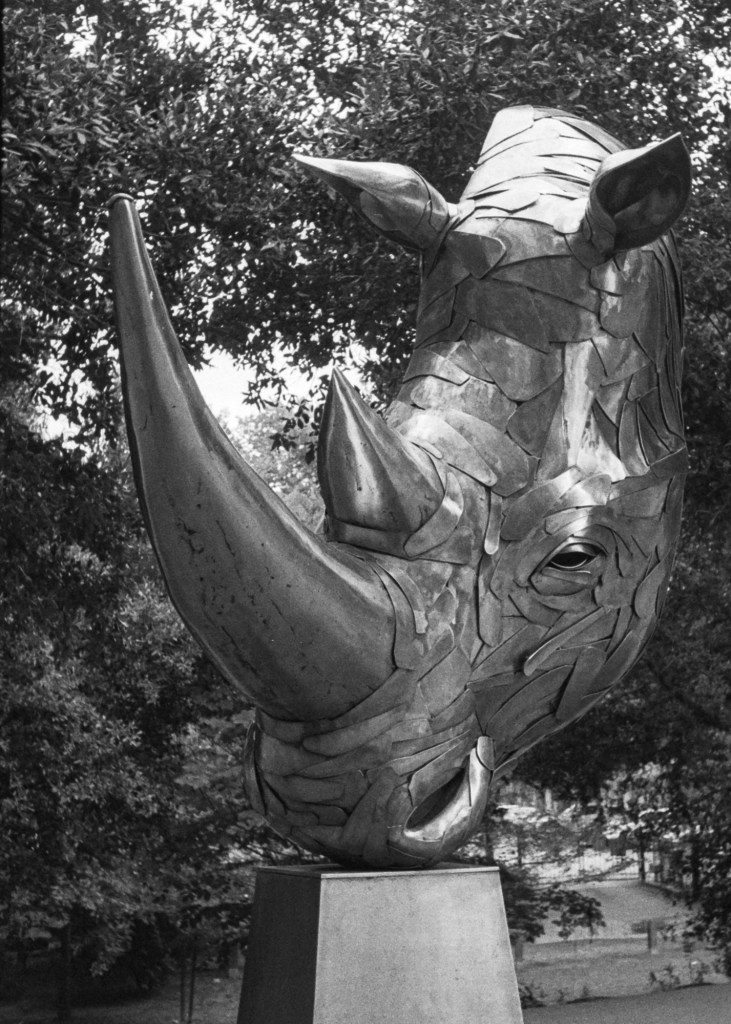
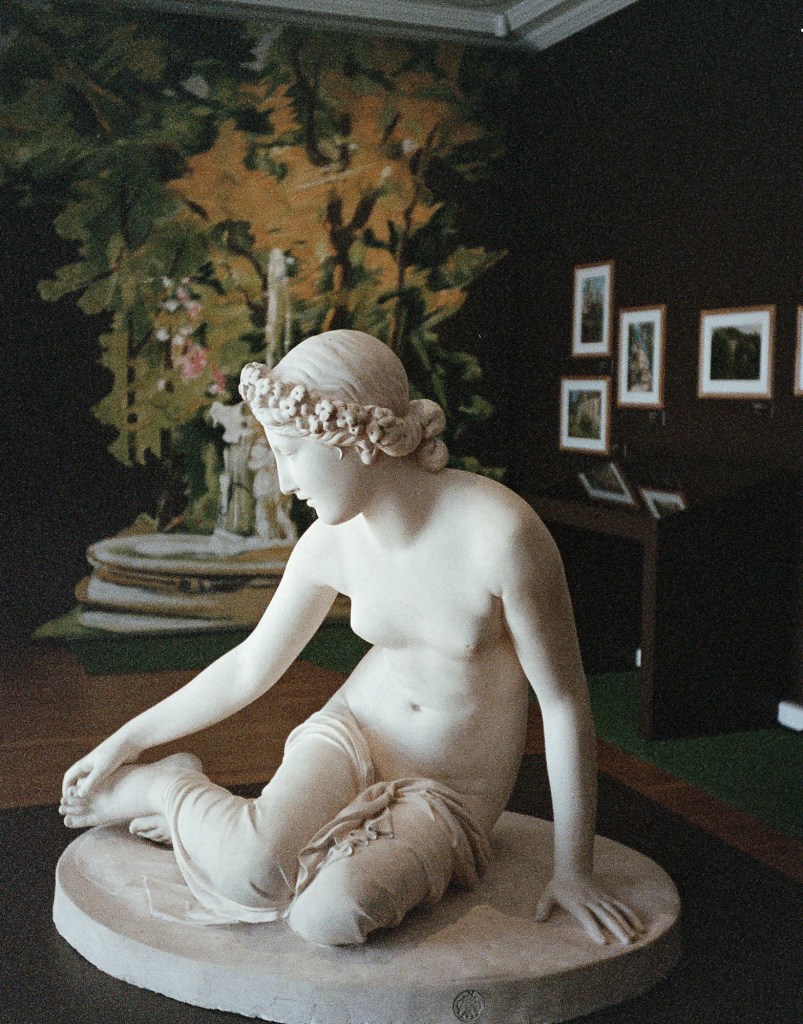
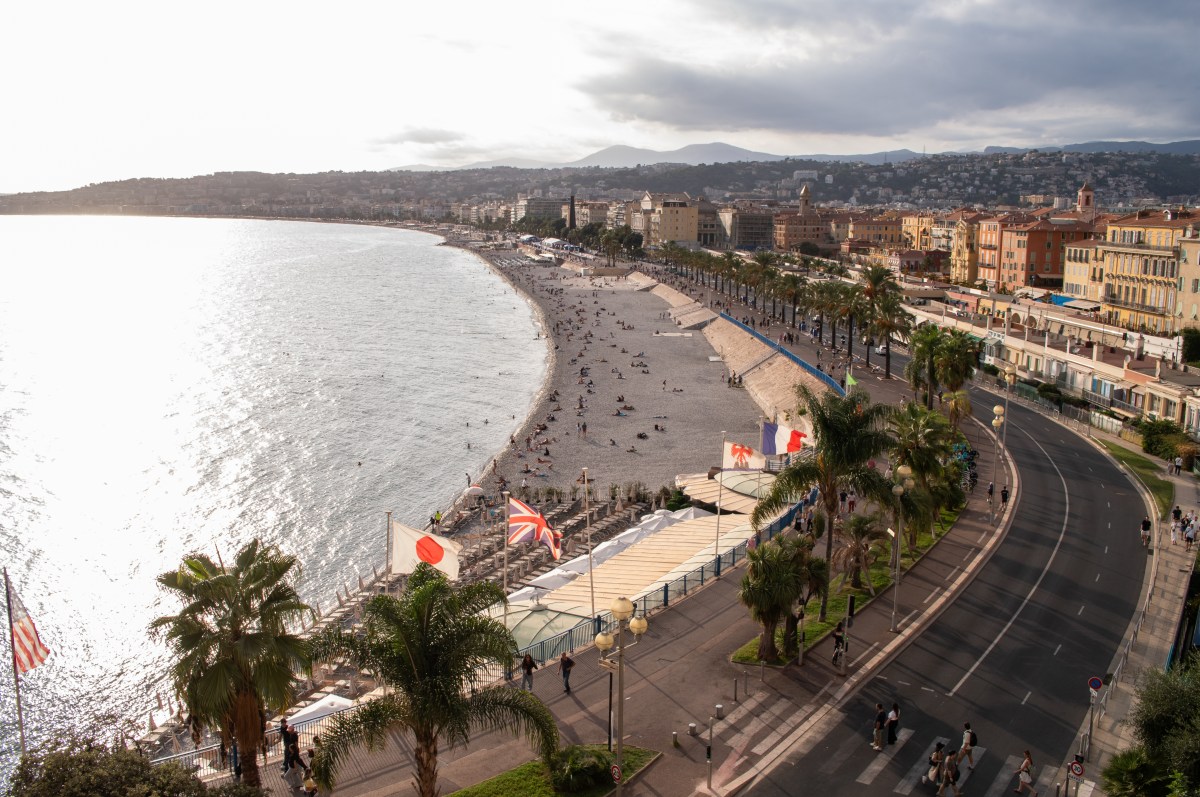
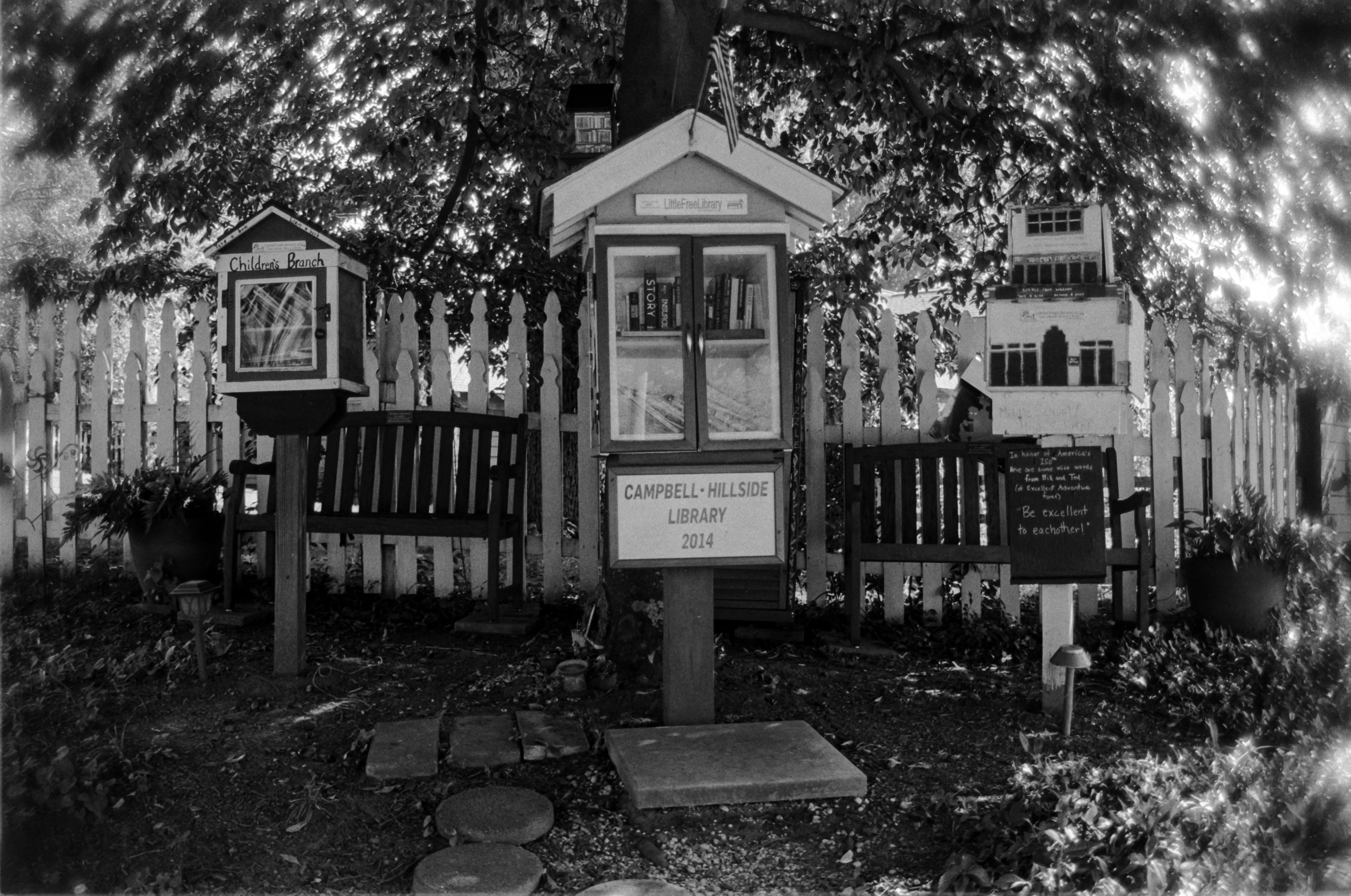
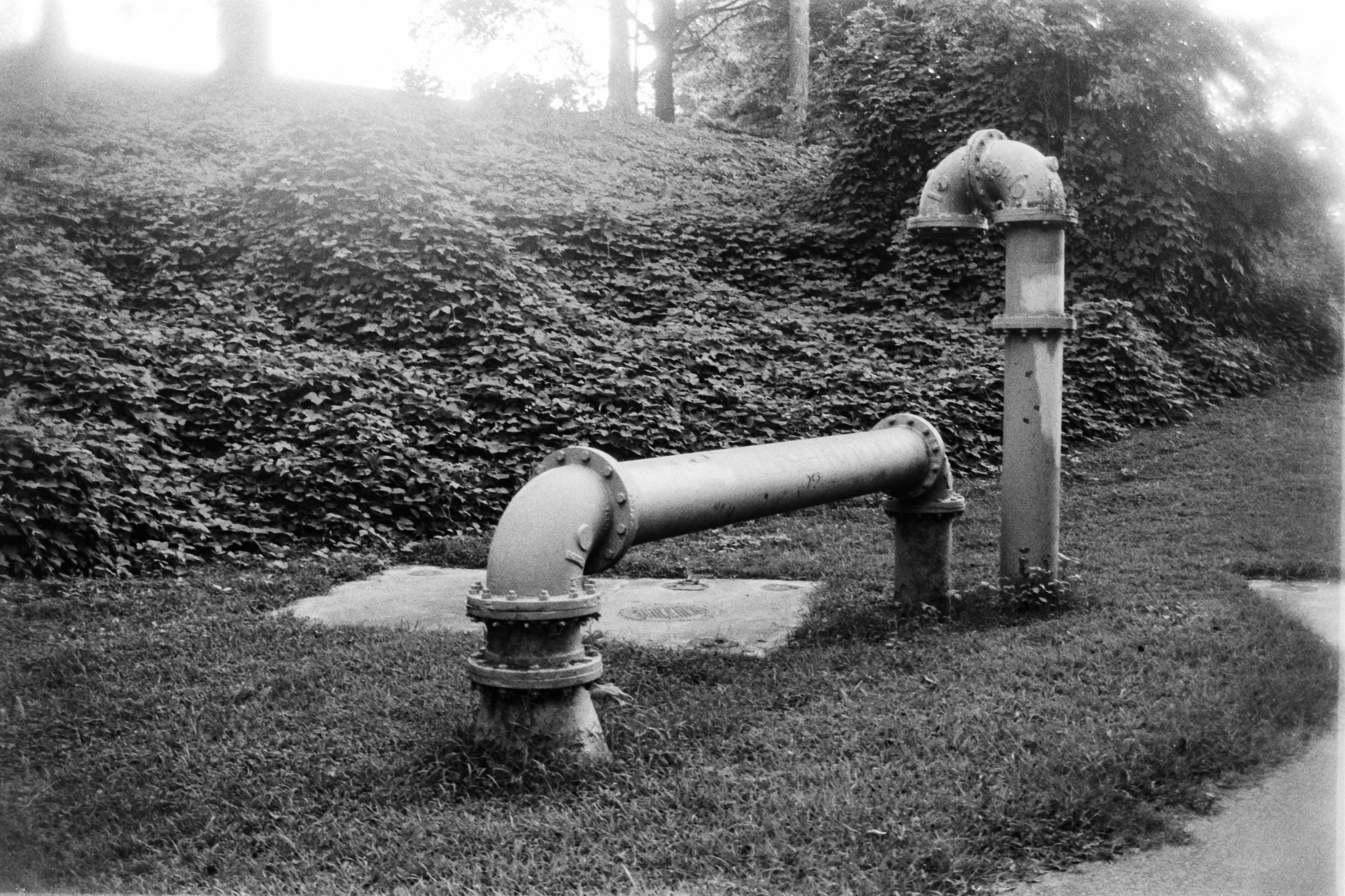
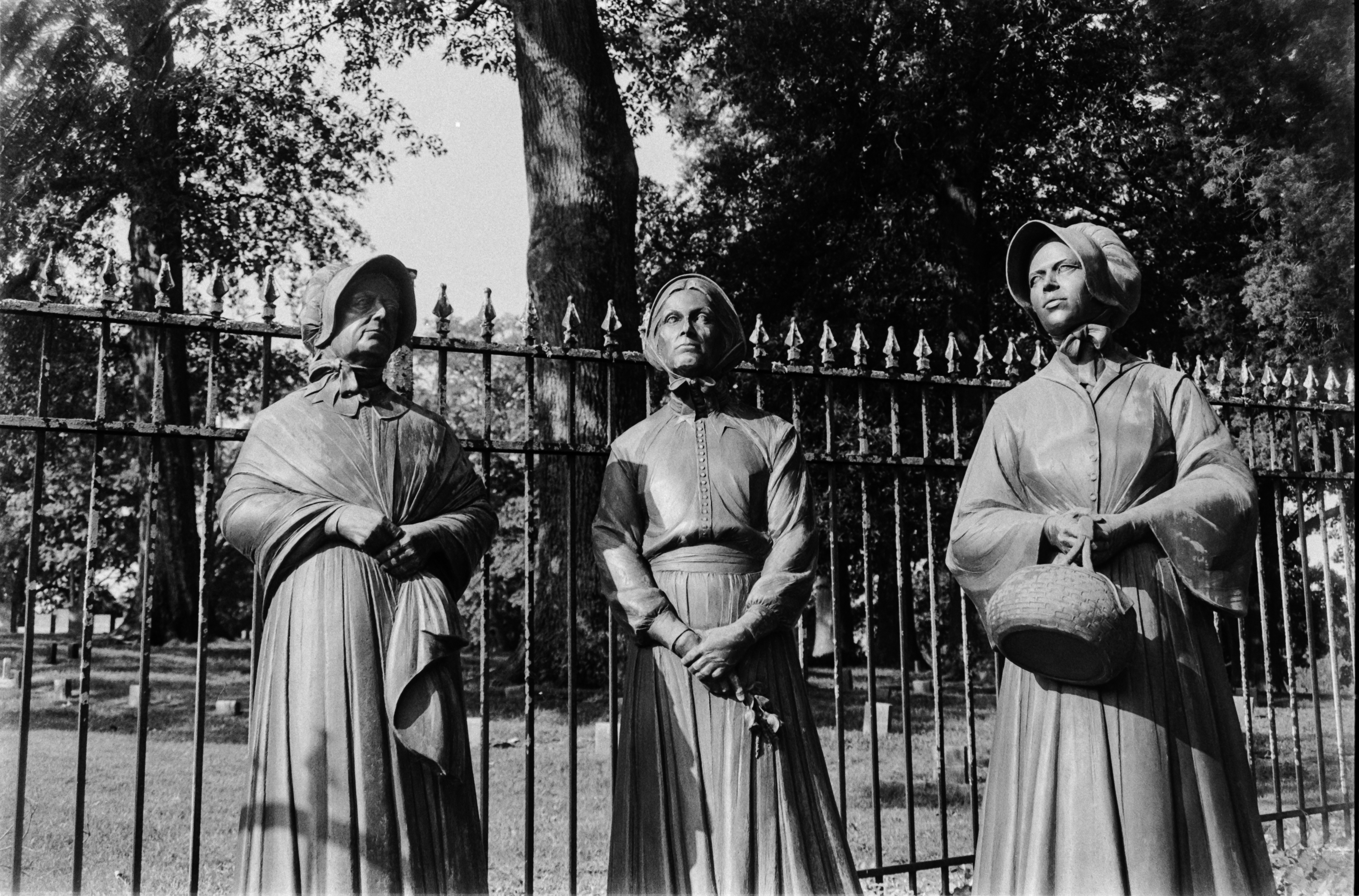
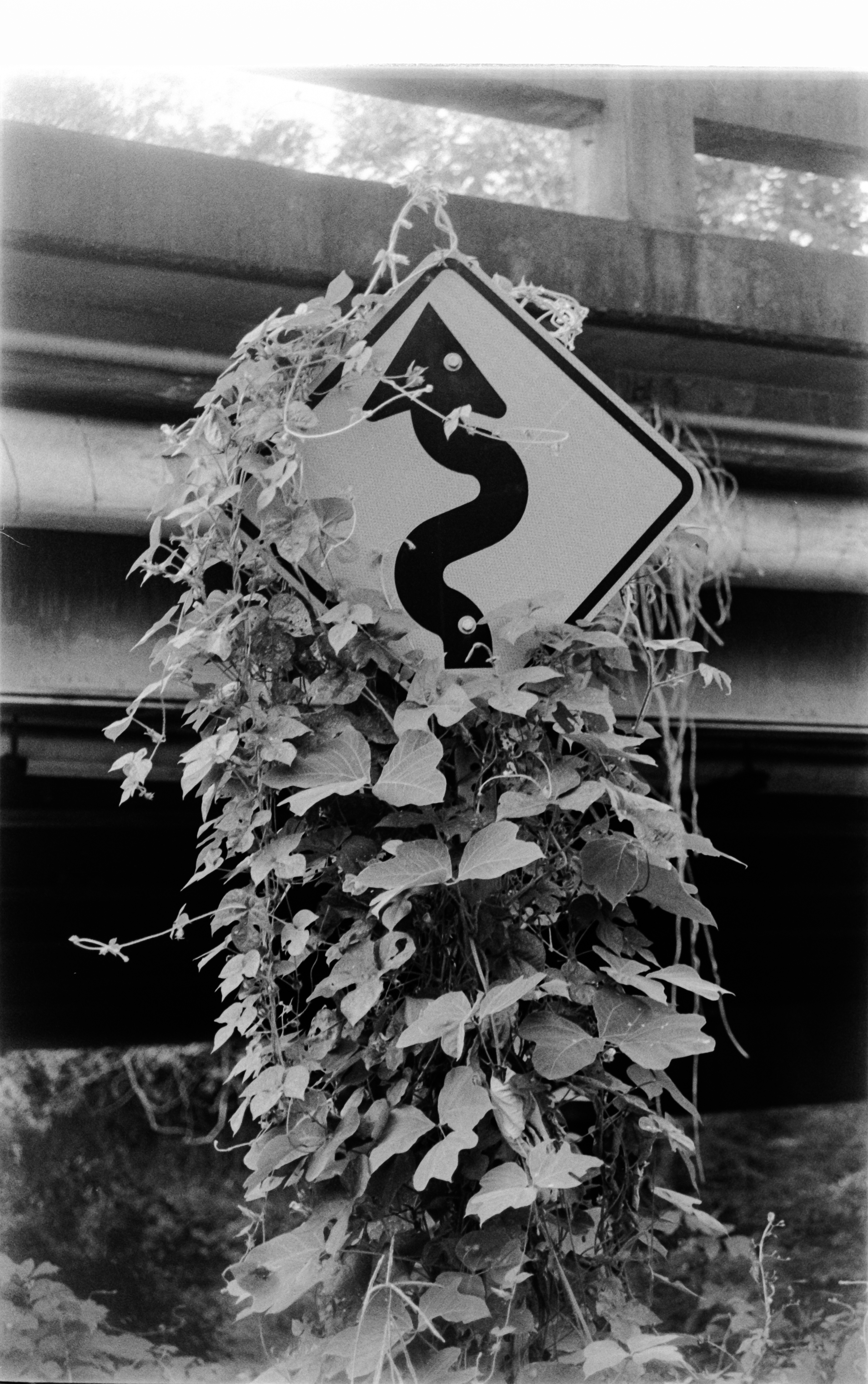
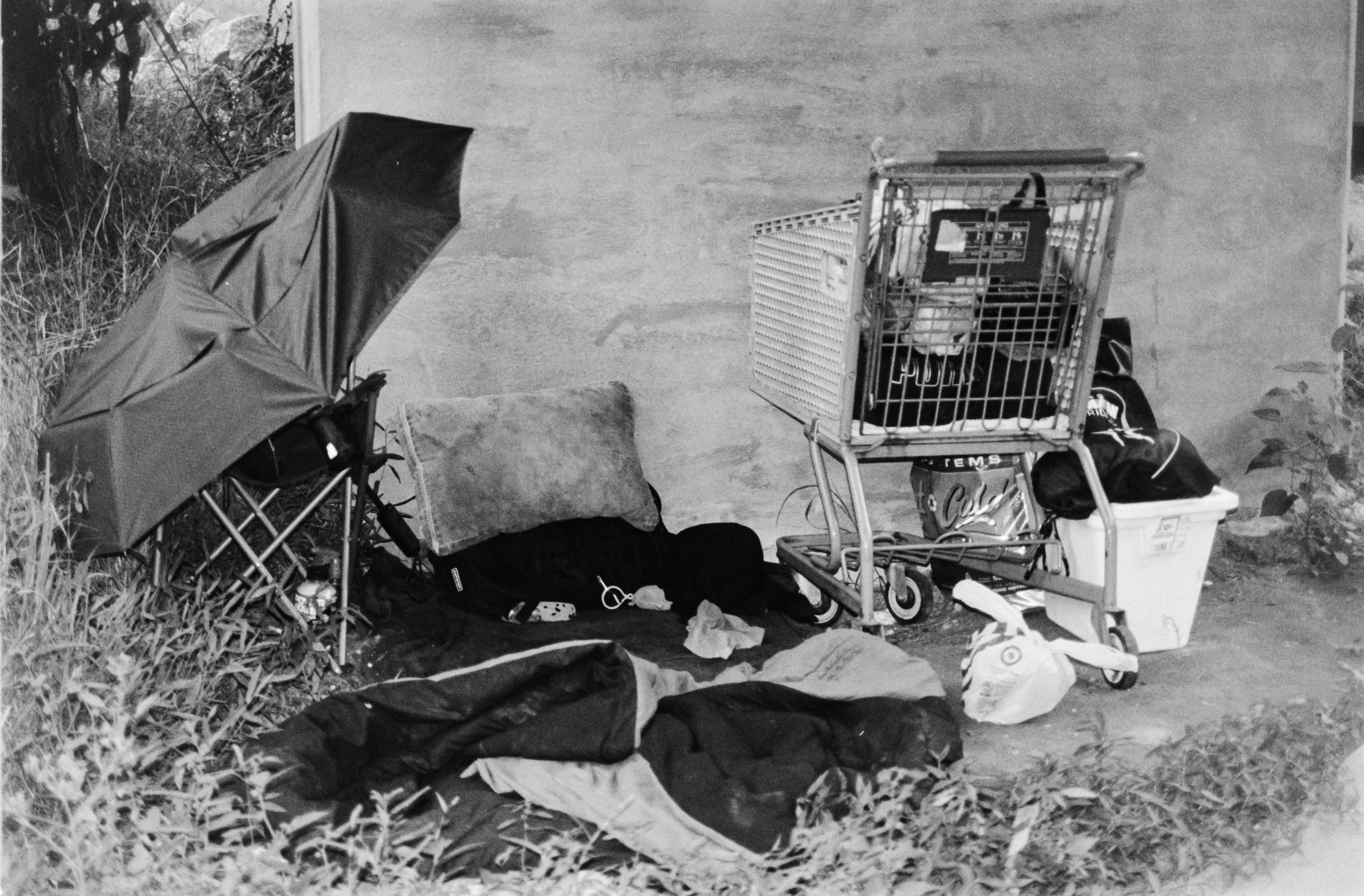
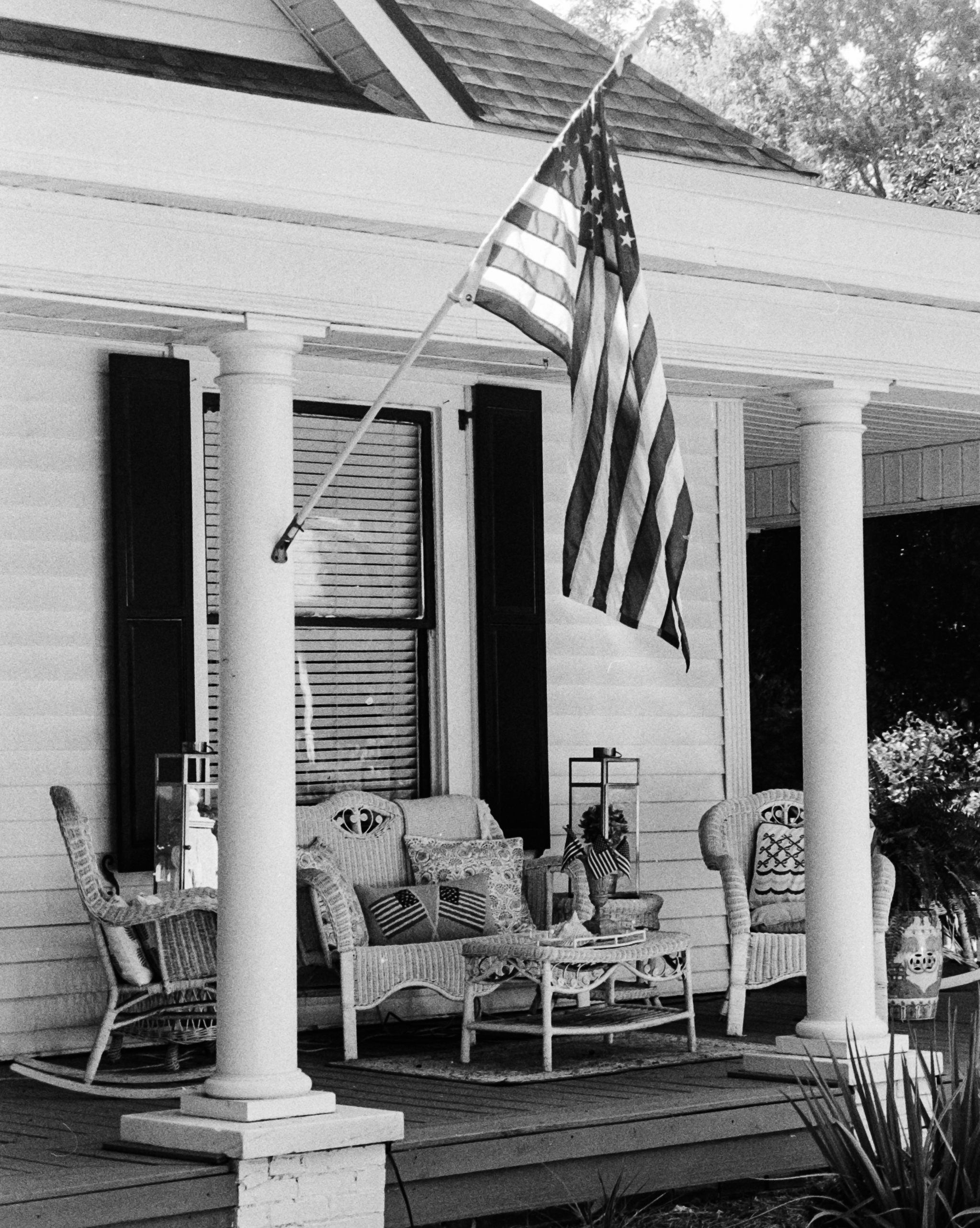
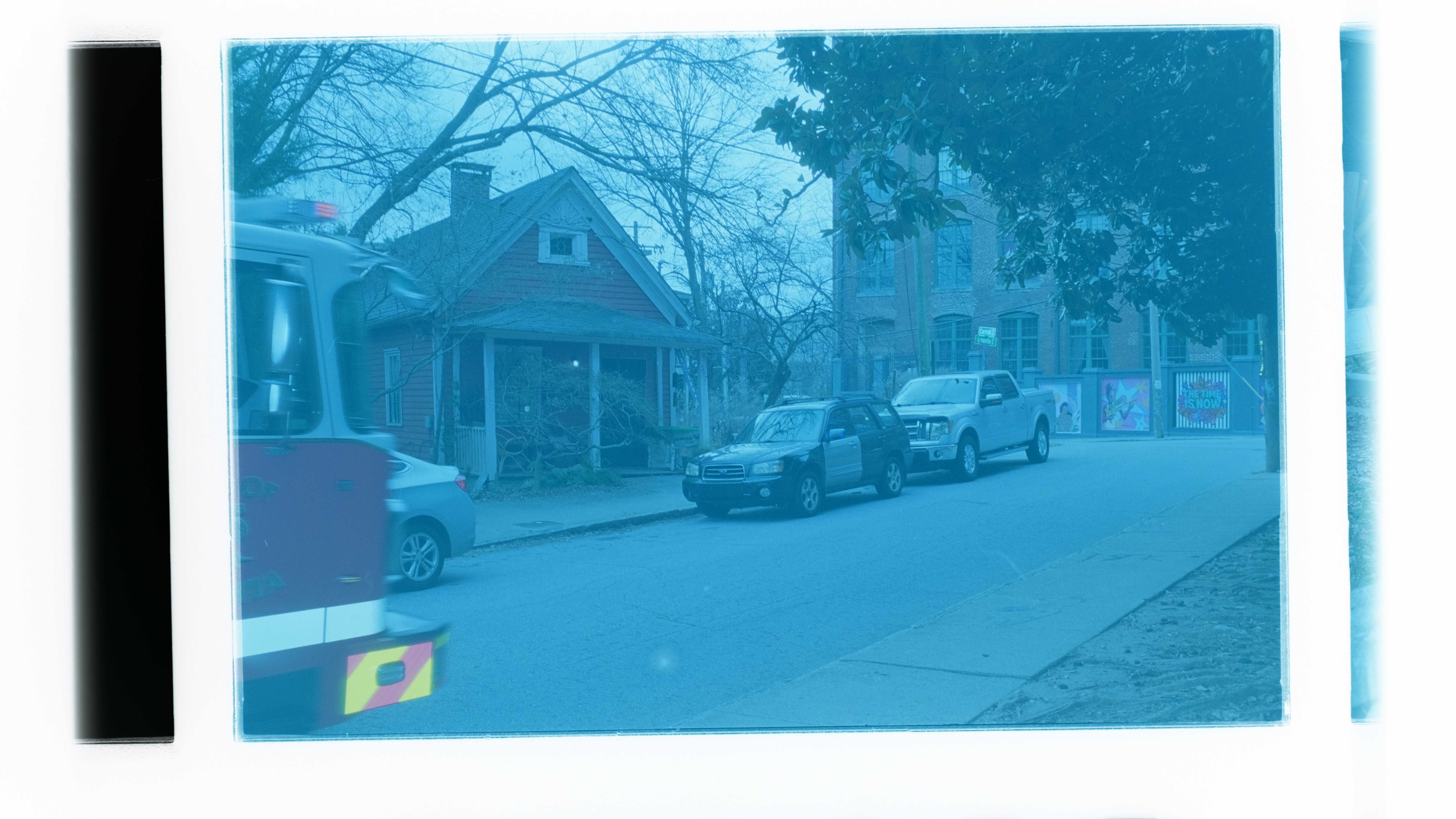
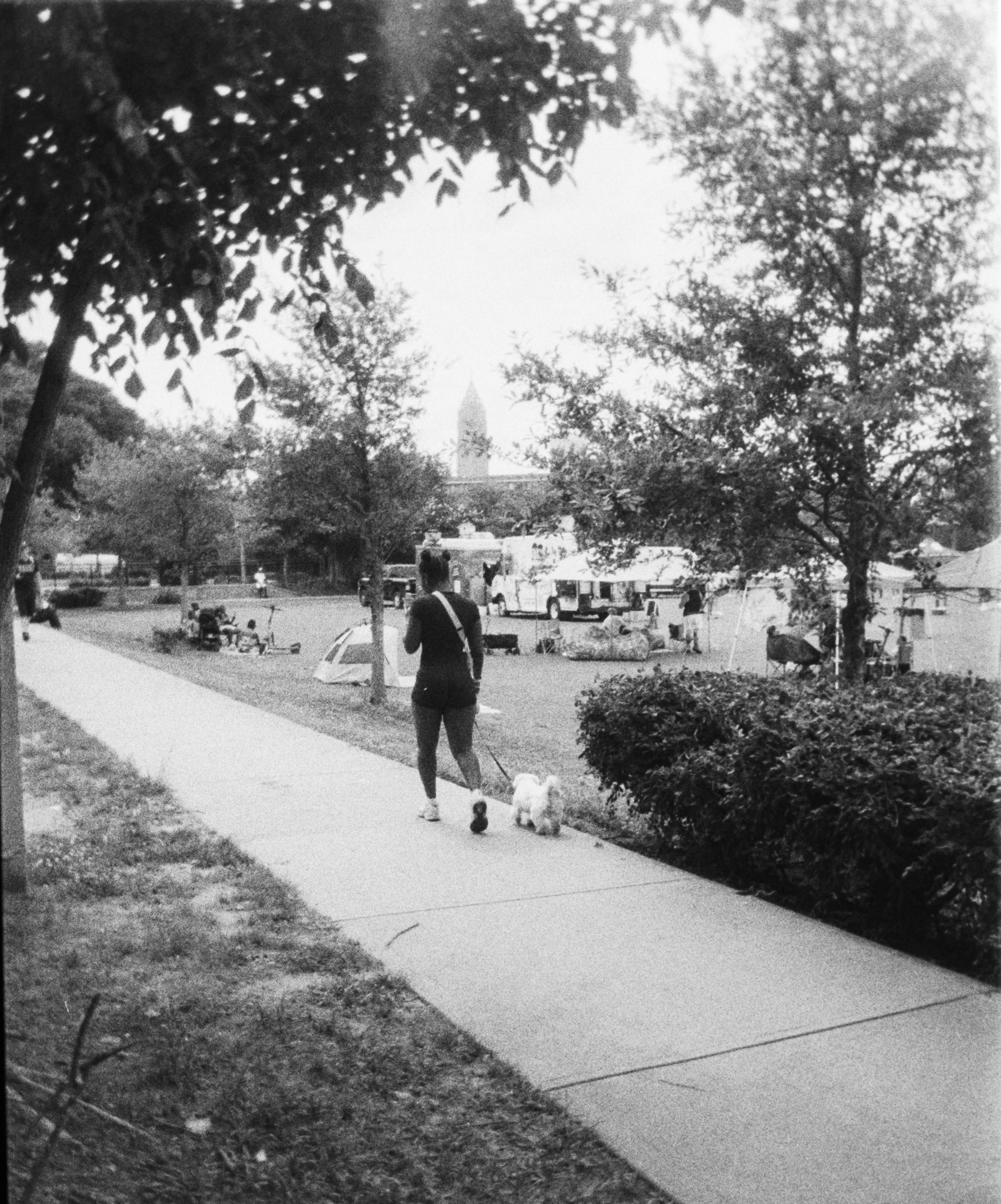
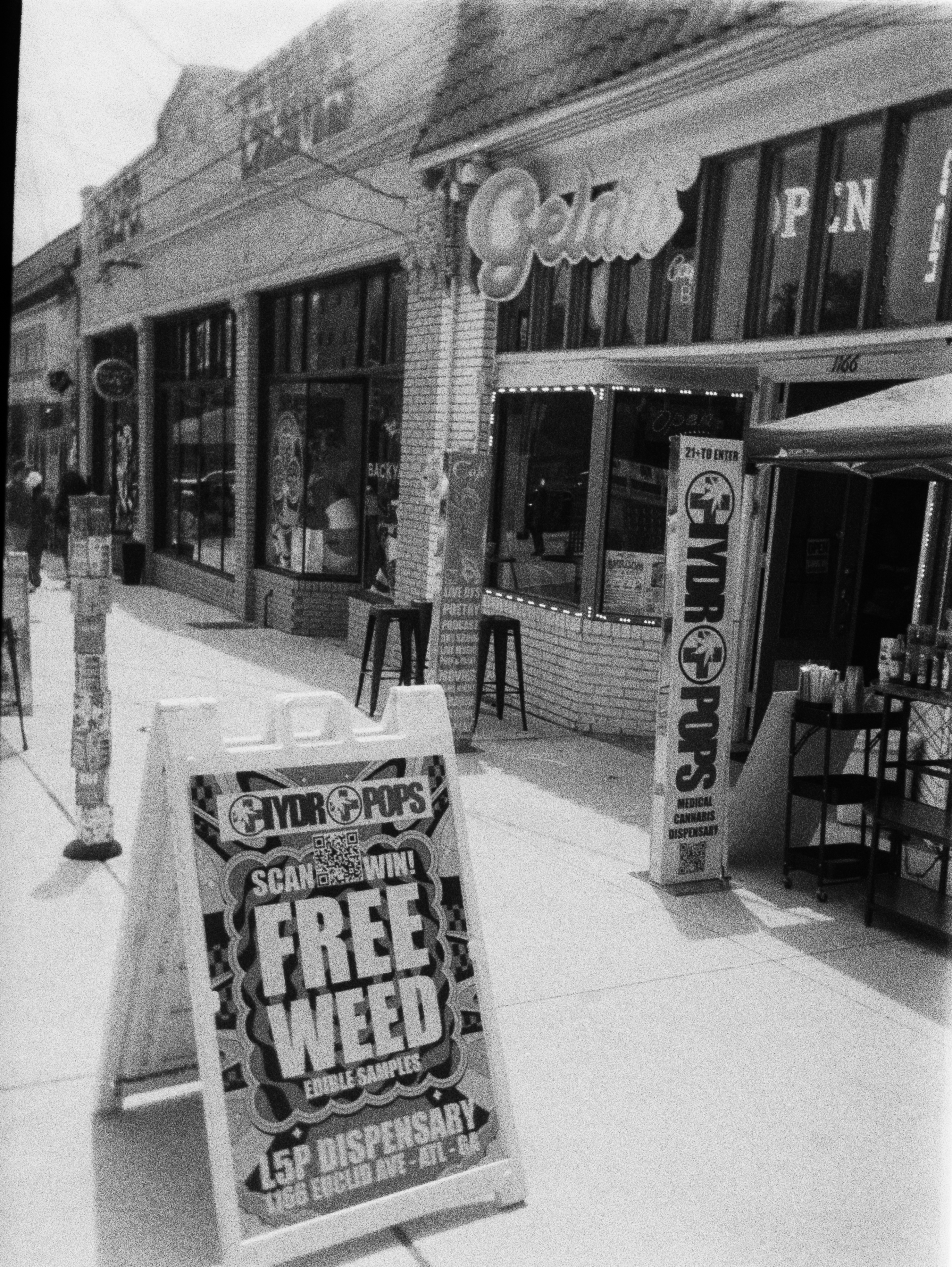
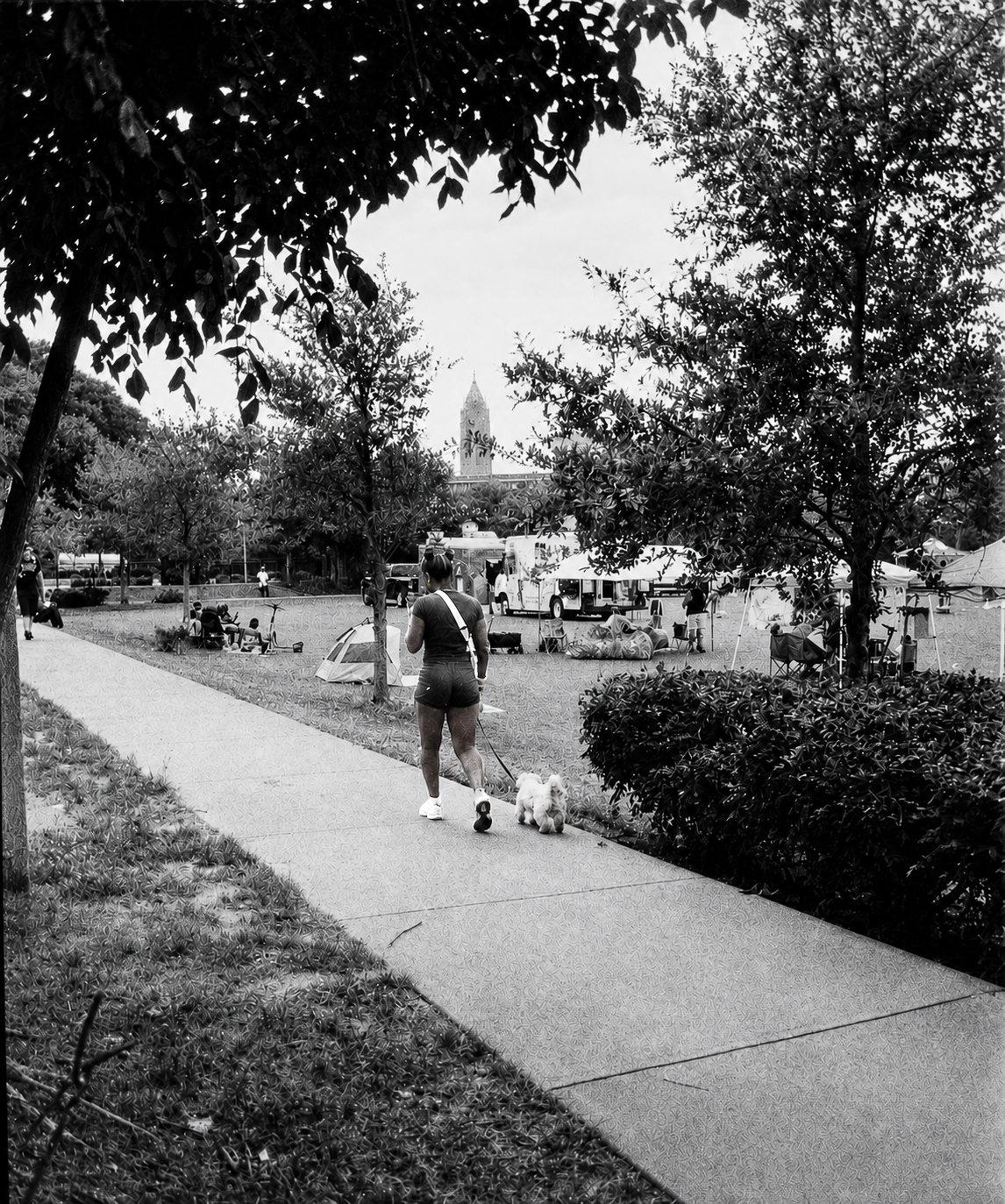
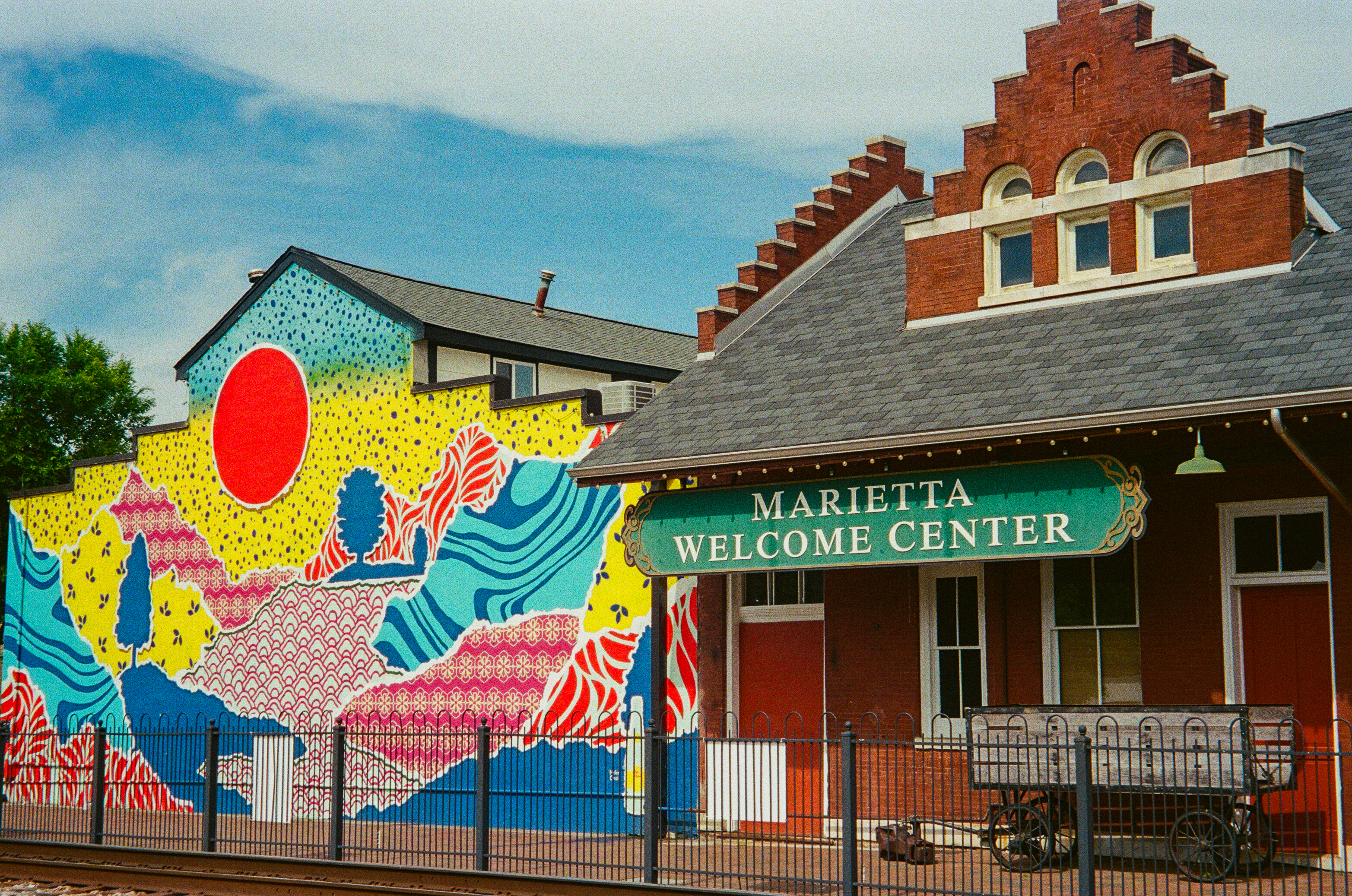
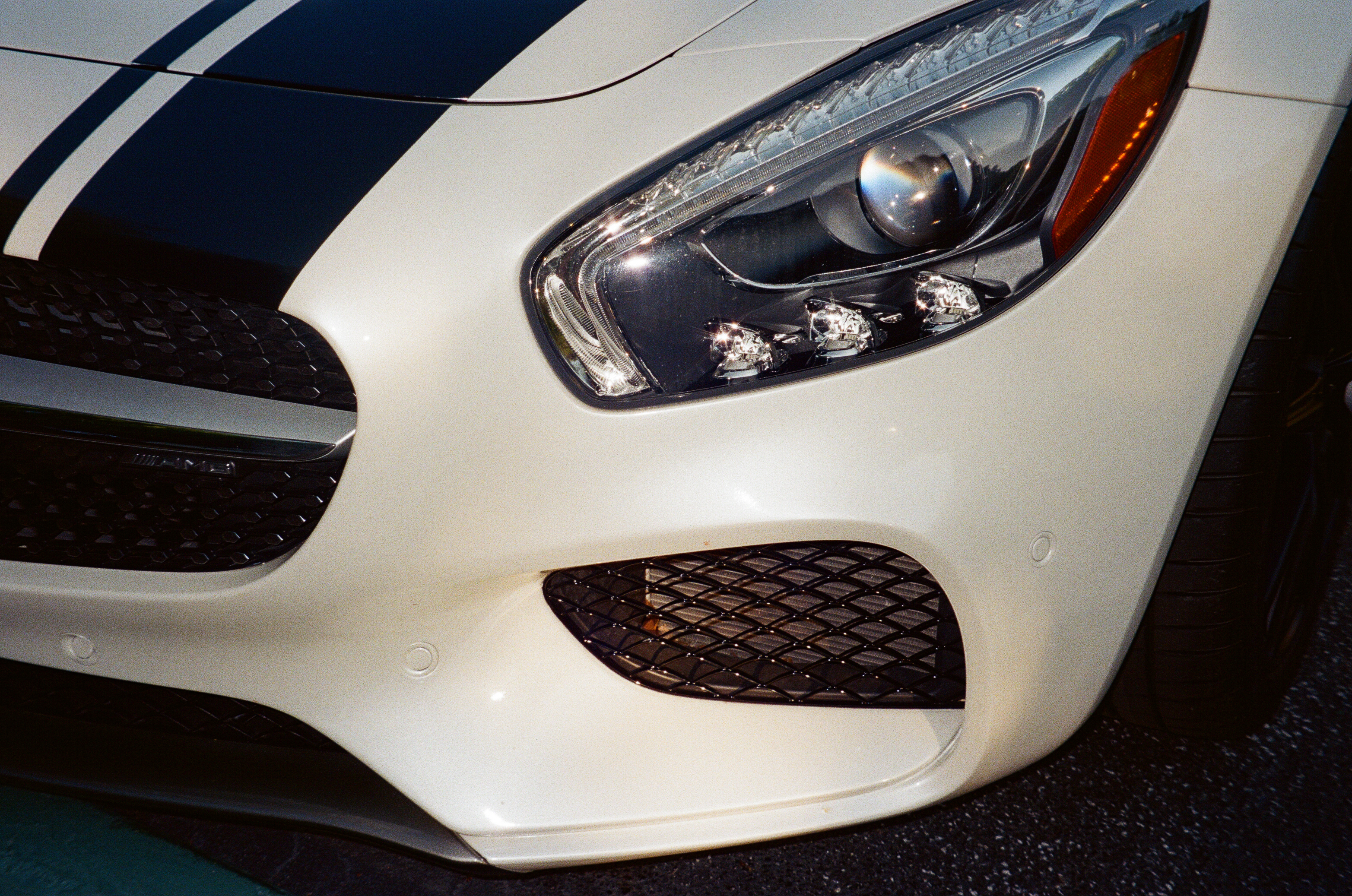
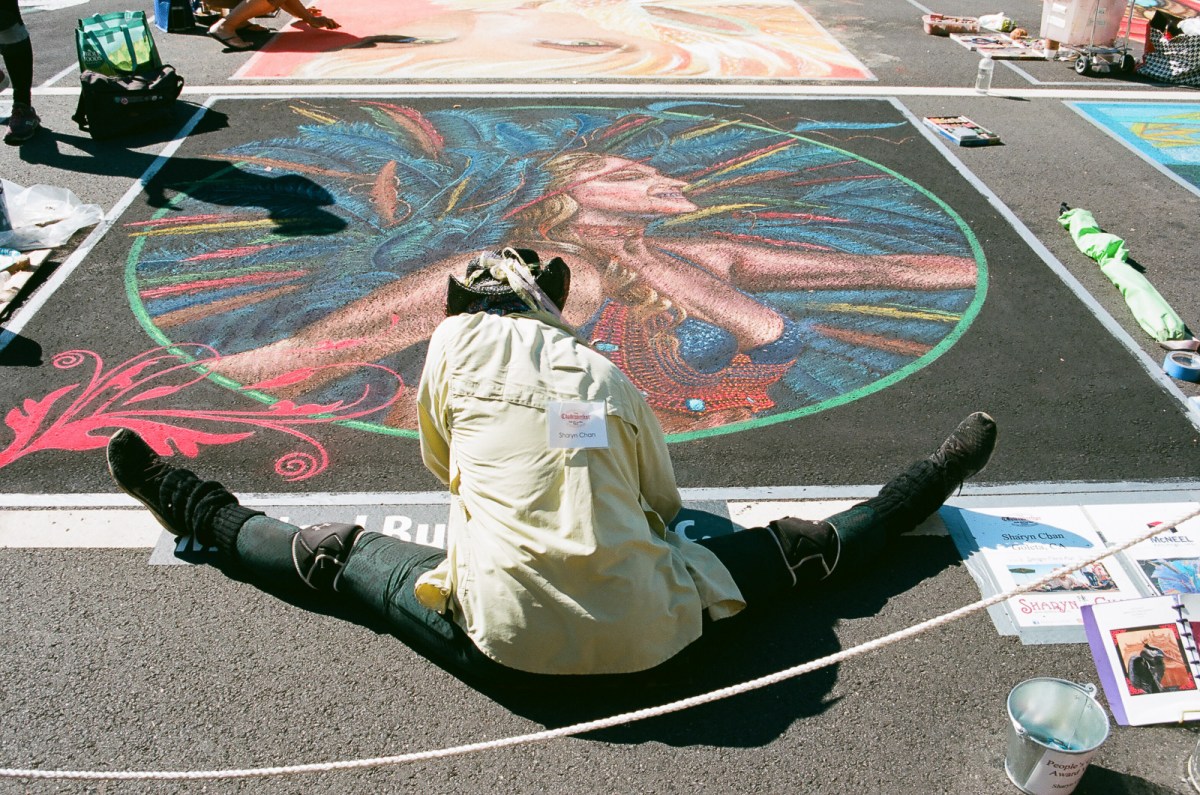
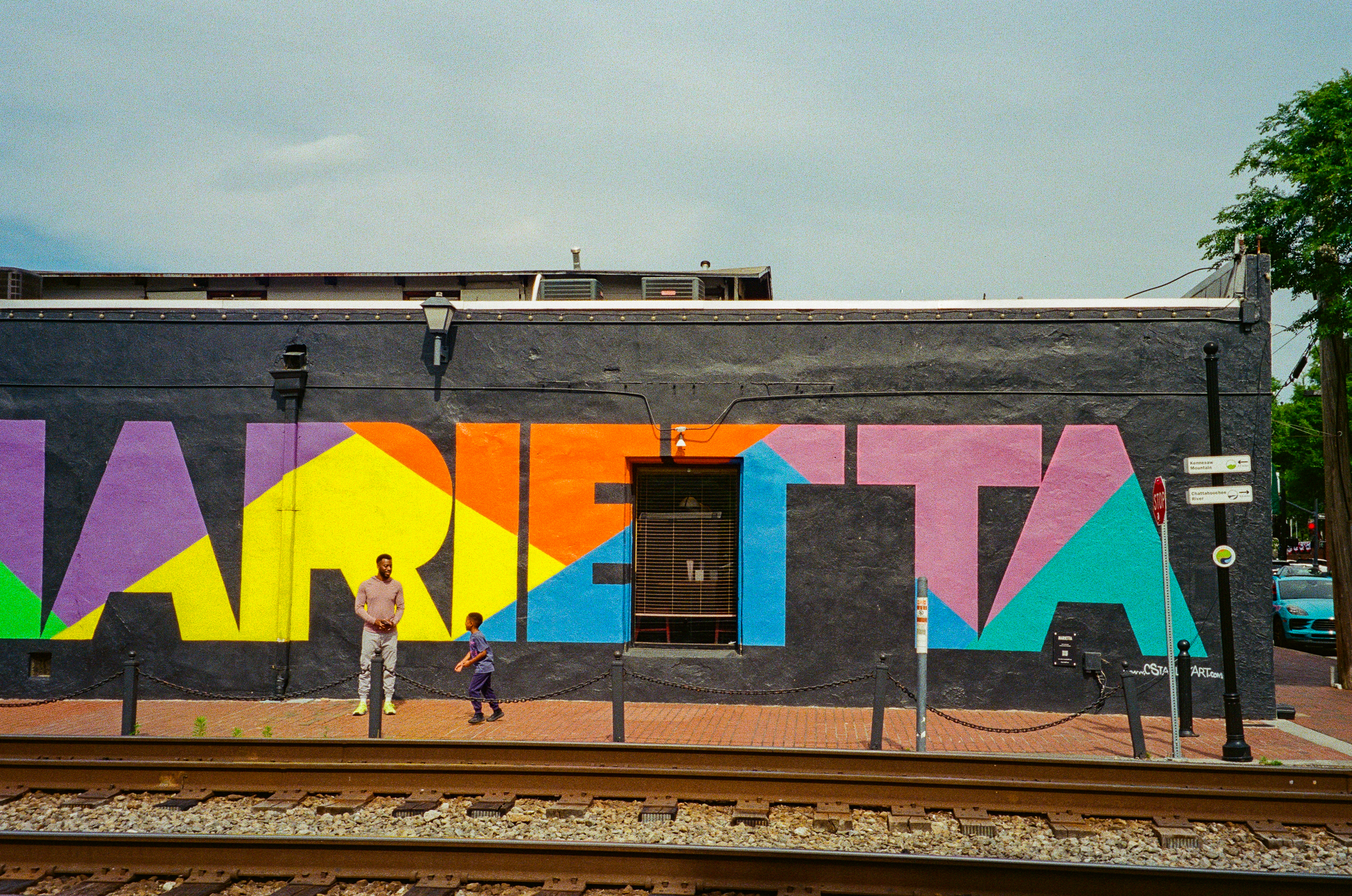
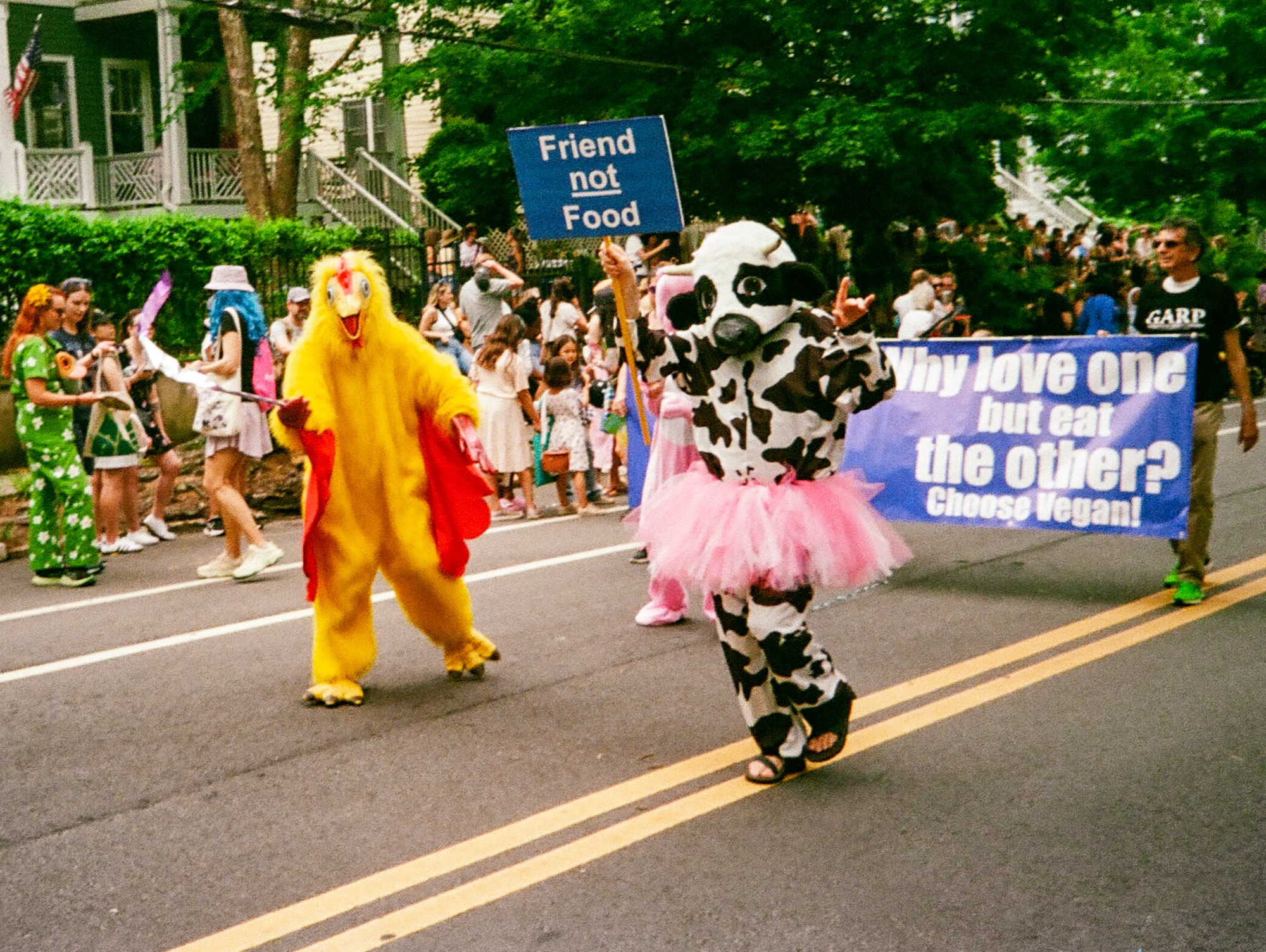
Featured image: Chalkfest, Marietta. Canon EOS 650. I paid less than $10.00 for the camera and its Canon 28-70 zoom.