The world through a plastic lens? A few pictures in Rome with the Holga 120 CFN

Holga 120 CFN and photographer - digital pictures can also be flawed...
[The Web standards are constantly evolving, and backwards compatibility does not seem to sit very high in the list of priorities. One day, you find out that your good old laptop can’t render Adobe.com or Apple.com pages anymore, or that modern browsers are making a mess of your old blog entries. Because it had become unreadable I moved the content of this old blog post to my current “Isola” theme in WordPress and I’m republishing it. I did not alter the text – just added comments between brackets when necessary.]

When your good friends learn that you still shoot film, and write about it, they understand they have a unique opportunity to get rid of all the – let’s be polite – worthless photo equipment they don’t use anymore and you end up with Kodak Brownies or Instamatics by the bucketload. And if your brother in law is really facetious, he brings you a brand new Holga from one of his trips in China, and since it’s a Christmas present and everybody in the family is intrigued, you buy film and start using it.

Holga 120 CNF
Holga 120 CNF


That particular camera comes in a big orange box with the rest of the “Starter Kit”. Reading the user manual, you get confirmation that the camera is “extremely low tech, and will eventually wear out”. Major design flaws are presented as unique features – the dreaded manual mentions “leaks of light, unvoluntary multiple exposures, loose connection between the film and the take up spool” among the desirable characteristics of the product. Looking for some comfort, you check a little square format book at the bottom of the box. It’s a nice paperback of 192 pages, showing 300 images taken with Holga cameras. Not something Leica or Nikon would be proud of, but interesting pictures nonetheless.

The camera’s design is very basic. It accepts 120 format roll film, has a plastic wide angle lens (60mm, F:8 or F:11) with 4 possible focus settings, and a shutter which offers a unique and unspecified speed. The camera comes with 2 user interchangeable back plates, one will give you 6×6 cm negatives with some vignetting, the other one 6×4.5cm negatives, probably with less vignetting (I don’t know, I only shot with the 6×6 plate). The “CFN” Holgas also come with an electronic flash, equipped with a turret of 4 filters (Red, Blue, Yellow and transparent) for special effects.

Shooting with Holga

The Holga 120 CFN needs 120 film – of course – and since Holgas are supposed to be enjoyed for their shortcomings, color film should be preferred (the plastic lens is prone to chromatic aberrations which would not be visible with black and white film).

Finding color film in 120 rolls proved very difficult. If 35mm film is still easy to find (even in supermarkets or in the little stores attached to many hotels), the same can not be said for 120 roll film. Only stores dedicated to professional photographers still have a few references. I bought a few rolls of Kodak’s Portra 400 NC film. Loading the camera is a difficult task, but in all honesty I’m not used to roll film and I would also have suffered with a more high end camera. [this blog entry was originally written in 2010 – 35mm film is not that easy to find anymore]

Holga 120 CNF - a view from the shutter (120 film adapter removed)
Holga 120 CNF – a view from the shutter (120 film adapter removed) – According to the brochure, you should not expect to transmit it to your grand children.

In the street, the camera attracts lost of attention. People notice the bright red color (Holgas are also available in black, kaki and in a unique blue and yellow combination), and are intrigued by the cheap aspect of the camera. It looks like a toy, and people are surprised to see an adult using it.

Rome - View of the Curia from the Campidoglio - Holga 120 CFN
Rome – View of the Curia from the Campidoglio – Holga 120 CFN

The camera has very few controls and is easy to use, with a decent viewfinder and relatively smooth commands, and provides a user experience very similar the “boxes” that Kodak used to sell before the launch of the Instamatic cameras.

The result?

Having the rolls processed proved as difficult as buying the film in the first place. Costco and the proximity drugstores don’t process anything larger than 35mm film, and the rolls had be sent to a professional lab (some of them charge up to $20.00 per roll). When you receive the pictures, you discover the “Holga paradox”: you’re not attracted to the almost “normal” images, but by the most severely flawed. The pictures with the fewer technical faults are just bad (with vignetting and all sorts of aberrations), while some of the images plagued with the worst of the problems (involuntary multiple exposures, light leaks) have a surrealist quality that the most creative of the photographers would struggle to get from a digital picture processed in Photoshop.
 

Rome-Coliseum-Holga 120 CFN
Rome-Coliseum-Holga 120 CFN – This is one of the pictures with the fewest defects.

Holga, what for?

“Normal” photographers are supposed to spend thousands of dollars in the equipment which will help them produce pictures as perfect as possible from a technical point of view – in focus, sharp, with the right exposure, no vignetting, no distortion, and no chromatic aberration.

Straight from the Holga - at least the bright red camera attracts smiles
Straight from the Holga – at least the bright red camera attracts smiles

Deviations from the norm of the technically perfect picture are supposed to be voluntary, in order to convey an emotion or a message. They’re not supposed to have been brought randomly by a poorly designed camera.

Holgas don’t follow the rule. They’re not “normal”, and they’re not what “normal” photographers would be looking for. Their results are totally unpredictable. When nothing went really wrong, the results are dull. It’s only when they are massively flawed that the pictures start being surprising and interesting.

Using a Holga reminded me of the “Exquisite Corpse” creativity method used by the Surrealist movement at the beginning of the XXth century. With a Holga you will rely on chance to create something new and different. Using the bright red Holga, I started believing that chance could be an artist on its own right. And you end up loving that little camera for that very reason.


More about Holgas

A few decades ago, photographers in Austria discovered the “Lomos” (copies of Cosina point and shoot cameras made in the USSR), and liked the – flawed – pictures made by those very imperfect little cameras so much that they launched the “lomography” movement. They started distributing the “Lomos” in Austria and Germany, and progressively added other cameras from Eastern Europe and China to their catalog. Lomos and Holgas are now widely distributed, and can also be purchased directly from the Lomography web site, where a red Holga 120 CFN can be found for $75. That’s a lot of money for such a low tech object. Bargain hunters can also find Holgas on eBay, for far less.

[The production of the Holga ceased in November 2015, but Freestyle Photo still have a few of them available – only in black, unfortunatelly. Lomography are proposing a camera, the Diana F, that seems to follow the same recipe as the original Holga, and is available in multiple colors.]


Holga 120 CFN – Portrait
Rome - Campidoglio - Michelangelo betrayed by Holga
Rome – Campidoglio – Michelangelo betrayed by Holga

Holga links
The Holga group on Flickr

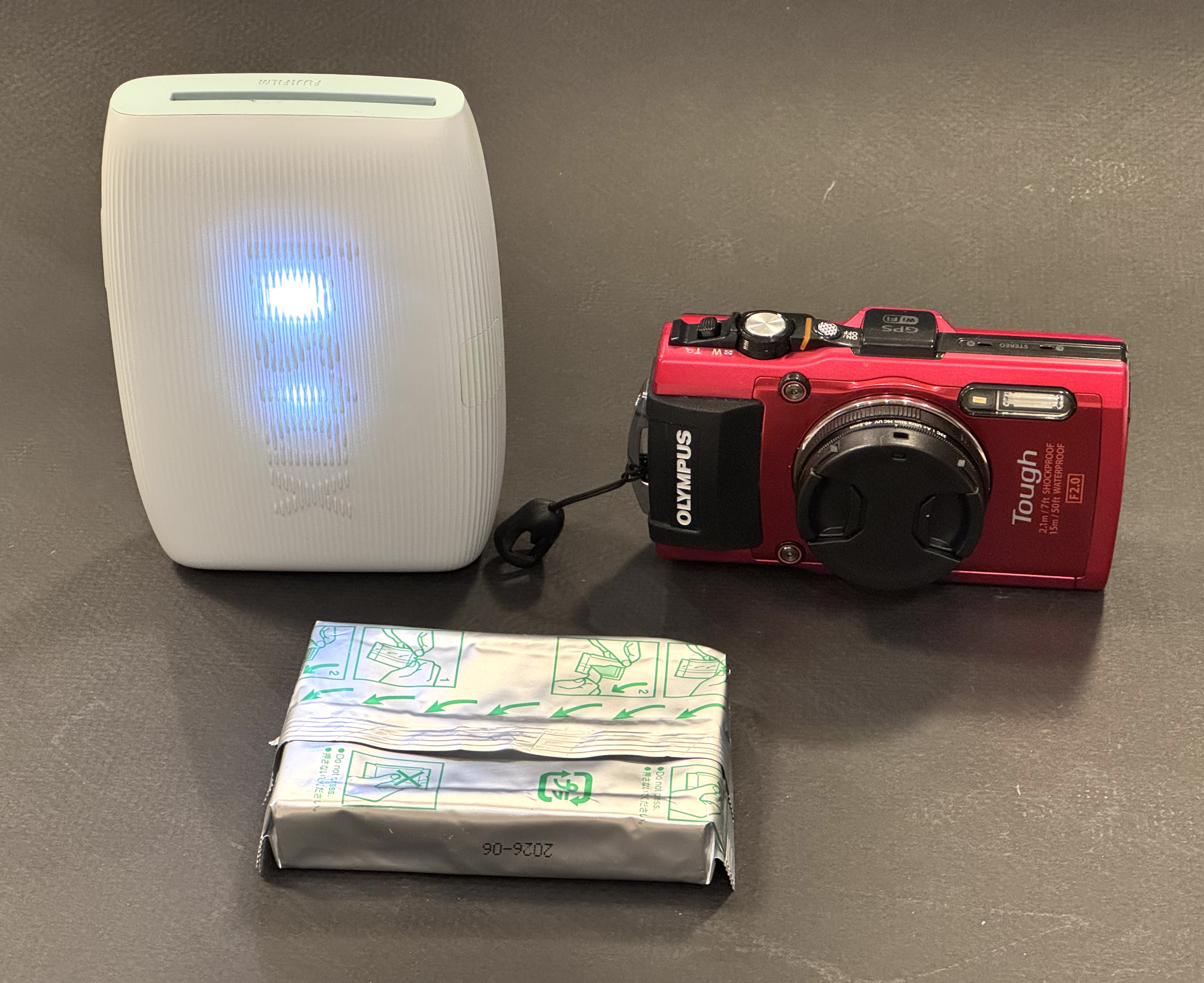
[I had also tested an instant film back with the same Holga camera – https://cameragx.com/2016/10/02/fujifilm-and-the-instant-film-bonanza/]

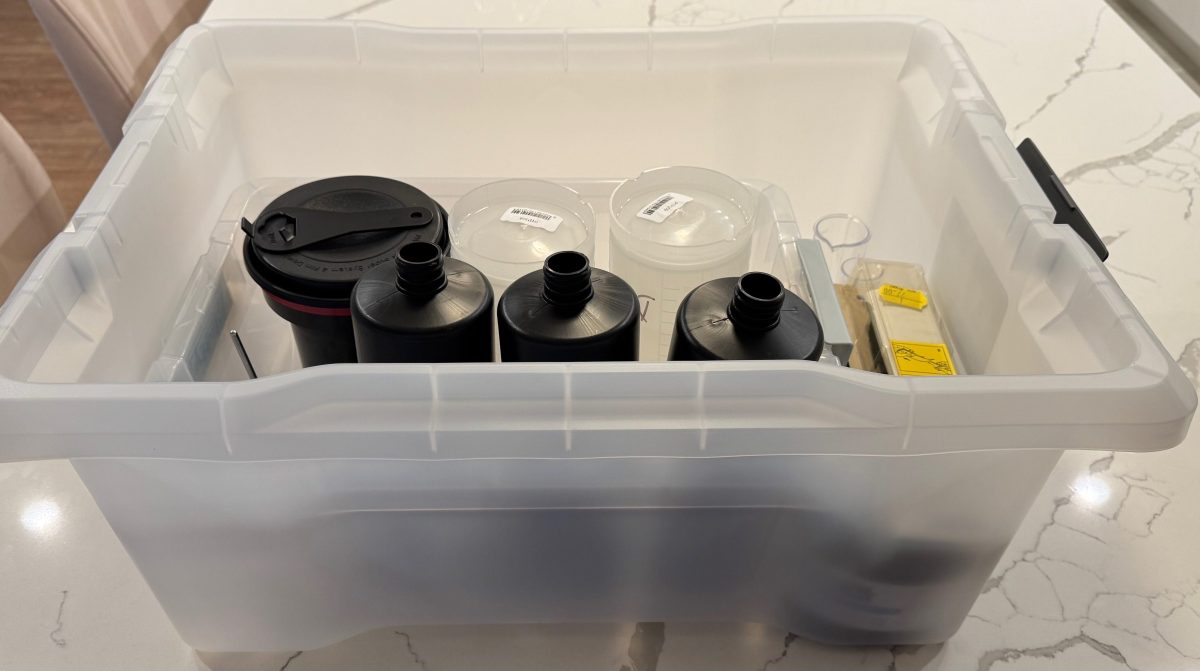
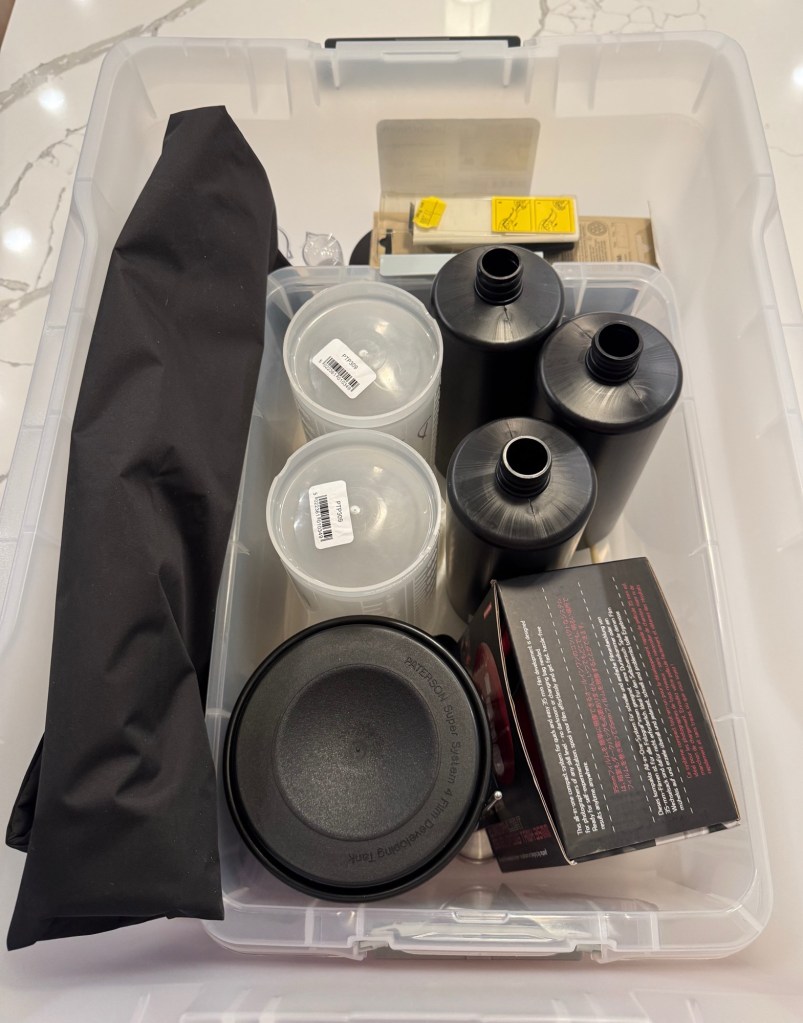
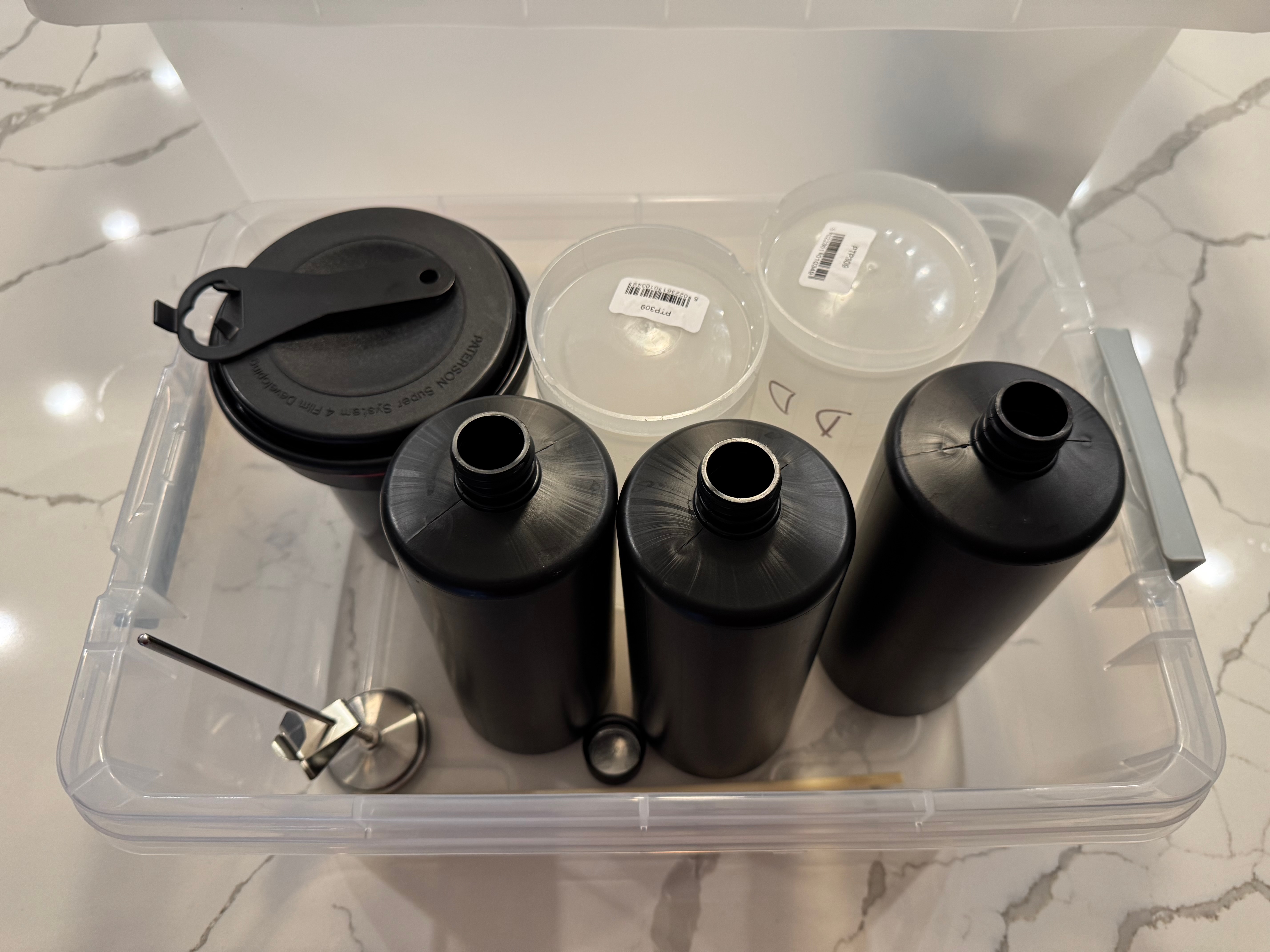
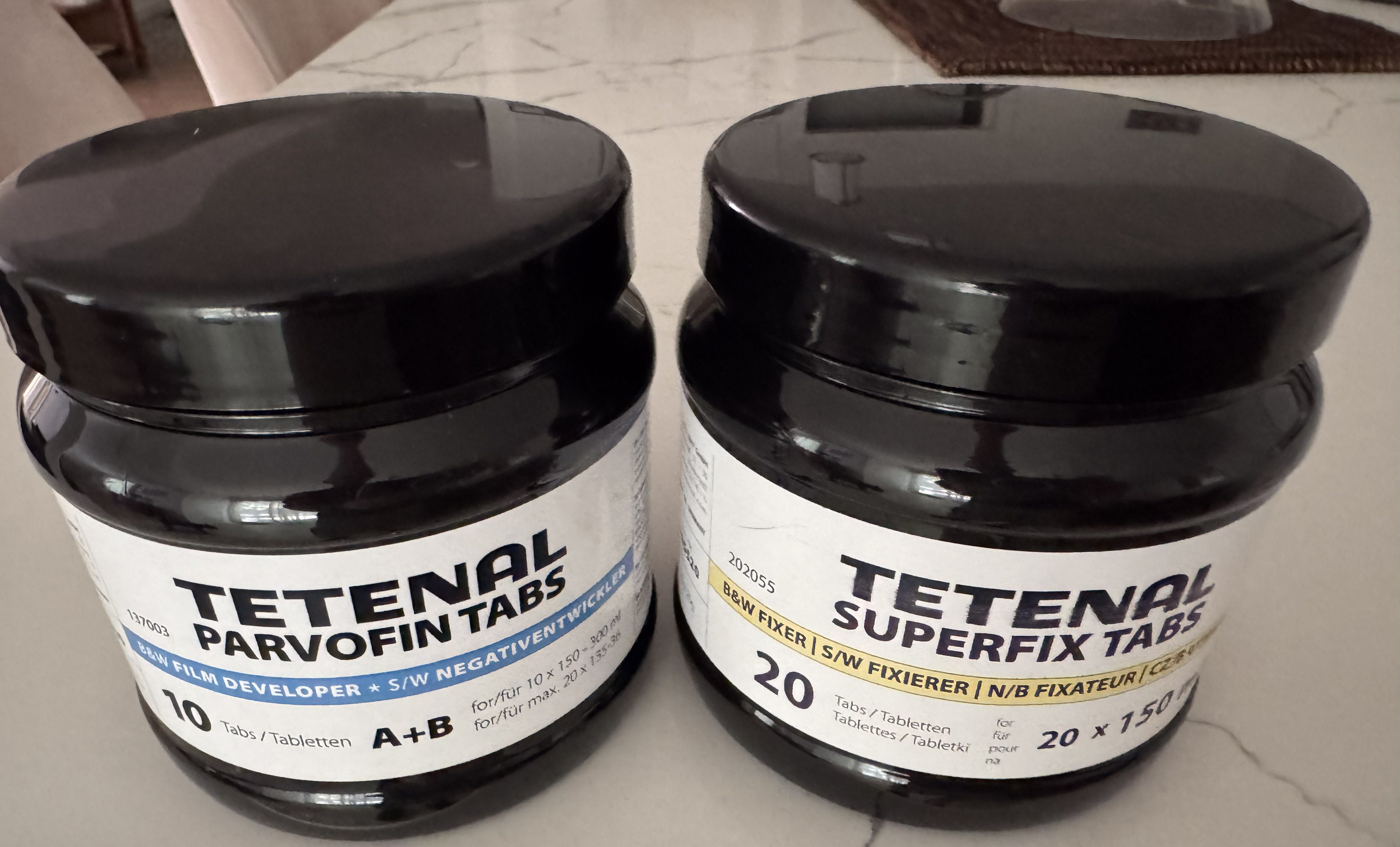
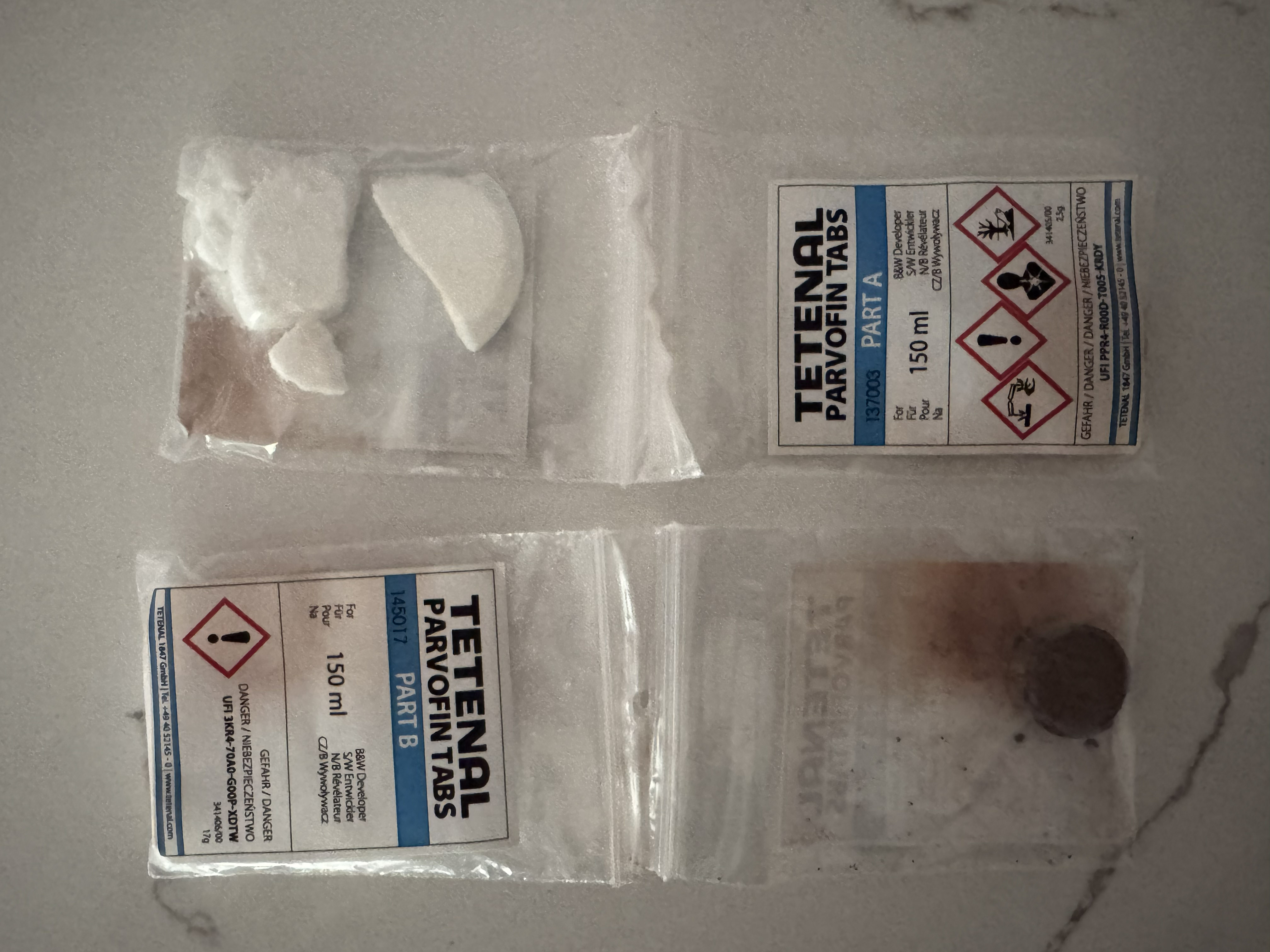
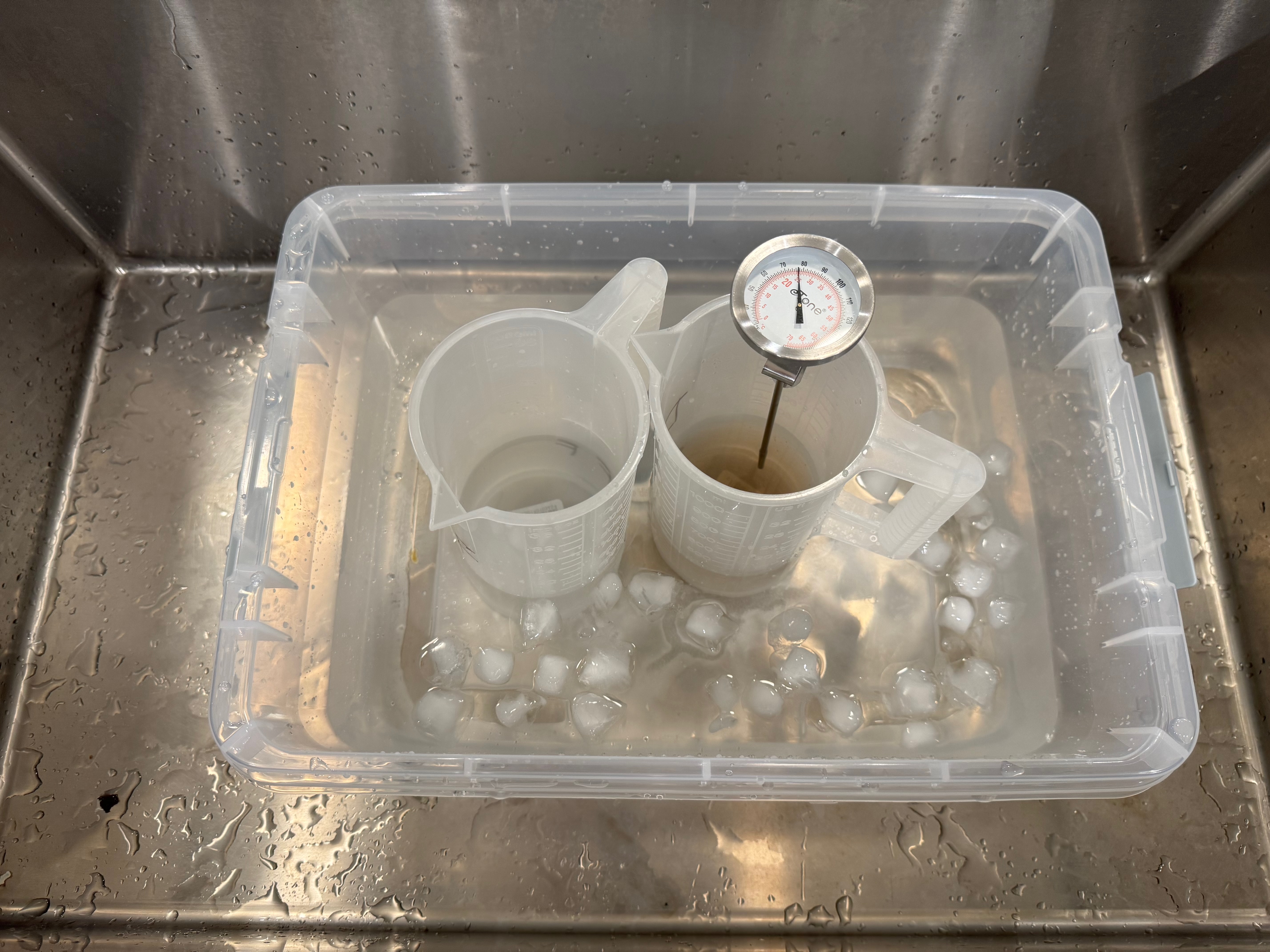
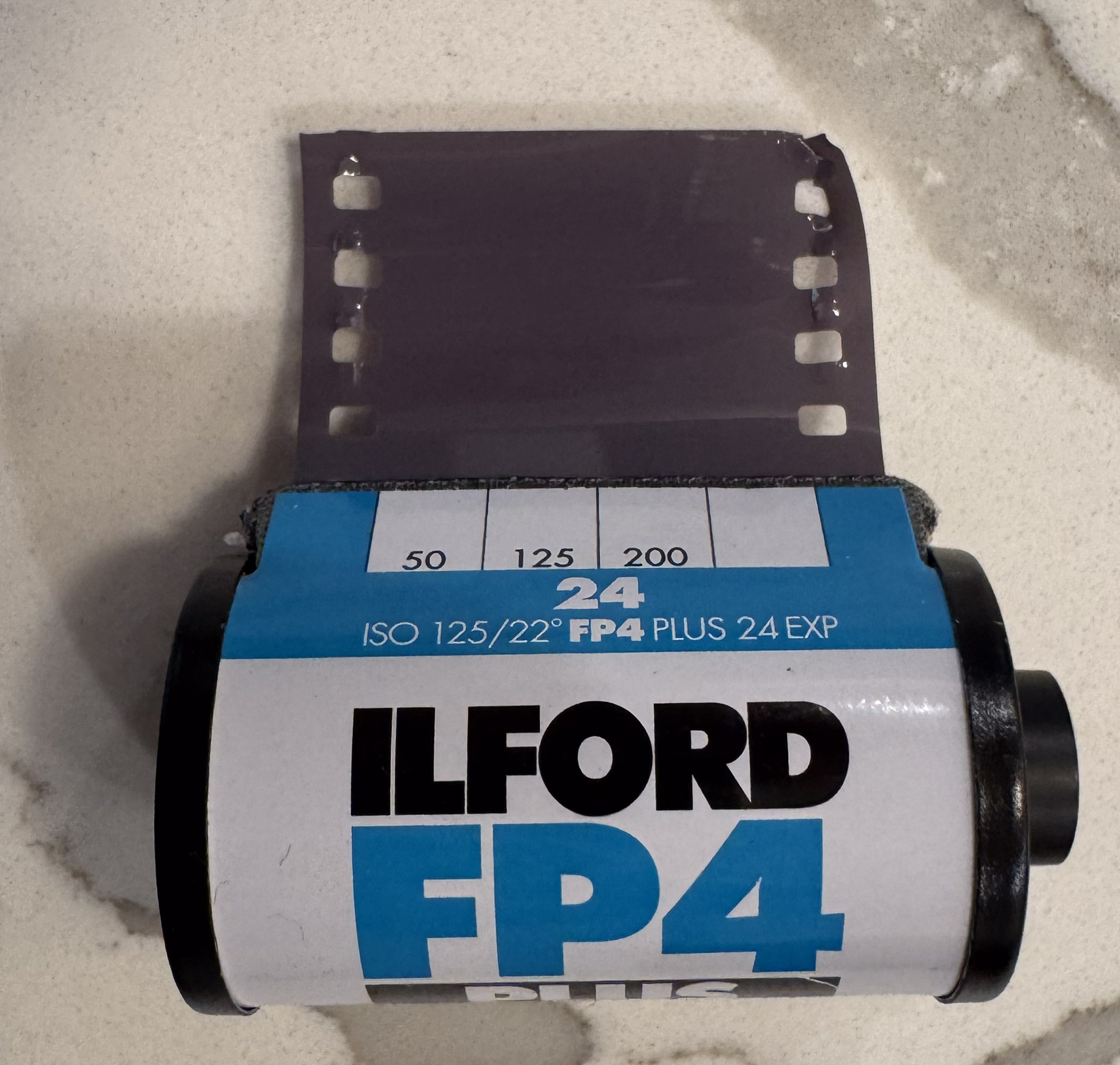
Developing and digitizing B&W film without a darkroom

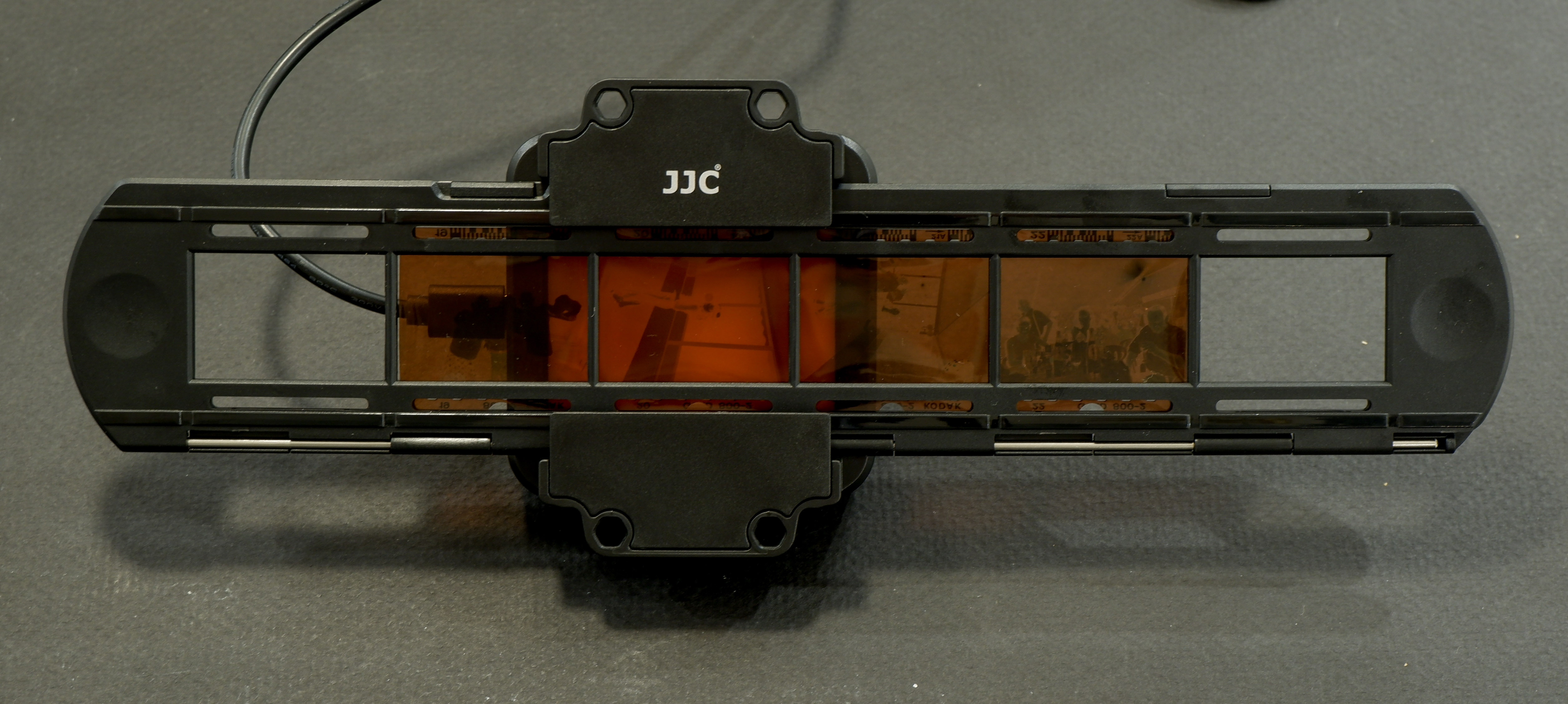
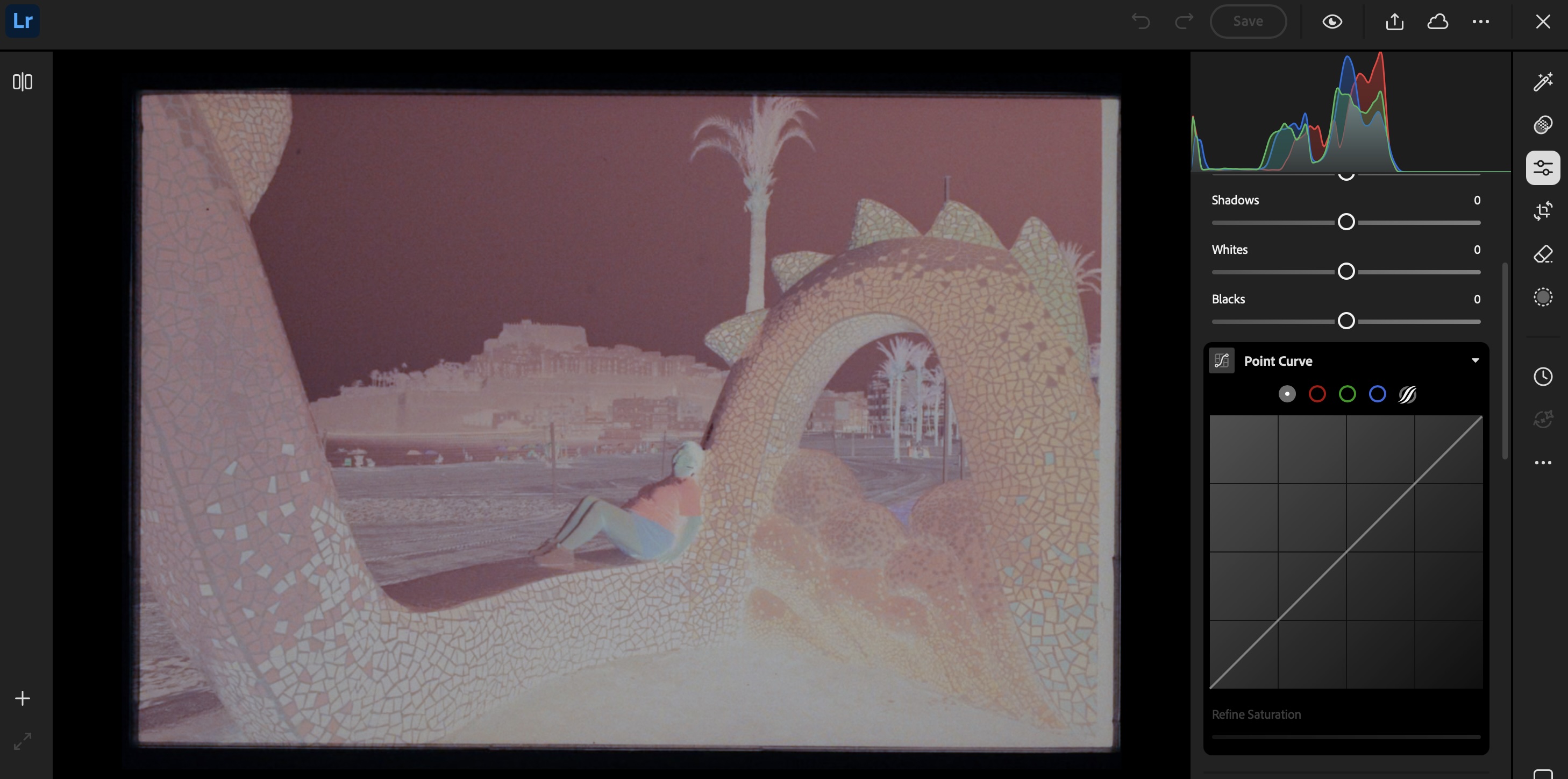
A few weeks ago I tested the JJC Negative Scanning Kit – my goal was primarily to digitize my stash of negatives, so that I could upload and reference them in Lightroom.

B&W and negative color film – the differences

I was pleasantly surprised by the quality of the scans – but I came to the conclusion that until I spent money in Lightroom Classic (or Photoshop) and a good plug-in, converting the color negative into a usable image was going to be labor intensive and yield inconsistent results. Since I had the equipment in place, I also tried my luck at converting B&W negatives instead.

Kodak Plus X Negative – July 2010. As scanned last week with the JJC Digitizer. Kodak Plus X was a conventional B&W film.

Black and White film can be of two types – conventional B&W film (also defined as “Crystal Gelatine” or “Silver Halide”) is made of silver crystal salts (the silver halide) suspended in gelatine. To cut a long story short, during the development process, the silver halides are reduced into silver metal – and the developed film still contains silver.

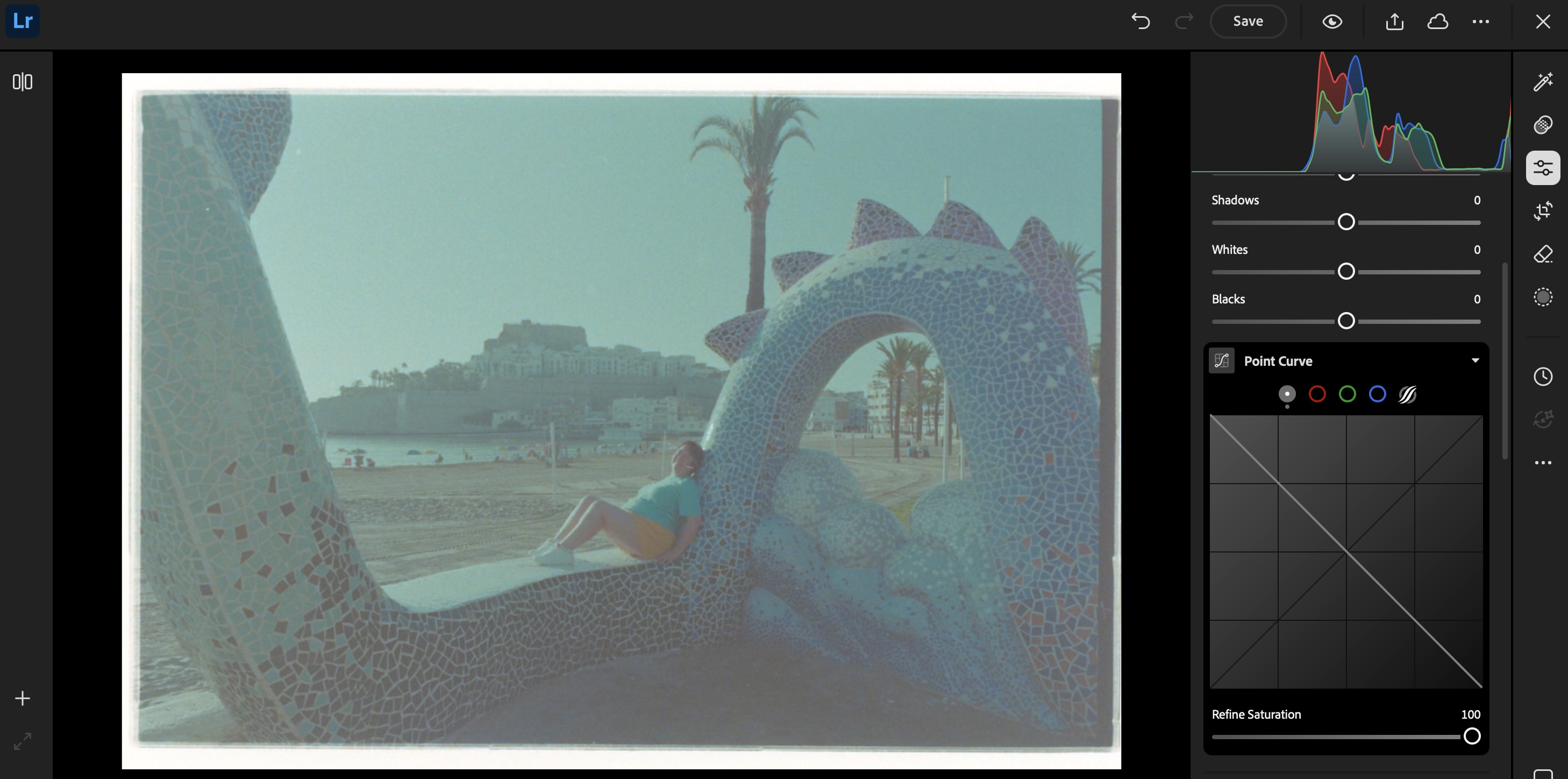
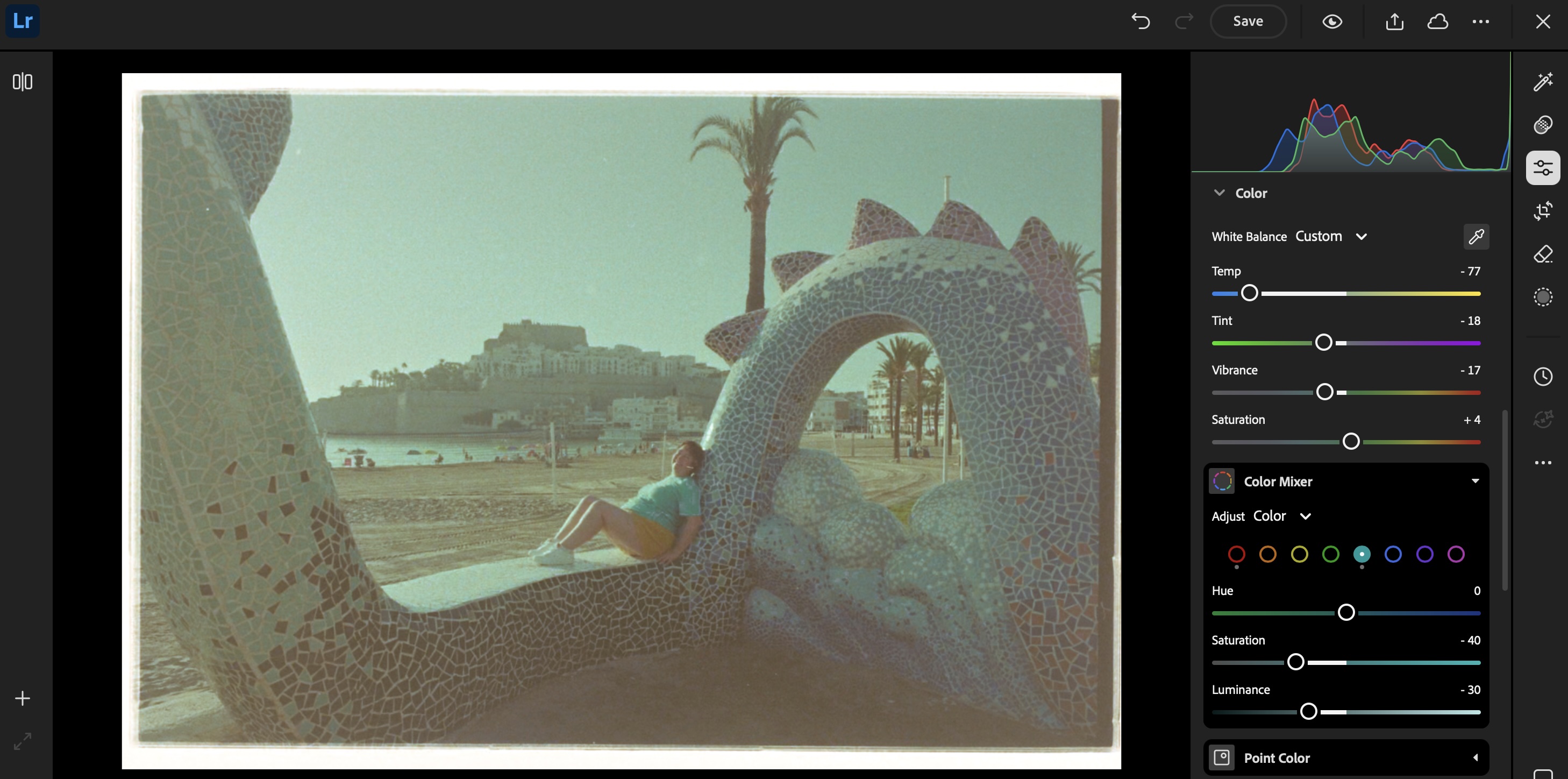
Image processing in Lightroom

Negative Color film works a bit differently. In this type of film, it’s a mix of silver halide and dye couplers that is suspended in gelatine; during the development process, the developer reacts with the dye couplers and the silver halide to produce visible dyes, while the silver is totally eliminated from the developed film (the labs catch that silver in the exhausted fixer and reclaim it).

The digitized negative after some work in Lightroom. For an amateur, conventional B&W film is easier to work with than chromogenic film.

Because minilabs were ubiquitous and only equipped to process negative color film, it made sense for Kodak and Ilford to propose B&W film engineered to be processed like negative color film – the chromogenic B&W film. Kodak had the BWCN400, Ilford the XP2. Besides the convenience of relying on local minilabs for processing, I also liked the exposure latitude of the BWCN400 and the smooth look of its images, and it was my B&W go-to film for years. Until Kodak stopped manufacturing it 10 years ago (Ilford still have the XP2 in their catalog).

Digitizing B&W film with the JJC Film Digitizing Adapter

The JJC Film Digitizing Adapter is a sort of clone of Nikon’s ES2 kit – both are designed to be placed in front of a macro lens attached to a digital interchangeable lens camera (m43, APS and Full Frame cameras are supported by the JJC system).

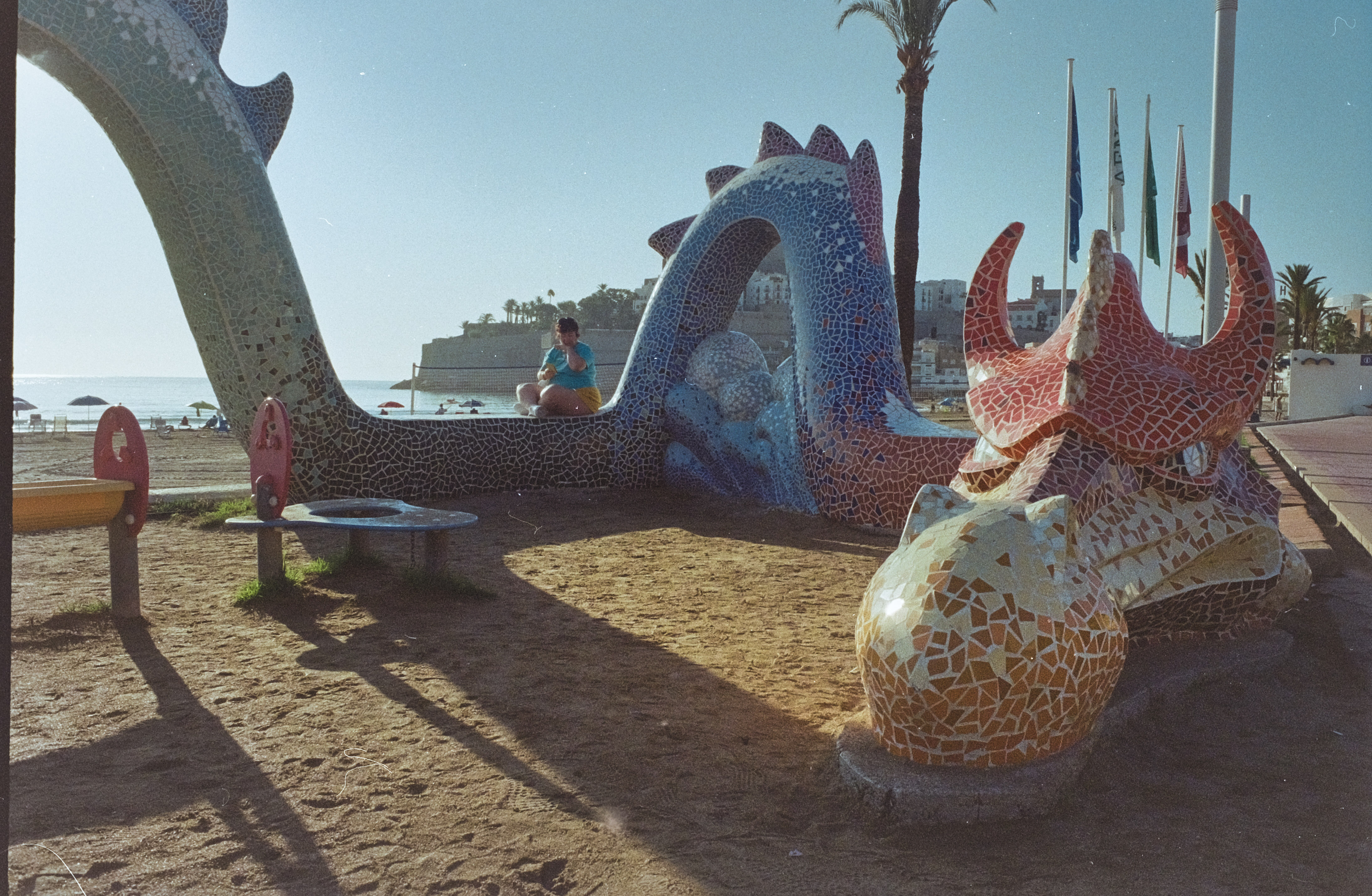
Chromogenic film is not as difficult to digitize as color negative film (you don’t have to take care of the color channels), but it still presents challenges, and some work on the S-Curve is needed because all the information contained in the film is concentrated in a relatively narrow band in the middle of the histogram. I will not be posting any self-made scan of my chromogenic pictures yet, because I’m not happy with the results – too crappy to be shared.

On the other hand, conventional Silver Halide film is much more analog in its behavior, and once the negative is inverted – I was using the same free online service as before (https://invert.imageonline.co), almost no adjustment is needed in a photo editor and the image is ready to be published.

Since conventional B&W film is easy to develop, even at home and without a dark room (we’ll come to it in the next paragraph), a darkroom-free process becomes a distinct possibility – develop the film in daylight, digitize with a JJC or ES-2 kit, adjust to taste in Lightroom and share to the destination of your choice.

Developing film in full daylight

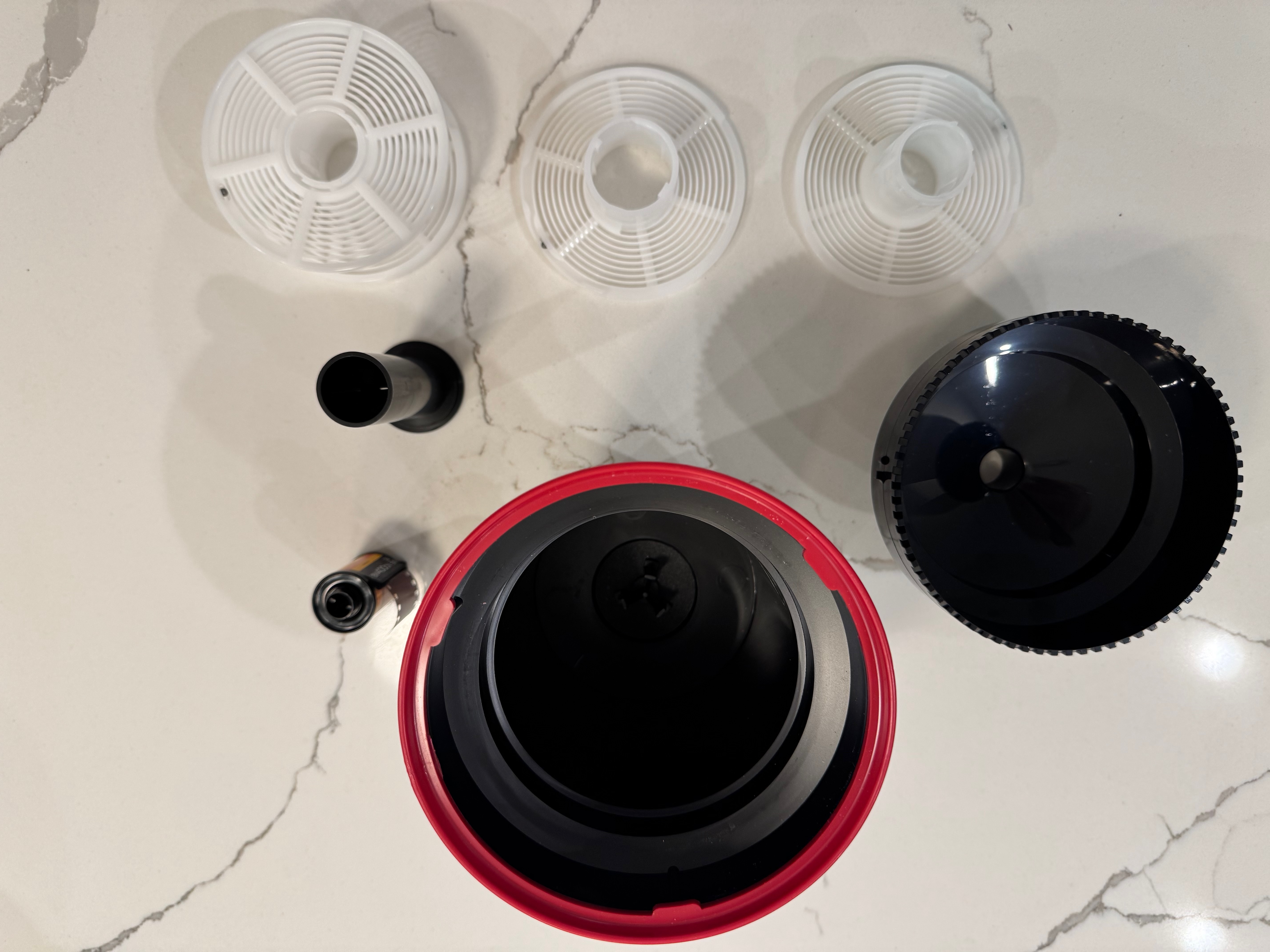
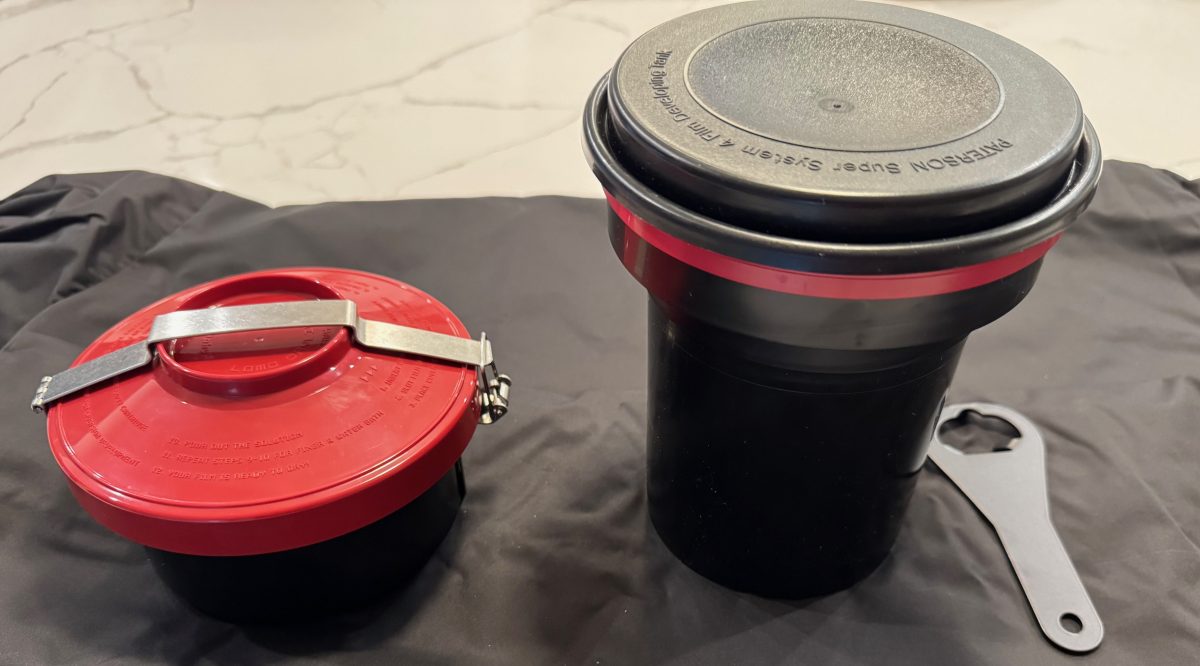
Amateurs typically develop 35mm film in Developing Tanks – it starts in a darkroom, where the film is removed from its cassette and placed on the reel and the reel in the tank, then the tank’s lid is closed and the rest of the film processing (develop, stop, fix, rinse) can take place in full daylight.

What a stainless steel tank and the reel look like – nicer than more modern plastic tanks.

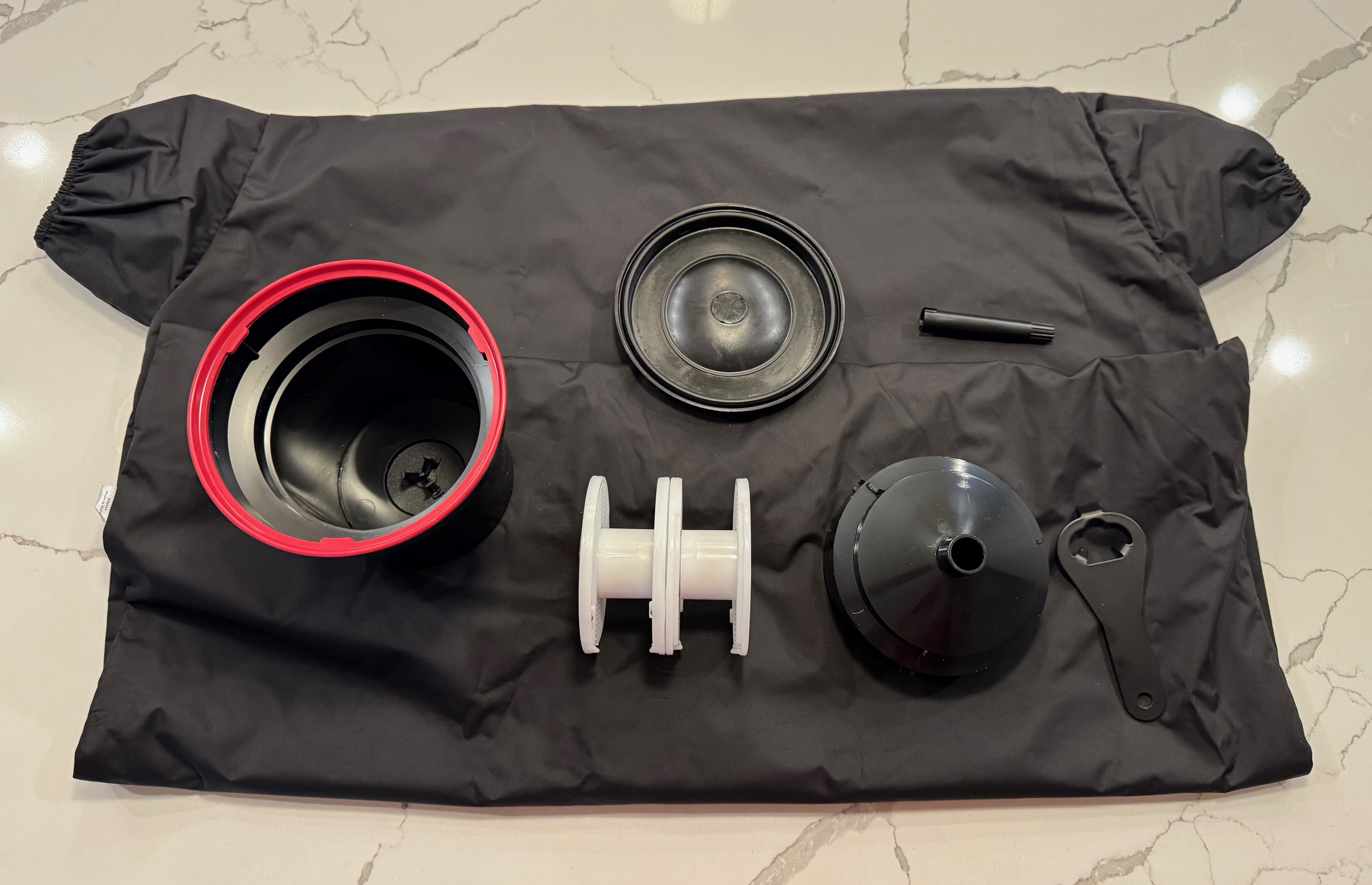
Companies like Paterson will also sell you “changing bags”, where you will first place your empty developing tank, its reel, a pair of scissors and your 35mm film cassette. When everything is in place in the bag, you insert your hands in the bag through the sleeves, and attempt to load your exposed film on the reel, separate it from the cassette, place the spiral in the tank, and close the tank, without seeing what your hands are doing. Not easy at the beginning, but with some practice, it becomes a second nature.

Paterson Changing Bag

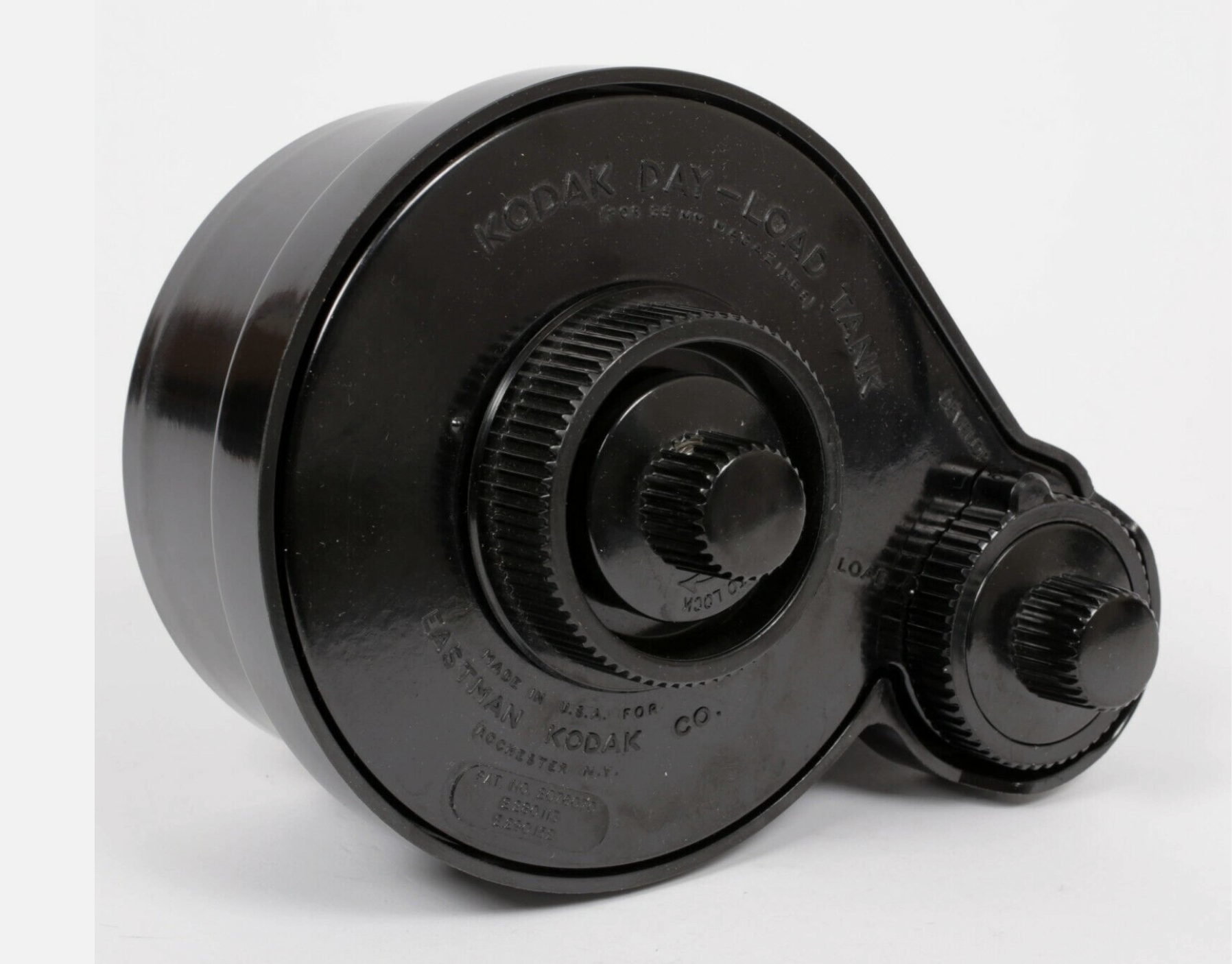
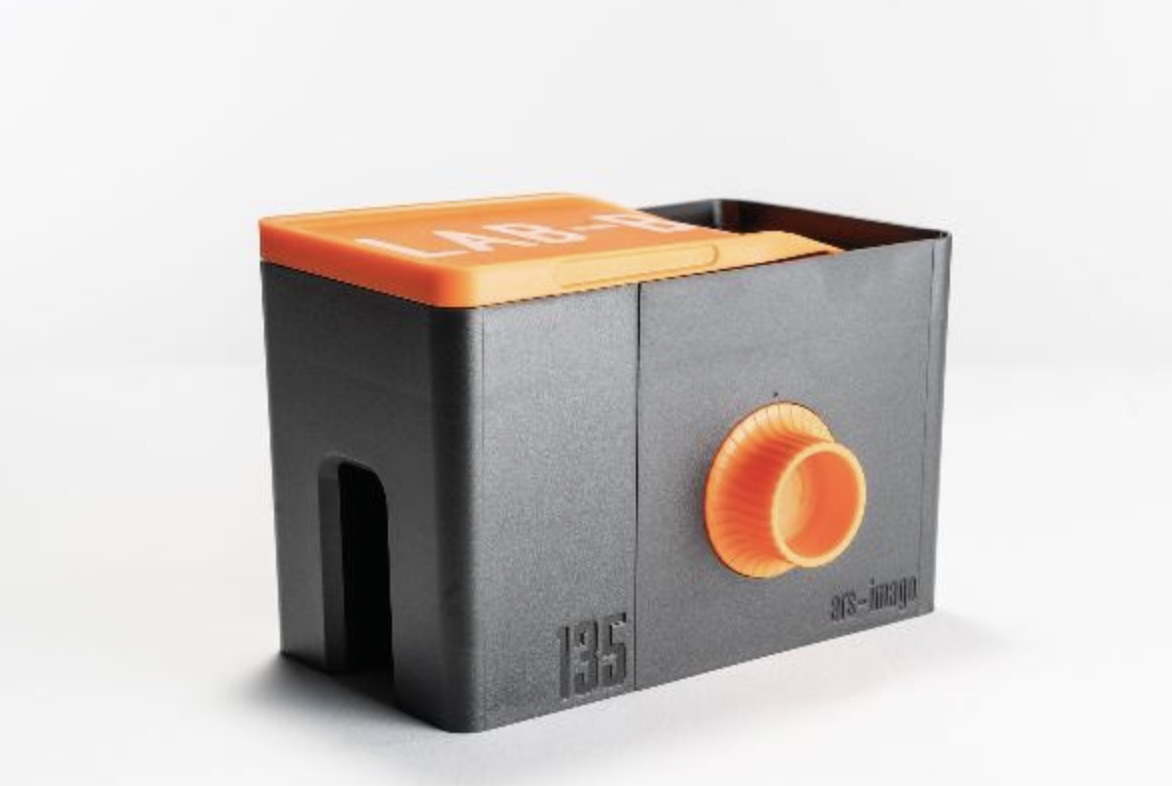
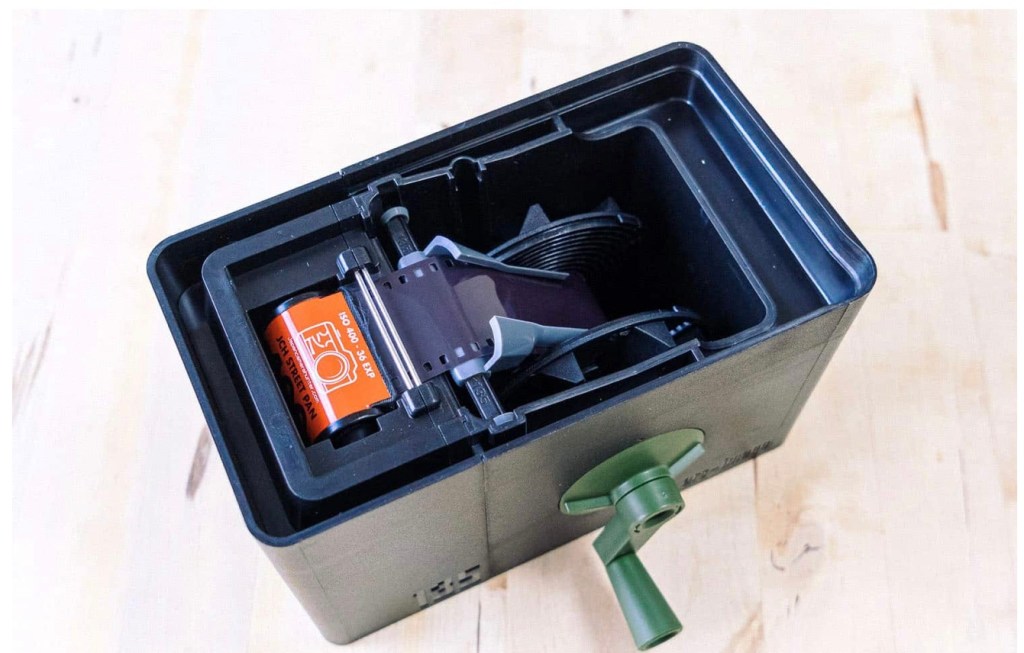
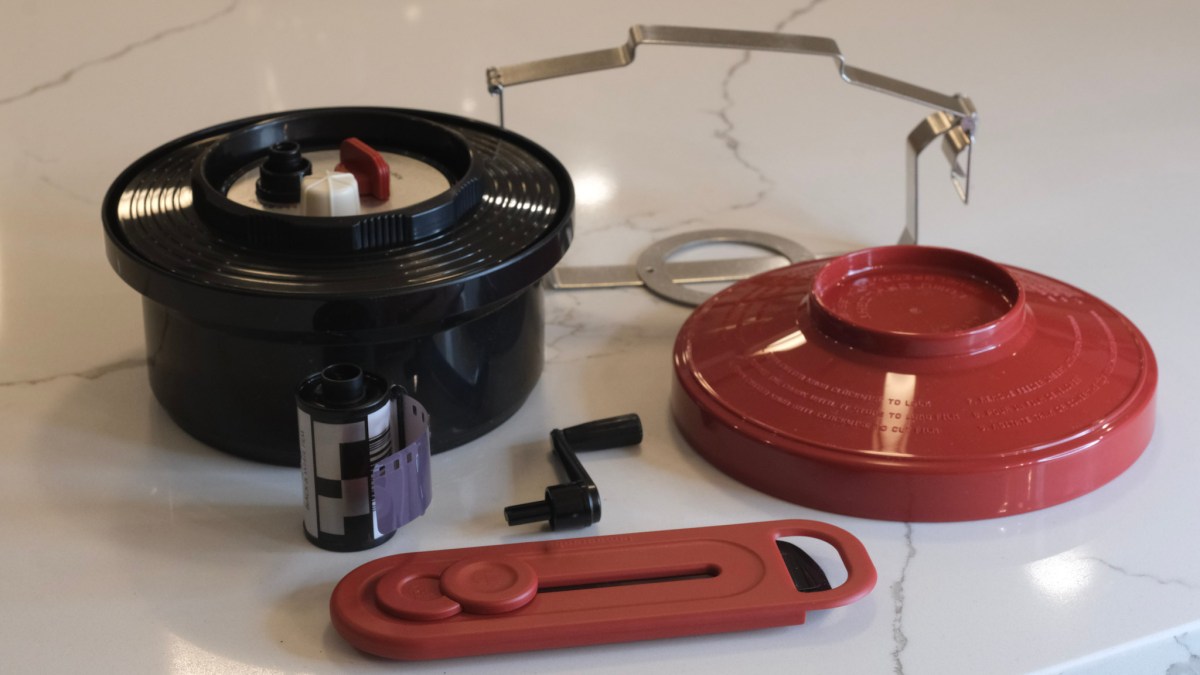
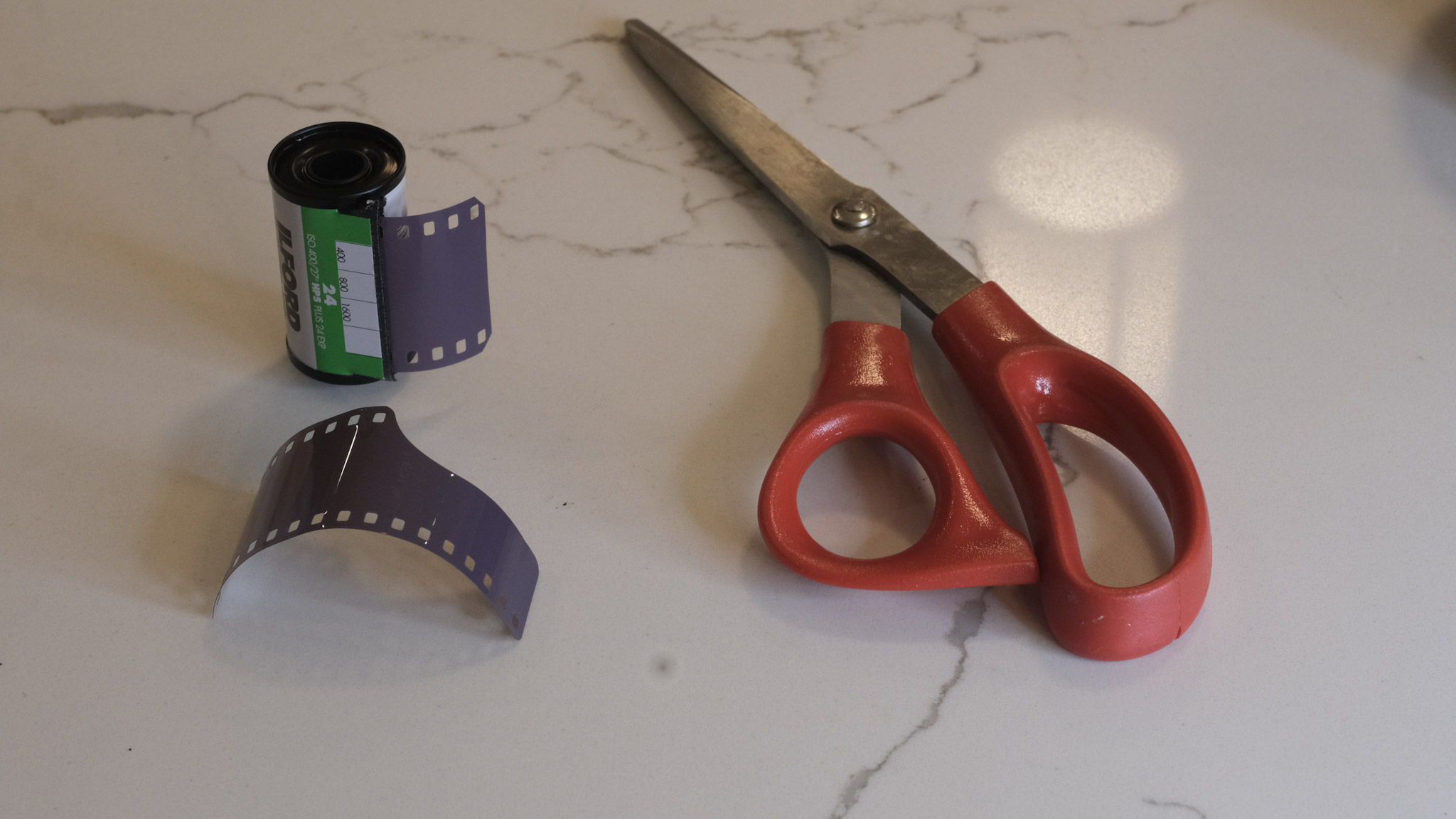
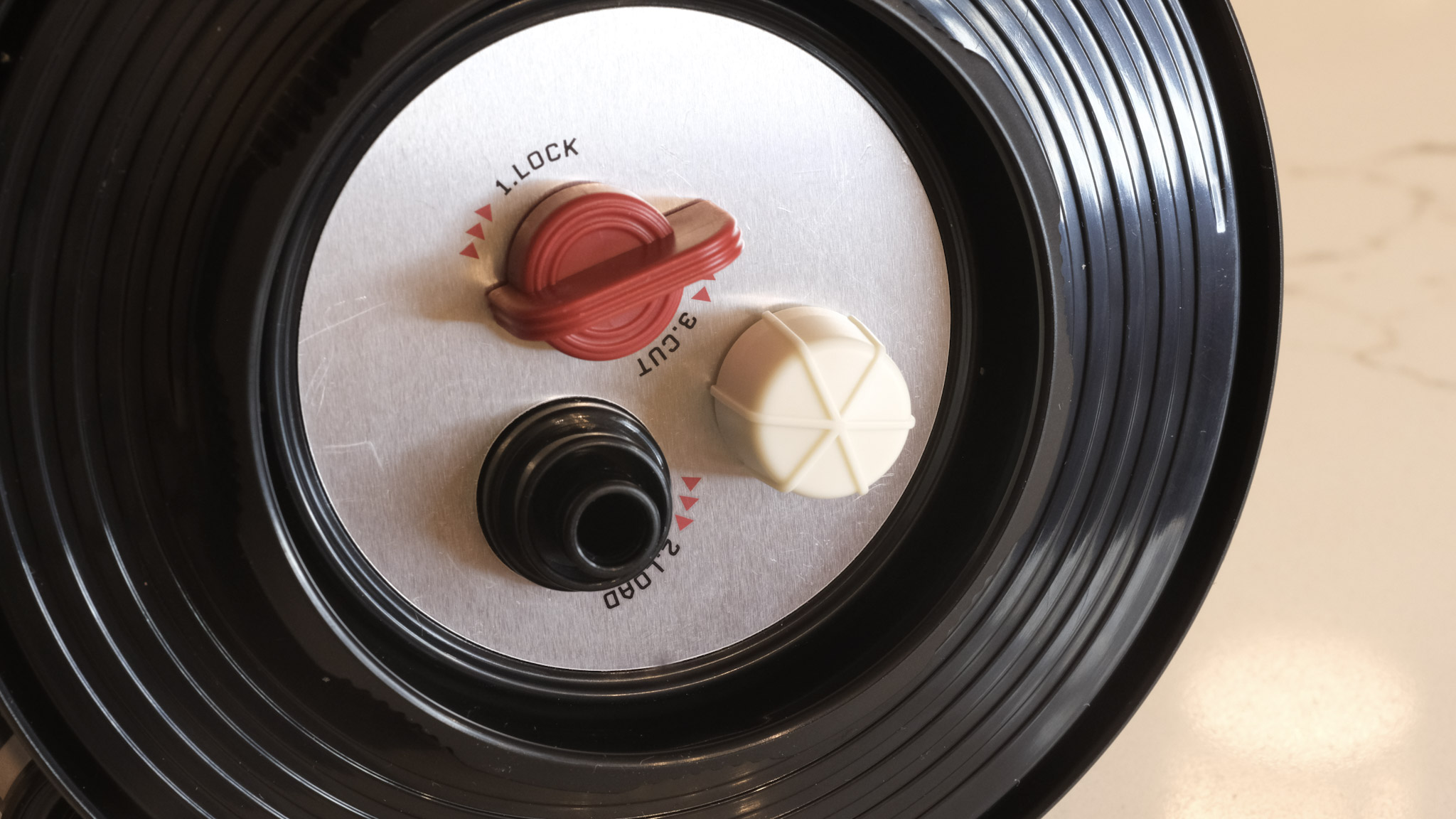
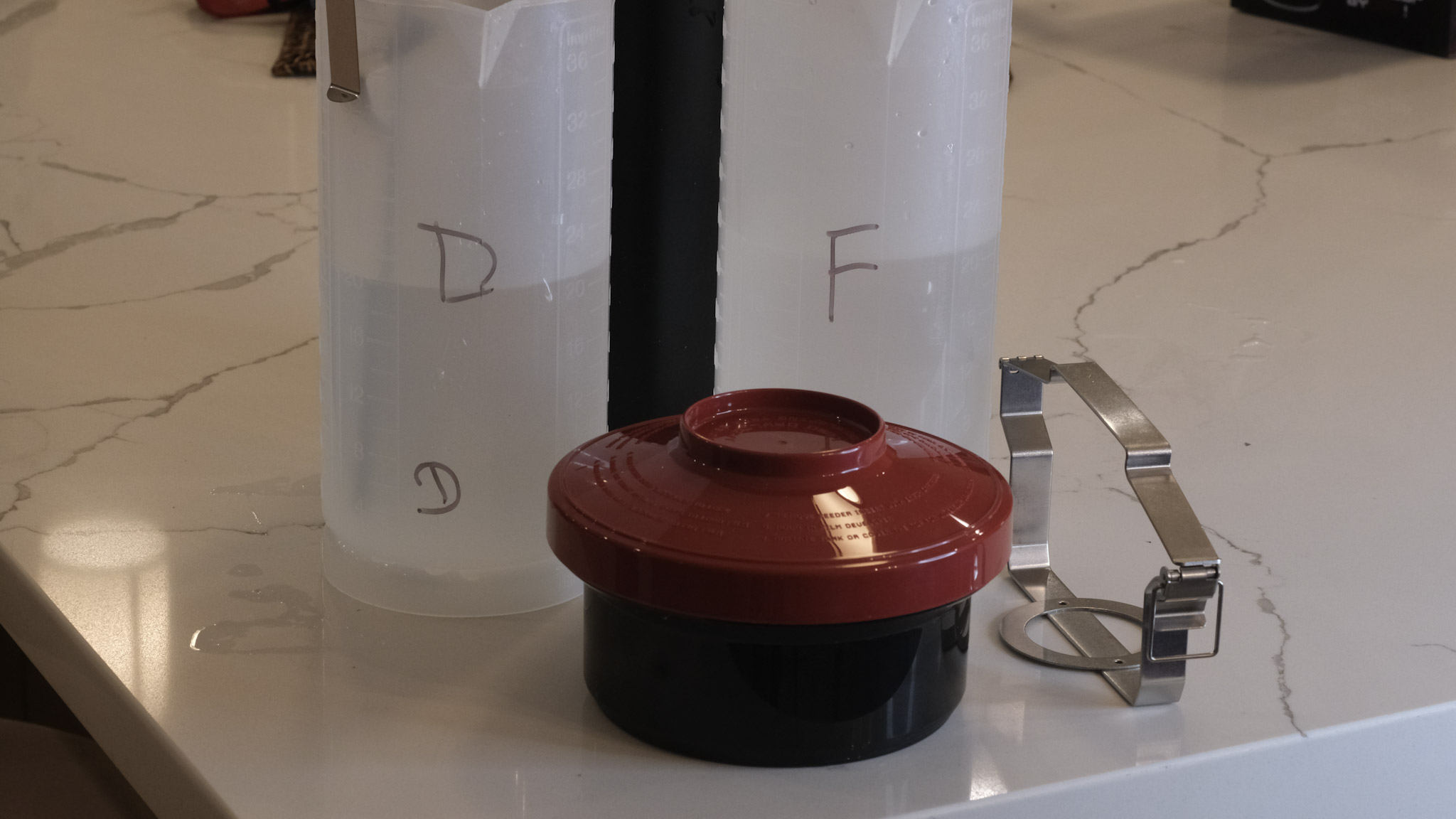
Our good friends of Lomography have just released a “daylight developing tank” that should make the process easier. In full daylight, place the film cassette in the tank, close the tank, and simply turn the crank to load the film on the reel. When the film is totally loaded on the reel, press a button to cut the film and separate it from the cassette, open the tank, remove the cassette, close the tank again, and start the normal development process.

I just ordered one. I’ll let you know how it goes.


More on the subject:

Digitizing negatives with the JJC adapter/

Film Processing (wikipedia)

Film Developers (wikipedia)

Paterson Developing Tanks over the years


Charleston, SC- July 2009. Developed and scanned by a pro-lab (at Costco, most probably).
Magnolia Plantation and Gardens – Charleston, SC

Panasonic G1, G2 and G3 – how good were the early mirrorless digital cameras ….

I’ve always been intrigued by the first G series micro four third (m43) cameras of Panasonic – and I’ve always found the red ones particularly cute and desirable. But never enough to buy one, until today. Another eBay find.

Launched between 2008 and 2011, the G1, G2 and G3 now qualify as “old gear” and deserve a place in those pages. Whether one of those cameras, which were once revolutionary, will find a new life in my camera bag – is another story, and that’s what we’re going to determine.

Those early G models look like a dSLR shrunk to 1/2 scale, and were available in three body colors (black of course, but also red and blue) in the Western markets (*). Because they were the first representants of a totally new category of cameras, Panasonic did not seem to have a clear positioning for the G Series – were they targeting novice photographers or enthusiasts, and at what price point?

Panasonic G2 and Nikon D700 – two interchangeable lens cameras with 12 Megapixels sensors with a trans-standard zoom. The size difference is striking.

By 2010, they had made up their mind, and started launching smaller and simpler GF models to encourage smartphone and compact digicam users to step up to Interchangeable Lens Cameras (ILCs), while the subsequent G Series models became larger and more serious looking. The current models look no different (and are not really smaller) than conventional APS-C dSLRs.

Why mirrorless?

It all started when the image sensors used in dSLRs became capable of capturing video in addition to still images.

With the D90, Nikon were the first to propose a dSLR that could also shoot HD videos, but the architecture of single lens reflex cameras (with their flipping mirror located between the lens and the image sensor) is not video-friendly; when it was capturing videos, the D90 was reconfigured to operate like a compact digital camera, forcing the videographer to forget about the optical viewfinder, and compose from the LCD at the back of the camera. To make the matters worse, the very efficient phase detect autofocus system of the photo section of the camera could not be used when shooting videos (the flipping mirror again), and after some trial and error, the manufacturers had to implement a second autofocus system in the video section of their new dSLRs, contrast based this time. Two cameras in one.
With no legacy in the SLR and dSLR space, and access to state of the art electronic components, Panasonic was in an ideal position to propose a simpler and more elegant solution to the photo/video hybrid challenge. Their new “mirrorless” photo/video hybrids would not be based on a “reflex” camera anymore (no flipping mirror, no optical viewfinder) – their electronic viewfinder and their LCD display would both be fed directly by the image sensor – and a single autofocus system (contrast based) would be implemented. For the operator of the camera, there would be no difference between shooting still images and videos.

Panasonic G2 – the fully articulated display is great for selfies and for videos. The touch screen is not very reactive, there’s only one control wheel but the presence of the AF/AE lock is a nice touch.

The mirrorless architecture had another significant advantage – because they were not built around the constraints imposed by the mirror box of a dSLR, the cameras and their lenses could be made significantly smaller.

It was a small revolution (and it was perceived as such by the press when the G1 was launched). Sony and Olympus followed rapidly, then Fujifilm, then finally Canon and Nikon.

For the anecdote, the G1 – in spite of being architected as the perfect photo-video hybrid, could only shoot still images. All the models that followed, starting with the GH1 of 2009, shoot stills and videos, the GH models being more video-oriented than the G models, but we’re talking nuances here – nothing fundamental.

Shooting in 2025 with the Panasonic DMC-G2

In the early G series line-up, the G2 looks like a good pick. It addresses most of the limitations of the G1, and its user interface is more enthusiast oriented than the G3’s (more physical controls). The sensor is still a 12 Mpixels unit (the GH2 and the G3 made the jump to 16 Mpixels a few months later) but on a 15 year old camera the performance of the jpeg processing engine, the way it manages noise and the dynamic range are more of a concern than the resolution of the sensor.

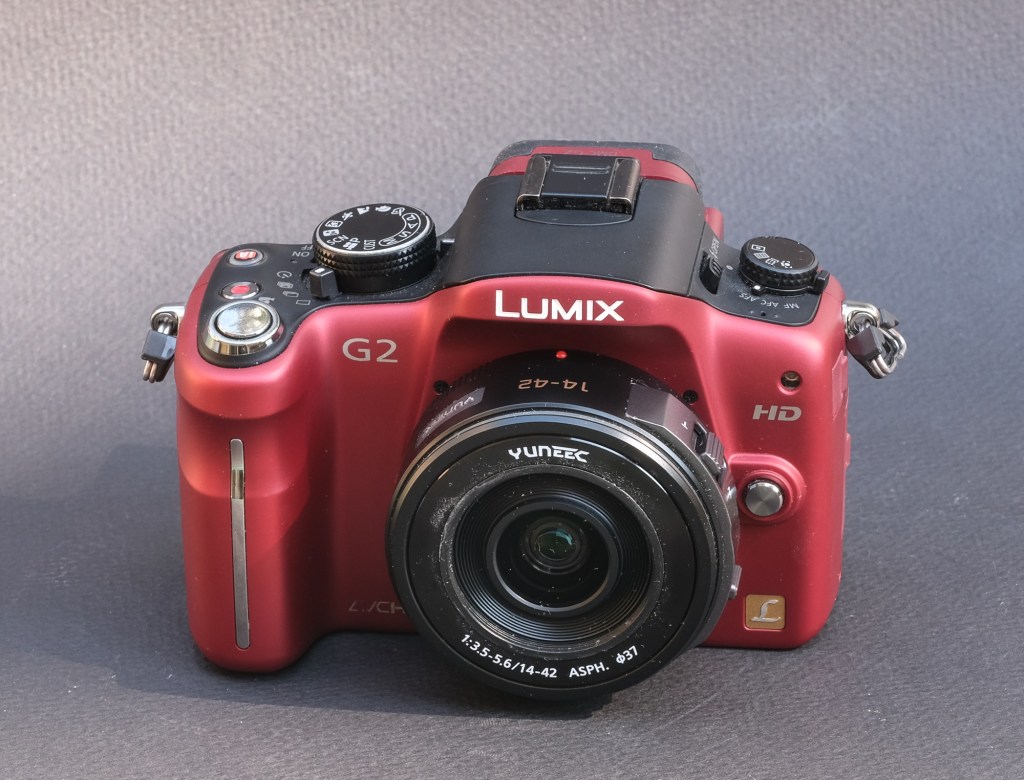
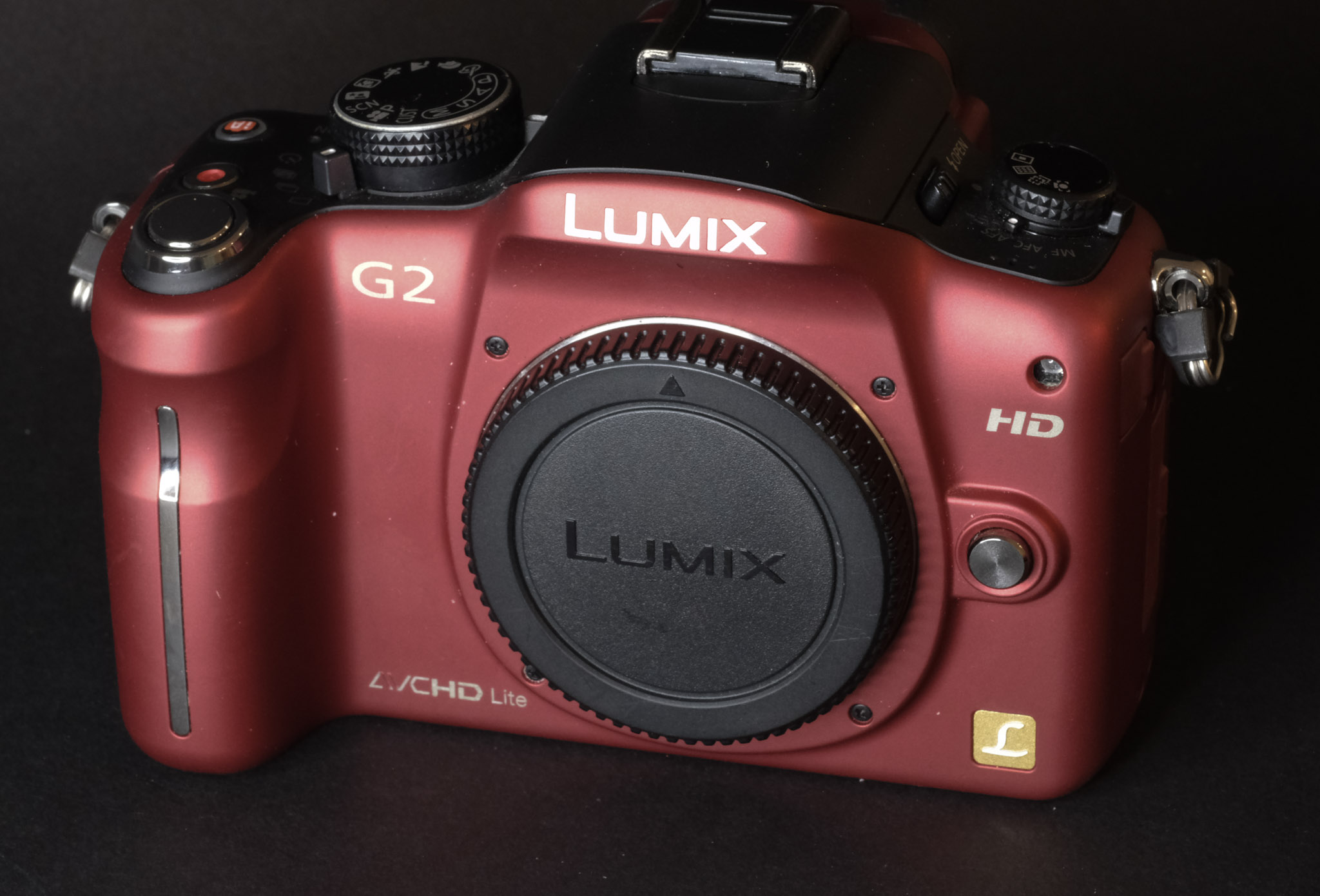
Panasonic G2 and Yuneec 14-42 pancake zoom – more physical controls than on an entry level ILC.

Using the G2 today, you understand why the press was so impressed with Panasonic’s new mirrorless cameras. They had nailed the essentials – offering a very compact, well rounded, pleasant to use camera, seamlessly integrating an excellent electronic viewfinder and a fully articulated rear display to shoot stills and movies without the acrobatics needed to do the same with conventional DSLRs. Even the autofocus is (relatively) fast and accurate. The fast movers among the competitors (Olympus, Sony, Fujifilm) would need three good years to catch up.

On a spec sheet, the G2 has everything an amateur will need – multiple exposure modes, including “intelligent” modes that recognize the scene for the photographer and adjust the parameters accordingly, multiple autofocus modes, and a very informative viewfinder.
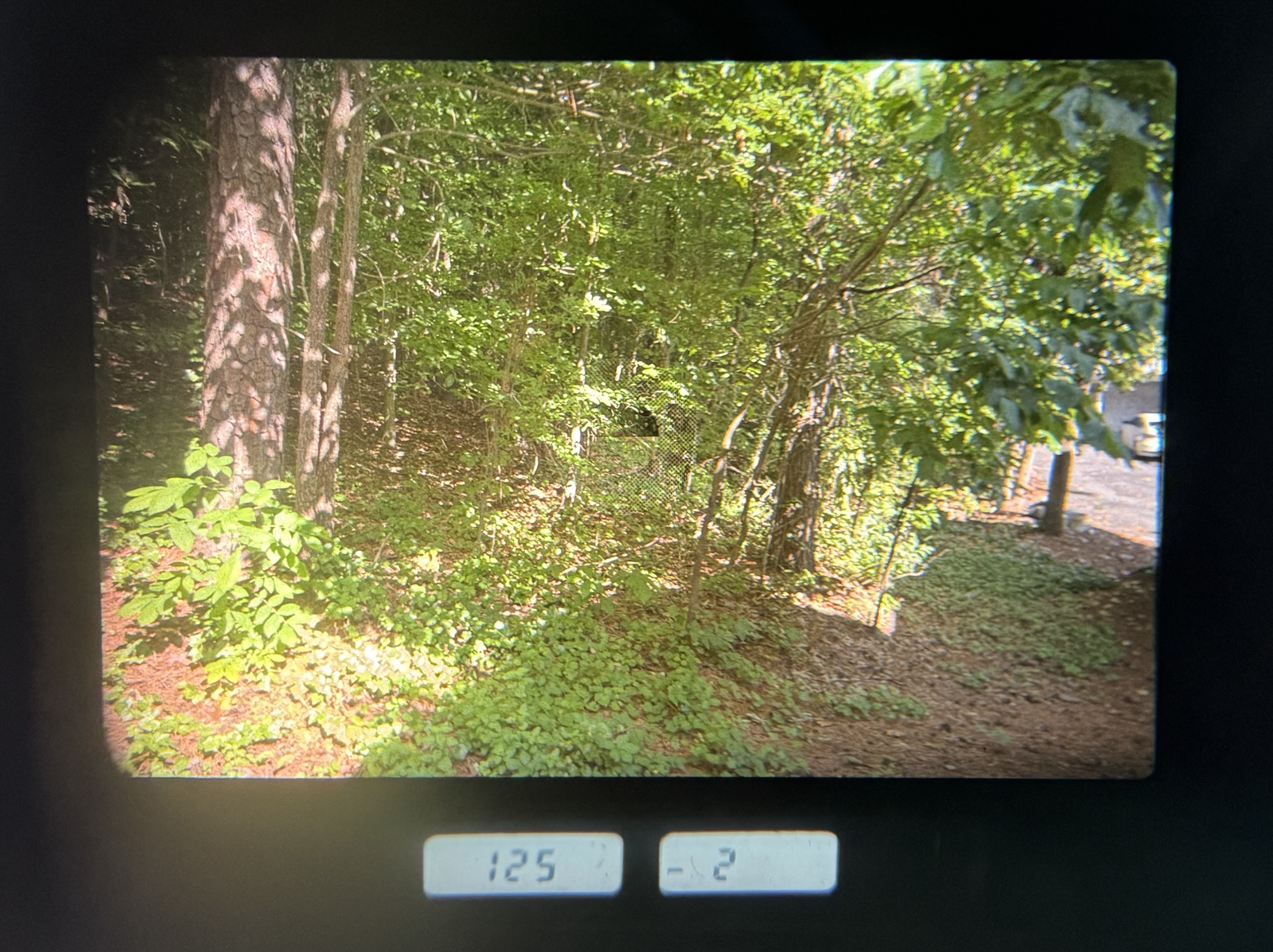
Atlanta, Piedmont Park – Jpeg Straight out of the camera – note the 4×3 proportions of the picture.

Once you get used to its menus, the camera is easy to configure to one’s desires, and does not get in the way. It’s so light you don’t feel its weight, and wakes up quickly if it had entered a sleep mode. Only the operation of the touch screen leaves to be desired – it’s unresponsive and requires a significant pressure from the finger – and can’t be compared to the responsiveness of a modern smartphone in that regard.

Atlanta, Piedmont Park

What about the pictures?

There are cameras from the same vintage that immediately impress you with the quality of their JPEGs – you shoot with them for the first time and are like “wow!” – I’ve had that sort of moment with my first Fujifilm camera, the original X100. No such thing with the G2. You look at the pictures and you simply think – “not bad, but it needs some post-processing to show the scene like I really saw it”.

Sweetwater Creek Park – GA – jpeg image boosted by Lightroom AI

The JPEGs are generally pleasant to look at but lack punch, and will benefit from some limited post processing (with the G2, I tend to systematically add vibrance and clarity in Lightroom). In some of the landscapes I shot (facing the sun, admittedly), the images seemed to be rendered in a scale of grey, with almost no color – which points to dynamic range limitations.

Fishing – Shot in RAW. Processed in Lightroom Mobile

Photographers willing to spend more time on their images will shoot in RAW, and spend a few minutes adjusting each picture in Lightroom. The files respond well to post-processing, which tends to indicate that the potential of the sensor is hindered by the JPEG rendering engine of the camera.

As a conclusion

Shooting with a great film camera from the nineteen seventies or eighties is an experience to be relished. It’s so different from shooting with a modern digital camera. Cameras like the Canon AT-1/AE-1, the Nikon FM/FE or the Olympus OM-1/OM-2 series reconnect you with the basics of photography. Even if you own a state of the art digital camera, you will still feel the need to shoot with a FE2 or an OM-2 from time to time, because they’re such great instruments and using them is so rewarding.

Wildlife on the Chattahoochee River. Shot in RAW. Processed in Lightroom Mobile

You can’t say the same of the Panasonic G2 – it’s a modern digital camera, but not as advanced as the most recent models from Panasonic and all other major camera makers. In 2010, it was an impressive tour de force, already very mature for a 1.1 release. Today, it’s still remarkably compact, but the Jpeg processing engine, the sensor, the viewfinder – although usable – are 15 years behind the current best of the bunch.

The G2 is a cute and easy to use oldie, but if you also own a more modern, more enthusiast oriented ILC, you will not be tempted to shoot with the G2 when you could be shooting with a more recent, more flexible camera that will deliver better pictures in more situations, straight out of the camera.

Or you will be looking for a camera as compact and pleasant to use as the G2, but more modern.

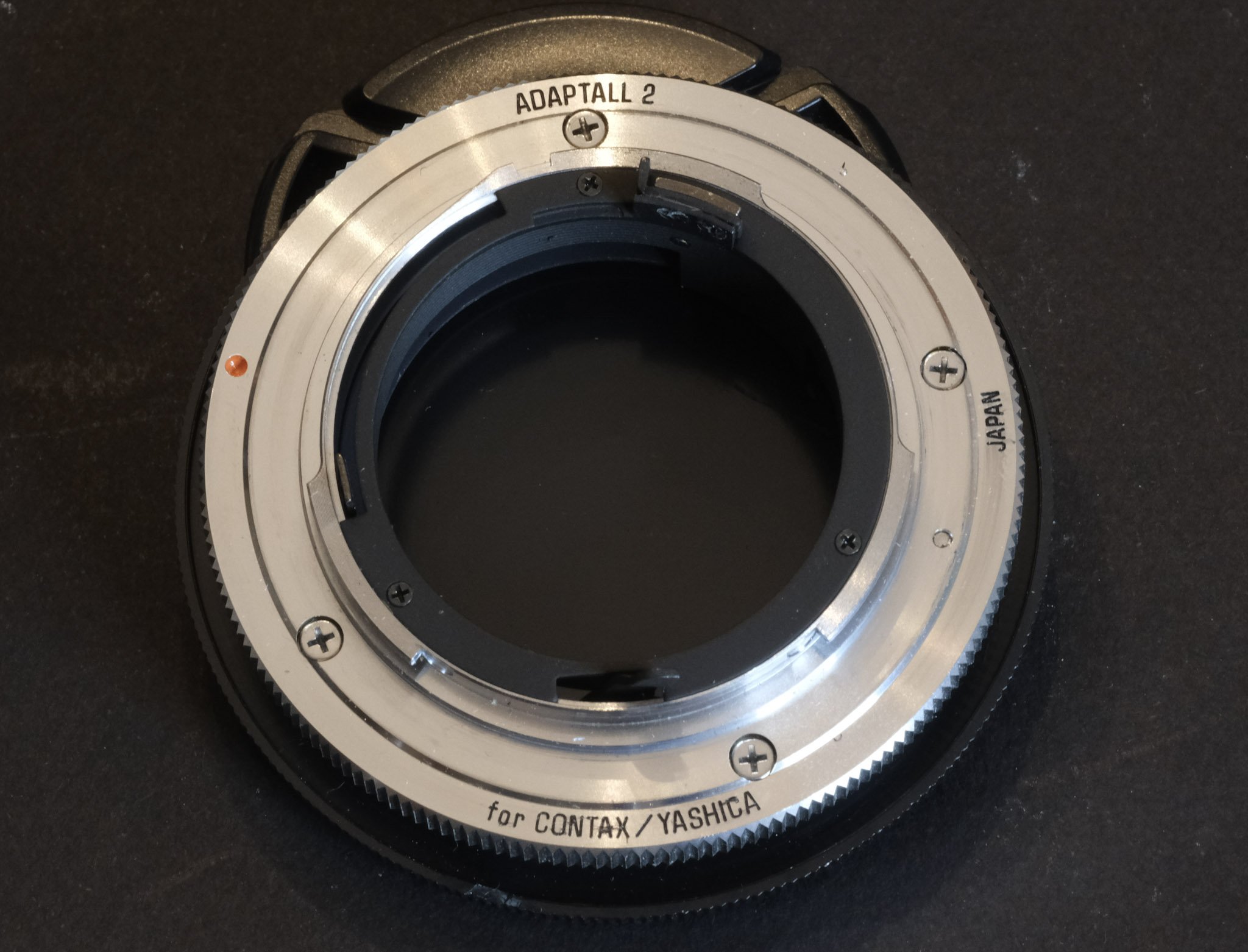
Panasonic G2 with Pentax 35mm f/2 lens and Fotasy adapter – Mirrorless cameras (in general) can easily work with vintage lenses. There is an adapter for almost every lens mount ever made (here, 42mm to m43).

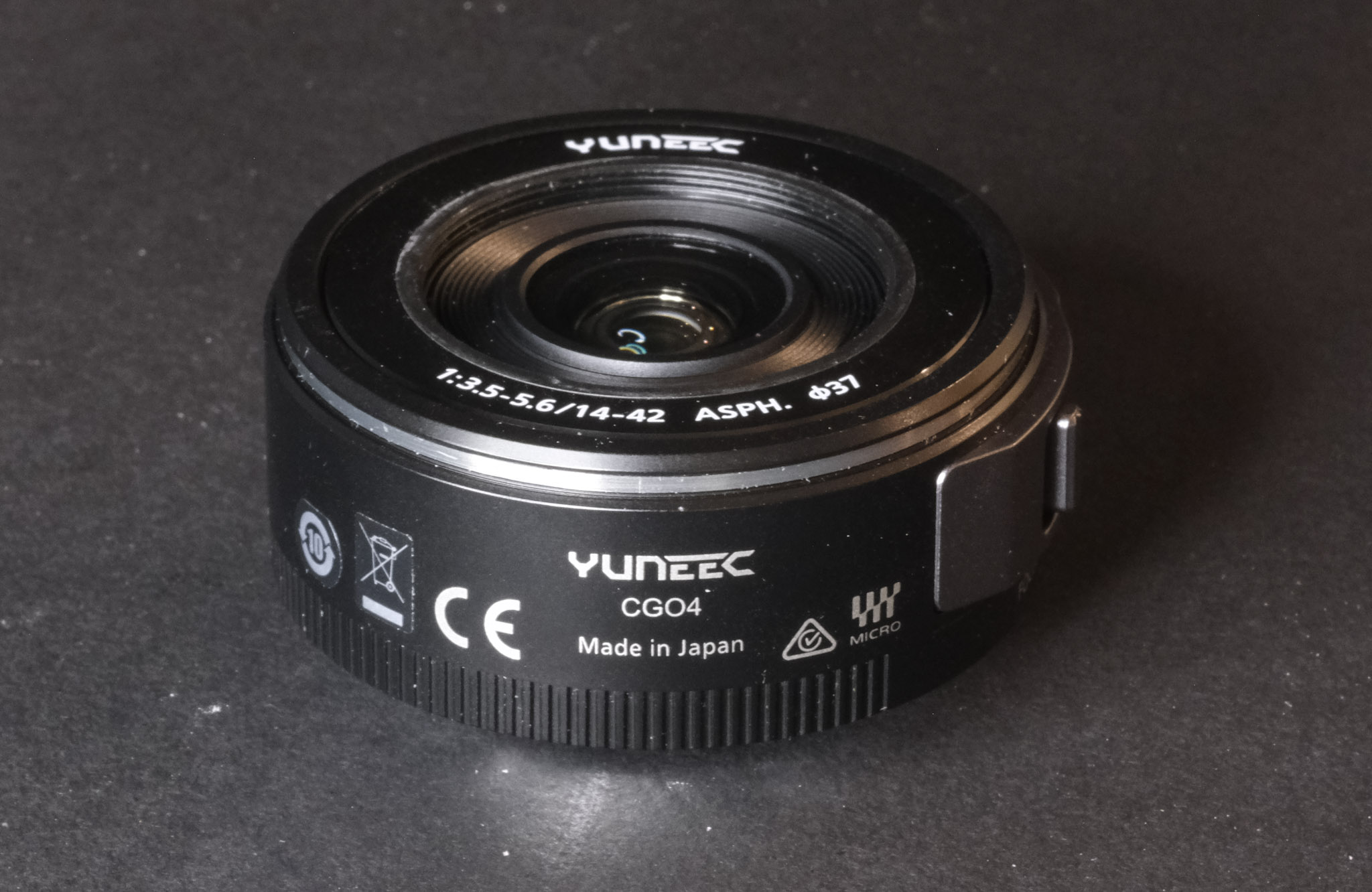
On the other hand, if you’ve only shot photos and videos with a smartphone so far, a Panasonic G2 is a good stepping stone into the world of dedicated cameras. With a Yuneec 14-42mm power zoom (**), it forms one of the cheapest ways to get a taste for what shooting with a good interchangeable lens camera really is about.

You will have to shoot RAW to get the best results, and will have to learn about the S curve and the histograms. But it’s a knowledge worth acquiring.

The m43 system is still alive with Panasonic and Olympus keeping on developing new cameras and new lenses, and when you will feel the desire for a more recent camera, all the experience you will have accumulated shooting with the G2 – and the money you’ll have eventually spent on extra m43 lenses – will not be lost.

Tree – shot in RAW in the Chattahoochee River National Park. Processed in Lightroom Mobile

(*) Panasonic also shipped the early G models in other color combinations, but primarily on the Japanese Domestic Market (JDM). Cameras sold on the Japanese domestic market very often have a Japanese language-only firmware, and can’t be reflashed to show menus in other languages than Japanese. This situation is not specific to Panasonic – all Japanese cameras manufacturers have had (and some still have) references in their line-up which are strictly reserved for their home market and only support Japanese. Generally the ones with the fancy colors. Too bad.


(**) Yuneec is a Chinese manufacturer of drones and electrically propelled aircraft. At some point they used to integrate Panasonic m43 cameras and lenses in their drones – simply relabeling them. The Yuneec 14-42 power zoom is assumed to be identical to its Panasonic branded equivalent. The drones have probably reached the end of their life a long time ago, but enough lenses seem to have survived them, and there is a significant supply of Yuneec branded zooms on the second hand market. The Yuneec-labeled 14-42 mm zoom is identical and – in my experience – fully compatible with its Panasonic branded sibling.

A refurbished Yuneec zoom typically sells for a bit less than $100.00, a nice second hand G2 can be had for less than $150, making the G2+Yuneec 14-42mm combo one of the cheapest way to shoot with a good mirrorless interchangeable lens camera today. Not a penalty camera by any mean…


Sweetwater Creek State Park – straight out of the cameraI was facing the sun when I shot this picture.
Sweetwater Creek State Park – GA – image settings optimized by Lightroom AI. This image is closer to what I had in mind when I pressed the shutter.
Sweetwater Creek State Park – Straight out of camera.
Sweetwater Creek State Park – vibrance and clarity boosted in Lightroom

Digitizing negatives with the JJC Adapter

If you ask a lab to develop your film (I’m using https://oldschoolphotolab.com/), they will scan it for a modest extra fee ($6.00 per film). And if you send them already developed film strips, they will charge you anything between $1.00 and $4.50 per frame, depending on the quantity and on the desired output quality. The scans are made on Fuji or Noritsu machines, and the result is top notch – you just have to be prepared to wait – typically for two weeks – before you can access the files on Dropbox.

But there may be situations when you can’t wait, or you don’t want or are not permitted to send the negatives through the postal service at the other end of the country. There are also cases when the sheer volume of images to scan (and the expected low keep rate of the scanned images) makes using a specialized lab financially impractical.

JJC Kit in its box, Nikon D700 ready for action

You can invest in your own scanner – or – taking advantage of the high resolution sensors of modern digital interchangeable lens cameras (dSLRs or mirrorless), shoot the negative frames (or the positive slides) with your camera, and simply upload the resulting files to Lightroom for a final edit.

Nikon were the first to package the necessary hardware in a single product (the Nikon ES-2 adapter, tested in The Casual Photophile: solving scanning with the nikon ES-2 film digitizing kit ). The Nikon kit is dedicated to Nikon cameras and lenses (and only a very limited list of Nikon Macro lenses are supported).

The JJC FDA-S1 Digitizing Kit

JJC have developed a clone of the ES-2, and have opened it to more lenses (they have added support for Canon, Sony, Laowa and Olympus lenses). Regular visitors of CamerAgX may know that when I’m shooting digital, it’s primarily with Fujifilm X cameras (X-T4 and X-A5) but I also have an old Nikon D700 and a much older 55mm Micro-Nikkor AI lens on a shelf, and that’s the gear I used to test the JJC “Film Digitizing Adapter Set”, Ref: FDA-S1.

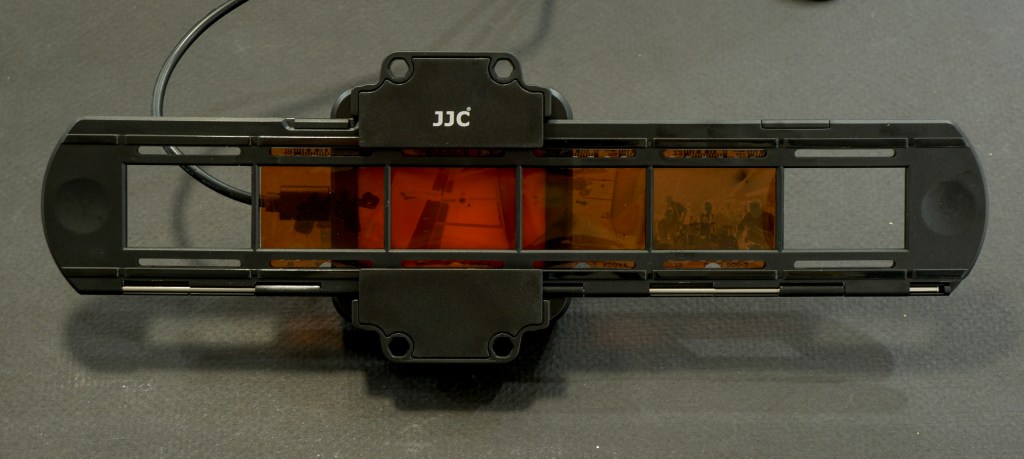
The kit is composed of 8 adapter rings, a slide mount holder, a negative film strip holder and (the unique selling proposition as far as I’m concerned), a USB powered light box. The whole set is well packaged, seems to be made of good quality materials (metal and plastic), and everything works as expected.

First attempt: Scanning with the Nikon D700 and the Nikon Micro Nikkor 55mm f/2.8 AI

The Micro Nikkor 55mm AI is only offering a 1/2 repro ratio when shooting macro. As a result, the image of the negative is only using the central area of the frame of the D700. Not good. It’s made worse by the small resolution of the D700’s sensor – 12 Mpix – over here, we’re only using 3 Million pixels. The scans look blurred and lack detail.

As shot with the D700 – the Micro Nikkor 55mm lens is not a good fit for the JJC adapter

Second attempt: Scanning with an APS-C camera (the Fujifilm X-T4) and Nikon Micro Nikkor 55mm f/2.8 AI

One of the benefits of “mirrorless” cameras is that they can accept all sort of lens adapters. I happen to have a Fotasy adapter which will attach the Nikon AI lens to my Fujifilm X-T4. And the articulated display fo the mirrorless camera is much more comfortable to use than the optical viewfinder of the Nikon D700 for this type of work.

In action – Fujifilm X-T4, Fotasy Adapter, Nikon Micro-Nikkor 55mm, JJC kit

The “scan” fills the frame and is much more detailed.

Much better with the Fujifilm X-T4 – the “cropped sensor” is a good fit for the 1/2 repro ratio of the 55mm Micro-Nikkor AI.

Inverting the scanned image

If you were starting from a negative, you have to convert it to a positive image. I tried this free online service (invert.imageonline.co). Better equipped pros will use Photoshop or Lightroom Plug-Ins.

Inverting the image with imageonline.co

Final touch in Lightroom Mobile

Depending on the pictures, it’s more or less labor intensive. It involves playing with the white balance, the different exposure sliders, and the color channels.

As imported in Lightroom from imageonline.co
Playing with the sliders in Lightroom with this picture I could not approach the colors of the lab’s scan.

Let’s compare a JJC scan with a pro medium resolution scan

The default resolution of scans performed by the Old School Photo Lab is 2048×3072, delivered as JPEG files. Higher resolution scans can be ordered at an extra cost (resolution: 4492×6774) and they can be delivered as TIFF files.

I’m generally happy with their standard resolution scans (I’ll call them medium res as some labs offer lower res scans as an option) and would only request High Resolution for exceptional pictures I’d like to print in a large format.

Shot with Kodak Ultramax on a Canon Photura, processed and scanned by the Old School Photo Lab

I just received the negatives of a film roll I shot with the Canon Photura a few weeks ago (the scans are made available online as soon as the film is processed, and the negatives returned to you one week later). Let’s compare a scan from a professional lab with an image captured on an APS-C camera with the JJC kit.

Scanned on a Fujifilm X-T4, inverted by imageonline.co and adjusted in Lightroom Mobile.

With the JJC kit and my amateur workflow, getting “good enough” results is easy and fairly quick. The DIY scans are very detailed but the colors still a bit off. Getting something as good as a scan on a Noritsu machine requires precision – the focus on the camera has to be perfect, the color balance has to be exact – but with practice and dedication I’m sure it’s possible to get “pretty close”. At the moment, I’m “pretty close” on some pictures, and totally off on others. Practice makes the master, and I lack practice, for sure.

Conclusion

I did not invest a lot in this test (the FDA-S1 kit cost me less than $100.00), I used an undocumented and unsupported setup, I relied on a free online service to invert the scanned negatives, and I edited the pictures with Lightroom Mobile. Enough to give me a feel for the practicality of the solution, but not enough to get the best possible results. I don’t think using an APS-C camera is an issue (the 26 Mpix of the X-T4’s sensor are more than enough to render a 35mm negative), but photographers who digitize their negatives “seriously” use the personal computer version of Lightroom (Lightroom Classic), with a plug in provided by Negative Lab Pro.

Scans from the lab (top row) vs DIY scans (lower row – the image on the bottom left has not been processed yet).

As a conclusion

The great thing about the JJC Digitizing kit is that it’s an all inclusive hardware solution, which is flexible enough to be used on cameras and lenses not explicitly supported. The USB powered lightbox is a significant plus, which is missing from the Nikon ES-2 kit.

The two main benefits of a scanning workflow starting with the JJC kit are speed – you can scan hundreds of pictures in an hour – and resolution. The biggest limitation is what comes after – inverting the negative and playing with the contrast slider, the color channels and the S curve to make the image usable. In order to get the best possible results at scale, using Lightroom Classic on a PC or a Mac, with a dedicated plug-in is probably the way to go, but it’s a spend I can’t justify – I’m just an amateur photographer, not a pro.

I’ll use the JJC Digitizing adapter as a quick way to reference hundreds or thousands of negatives, and, to share the ones that matter to them with family and friends, on the messaging apps of their smartphones. If I need a high quality scan of one of those pictures, I will still rely on a pro lab.

My most satisfying DIY scan so far.

(*) More about the different versions of Lightroom (Classic, Mobile, Mobile with Premium Features)

Sony HX series – the Cybershot DSC-HX60

Until this year, the big Japanese camera makers seemed to have abandoned the “digital compact camera” market almost entirely, retreating to a few niche products such as the Sony RX100 or the OM System Tough TG, and leaving all the space of “casual photography” to smartphones.

The commercial success of a few of the remaining compact cameras (the current versions of Fujifilm X-100 and of the Canon G7x are almost always out of stock), and the prices reached on the second hand market by some high end compact cameras from the past decade are pushing the camera companies to reconsider their product strategy. Canon is widely rumored to be preparing a new range of compacts.

In the meantime, a few lines of cameras of the past decade – the Canon SX700, the Nikon S9000 and the Sony HX series in particular, are getting all the attention and are more expensive than ILCs of the same vintage on eBay.

Sony Cybershot HX60

Sony’s HX line of products

The H in HX stands for HyperZoom – the cameras of the series all have zooms that can reach at least an equivalent of 250mm on a full frame camera. Some of the HX models (the ones with three digits in their name) are shaped like a bridge camera and would not fit in a pocket, while the HX models with one or two digits (HX5 to HX99) are pocketable little bricks that could fit in the pocket of a coat.

The HX pocketable models were developed across 4 generations.

HX5, HX7 and HX9 belong to the first one, with 10 and 16 megapixel image sensors and a reach limited to 384mm. The HX10, HX20 and HX30 form the second generation. They share a 18 mpixel sensor and are pretty close to one another – primarily differentiated by the reach of their zoom and the support of Wifi.

Sony Cybershot HX60 – size comparison with a Fujifilm Z1000 EXR and a Fujifilm XQ2. The Sony is two to three times thicker than the two Fujifim digicams

The HX50 and HX60 mark a significant evolution towards the high end, with a 20 Megapixel sensor, an accessory shoe, a bulkier body and longer zoom reach. They share a G series, 25-720 zoom. The main difference between the two models is that the HX60 has NFC in addition to Wifi, and is controlled through the new unified Sony menus.

The last four models (HX90, HX80, HX95 and HX99) all share a 18 mpix sensor and a smaller body with a telescopic viewfinder and a flip up screen. Their lens is a new, more compact, Zeiss labeled, 24-720 zoom. But they lose the accessory shoe of the previous generations and a few physical controls (like the exposure compensation control wheel). The differences between last four models are relatively minor. The HX80 is the simplest, while the HX99 has everything (a touch enabled rear display and a GPS, and it can save RAW files).

The 30x zoom belongs to the G series (one step above the “normal” Sony lenses, one step below the “Zeiss T*”)

Lastly, all models whose name ends with a “V” have a GPS chip. The HX60, for instance, was available as a GPS-less HX60, while the HX60V had the GPS chip. Not all combinations were available in all geographies. The HX60, for instance, was not available in the UK or in the US, but the HX60V was.

The different models: a summary.

You will notice that after the HX60 Sony reverted to a 18 Mpixel sensor.
The main differences between the last six models

On paper, the most recent generation with its very compact body, its telescopic viewfinder, its Zeiss labeled lens and its flip up rear screen seems the most interesting. Recent models also benefit, generally, from image sensors and processing engines that produce better pictures (less prone to noise, and therefore more immune to the smearing caused by aggressive noise reduction algorithms). But models of that series are also the most sought after, and cost twice as much as a HX60 on the second hand market, at approx $500.

Shooting with the HX60

The HX60 is not exactly a pocketable camera, unless you wear a coat or an anorak with large pockets. And you will feel its weight – at 272g (9 1/2 ounces) it’s not light either, twice as heavy as a typical compact camera like the Sony W series or the Canon Powershot 170 IS. It does not give the impression of being fragile, but it’s not a rugged camera and its owner will feel compelled to carry it in a soft pouch.

It offers more physical controls than a typical point and shoot and elaborate menus (inherited from Sony’s big mirrorless cameras) which, coupled with the rather succinct documentation, could make it intimidating for beginners.

I left it in Program (“P”) mode most of the time; there are also a “Superior Auto Mode” and an “Intelligent Auto Mode” that detect the scene for you and adjust the settings accordingly – simply adjusting the exposure with the correction dial when needed. I’m not sure there is any benefit in leaving the full automatic modes for Aperture or Shutter Speed priority modes – the largest aperture varies between f/3.5 and f/6.3, and the smallest aperture is always f/8 – your options are limited. And even if a shutter speed of 1/1600 sec is proposed, selecting it it will force the camera into very high ISO territory – to the detriment of image quality.

The menus belong to Sony’s current generation.

Compared to the screen of a modern smartphone, the display of the HX60 is not very bright – you have to set it to +2 to be able to compose somehow comfortably when shooting outside. It takes a toll on the battery life, which is limited to one or two hundred pictures in the real life.

The HX60 supports WiFi connections to a smartphone or a tablet using Sony’s current “Imaging Edge Mobile” application. Transferring photos to the mobile device from the camera is not 100% intuitive, but with a bit of trial and error, it can be achieved.

the exposure compensation dial is useful.

Image quality

Image quality is surprisingly good for a camera with such a small sensor – as long as the sensitivity remains under 800 ISO. Fortunatelly, if you leave it in auto mode, the camera is programmed to operate when possible at very slow shutter speeds (and in the 80 to 250 ISO range) and thanks to its very efficient optical image stabilization system, it still delivers images free of motion blur at 1/20sec.

A detail from the feature picture – at 125 ISO the image quality is very good (f/3.5, 1/30s)

Images shot at 1600 ISO or above are best viewed on the small screen of a smartphone, as the noise and the image smearing resulting from the noise reduction algorithm take their toll. The 18 Mpixel sensor of the cameras of the following generation (HX80 and above) is supposed to perform better in those situations, but I had used a Sony WX350 (equipped with the same 18 Mpixel sensor) for night shots in Las Vegas a long time ago and even if the neons looked fantastic, noise severely impacted the poorly lit areas. If there is an improvement, it’s marginal.

A small portion of the Cirque du Soleil image posted below. At 1600 ISO noise and image smearing become very visible

As a conclusion

What distinguishes this camera is the very long reach of its zoom. Shooting with wide angle lenses is more natural for me, and with my “normal” cameras most of my pictures are taken at a focal length located somewhere between 28 and 40mm (full frame equivalent). Shooting with a small camera that can reach a focal length of 720mm is a new experience for me, and a sort of eye opener. You look at the world differently when you know you can isolate details far, far away.

The Sony HX60 is a very efficient little camera, using its elaborate technology (a really impressive image stabilization system in particular) to overcome the limitations of its small sensor and deliver very nice pictures. It’s not exactly pocketable and without being fragile, it has to be treated like a small “serious” camera rather than an always available note taker that you will throw in a handbag with your car keys.

Because the camera manufacturers have more or less abandoned the “elaborate, small sensor” compact market, this Cybershot from 2014 is very close to representing the “state of the art” when it comes to “travel zoom” compacts. The HX60 is not for everybody, but if you like long, long zooms in a 270g camera, this one is for you.


This camera belonged to my late father in law, Eric, who passed away recently. In his late years, he was more interested in painting, but he still knew how to use a camera. He shot most of the pictures posted below. They show what a person with a good eye but no particular interest for photography can get out of a HX60.

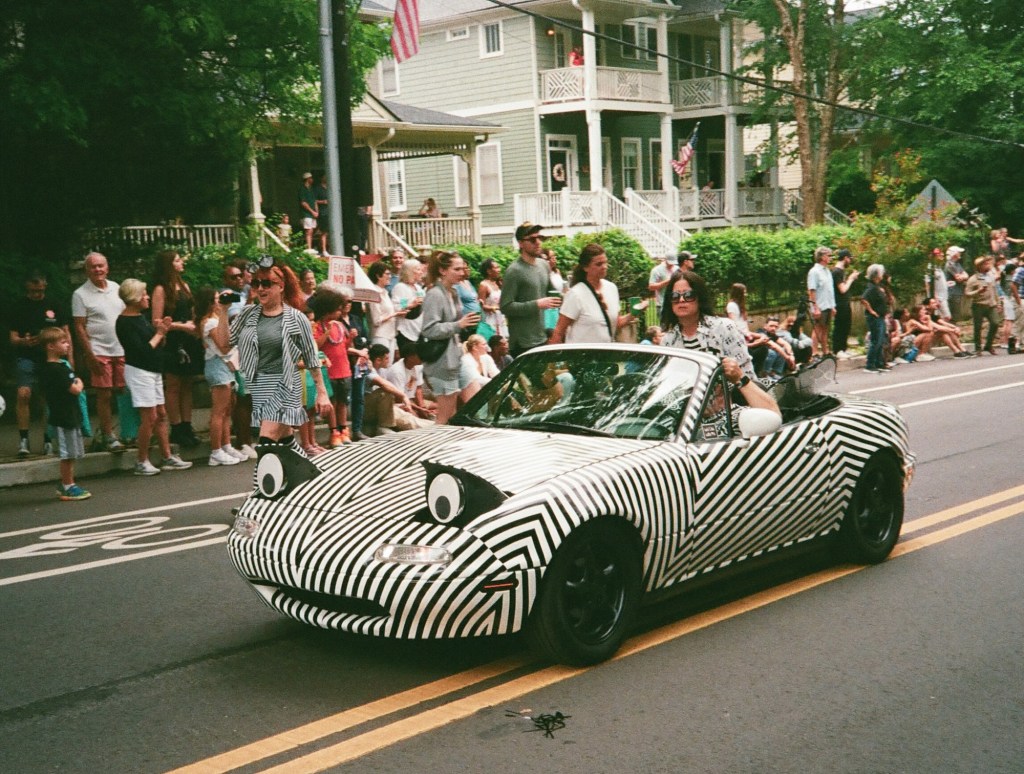
Carnival parade – Narbonne, France
Rural landscape in the Grenoble area (France).
Roland, cat.
Roland, again.
Ostrich, in a zoo. Shot at a focal lengh of 90mm (approx 550mm full frame equiv.) at 1/250 sec. 125 ISO.
The Cirque du soleil. Shot at 1/25sec and 1600 ISO. Not bad for a small sensor camera – as long as the picture is viewed on a smartphone or a tablet.
A fellow painter at the workshop – shot at 125 ISO
Eric, painting. Rest in peace.

More pictures taken with the HX60 in my Flickr album

Back to Flickr, on to Bluesky

This blog is written on WordPress, with a theme that fits the purpose – providing a support for blog entries combining text with a small selection of pictures illustrating what the text was trying to convey.

Sometimes I feel the need for sharing more pictures than this small selection, and from now on I will link, when it makes sense, a Flickr album to a new blog entry. I already tested the format on a few albums – Miami-Wynwood with the Olympus OM-2, Paris in B&W with a Nikon F3, or Atlanta (Cabbage Town) with the Canon Epoca. I’m still trying to perfect the formula and I will welcome your feedback.

Until something like one year ago, new posts on CamerAgX were automatically announced on Twitter (it was a feature of WordPress). Following disagreements between WordPress and Twitter’s new owner, the feature was sunset. A substitute is finally available – on a relatively new micro-blogging site named Bluesky (and abbreviated as bsky.app). Click on this link to subscribe to CamerAgX on Bluesky.

Next week, we’ll return to the normal weekly posts – the ones with cameras. Because of the sorry weather we have to endure over here, I did not have the opportunity to shoot as much as I wanted and my next three posts are still waiting for some real life shooting experience before I can push the “Publish” button.

Thank you for having the curiosity and the patience to come back to this blog regularly.

Xavier T.


Kyoto (Japan) – Kiyomizu-dera temple

Canon Photura (Epoca) – a strange looking point and shoot camera of the film era.

This is the other cheap camera I bought on Xmas eve on shopgoodwill.com. I paid less than $14.00 for it. The 2Cr5 battery it needed cost me more.

Launched in 1990, it was known to the North American public as the Photura, in Europe as the Epoca and in Japan as the Autoboy Jet. That’s the first generation model, and the one I bought.

A second model (the Photura 135) was released 2 years later, with a zoom offering longer reach (38-135) instead of 35-105 for the original model and a darker body color. That’s the one presented in Canon’s virtual museum.

Because my copy of this camera was bought in the US, it’s a Photura, and that’s what we’ll call it it for the rest of this blog entry.

Screenshot from Canon’s virtual museum pages

To this day, Canon’s official litterature still presents it as a top of the line camera.

Top of the line, for a point and shoot camera of its day: motorized 35-105 zoom, infra-red based autofocus, motorized film advance, drop in film loading, DX coding, dioptric correction, and all sorts of override modes for the autofocus – nothing’s missing.

Viewed from the back now.

The bridge cameras

In the late nineteen eighties (because they had missed the boat of the autofocus SLRs) , Ricoh, Olympus and Chinon started pushing cameras of a new type, that “bridged” the gap between conventional Point and Shoot cameras and Single Lens Reflex (SLR) . Like a Point and Shoot, they had a non removable zoom, and like SLRs, image framing was done through the lens. A flash was also built-in. It made for a large and heavy combo, but in the mind of the people who designed them, those all-in-one bridge cameras were supposed to be cheaper, less intimidating and easier to carry around than an autofocus SLR with an equivalent 35-135 zoom and a big cobra flash.

Because they tried to combine all the features of an autofocus SLR and its accessories (zoom and flash) in one compact design, the bridge cameras looked strange – and their form factor would not be widely accepted by the buying public before the beginning of the digital camera era – when the smaller size of the image sensor made much smaller lenses (and therefore much smaller cameras) easier to design.

The Photura was Canon’s late entry in the bridge camera category – except it was not really a bridge camera. Like a bridge camera it was designed around a 35-105 zoom, with an electronic flash (hidden in the front lens cover in this case) and a hand strap, but it was not a single lens reflex camera – the viewfinder was a simple Galilean design with variable magnification, similar to what you would have found on a point and shoot camera of that era. And the photo cell used for metering did not operate through the zoom lens, but through a separate tiny lens next to it. So did the infra-red autofocus system. Like on a point and shoot camera.

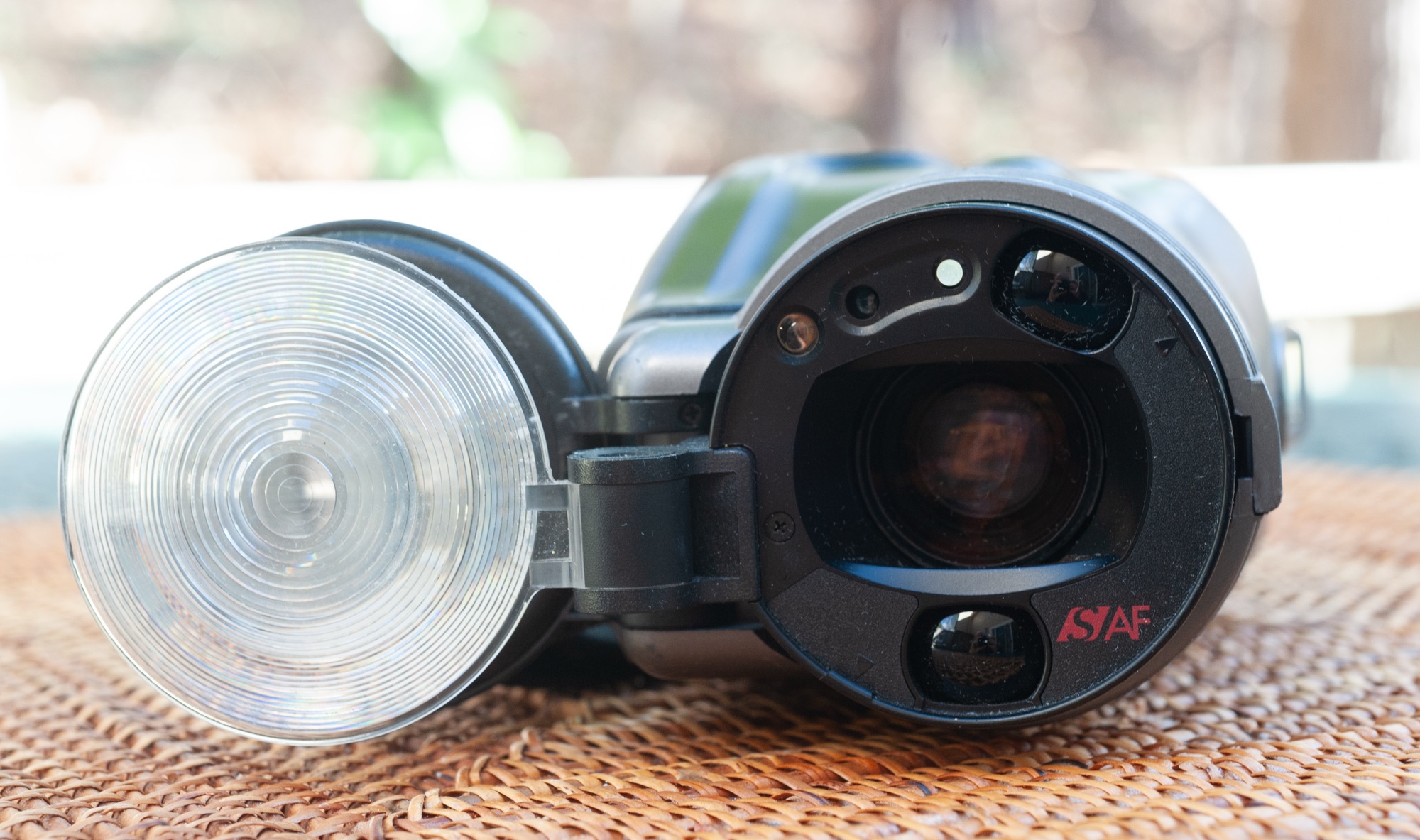
The Photura as it’s generally represented, from the lens side.

First impressions

The biggest surprise is how heavy (600g without its disposable 2CR5 battery), and how big the Photura is. Even considering that the zoom has a relatively broad range and that it’s rather luminous at the wide end (f/2.8 at 35mm), it’s shocking. It’s not as if Canon had integrated a constant aperture zoom in the camera – the aperture at the long end is only f/6.6, and and the reason why Canon recommended using 200 or 400 ISO film. To Canon’s defense, the (real) bridge cameras proposed by Ricoh, Olympus and Chinon were even bulkier and heavier, the Ricoh Mirai tipping the scale at more than one kilogram (2.2 lbs), with a lens less luminous than the Canon’s.

The second biggest surprise is that you don’t hold the Photura like you would hold any other camera. At least when you’re keeping the frame horizontal (shooting a landscape, for instance) and at the wide end of the zoom range, you simply insert your right hand between the body of the camera and the hand strap, and access the zoom rocker switch and the shutter release button with the tip of your fingers. Like you would do with a video camera. It’s not unpleasant, it’s just strange and a bit disconcerting.

The first experience is positive: the camera is reactive, the viewfinder is rather large, and it’s fun to use – for a point and shoot camera. Even if it’s bulky and heavy compared to most compact cameras, it’s still light enough that you can walk for one hour with your hand wrapped around the camera, which makes it a surprisingly discreet and convenient tool for street photography.

Lefties beware…

Unfortunately, the unconventional design doesn’t work as well if you’re a leftie, or if you shoot at the tele end of the zoom, or if you’re shooting a portrait and keep the frame vertical – you’ll need to hold the camera with two hands.

Another thing that does not work at all is what Canon calls the low angle viewfinder – it’s a second and very small viewfinder located at the top of the camera’s body – it’s so small you have to have your eye just above it (less than a centimeter) or you don’t see anything. In their user manual, Canon write that it’s to take pictures of children. Look at the posture of the photographer shown in Canon’s own user manual – the kids will laugh at the poor guy and will be gone before he can take the first picture. But it works if you’re kneeling, and trying to shoot something very close to the ground, like a very calm dog sitting in his bed.
Photura user manual – courtesy of thecanoncollector.com – note the very unnatural posture of the photographer trying to use the “low angle viewfinder”

Lastly, and maybe it was unavoidable with the technology of the day (and the price point being targeted), the autofocus system still seems to require a lot of work from the photographer: it can not focus to the infinite on its own – you have to force it by pressing a tiny button; it can not focus on tiny objects, and, because its detection zone is a rather small area at the center of the frame, you have to use an early form of AF lock if your subject is off center. Which is often the case if you shoot a portrait and want the focus on the eyes of your subject – not very amateur friendly.


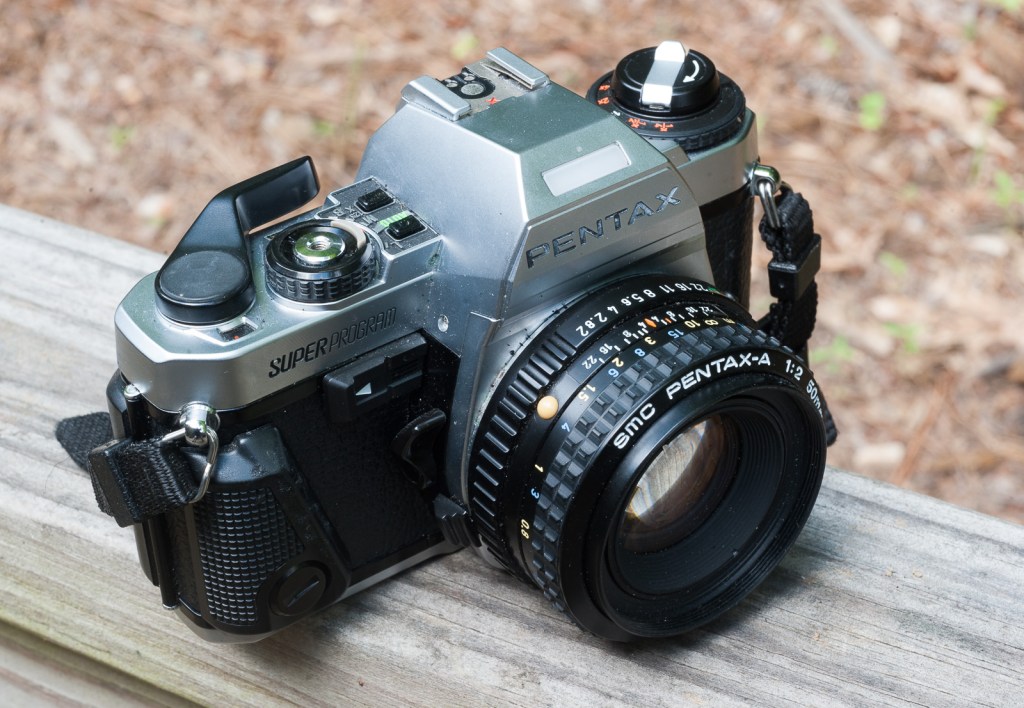
The Photura is very large for a “compact” camera. A zoom of similar range is mounted on the AT-1.

That’s my biggest gripe with this camera – when it was launched in 1990, very good motorized autofocus SLRs were already available from Canon, Minolta, Nikon, Pentax and a few others, and their phase detect autofocus was already more efficient and reliable than what we have here. Their reflex viewfinder was incomparably better than what the Photura could offer – and you could see directly whether your subject was in focus or not (on the Photura you have to rely on a green/red LED that will simply confirm that it did focus on… something). And they also provided more control over the exposure. A Canon Rebel of the same vintage (with its 35-80 kit zoom) was not that much more expensive (only 10% more), was not that much heavier (if it even was), and would have been my choice without any hesitation if I had been looking for my first “serious” camera.

As can be expected, the Photura line stopped at the 135 model. Canon’s next big hit in the compact camera sector would have to wait for a few years, with the very small Elph/Ixus – one of few good APS cameras of the late nineties, which later morphed into the digital Elph, one of the first really good digital compact cameras in the early years of this century.


Canon Photura brochure
Even next to an autofocus SLR it’s not really smaller.

What about the pictures?

I loaded the Photura with a roll of UltraMax 400 and spent a few hours walking in an area of Atlanta named Cabbagetown. Its population has almost fully completed the transition from “working class” to “young urban professional” – Teslas, Porsches and Volvos are more common in the streets than old American iron.

I already mentioned that the Photura is a pleasant camera to carry around, and the images it captures are generally very good – sharp enough and correctly exposed – very few are technically deficient. I simply boosted vibrance and clarity to add punch to the pictures shown below. On the other hand, close-ups and interior scenes can’t be shot without the flash, which tends to over-expose massively subjects located at less than 4 ft.

All in all, I was pleasantly surprised by the Photura. I bought it as a curiosity, but the quality of the images it delivered impressed me. It’s an almost entirely automatic camera, with comparatively simple auto exposure and autofocus systems, and it works very well. Modern cameras will yield much better results indoors, but as a street and travel photography camera, it’s very efficient and a pleasure to shoot with. A keeper. Who would have guessed it?

Continue reading

The camera lens coffee mug review – inspired by Canon’s EF-S 28-135mm

I don’t remember who gave it to me – because I for sure did not buy this thing – it was probably purchased for a few bucks in a thrift store. But since it’s here, let’s use it.

There are multiple variants of this mug. The most current today is the Canon 24-105mm f/4 USM, but mine is an older 28-135 EF-S L II USM. If it was a real lens, it would be a pretty good one, with L glass and image stabilization.

On Amazon.com this morning – all big box retailers propose them on their on-line stores.

Specifications

From a distance, it looks like a real zoom lens – the size is right, the AF/MF and Stabilization On/Off switches are realistically rendered, and the markings look like they were applied in a Canon factory. The screw-on lid is shaped like the front end of a zoom, with a large domed lens to justify the f/2.5 maximum aperture.

According to the description of the current 24-105 zooms available in 2025, the tumbler is insulated and works like a thermos. The lining is BPA-free stainless steel, and the lid is leak proof. I measured the capacity of my 28-135 zoom at approximately 10oz (0.3l).

It’s a real mug.

How does it work as a coffee mug?

I tested it with coffee, and with cold drinks.

For an insulated thermos coffee mug, it’s not very good at insulating. It’s still better than a paper cup, but not as good as a Yeti or an Igloo tumbler. If you need more than a few minutes to drink 10oz of hot coffee, the mug will become pleasantly warm, and the coffee unpleasantly colder.

The screw-on lid is problematic – first, it’s not leak proof, and, after some hot coffee has found its way out, the mug becomes sort of vacuum sealed, and the lid becomes really difficult to un-screw.

it works better as a tumbler to enjoy cold drinks

How to tell for sure it’s not a Canon lens?

The question sounds stupid – and anybody who has an opportunity to hold one in their hands knows immediately it’s not a Canon lens. Canon zooms are not that light, they’re much better finished, and their front can’t be unscrewed to give access to their stainless steel innards. But if you’re only being shown a small, low resolution picture, it may not be that easy.

There are three tell tales:

1/ even though it’s sold as a Canon zoom lens replica, the mug does not correspond exactly to a specific Canon model.

2/ even on a low res picture, you may be able to see the marks left by the mould during the manufacturing process. Canon lenses don’t have those marks.

3/ there are obvious inaccuracies – my 28-135 zoom has an aperture ring, like a Nikon AF lens. I don’t know of any Canon EF lens with an aperture ring. And “SDM” is a Pentax acronym for “Supersonic Drive Motor”.

Two hints it’s a mug and not the real thing: the aperture ring – the Canon EF lenses never had one, and the mark of the mould above the AF cursor.

Could it fool anybody?

Maybe…I found this listing on ShopGoodwill.com recently. It was a bundle of “two vintage Canon film bodies and multiple lenses” – no mention of a mug, that sold for $167.00.

As a conclusion

It’s a gadget. Not very good as a coffee mug. But if you have a couple of old Canon EOS cameras in a showcase, you’ll be happy to add this Canon’s EF-S 28-135mm replica to your cabinet of curiosities.


Barcelona – Nikon FM

An update on the online marketplaces: buying an old compact camera in 2025

Call it the Instagram effect, but there seems to be a renewed interest for compact, point and shoot cameras – from the late film and early digital times (roughly 1990-2015).(see * at the bottom of this page)

But where to find them? Resellers of used photo equipment like KEH or MPB don’t seem to carry any – which leaves us with marketplaces and auction sites like eBay, Mercari or Shopgoodwill.

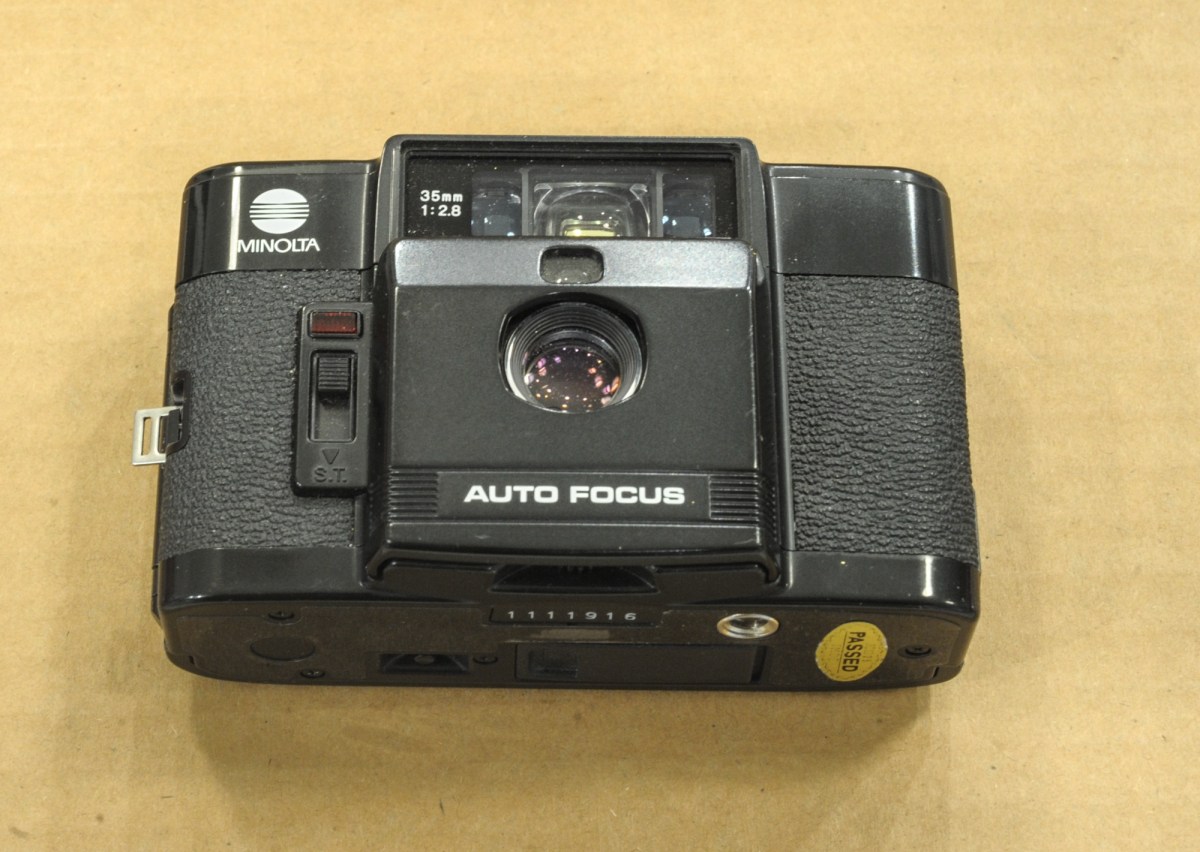
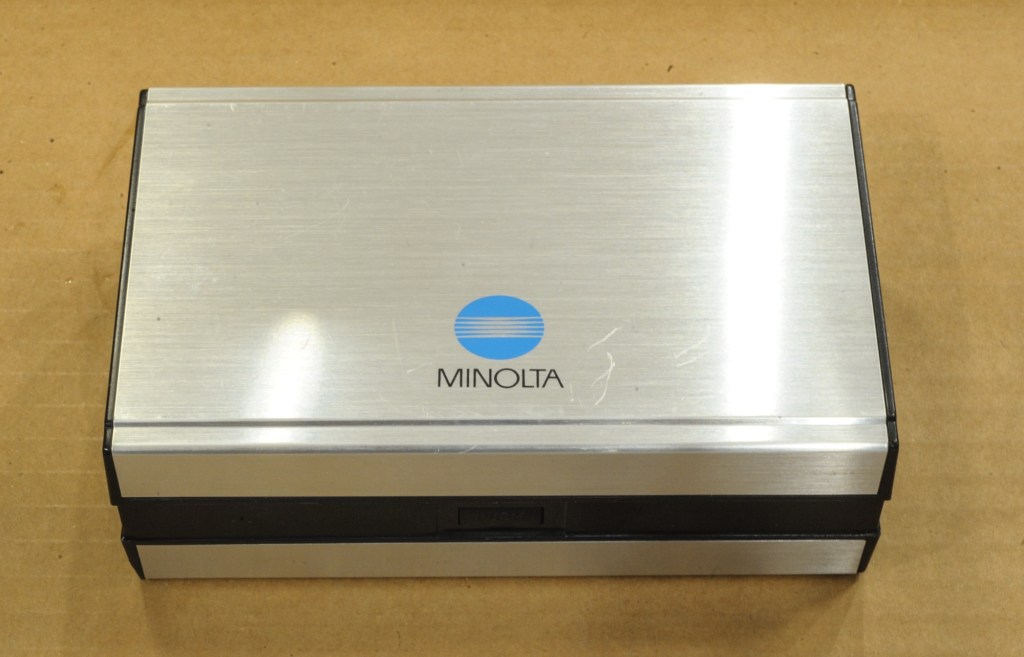
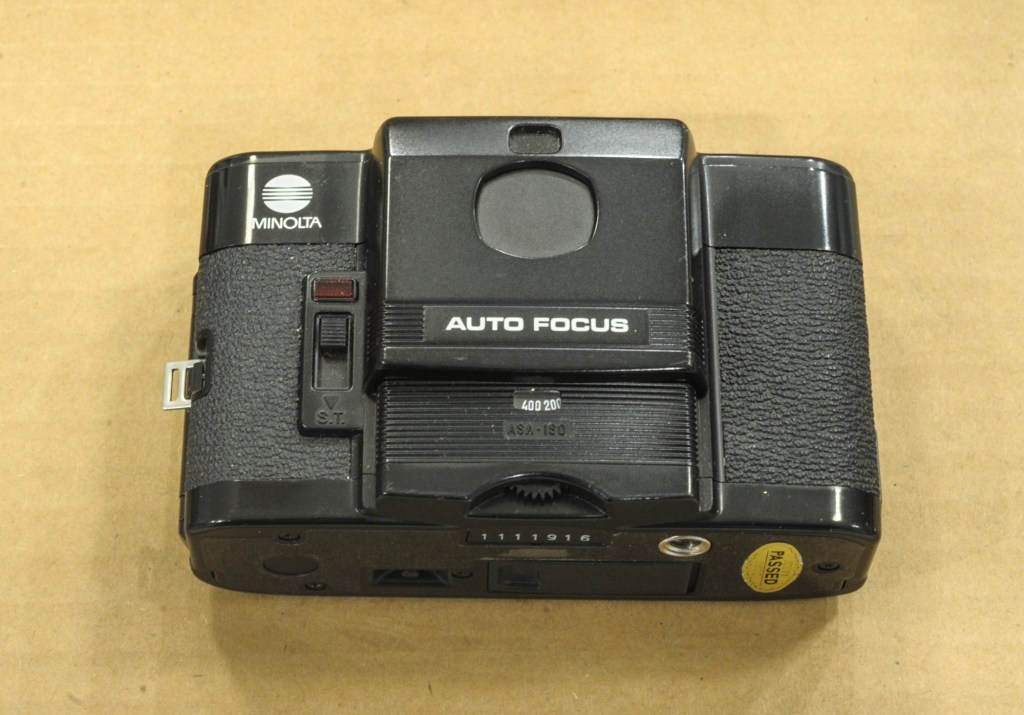
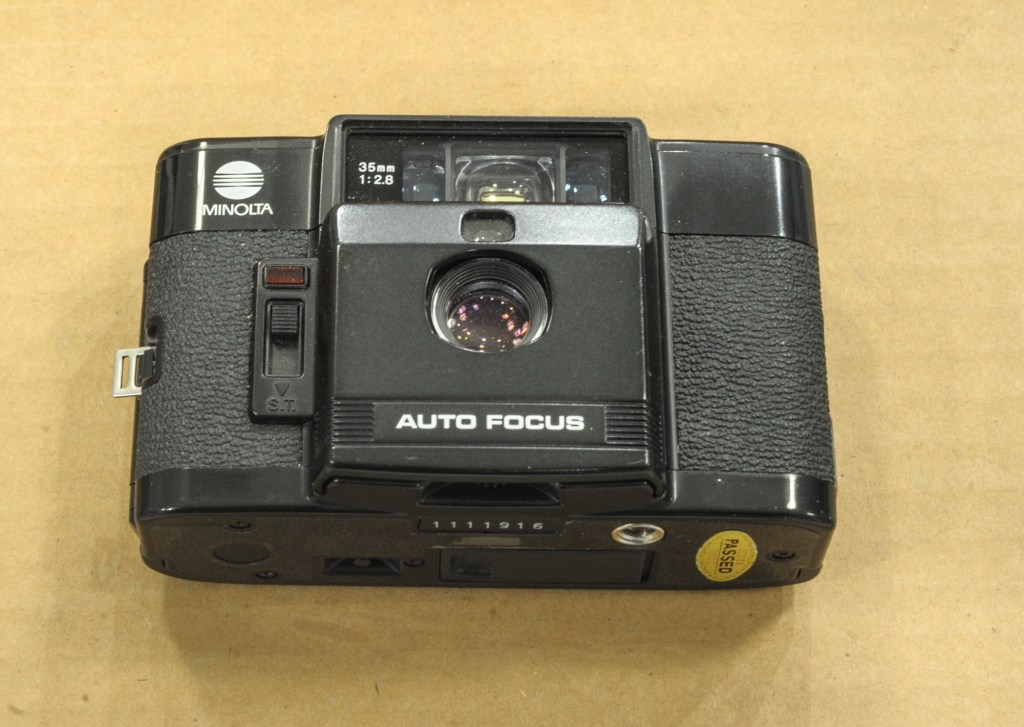
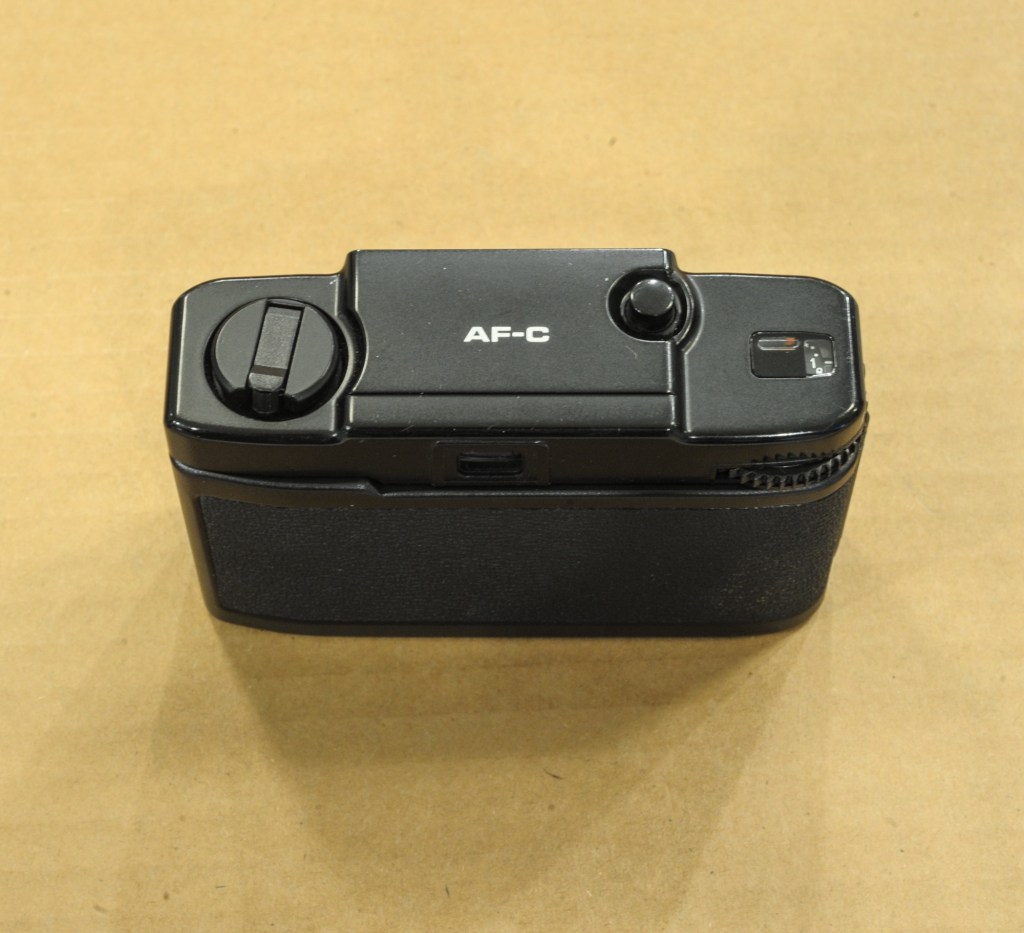
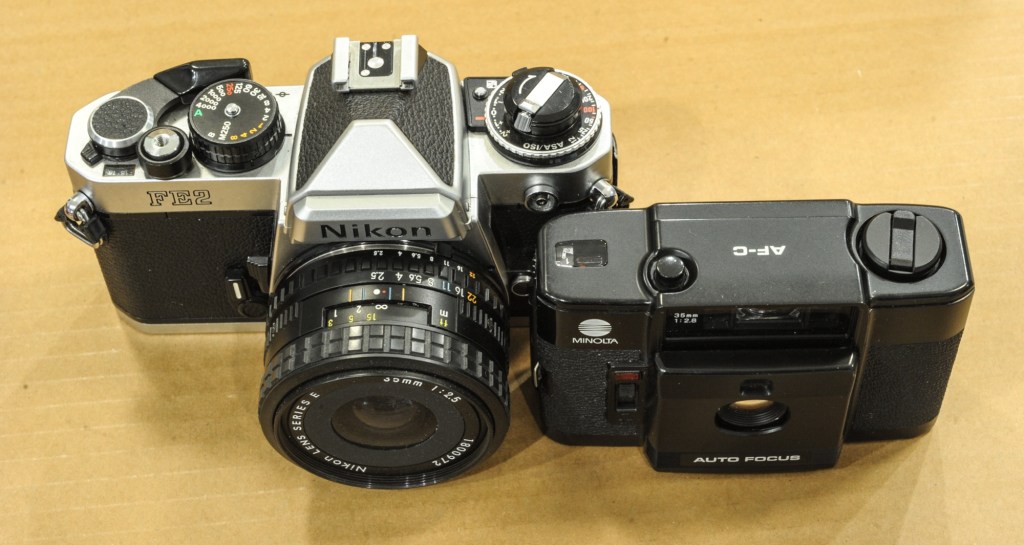
Minolta AF-C – an ultra compact “premium” camera from 1983.

For a photographer looking for an old camera, eBay is relatively buyer-friendly – the feedback mechanism gives the cautious user a good tool to evaluate the reliability of the seller, and eBay organizes the shipping and the delivery to ensure that the transaction is satisfactory for the buyer – most of the time. It does not dispense the buyer from being cautious (beware of sellers with no or extremely limited feedback, of succinct item descriptions and of offers too good to be true).

On eBay, buying from the Mecca of old cameras, Japan, is easy – items often get delivered to your doorstep faster than if you bought them from an American vendor. Just be cognizant to the fact that your Japanese seller will probably have a very limited mastery of the English language, and that some of the Japanese camera manufacturers (in fact, most of them) sold specific versions of their cameras on their domestic market, that could only display Japanese menus and could not be reflashed with an “international” firmware. Validate that the camera you want to buy can be configured to the language of your choice, obviously.

A Canon Photura/Epoca – a very strange bridge camera from 1990.

I don’t know Mercari that well – I’ve always been discouraged by obvious red flags on the listings of a significant number of sellers, and I’ve never bought anything from them. In my limited experience with the site, I’ve noticed that they’re not as good as eBay at policing their site, and at banning obvious scams (sellers with zero history proposing a very sought after camera at half of the normal price). Which casts a doubt on the reliability of the whole marketplace. (see ** at the bottom of this page).

The red body+lens combo was bought on eBay, and worked. The white combo was bought on Shopgoodwill, and the lenses did not work. I had not followed my own rule – buy equipment described as “tested” by the vendor.

Shopgoodwill is changing. Contrarily to eBay or Mercari, it’s not a marketplace – it’s simply the on-line auction site of the Goodwill organization. It operates on a very decentralized model – and the photographic knowledge of most of those local organizations is still abysmal. Sometimes the work is divided in such a way that the poor soul entering the description of the item on the web site has never had it in hand, and only has a few low res pictures to work from – to comical effects: I recently saw a coffee mug in the shape of a Canon IS USM 24-105 lens described as a lens.

But a few local Goodwill organizations seem to have significantly stepped up their game recently, and now describe the cameras they sell accurately (they even list the tests they performed and their outcome). And it works – I’ve not had a bad surprise with Shopgoodwill recently. It could also be that – with experience – I’ve become better at separating the wheat from the shaff.

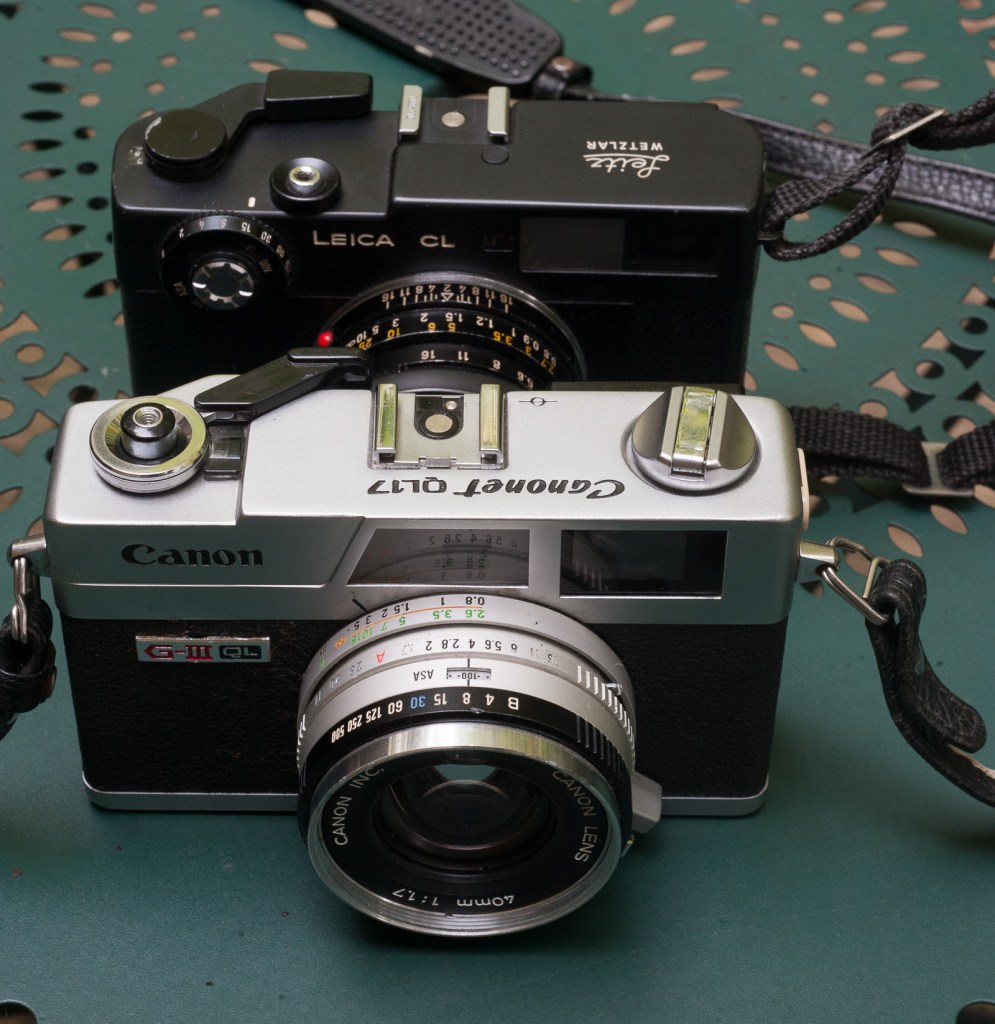
Canon “Canonet” QL17 GIII – Antique markets are generally not a place to buy cameras like this one – but there are exceptions – the seller had a good reputation on the place of Atlanta as a camera repair man.

My rules for buying on Shopgoodwill.com:

1 / Only bid on cameras which have been accurately described and tested, with – in the case of digital cameras – a few photos of their rear LCD to confirm they’re in working order.

2/ Only bid on digital cameras that come with a battery – if there is no battery it’s very likely the cameras were not working when they were donated to Shopgoodwill. If the camera’s battery can’t be recharged without an external battery charger, and that charger is not included, walk away. Consider that batteries and chargers for early digital cameras can be extremely difficult to locate, and seriously expensive. And of course, without a charged battery a camera can not be tested, which brings us back to 1/.

3/ Avoid cameras with a known weak point, or a reputation for aging poorly. There are brands or models I would never buy on Goodwill (almost anything Contax and Yashica, many Pentax models or any premium compact film camera from the nineties). If I wanted such a camera, I would go to a specialized reseller, on their website or on their eBay storefront.

4/ Determine the maximum price you’re willing to pay, and stick to it. Logically, cameras should sell on Goodwill for significantly less than what well known and respected specialized stores would ask on their own web sites or on eBay. As a buyer on Shopgoodwill.com your risk of ending with a lemon is much higher, and you have no recourse because you’re buying “a donated item as-is”. I don’t understand why people are entering bidding wars and end up paying more for an untested piece of equipment than they would pay from a reputable seller on eBay.(see *** at the bottom of this page)

‘For parts or not working”

Nikon D700 – 380,000 actuations the day I bought it on eBay – it hasn’t missed a beat since.

Generally, when an item is described as “for parts, not working”, it’s true. A seller would not advertise a camera as “not working” if it was working. Right?

Well, not always.

I can think of two situations when a camera is advertised as “non working” but is actually capable of taking pictures:

Canon or Nikon include the expected lifespan of the shutter of their pro cameras in their spec sheets (you know that the shutter of a Nikon D850 is good for 200,000 actuations, and that on a Canon 6D Mark II it is good for 150,000 actuations). But of course, it’s simply an estimate. Which probably includes a solid safety margin. Some resellers (the big cameras stores, typically) advertise cameras which have passed their “shutter life limit” as “not working” to absolve themselves from any liability in case the shutter dies two days after the buyer has received the camera.

The other situation is when the seller has limited knowledge of cameras in general (it’s a pawn shop, for instance) or of the quirks of a specific brand or model in particular. They can’t make the camera work, and rather than writing it off completely, advertise it as non-working. It happens. Be sure that somebody more knowledgeable will notice the listing, identify the issue, decide to take the risk and score big.

Davy Crockett – the Alamo – San Antonio, TX. The camera had been advertised as “not working”

(*) On the subject of the current used digicam market, you can read this interesting article from the blog aptly named thephoblographer: THE VINTAGE DIGICAM CRAZE IS AFFECTING SONY PRICES.

(**) – Both eBay and Mercari are making efforts to kick the scammers out of their marketplace – eBay will only pay the sellers after they have shared some form of tax ID with them, and after the Postal Service has delivered the item to the buyer. They also validate that the data provided by the seller (address, bank information) is consistent. On Mercari, participants (sellers or buyers) can opt to have their identity (and their existence) verified by a third party – and upon successful verification a little blue checkmark is added next to their name.

(***) By the way, donations to a charity like Goodwill may be tax deductible, but purchases you make online at Shopgoodwill.com are not. As per Shopgoodwill.com, “When you purchase an item on ShopGoodwill.com you are paying fair market value for the item, therefore purchases made through ShopGoodwill.com are not tax deductible“.


Three recent purchases on Shopgoodwill.com – all three work perfectly.

Abbaye de Fontfroide – France. Fujifilm X100t – another eBay find.

Olympus Tough TG-4 vs TG-5

I regularly keep an eye on Shopgoodwill.com auctions. Looking for the unexpected opportunity. A nice camera for a pitance. It’s not very frequent – I’m surprised by how much people are ready to spend on cameras donated to a charity and sold untested.

Sometimes you are lucky. A good camera gets unnoticed – so poorly described that almost nobody can guess what it really is – or the online auction ends at a time when most people have better things to do, and can not be on line to “snipe”.

There were a few auctions ending on Xmas eve and I ended up being the highest bidder for two cameras – a Canon Photura I’m currently testing, and this black Olympus Tough TG-5. The item was correctly described, was said to have passed some basic tests (both points which are not that frequent at Shopgoodwill) but there was very little competition to acquire it – no bidding war and no absurd high sale price. For a change.

The first thing I did of course was to compare it with the Olympus Tough TG-4 I had bought a few months ago.

The top plate of the TG-5 (the black camera) with the extra control wheel, the improved zoom command and the GPS (Log) switch.

What are the differences?

The big difference is the sensor. All Tough TG-x models are built around a 1/2.3in sensor. In the first two models (TG-1 and TG-2), the sensor was a 12 megapixel backlit CMOS. The TG-3 benefited from an upgrade to 16 megapixels, which was carried over to the TG-4. The TG-3 and 4 were criticized for their poor control of noise in the darker areas of an image, and for the TG-5, Olympus reverted to 12 megapixel design. With a pixel pitch of 1.53μm versus 1.33μm for the TG-4 each pixel gets 15% more light. Combined with a more powerful image processing engine (a dual quad core Olympus truepic VIII as opposed to the TG-4’s truepic VII), the TG-5 should offer an improved control over noise and deliver cleaner pictures.

The new 12 megapixel sensor also brings a larger sensitivity range – up to 12,800 ISO to whomever is brave enough to test such a setting on a 1/2.3″ sensor, and the support of 4k video.

The other changes relate to the fit and finish and the ergonomics for the most part – there is now a conventional zoom lever and a new control knob on the top plate, and a switch to activate and deactivate the on-board GPS. And big news, the proprietary Olympus connector (used to charge the camera’s battery) has finally been replaced with a standard USB connector (yes!).

The new menus are hardly an improvement

Nothing is perfect, and the menus have been revised. Olympus has gained a bad reputation for its confusing and un-intuitive menus, and proves it’s deserved with the TG-5. On the Tough TG-s, Olympus have given a particular emphasis to what they call “live control”: some important settings are not available through the menus, but only when the photographer is ready to shoot a new picture and presses the “OK” key – a column of options is displayed as an overlay at the right of the image, with the different values that each setting can take displayed on an horizontal bar at the bottom of the picture. It’s the only way to chose the form factor of the images (4:3, 3:2 or 16:9, for instance, or the image quality (RAW, RAW+JPEG Fine, JPEG Low) and so on).

At the same time, additional settings have been added to the conventional menus of the TG-5. Some are obviously useful (like setting the standard and high limits of the Auto ISO sensitivity control, the color space or entering copyright information), but others seem to duplicate (or refine) settings already available in the “live control” mode. And they’re not always available – some options are greyed out when the camera is set to “scene” mode, for instance. To make matters worse, instead of giving meaningful names to the new options, Olympus simply designated them as A, B1, B2, C, and so on. Confusing.

The TG-5 menus are cryptic (why B1 and B2?)

Shooting with the TG-5

Are the new sensor and the new processing engine improving the noise situation? Imaging-Resource had compared a new TG-5 with a TG-4 a few years ago ( https://www.imaging-resource.com/PRODS/olympus-tg-5/olympus-tg-5-image-quality.htm) and had mixed feelings about it.

Yes, the TG-5 delivered an improvement, but not as large as the testers had expected. The improvement was particularly obvious in the 100 to 800 ISO range, where the noise reduction algorithm was at the same time much less aggressive and more efficient – resulting in more details and less chroma noise.

In my experience, the TG-4 was producing images with very visible noise in the shadows, even by sunny weather under the tropics, and it was not easy to get rid of it. Any improvement in that area would be welcome, and would justify an upgrade to the TG-5, if it delivered the goods.

I compared the two cameras in the real life and tried to validate the conclusions of Imaging-Resource. Firstly, on both cameras, there is more noise on the Raw files than on the jpegs. Which means that the processing engine does a good job at removing it when it generates jpegs. Secondly, the TG-5’s jpegs show more detail in the shadows than the TG-4. The difference is not huge, but big enough to be visible on the Retina screen of an iPad. So, yes, the TG-5’s pictures look better. And what about the rest of the user experience?

The TG-5’s body is made of a different type of plastic and feels more substantial in the hands. Because it offers more controls (physical like the wheel on the top plate or logical with more options in the menus), the TG-5 does not seem as simple to use as the TG-4, and will require more peeks in the user manual than the TG-4, before the photographer is totally familiar with it.
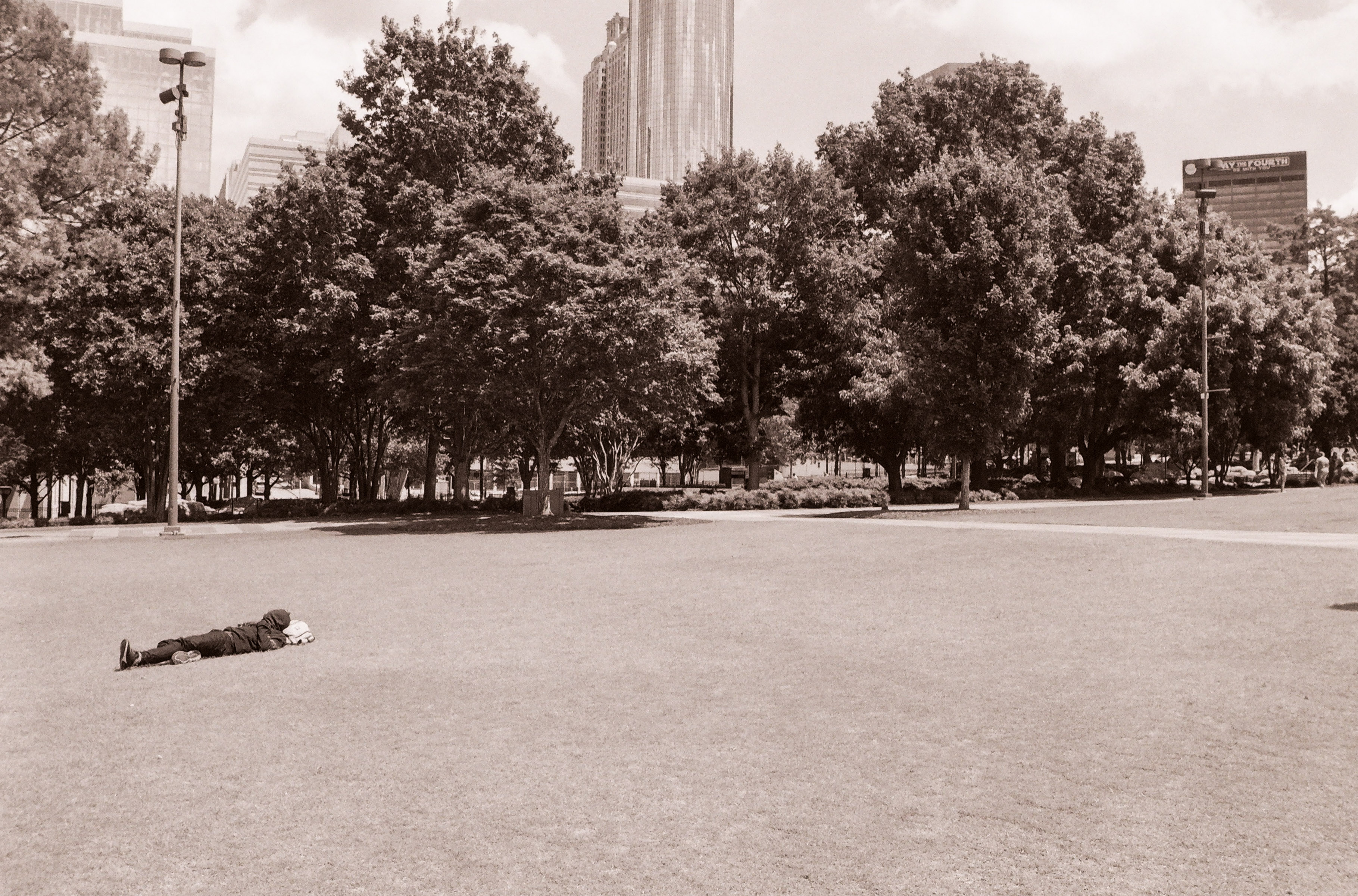
Father and son – along the Chattahoochee River, Atlanta – Olympus TG-5 – adjusted in Lightroom from Raw.
As a conclusion, I would say that the TG-5 has a higher potential than the TG-4 (more details in the shadows, greater ability to be configured to the preferences of the photographer) – but that it’s also a tad more complicated to use. Although it’s difficult to quantify, the TG-5 seems to deliver better images in more circumstances than the TGs of previous generations could. Not having to carry and use a proprietary connection cable to charge the battery of the camera (and using any standard USB cable instead) could very well be the most significant (and the most welcome) improvement.
In the grand scheme of things

As of today (early 2025), there are very few new compact cameras on the shelves of the resellers, and even fewer which are shockproof, waterproof and adventure ready. The OM System TG-7 is the most competent of those always ready cameras – but like all the previous versions of the Tough TG, it will be limited by its 1/2.3″ sensor.

Premium compact cameras, like the Sony RX100 or the Canon G7X, have a much larger sensor. The same can be said of the iPhone (the sensor behind the 16 Pro Max’s main camera is almost as large as the RX100’s at 1/1.14in). Without even considering the “computational photography” trickery of the iPhone, all are obviously going to yield much better results than the TGs in low light and in the shadows. But the Sony and the Canon are not weather resistant, and their long telescopic zoom makes them more delicate than a Tough TG (you won’t bring them to the beach or on a dusty trail ride), while the iPhone (and similar high end smart phones) are fully automated wizards that can’t compete with a dedicated camera when it comes to ergonomics and flexibility of the settings.

Comparison of the 1″ sensor of the Sony RX100 (or the Canon G7X) with the 1/2.3″ sensor the TG-5 (courtesy: apotelyt.com).

The TG-7 is a very limited upgrade of the TG-6, itself a rather limited upgrade of the TG-5. The improvement in image quality and ergonomics between the three most recent TGs and the previous generations is not huge, but any improvement in the 100 to 800 ISO range is good to take, and if you can find a TG-5 at a reasonable price, my recommendation would be to take it over a TG-4. If only for its universal USB connector.


Olympus TG-5
Olympus TG-5
Olympus TG-5.
Olympus TG-5 – Chattahoochee National Forest – images above are jpegs straight out of the camera – the noise seems much better controlled than with the TG-4.