We’ve seen that a general purpose AI program like ChatGPT can recommend Lightroom presets, and, if necessary, “reconstruct” a technically flawed image and transform it into a picture any photographer would be proud of. Most of the time. And definitely when it comes to B&W pictures.
I’ve written previously that if I was impressed by the performance of AI programs with monochrome negatives, I was extremely disappointed with the results I obtained with color negatives. I could never get ChatGPT to reliably invert and color correct negatives.
Could general purpose AI become as good at optimizing digitized negatives as a Frontier or Noritsu scanner?
A Frontier or a Noritsu scanner has a deterministic approach – it relies on carefully engineered image-processing algorithms, and will process all the images of a same roll in an identical fashion. Which is profoundly different from the probabilistic approach of an AI program.
Fundamentally, a general purpose AI model (like the models backing ChatGPT or Claude) is an extremely sophisticated probability engine.
Having effectively learned photography by analyzing hundreds of millions—or more likely billions—of image–text pairs, it will try and predict what the image should look like based on patterns it has learned from an enormous corpus of images.
“Should look like” – is the key statement here. If the image you’re submitting to the AI model is already close to the “ideal” result, maybe the AI program will simply recommend a few adjustments of the tone curve. But if your image is too different from what it should look like (and a digitized color negative does not look like an ideal representation of a scene), it will reconstruct an image from scratch, simply taking inspiration from your negative. In the process, it will introduce details not present in the negative – it will “hallucinate”.
AI hallucinations at work – see how lab scanners still beat general purpose AI.
I recently rediscovered a photo lab envelope containing a stack of Kodak 4×6 color prints and their negatives. The pictures were taken at a wedding, with one of those disposable cameras that people sometimes leave on the guests’ tables, and were probably processed by an early version for a Frontier or Noritsu scanner.
I already used one of the images to illustrate the difference between a print coming from a minilab, and the Jpeg files that could be obtained by processing the digitized color negative with Lightroom or Negative Lab Pro.
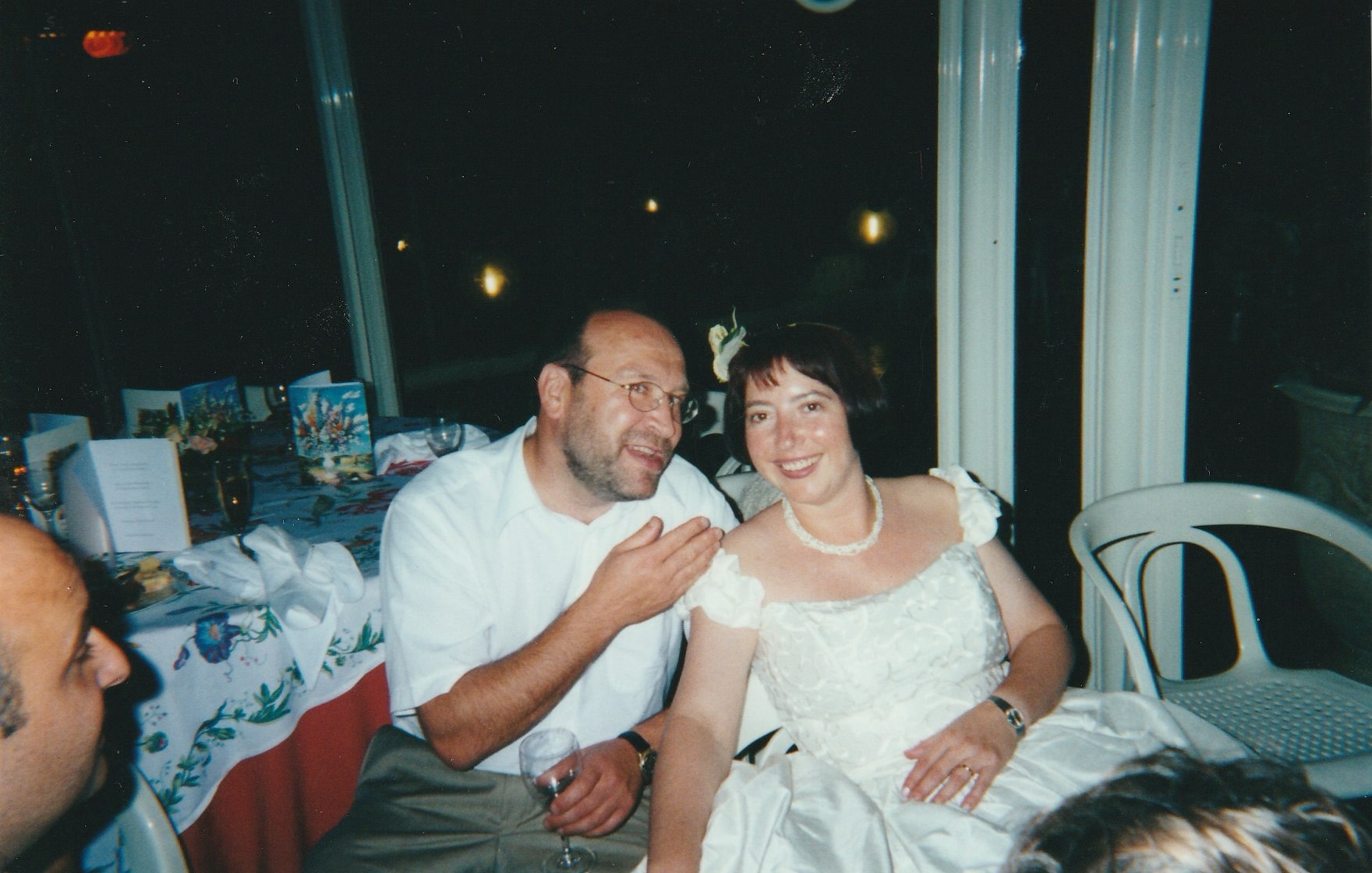
The test this time is different. I uploaded the file obtained by digitizing the color negative to ChatGPT, asking it to invert the image and correct the colors.

I was really surprised by the result.
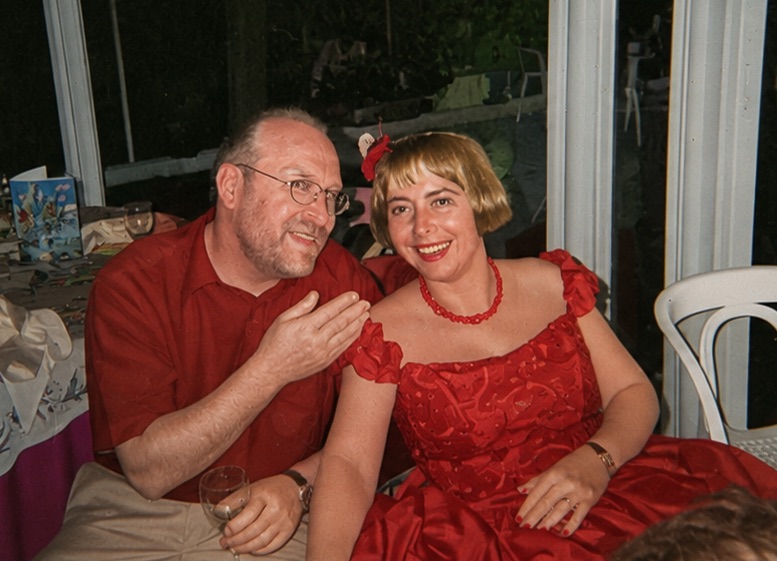
I asked the AI why the bride’s dress and guest’s shirt were red, and it replied that it had assumed that the picture had been taken at a New Year’s Eve party, and it had dressed everybody in red.
It illustrates a phenomenon that all the professionals working with AI tools have probably experienced one day or another – models work better when a problem is broken in a series of well-defined steps. My original request to invert and color-correct the negative was too broad and left too much freedom to the AI tool.
So I tried a more directive approach, and explained in my prompt to the AI model that the picture had been taken at a wedding, that the bride’s dress was white, and that the bride herself was a brunette, not a blonde.
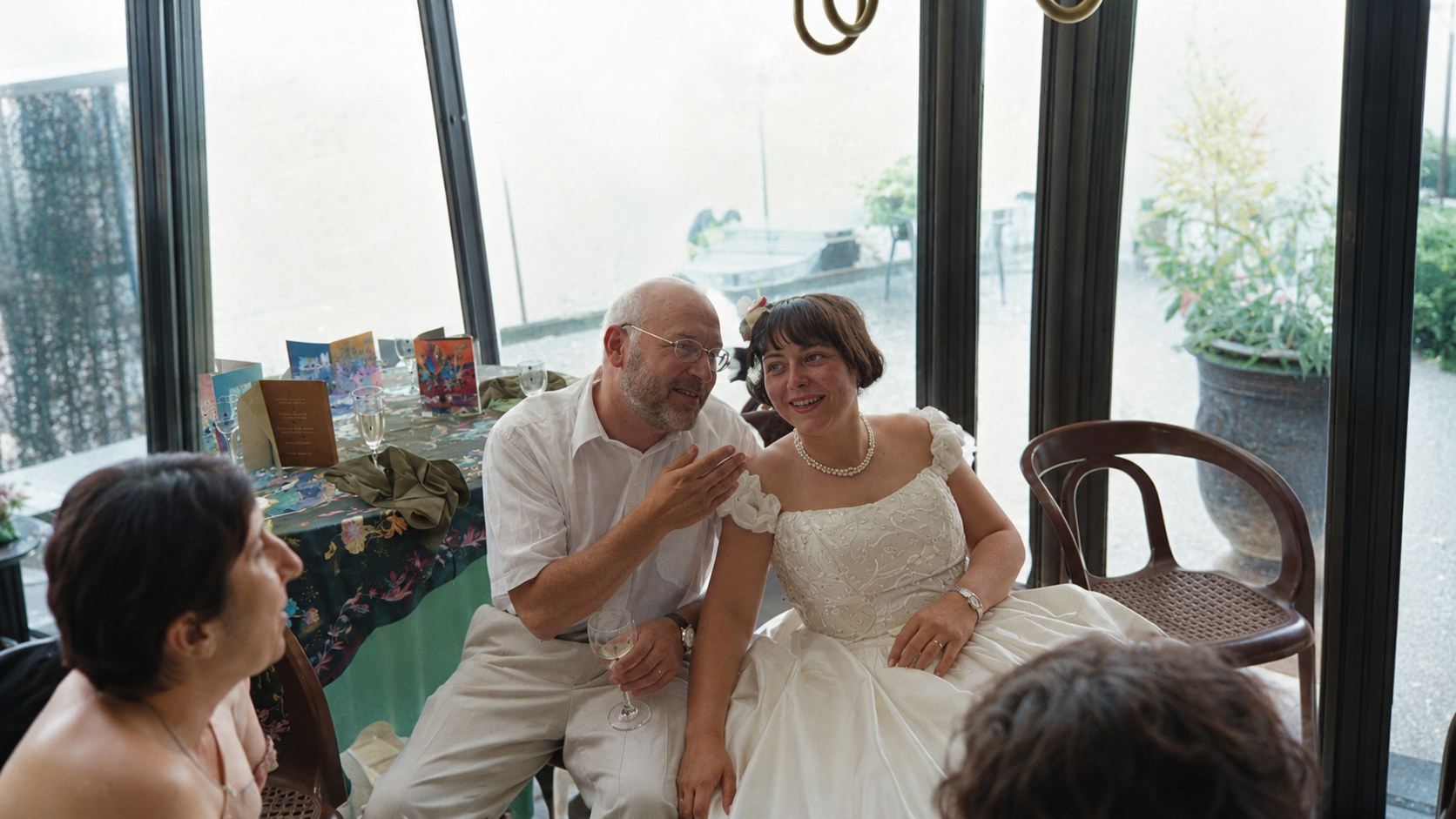
This second image it created was very interesting – the colors of the clothes were right, but not much else. Night became day, the image was framed wider, and filled with elements (and people) which did not belong to the negative. The faces were also significantly different (as they are particularly difficult to reconstruct).
I kept on testing with different prompts and different negatives, but all requests to invert the negative ultimately failed, with the model always incorporating reconstructed pixels rather than performing conventional photographic adjustments.
On the other hand, when I uploaded in the model an image already processed in Lightroom, and simply asked it to color correct it, I generally obtained results that were not only realistic, but an exact representation of the colors of the subject. Most of the time.

As a conclusion…
A general purpose AI program is not capable of challenging a Frontier or Noritsu scanning workflow, because in my experience, it will always take the ‘easy route” and incorporate highly plausible elements in the image it delivers rather than painstakingly adjusting the tone curve of each color channel.
Even Adobe’s AI tools are currently not capable of inverting and color correct a set of digitized color negatives reliably and consistently.
Color Negative processing remains the domain of the scanners of the pro photo labs. And with some effort and experience, an amateur equipped with a laptop and a photo editing tool will consistently get results much better than what any general purpose AI program can deliver.
A Noritsu sampler – images scanned on a Noritsu scanner over the years, long before the public at large had ever heard about AI.
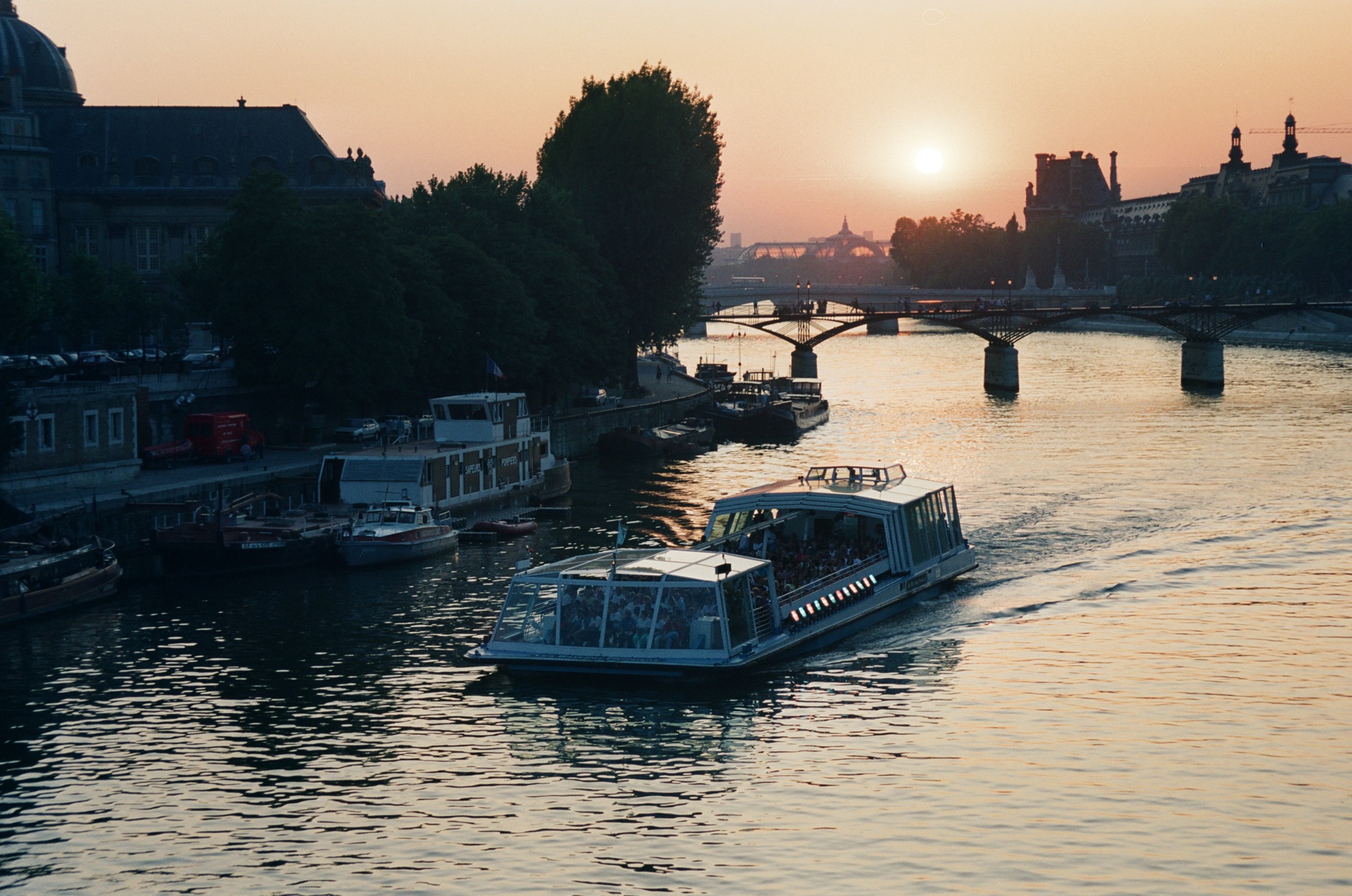
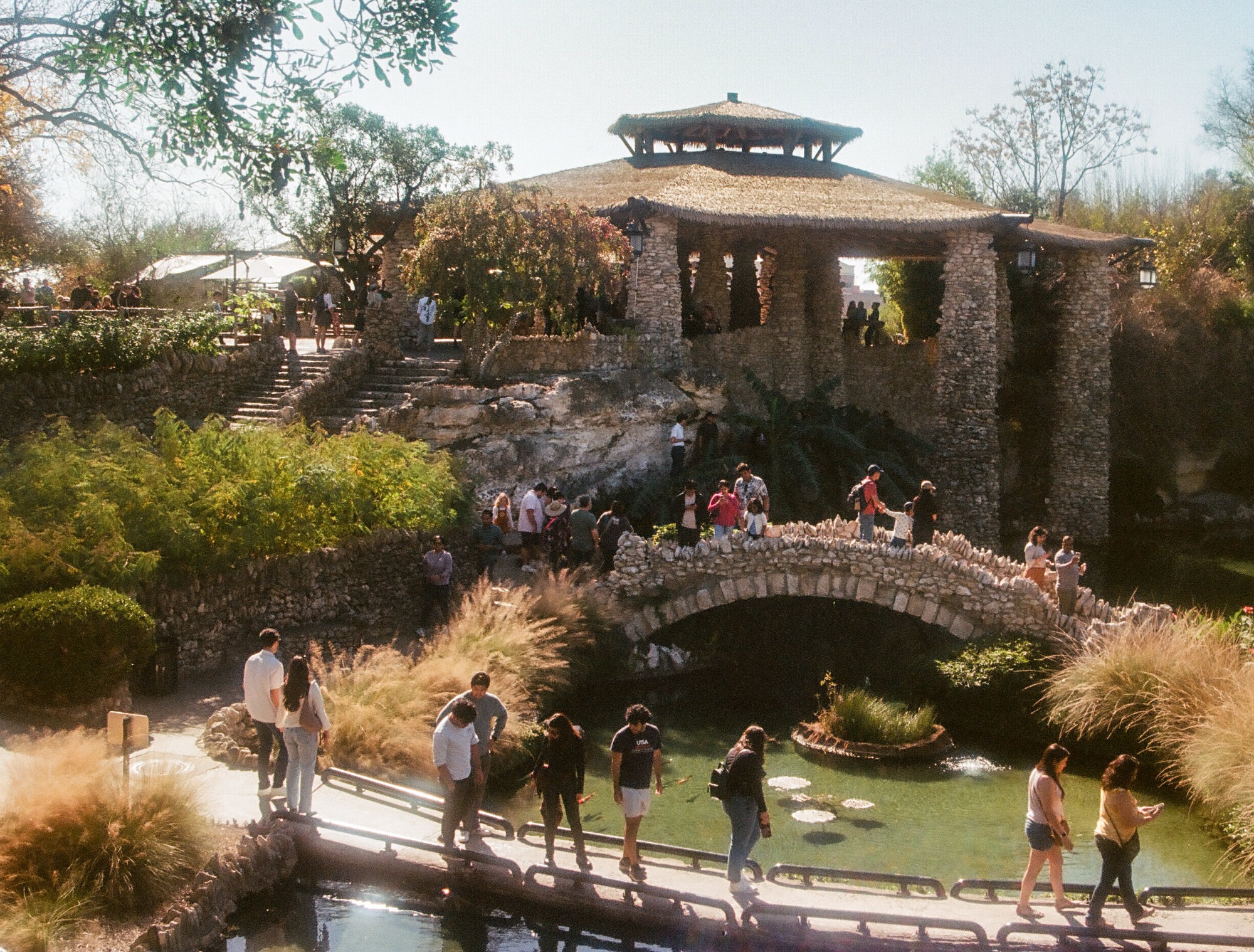
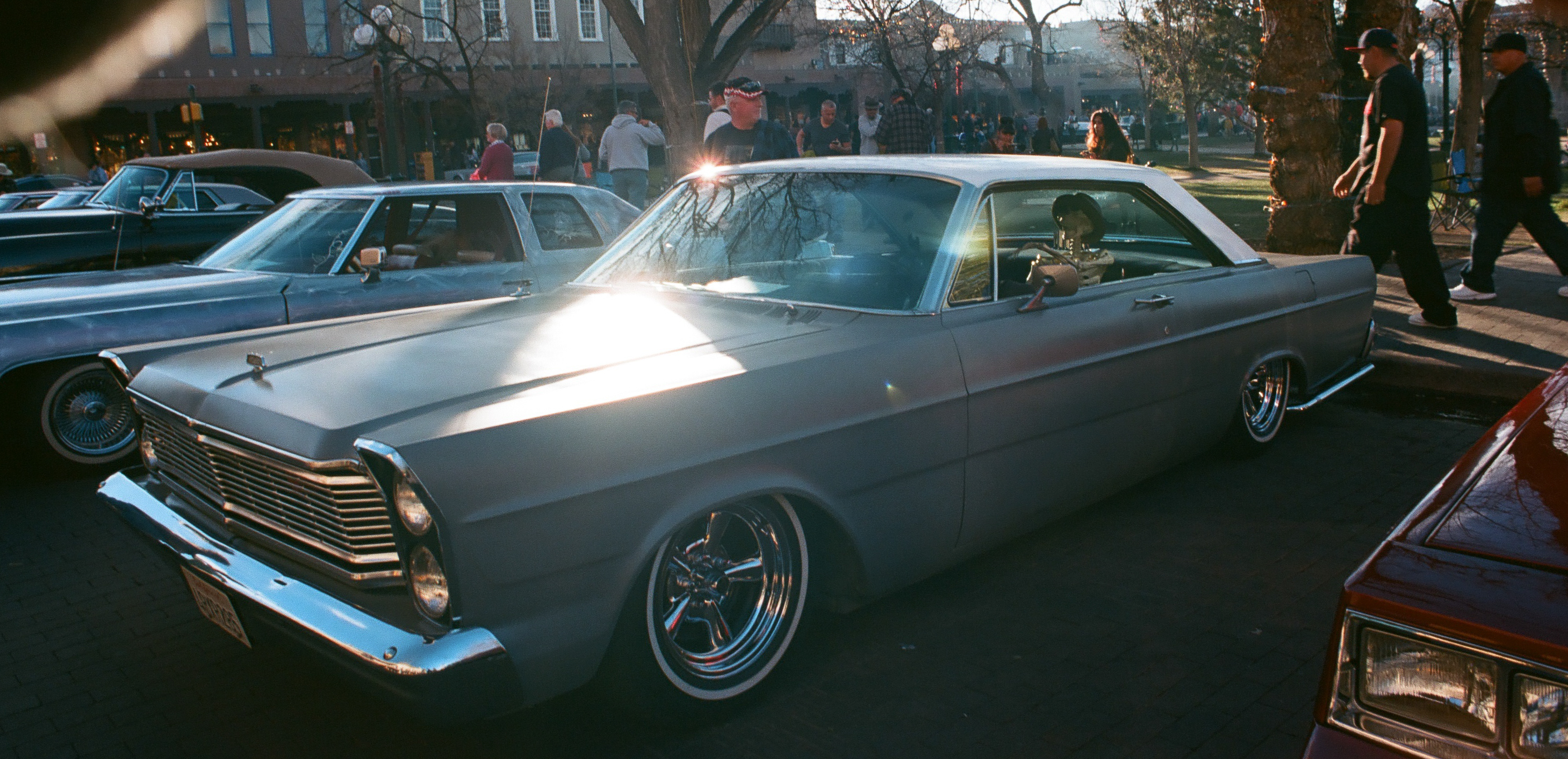
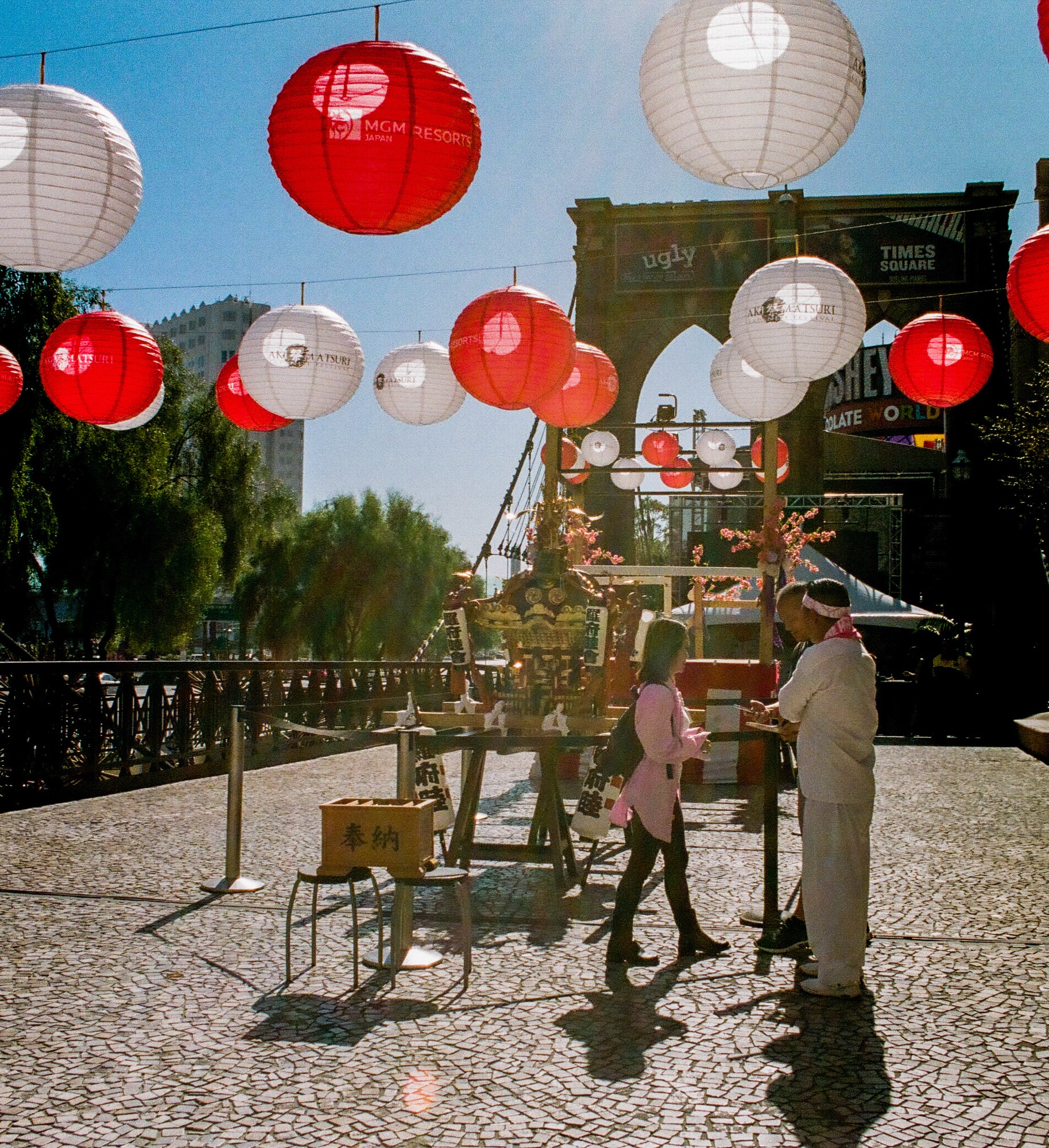


Excellent breakdown of the technical divide between dedicated lab scanners and general-purpose generative tools.
And let me be clear. This is about deterministic versus probabilistic processes. A lab scanner like the Fuji Frontier or Noritsu runs fixed, deterministic maths; feed it a given density curve and calibration profile, and it applies the same logarithmic colour transform every single time.
LLMs and diffusion networks don’t work that way. They’re not calculating pixel maths; they’re estimating statistical likelihoods. Run the same negative through an AI model twice and you’ll get different, non-repeatable results. Over a 36-frame roll, that randomness wrecks consistency; colour balance drifts frame to frame, tone curves wander, and when the model hits something tricky (dense highlights, a thick orange mask), it starts hallucinating.
For film digitisation you want a calibrated ruler, not a rolling die — and that’s exactly the gap between the two approaches.
Good summary. Nothing to add.