Blog Entry 200

I can’t believe I’ve already published 200 entries in this blog. And even more unbelievable, that those pages have been viewed (and I hope read) more than half a million times. To all, thank you for your patience with me and my ramblings.

When I was younger, I used to write for a paycheck. In the French IT press. And I hated the deadlines. I was always procrastinating, and as a result was spending the night before each deadline, writing. I don’t know why writing was such a pain for me at that time. I liked the “before” – collecting the information, testing, comparing, analyzing -, I liked the “after” (reading the finished article, first on my computer, then in the published magazines), but I did not especially like the “writing” phase at the center of the whole process.

It was stressful. First, there was the pressure of the deadline. Second, being vague, inaccurate or factually wrong was not an option.
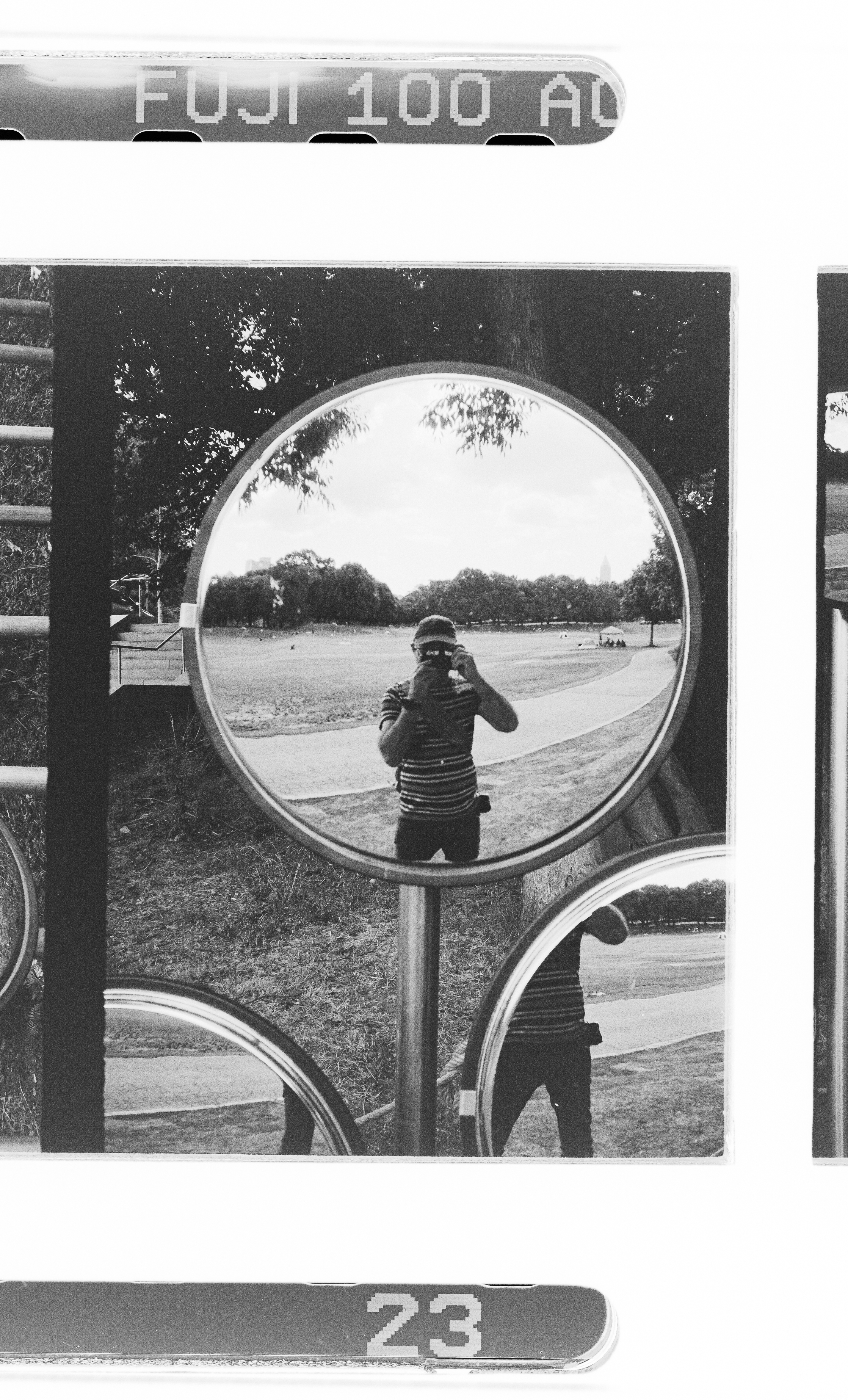

Selfie. Pentax 17. Fujifilm Acros 2.

In the times of paper magazines, publishing an article was a serious business. Readers were paying for their copies of the magazines, and they expected accuracy. There were tens of thousands of regular readers. And millions of French Francs of advertising money at stake. You worked hard to be sure that what you were writing was accurate, and you checked your facts twice – because nothing was worse than being proven wrong by a reader, or by the company distributing the product you had just tested. Because if you had it wrong, you had to publish a correction in the next issue. The walk of shame.

Now, I write for pleasure. Primarily about old or niche products. No paycheck, no deadline. No editor to respond to. No pressure. And I enjoy the whole thing. The research, the tests, the fact checking, the development of ideas, and the writing itself. And the interaction with you, readers and fellow bloggers.

It’s much easier (and immediate) to interact with you than it was in the times of the “letters to the editor” in monthly magazines. And although I still try to be thorough, if I get something wrong, you’ll let me know in the comments, and I’ll fix it. Not a huge issue.

In the ocean of negativity and hate that some portions of the Internet have become, I’m grateful that the comments section of this blog has remained an island of civility.

So, thank you again. Meet you again in a few days for Blog Entry #201.
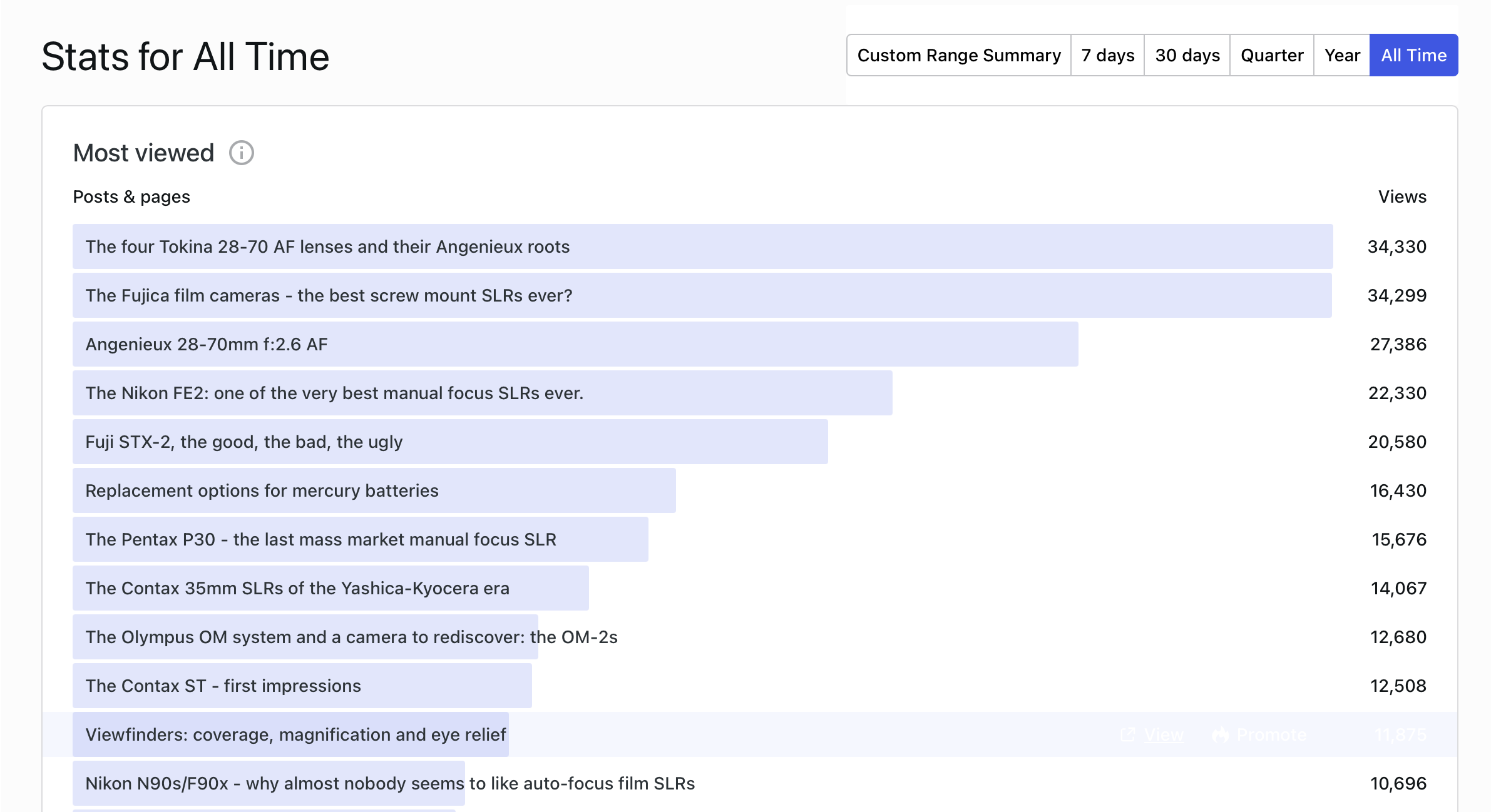

The blog entry ranking – Tokina 28-70 f/2.8, Fujica screw mount SLRs, Angenieux 28-70 – it pays to propose content that can not be found anywhere else.

One of the oldest pictures of this blog is featured at the top of this entry (Charleston, SC – April 2009 – shot on film, probably with a Nikon FM).

This one is one of the most recent. Digital, shot with the camera most likely to be in my bags when I travel, the Olympus Tough TG-5.

(Long Beach, CA – April 2026 – Olympus TG-5)

What happened on December 4, 2024 ?
Why Dec 4th, 2024? I had published a review of the Olympus TG-4 the day before.
Chattahoochee National Recreation Area – the bamboo forest – Olympus TG-4

More in CamerAgX

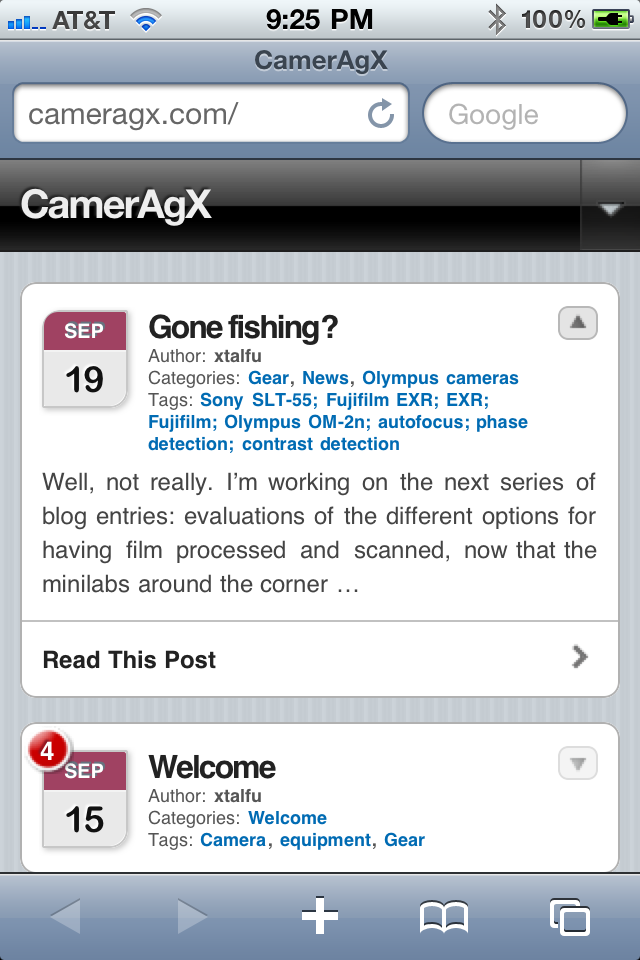
Browsing CamerAgX from the iPhone

Cameragx blog page
Cameragx blog page


No. I did not write an iPhone app.


I’m just suggesting that you take advantage of a great function of WordPress, the blog engine behind this site.


The “appearance” of a WordPress blog is controlled by “themes“. WordPress developed a “theme” for small form factor devices like the iPhone, and automatically translates blog entries designed for full size devices into pages adapted to a small screen. Just launch the iPhone browser (Safari) and enter Cameragx.com in the address bar. The most recent posts of this blog will be displayed. If you want to see one page in particular, select it with a touch of a finger, and you will get it. Cool!


Now even better.


Let’s say you’re a fanatic supporter of CamerAgX. You can ask the iPhone OS to create a new icon, which will link directly to the CamerAgX web site. Press the + sign at the bottom of the browser screen, and select the “Add to Home Screen” option. A new icon will magically show up on the Home Screen.


By default, the stylized W of WordPress will be displayed – as is the case for www.techandsimple.com (shown in the third screen shot)


If the administrator of the blog created a logo for his/her site and uploaded it on the WordPress server, the Home Screen’s icon will be the site’s logo, as is the case for CamerAgX on the third screen capture.


Tools anyone?


Interestingly, no weird tool or utility was needed to create this blog entry. The screen copies published in this blog entry were captured directly on a regular (non jailbroken) iPhone, using a function of the iOS: to capture a screen copy, you just have to press the Home button, then press briefly the on/off switch at the top of the phone. The screen copy will be saved as a PNG file, and will be presented in the Photo Roll of the Photo application. From there it can be emailed to a PC, or transferred through iTunes.


WordPress also publishes an iPhone app for blog administrators, who will compose new entries, moderate comments and perform edits from their iPhone or iPad, but it is not necessary to download it to visit a WordPress blog (a similar application has also been published by WordPress for Android phones).


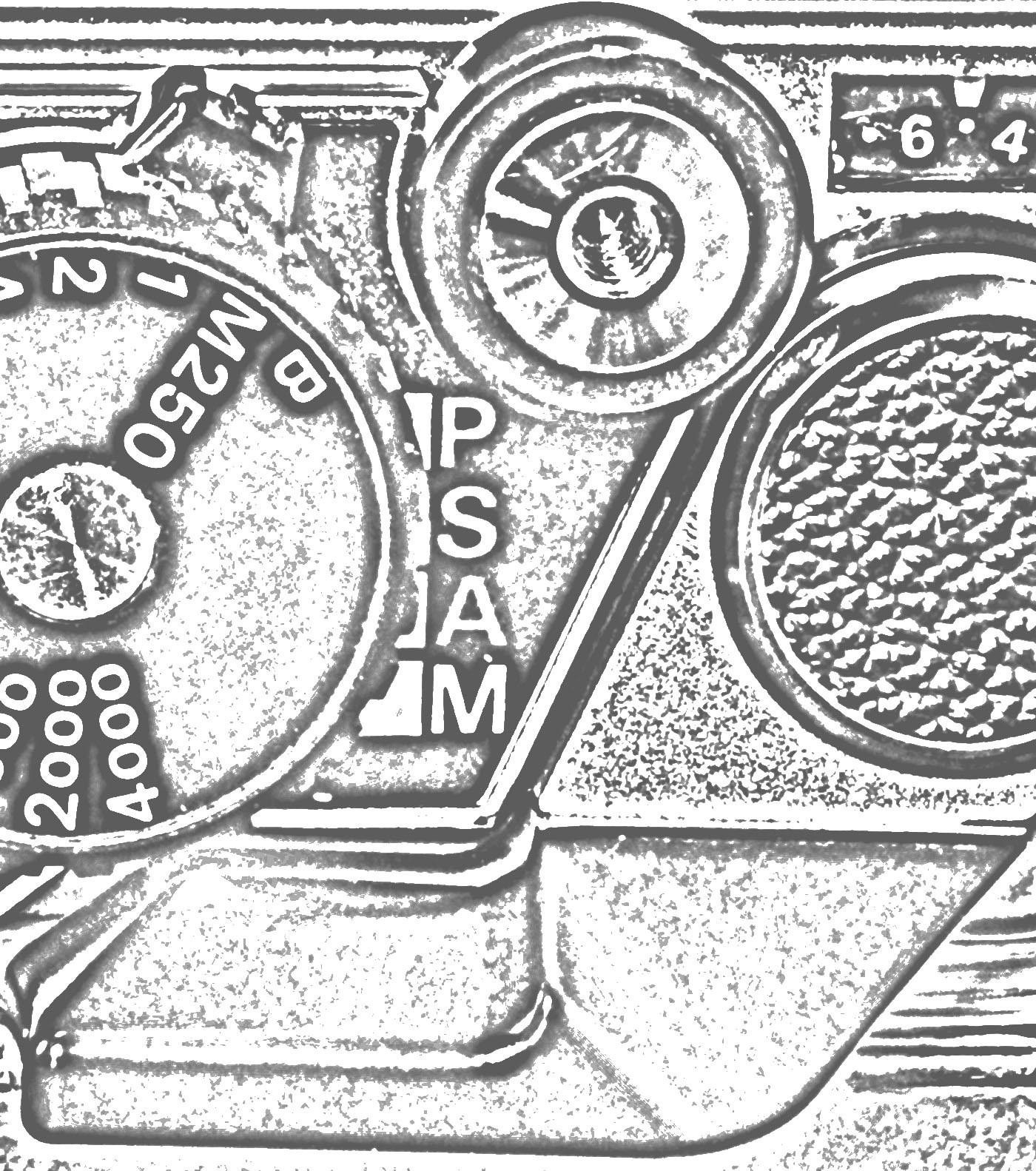
One last thing…The CamerAgx logo is a close-up of the top plate of a nice camera. If you’re a regular visitor of this site, you will have recognized it.

Cameragx iphone page
a Cameragx blog entry rendered on an iPhone

Wordpress home screens
The home screen of the iPhone - how WordPress sites are represented

Cameragx icon
The icon of CamerAgX in WordPress


More about WordPress at www.wordpress.org


More about the iPhone at www.apple.com


There are thousands of books about the iPhone, and probably hundreds of thousands of blogs about the same subject. “iPhone 4 Portable Genius” from Paul McFedries is a good book, and I check The iPhone Blog regularly for updates about the iPhone and the iPad.