Nine months on Flickr and a first conclusion – the camera does not matter

What is Flickr and how does it work?

Flickr is a 20 year old photo hosting and sharing on-line service, functioning as a community for photographers. It is the home to approximately 110 million photographers, 55 million of them being regular users. I had been a Flickr early adopter back in the days, but had let my account go stale a long time ago (I felt that Flickr had lost their way after being acquired by a succession of poor suitors). The current owner of Flickr seems to have done a decent job at making it relevant again. I opened a new account in February and have been posting one or two images a day since then.

In the world of social media, Flickr is different:

  • Although Flickr offers free accounts, it only lets you post a maximum of 1,000 images for free, and I assume that most serious users pay for the so-called “Pro” subscription. The “Pro” subscribers are spared the ads that the “free” users have to endure.
  • Flickr offers very little for photographers who would like to directly monetize their images (or anything else for that matter) – Pro subscribers can include links to external (commercial) websites in the description of their images (the URL of their own storefront, for instance) but to a large extend Flickr is a commerce-free zone.
  • Lastly, even if there is a curated “Explore feed” (a gallery of photos which is regularly refreshed by an algorithm), Flickr subscribers are directed by default to their own “Activity feed”. The images which are proposed to you every day in your “activity feed” come exclusively from photographers you follow and groups you have subscribed to. As a Flickr user, you don’t feel you’re a captive audience; you have much more control on what reaches your “feed” than the average Facebook or Instagram user.

Financed to a large extent by the subscriptions of its “Pro” members, offering very few opportunities of monetization, and only marginally driven by algorithms, Flickr is a bad place for marketers, influencers, advertisers and click-bait hunters, which is pretty refreshing in the world of social media today.

I did not have a tele-photo lens I could mount on my Fujifilm mirrorless camera, so I brought an old Tamron Adaptall lens back in service, and mounted it on a Nikon D700. My highest view count on Flickr. US Grand Prix 2022, Austin, TX

How is Flickr measuring your audience: views and favorites

As a member of Flickr, you can not only look at the pictures posted by fellow photographers, but you are encouraged to also submit your own. Your contributions will be added to the “activity feed” of your followers, and, if you have submitted your image to a “group”, to the “activity feed” of all the members of that group. If they’re active on Flickr that day, there is a chance they will “view” the image you’ve posted.

Flickr do not encourage competition and won’t publish an official ranking of photographers, but, as a “Pro” member of Flickr, you are offered some statistics about your own audience, over a specific day, over a week, a month, or over the life of your account.

Flickr – the daily stats – here, the views

“Views” are a very flattering metric – is counted as a “view” any download of a specific image, irrespective of the time spent looking at it by the “viewer”.

Whether the image is closely examined by a fellow photographer interested in your creation process, or just browsed in one tenth of a second by a distracted scroller does not matter – “Views” are simply a reflection of the number of file downloads to the browser or the app of all end users.

The size of the image is not taken into consideration either: a thumbnail included in an email sent by Flickr to a distribution list will also count as a “View”, as long as the email has been opened.

In such an environment, a photographer with a large number of active followers will necessarily get more “Views” than another one with a smaller (or less engaged) follower population. And an image submitted to a multitude of groups will also have more chances to be “viewed” (that’s where an algorithm kicks in to prevent photographers from gaming the system by submitting a picture to hundreds of groups).

Flickr – the images with the most views

“Favorites”, on the other hand, counts the number of “Likes” a picture receives – it’s a humbling figure – an image can be viewed thousands of times (if submitted in enough active groups by a popular photographer), but only collect a few likes, or none at all.

I take pictures for pleasure, but I’m nonetheless interested in the feed-back of my peers – being able to see what clicks and what does not is one of the reasons to join a photographer community such as Flickr.

What makes an image “popular”? The subject and the groups to which the image is submitted are important, obviously, but does the equipment itself play a role? In other words, will my fellow photographers favor pictures taken with modern or expensive cameras, considering that they don’t know upfront what type of equipment was used? Is there a camera or a class of cameras that will harvest the most views and the most likes?

Ranked #1 in “Favorites” (tied with three other pictures) – Pinup, a French Bulldog Photo taken in 2005 with a Pentax *ist DS and its 18-55 kit lens.

Ranking by Views

I like to shoot with a bit of everything (like old cameras I buy on eBay or Shopgoodwill), but I have always had a recent “serious camera” for the important occasions, currently it’s a Fujifilm X-T4. Before the X-T4, I was shooting with a X-T1, and before that with a Nikon D80, which had replaced a Pentax *ist DS. I also shoot with a Nikon D700 from time to time (when I want to play with old Nikkor lenses), and with film cameras when I feel like it.

Now, the rankings…

Ranking by Views – the camera used to take my 10 most viewed pictures:

  • Image #1: shot with a Nikon D700
  • Image #2: shot with a Nikon D700
  • Image #3: shot with a Nikon D700
  • Image #4: shot with a Nikon D80
  • Image #5: shot with a Nikon D80
  • Image #6: shot with a Nikon D80
  • Image #7: shot with a Nikon D700
  • Image #8: shot with a Nikon D80
  • Image #9: shot with a Nikon D80
  • Image #10: shot with a Nikon D80

Surprising – it makes you wonder if I really needed to spend all that money upgrading to Fujifilm mirrorless cameras and lenses…

Views are a function of your number of followers, and to a certain extent to the groups you publish the picture to. If you publish an image to the “Nikon D700” or “Nikon D80″ group, you will reach more committed enthusiasts ready to look at images taken with the camera they love, than if you publish it to…”Industrial ruins of the Rust Belt” – and the view count will reflect that. Of course the subject matters – I had brought the D700 to a Formula One Grand Prix and to a trip to Istanbul, and I had spent a few weeks in Venice and Marrakech with the D80 – a glamorous sport and three exceptional cities are definitely attracting lots of viewers.
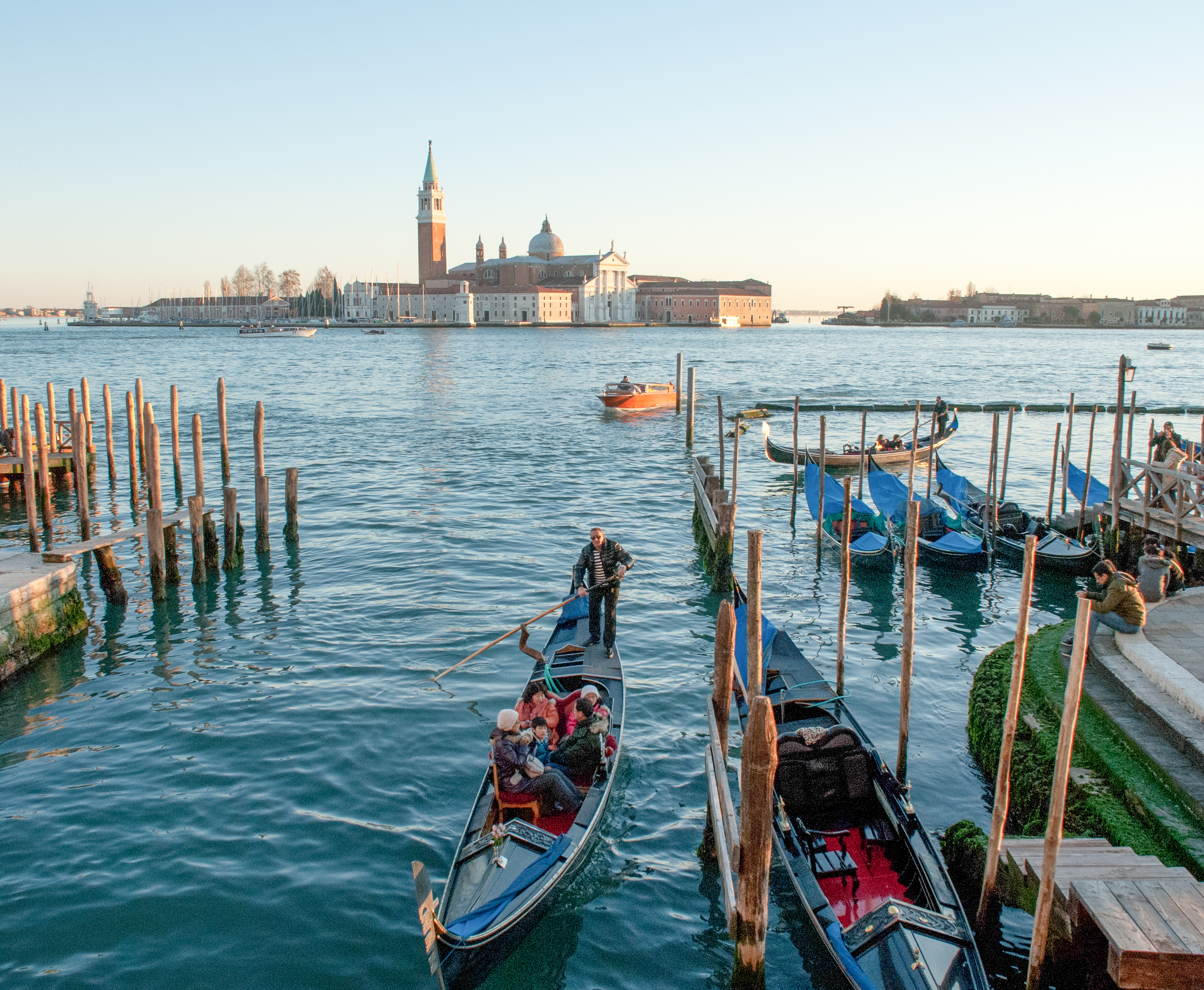
Ranked #1 (it was a tie) for favorites, and #3 for views – Venice, on Dec 25th 2010 – Shot with a Nikon D80 and a Sigma 18-125 lens.

Ranking by “Favorite” (top 10)

But the ranking of the number of “Favorites” shows a different … picture.

Images with the most favorites:

  • Tied for Rank #1, Image #1: shot with a Pentax *ist DS, Image #2: shot with a Nikon D80, Image #3: shot with a Nikon FE2 on color Film and Image #4: shot with a Holga on color film
  • then, tied for Rank #5, an image taken with a Canon Photura loaded with Ilford B&W film, another taken with an iPhone 15 Pro, an image shot with the Fujifilm X-T1, another by a Pentax K5 Mk2, a snapshot from a Nikon F3 loaded with B&W film, and last but not least a picture taken with the Fujifilm X-T4. All get the same number of “favorites”.

Film or digital, Nikon, Pentax or Fujifilm, recent or old, none of this seems to matter. A picture taken with a “Holga” ranks #1, while a photo taken by a very good “modern” dSLR (a Nikon D750 that I used for a few weeks) is #27. And the Nikon D700, which attracted so many viewers, could only convince very few of them to tag its images as “favorites” (its most favored image ranks at #63).

In a way, it is comforting. At least for an amateur photographer like me, gear does not matter that much. Or let’s say, the absolute performance of the camera – as measured in tests and discussed ad nauseam on Youtube or in specialized forums – is not that important.

I like it, but it ranked low in views and likes – Petra, Jordan – June 2018 – Fujifilm X-T1

If the camera does not really matter as far as the Flickr Views and Favorites are concerned, what does?

The subject? The user base of Flickr and the groups are so diverse that there is no specific subject that automatically brings views or favorites, like the videos of kittens on other social media platforms. No magic bullet to expect here.

Technically, and to a certain extent, the views and the favorites are dependent on how many people are scrolling their activity feed that day – you can have a superb picture and not garner many views or favorites, and because you’ve posted it on a slow day, or at the wrong time of day, or in groups with low or inconsistent attendance, it won’t have the viewers it deserves. You only learn with experience.

But then, assuming experienced Flickr users all have their personal little tricks to optimize their audience, what really makes the difference?

If you look at Flickr’s “Explore feed” and at what the photographers you follow are regularly posting in your “Activity Feed”, there are some really stunning images. Not necessarily perfect, technically. But different. Original, reflecting the vision and the personality of the photographer who created them. They make you stop, look at them, and say “wow!”

Invariably, these stunning images get lots of “Views” and lots of “Favorites”.

Because ultimately, it’s the eye and the heart of the photographer that make the difference.

Happy Thanksgiving.


Pictures taken with a modern camera get some love, too. Tied for #5 on the favorites ranking, this picture taken in Piedmont Park, Atlanta with a Fujifilm X-T4 and a 55-230mm lens.

My albums on Flickr: https://www.flickr.com/photos/camer-agx/albums/

A few pictures I like but which do not seem to have found their public.

Venice, Dec 2008 – Nikon D80
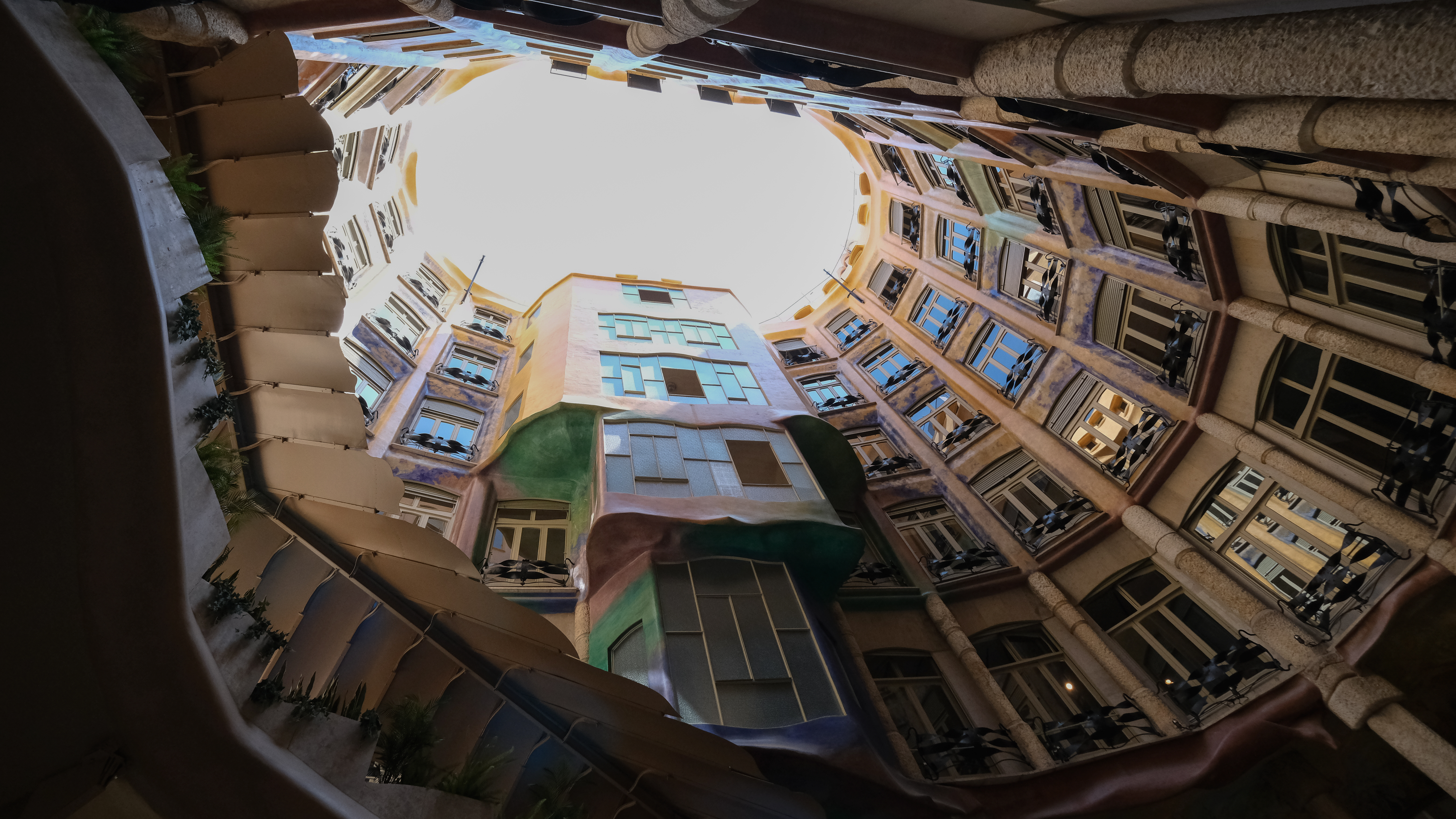
Barcelona, Casa Mila – Fujifilm X-T4
The Rolling Stones in concert. Mercedes Benz Stadium – Atlanta – iPhone 11

Catalog, Print or Delete? What to do with your pictures after you’ve shared them on social media?

I’m afraid most people rush to share the pictures they take, attaching them to emails, text messages, or publishing them on various forms of social media. Images – or more precisely the interest of their family, friends and followers for those images – tend to be ephemeral. Shot, shared, forgotten.

If you visit these blog pages, I’ll assume that you’re interested in photography. And I will bet that when you shoot pictures, they’re important to you, and you take time to reference and archive them. If you still shoot film, you probably store the negatives and slides in binders with their contact sheet, and if you shoot digital, you certainly rely – at a minimum, on Apple or Google’s photo management services – or, more likely, use more specialized software to catalog, process and archive your images.

Of course, beyond the few Gigabytes of free storage you get with your smartphone (5 GB with Apple, 15 GB with Google), you need to pay a monthly suscription fee – $3.00 /month for 200 GB with Apple, $2.00 for 100 GB with Google. It’s not much to store 10,000 to 20,000 images (assuming 10 Mbytes /image) – but I’m surprised by the number of people I know who go regularly through their Photo apps and delete images they like (and might be happy to look at again five years from now) just for the sake of saving two or three dollars a month.

Sunset at the beach. Near St Anne, Guadeloupe

And when, for an happy event (wedding, graduation, big life milestone …) they’re being asked to send a few of their images to contribute to a family slide show or to a shared photo-album, they can’t find any – or so few.

At the risk of being provocative, I’ll say that in photography, Archival and Retrieval are at least as important as taking the pictures in the first place. So, what are the options?

The Photo Management Service provided by the OS vendor of your phone, tablet or personal computer.

We’re talking of Apple Photos, Google Photos, and Microsoft… Photos, of course. The “App” is the front end of a set of cloud based services, that provide photo storage, editing, cataloging and sharing capabilities, increasingly with the help of AI.

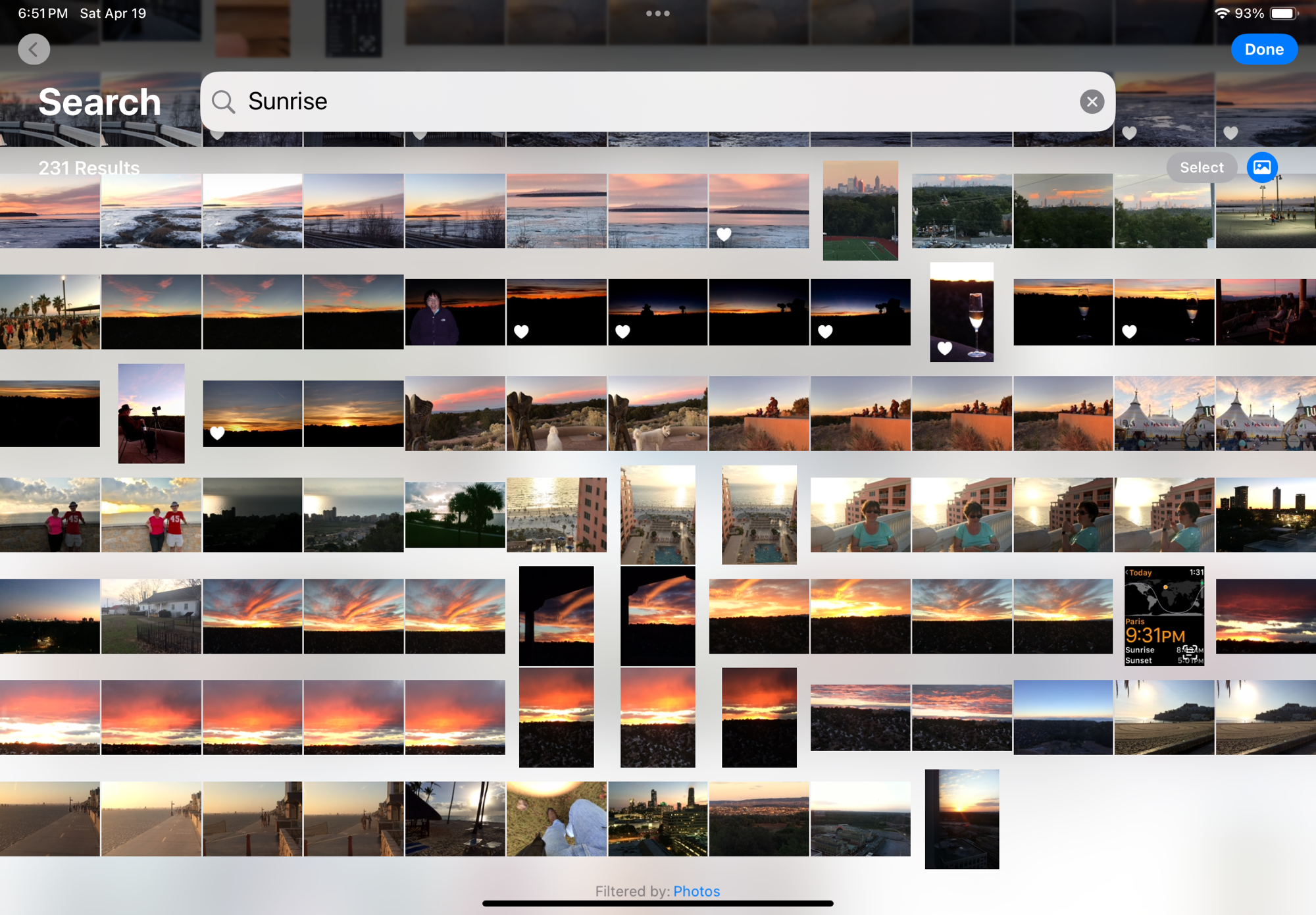
Apple Photos on iPad – search for “sunrise” – “sunset” returns almost identical results

Even without being passionate about photography, it’s easy to accumulate a few tens of thousands of pictures in a few years. The challenge is to organize them, and to retrieve the one you need without having to spend hours browsing galleries.

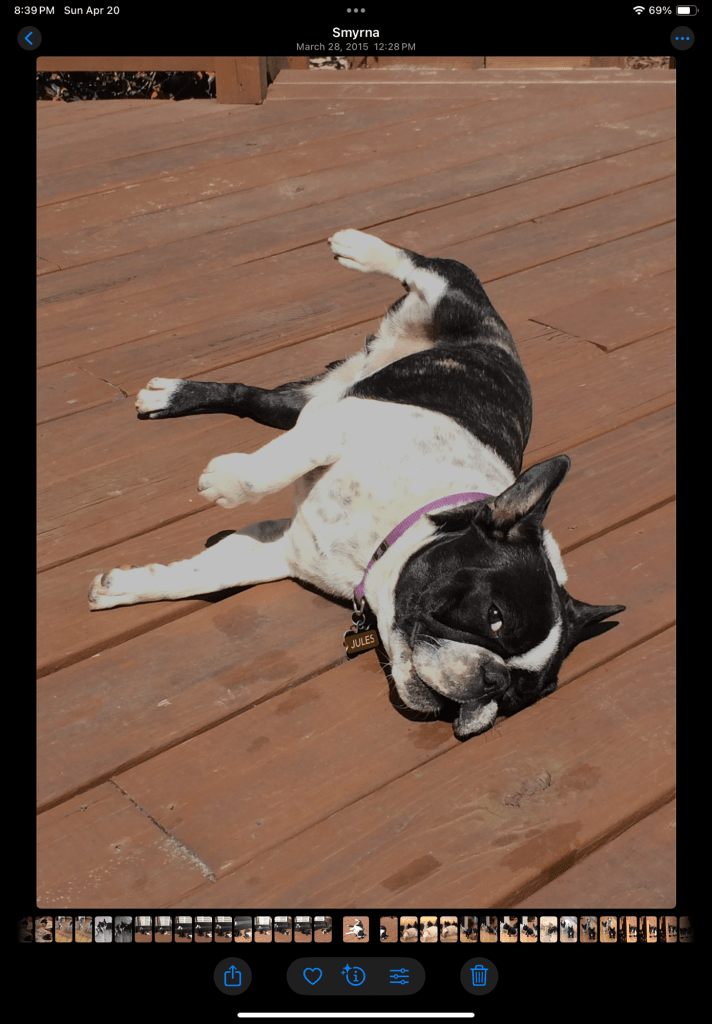
The photo management apps try and organize your photo library by date (easy), by theme, by trip, but what’s particularly impressive are the search capabilities – the app is using information it reads in the images (like the name tag of a dog), combining that with what it knows for sure (like the date and the GPS coordinates stored in the picture file) and what it has learned about you and your entourage to help you retrieve images. Without requiring you have entered captions or keywords to identify your subject. If Jules is a dog, it will answer questions such as “Jules in Chattanooga in 2014”. It even works with objects: “My Jeep in Destin” returns pictures of my Jeep in Destin, FL, “pictures of a ball pen” returns… ball pens, and searching for the word “dawn” will return all the pictures taken at sunrise (and sunset – the search algorithm is not perfect).

Searching for “Jules in Smyrna” – Apple Photos has read the name tag of the dog.

If the picture has been taken with a smartphone, it will be managed “natively” by the app. If it has been taken with a dedicated camera, the image will first need to be imported – most cameras vendors provide their own app that will transfer selected images from the camera to the Photo app of the device over a WiFi connection.

For Apple and Google, what matters the most is their ability to retain their client in their eco-system in the long run, from phone to phone to phone (they call that the stickiness). Once you’ve stored 10,000 photos in their Photo app, you’ve put yourself in a very sticky situation, and you will think twice before switching to the other side. Of course, transferring your images from Apple to Google or Google to Apple is always possible, but it won’t be immediate or straightforward and you may lose some information in the process (some metadata, and proprietary features like Apple’s Live Photos and RAW files, for instance).

Tarpon Bay, FL
Sunset, Tarpon Bay, FL

Photo cataloging / photo editing tools from specialized software vendors

If Apple or Google’s photo apps don’t give you enough, or if you don’t want your images to be stored in a cloud, or you don’t want to pay a monthly subscription fee and would rather buy conventional perpetual licenses, there is certainly a specialized photo management software that meets your needs.

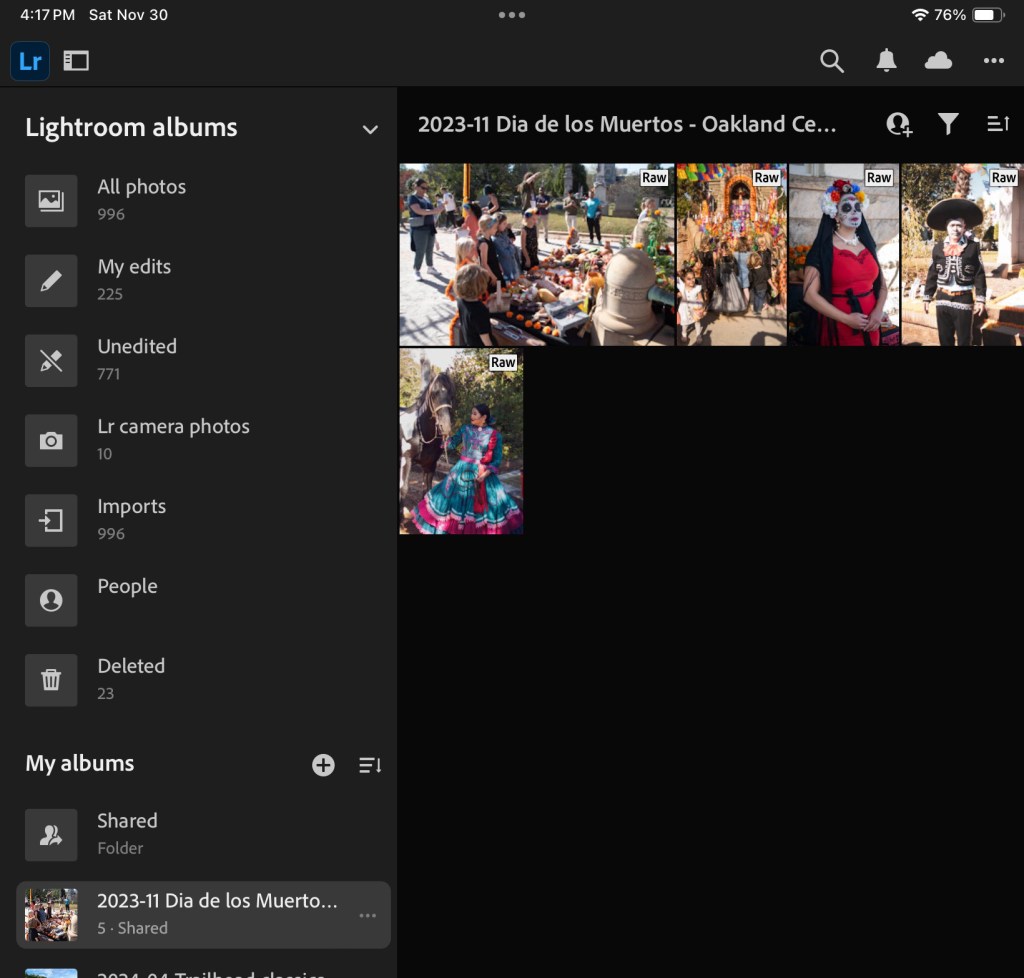
Generally speaking, dedicated photo management software will offer more options for tagging the pictures, and more powerful photo editing tools, but, if the example of Adobe is representative of the industry, will not be as good as Apple and Google at automatically organizing and easily retrieving your images: they still rely predominantly on captions and keywords to identify an image.

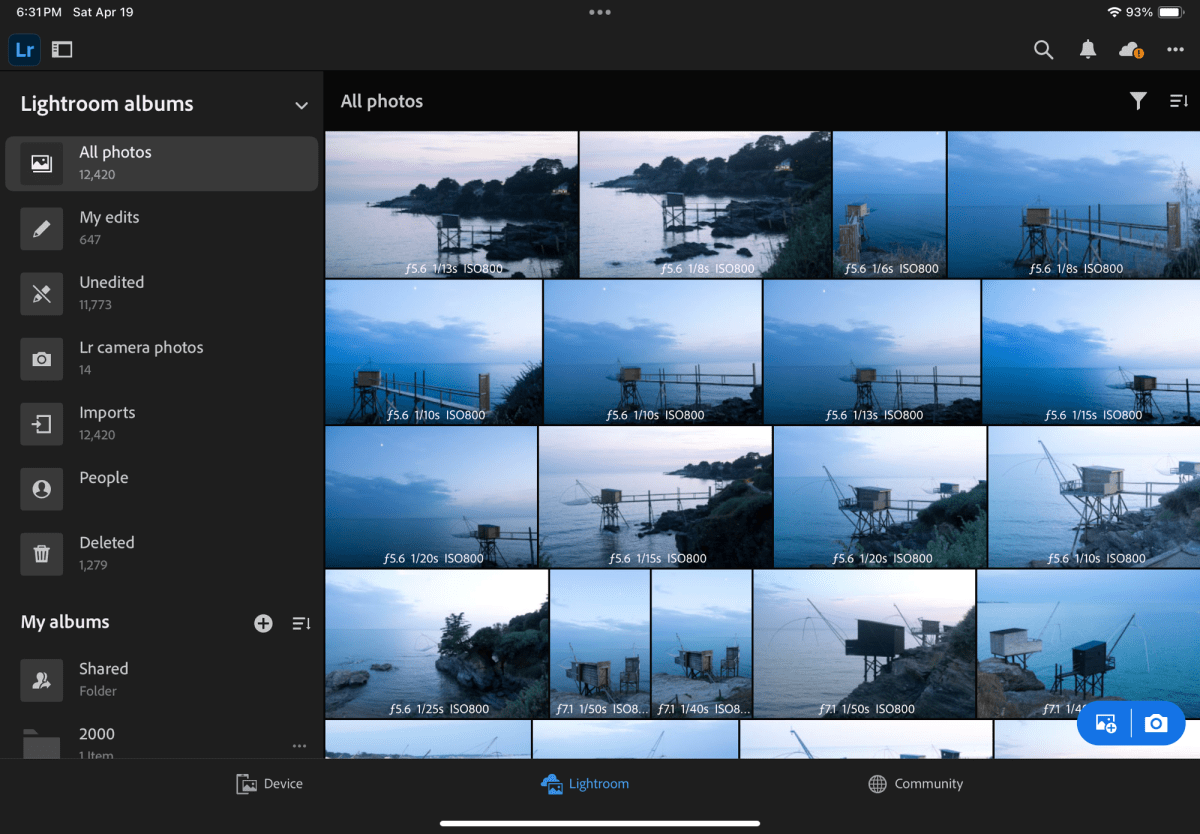
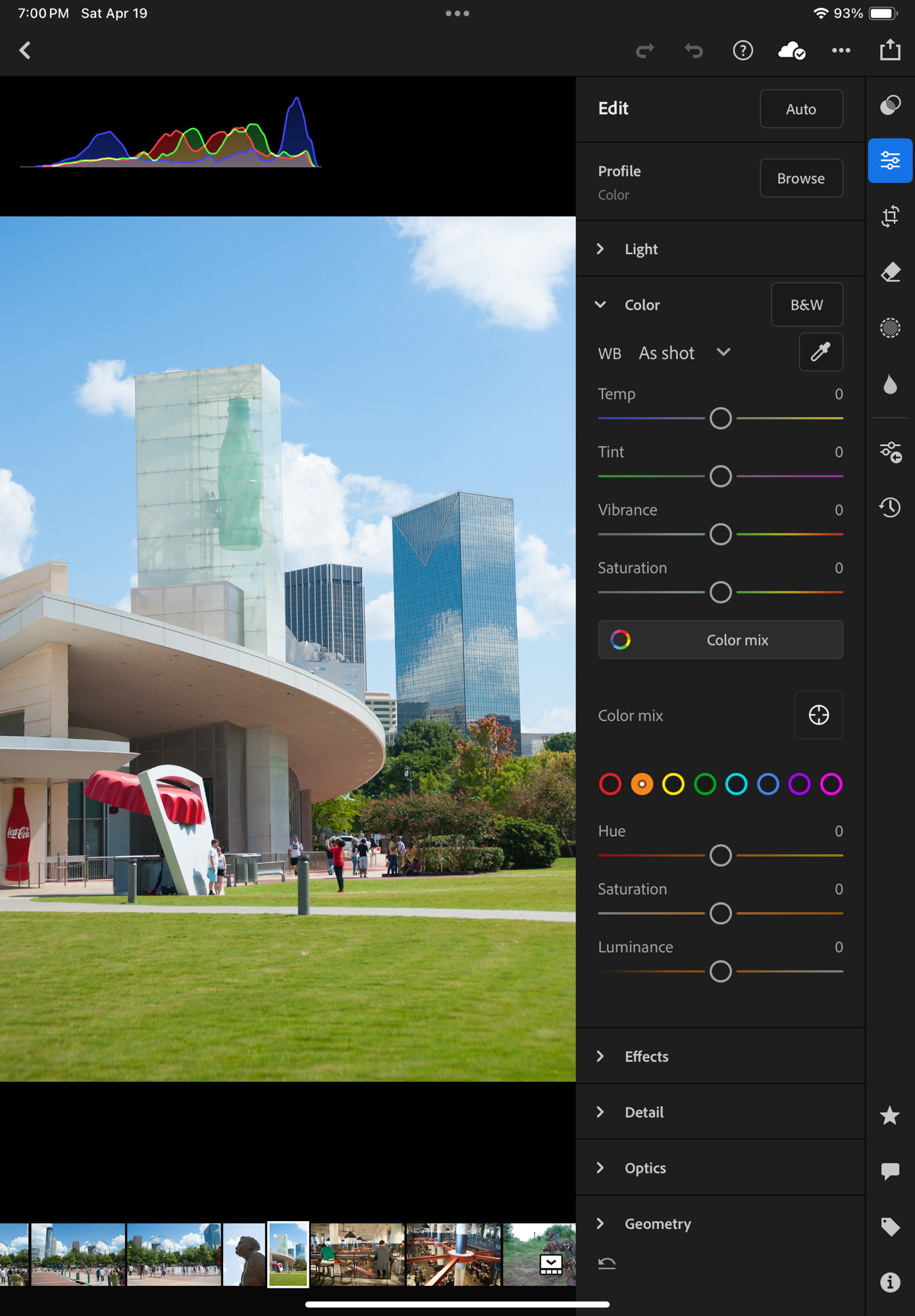
Specialized photo management tools offer more image editing options

If you opt for local storage, you will have to invest in physical storage (directly attached drives or NAS) and you will need to protect your images with a good backup system (preferably off site, if you want it to protect your images from disasters). And off site backup plans have a cost.

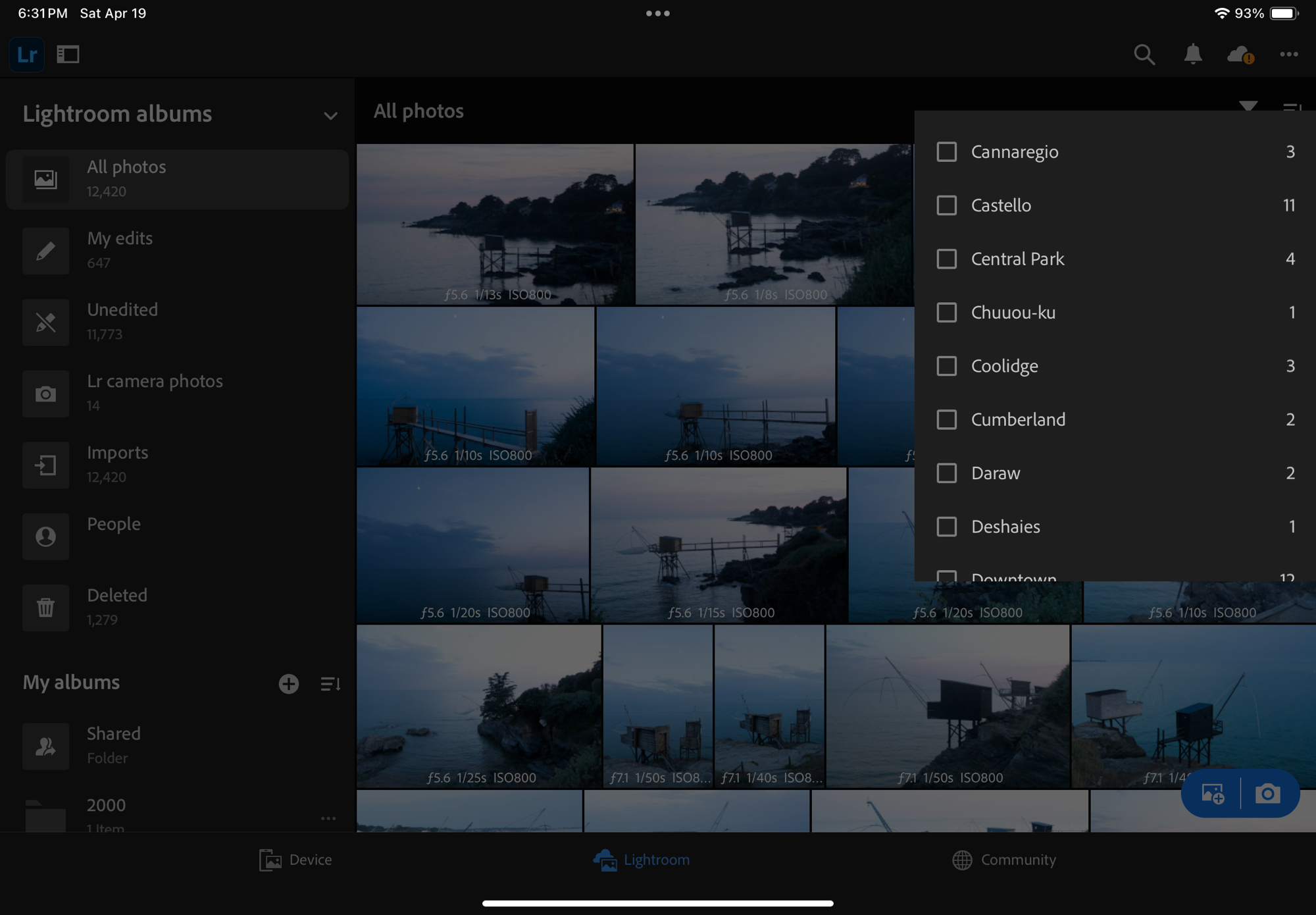
… but the search is still heavily based on keywords and captions that have to be entered when the image is uploaded.

Cloud storage options are very broad – going from general purpose storage services like iDrive or Dropbox to more specialized offerings like Adobe’s Lightroom “Photography Plan” – but once you’ve exhausted the limited time promotional offers, the prices are relatively similar – around $10.00 /month for 2TB for most of them. iDrive seems to be the cheapest, Dropbox is in the same ballpark as Apple and Google ($9.99 /mo for up to 2TB). As of this morning, Adobe’s “Photography Plan” includes 1TB of storage for $11.99 /month, but in all fairness the cost also includes the Lightroom Mobile, Web and Classic subscription fees, so it’s not that bad of a deal.

What are the alternatives? Placing prints in a photo album?

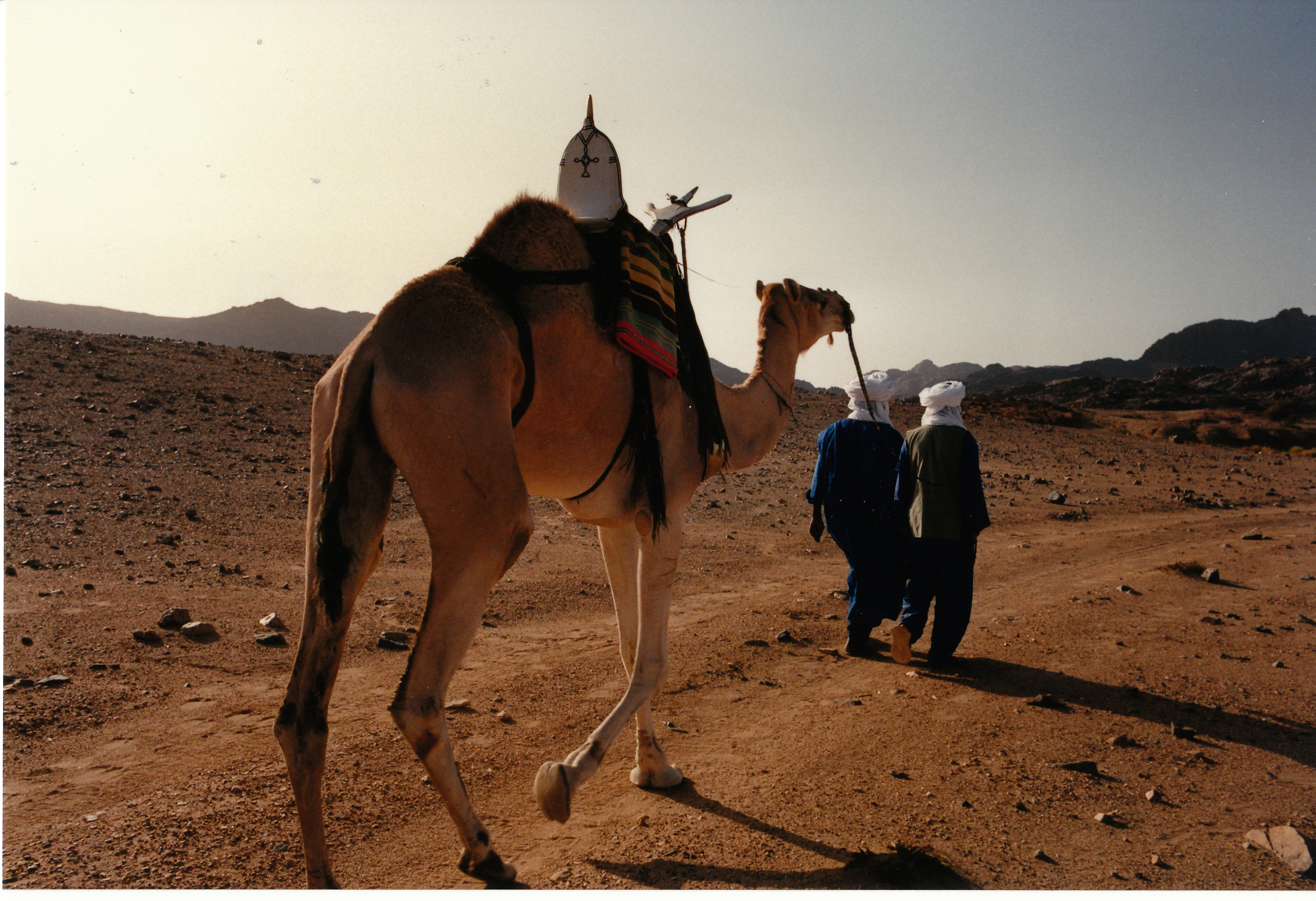
A physical photo album is not a substitute for an electronic catalog, but it’s a mostly forgotten way to keep the images you love together, and return to them when you feel like it. You can even scan the prints if you can’t find the negatives or the original digital files (I’ve done it, shame on me), so it’s also a form of backup.

I lost the negatives a long time ago – but I had a photo album and scanned the print

The ability to create photo books used to be integrated in the photo cataloging apps: the option existed in Apple’s iPhoto – you picked the images, worked the layout and (of course) paid a hefty fee, and Apple would send you a printed photo album with a little Apple logo on the back. I’ve not used a recent version of Adobe Lightroom Classic but I believe the option to create photo books still exists (in conjunction with the Blurb photo book printing service). It does not exist on the “non-classic” versions of Lightroom.

Photo albums of all types and sizes (printed by Mixbook, ifolor, Apple, and self printed Fujifilm Instax)

Maybe the combination of Lightroom Classic and Blurb is still the reference to beat – but I’ve not been impressed with the alternatives – I tested Mixbook – and while the quality of the printed books was satisfactory, I found the solution difficult to use and also very expensive.

If you need multiple copies of a photo album, creating a photo book with one of those services makes sense, although it will cost you, but if you only need one copy, it may be simpler, faster and cheaper to print the pictures at home, and place them in a good old (physical) photo album.

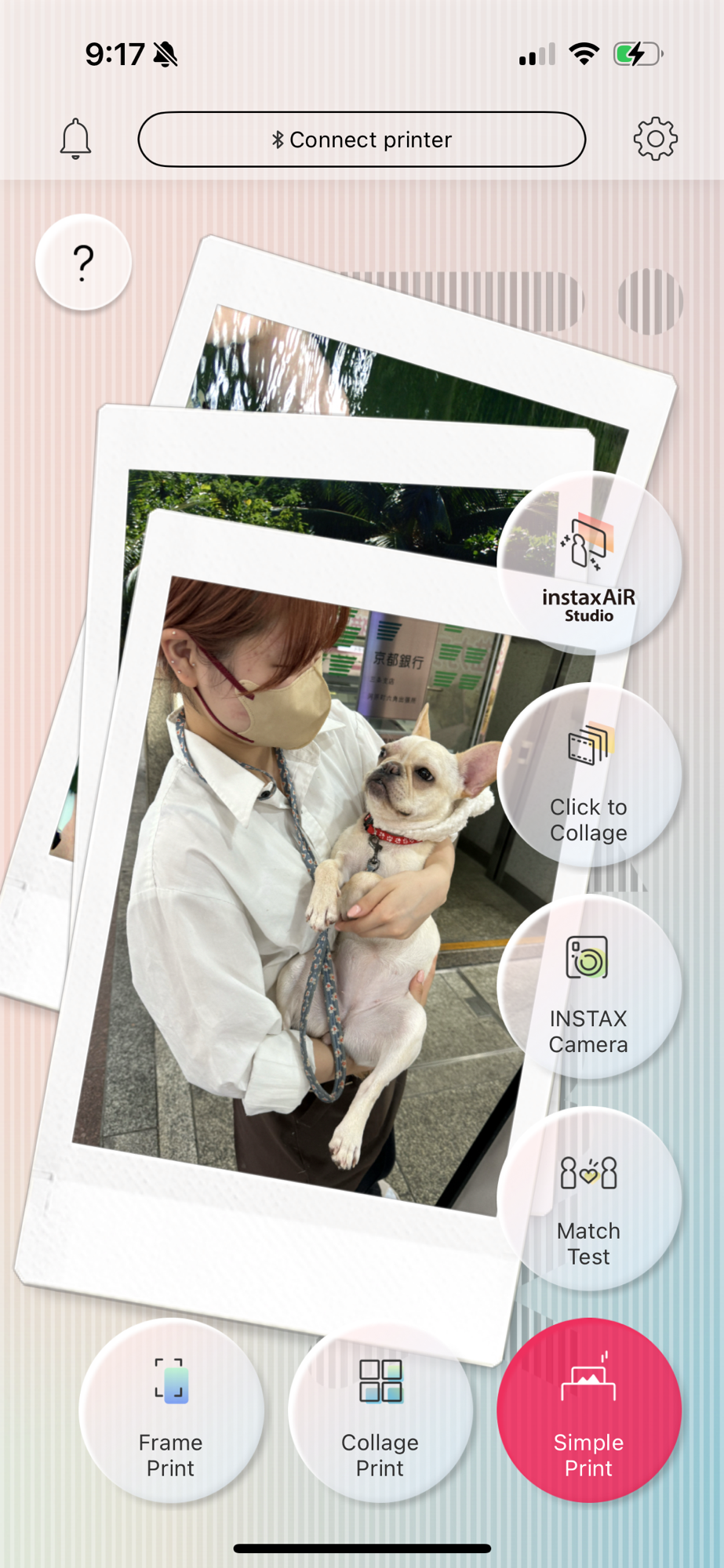
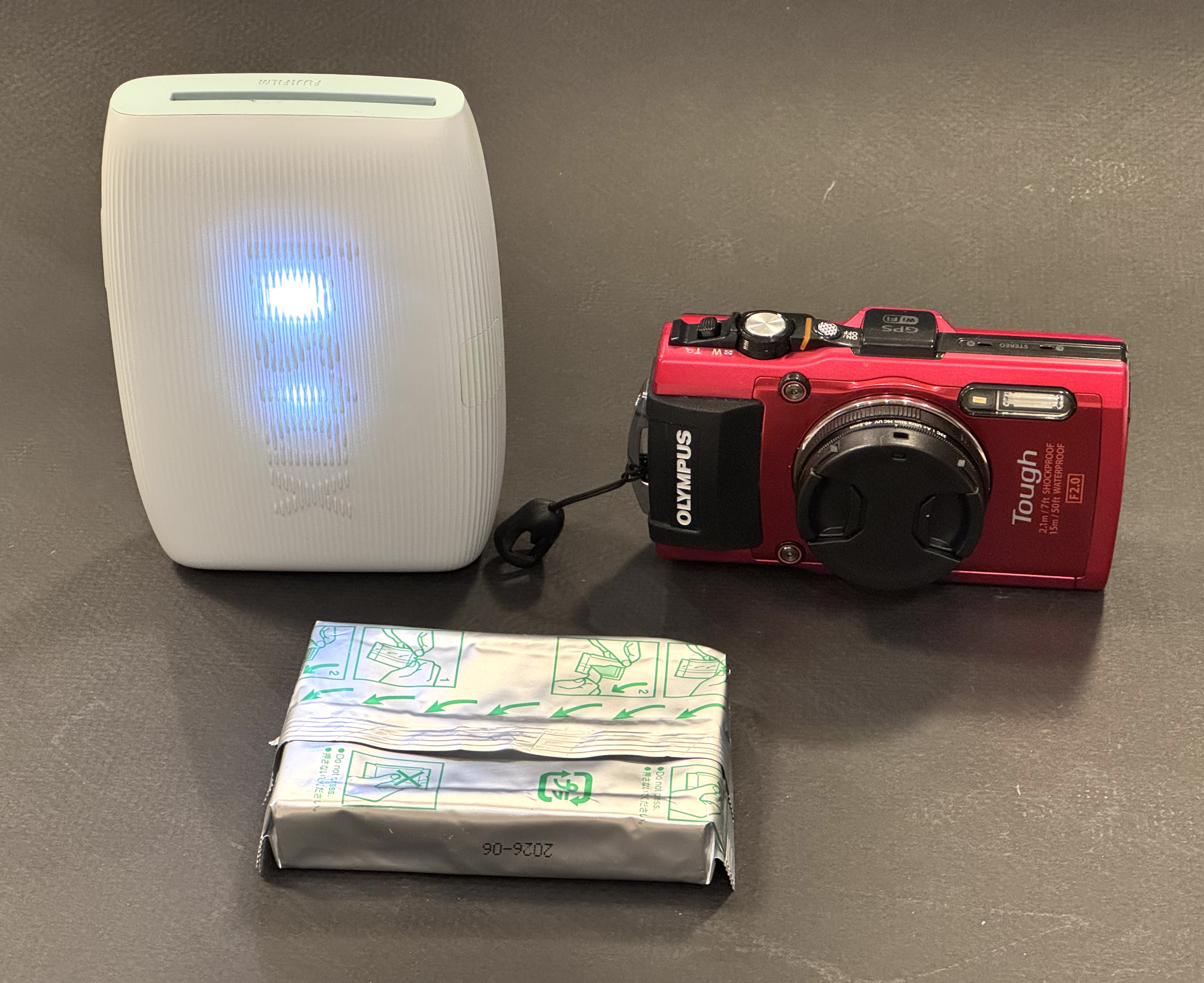
Fujifilm’s Instax film is available in three sizes, so are the Instax Printers.

Last by not least, Canon, Fujifilm, HP, Kodak and Polaroid (in alphabetical order) all propose easy to use ultra-portable printers, that will let you print images from a smartphone or a tablet – and place them in small photo albums that they can also provide. Fujifilm and Polaroid printers use instant film packs, Canon, HP and Kodak use a technology named “zero ink” (a sophisticated thermal paper). In my personal experience, assembling a mini photo album of 20 pictures is quick, easy, and ultimately cheaper than configuring a photo book from Blurb, Mixbook and dozens of their competitors.

More about Lightroom Mobile and Instant Film printers:


More sunsets

Lake Lanier, July the 4th
Belem, Portugal
Paris, Place de la Concorde