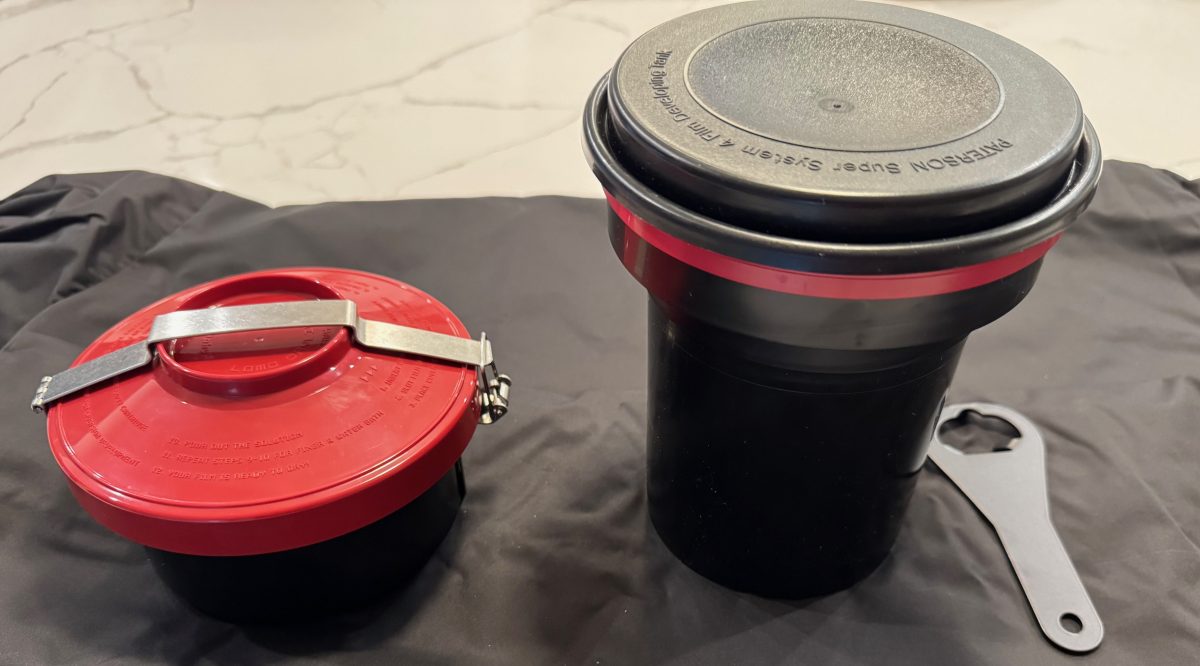
Lomo and other Daylight Loading Tanks – how do they compare to a Paterson Tank?

At-home film processing – and at-home black and white film processing in particular, is not that hard. Once the film has been loaded in the developing tank, it’s very simple, and it can be done in full daylight.

The perceived difficulty, the step that scares the beginners, is loading the developing tank.

An overwhelming majority of amateur photographers develop their films in Paterson, Jobo, Arista (or similar) tanks, that can be operated in broad daylight, but must be loaded in the dark. In a dark room, or in a changing bag. Dark room film loading, daylight processing.
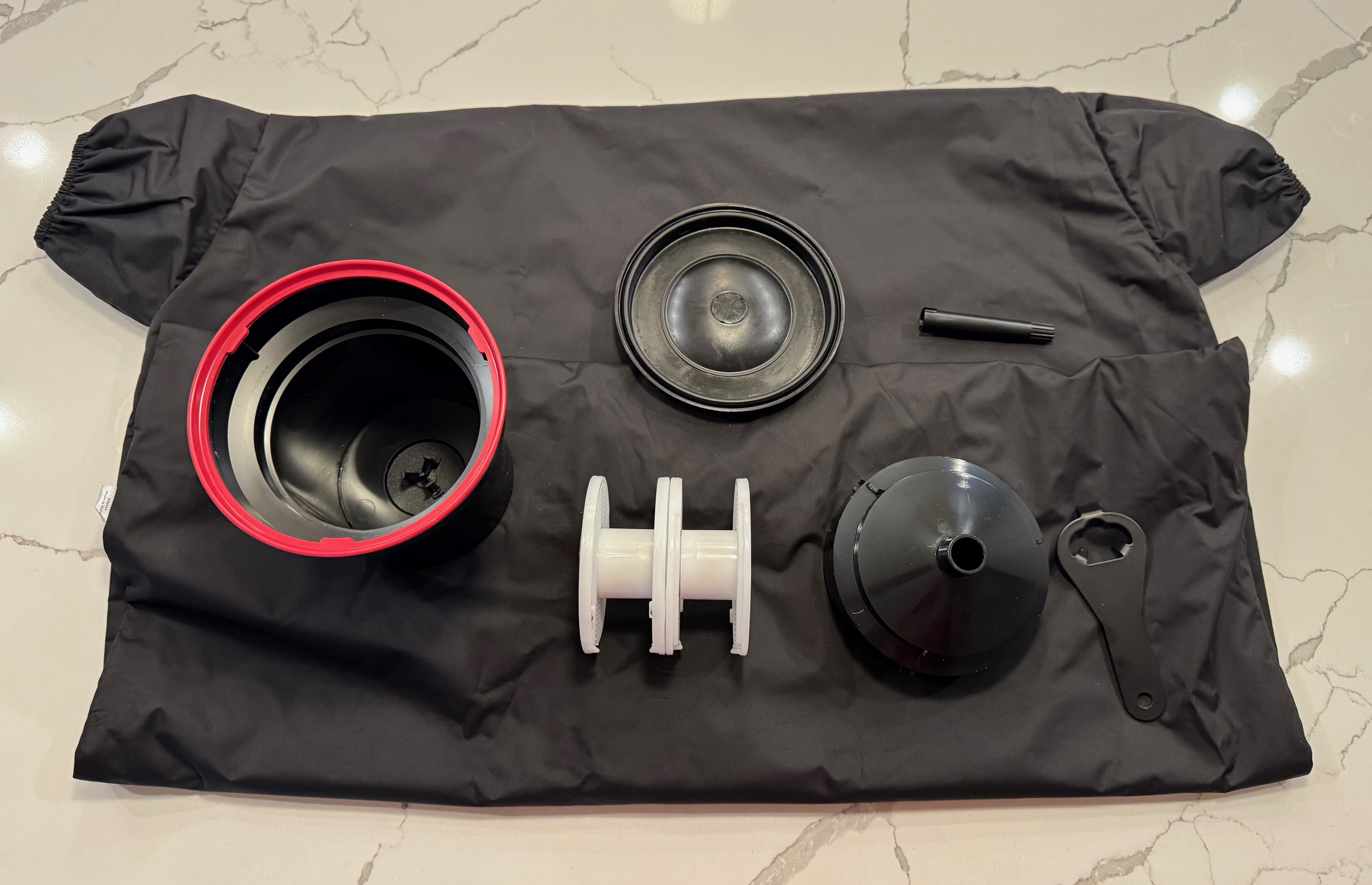
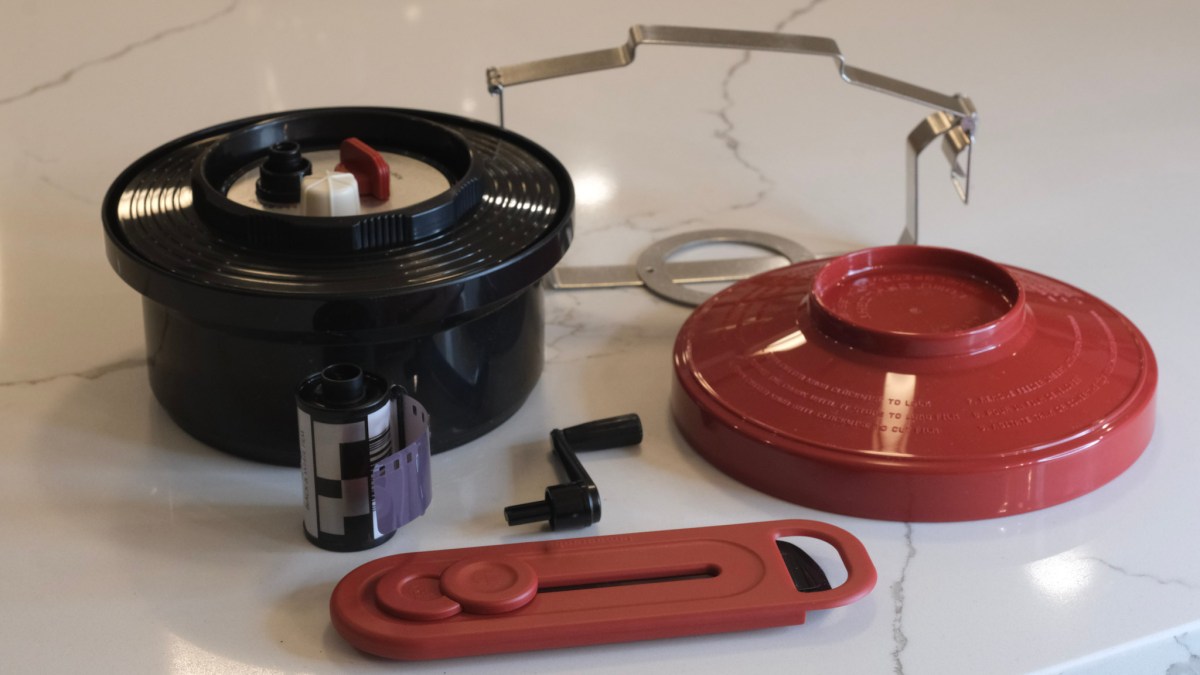
Paterson tank, cartridge opener and charging bag

Not everybody is comfortable with opening a film cassette and loading the film on the spiral of a reel without seeing anything – it takes a few dry runs and some practice before it becomes second nature.

The idea of daylight film loading, without a dark room or a charging bag, is extremely attractive to beginners, and to old farts like me going back to at-home film processing after a very long interruption. A daylight loading tank system is what is needed.

A few systems are available new (starting with the Lomo Daylight tested in those pages a few months ago), and more defunct products can be found on eBay.

The promise is always the same: you will drop the film cassette in the daylight loading tank, turn a crank to load the film on a reel hidden at the core of the system, and remove the (now empty) film cassette from the tank. At this point, you’ll be ready to go, and the development process will not be different from the routine followed with a conventional Paterson tank.

The Lomo Daylight : place the film cartridge in the loader and drop the loader in the development tank. Turn the crank to load the film on the spool inside the tank.

Of course it’s not exactly that simple. For the magic to take place, you need to prepare your film in a very specific way, and after you’re done with processing the film, you need to be able to clean all the parts and reassemble them correctly.
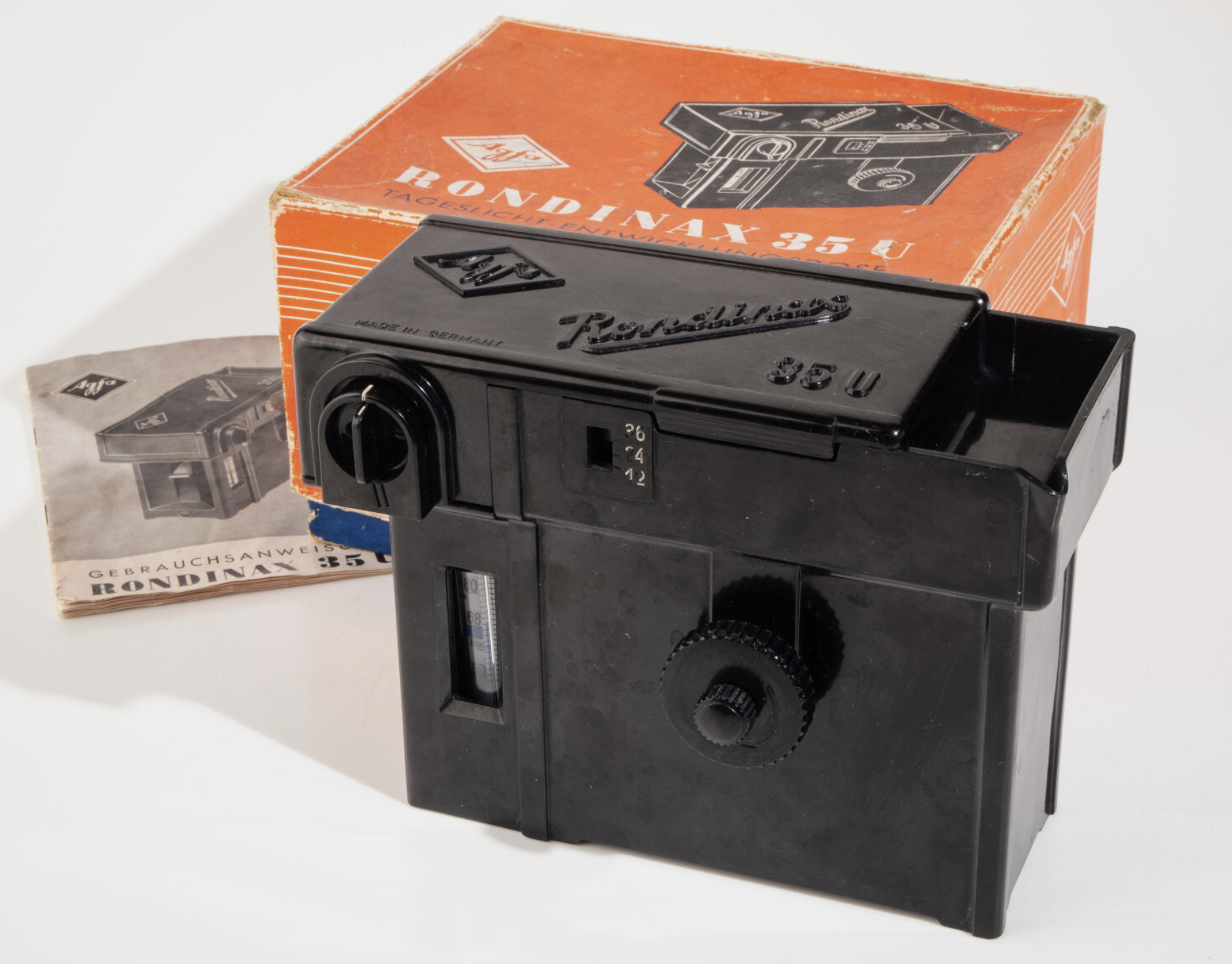
Agfa Rondinax (from an eBay listing)

l recently bought a Lomo Daylight Developing tank, and found out even more recently that an Italian company named Ars-Imago had launched its own daylight loading tank a few years before. Ars-Imago’s “Lab-Box” is not a 100% original design- it’s a modern re-interpretation of the Rondinax, a model launched by Agfa in the late nineteen thirties (an Agfa Rondinax was tested by the Casual Photophile five years ago).

As far as I know, the Lomo Daylight and the Lab-Box are the only two daylight-loading/daylight development systems currently manufactured and distributed.

On auction sites, you can sometimes find, and not necessarily for cheap, different versions of the original Agfa Rondinax, as well as many rebrands (the Rondinax was also sold by Leitz, of Leica fame) and a few shameless copies of Soviet origin.

Kodak’s Day-Load Tank was launched approximately at the same time as the Agfa Rondinax. Both the Day-Load and the Rondinax are now very old pieces of equipment (eighty to seventy years old), made of materials that have not necessarily aged well, and with multiple small parts that may have been damaged or lost over the years. Assuming you can find one at a reasonable price (by that, I mean cheaper than the $89.00 of a new Lomo Daylight Tank), I’m not sure I would trust them with my film.
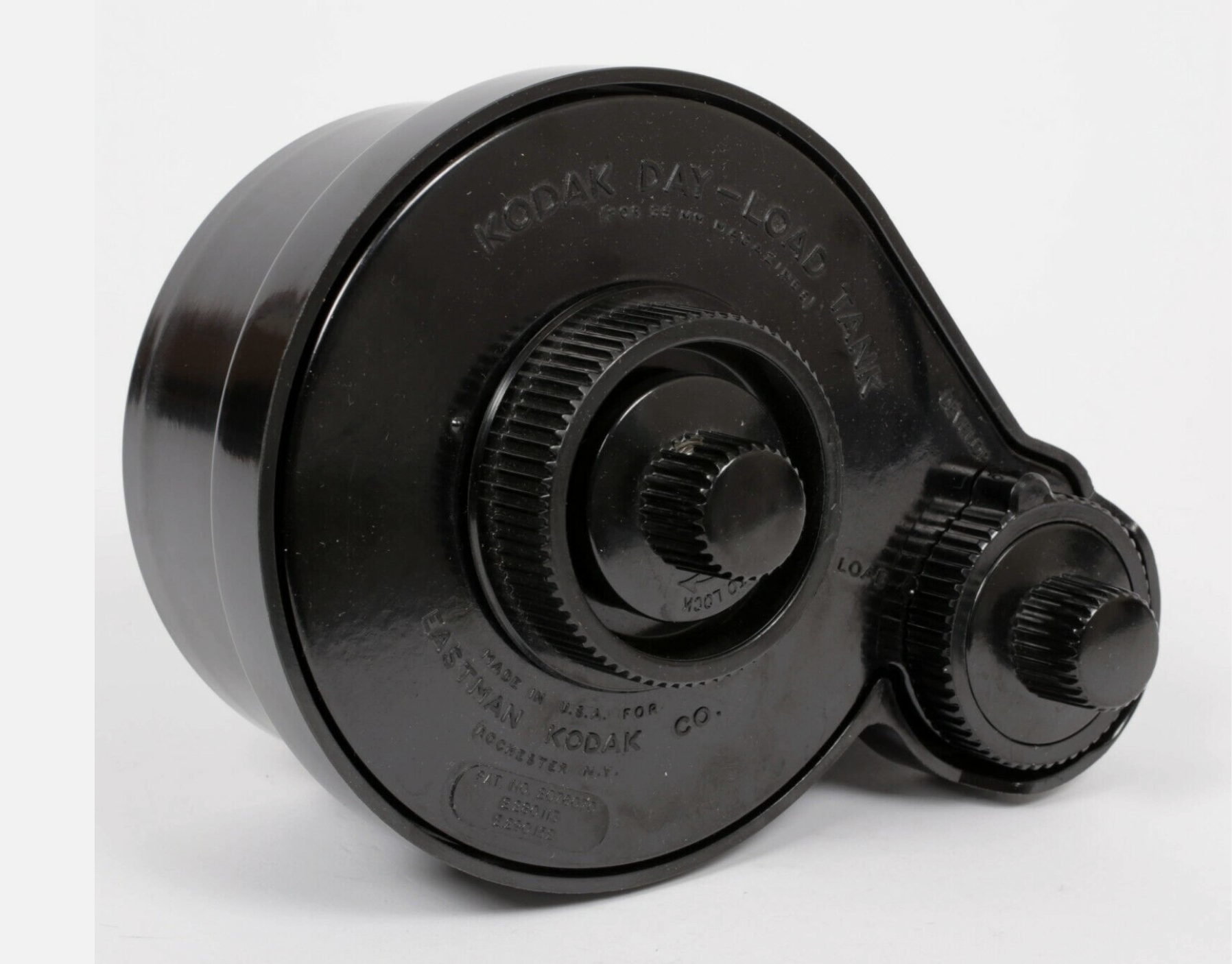
Kodak Day-Load (from an eBay Listing)

Over the years, Jobo, a direct competitor of Paterson, have tried their luck at making daylight loading tanks multiple times, with models like the Automat 35, and more recently with the Jobo 2400 Daylight Loading tank shown below, which is conceptually close to the Lomo Daylight.

High level, the Jobo 2400 looks like a conventional Paterson or Jobo tank, except that the reel rotates around a rather large black cylinder, which includes the film loading mechanism. It makes for a rather large tank, which will require more chemicals than a conventional tank.
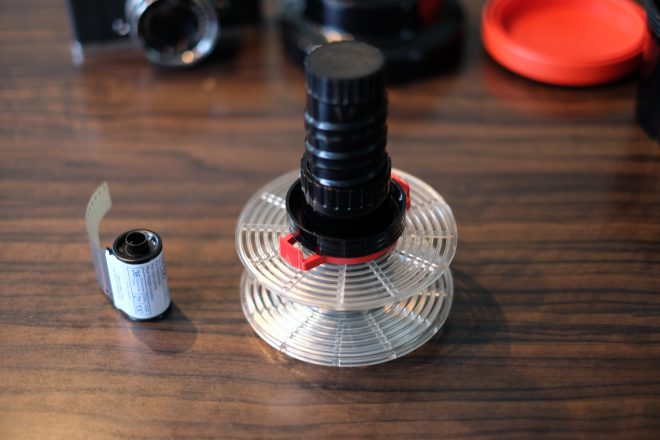
Jobo 2400 – the film is dropped in the black tube at the center of the reel, and inserted on the reel from the center. From: https://lichtgriff.de/filmentwicklung-bei-tageslicht-jobo-2400/

Comparing the two daylight loading systems available today

Lomo’s Daylight Developing Tank and Ars-Imago’s Lab-Box were developed with the same goal, but follow a different technical approach.
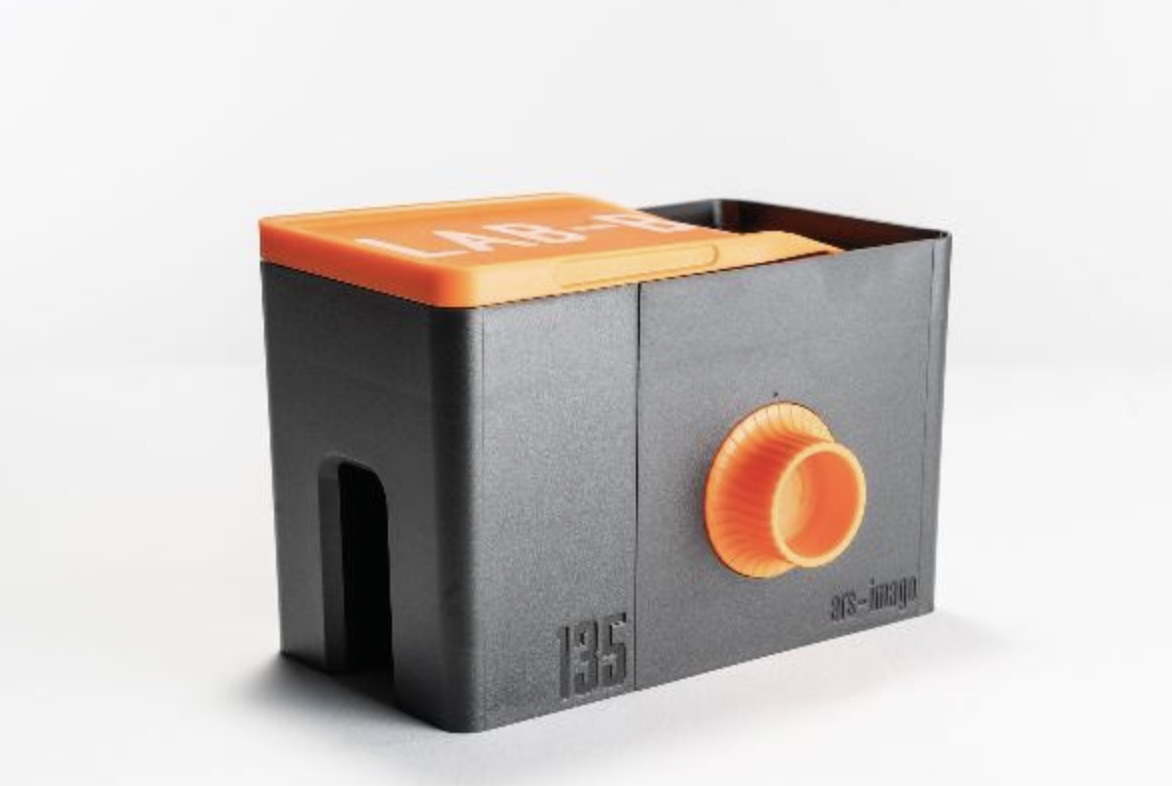
The Ars-Imago Lab-Box with its 35mm film loader. The crank and the 120 film loaders cost extra. From: https://www.ars-imago.com/en/lab-box

The Lomo Daylight Developing Tank was reviewed in those pages recently. The film cartridge is positioned in the film loader, the film loader is dropped at the center of the tank, the operator turns a crank to push the film on the spiral reel hidden inside the tank, and when the film is fully loaded on the reel, the film is separated from the cartridge by a built-in steel cutter and the loader is removed from the tank.

The Lab-Box is clearly inspired by the Agfa Rondinax, but Ars-Imago have improved on the original design in a few ways: contrarily to the original Rondinax, the Lab-Box is modular and can accommodate either one of two film receptacles, one for a 35mm cartridge, and one for 120 roll film. Ars-Image are also selling a replacement lid for their Lab-Box, that integrates an electronic timer and thermometer, to create an all-in-one device.
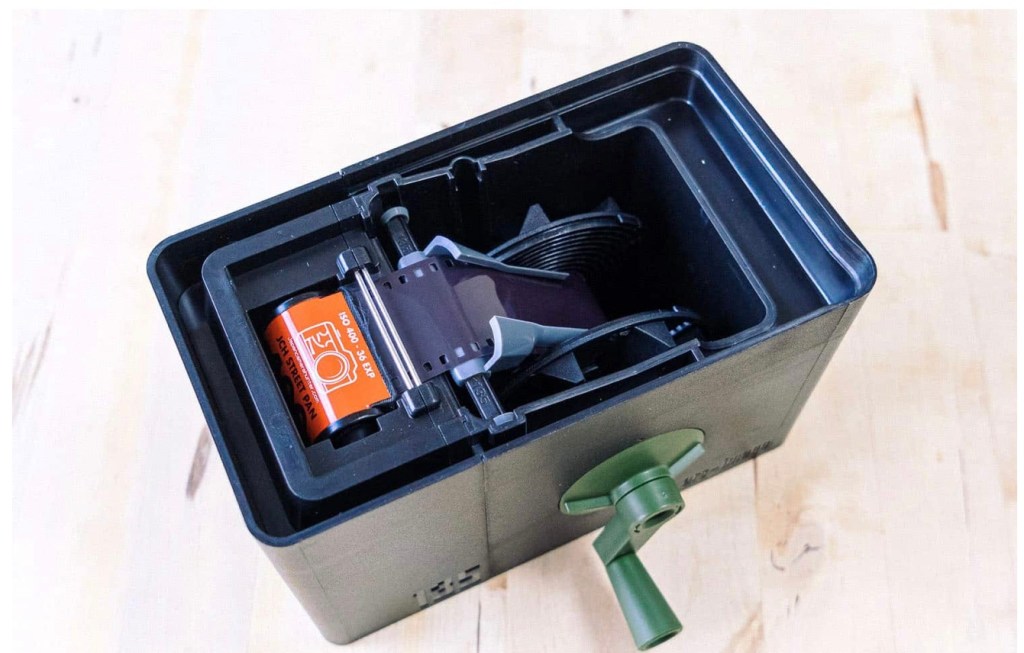
In innards of the Lab-Box. The film is pulled from the cartridge by a ribbon attached to the axis of the reel. From: https://www.japancamerahunter.com/2019/06/photography-ars-imago-lab-box-monobath-review/

In the Lab-box (as in the original Rondinax), the film leader has to be clipped to a ribbon attached to the center of the reel. When the operator has closed the lid of the box, turning the knob on the side of the Lab-Box will pull the film out of the cassette and load it on the reel.

  • Lomo and Lab-Box: design – similarities
    • They can be loaded and operated in full daylight,
    • They’re relatively low-tech – no motor, no battery – they’re operated by a big knob or a small crank.
    • Both need the film leader to be accessible – you have to extract it if your camera is motorized and rewinds the film completely in the cartridge.
    • They can only process one roll of film at a time.
    • They are more difficult to reassemble than a conventional tank after cleaning, which offers a few opportunities to goof-up.
  • Big differences:
    • The “film pull” method of the Lab-Box seems gentler than the Lomo’s “film push” design, where the crank activates two sprockets that engage in the film perforations, and push the film (through a narrow guillotine) to the reel where the film will sit.
    • I’ve experienced multiple difficulties with the Lomo’s loader sprockets (they tend to tear the perforations of the film if they meet any resistance) and with the very narrow slit that controls the entry of the film in the chamber where the reel sits:
      • When you’re finished pushing the film to the reel, it’s still attached to the cartridge, from which you need to separate it in order to start the development process.
        You have to turn a knob vigorously to cut the film, and if the action is not decisive, debris of film get stuck in the slit, and have to be removed to great pains when cleaning the tank before the tank can be reused.
    • On the Lab-Box, agitation is performed by turning the crank (you don’t flip the tank regularly like you would do on a Paterson tank or the Lomo). Agitation can be continuous or intermittent. Ars-Imago recommend the continuous agitation, because it uses half the quantity of chemicals of the intermittent process, but you have to be prepared to turn the crank continuously for the whole duration of the development phase. It’s not motorized, remember.
    • The Lomo only processes 35mm film, the Lab-Box is modular. A 120 roll film loader can be purchased separately.
    • According to Ars-Imago, the Lab-Box is not compatible with PET based films (not that many on their list). I’ve not read about such restrictions on the Lomo.
  • In summary
    • The Lab-Box is twice as expensive as the Lomo Daylight. It’s also larger.
    • To its advantage,
      • the Lab-Box should be gentler with film than the Lomo (the film is pulled, not pushed)
      • It only needs 300ml (10 fl oz) of products if you opt for the continuous agitation. On the other hand, if you prefer to spare your arms and opt for the intermittent agitation, you’ll need 500 ml (17 fl oz) per film. For reference, the Lomo needs 350ml of chemicals, and a Paterson tank will need 300ml for a single film, and 500 ml if loaded with two films.
      • it’s more flexible than Lomo (120 roll film and “intelligent lid” options)
    • On the Lab-Box, continuous agitation implies that the photographer turns a knob or an optional crank continuously (of course) for the duration of the development phase. Imagine you’re pushing a film and use a developer at high dilution – do you feel like turning a crank continuously for 10 minutes?
    • On the Lomo, you can stick to the same intermittent agitation process (Paterson calls that “inversion”) you would follow with a more conventional tank.
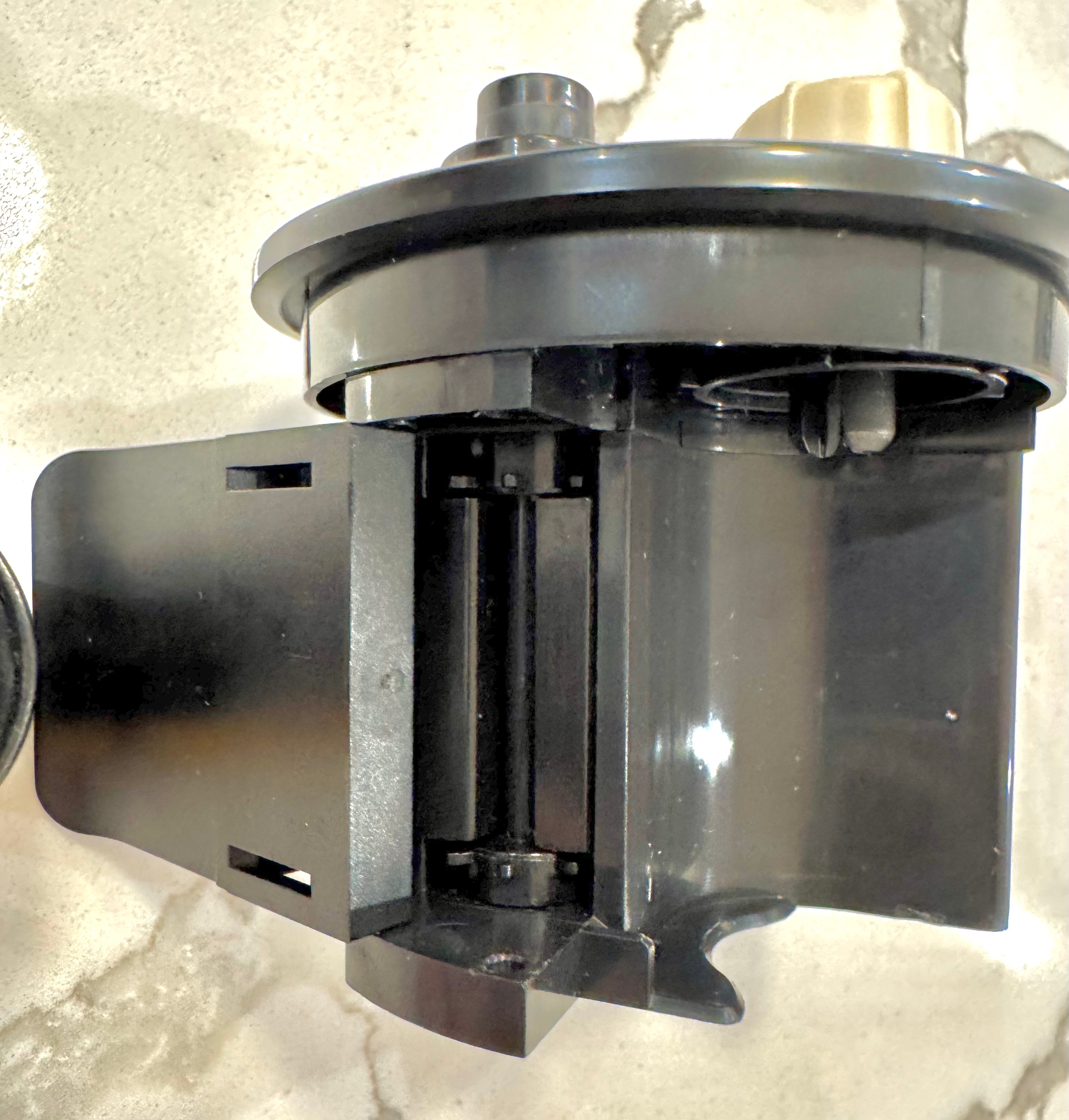
The Lomo Daylight Developing Tank – the film loader – notice the sprockets pushing the film to the reel.

How the Lomo Daylight Tank compares with a conventional Paterson (or Jobo) tank system?

Let’s answer a few questions…

  • How long does it take and how difficult is it?
    • to extract the film leader
      • this step is only needed with the Lomo, and only if you’ve let the camera fully rewind the film in the cassette. In the end, I’ve always succeeded in extracting the film leader from a cartridge where the film had been fully rewound, but it’s always a frustrating exercise, even with a good film extractor (the Lomo’s is a pretty good one). It almost never works on the first attempt (my average number of attempts must be around four per cartridge). So, a few frustrating minutes to be expected.
    • to load the film in the tank.
      • Lomo: it’s easy. Cut the film leader as directed by Lomo in their videos, place the cartridge in the loader, the loader in the tank, lock it… and here you go. Most of the time, it will work perfectly. And it takes a couple of minutes at the most.
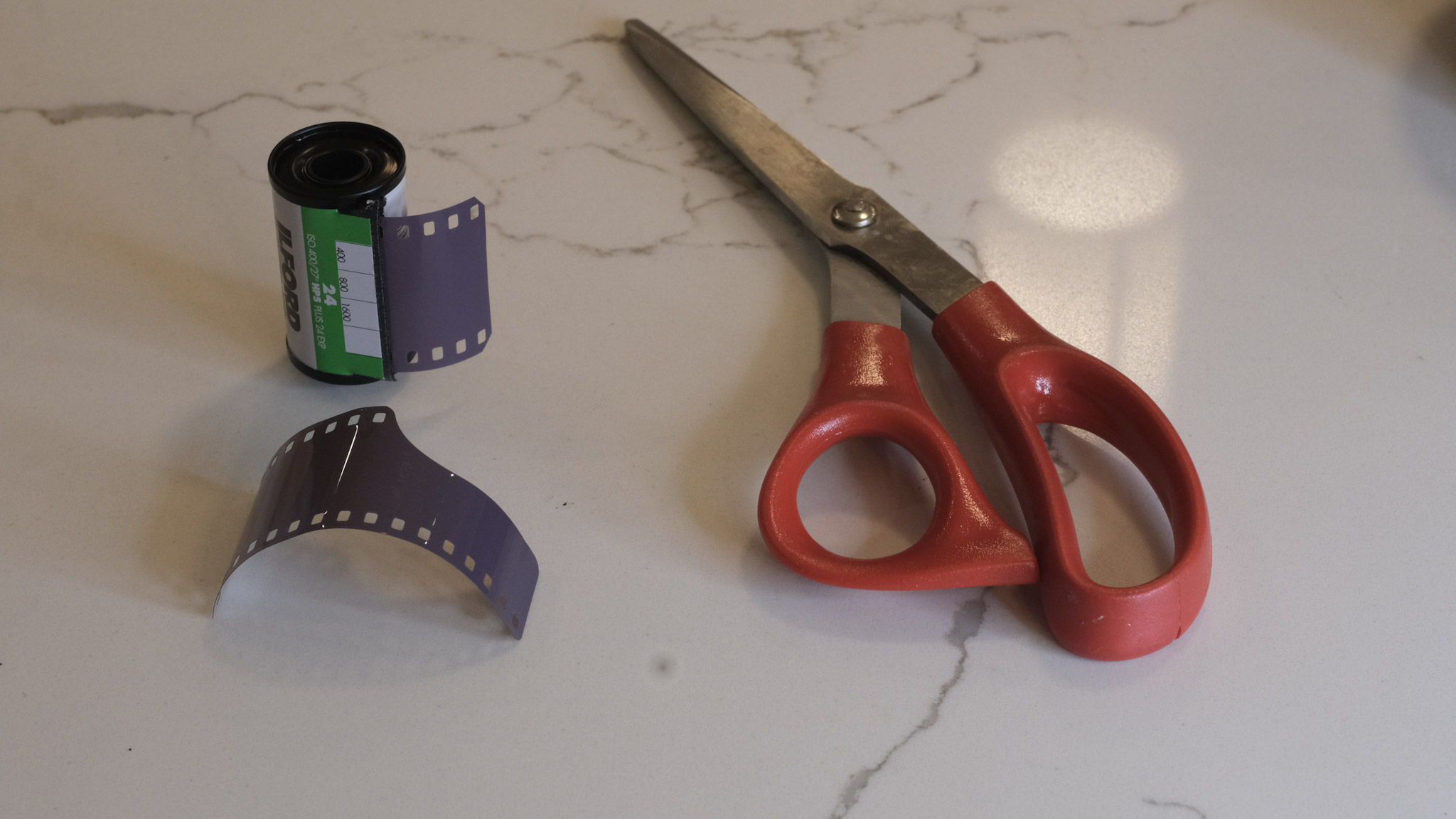
      • Paterson – I’m using a brand new Paterson Universal System 4 tank, that came with a so called “auto-loader” reel. It’s a plastic reel, equipped with a ratchet system. Once you’ve disassembled the tank and placed it in the charging bag with the film cassette and scissors, it’s easy to find the starting point of the reel’s spiral and turn the left and right parts of the wheel in opposite directions to move the film from the cassette to the reel. All in all it does not take longer than loading the Lomo.
    • to clean and re-assemble the tank?
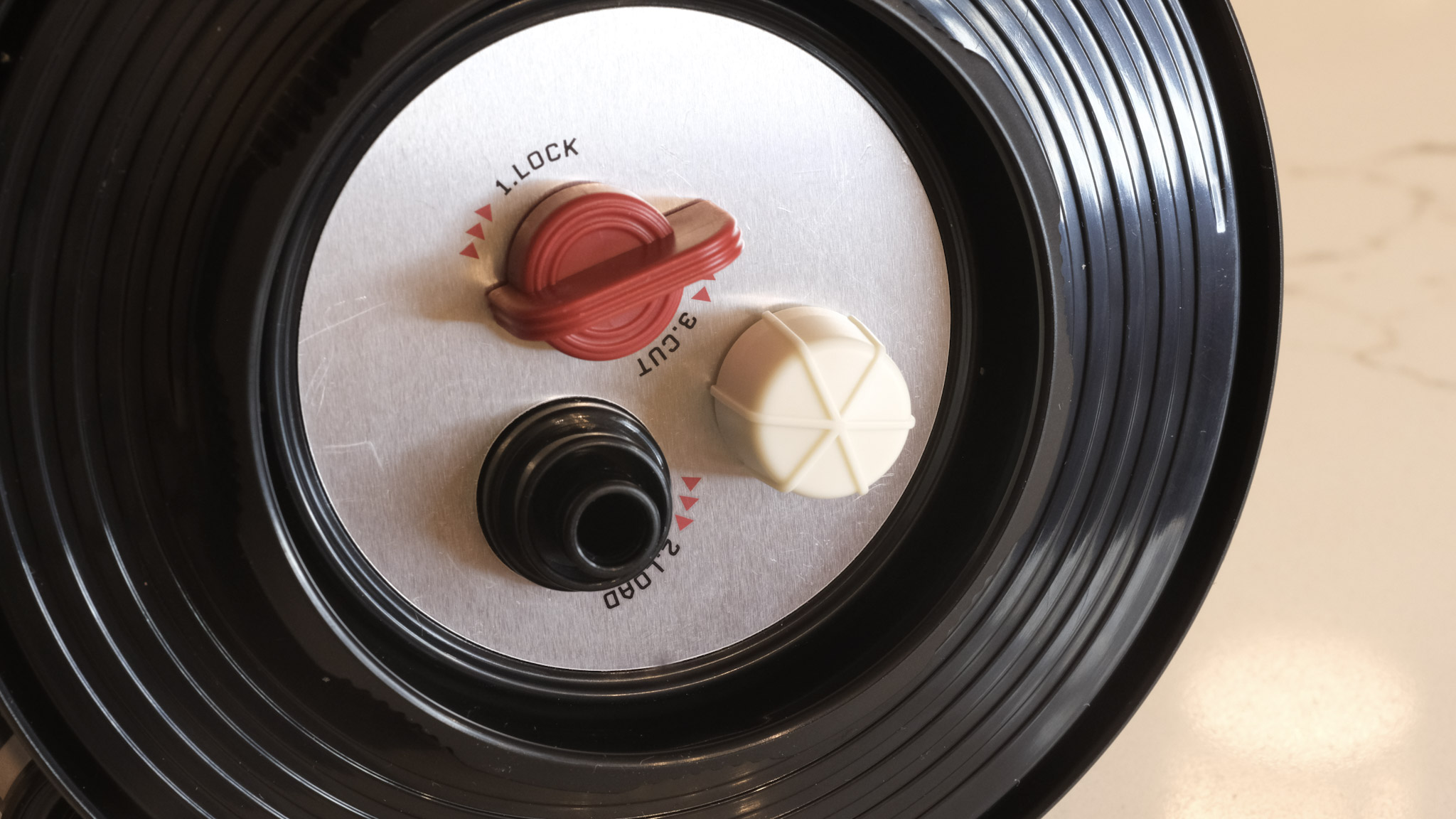
      • Lomo: a benefit of the Lomo’s design is that the film loader is removed from the tank before the developer can be poured in the tank. So that part remains dry and does not need to be cleaned. A total of six parts are in contact with the chemistry and have to be cleaned, and reassembled once they’re dry. The photographer is guided by red arrows and grooves of different sizes that make the whole re-assembly process idiot proof. It does not take more than one or two minutes.
      • Paterson: the Paterson system is even simpler. If using one reel, it’s composed of only five parts, which are extremely easy to clean and re-assemble.
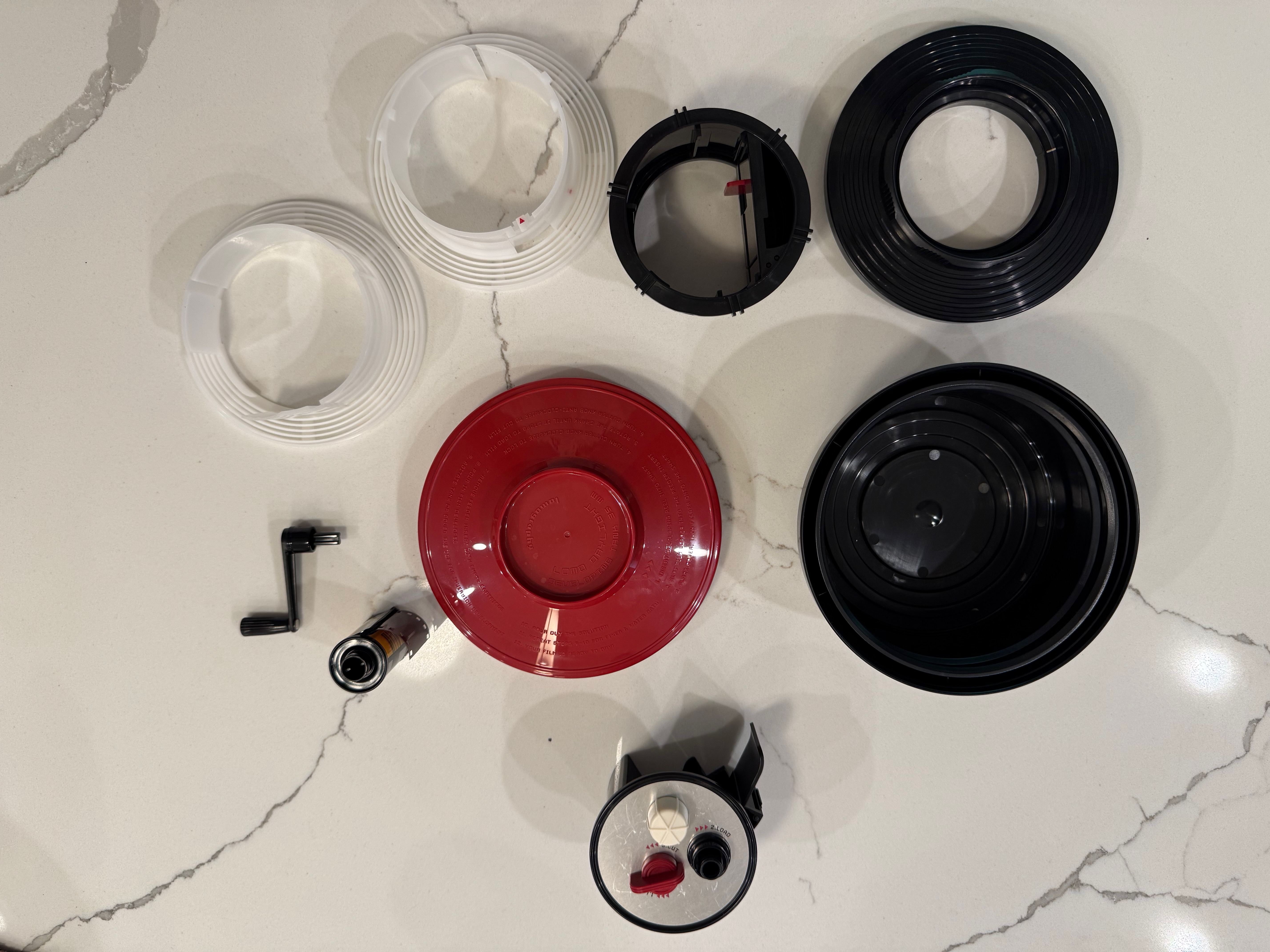
Disassembling the Lomo Daylight – the film loader (bottom of the image) and the crank (of course) don’t need to be cleaned. Reassembly is guided by red arrows and keys.

As a conclusion

It came as a surprise to me. I did not remember that loading a developing tank like the Paterson Universal System 4 was so easy. All right, you need a charging bag – which is one more piece of equipment to buy and store, but it does not take much space, and could be useful in other circumstances.

So…The Lomo Daylight is easy to load, and not difficult to clean and reassemble. But after a very limited practice (one or two dry runs), the Paterson tank is as easy to load as the Lomo, and even easier to clean and reassemble.
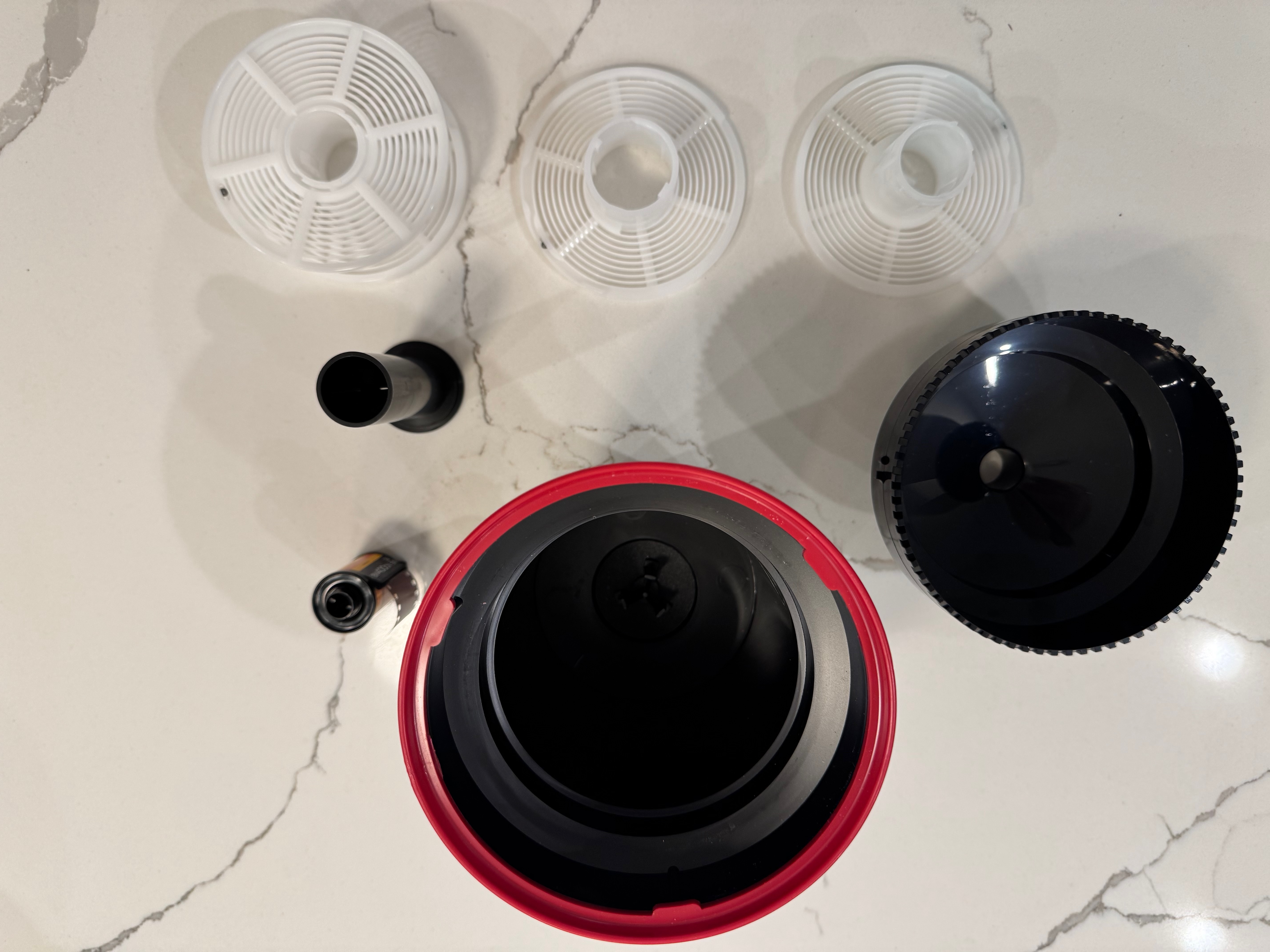
Disassembling the Paterson tank – it could not be simpler.

The Paterson (or a system of equivalent quality) has the additional advantages of being more flexible (the reels can be configured for one or two 35mm films or one 120 film), easier to maintain at a specific temperature in a sous vide if inserted in a color process workflow, and less finicky than the Lomo, which can be a bit temperamental in my experience.

The real difference? this pesky film leader extractor. Extracting the film leader from a fully rewound cassette of 35mm film is a royal pain. You may have to do it before you can load the film in a Lomo, but never on a Paterson tank.

Two film leader extractors – the tool provided by Lomo (top) and my old and trusted Hama extractor. The Lomo is probably less of a pain, but still a pain.

More on the subject

Discontinued systems:

Current systems

The Ars-Imago Lab Box:


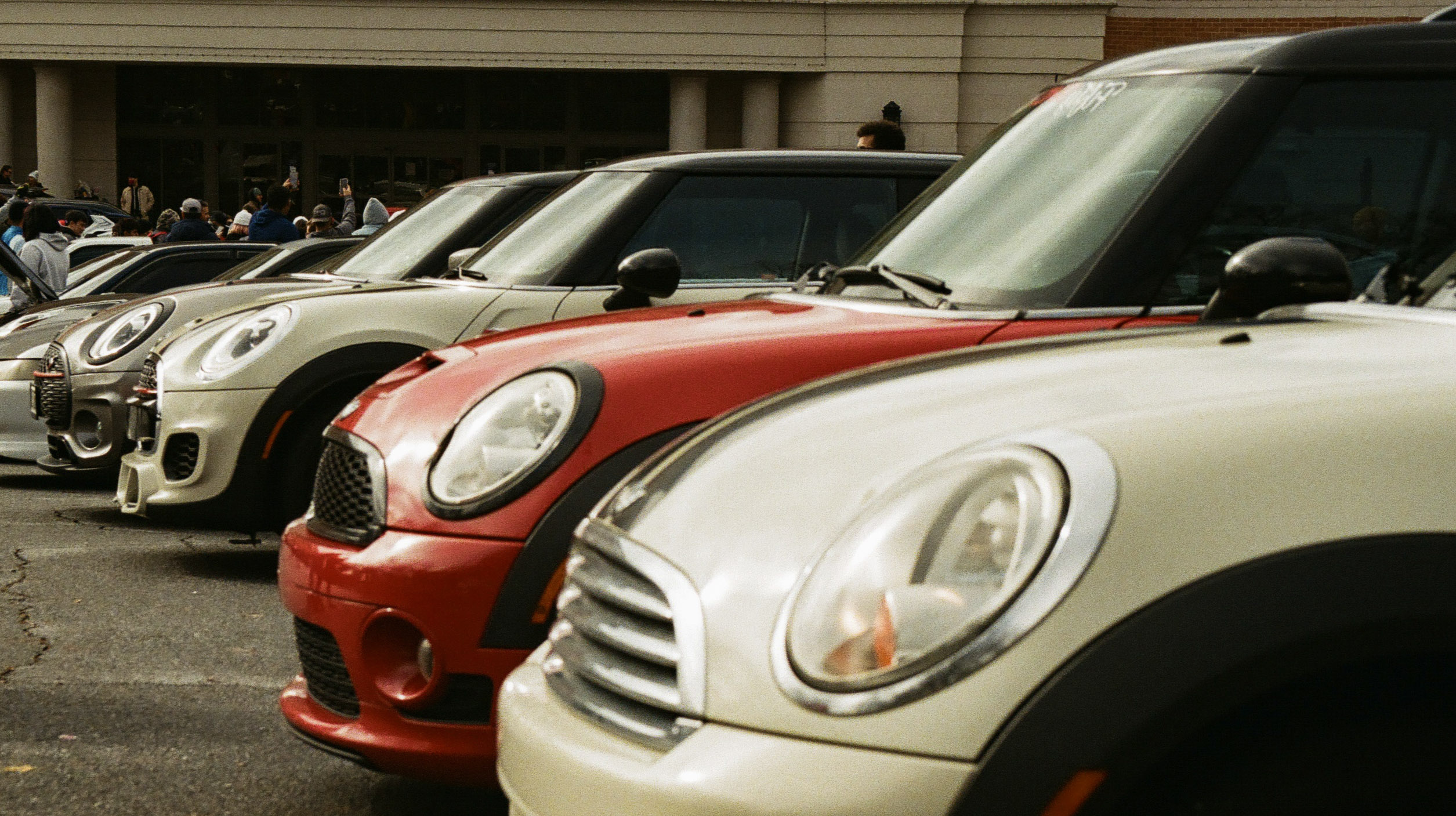
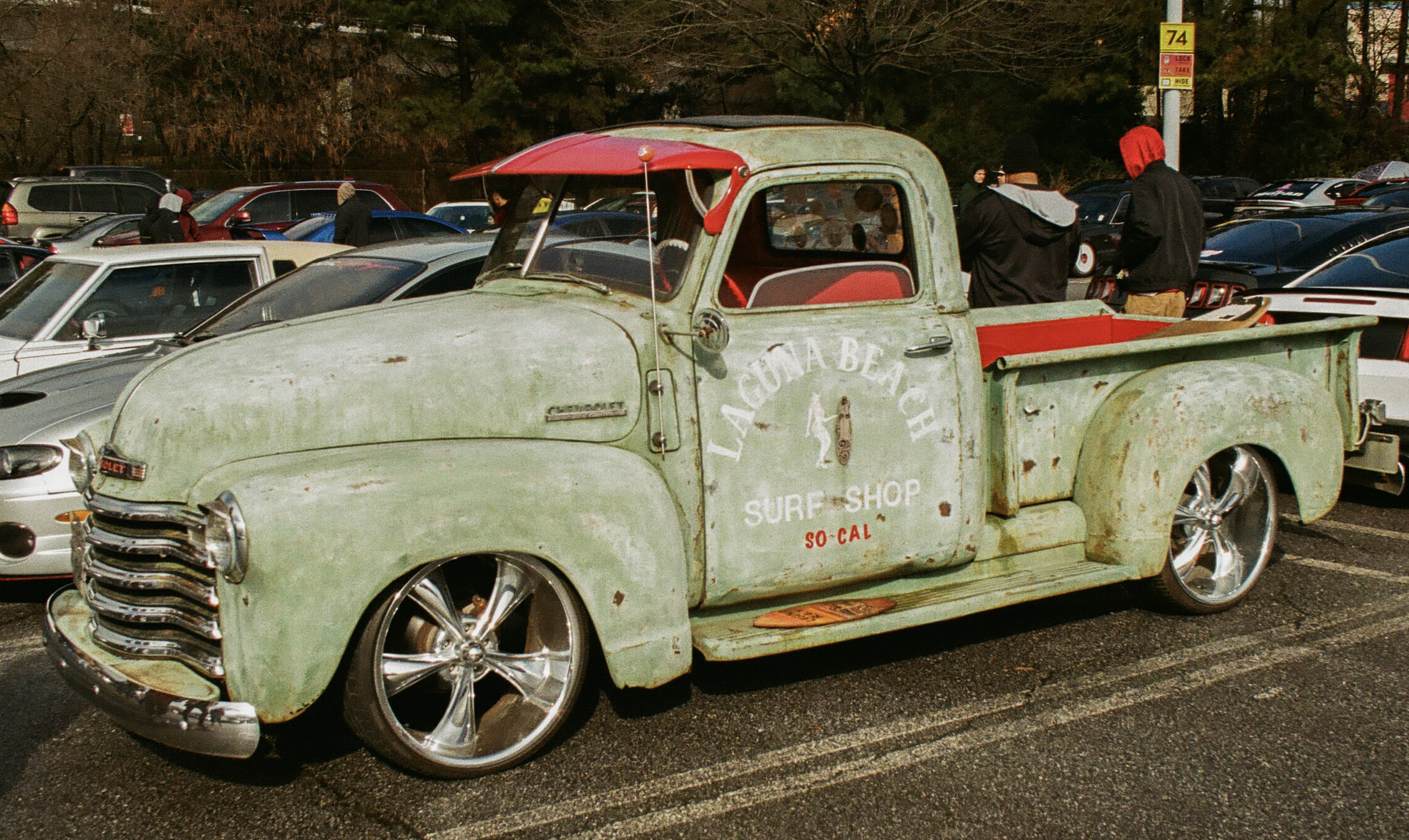
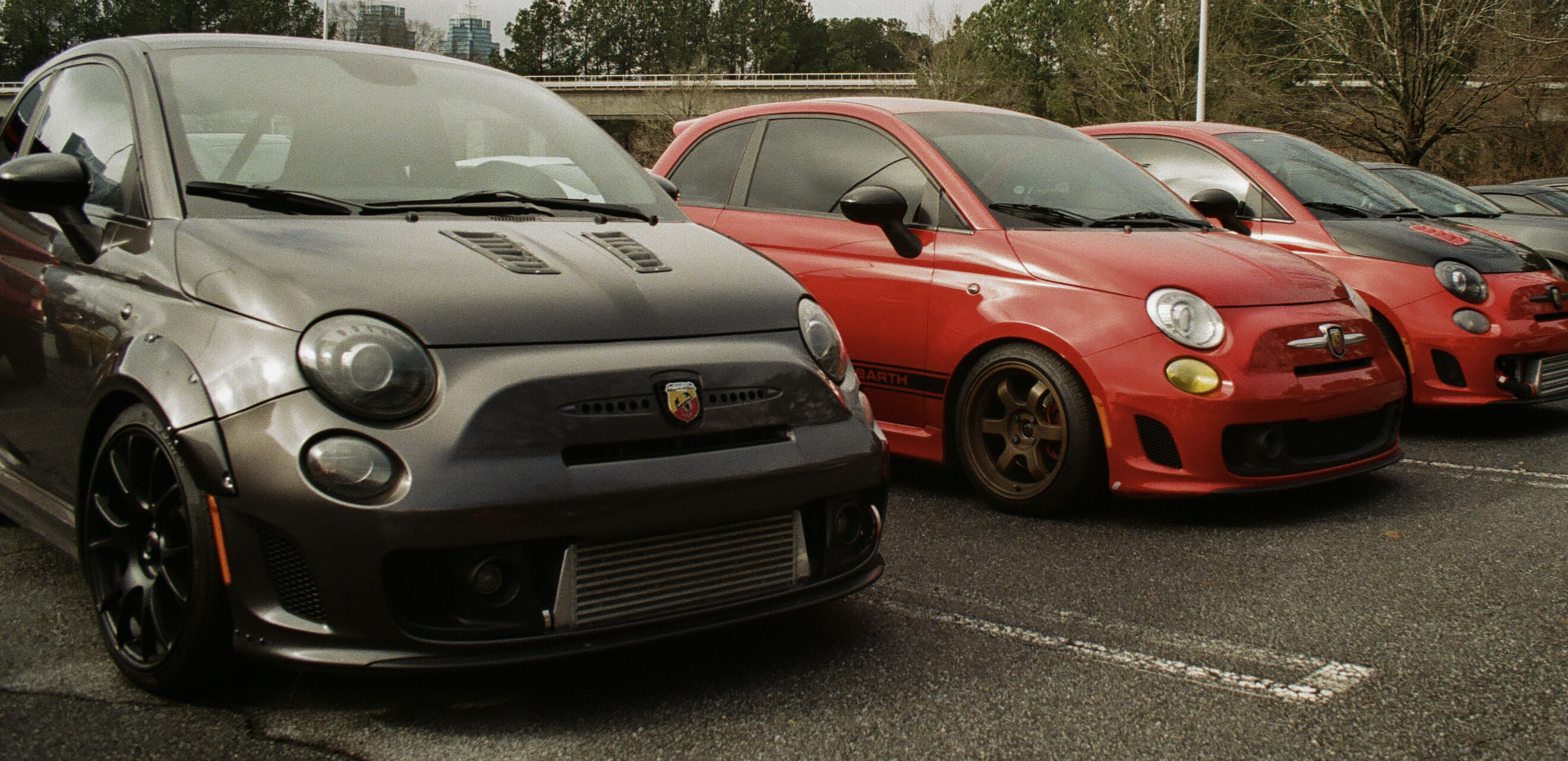
Cars and Coffee – March 2021 – Atlanta – Nikon FE2

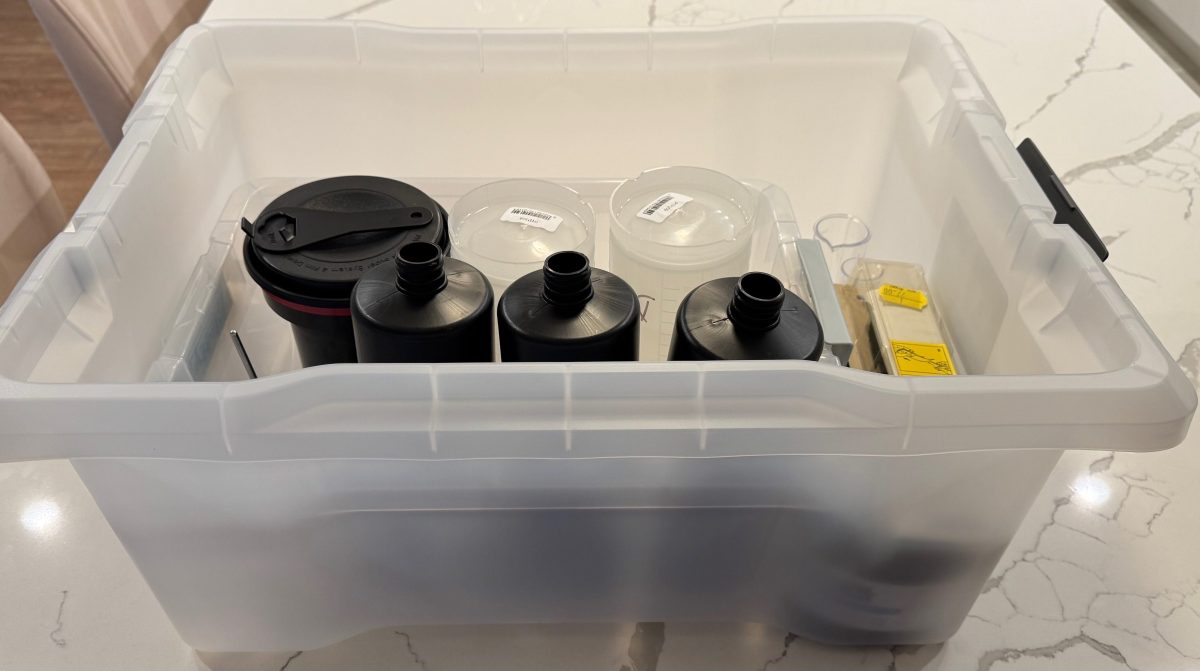
A photo lab in a 20 by 15 by 10in plastic bin.

Not everybody has the luxury of dedicating a room – or even a large cabinet – to use as a home photo lab.

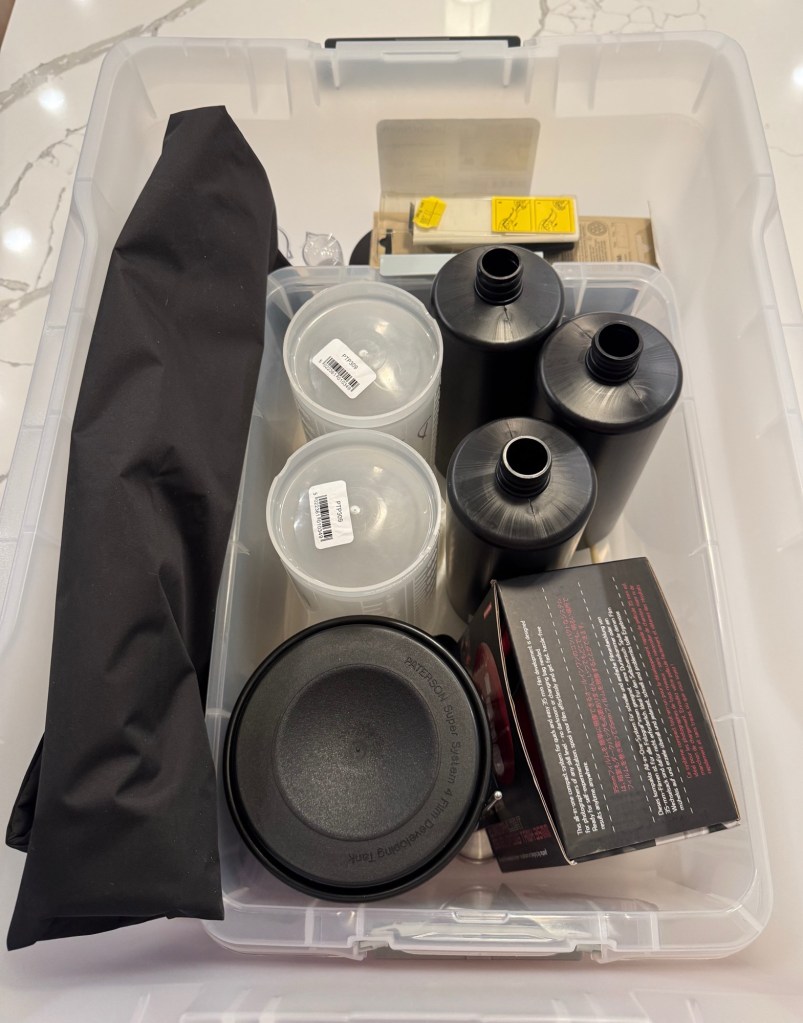
If you still enlarge and process your prints at home, you need a dark room, and plenty of space for the enlarger and the developing trays – but if you only process film, and immediately digitize it, you simply need a few square feet on the countertop of your kitchen. Once you’ve cleaned your equipment, it will fit in a 20x15x10in plastic bin, chemicals included.


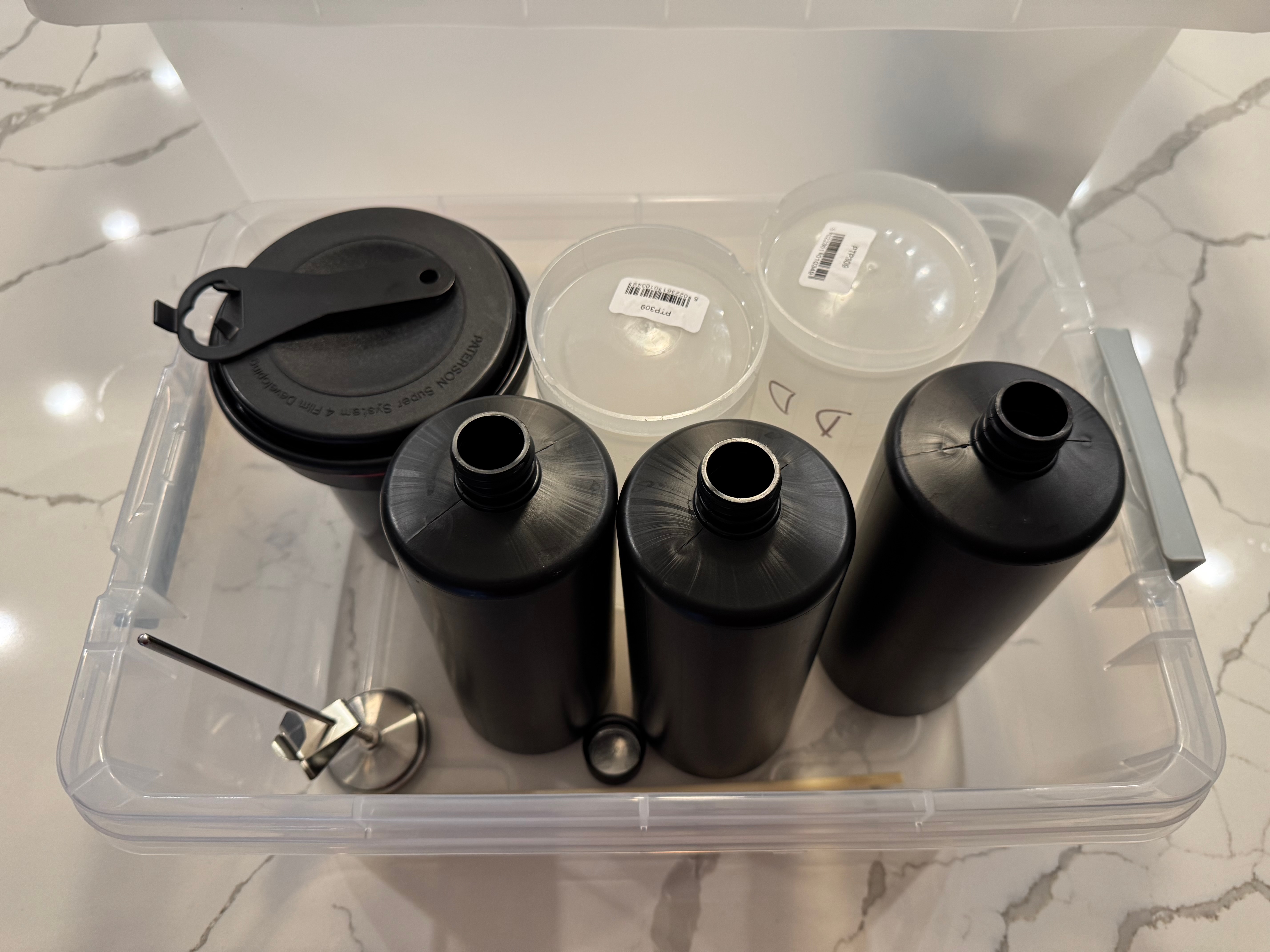
Everything can fit in a 20x15x10in plastic bin, including the chemicals


A 20x15x10in plastic bin is still rather large object to carry around (and I can’t imagine people traveling with their diluted chemicals and processing film in their hotel room), but it’s easy to find it a storage place at home, even in a small apartment.

the 12 gallon bin with enough room for two tanks (one Lomo, one Paterson), bottles and even chemicals (the Tetenal tabs).

I started processing film again a few months ago, and I’m still re-discovering the secrets of the trade. I still make mistakes and I’m not ready to develop color film at home yet, but it’s one of my mid-term goals. I’m trying to keep the whole process simple and low cost, and I’m sharing here what I’ve learned, so far.

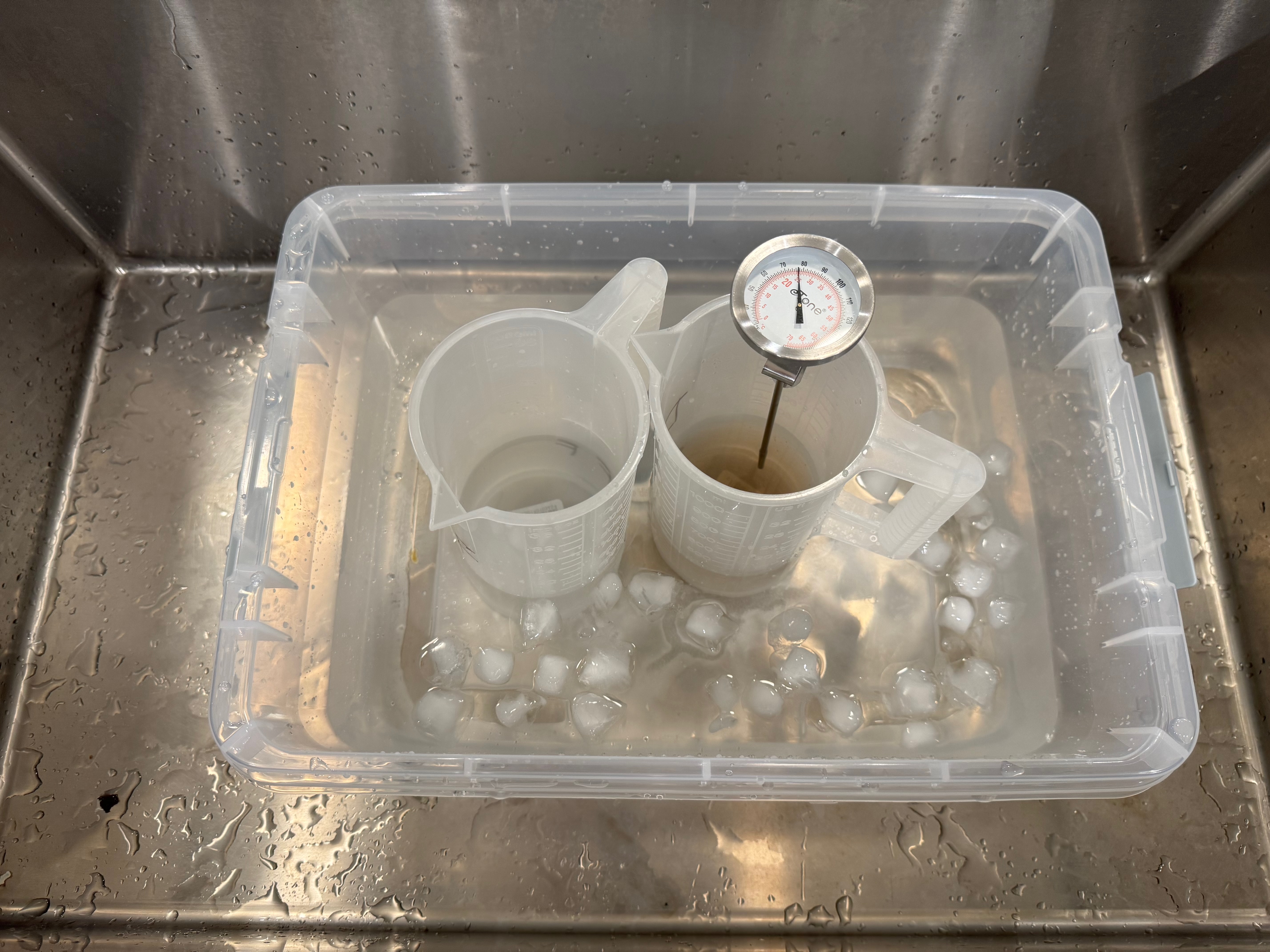
A smaller storage bin to use as a sous vide if needed

Preparing the chemicals

Preparing and storing the chemicals is the thorniest issue, in particular if you only process one or two rolls of film per month. Products (developer, fixer) are always delivered as liquid concentrate or powder, and need to be diluted before use.

Tetenal – the developer and the fixer come is two easy to store bottles.

Ilford sells a beginners starter kit (the Simplicity Starter Pack) with enough product to process two cartridges of 35mm film, but it’s horrendously expensive at almost $35.00 once you have included the cost of shipping (that’s $17.00 per roll of film… ouch!).

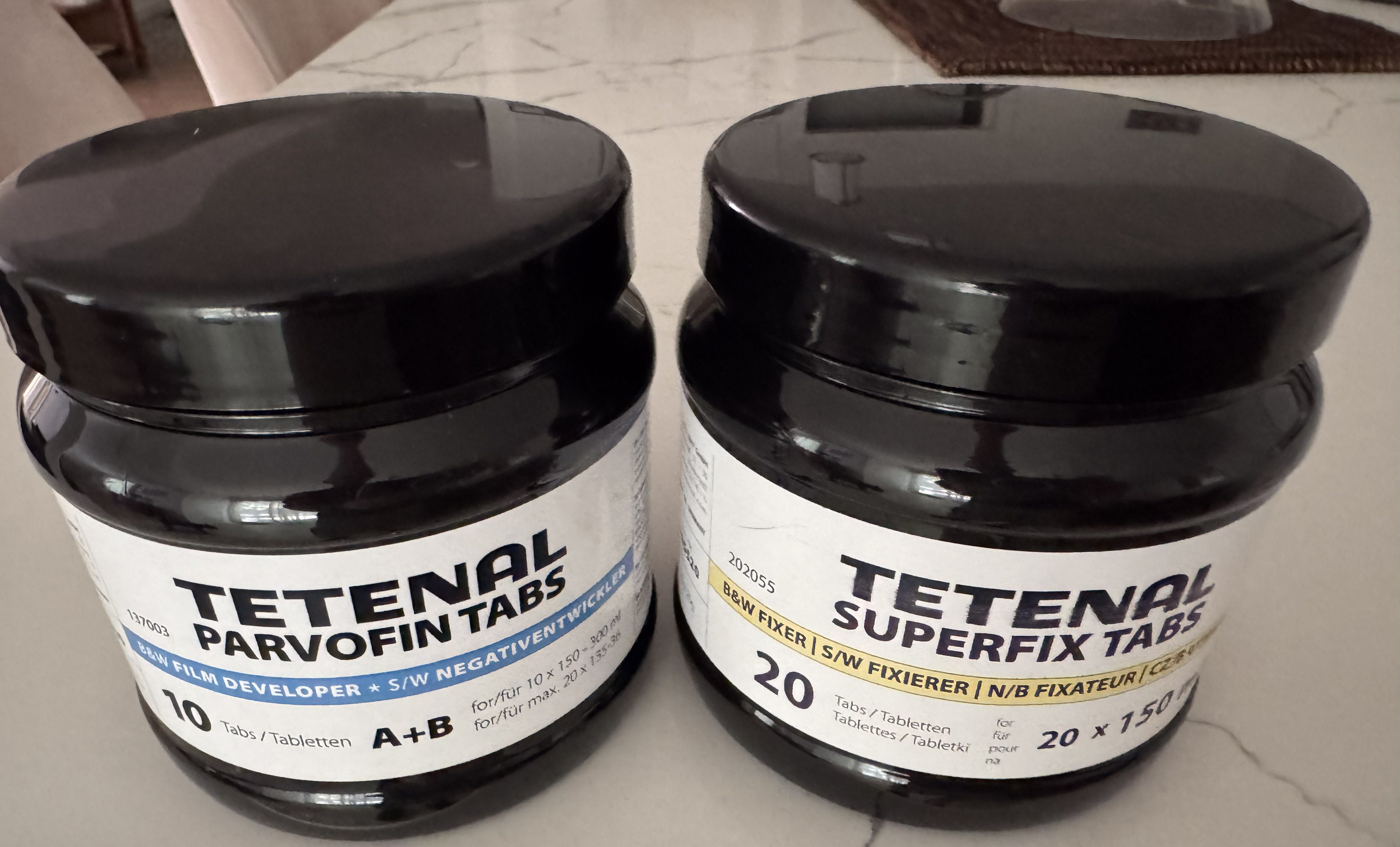
Tetenal has run out of business, but Freestyle Photo (and a few other retailers) still have a some of their products in store – I bought a bottle of Tetenal Parvofin tabs (the developer) , and a bottle of Tetenal Superfix tabs (the fixer). The products are packaged as tablets (like an Alka Seltzer effervescent tab), don’t take much space, and can be stored for a long time (four years). Each tablet is good for one roll of film: you just dilute what you need a few hours before use (you have to let it cool down). It looks like a good solution if you don’t process huge volumes of film, and don’t want to store chemicals in liquid form. The Tetenal tablets are still expensive (approximately $5.00 per processed roll of film) but they’re convenient.

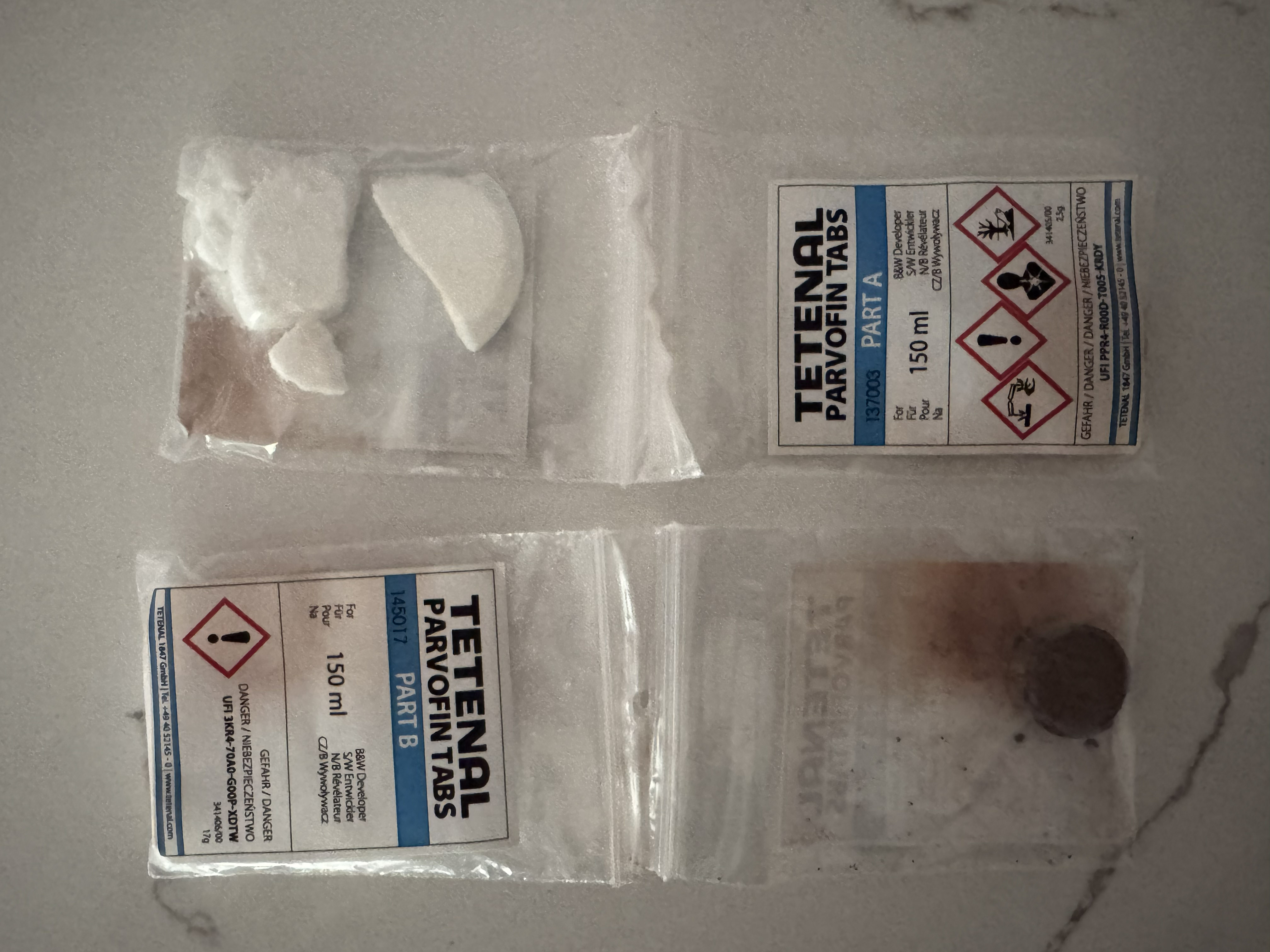
Tetenal: the Parvofin tablets. The developer solution is obtained by placing the two tabs (Part A, Part B) in hot water.

Processing the film

Amateurs typically process roll film (135 or 120) in developing tanks.

Maintaining the developer and the fixer at 22 degrees c. (It’s Atlanta in July, you have to cool the B&W baths).

Paterson, Jobo (and all sort of copycats) manufacture developing tanks that have to be loaded in the dark. I’ve never trusted a dark room to be dark enough to load film, and I’ve always used a charging bag. 

You slide your hands in the two sleeves, load the film on the reel, place the reel in the tank, and close the tank. Without seeing what you’re doing – of course.

Intimidating, but not that difficult after one or two dry runs.

Lomo and Lab-Box have been promoting an easier way to process film, with tanks that can be loaded in full daylight – no charging bag needed. You simply place the film cartridge in a receptacle, turn a crank, and the film is loaded. I’ve been using the Lomo Daylight Developing Tank for a few months. Yes, it works, but I’m not totally sold on it – I may even return to a conventional Paterson tank (there was a promo recently and I bought one for cheap).


Lomo Daylight imposes a trade-off between simplicity and convenience, on the one hand, and reliability and flexibility, on the other hand


The Lomo Daylight teared the peforations of the film. If it happens, the cartridge has to be removed from the loader, and the damaged section cut off before another attempt at loading the film can be made.

I’ve never seen or tested the Lab-box, but the Lomo Daylight imposes a trade-off between simplicity and convenience, on the one hand, and reliability and flexibility, on the other hand.

  • Reliability because to push the film on the reel hidden inside the tank, Lomo relies on a pair of sprockets (that engage in the film perforations) – and will tear those perforations if there is any resistance. If it happens in the middle of the film loading process, you have to turn the red button to cut the film, remove the film receptacle from the tank, develop the film which is already inside the tank, clean and dry the whole thing, then return to your film cartridge, cut the section where the perforations were teared down, resume film loading, and start a new film processing cycle. Of course, you lose a few pictures in the process, and a few hours of your time. Not great.
  • Flexibility, because the Lomo only works with one roll of 35mm film at a time, as opposed to a conventional developing tank that will offer the flexibility of developing one or two 35mm film cartridges or a single 120 film roll in one run. Also, the Lomo tends to require more product per cycle than a conventional tank, and because of its shape, may (I’ve not tested) be more difficult to use when processing color film.

Film scanning or digitizing

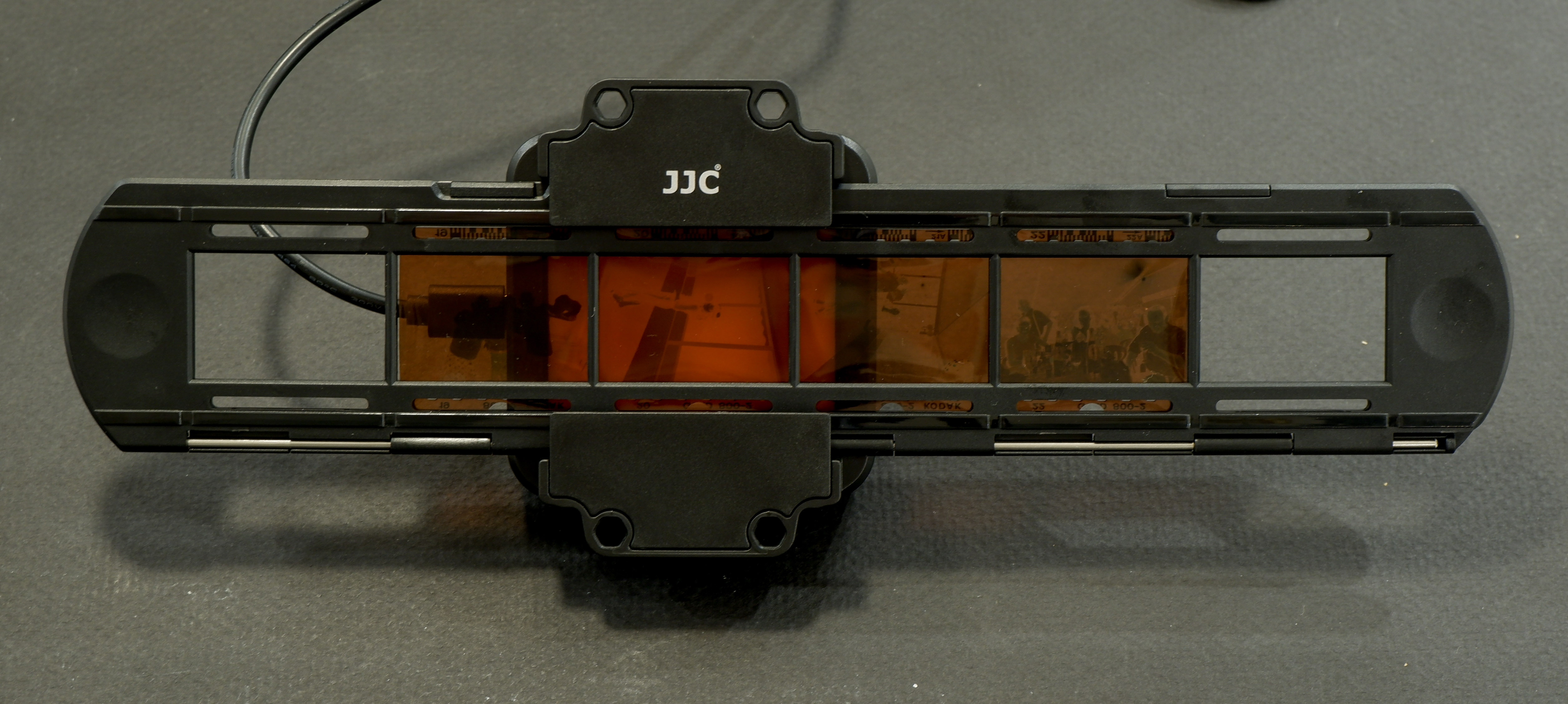
I don’t own a dedicated film scanner. I simply mount a macro lens (an old 55mm Nikkor) on my current digital camera, screw the JJC Film Digitizing adapter on the front of the lens, and digitize a full roll of film in a few minutes. I have absolutely no reservation about that part of the work flow. It’s quick, easy, and it simply works.

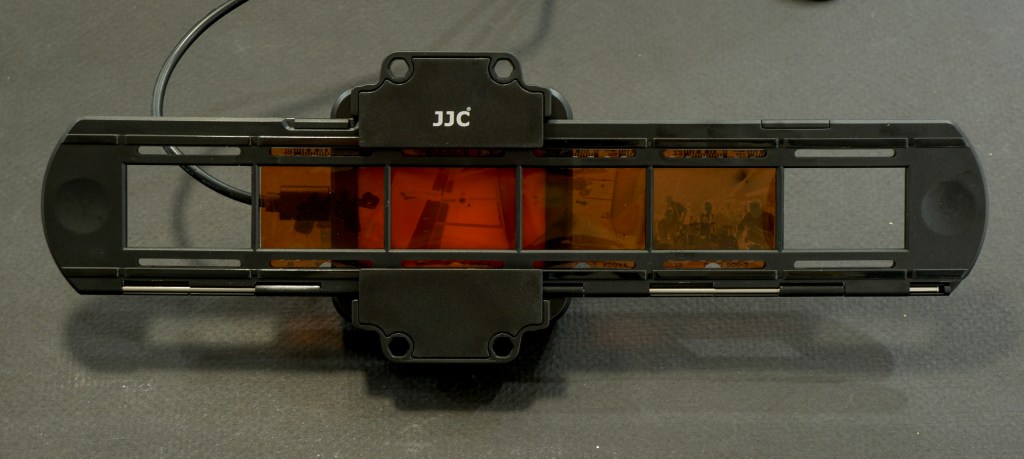
JJC Digitizing kit: the film strip holder
In action – Fujifilm X-T4, Fotasy Nikon F to Fujifilm X Adapter, Nikon Micro-Nikkor 55mm, JJC kit. The lightbox is included in the JJC solution, a big advantage over a similar product offered by Nikon.

Editing and sharing your images

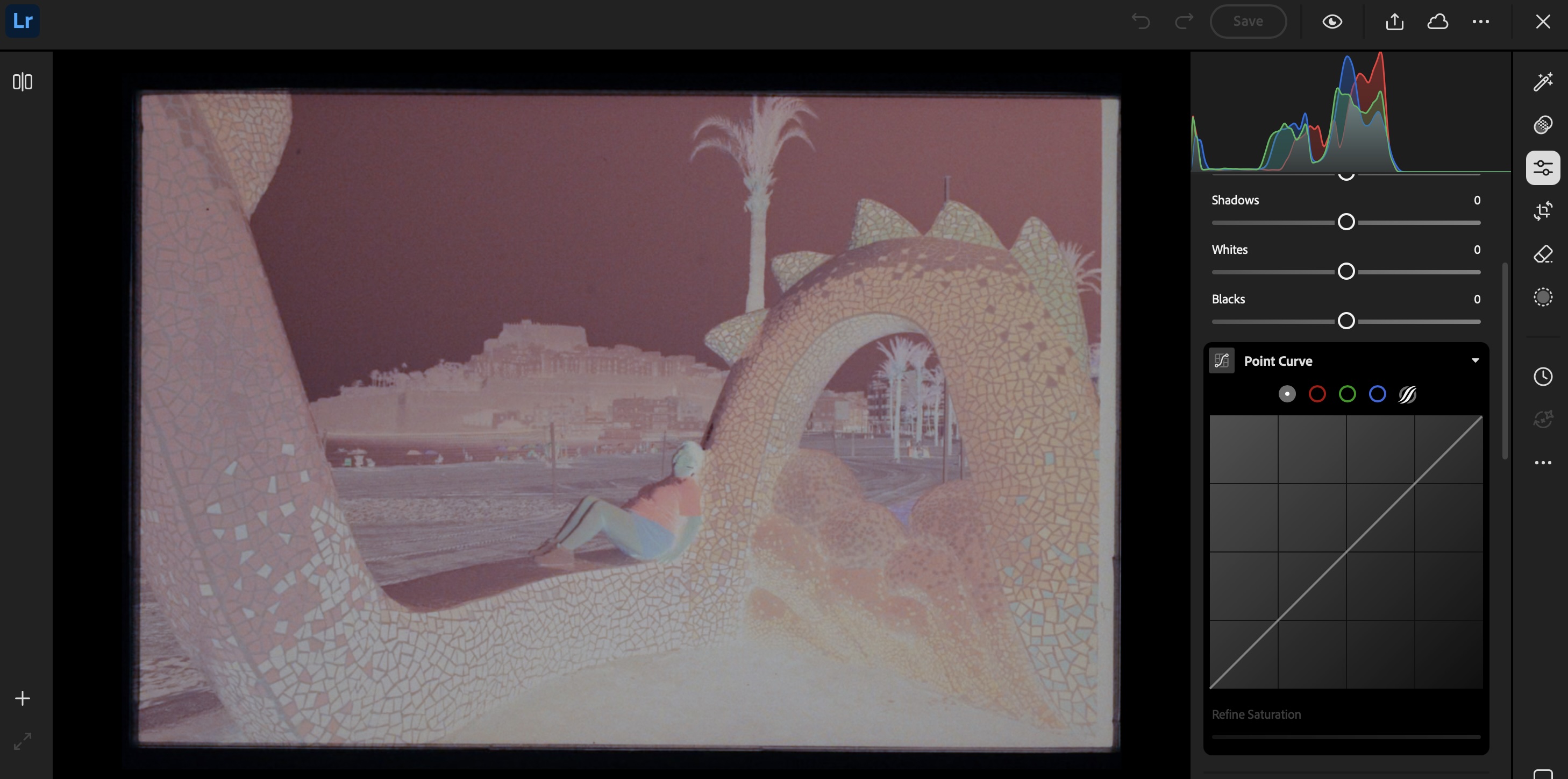
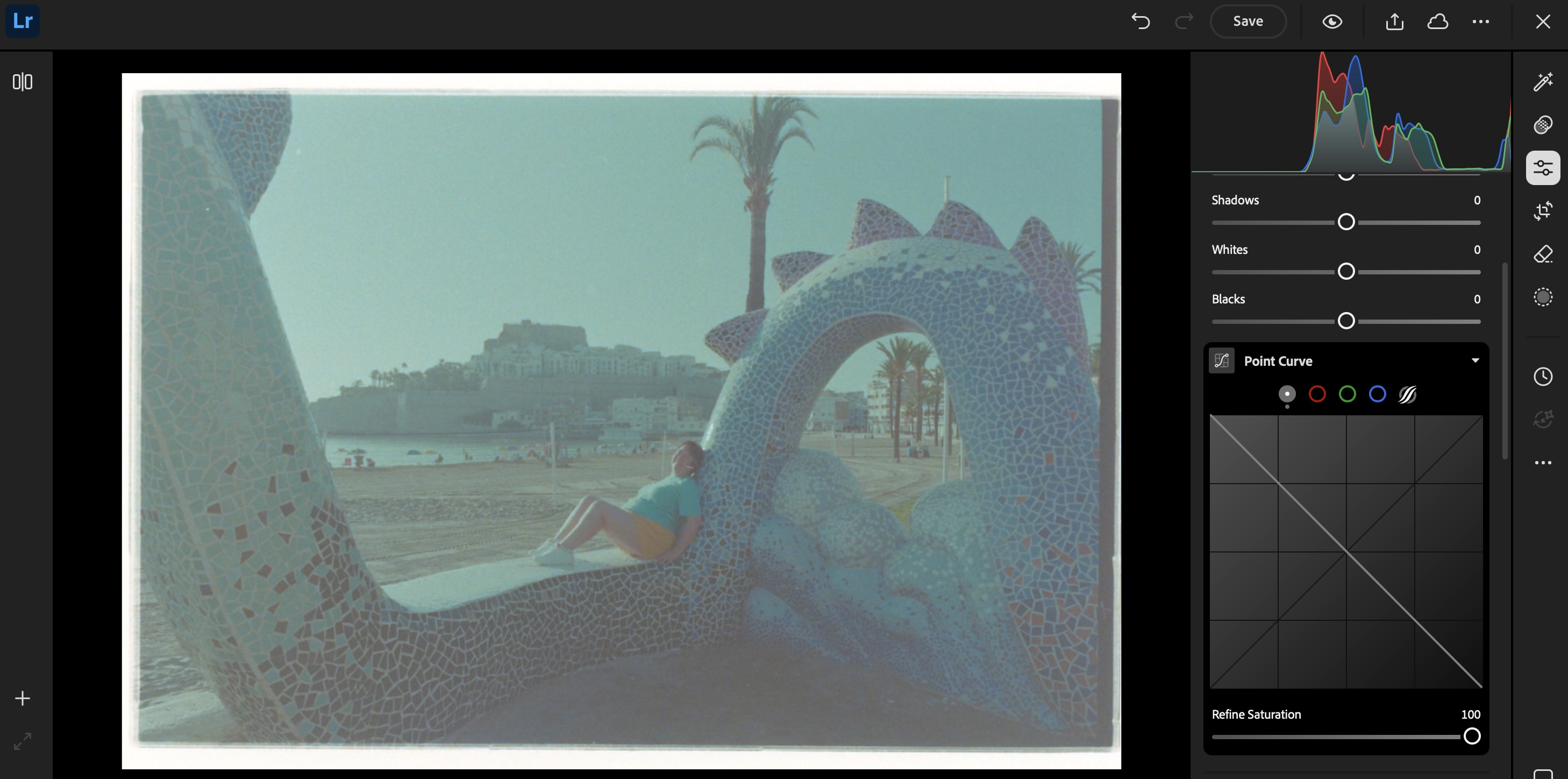
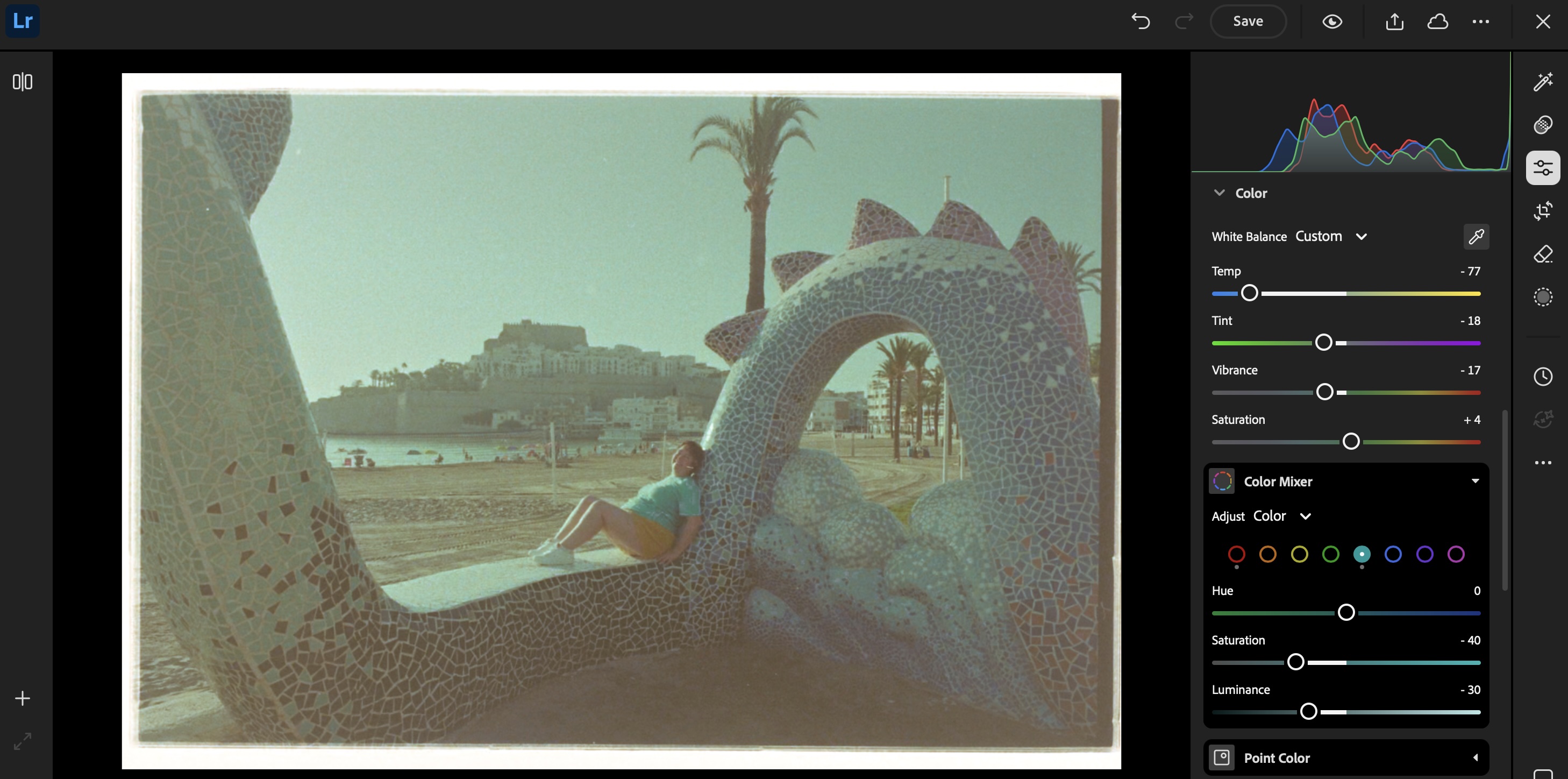
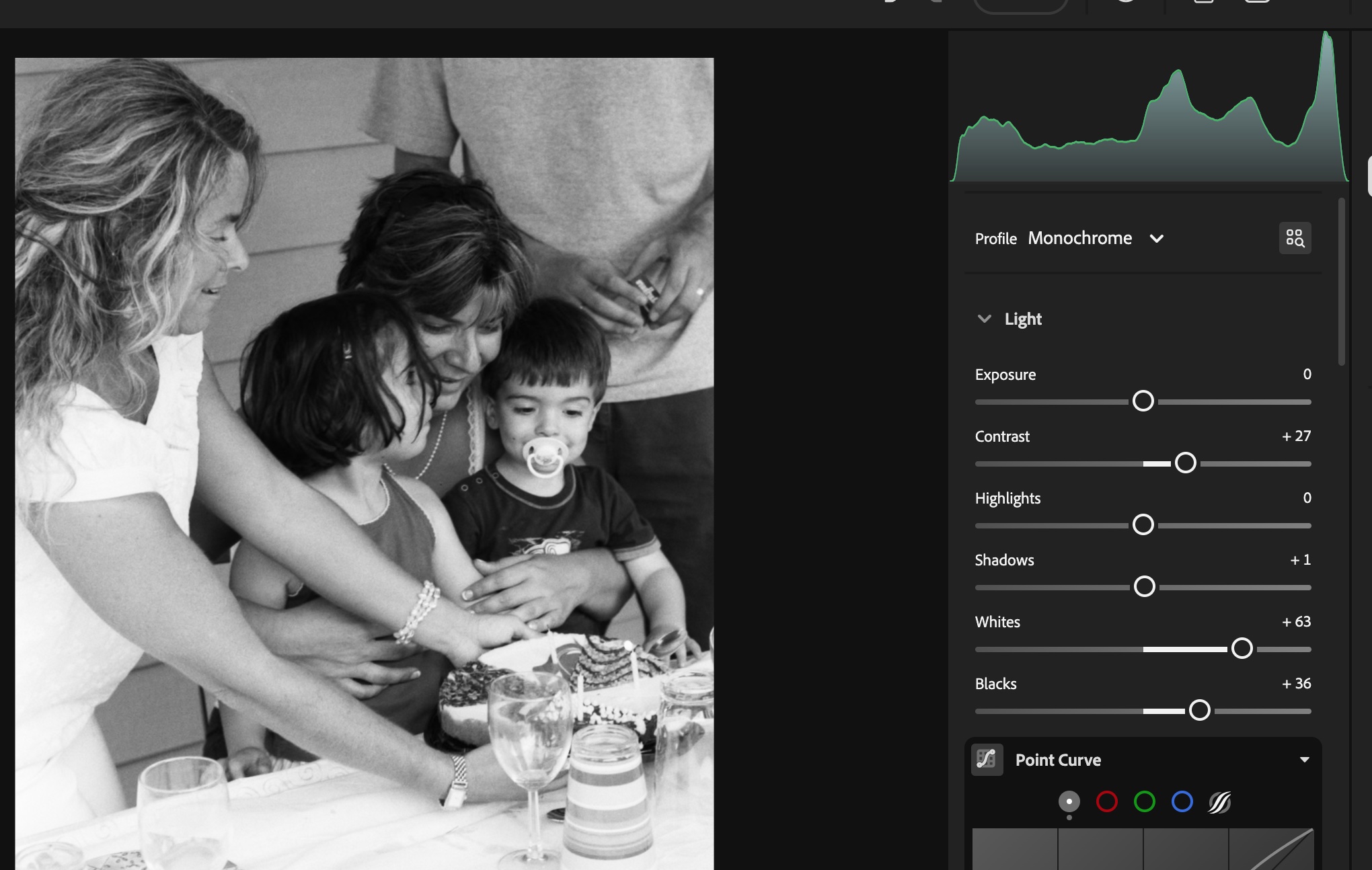
The rest of the process takes place on a “computer” (PC, Mac or iPad). I simply connect a SD card reader to my iPad or to my PC, and upload the images to Lightroom Mobile or Lightroom Web. Even the junior versions of Lightroom will let you invert the negative (by flipping the two ends of the Point Curve), and finalize the image by playing with the exposure, contrast and while balance sliders.

If correctly exposed, processed and digitized, black and white film will require very little work in a photo editing tool like Lightroom Mobile. Color film requires more effort – but so far, I’ve not felt the need to upgrade to Lightroom Classic and to a dedicated Negative Film Processing plug-in.

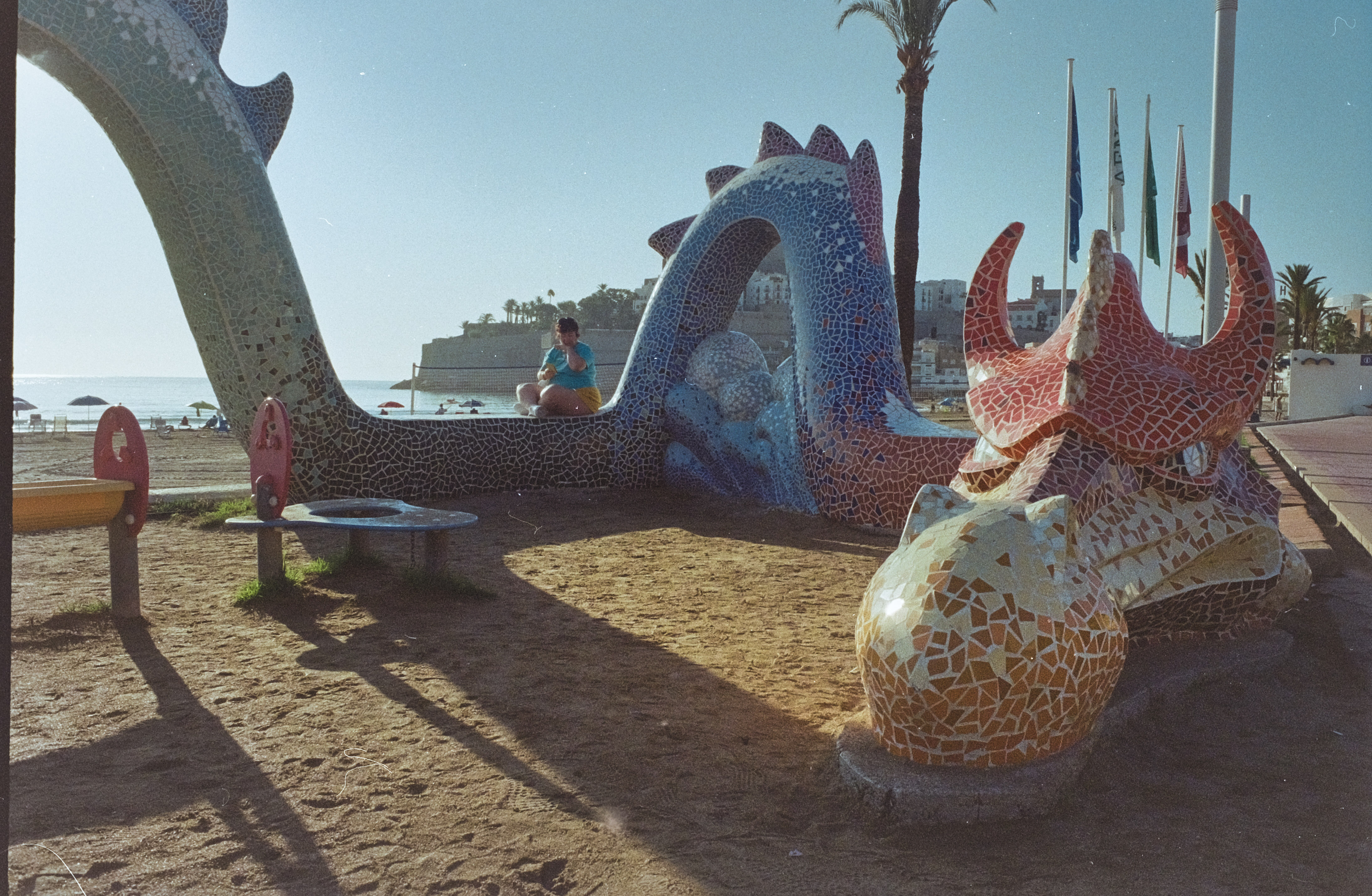
The final result: Peñíscola (Spain) – a few episodes of Game of Thrones were shot in the citadel. It explains the dragon. Digitized from film, inverted and adjusted in LightRoom Web.

As a conclusion: what’s in my plastic bin?

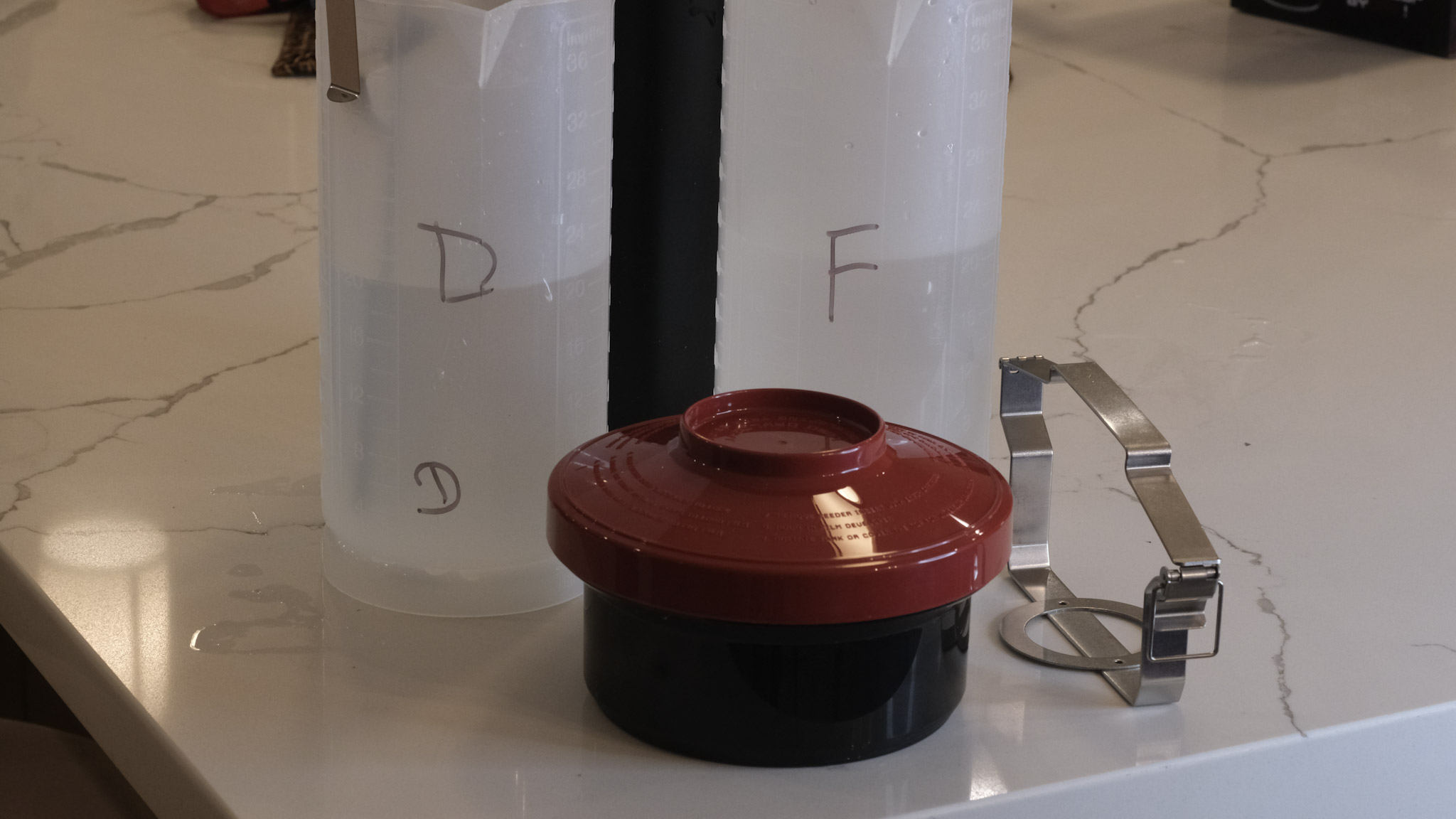
Developer, fixer, bottles, tank, thermometer, beakers, samigons, squeegee, weighted clips – everything fits in my 12 gallon plastic bin. Color processing would require an extra device to maintain the temperature of the baths and the tank at 38 degrees C, but I don’t need one for B&W film (in the Atlanta summers, the difficulty is to keep the temperature of the B&W baths low enough).

I included in my kit a smaller bin to use as a sous-vide, to keep the chemicals at a controlled temperature while processing the film. It also fits in the larger bin.

Digitizing adapter, macro lens and digital camera are stored separately, of course.


More about film development in CamerAgX


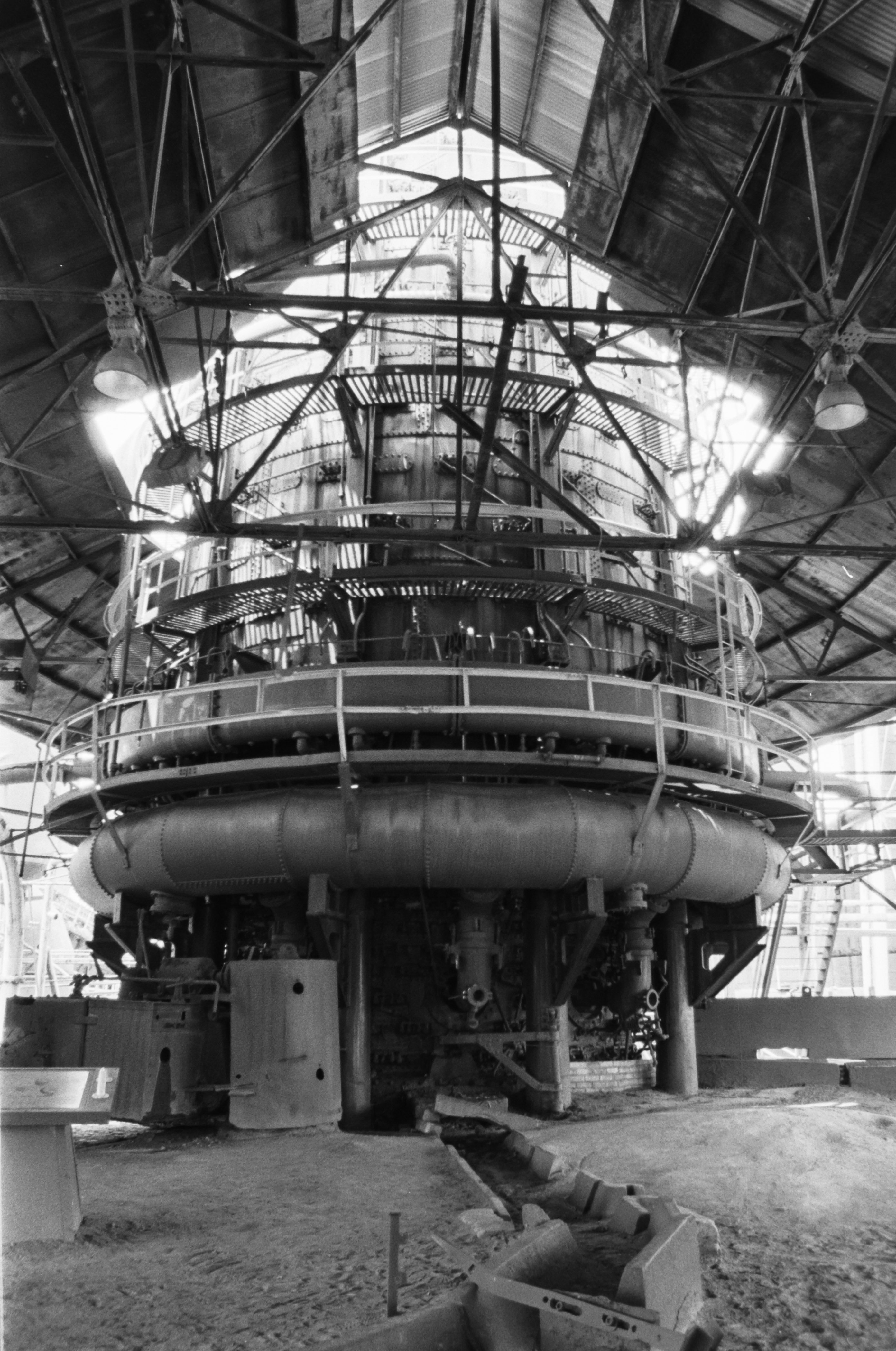
Sloss Furnaces – Birmingham, AL
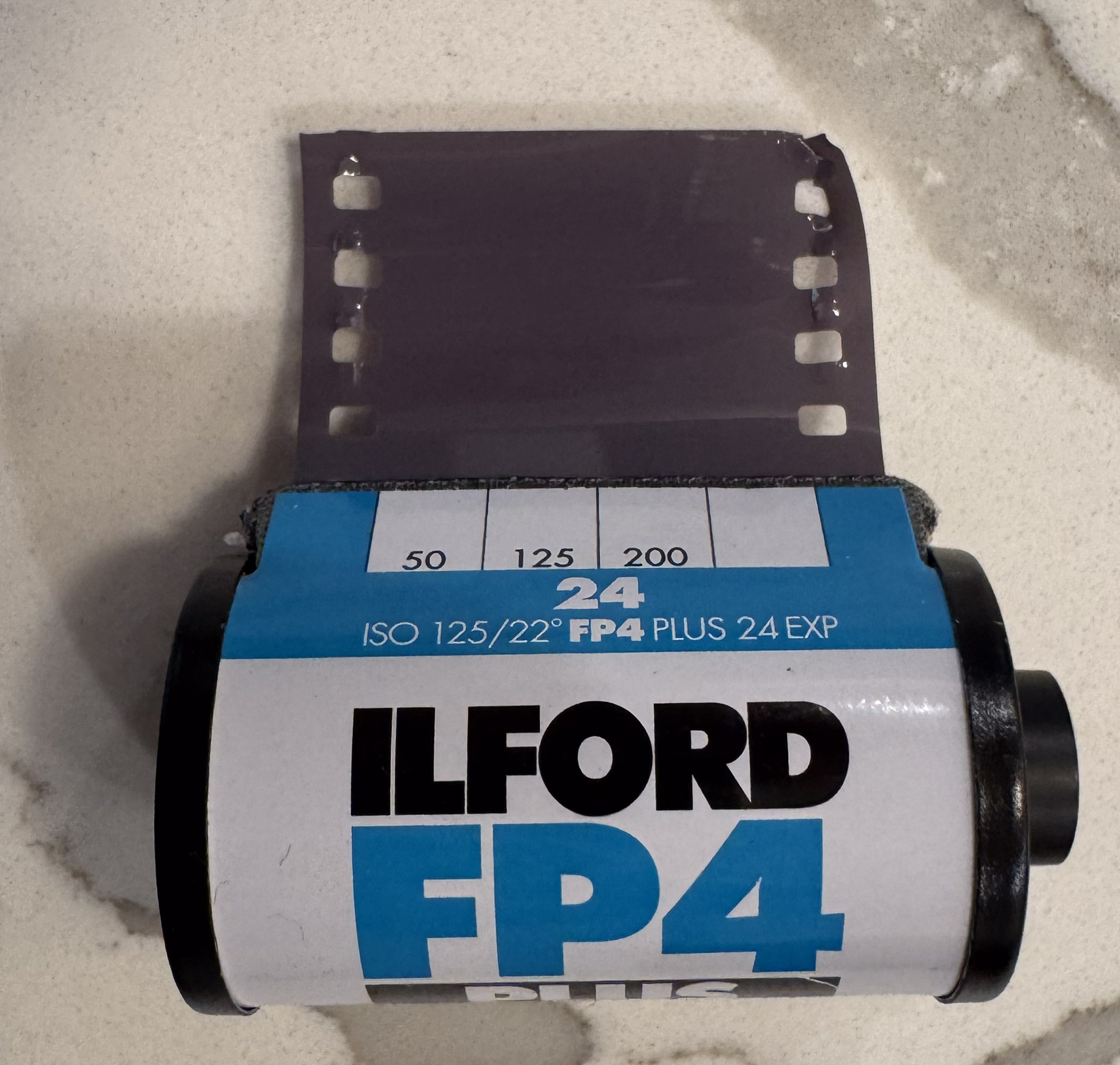
Pentax Program-A – Ilford FP4
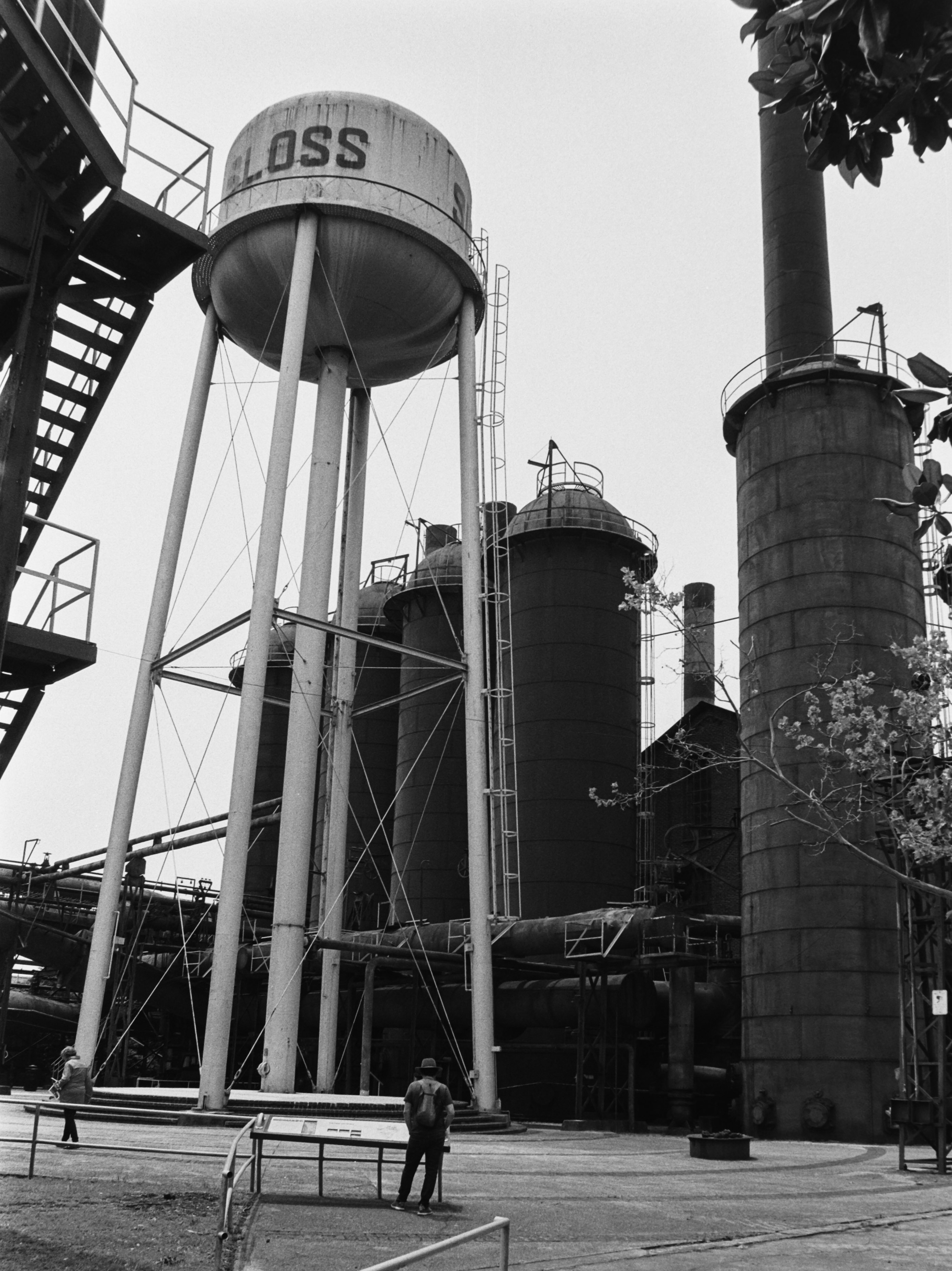
Sloss Furnaces – Birmingham, AL
Pentax Program-A – Ilford FP4
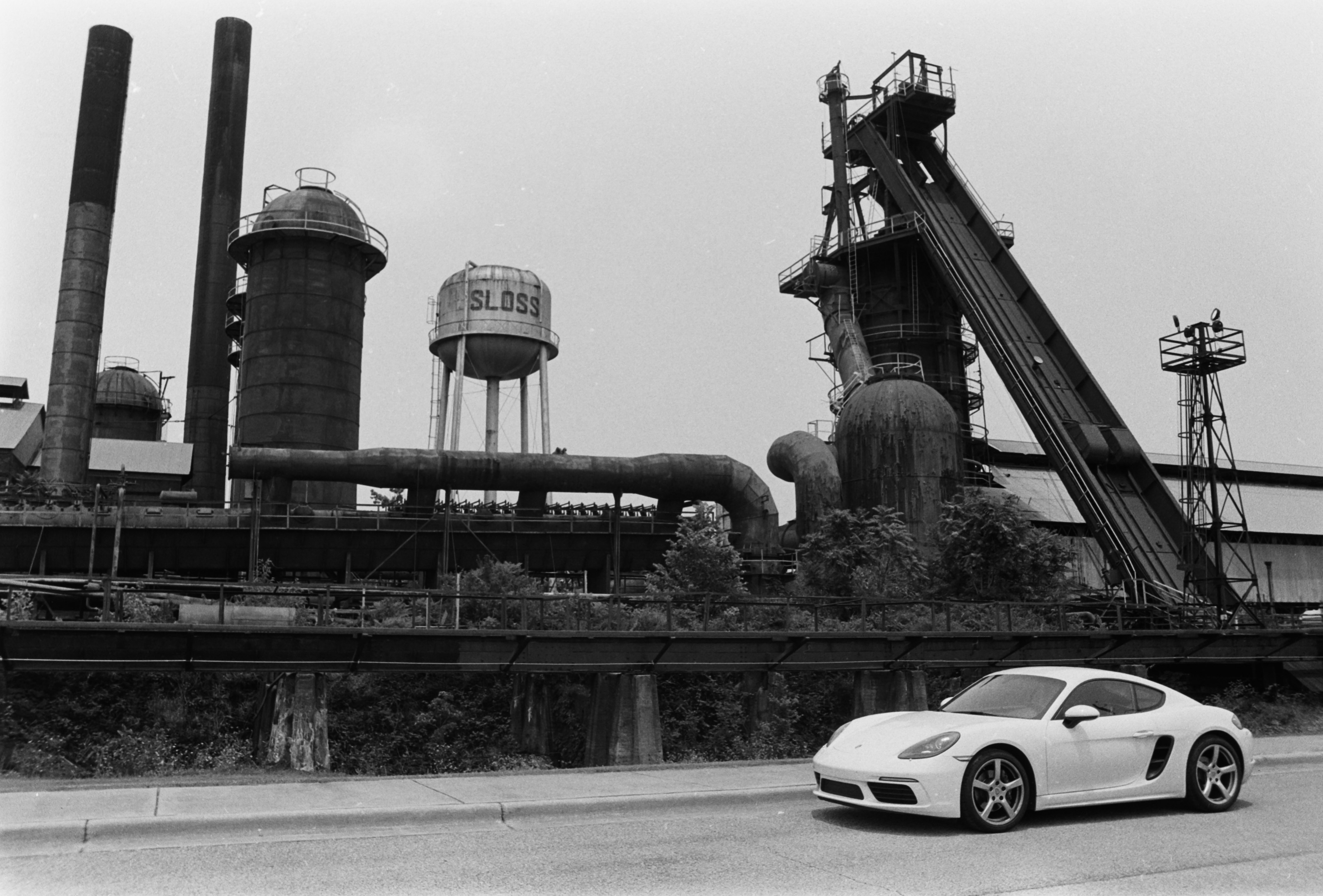
Sloss Furnaces – Birmingham, AL
Pentax Program-A – Ilford FP4
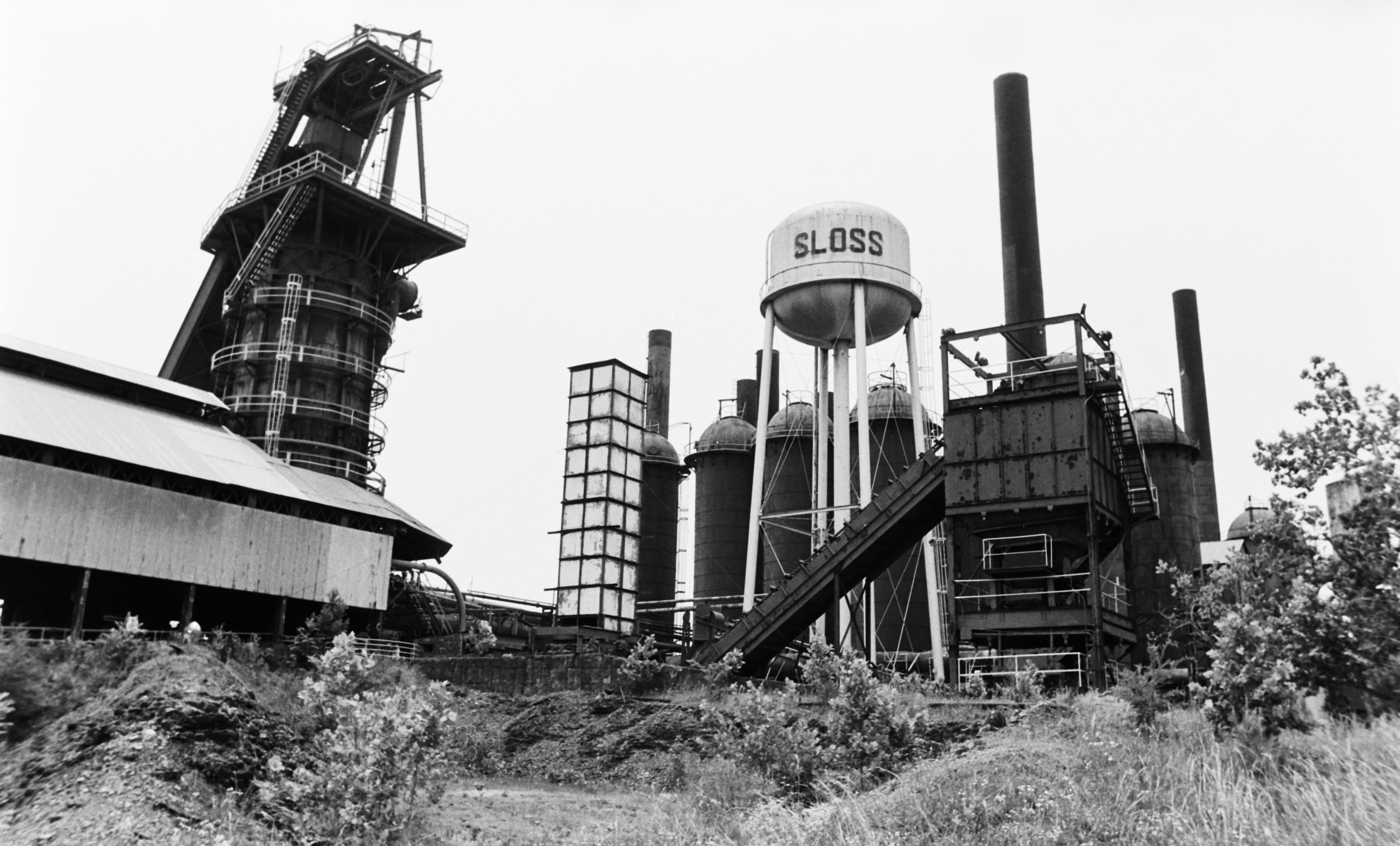
Sports car at the Sloss Furnaces. I found the contrast between the modern white car and the dark industrial ruins interesting. All pictures of the furnaces were shot on Ilford FP4 – Developed at 22 degrees C in Tetenal PARVOFIN. Negative shot with the JJC Film Digitizing adapter and inverted in Lightroom Mobile.

Lomo Daylight Developing Tank – true to the promise?

I had been tempted to start processing film again for a while, but I did not want to invest in dark room equipment or a dedicated film scanner. Two products launched recently, the Lomo Daylight Developing Tank and the JCC Film Digitizer, promise to make film processing at home easier than it has ever been, and made me take the plunge.

I ordered the “Lomo Daylight Developing Tank” a few weeks ago, and since I had just shot a few rolls of Ilford Black and White film, I put it to its paces.

It’s probably best to watch the Youtube video posted by Lomo to see how it works. High level, the development tank contains a spiral reel (on the left in the picture below), and you will use the film loader (on the right) to move the film from the cassette to the spiral. In full daylight.

Where the magic happens: place the cassette of film in the loader and drop it in the development tank. Turn the crank to load the film on the spool inside the tank, remove the film loader, and process your film.

Let’s cut the chase: It works

The set (tank, spiral, loader, film extractor) is build of plastics of good quality and looks durable. It’s very cleverly designed, and it does the job:

  • if you follow the instructions carefully (no user manual, watch the Youtube video at the bottom of this post), it works as promised, and in full daylight: cut the leader of the film, place the cassette in the loader, place the loader in the tank, turn the crank of the loader until all the film has been loaded on the spiral reel, turn a knob to activate a cutter that will separate the film from the cassette, remove the loader from the tank – and from then on, develop, agitate, stop, fix, agitate, rinse – as you would do with a conventional Paterson or Jobo tank.
  • the film is not damaged in the process, and when you open the tank at the end of the development process, you see the film perfectly rolled on the spool.
  • There is no light leaks, and no stain on the developed negatives – the system obviously respects your film.
  • It seems to be fool proof – while I was struggling with a piece of debris (user error, more about this below), I may have lost a few frames, but the rest of the film was never at risk and gave me negatives I can be proud of.
The whole kit (the film leader extractor was included in the kit I purchased).

So, is it the greatest invention since sliced bread, or a solution in search of a problem?

Well, somewhere in between – it’s a clever system, but there are couple of drawbacks.

First, you can only develop one roll of 135 film at a time, when the “market standard”, the Paterson Universal System 4 Development tank, has room for two rolls of 135 film. And because the capacity of a Paterson tank is 600ml, most single use processing kits are designed to be diluted to produce a 600ml solution.

The film loader (right) and the development tank (right). Capacity: 350ml

Unfortunately, the capacity of the cuve of the Lomo is 350ml – so you need to dilute a bit more if you want to process two rolls of film with one dose from a standard processing kit.

Secondly, the film should not be fully rewound, and the film leader should be accessible. If you use a darkroom bag and load your conventional Paterson cuve in the bag, it does not matter that the film leader is still accessible or fully rewound in the film cassette, since you’re going to use a cassette opener to access the film. It’s different with the Lomo.

The film leader as to be cut in a specific way before the cassette can be placed in the loader

The Lomo Developing Tank’s loading mechanism only works if the film leader is accessible – if the film has been fully rewound in the cassette, the photographer will have to use a film extractor to pull the leader from the cassette. There is one included in the kit, and it works reasonably well for a film extractor, but it’s an extra step that the user of a darkroom bag would not have to perform.

Extracting the film leader from the cassette – the tool provided by Lomo (top) and my old and trusted Hama extractor. The Lomo tool worked better.

Thirdly, when the loader is finished loading the film on the spool, the operator has to turn the red knob to the left to cut the last section of film and separate it from the cassette – so that the loader (and the now empty cassette) can be removed from the cuve. You have to fully, and decisively, turn that knob to the left.

Because it could happen (it happened to me) that if the cut is not perfect, a little tiny bit of film is kept prisoner in the cutting mechanism and obstructs the very narrow slot where the next (undeveloped) roll of film is supposed to pass to reach the spiral reel. It makes loading the film impossible, until you have found that tiny piece of film and removed it. Lessons learned, the hard way.

Processing my second roll of film, I had to fight to load the film because of a tiny piece of film of the first roll kept prisoner on the cutting mechanism – after I found it and removed it, everything worked fine.

Lastly, when you cut the film to separate the section which is reeled on the spiral from the cassette which still sits in the loader, a short length of film remains attached to the cassette (11 perforations, approximately two inches or 5cm), which (depending on the camera and how you loaded the film) may (or may not) mean that the very last frame of each roll of film will not be processed, and will be lost forever.

As a conclusion

The main benefit of the Lomo Daylight Developing Tank is that it makes film development at home less intimidating for the beginners.

They won’t have to use a darkroom bag, and won’t need to learn how to operate a cassette opener and load the film on a spiral reel just by touch, without seeing what they’re doing.

With the Lomo Daylight Developing system, everything takes place in full daylight, and does not require any particular skill, experience or muscle memory. If the equipment is clear of any film debris and you follow the instructions, it simply works.

Film Loader – detail

The system is intelligently designed, seems carefully built using components of quality, and should withstand the test of time.

At $89.00, it’s probably a bit more expensive than a good quality set composed of a universal tank, a darkroom bag and a cassette opener, but not by much. And as an easy introduction to film processing, it’s worth it.

But…

Does it save time? I doubt it.

First, unless your camera can be set not to fully rewind the film and leave the leader outside of the cassette (or you remember not to fully rewind it if you use a non motorized camera), you will have to extract the leader with a specialized tool before you can place the film cassette in the loader of the Lomo system.

Which is a step you don’t need to go through if you use a darkroom bag and a cassette opener.

Secondly, after you’ve developed your first roll of film of the day, you will have to carefully disassemble, rinse, dry and patiently reassemble the whole system, which takes definitely more time than simply rinsing the components of a Paterson tank.

And if you want to avoid the trouble I experienced with the second roll of film I processed, you will thoroughly check that there is no tiny piece of film obstructing the film insertion slot inside the cuve.

The film is now loaded on the spool – from there on it’s absolutely similar to what you would do with a Paterson tank.

If you are already equipped with a darkroom bag, a cassette opener and a conventional development tank , and know how to use them, I honestly don’t see any benefit in switching to the Lomo Daylight Developing Kit.

And I would not consider developing color film (whose chemistry is much more temperature sensitive) in a Lomo Daylight as well.

As for me? It’s been ages since I used a conventional development tank and a darkroom bag for the last time. I’m pretty sure I would still be able to use it, but I was not be able to locate my old kit – probably lost when moving from one place to another. I had to start afresh. So why not try something different?

The Lomo Daylight Developing Tank is not perfect. It will not be as efficient at processing large quantities of film as a conventional Paterson or Jobo development tank, but I’m not planning on processing a large volume of film (one or two rolls of black and white film per month at the most).

For my use case, the Lomo Daylight makes sense. And used in conjunction with the JJC Digitizing kit, it will give me access to my images a few hours after they have been shot, with a minimal hassle, and no darkroom.

Details – the tank, the spiral reel and the loader. You see the spiral reel for the first time when you open the tank to remove the developed film


More about the film processing at home in CamerAgX


More reviews

Another test of the Lomo Daylight Developing Tank on 35mmc.com: https://www.35mmc.com/21/04/2025/lomo-daylight-developing-tank-a-review/


The reward

The first roll (HP5 Plus) was not a complete success – my bad – I did not configure the timer correctly, but I’m pleased with the second roll (Ilford FP4 Plus)

Atlanta – Beltline – Pentax ME – Ilford HP5 Plus
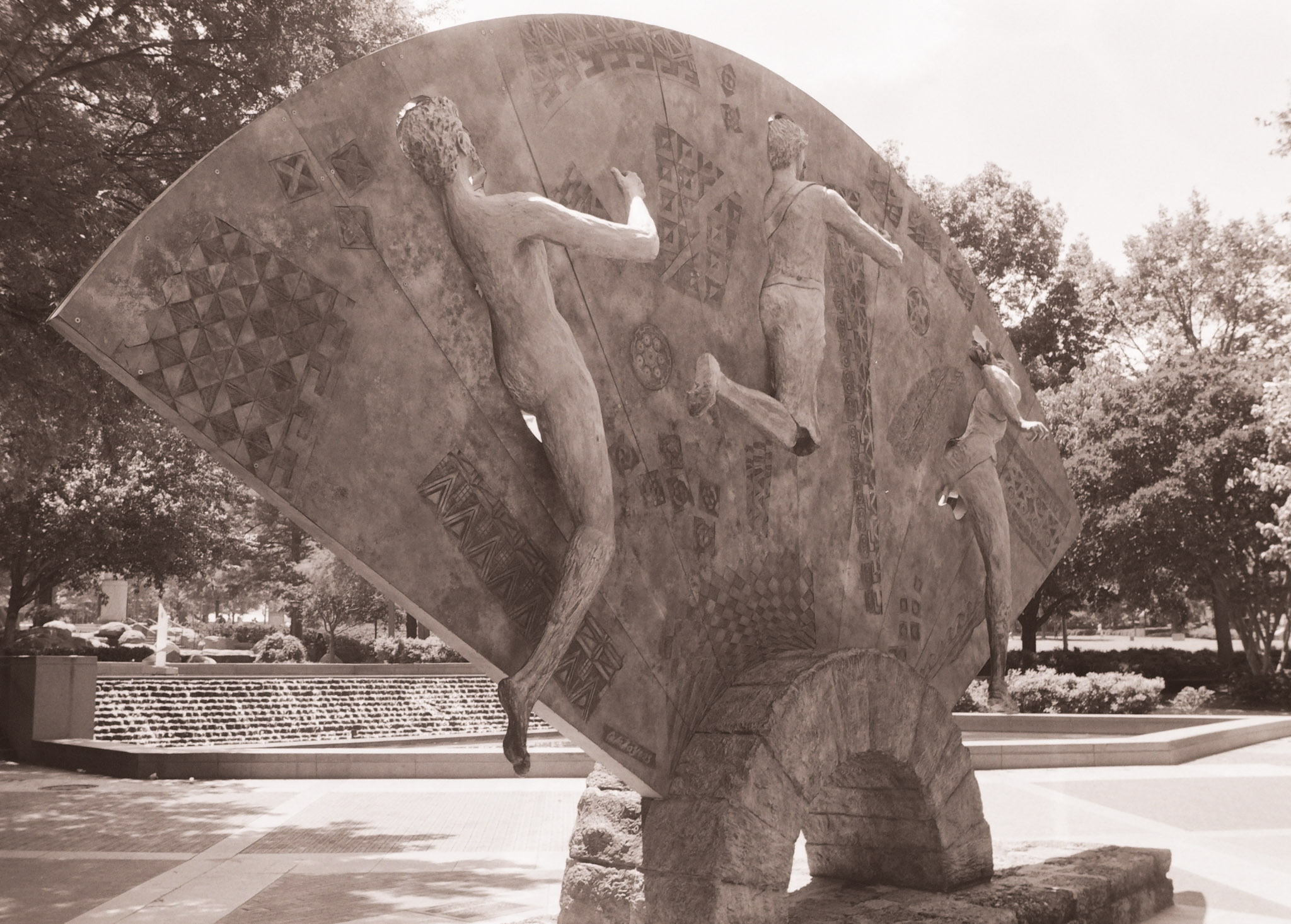
Atlanta – Centennial Park – Pentax Program-Plus – Ilford FP4 Plus

Developing and digitizing B&W film without a darkroom

A few weeks ago I tested the JJC Negative Scanning Kit – my goal was primarily to digitize my stash of negatives, so that I could upload and reference them in Lightroom.

B&W and negative color film – the differences

I was pleasantly surprised by the quality of the scans – but I came to the conclusion that until I spent money in Lightroom Classic (or Photoshop) and a good plug-in, converting the color negative into a usable image was going to be labor intensive and yield inconsistent results. Since I had the equipment in place, I also tried my luck at converting B&W negatives instead.

Kodak Plus X Negative – July 2010. As scanned last week with the JJC Digitizer. Kodak Plus X was a conventional B&W film.

Black and White film can be of two types – conventional B&W film (also defined as “Crystal Gelatine” or “Silver Halide”) is made of silver crystal salts (the silver halide) suspended in gelatine. To cut a long story short, during the development process, the silver halides are reduced into silver metal – and the developed film still contains silver.

Image processing in Lightroom

Negative Color film works a bit differently. In this type of film, it’s a mix of silver halide and dye couplers that is suspended in gelatine; during the development process, the developer reacts with the dye couplers and the silver halide to produce visible dyes, while the silver is totally eliminated from the developed film (the labs catch that silver in the exhausted fixer and reclaim it).

The digitized negative after some work in Lightroom. For an amateur, conventional B&W film is easier to work with than chromogenic film.

Because minilabs were ubiquitous and only equipped to process negative color film, it made sense for Kodak and Ilford to propose B&W film engineered to be processed like negative color film – the chromogenic B&W film. Kodak had the BWCN400, Ilford the XP2. Besides the convenience of relying on local minilabs for processing, I also liked the exposure latitude of the BWCN400 and the smooth look of its images, and it was my B&W go-to film for years. Until Kodak stopped manufacturing it 10 years ago (Ilford still have the XP2 in their catalog).

Digitizing B&W film with the JJC Film Digitizing Adapter

The JJC Film Digitizing Adapter is a sort of clone of Nikon’s ES2 kit – both are designed to be placed in front of a macro lens attached to a digital interchangeable lens camera (m43, APS and Full Frame cameras are supported by the JJC system).

Chromogenic film is not as difficult to digitize as color negative film (you don’t have to take care of the color channels), but it still presents challenges, and some work on the S-Curve is needed because all the information contained in the film is concentrated in a relatively narrow band in the middle of the histogram. I will not be posting any self-made scan of my chromogenic pictures yet, because I’m not happy with the results – too crappy to be shared.

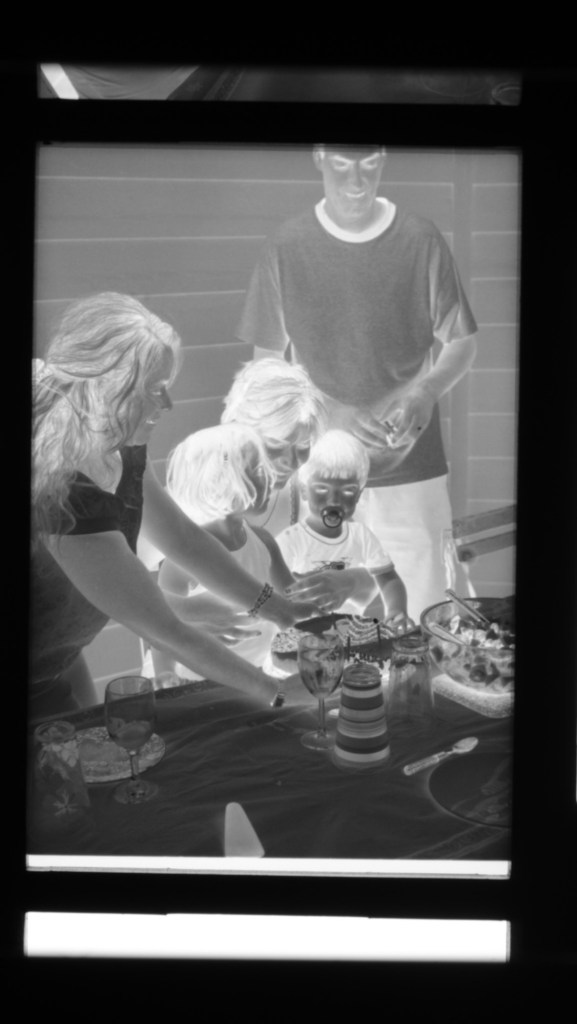
On the other hand, conventional Silver Halide film is much more analog in its behavior, and once the negative is inverted – I was using the same free online service as before (https://invert.imageonline.co), almost no adjustment is needed in a photo editor and the image is ready to be published.

Since conventional B&W film is easy to develop, even at home and without a dark room (we’ll come to it in the next paragraph), a darkroom-free process becomes a distinct possibility – develop the film in daylight, digitize with a JJC or ES-2 kit, adjust to taste in Lightroom and share to the destination of your choice.

Developing film in full daylight

Amateurs typically develop 35mm film in Developing Tanks – it starts in a darkroom, where the film is removed from its cassette and placed on the reel and the reel in the tank, then the tank’s lid is closed and the rest of the film processing (develop, stop, fix, rinse) can take place in full daylight.

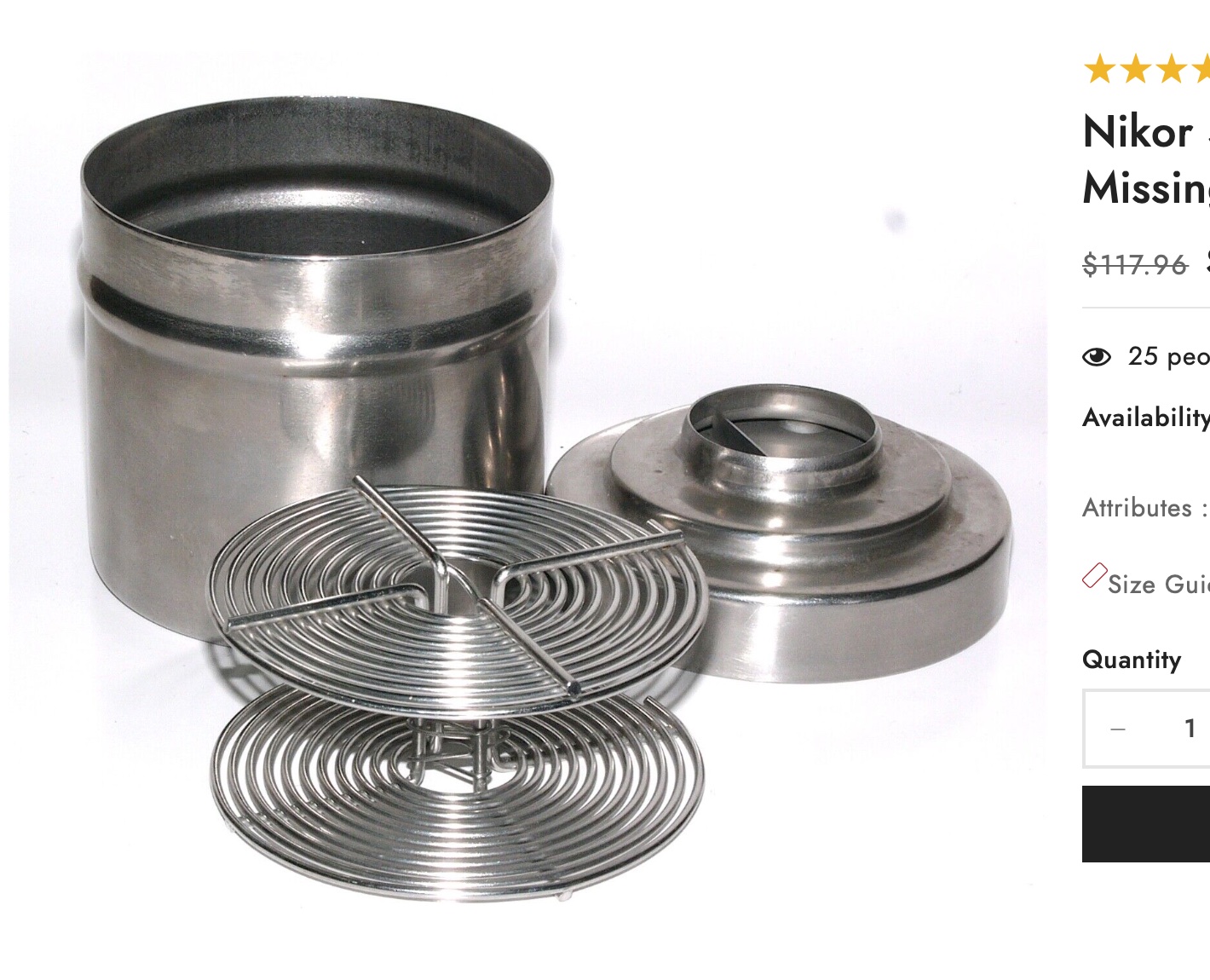
What a stainless steel tank and the reel look like – nicer than more modern plastic tanks.

Companies like Paterson will also sell you “changing bags”, where you will first place your empty developing tank, its reel, a pair of scissors and your 35mm film cassette. When everything is in place in the bag, you insert your hands in the bag through the sleeves, and attempt to load your exposed film on the reel, separate it from the cassette, place the spiral in the tank, and close the tank, without seeing what your hands are doing. Not easy at the beginning, but with some practice, it becomes a second nature.

Paterson Changing Bag

Our good friends of Lomography have just released a “daylight developing tank” that should make the process easier. In full daylight, place the film cassette in the tank, close the tank, and simply turn the crank to load the film on the reel. When the film is totally loaded on the reel, press a button to cut the film and separate it from the cassette, open the tank, remove the cassette, close the tank again, and start the normal development process.

I just ordered one. I’ll let you know how it goes.


More on the subject:

Digitizing negatives with the JJC adapter/

Film Processing (wikipedia)

Film Developers (wikipedia)

Paterson Developing Tanks over the years


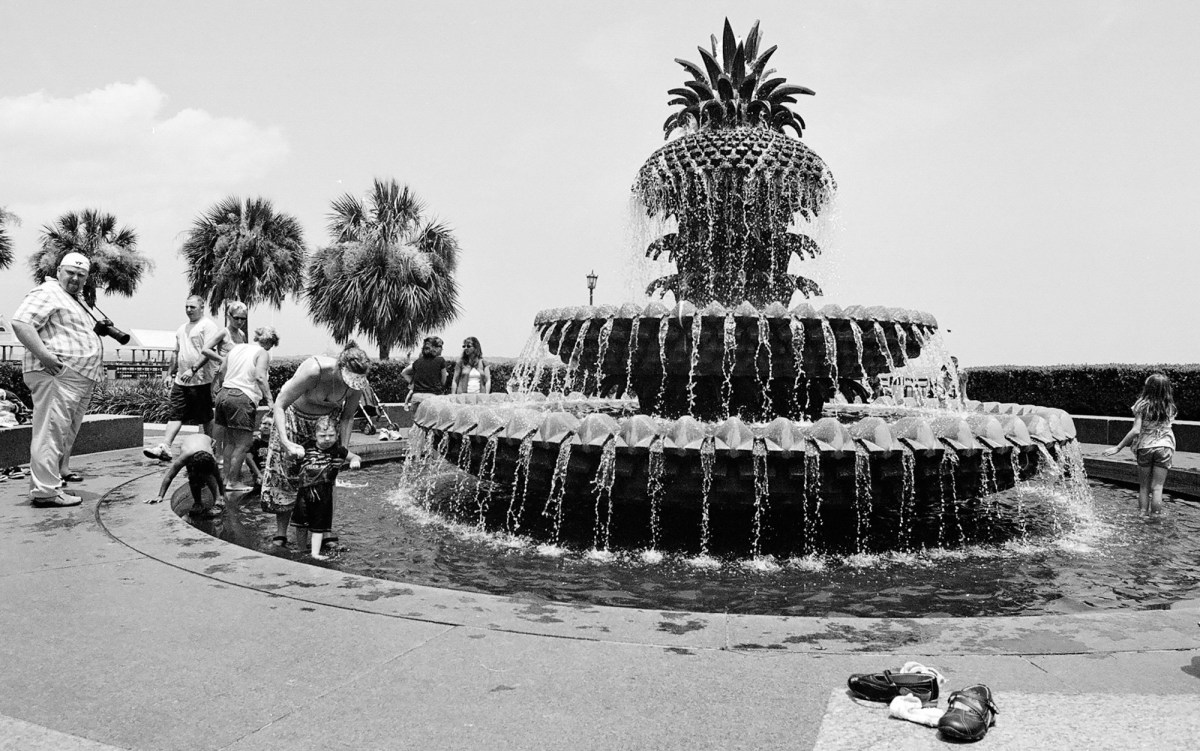
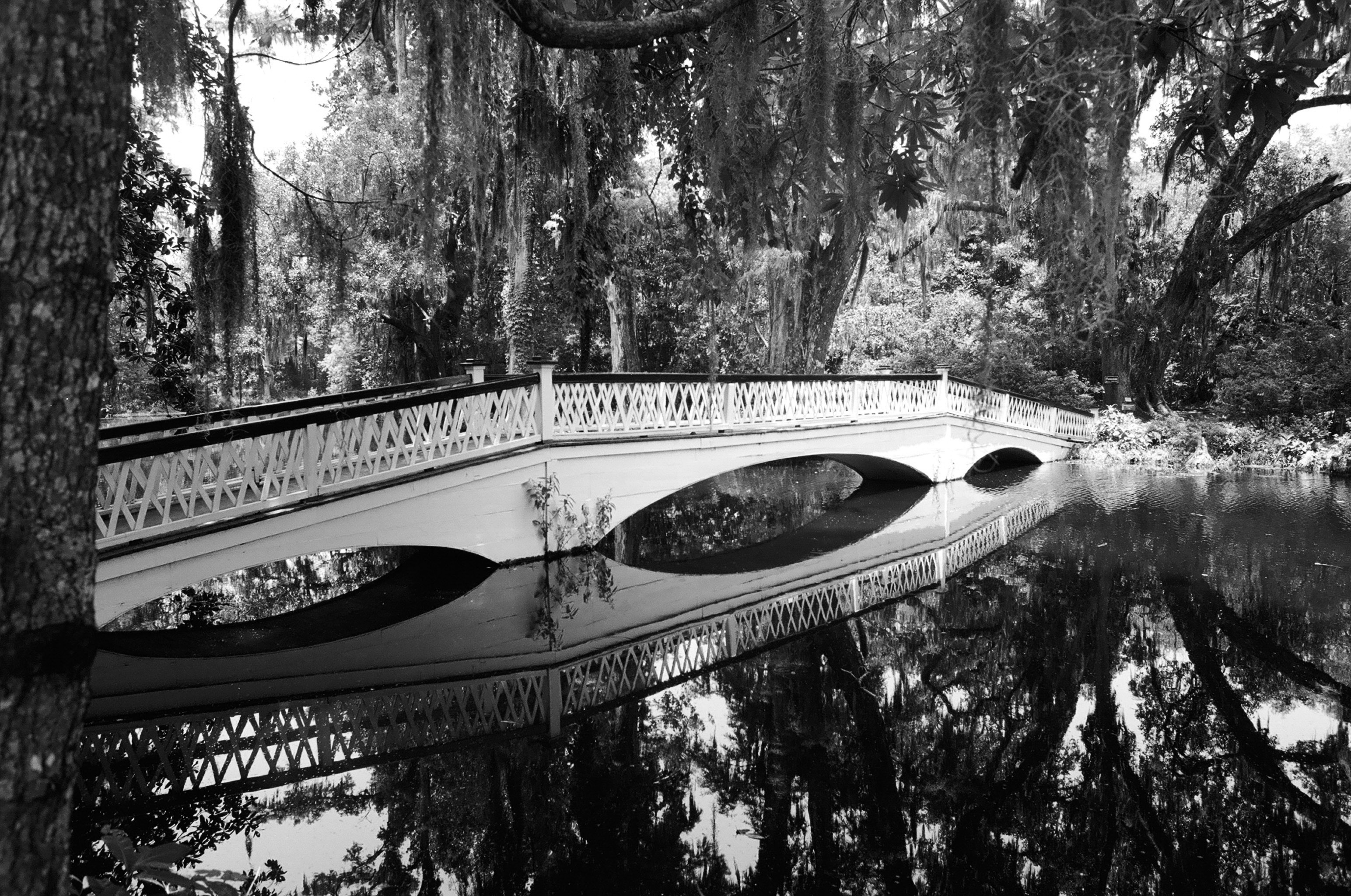
Charleston, SC- July 2009. Developed and scanned by a pro-lab (at Costco, most probably).
Magnolia Plantation and Gardens – Charleston, SC

Scanning 35mm film – is high-res scanning worth its cost?

Most photo labs propose scans in 3 resolutions: 1000×1500, 2000×3000, 4500×6700. The scans  are saved as jPEGs, with some labs also offering to save 4500×6700 scans as TIFF files.

In theory, those resolutions correspond to an image of 1.5 Million points (1.5 MP), 6 MP, and 30 MP respectively. In general,

  • 1000×1500 scans – when available – are virtually free (they’re included in the processing costs by some labs such as thedarkroom.com )
  • 2000×3000 scans cost roughly $5 for a full roll (in addition to the processing costs), or .50 per individual image scanned
  • 4400×6700 scans cost roughly $11 to $12 per full roll (in addition to the processing costs), or 3.00 per individual scan
  • 4400×6700 (TIFF) are the most expensive at $21 per full roll (oldschoolphotolab.com)

Storage constitutes an indirect cost – which doesn’t hurt until you run out of disk space, and have to upgrade your PC, your home NAS  or you online backup plan. But if storing 36 images at 1.5 Mbytes will not break your storage budget, 36 high res TIFF images represent almost 3 Gbytes. The exact size of a JPEG file is difficult to predict (JPEG is a lossy compression format), but in general, the file size of each type of scan falls within those brackets:

  • 1000x 1500 – JPEG -1.5 to 2 Mbytes
  • 2000 x 3000 – JPEG – 3 to 4 Mbytes
  • 4492 x 6776 -JPEG – 12 to 16 Mbytes
  • 4492 x 6776 (TIFF) – 80 MBytes / image

Scan_2000x3000_Piedmont
Atlanta Piedmont Park – Shot with Canon A-1 – Canon FD 35-105 f/3.5 – Fujicolor 400. Scanned at a resolution of  2000 x 3000 – the pictures of this roll are not really better than when scanned at 1000 x 1500 – probably a limitation of the lens (a 35-105 zoom of the seventies)

The tests

I wanted to have a few pictures I had taken a long time ago scanned, and I asked the lab to scan some images in 2000 x 3000, and some in 4400 x 6700. The pictures had been taken with a Minolta 7xi and the famous Angenieux 28-70 f/2.6 zoom, on Fuji Reala film (the 100 ISO “professional” color film Fujifilm were selling at that time). The pictures had originally been enlarged on photographic paper, and I expected the scans to be good.

I also had a series of images taken recently with a zoom from the early seventies, that had been scanned by the lab at 1000×1500, that I asked the lab to rescan at 2000 x 3000.

Once the jPEGs were ready, I downloaded them in iPhone and iPad photo galleries, in Photoshop and Lightroom on a laptop, and on WordPress, in order to compare the perceived quality. A reminder of the resolution of a few devices compared to print.

  • iPhone 5 S Retina photo gallery : 1136x 640 (720,000 points) at 326ppi
  • 9.7 in iPad Retina Photo gallery:  2048 x 1536 (3,000,000 points)  at 266 ppi
  • Print 8 x 10: 2400 x 3000 points or 7.2 million points at 300ppi
  • the pictures of this blog are generally saved for the “Large” format proposed by WordPress, at 1024 x 680, corresponding to 600,000 points.

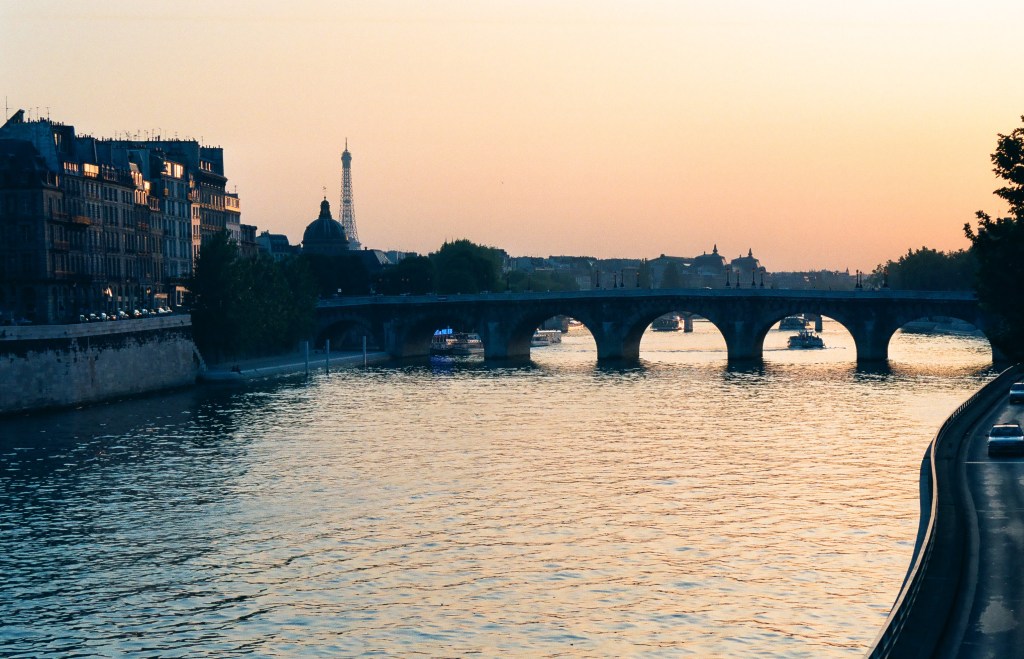
Paris – The Seine – scanned at 2000 x 3000. Minolta 7xi – Angenieux Zoom 28-70 – Fuji Reala film (1992). No visible difference in quality with the 4492 x 6700 scan (look at the details of the Eiffel tower compared to the glass house of the Grand Palais in the image below)

Conclusion

  • Scan at 1000×1500 or 2000×3000 ?
    • on an iPhone, on a 4×6 print, or in a blog supporting 1024 x 680 images (such as this one), there is no visible difference between 1500 x 1000 and 3000 x 2000 scans.
    • For all larger screen or print formats (9.7′ iPad Retina, laptop, 8×11 print, blogs offering to view images at native resolution)  the difference between a scan at 1.5 Million points and a scan at 7 Million points is very visible, unless the original is very poor (low lens resolution, very grainy film, subject slightly out of focus, operator shake at slow shutter speeds). It’s even more visible if you crop the image, even slightly.
  • Scan at 2000×3000 or 4400×6700 ?
    • on an iPhone, iPad 9.7′ Retina or on a 8×11 print – the difference is not really visible.
    • Above that (13 x 20 prints, for instance), the theoretical difference in resolution does not  necessarily translate into a difference in print quality: a 13 x 20 print  represents 24 million points at 300 ppi and the 6 million of points of a 2000×3000 scan should theoretically be overwhelmed, but practically the resolution of the film and of the lens play their part, as the technical limitations of the photographer (focus, shake) do. Large prints are often framed and hung on a wall, and you don’t look at a picture on a wall the same way you look at a 8 x 10 print you hold in your hand. And all technical considerations taken apart, with some subjects, images scanned at 2000×3000 may look as good as images taken at 4492×6770 – it depends on the contrast and quantity of fine details in the subject.
Scanning at 2000×3000 is a good compromise for 35mm film, and my choice when I have film processed. It works fine with any support I use day to day (iDevice, laptop, 8 x 11 prints), is not too expensive and generally produces a visible difference with the 1000×1500 scans.

If I wanted to print a really great picture, an image compelling from an artistic point of view and almost perfect technically (fine grain film, sharp lens, subject in focus, no shake), I would have it scanned at the 4492 x6776 resolution, and saved as TIFF. It would give me no guarantee that the print would be great (there are so many variables), but it would give me the best chances of success.


Scan_4492x6770_Paris-22
Paris – Scan 4492 x 6770 – Shot from the Pont Neuf -Minolta 7xi – Angenieux zoom 28-70 F/2.6 – Fuji Reala (July 1992)